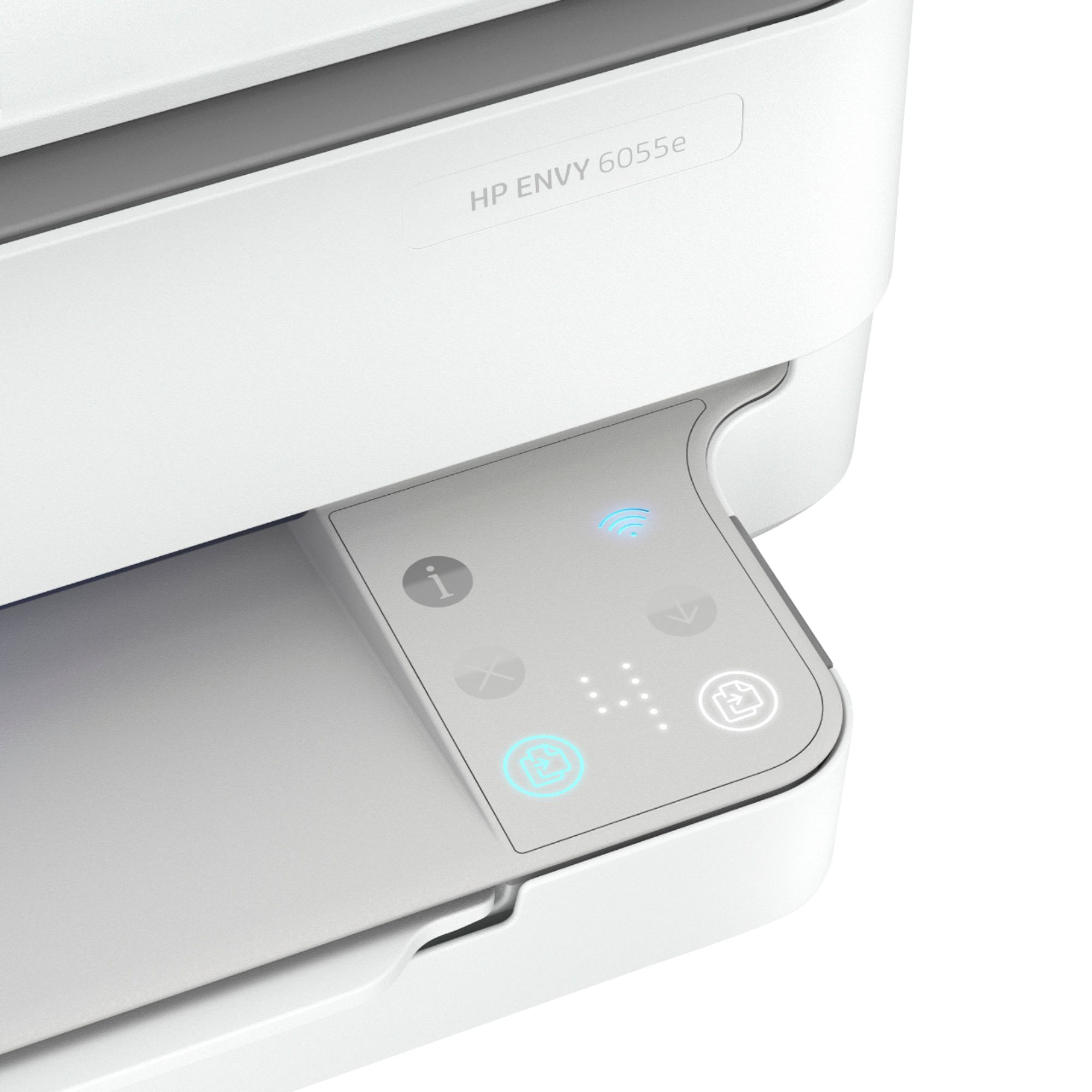
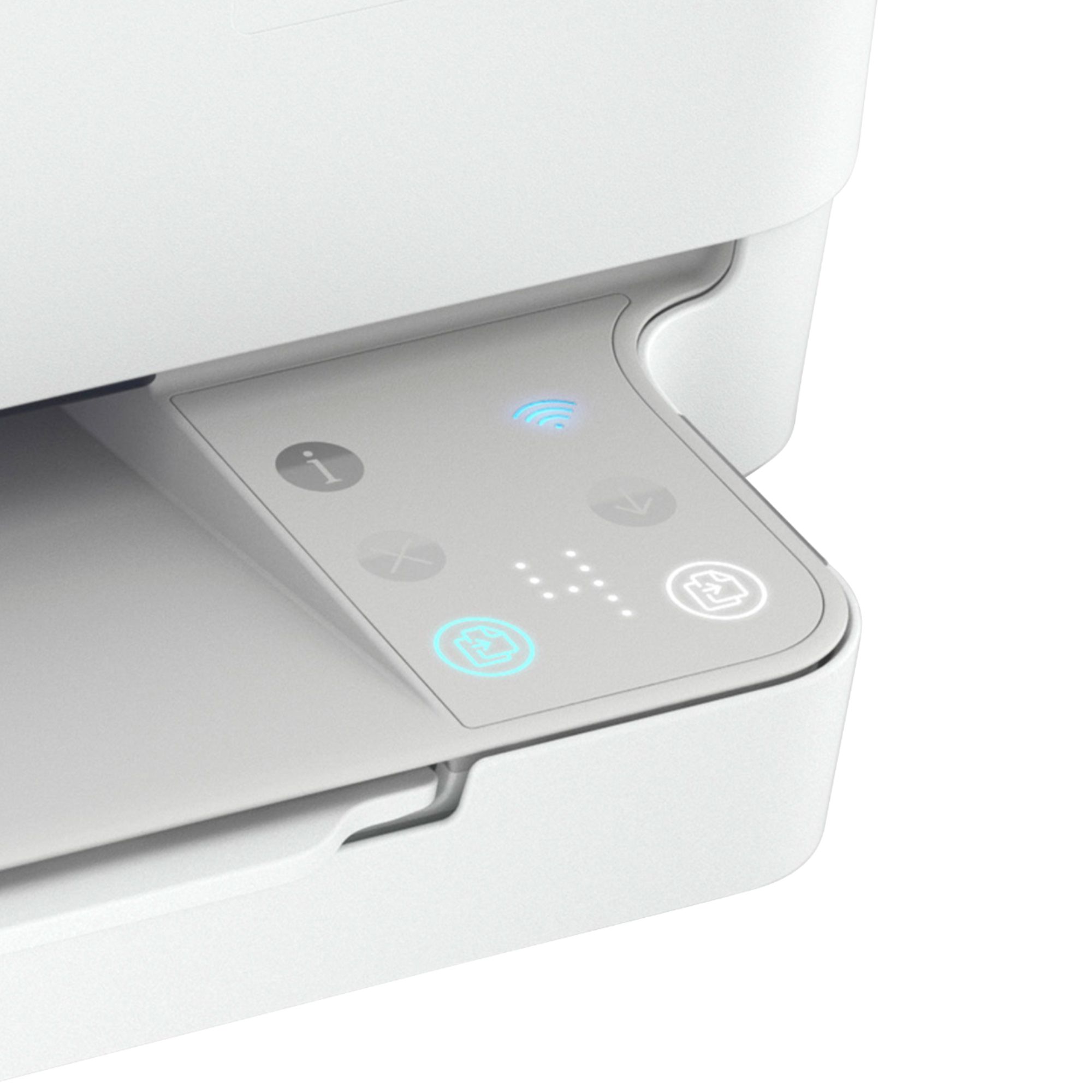
A:AnswerThe power button is located on the back side of the printer beside the USB port. Here is a link to the User Guide. There is a diagram that shows it's position on page 3:
http://h10032.www1.hp.com/ctg/Manual/c06584210
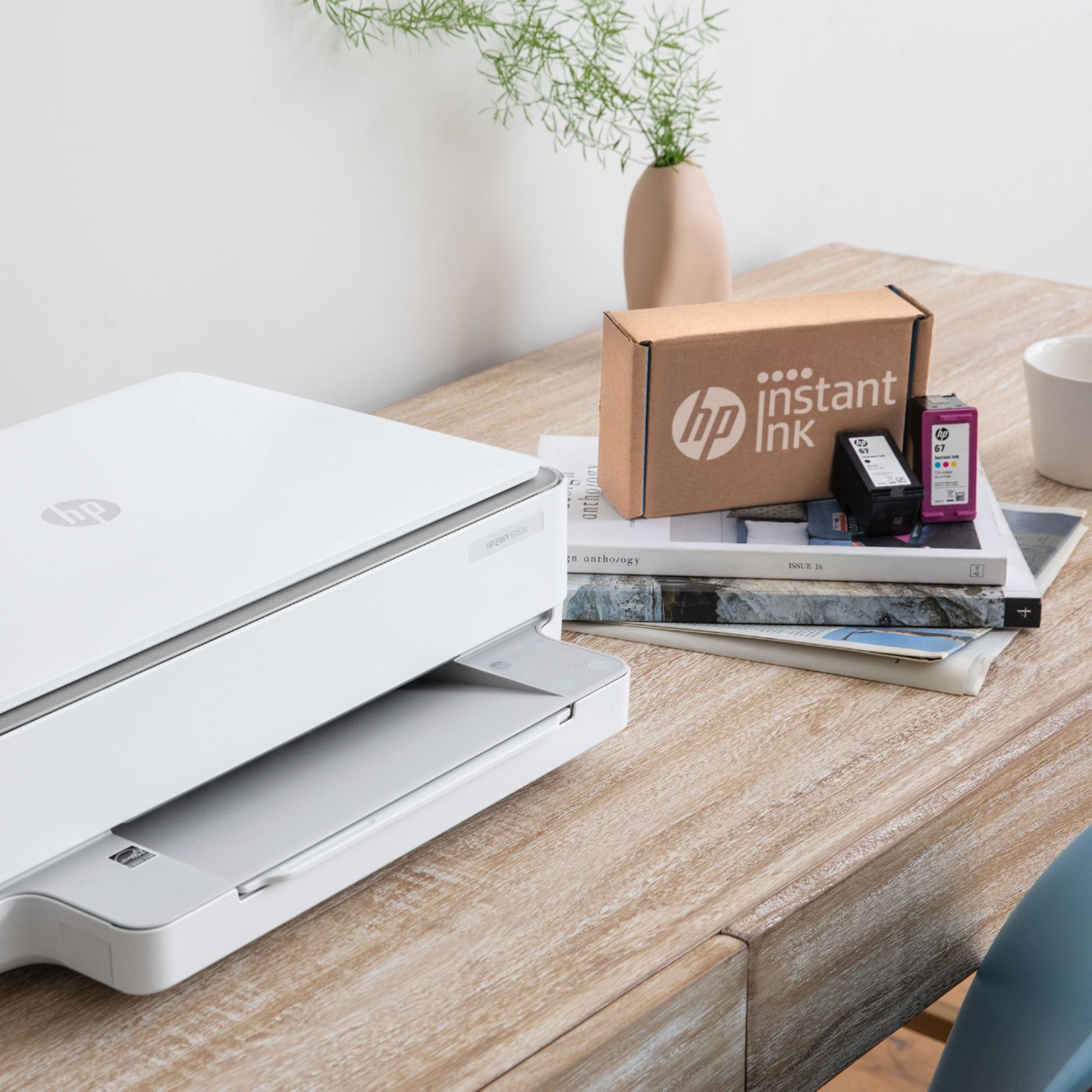
A:AnswerIt doesn’t hurt to leave it on. If you’re signed up for the Instant Ink refills you are supposed to leave it on. Plus having it on allows you to use HP Smart to print from anywhere. Warning though is that there is a light that stays on which will be adding on to your electric bill.
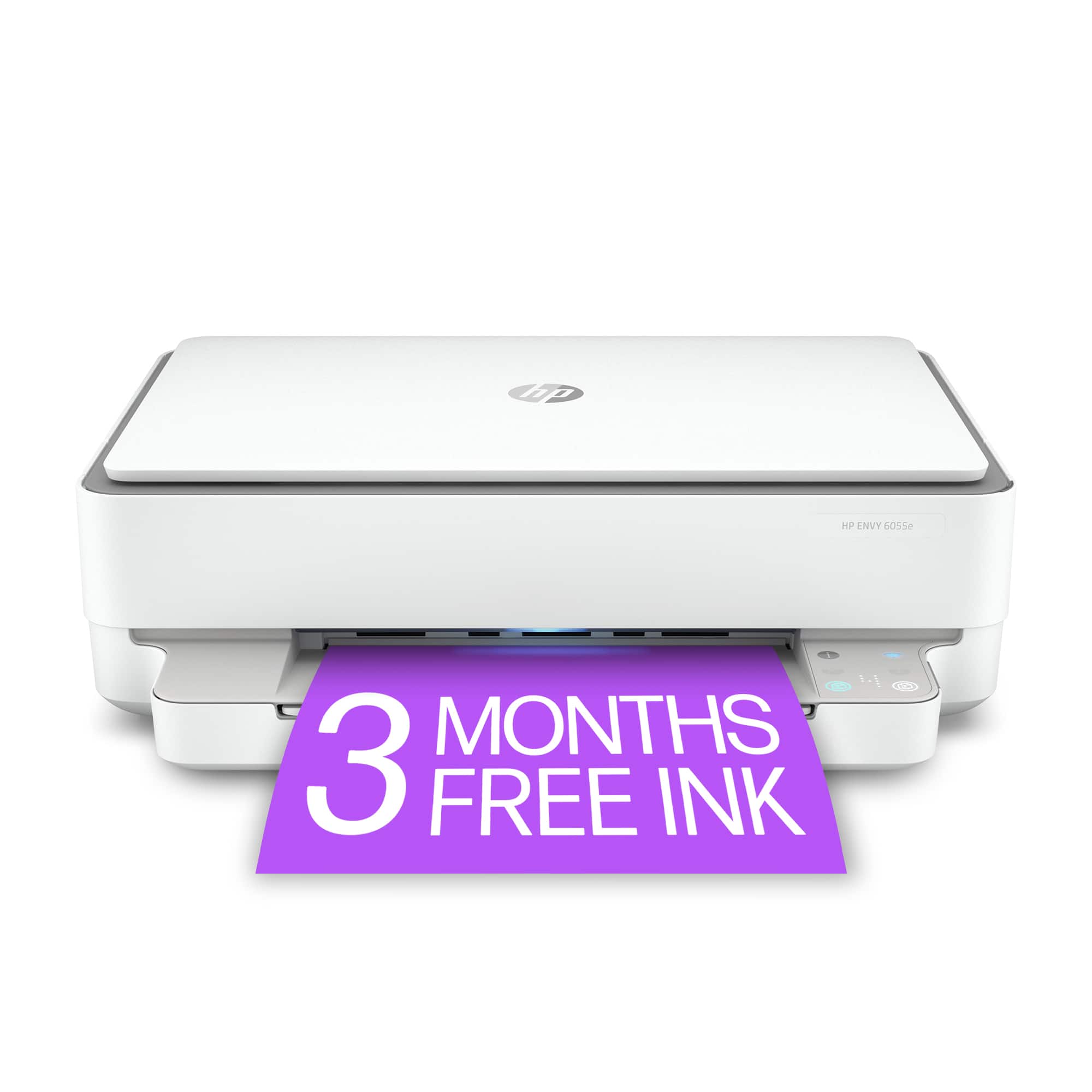
A:AnswerHello. Thanks for your question. There are differences between the HP Envy 6055e printer and HP Envy 6065e printer. They are the same printer with different model numbers.
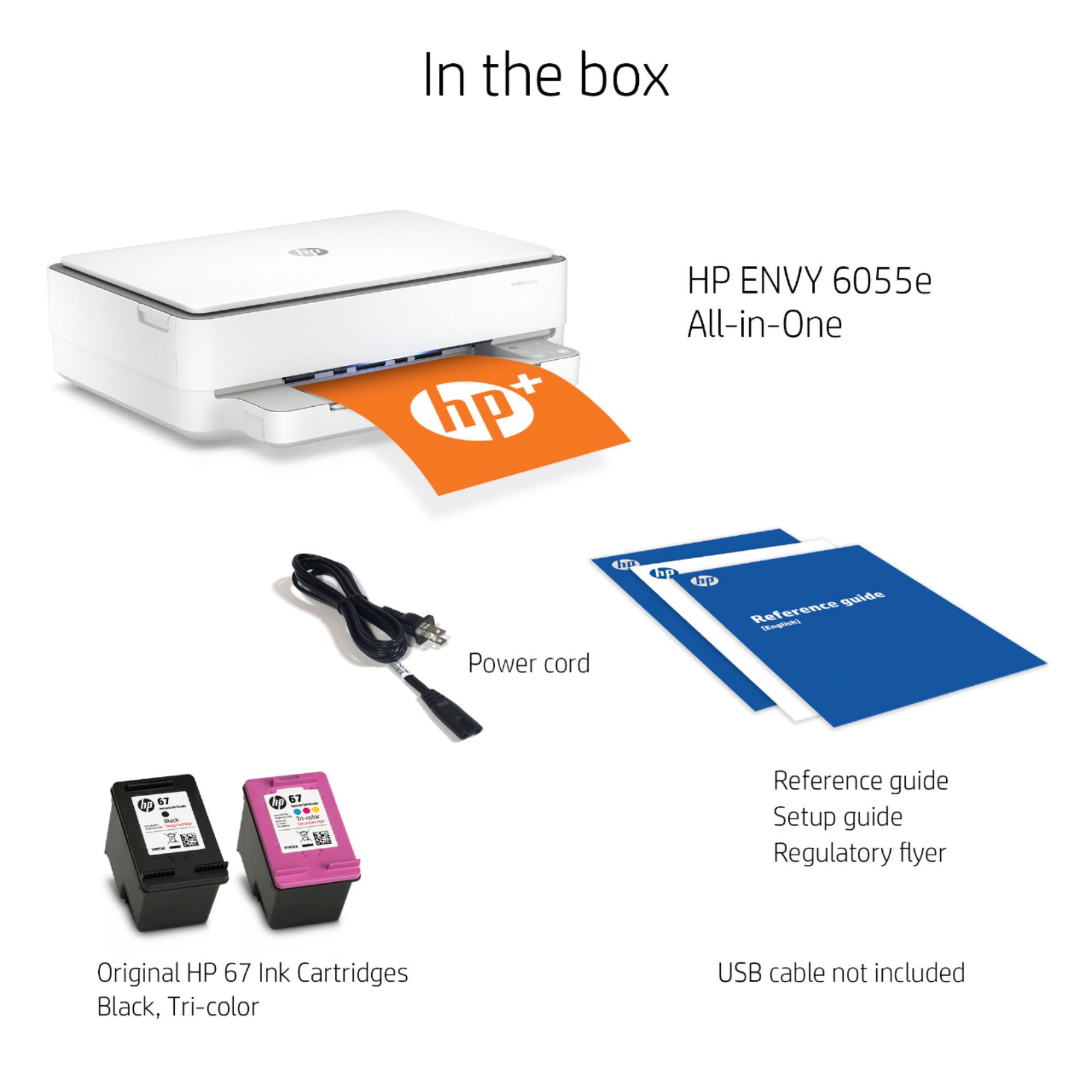
A:AnswerYou would need a "USB Printer cable". You'll need to know about how far apart the printer and computer will be, and get one a little longer than the distance between them. If you've still got a USB printer cable from some time before, that cable will work just fine.
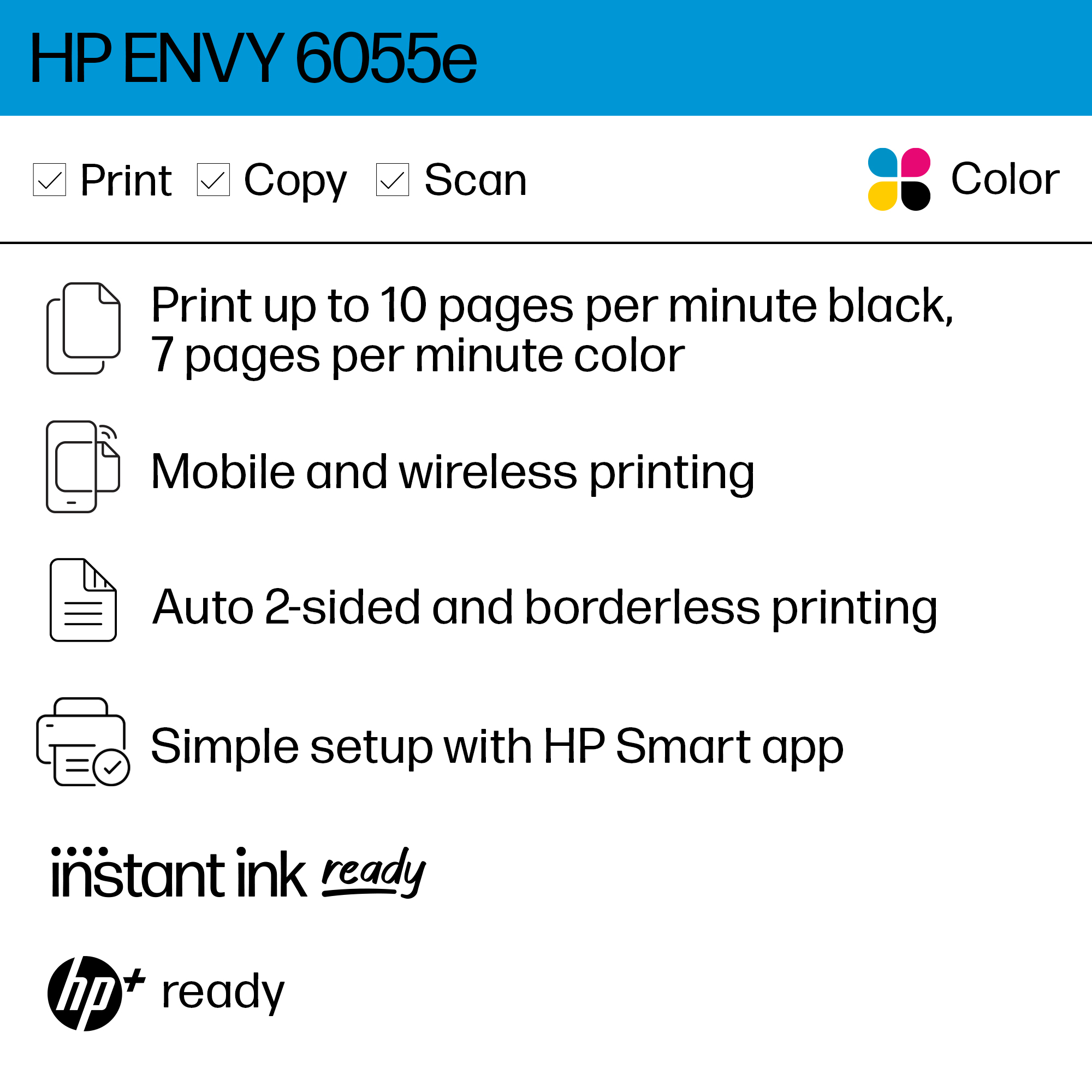
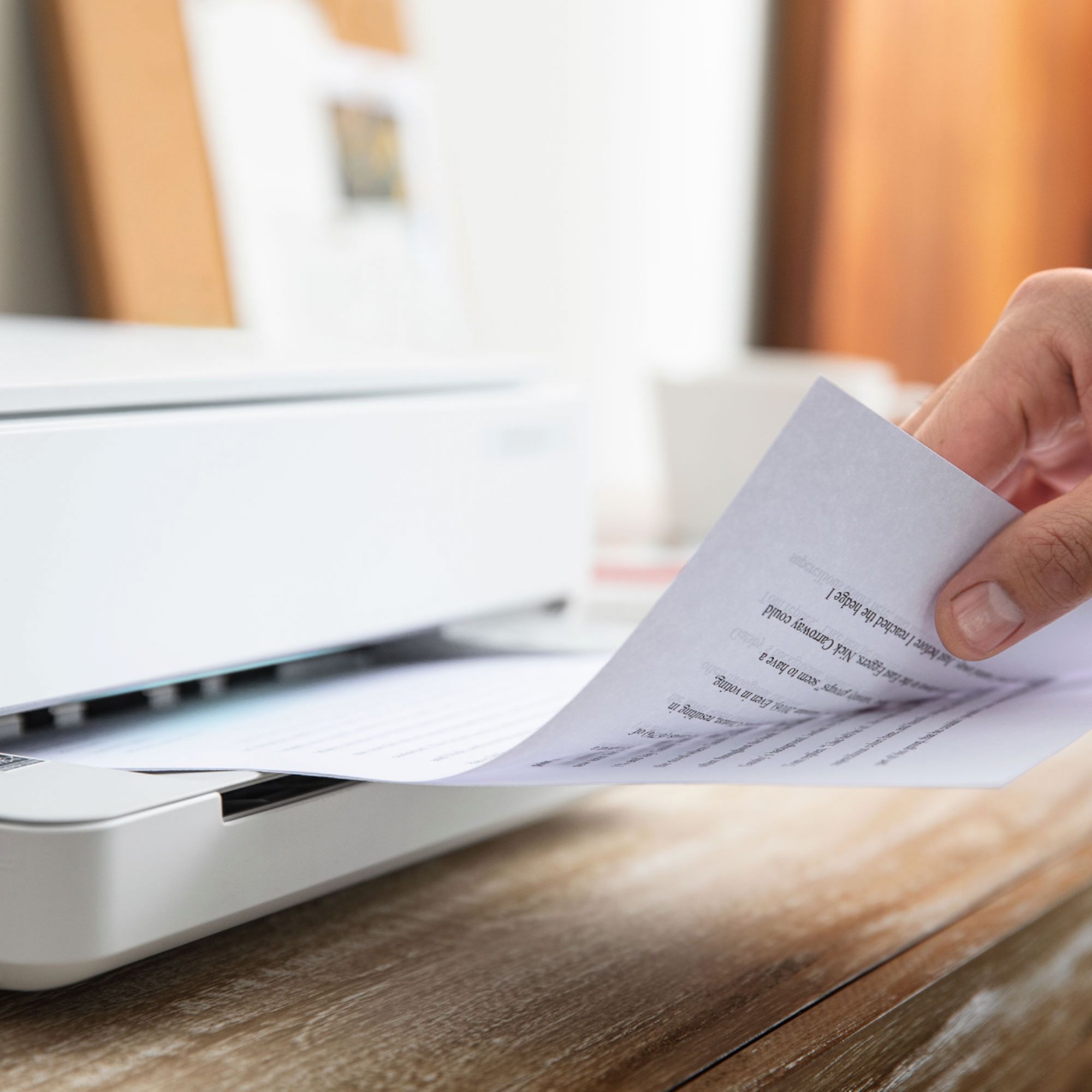
A:AnswerYes it makes copies in either color or black & white. It does not enlarge or reduce images however. You must scan the image and modify it in another program to do so.
A:AnswerHi Judith, thank you for this question about the Envy 6055e printer. It's compatible with Mac OS v 11 Big Sur as well as Apple AirPrint. Yes, you can connect directly to the computer with a USB cable (not included).
A:AnswerDid you ever find a printer that worked? I just got my XB7, and what a surprise, my 4 year old Officejet 7740 does not connect to it. Out of 42 devices on my network, I have one Leviton light switch, one Phyn Plus water leak detection module, and the HP printer that don't work.
A:AnswerHello there! That's a great question! The HP ENVY Pro 6055's setup cartridges have a yield of ~120 pages for black, and ~75 pages for the tri-color. I would highly recommend purchasing at least a HP 67 black cartridge so you do not run out of ink during an important print job. Thank you for your interest in the HP ENVY 6055 and have a great one!
A:AnswerI wanted to clarify since the official answer from HP was wrong. I have this printer and can confirm that it will hold up to size A4.
It won't take legal but has no problem with Letter (8.5" x 11") or A4 (210mm x 297mm).