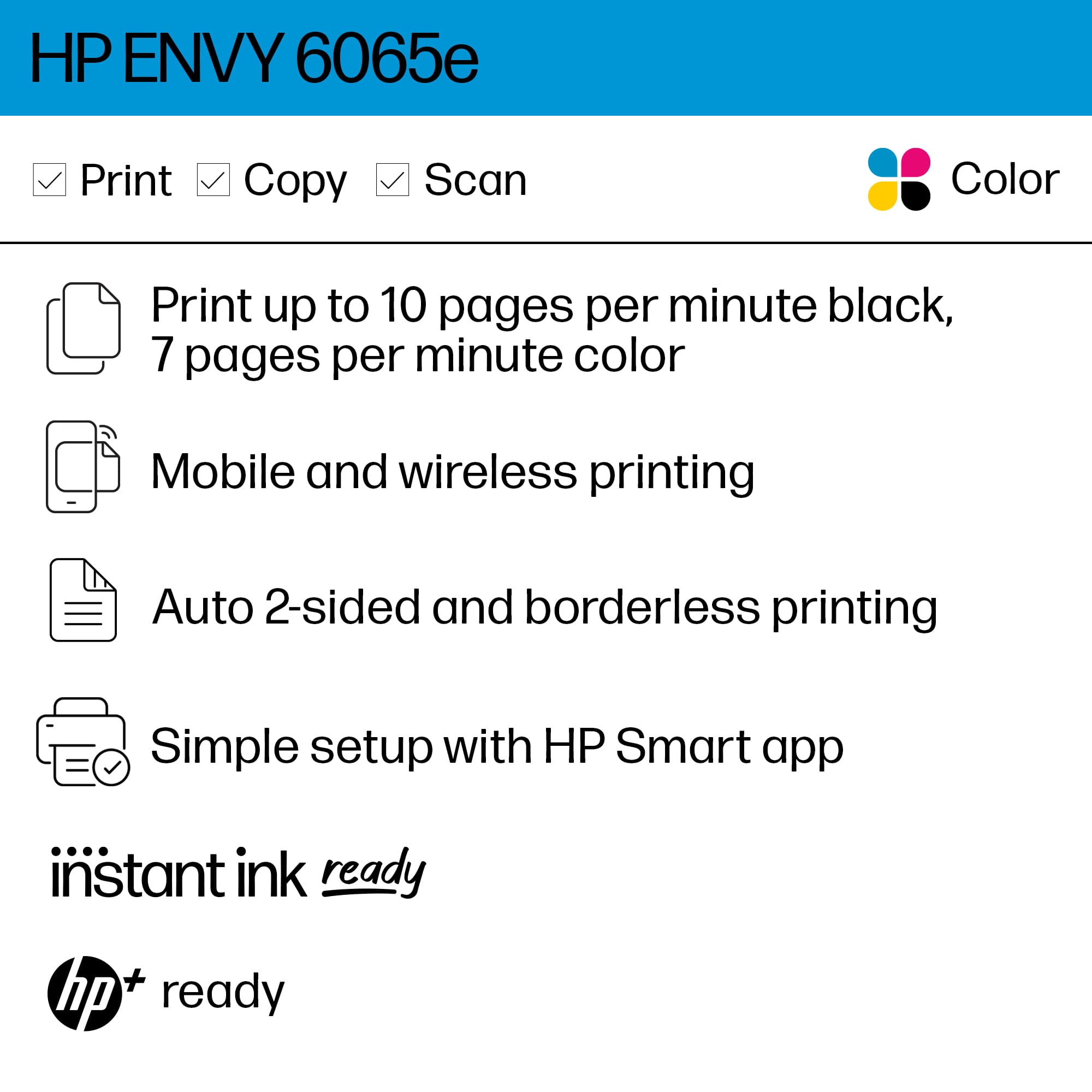
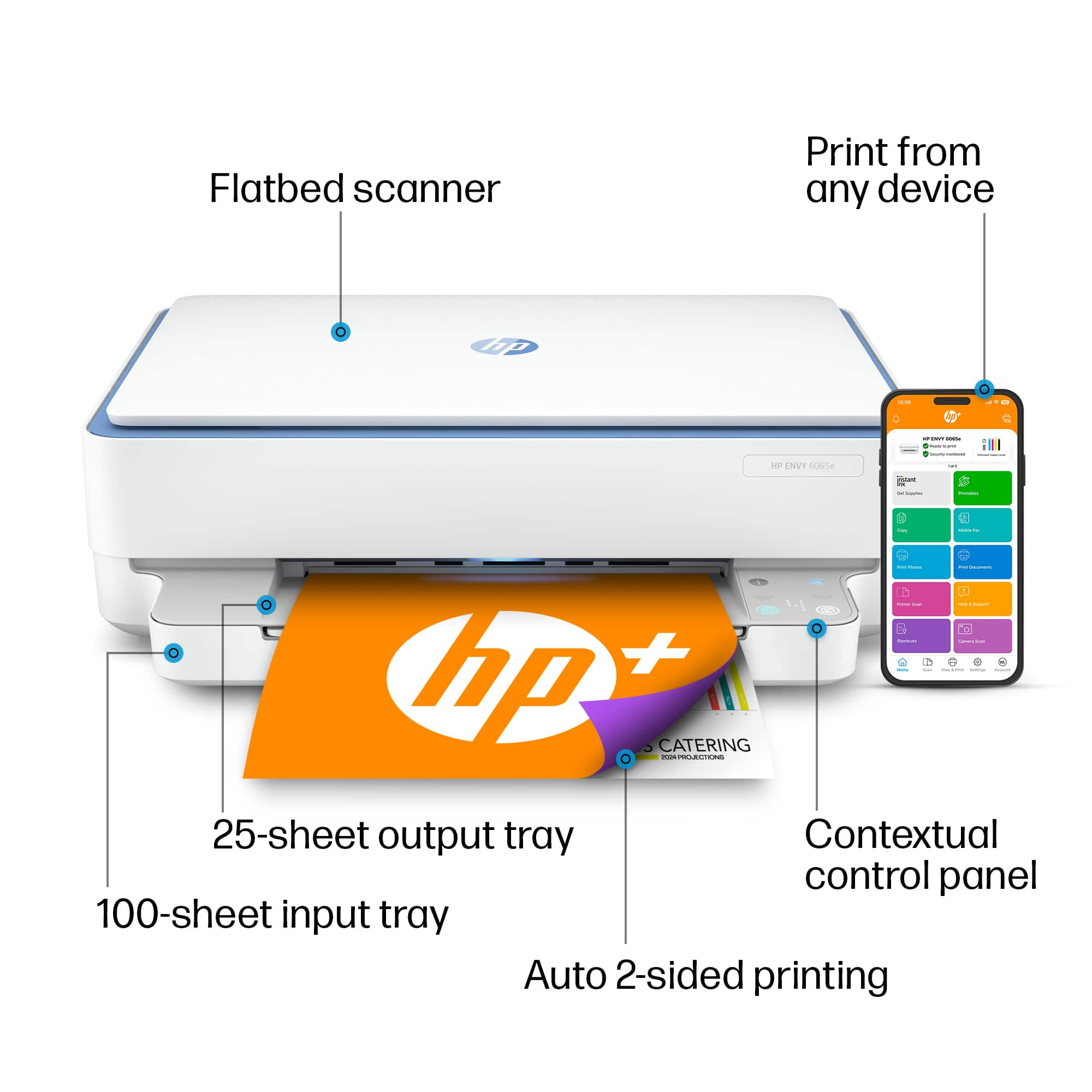
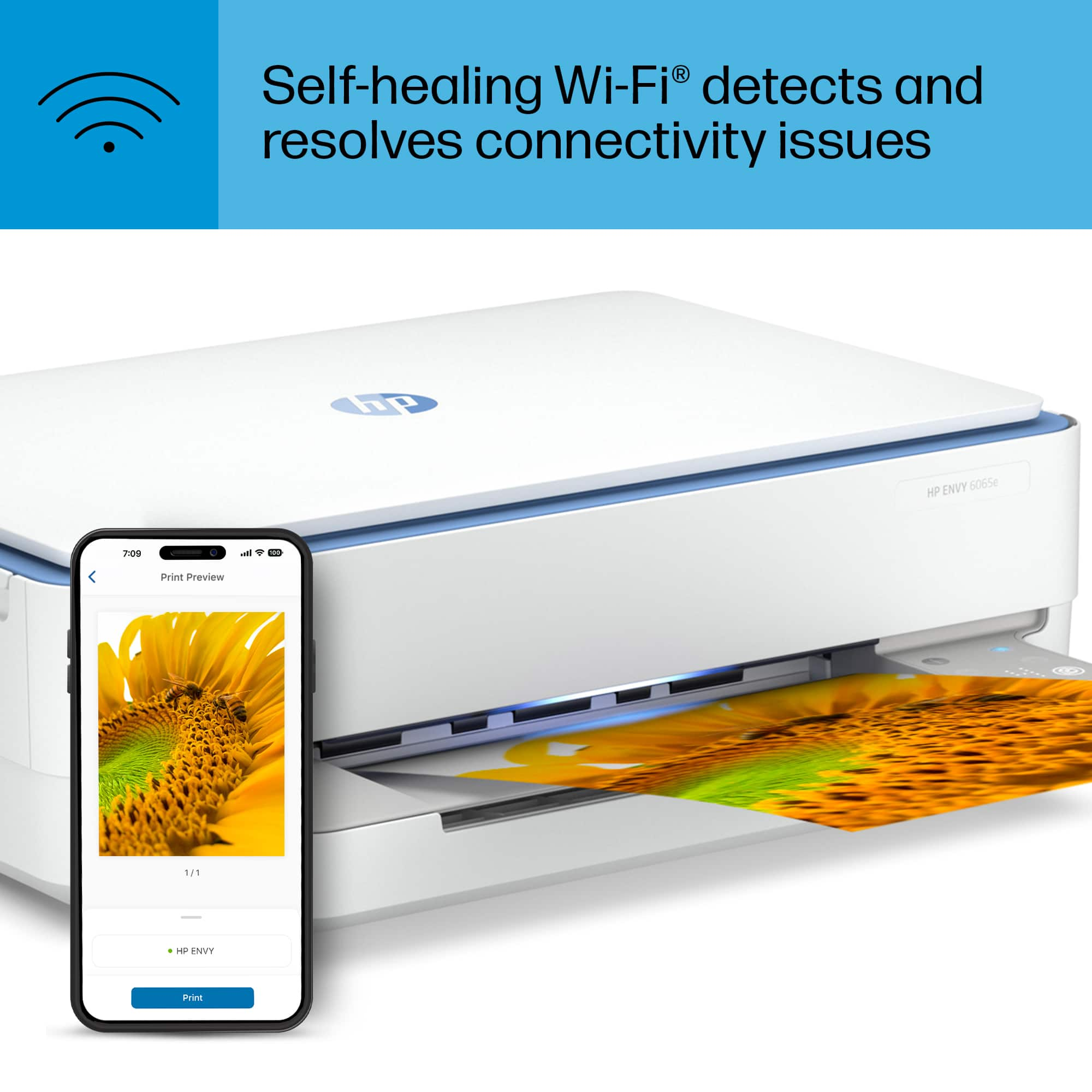
A:AnswerHello. Thanks for your question. The HP Envy 6065e printer uses WiFi technology. Not Bluetooth. Wireless Direct (WiFi Direct) allows you to directly connect to a printer from a mobile device or computer without the need for internet access or a wireless network. You would connect to the printer’s wireless direct signal just like you would connect to a wireless network. The printer would have a unique name in your wireless connections, i.e. Direct-04-Printer.
A:AnswerThank you for the question. Yes, you can do that by removing the unwanted cartridge to invoke single-cartridge mode. This is meant to be a temporary fix, not something you'd do routinely.
A:AnswerThank you for your question about this HP Envy printer! That depends if the router is built into the modem. If they are combined or you change hotspots, you can use the same process as outlined in the setup guide that is packed in the box. If the router is separate from the modem, then there is no change required!
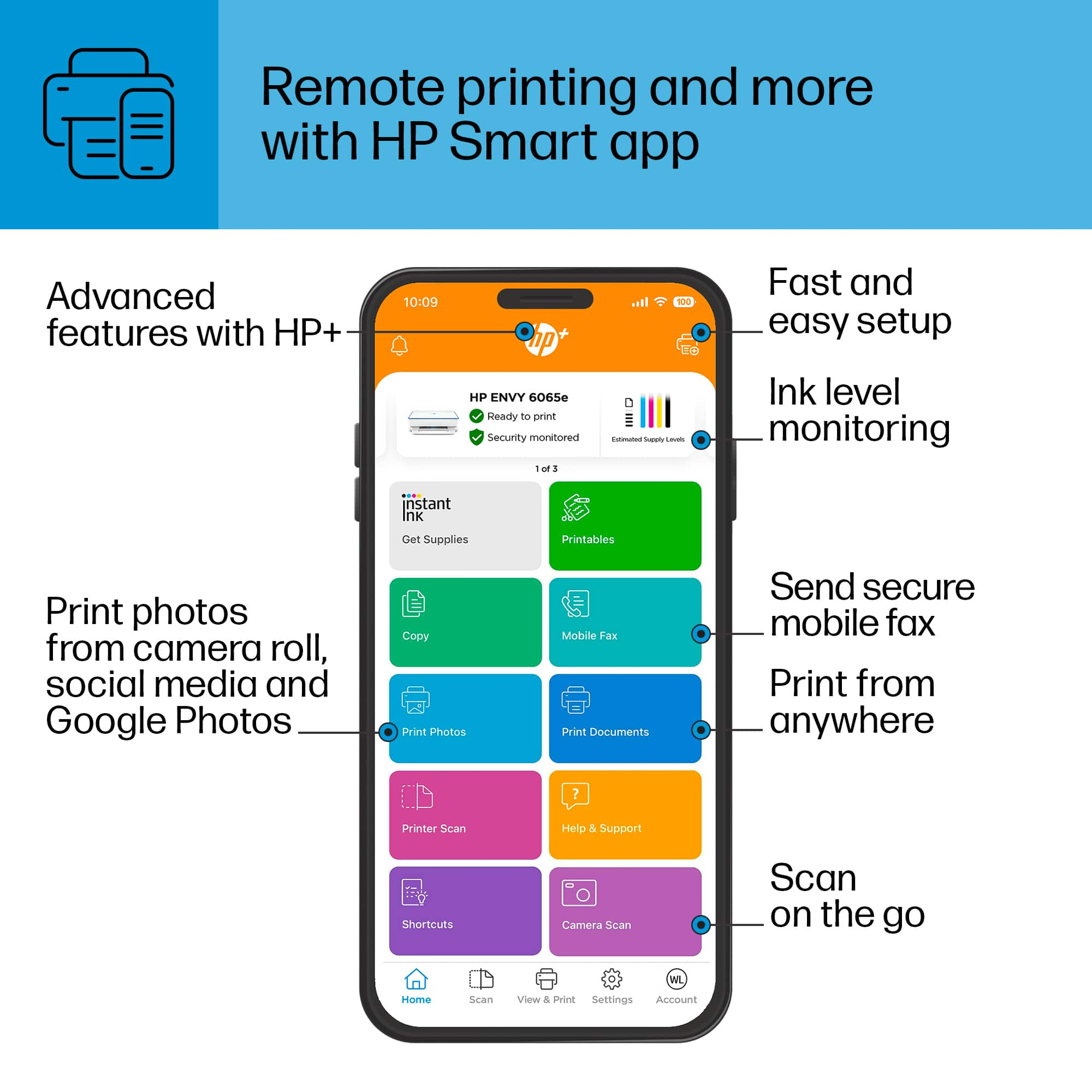
A:AnswerThank you for your question on the internet fax feature offered in the HP Smart app, which goes with this Envy printer! HP provides as a service to its user base now, so there is no charge!
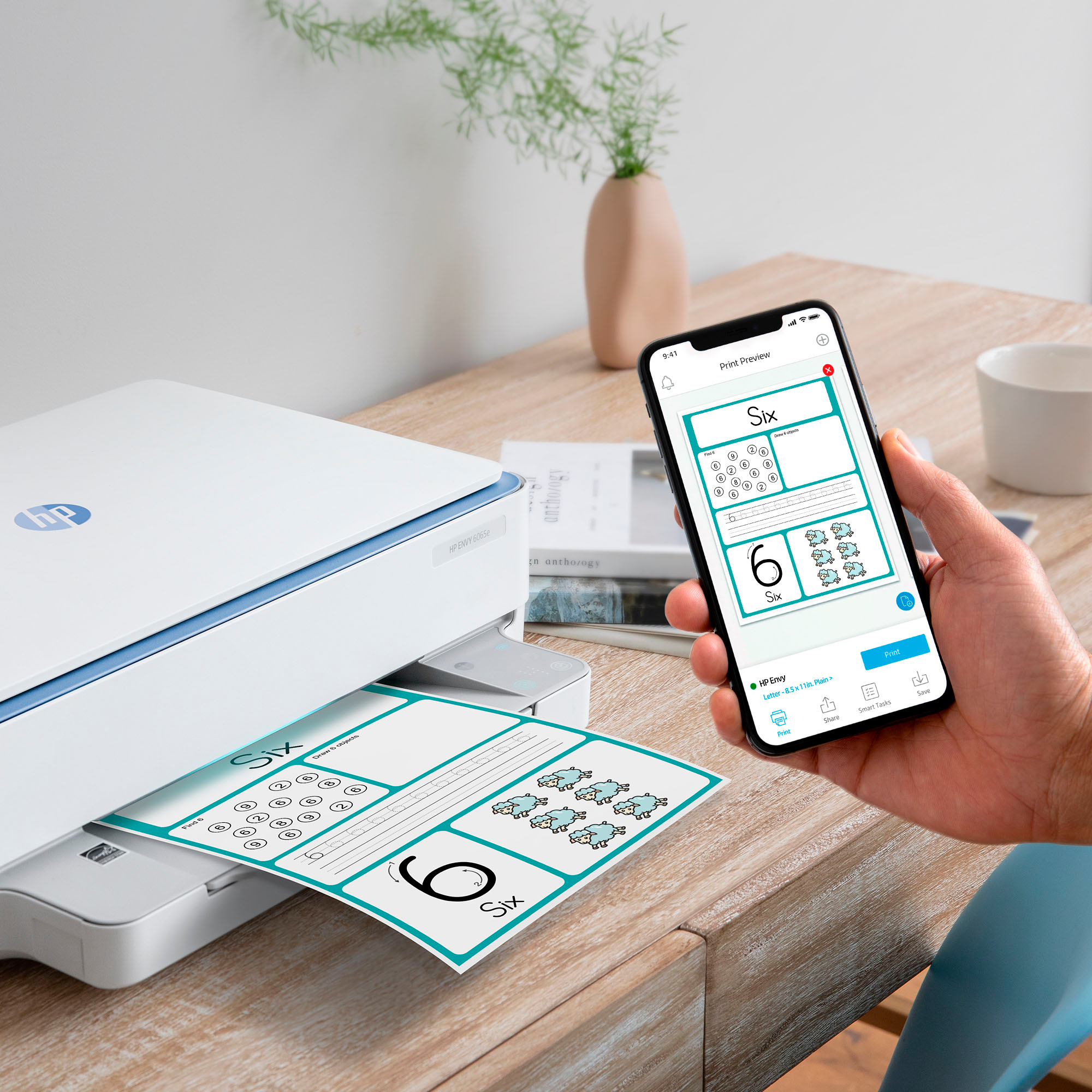
A:AnswerYes! You need to log into the hp smart app, then you out in the avery # for the style of stickers, fill in the what you want on each sticker and hit print. Works great!
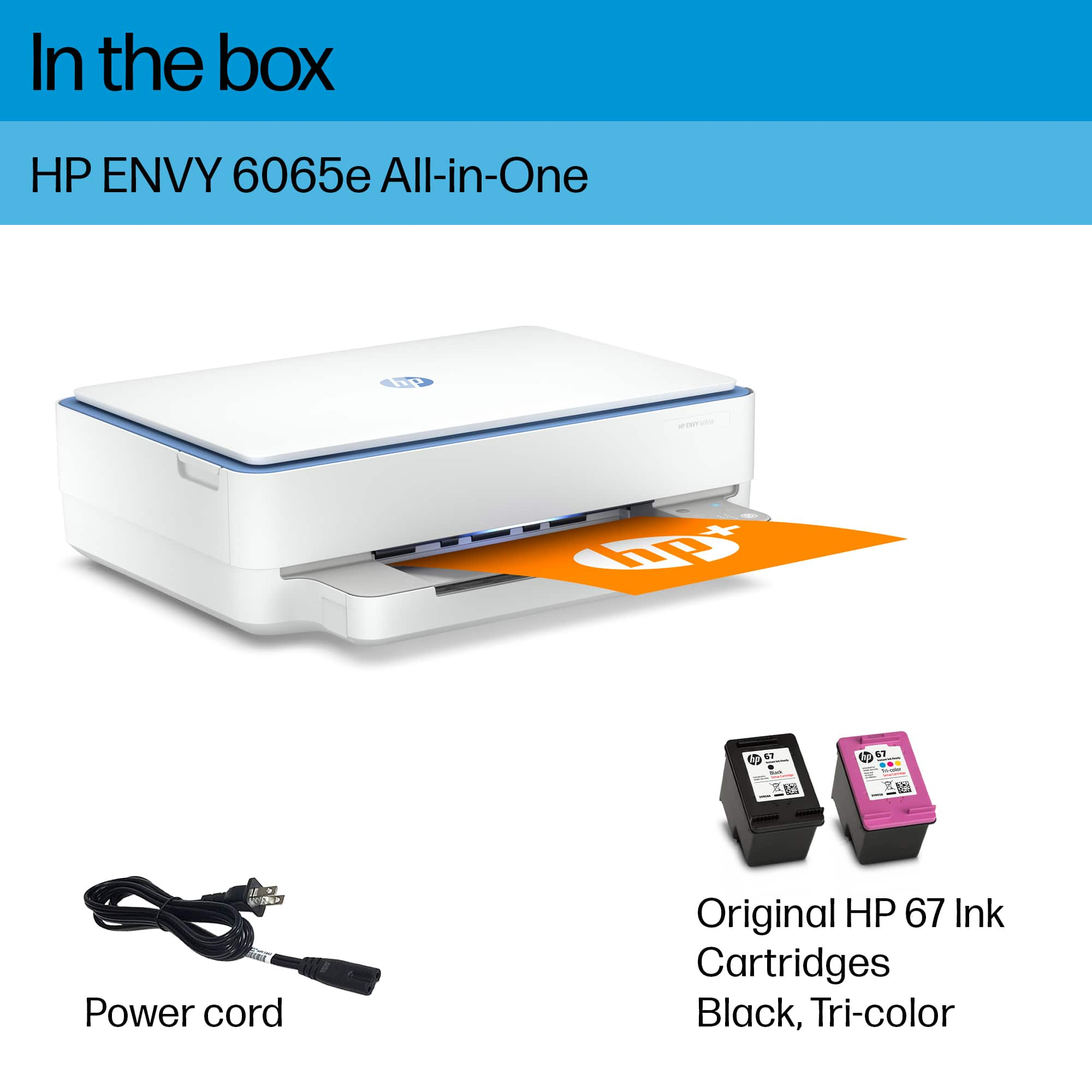
A:AnswerHi there. Thank you for your question! The HP ENVY 6065e will work with the standard yield HP 67 ink cartridges, or the high yield HP 67 XL ink cartridges.
A:AnswerHello Eric. Thanks for your question. This HP Envy 6065e printer comes with a 6 month trial of HP Instant Ink. The HP Instant Ink concept is based on the number of pages you print. Not the ink. When your printer is low in ink, HP will send you ink before you need it at no additional cost. After the 6 months, you would pay the monthly plan that you choose. If you choose to cancel the service, you would need to buy the ink cartridges.
A:AnswerThank you for your purchase of the HP Envy 6065e printer! The instructions are packed in the box in an illustrated poster. HP also has support that can walk you through the setup process.
A:AnswerThank you for the question. No. For best printer health, it should remain powered on - it will go into sleep mode when not used. Additionally, if using an Instant Ink subscription, the printer must remain internet-connected. Disconnecting the printer intermittently will cause a change in the ink's viscosity and prevent it from performing maintenance - it may lead to poor-quality output. and possibly damage to the printheads.
A:AnswerThank you for the question. The Envy 6065e's paper path will accept media up to 300 g/m². While watercolor paper is not specifically mentioned in the specifications, matte brochure paper, other matte inkjet papers, and glossy papers are indicated as compatible, in addition to plain paper, photo paper, and recycled papers.
A:AnswerYou have to download the HP Smart onto your MacBook and connect the printer to the app for it to work. It doesn’t connect if you share wifi with other residents at your place.