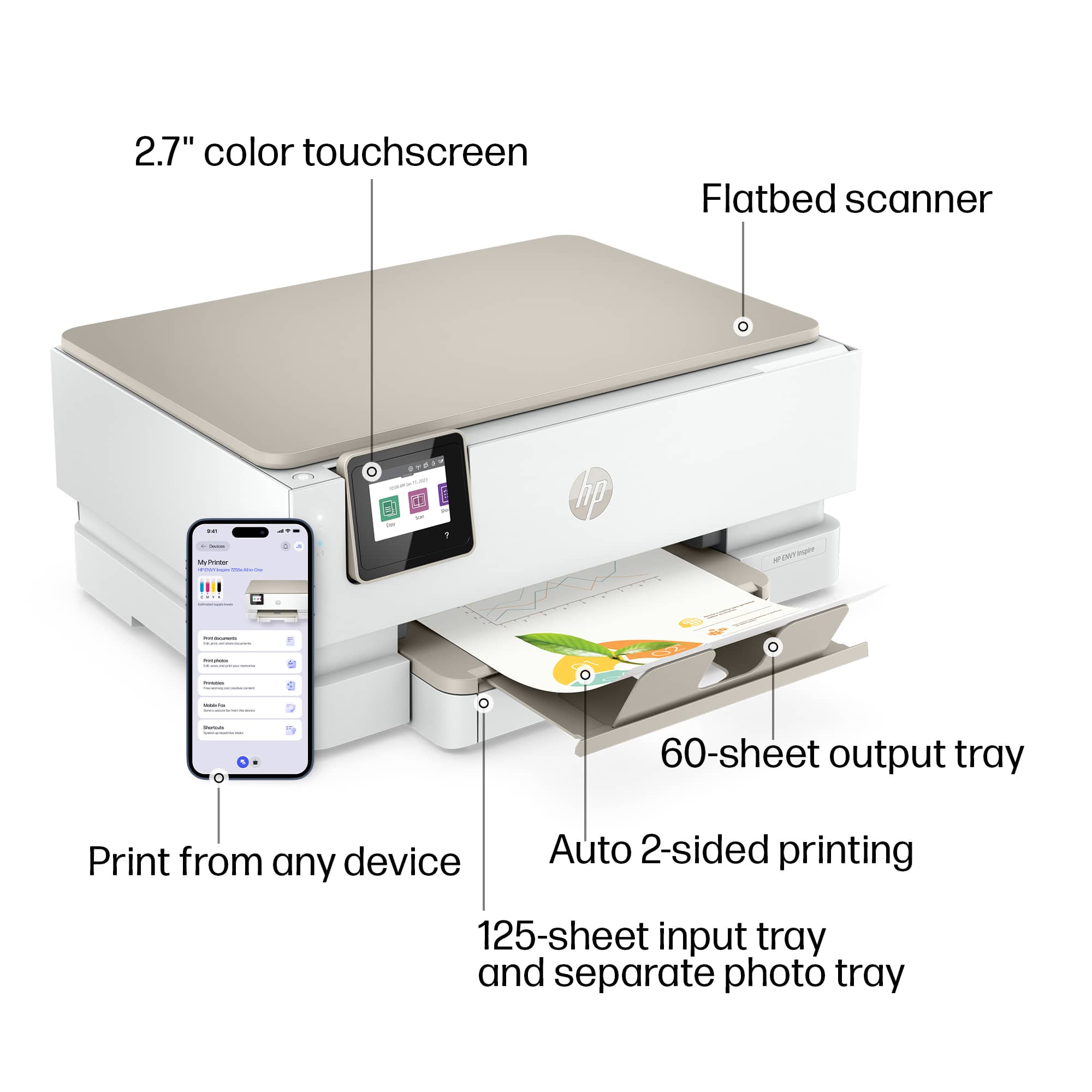
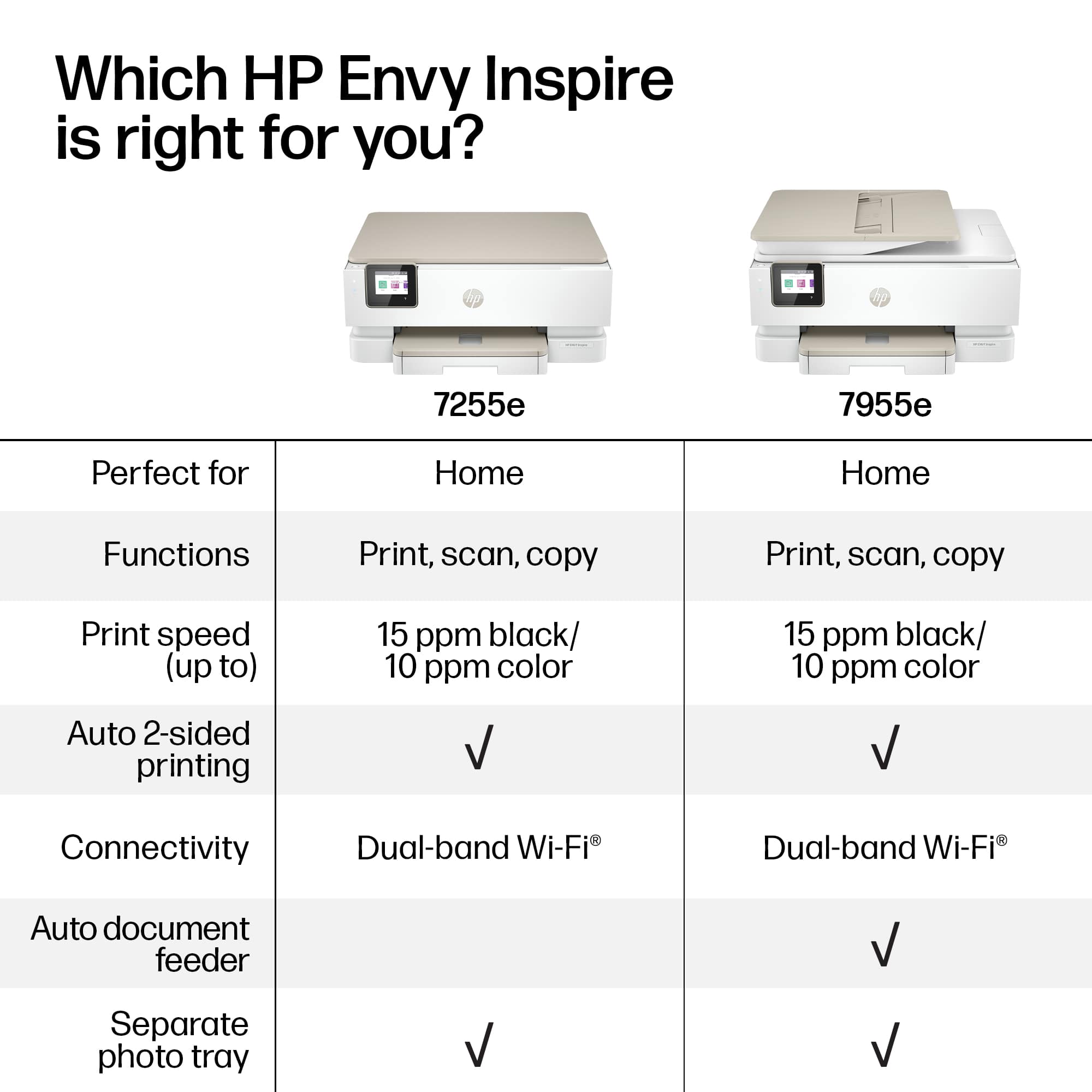
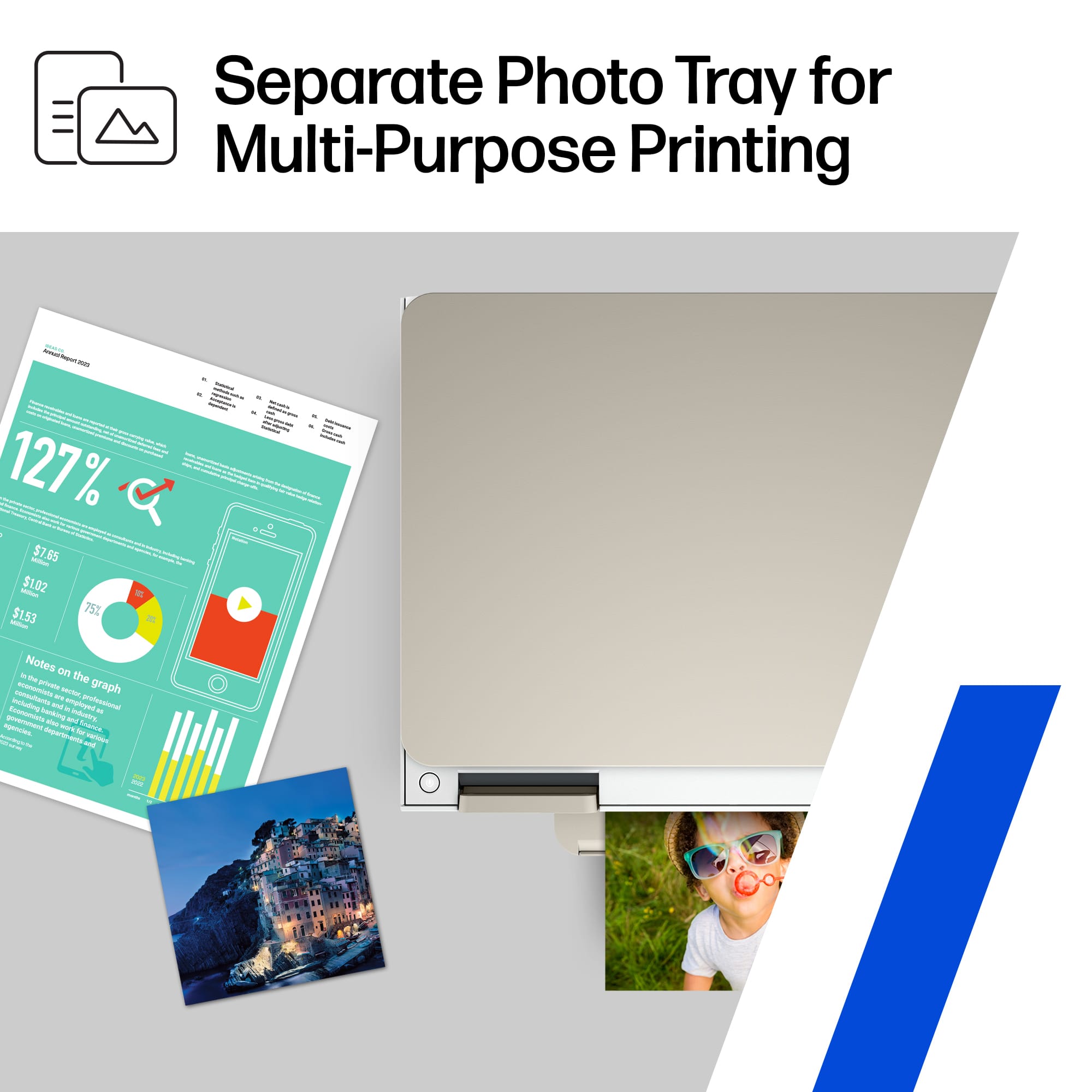
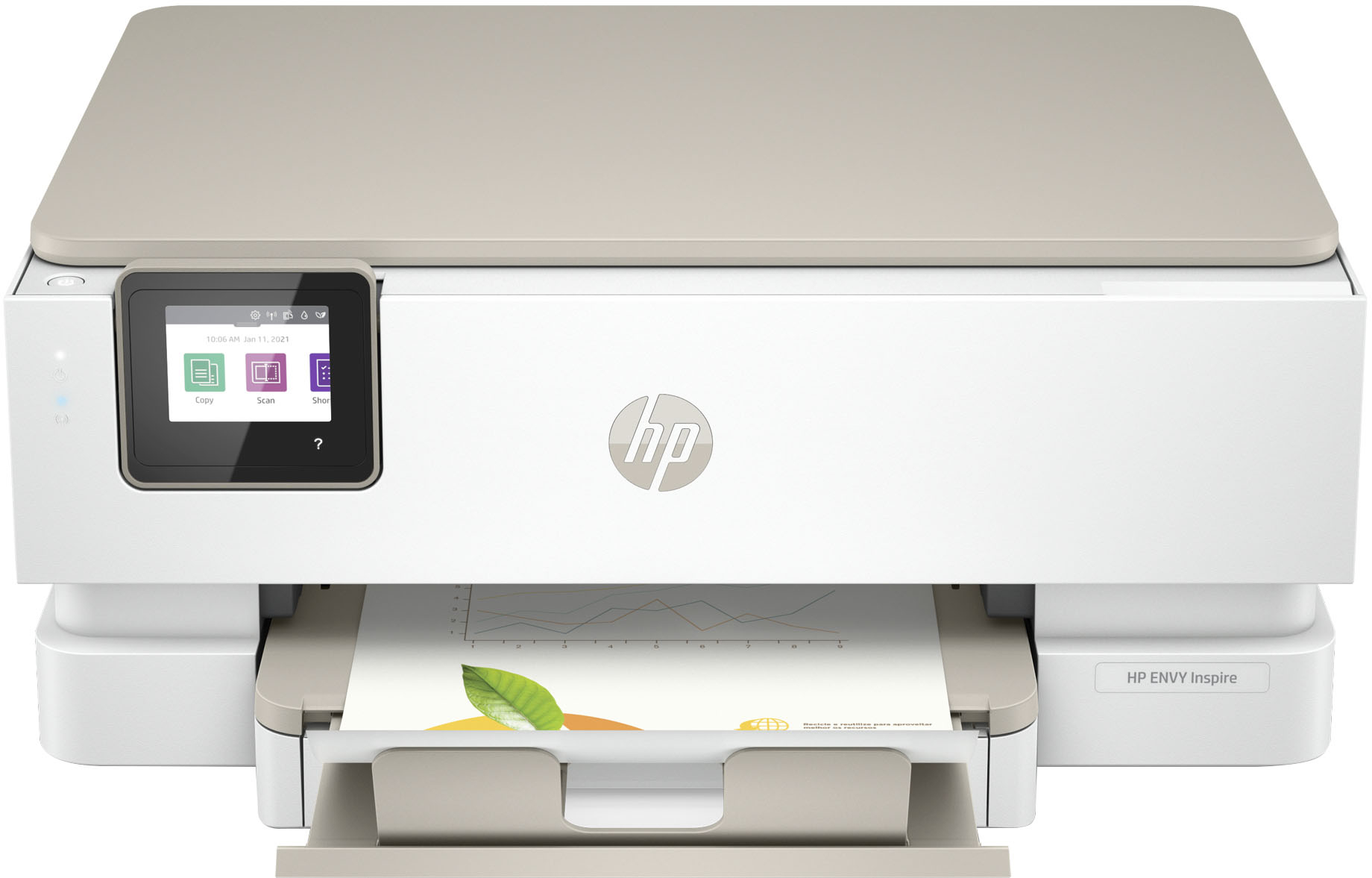
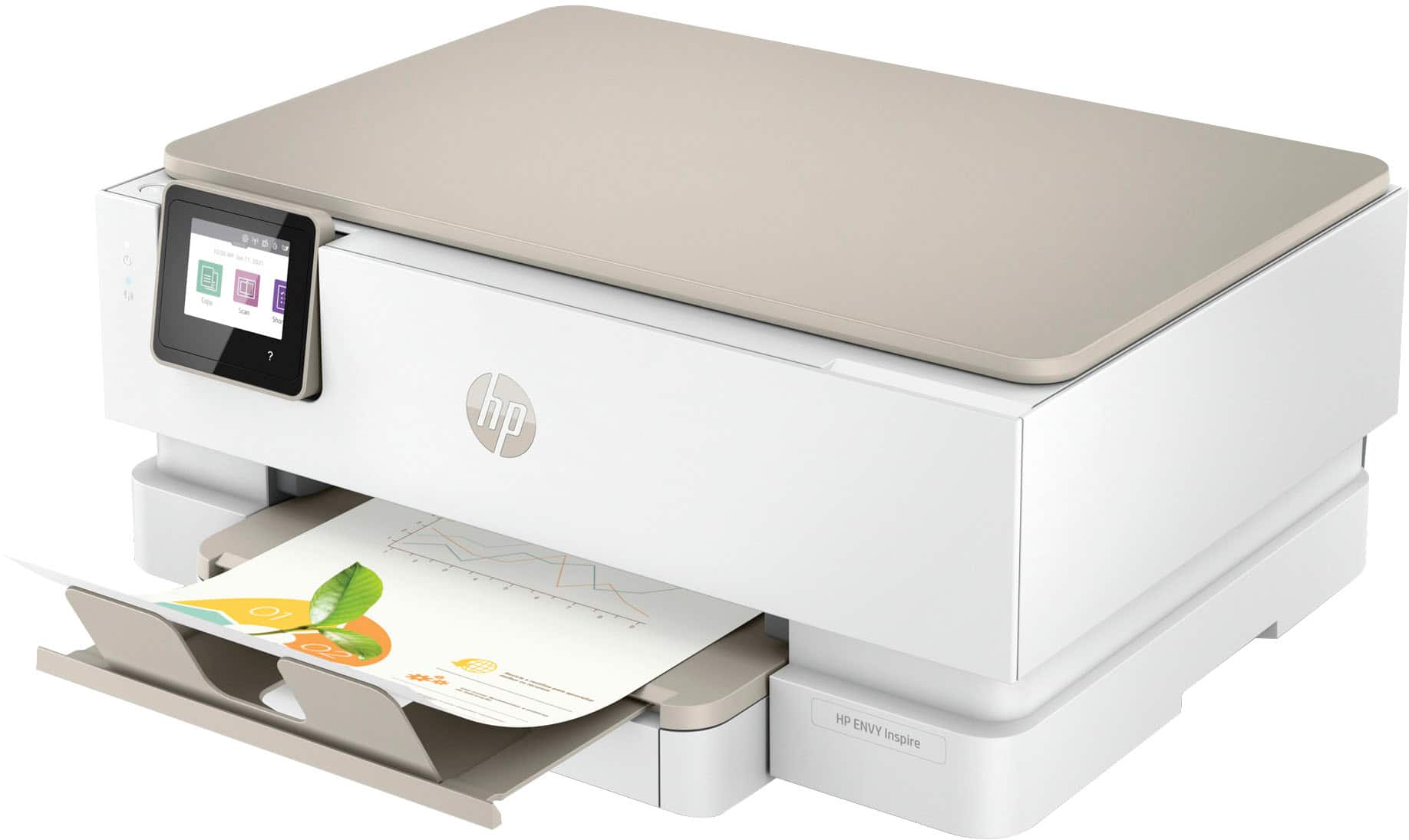
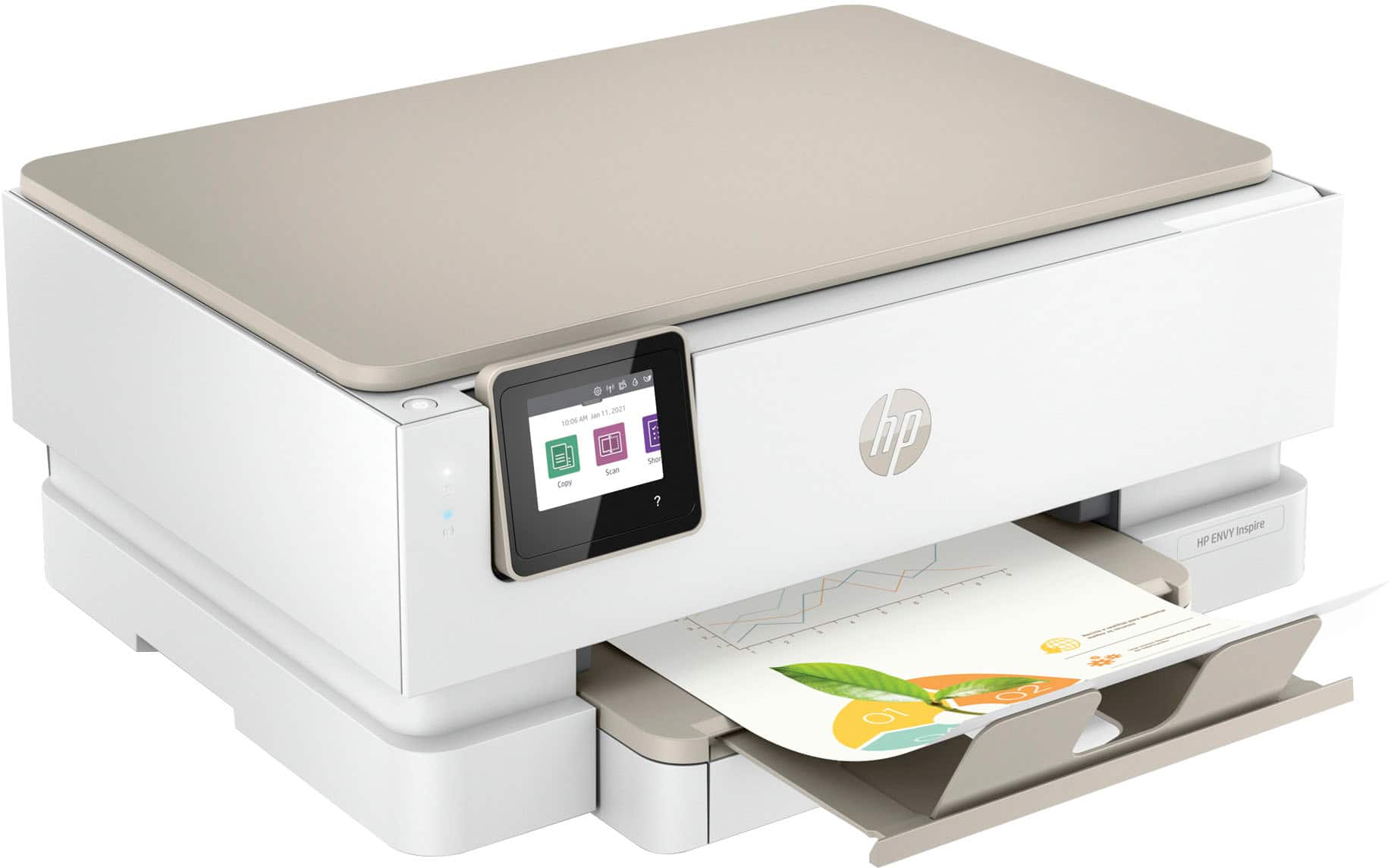
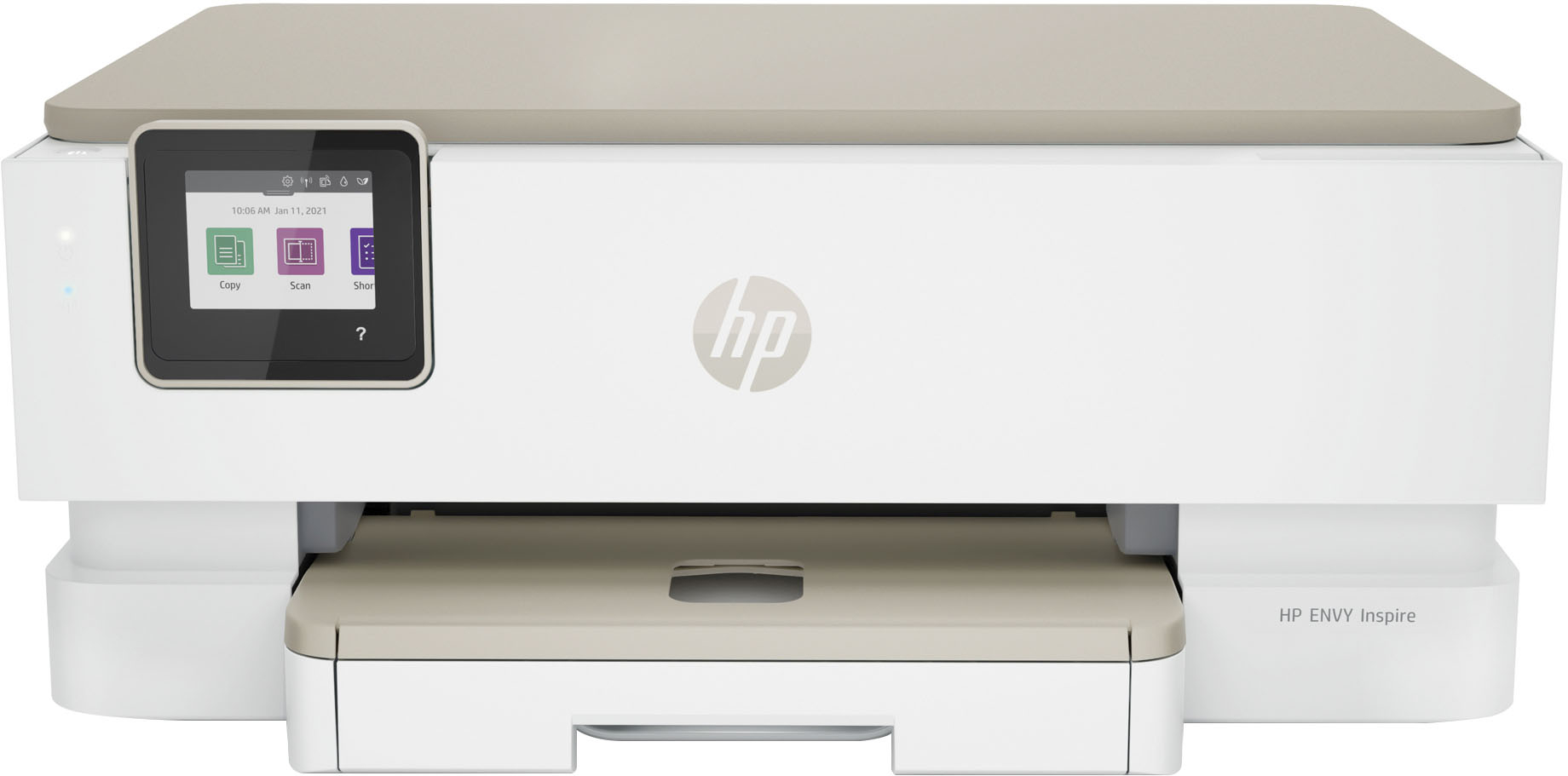
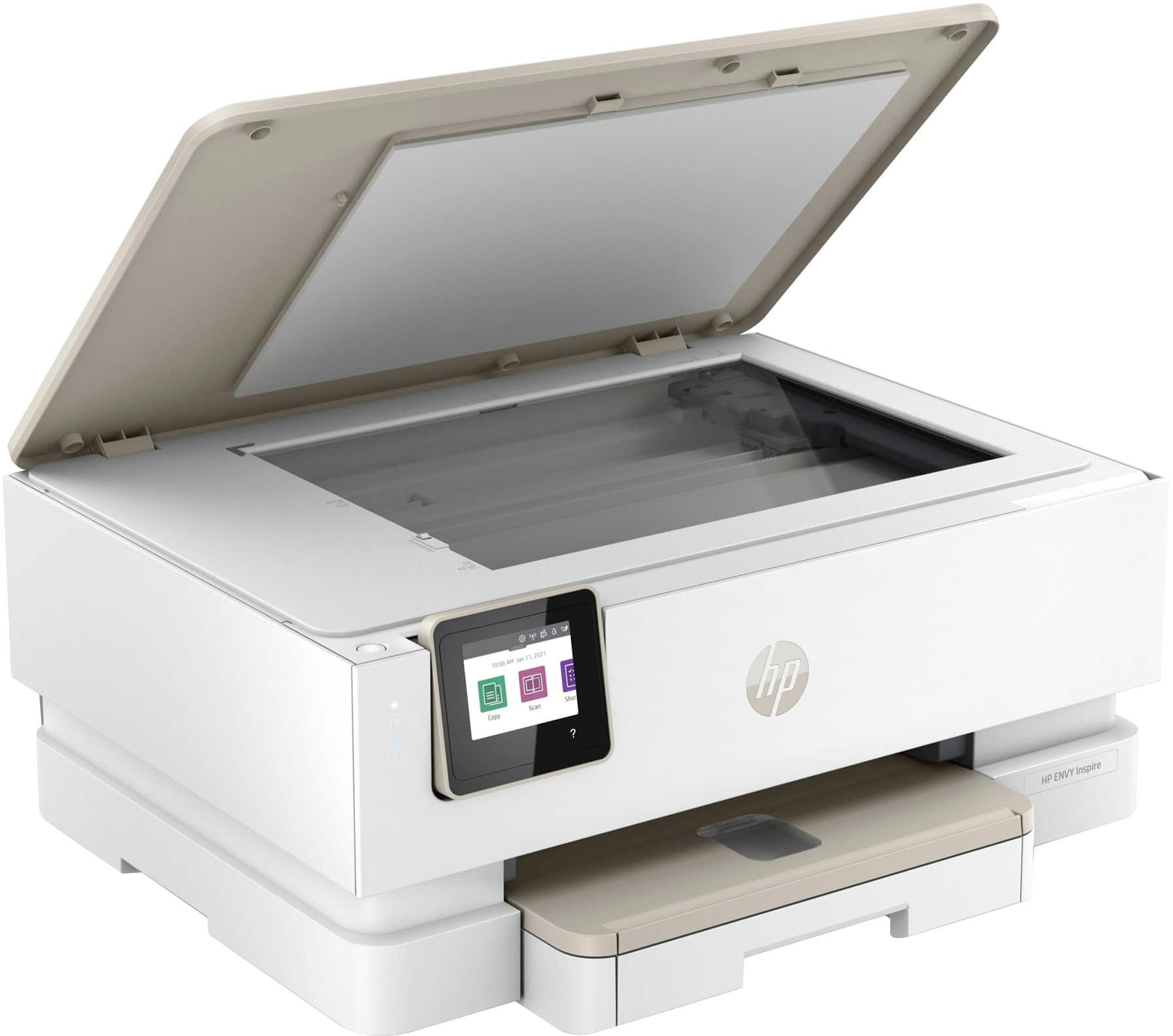
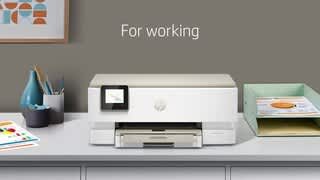
A:AnswerThank you for the question. The Envy Inspire 7255e will accepted media up to 80 lb. (about 4x the thickness of four sheets of plain paper). Yes, this printer will print 2-sided automatically.
A:AnswerThe first thing to check is the weight of the card stock. The 7255 is designed for up to 80lb card stock. If you're trying to print on 110 lb stock it may be smearing ink on some of the internal parts because the stock is too thick. If that's the case, load some plain paper and run the routine in the printer to clear an ink smear (You may have to run it several times if it doesn't fully clear the smear the first time. If you're running 80lb stock already or the cleaining routine doesn't correct the problem, you'll want to contact the HP support team so they can troubleshoot the issue.
A:AnswerYes. Most unbuntu distributions include at least the basic HP drivers, and once you connect the printer to the computer, it will automatically grab any updated files it needs to. If your Ubuntu distribution doesn't have any HP printer drivers, you can download them from the HPLIP website.
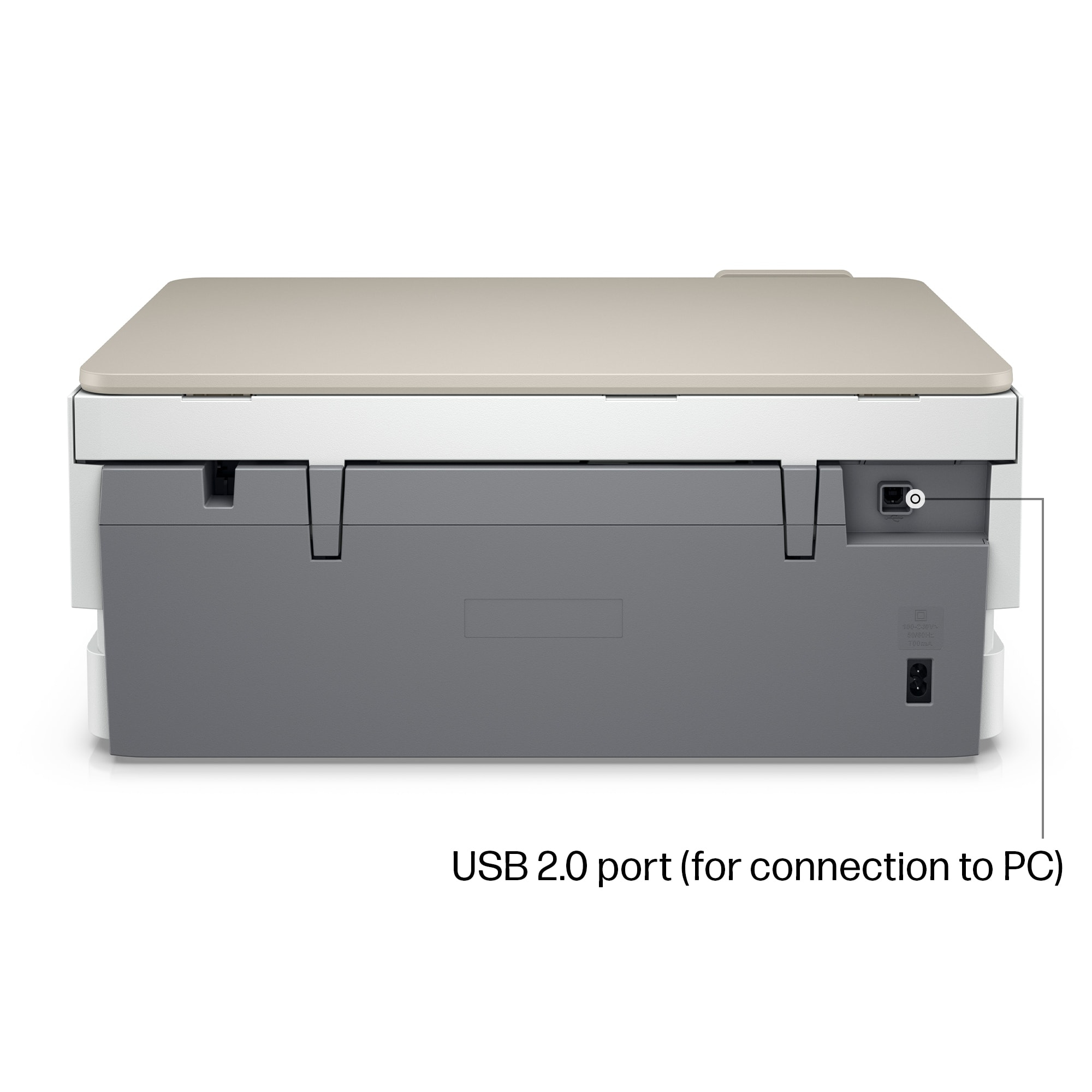
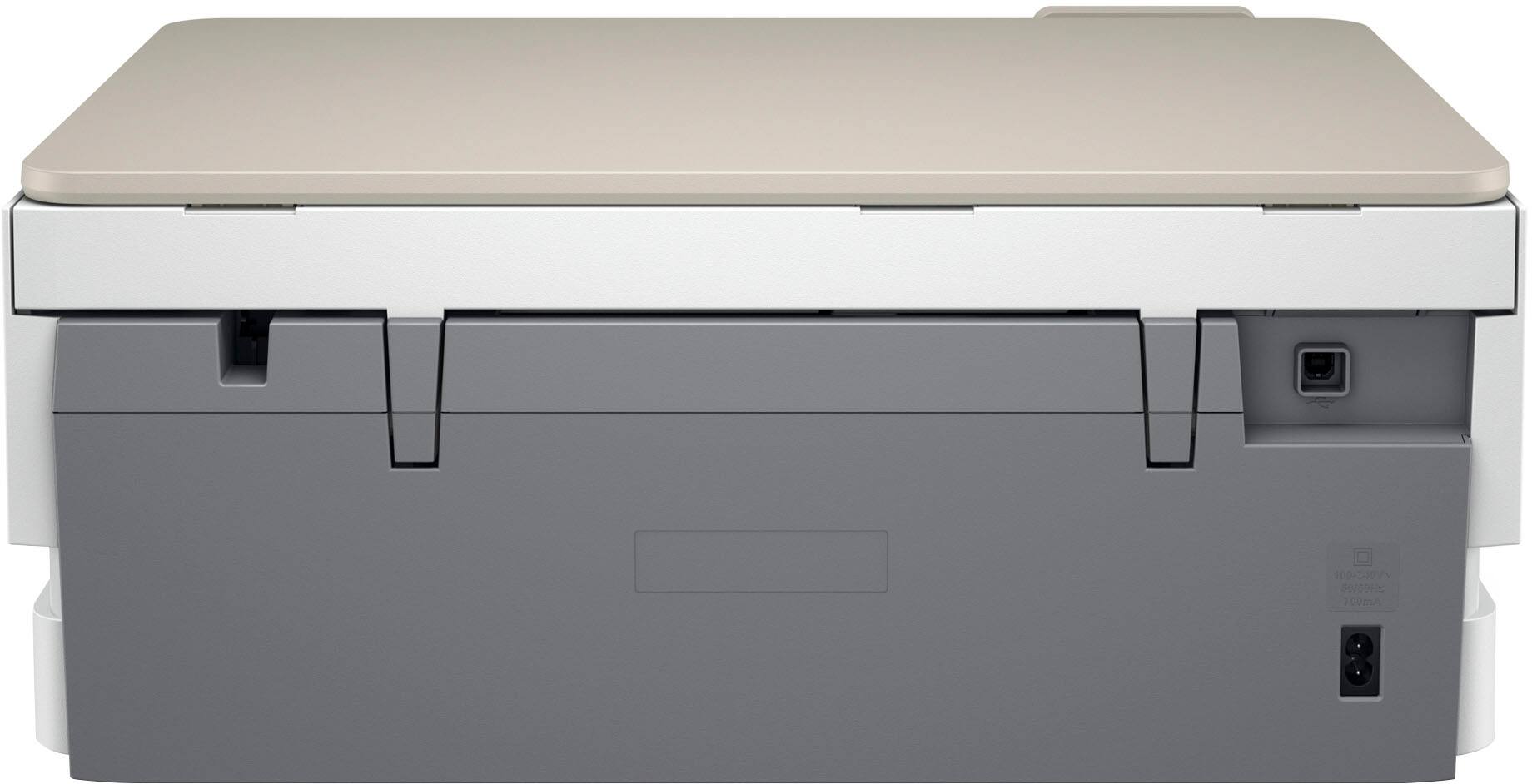
A:AnswerThank you for the question. The Envy Inspire 7255e does not have a host port for connecting a camera. You'd need to connect the camera to your computer and then send files to the printer. If your camera has WiFi capabilities, you can print to the Envy Inspire via WiFi direct. PictBridge software may also assist. It gives you several options for adjusting the size or selecting the number of copies, for example.
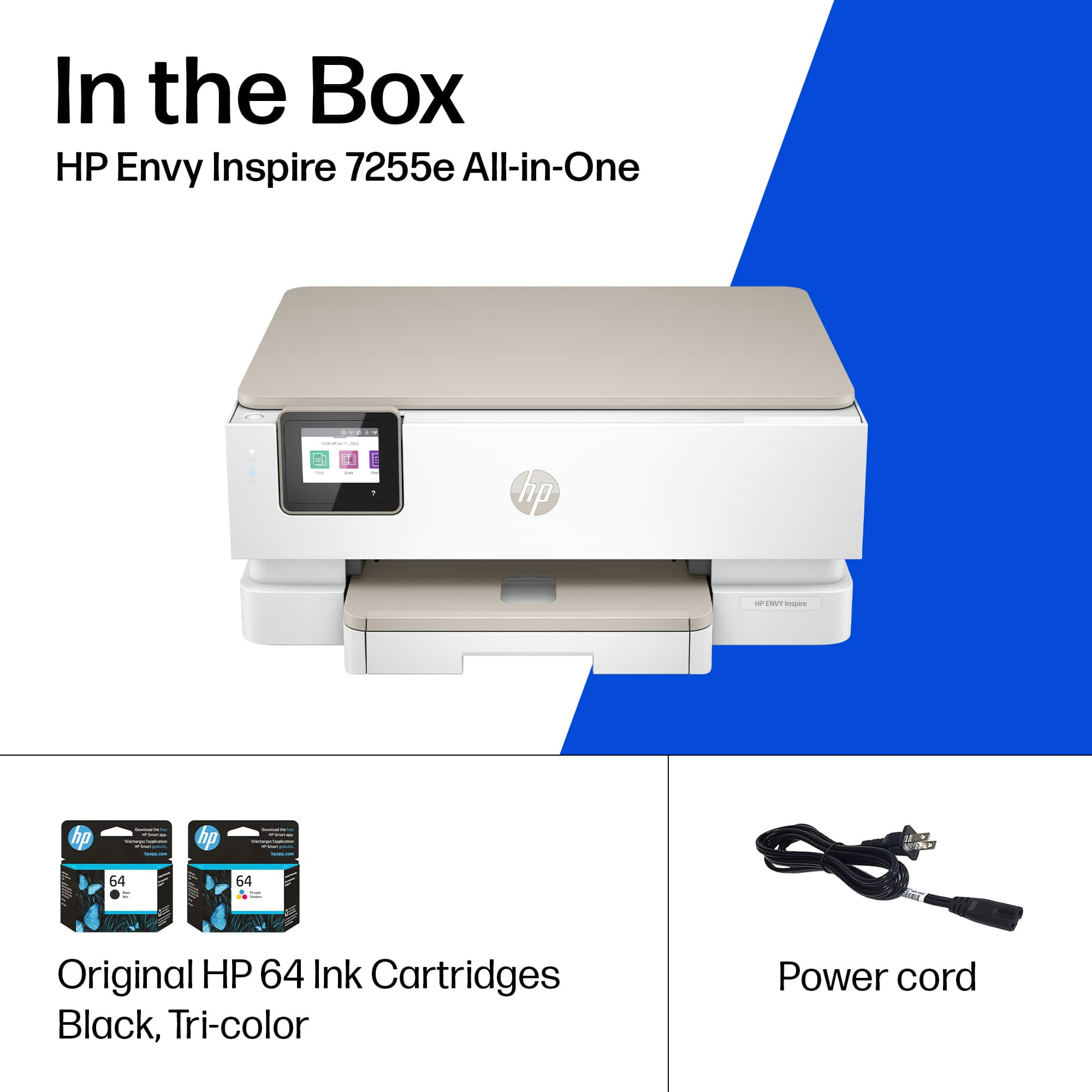
A:AnswerThank you for the question. The Envy Inspire 7255e does not include a printer cable, however, you can purchase one here: https://www.bestbuy.com/site/insignia-10-usb-to-usb-b-cable-black/6471833.p?skuId=6471833