A:AnswerHi Steve! Cartridge yield is based on printed page volume, not time. HP 64 standard cartridges will print up to 200 pages from black and up to 165 pages from tri-color, while the high-yield 64XL cartridges will print up to 600 pages from black and up to 415 pages from tri-color. Standard HP 67 cartridges will print up to 120 pages from black and up to 100 pages from tri-color, while the high-yield 67XL cartridges will print up to 240 pages from black and up to 200 pages from tri-color. Your results may vary depending on the complexity of the document being printed.
A:AnswerHello, Steve. Thank you for your question! The HP 64 ink cartridges generally last longer than the HP 67 cartridges. The standard HP 64 black cartridge yields up to 200 pages, while the high-yield HP 64XL black cartridge can produce up to 600 pages. In comparison, the standard HP 67 black cartridge yields up to 120 pages, and the high-yield HP 67XL black cartridge yields up to 240 pages. These yields are based on 5% coverage, with full-page photos being 100% coverage. The HP ENVY Inspire 7955e Printer is compatible with HP 64 and 64XL cartridges, but not with HP 67 or 67XL ink cartridges. For longer print life, opt for the HP 64XL cartridges.


A:AnswerHi Steve, that's a great question. The Envy Inspire 7955e accepts HP 64 ink cartridges, that can yield up to 200 pages from a standard black cartridge, or up to 600 pages from a high-yield black cartridge. Page yields are based on the ISO 24711 testing guidelines. Actual yield will vary depending on the amount of content on the page. Highly dense documents (photos, school reports) may yield fewer pages than the ISO standard, while less dense ones such as an organization chart or simple email would yield more pages than the standard. The yield you experience will depend upon the content that you print.
A:AnswerHi Steve, thanks for your question. The ENVY Inspire 7955e was most likely on sale, while the 7255 was not. The ENVY Inspiure 7955e does have more features than the HP ENVY Inspire 7255e.
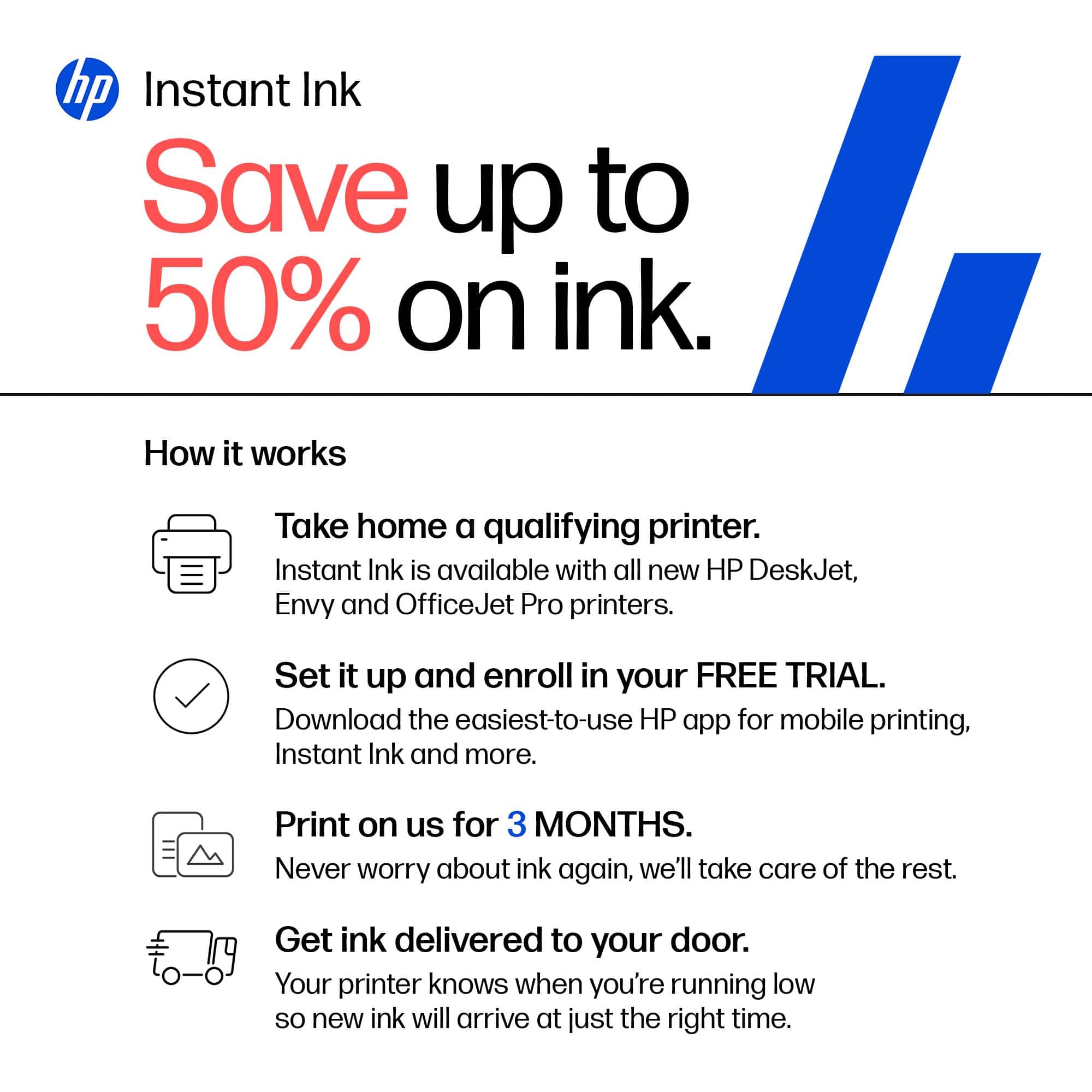
A:AnswerHi Michele, thank you for the question. For best quality output and printer health, and formulated for top performance, you'll want to use Genuine HP ink. Note that Instant Ink may be a great alternative, saving about 50% on ink costs. With Instant Ink, you pay for the pages you print, not the amount of ink or toner you use to print the page.
A:AnswerHello and thank you for your question. This HP Envy Inspire 7955e printer would not be able to do that. However, you can scan to the computer while it is on.
A:AnswerThis HP Envy Inspire 7955e printer would not be able to do that. However, you can scan to the computer while it is on. Thank you for your question.
A:AnswerTony, thank you for your interest in the HP Envy Inspire 7955e. It can print on paper that is between 70 and 90gsm in the main tray. That is bond paper up to 24lbs and as well as envelopes. For card stock printing, the HP OfficeJet Pro and Smart Tank printers will print on those.