A:AnswerThank you for the question. the Envy Inspire 7955e is compatible with Windows 7, 10, and 11, as well as Mac OS 10.14 Mojave or later and Chrome. Find set up instructions here: https://support.hp.com/us-en/printer-setup/hp-envy-inspire-7900e-series/2100385902
A:AnswerHi Jade, thank you for the question The Envy Inspire 7955e will print custom sizes from 3.85 x 8.5" to 5 x 14" and standard sizes 4 x 6", letter (8.5 x 11") , A4, and legal (8.5 x 14"). This model will scan to your PC. It does not have an SD slot for camera cards, but it does support printing from camera phones using the HP Smart App.
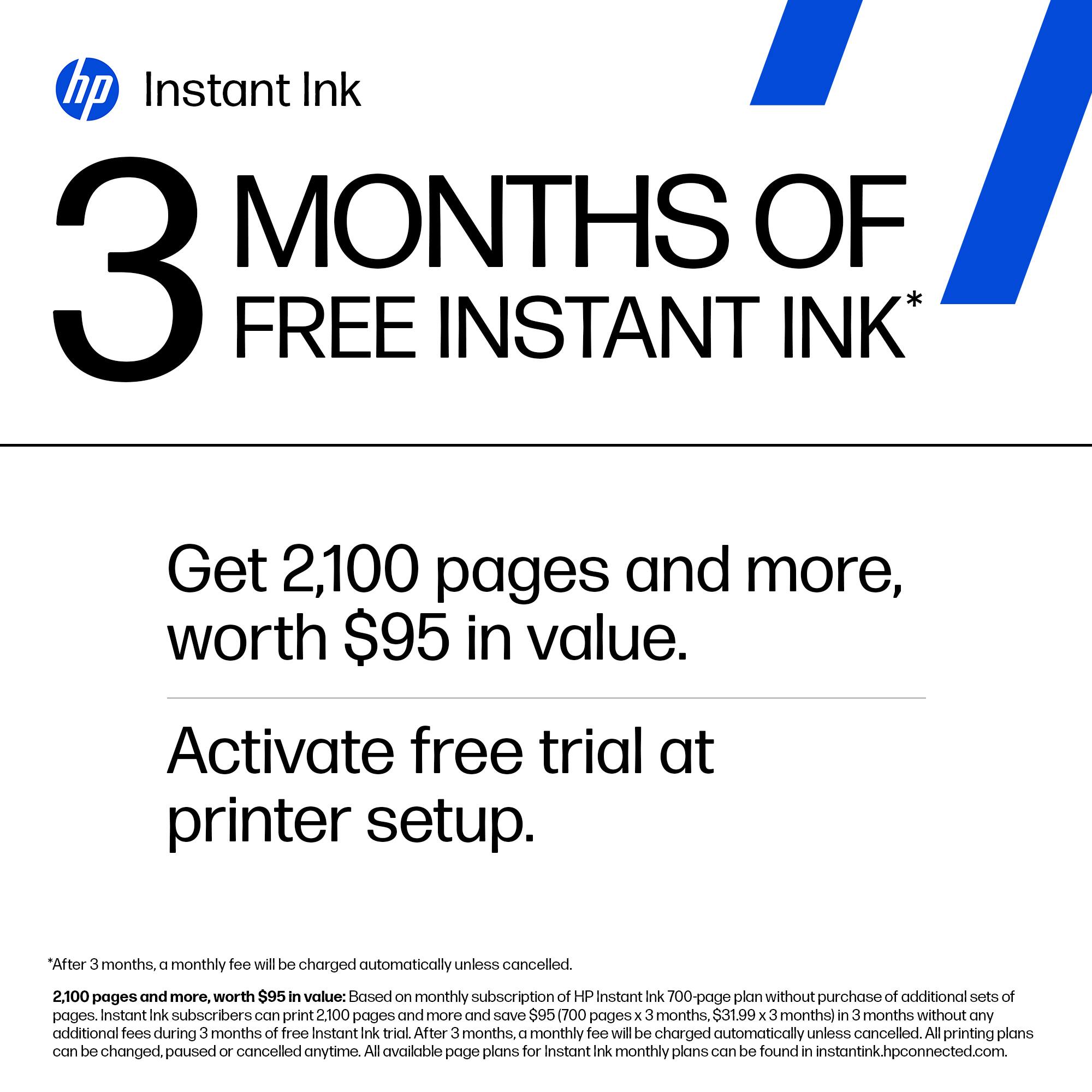
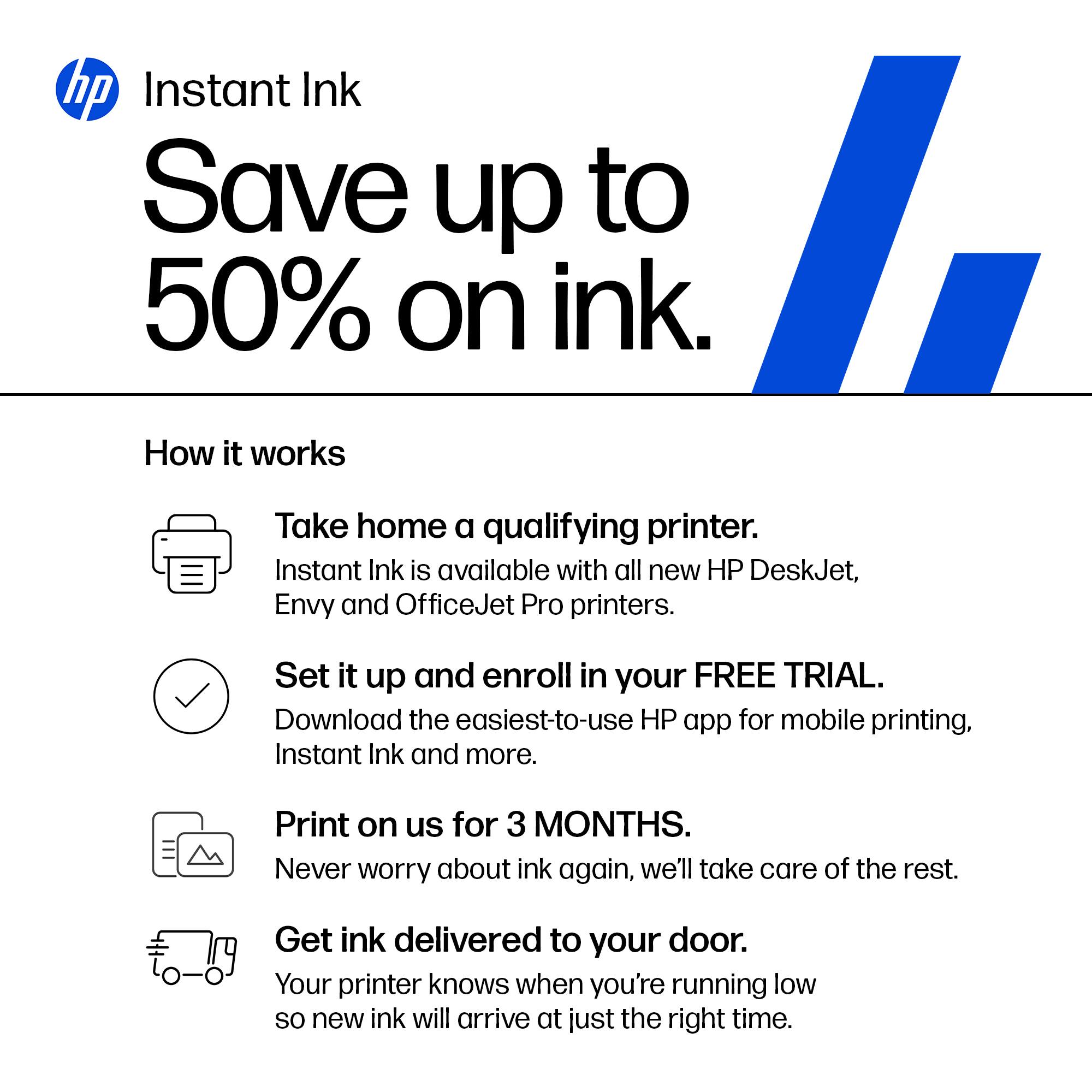
A:AnswerThank you for your question. The HP ENVY Inspire 7955e does not take the HP 564 cartridges. It does take HP 64 Black and Tri-Color or HP 64 XL Black and Tri-Color. This printer qualifies for HP Instant Ink services. For more information on HP Instant Ink you can view the following link: https://instantink.hpconnected.com/
A:AnswerThank you for the question. The Envy Inspire 7955e does not print 11 x 17". For a large format such as 11 x 17", you'll need a large format printer, like the OfficeJet Pro 7740. See it here: https://www.bestbuy.com/site/hp-officejet-pro-7740-wireless-all-in-one-inkjet-printer-white/5536900.p?skuId=5536900
A:AnswerHello. Thanks for your question. The HP Envy Inspire 7955e printer has a mobile fax option. Mobile fax is where you can send faxes through the mobile fax option on the HP Smart app on your smartphone, tablet, or computer. If you need to send or receive faxes, you can use a service like eFax. Here are more details about the mobile fax: https://www.hpsmart.com/us/en/mobile-fax Here is a video: https://www.youtube.com/watch?v=NvDAYa1nZzw
A:AnswerI am considering buying this printer, and this answer from the HP team is directly opposite to the answer provided 1 day ago, which states that it in fact CAN print
on 8 1/2 x 14 inch paper. Which is it?