A:AnswerHow easy it is is going to depend largely on where the jam is. If it's at all possible, You want to clear the jam by pulling the paper in the direction it would normally move through the printer
A:AnswerYou can choose to have the page flipped up, so the second page is upside down to the first, or flipped over so the "up" is always in the same direction.
A:AnswerIt comes with ink and when you boot up the printer for the first time, it will prompt you to put the ink that the printer came with to do some calibration stuff. It will ALSO ask if you wanna invest in this program for auto restock for ink. You pay like 10 bucks a month but it's not per ink, it's per page or some stuff like that.
Unless you are going to do some heavy ink jobs, just buy extra ink. But if not, I would say that the ink the printer provides should do well for about 100 pages.
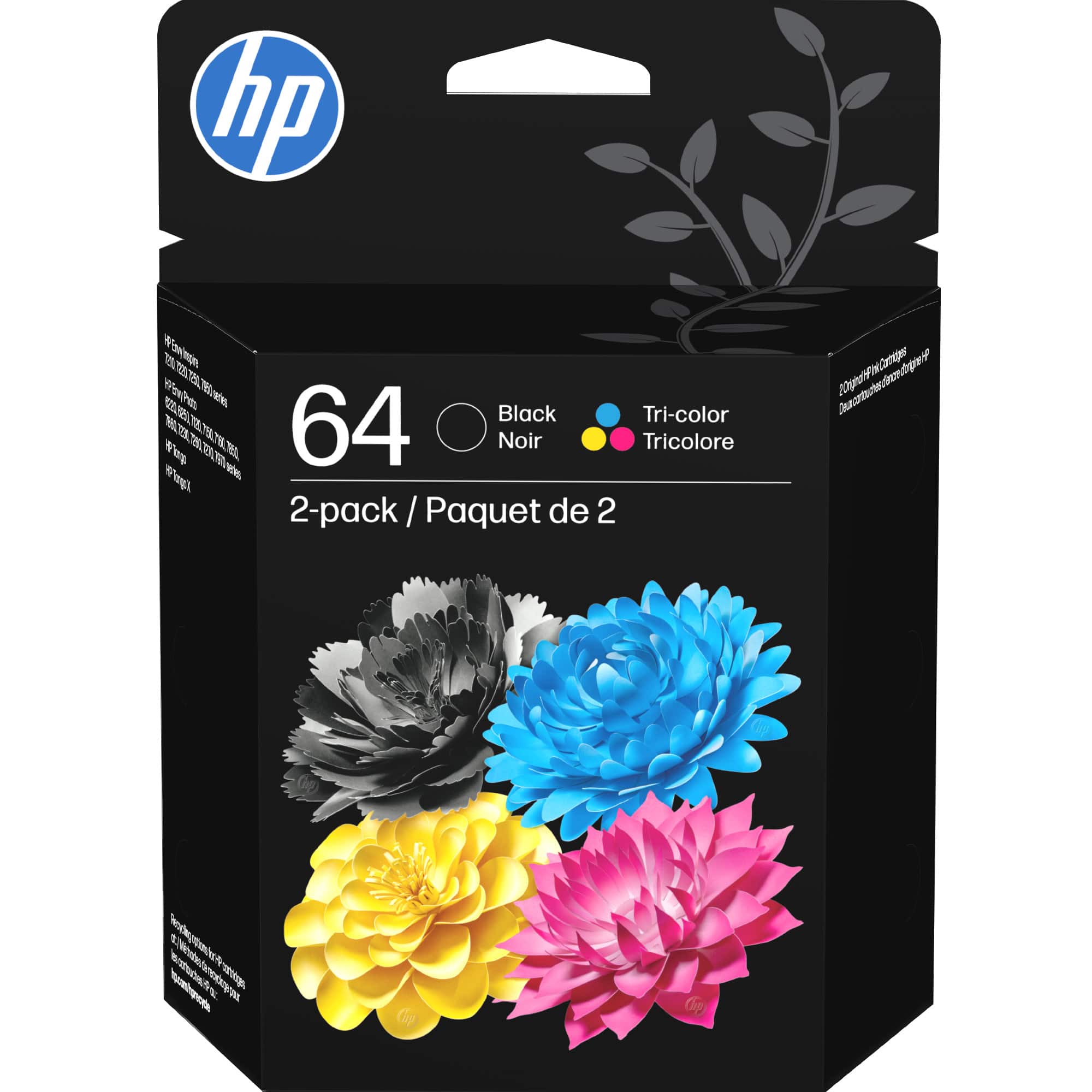
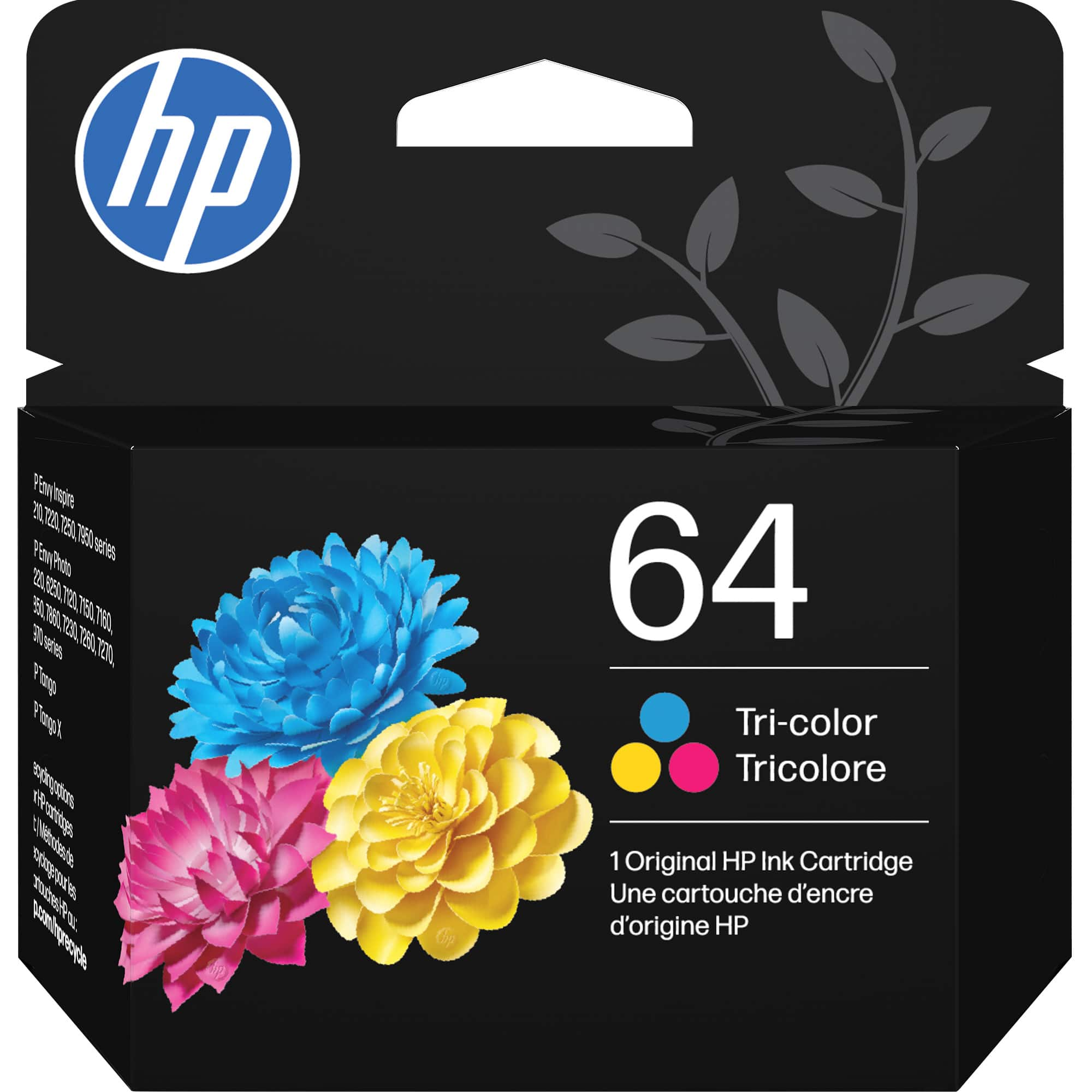
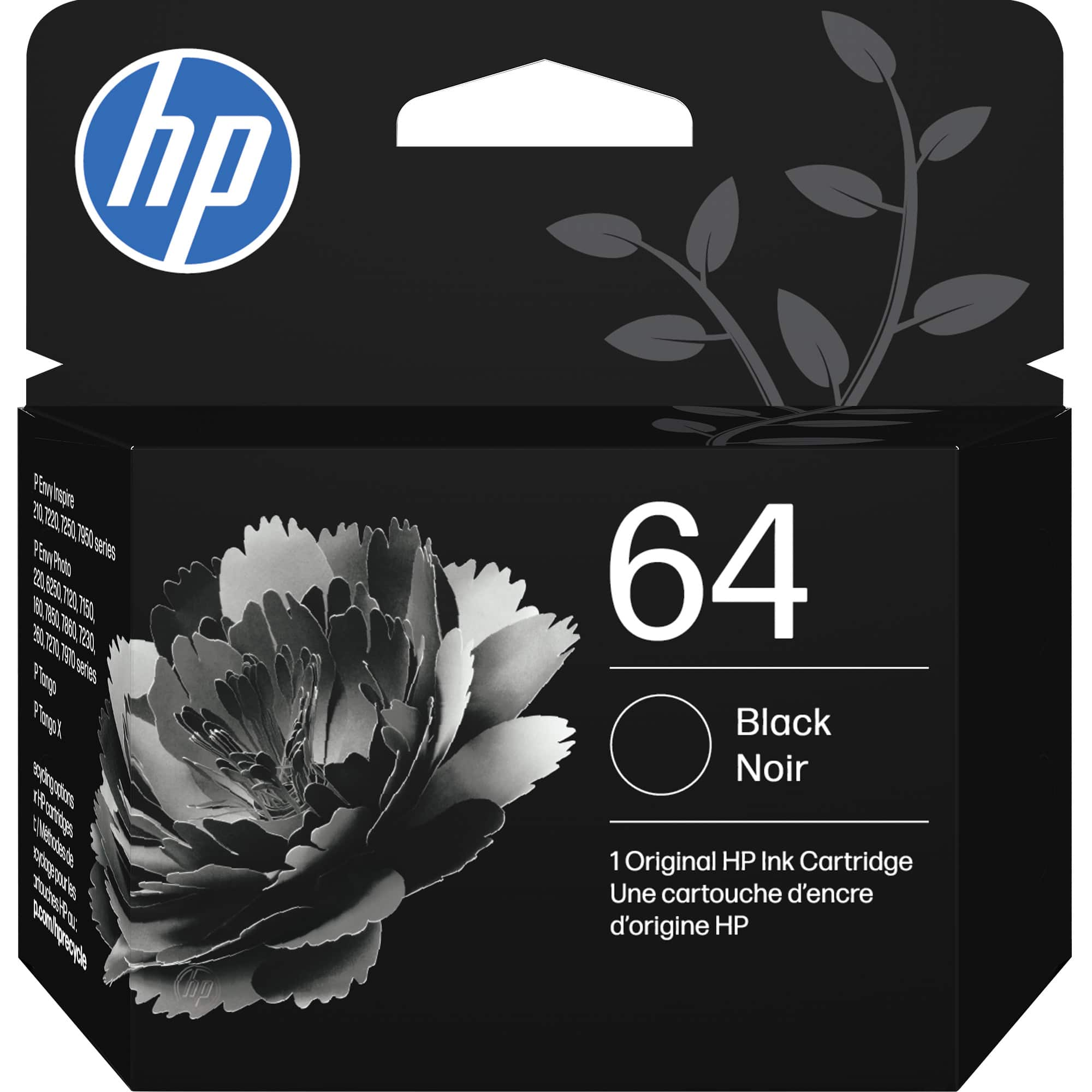
It uses ink HP INK 64.
A:AnswerHello,
Won't answer the part regarding what does Best Buy have available, depends on your location. However, the HP Envy 7155 is a practical choice for a great quality printer. I looked around and made my decision on: paper, photo, copy, scan and ink replacement cost. This one fit my budget.
A:AnswerFirst, did you download the app on your phone. It is called HP SMART. Once you upload that, you can easily bluetooth your printer to scan it. It will scan inside your phone which you can send it via email through phone.
If not, you can do something else which I like instead.
Go to this page: https://support.hp.com/us-en/drivers/selfservice/hp-envy-photo-7100-all-in-one-printer-series/9073119/model/9073120
Then, download HP ENVY Photo 7100 All-in-One Print and Scan Driver and Accessories. It's basically the utility program so you can tell the HP printer what you need or, you can just use the touch screen on the printer to do whatever you like and it will scan to your computer. I recommend to do it from the computer tho.
I hope this helps, GL.
A:AnswerYes, I have it set to print two sided by default and if I only need to print one side I just hit X on the touchscreen when it asks for the second side.