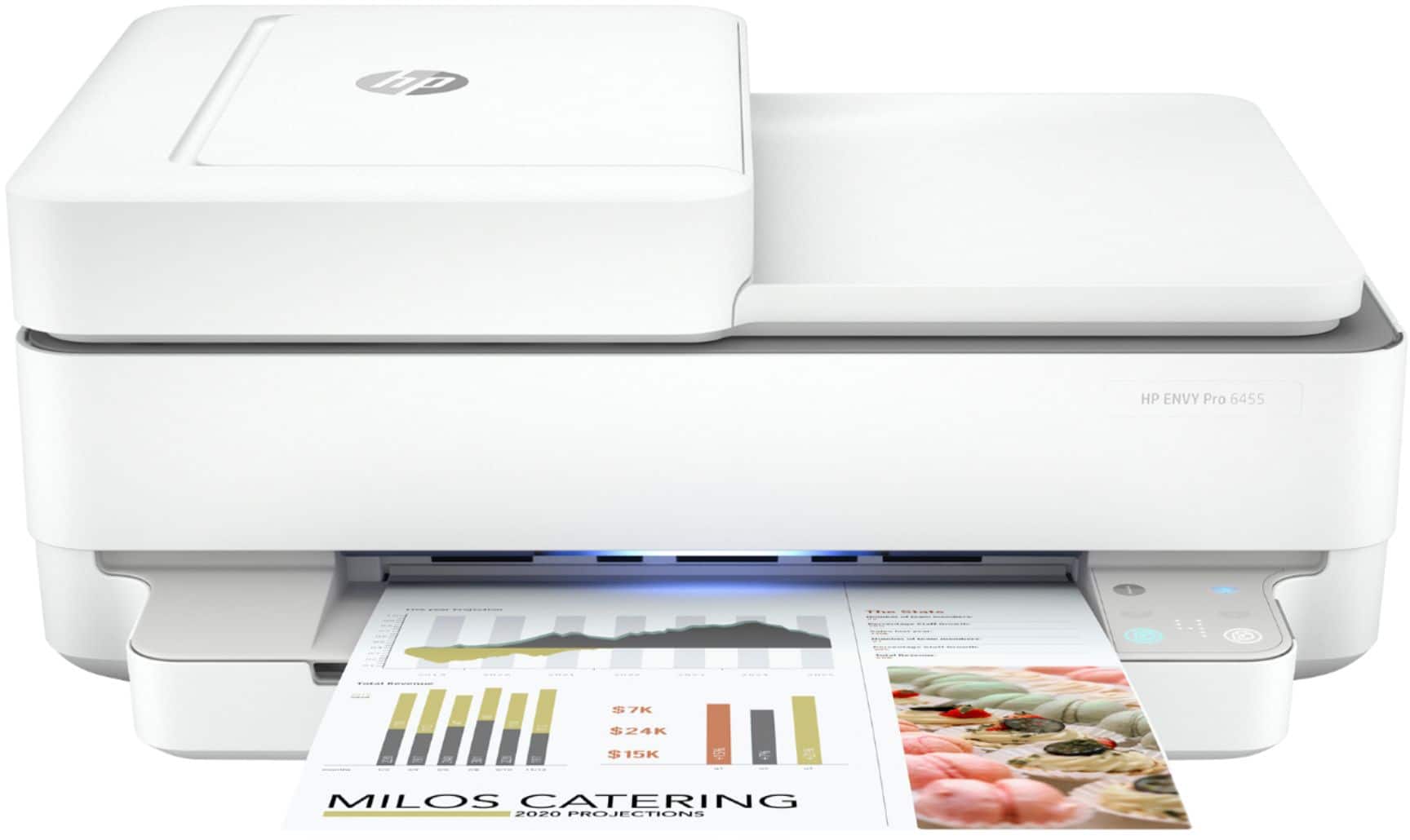
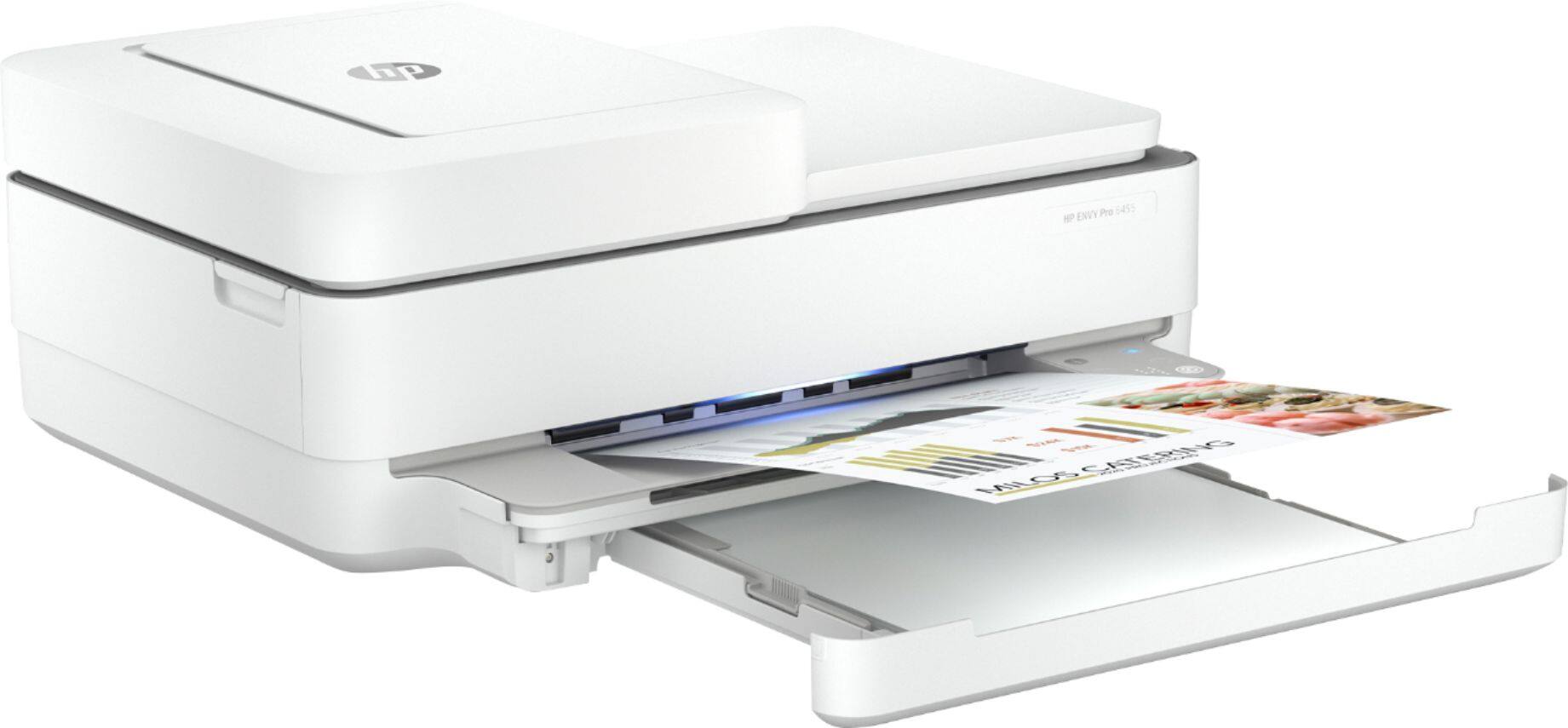
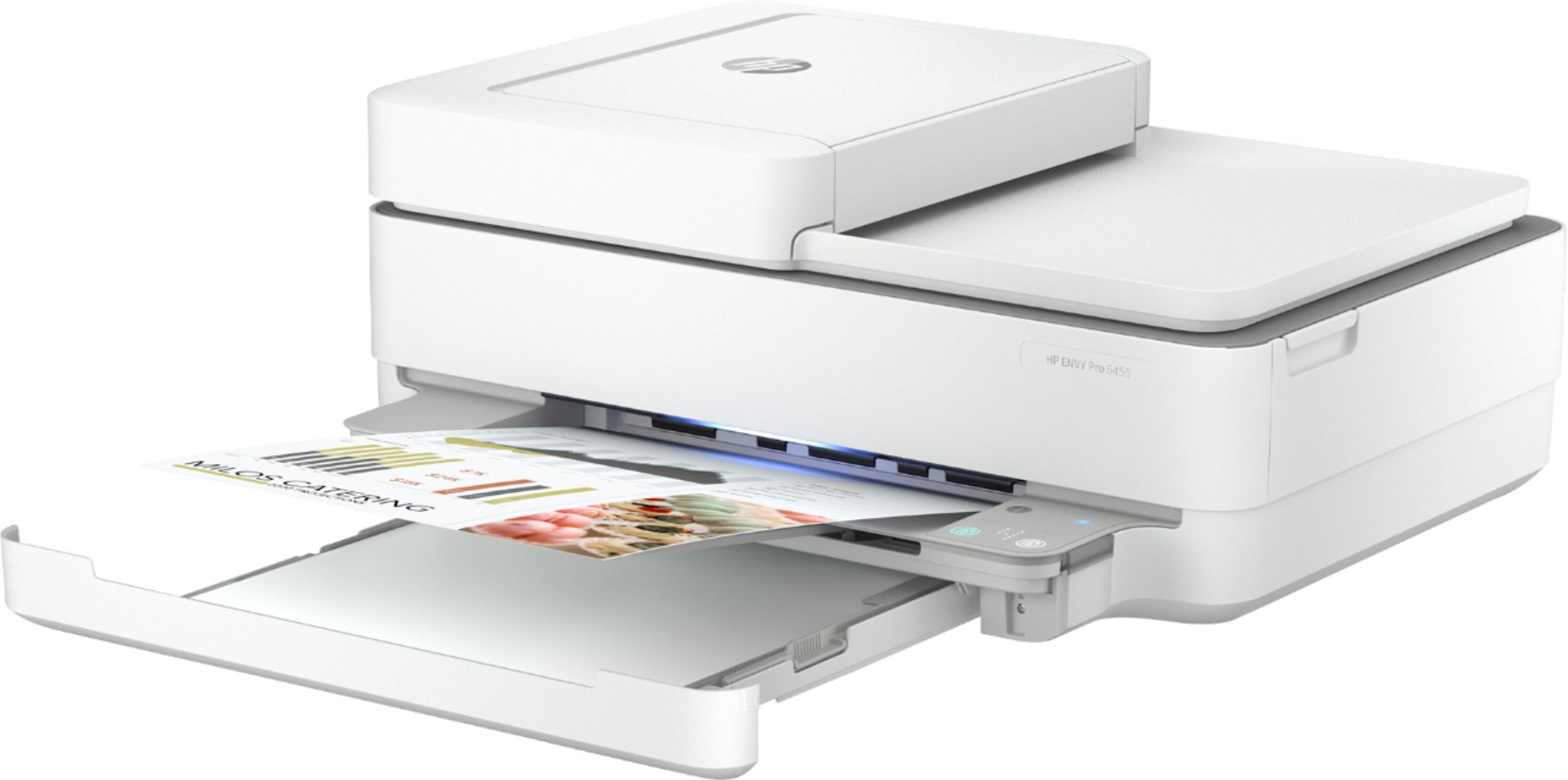
A:AnswerSince the printer will print on standard paper and photo paper and I'm not seeing the question about not being able to find paper, I'm really not sure what they were asking about.
For regular documents you can use regular paper. For photos, I'd recommend one of the HP photo papers
A:AnswerYes, you should have no problem connecting your MacBook Air to this printer, which is AirPrint compatible. It's hard to put a figure on how long a printer will last because it depends on a lot of variables, including the environment it's used in (including how dusty it is), the amount of printing done, etc. With that said, I'd expect 3-5 years of use.
A:AnswerHi Lorraine! When you are setting up the printer, you can select the instant ink option. If you have already set up the printer and now want to enroll in HP Instant Ink here is a link:
https://instantink.hpconnected.com/us/en/l/