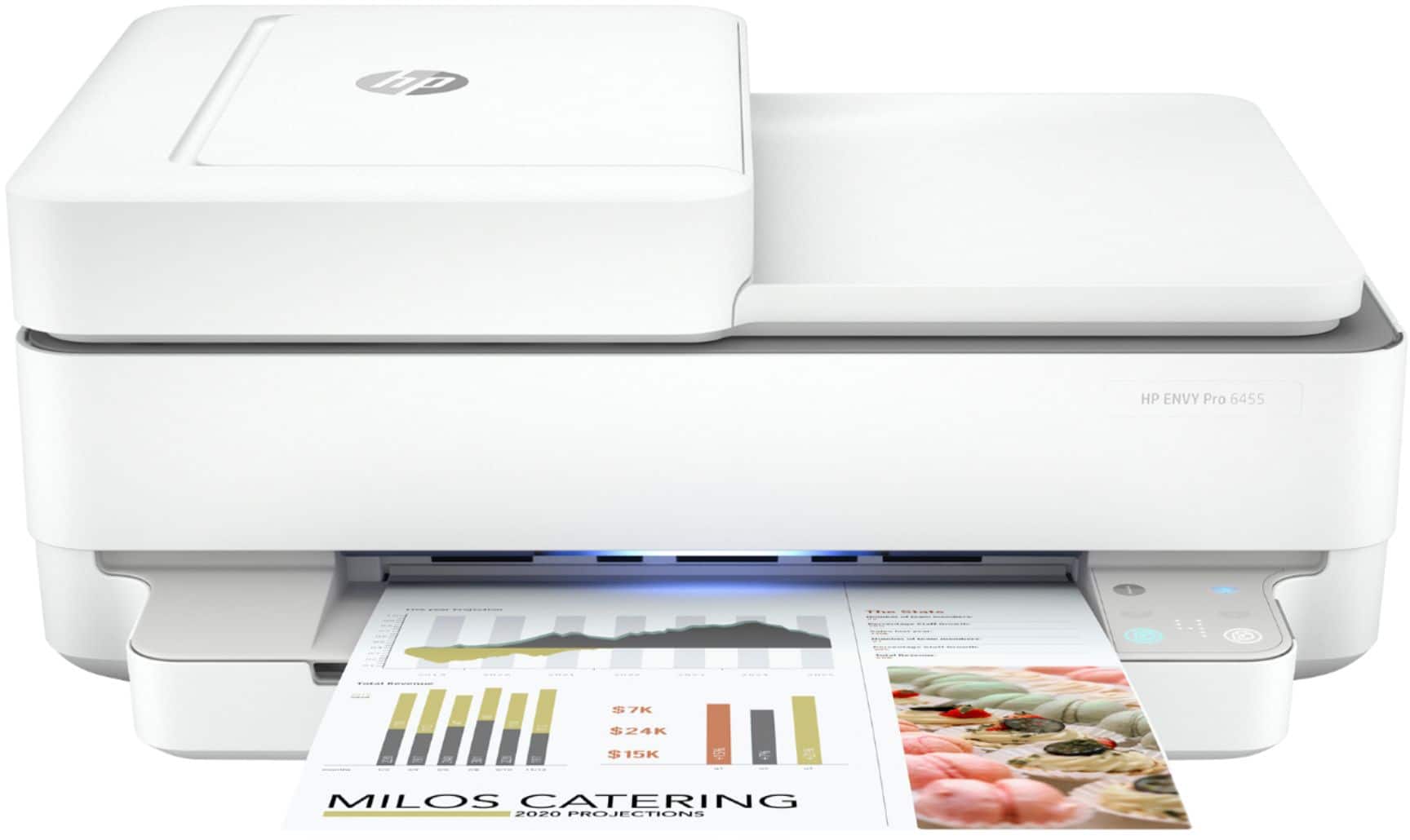
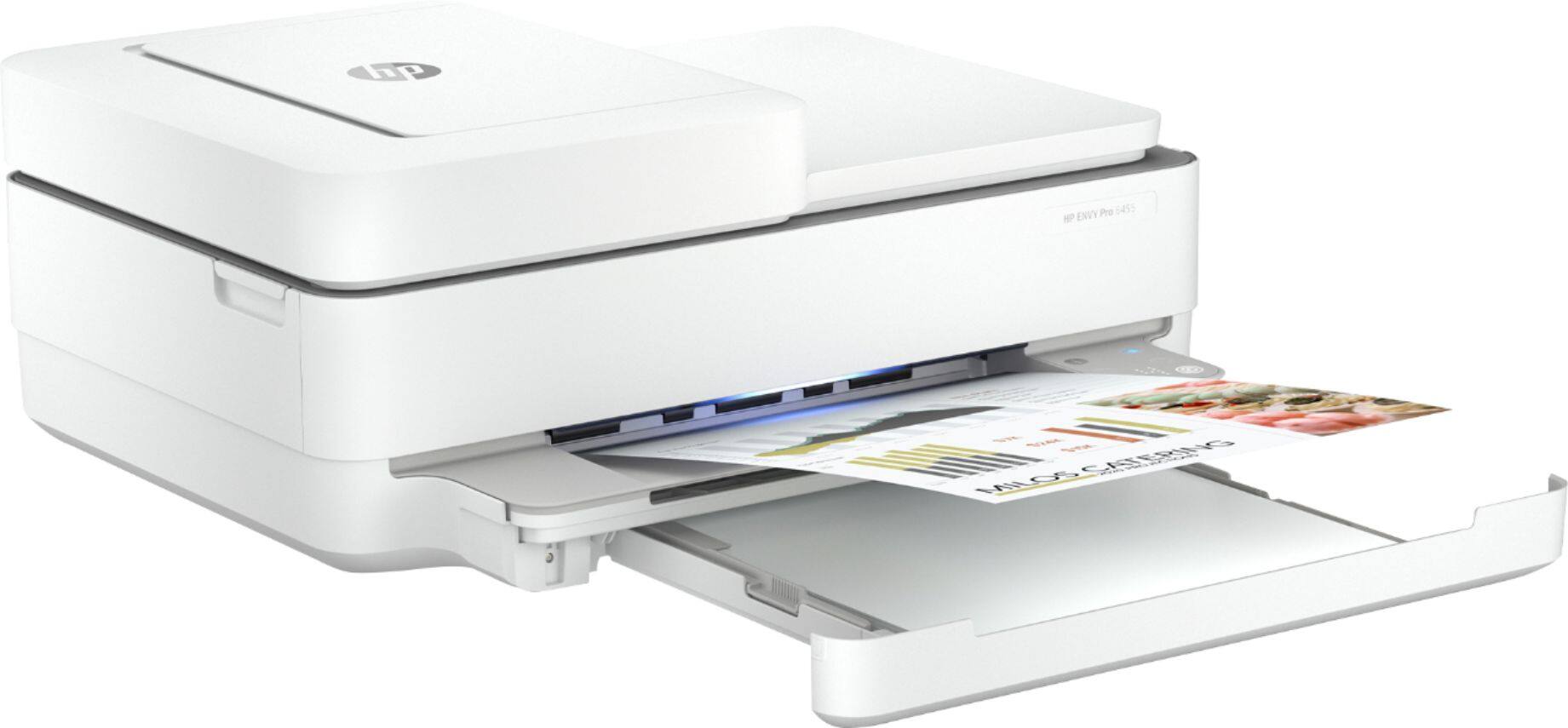
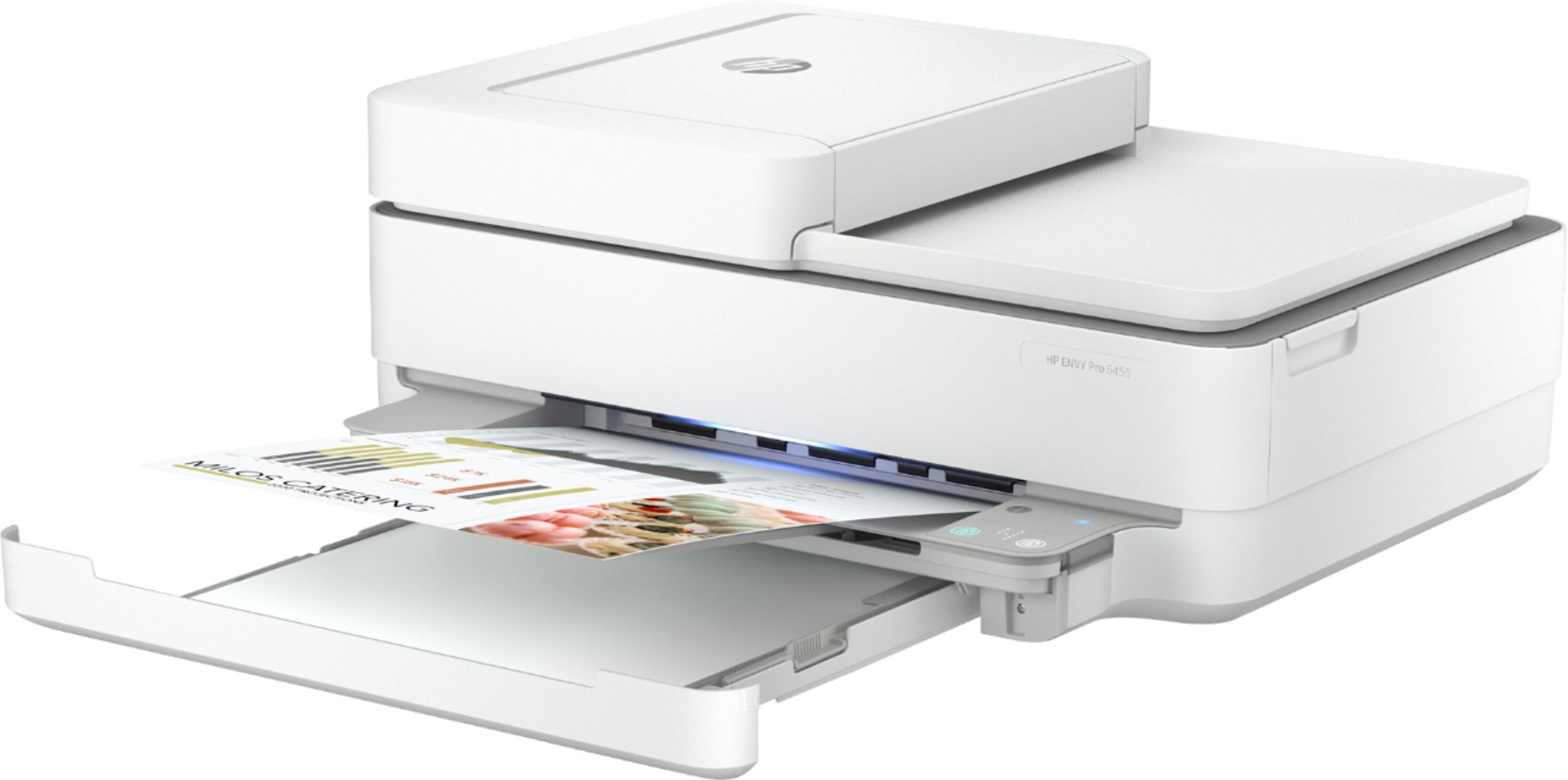
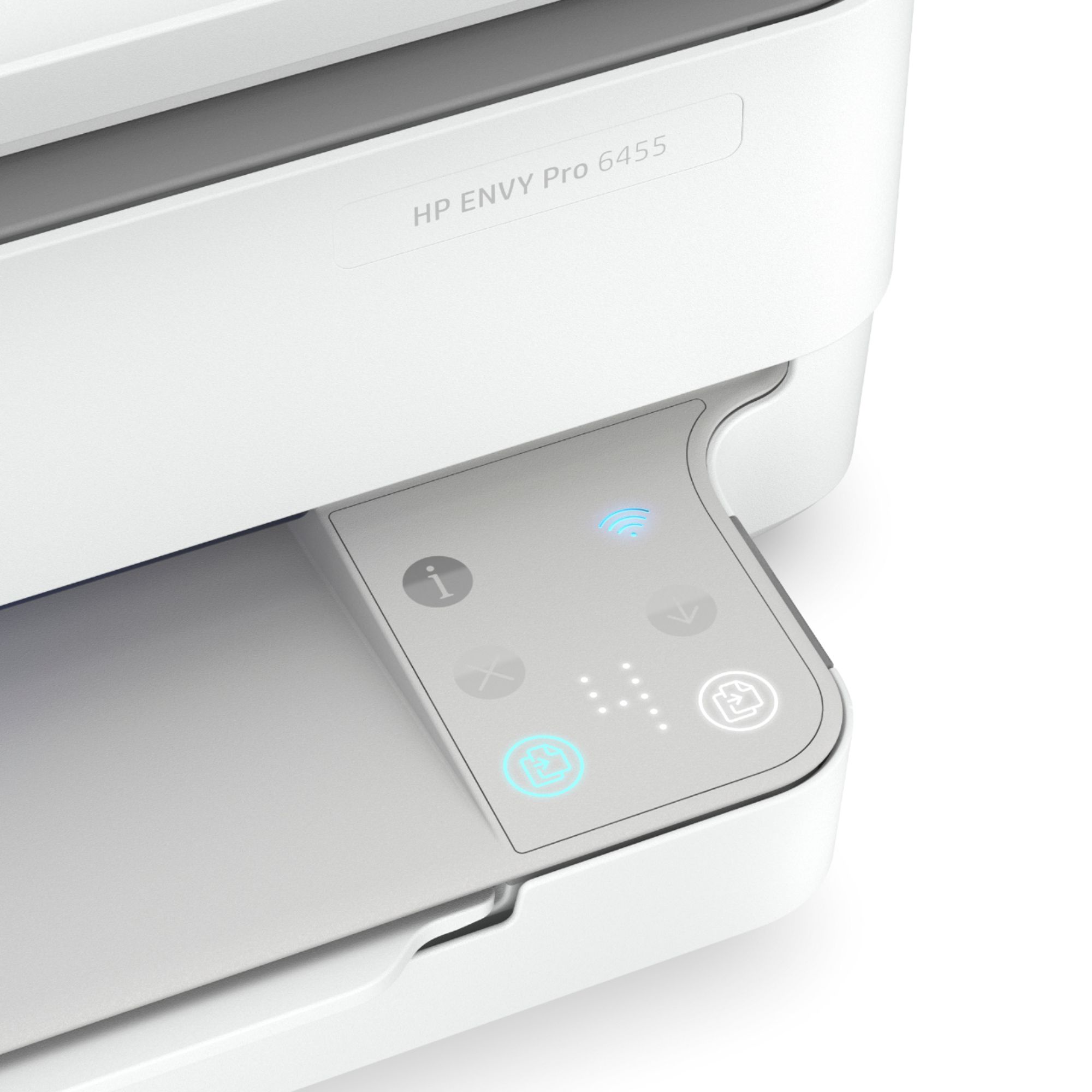
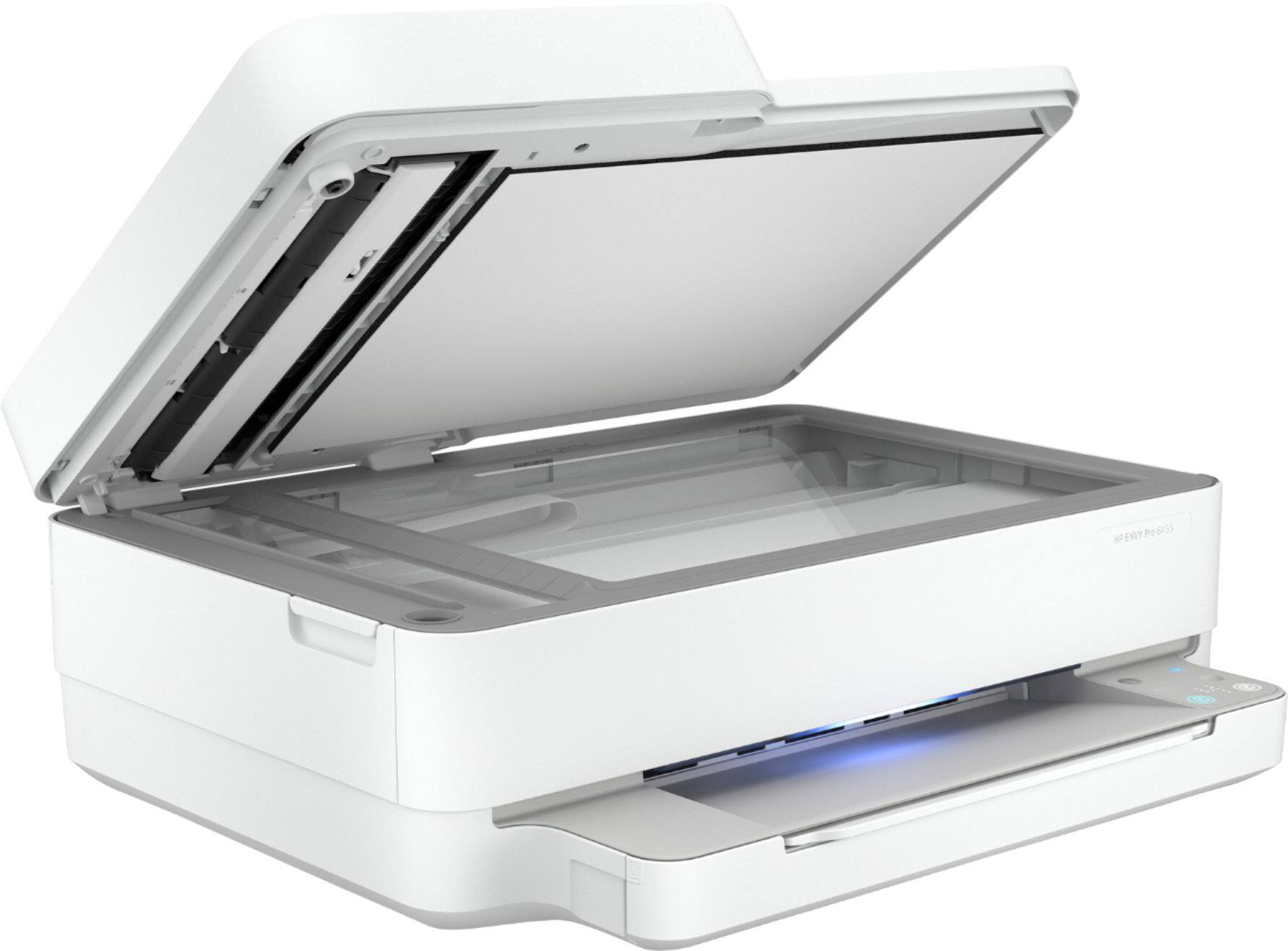
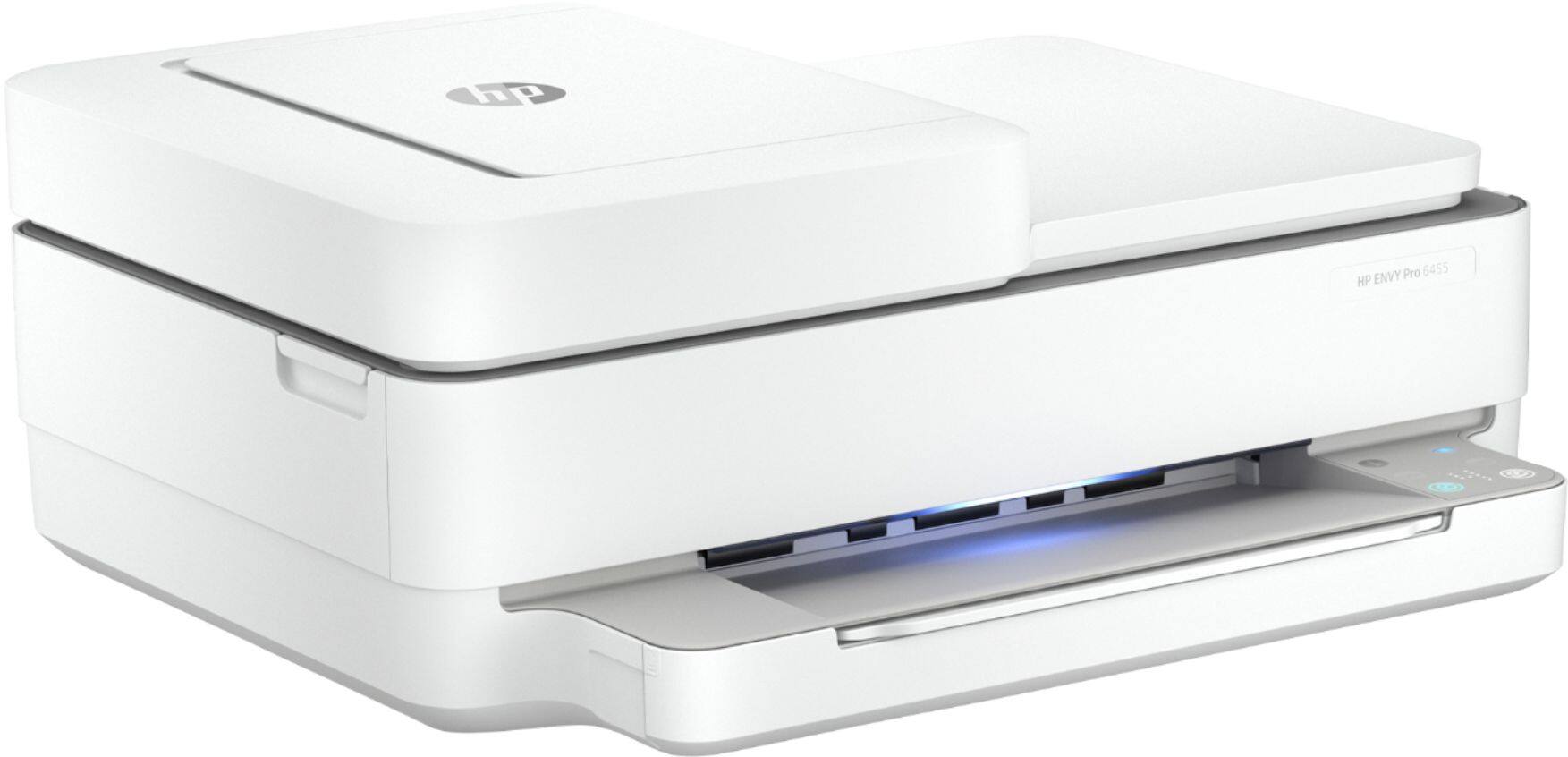
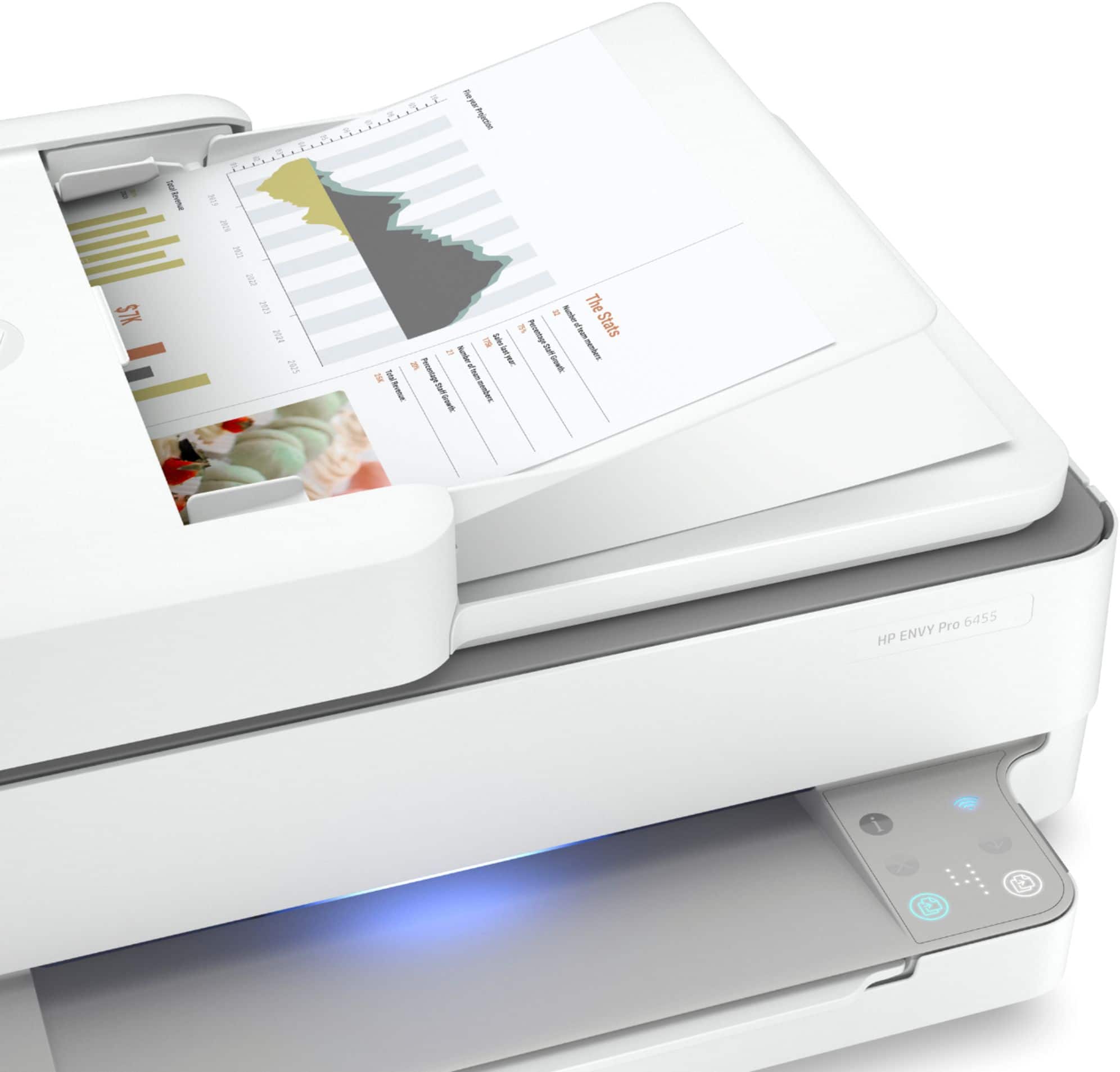
A:AnswerPage 5 of the User Guide under "Button Combinations" shows you which buttons to press to print a page out with the WPS pin information: http://h10032.www1.hp.com/ctg/Manual/c06584213 If you need further assistance, you can go to https://support.hp.com
A:AnswerAs long as the Dell is less than about 10 years old absolutely. If the computer is older than that, I'd need more information about the computer.
A:AnswerYes, this printer is compatible with Catalina 10.15 for printing and scanning. It does work with Google Home. Here is how to print with Google Home: https://support.hp.com/us-en/document/c05497637
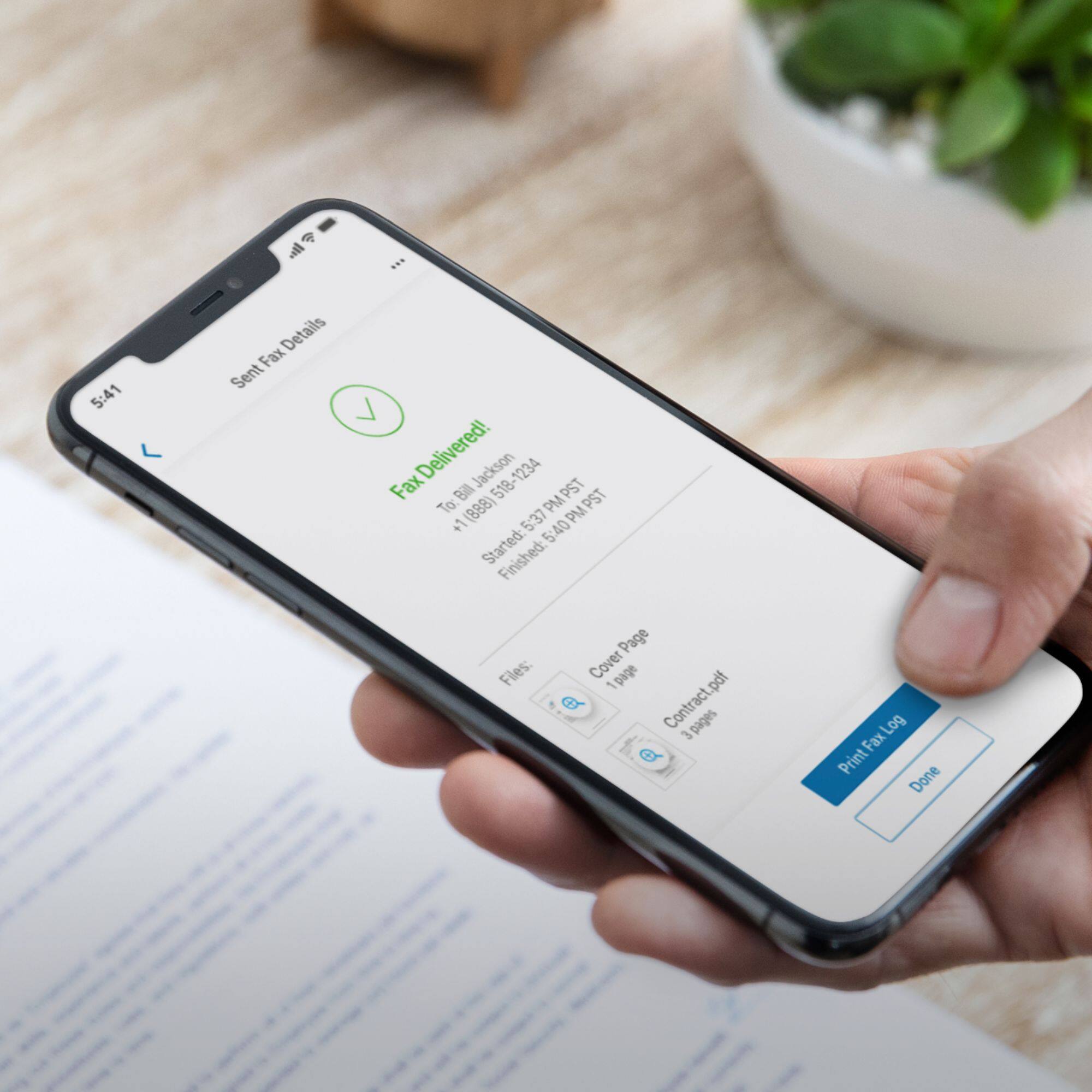
A:AnswerThe only way you can scan to email is through the HP Smart app either on a smartphone, tablet, and computer. You would scan the document or photo, then choose to Share the photo (jpeg) or document (PDF) via email. In the HP Smart app, you can set up a Smart Task (Short Cut) to make it easier to scan to email. In other words, if you constantly are scanning documents to a particular email address all the time. You can automate that task so that it is just a click away each time. Here are more details on using Smart Tasks (Shortcuts) on the HP Smart app: https://support.hp.com/us-en/document/c06211157