A:AnswerThis printer supports printing on the the following types of paper. Letter: 16 to 24 lb; HP envelopes: 20 to 24 lb; HP cards: up to 53 lb; HP 4 x 6 inch photo paper: up to 80 lb.
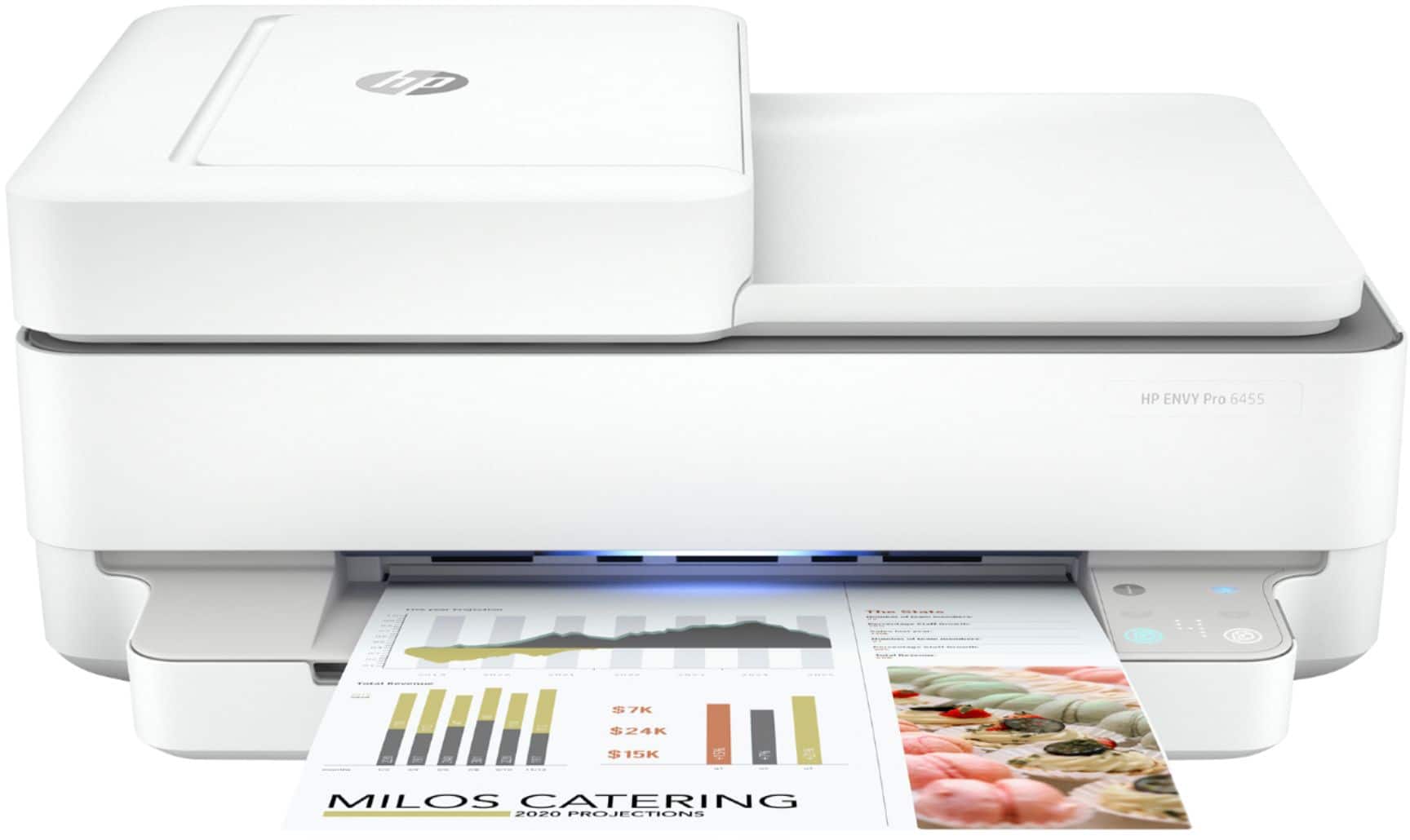
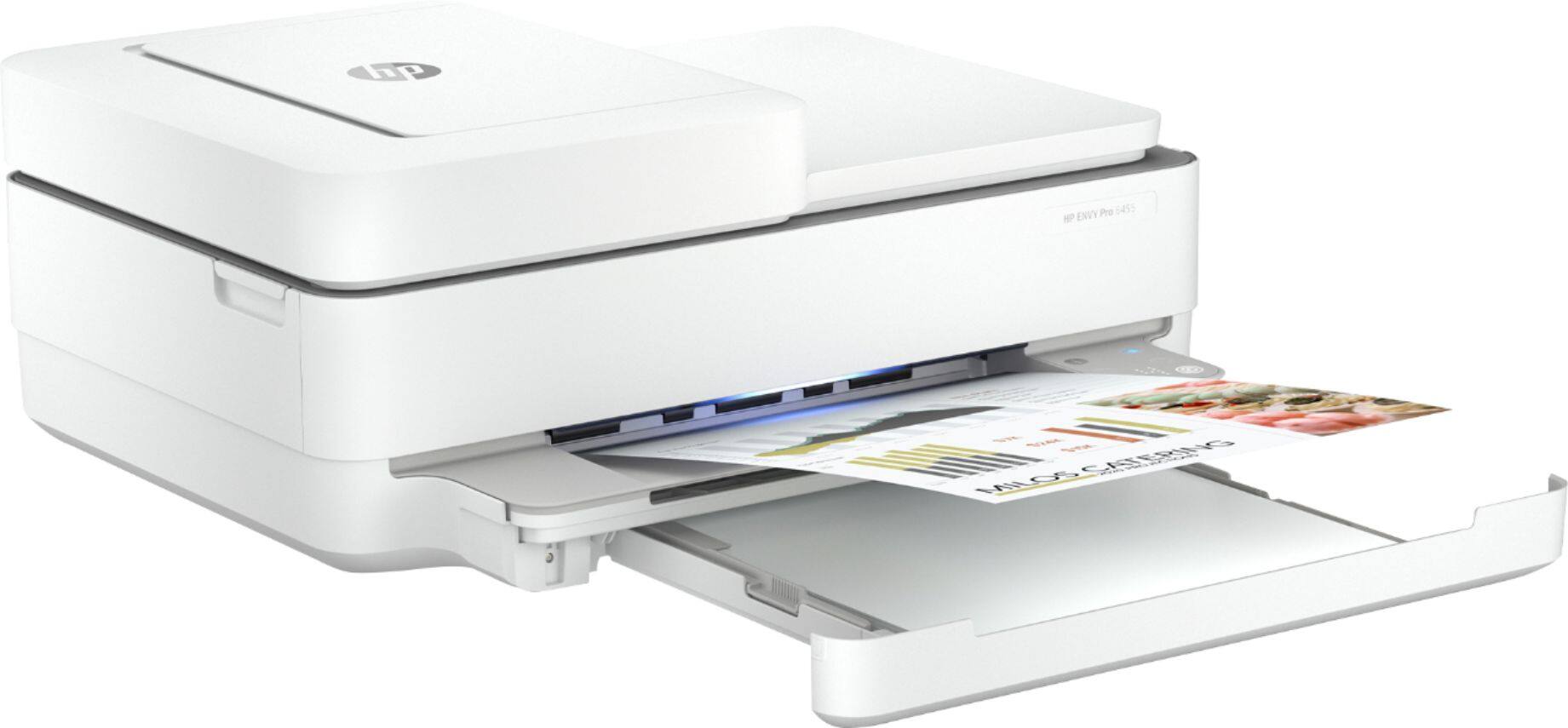
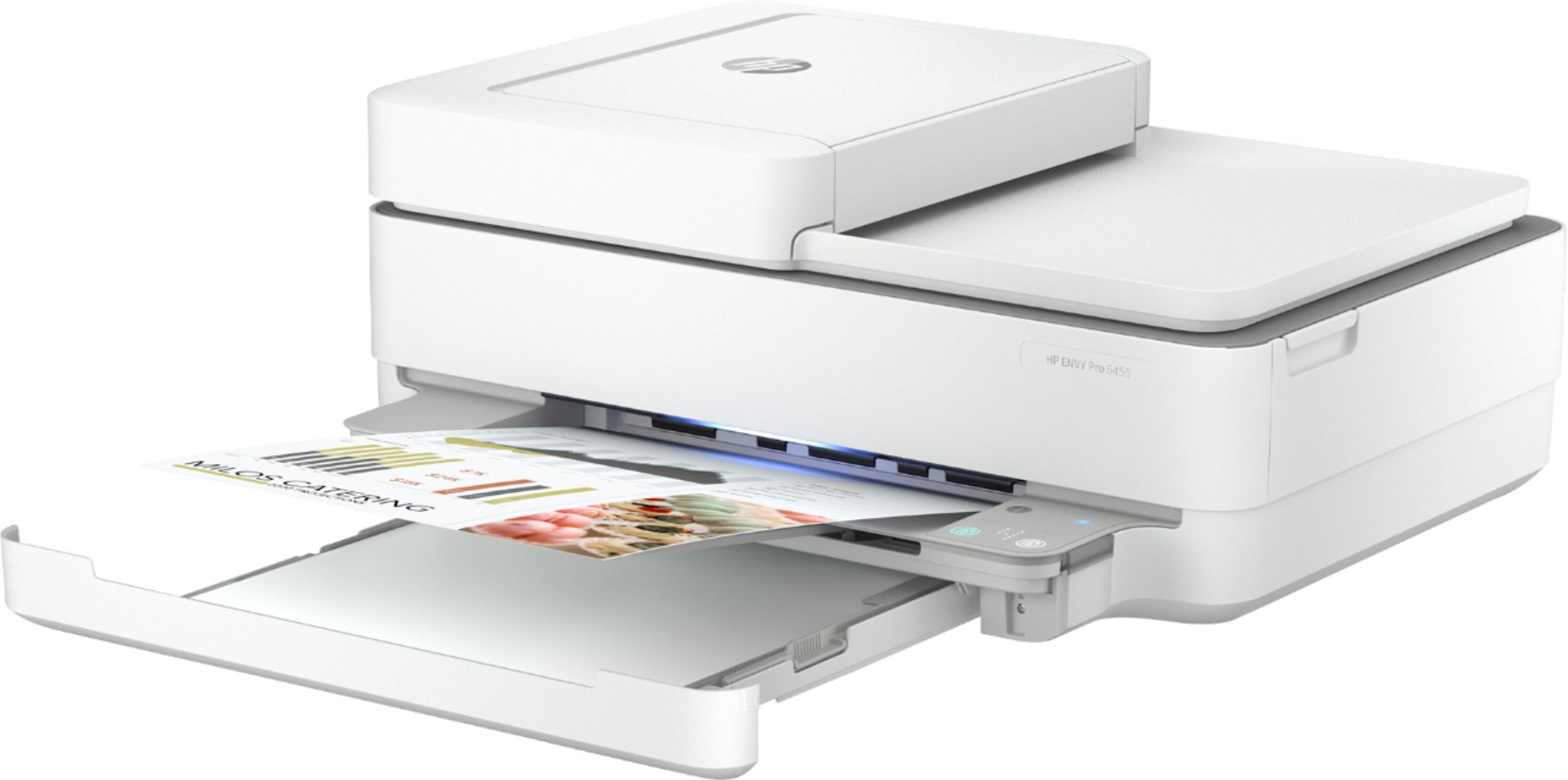
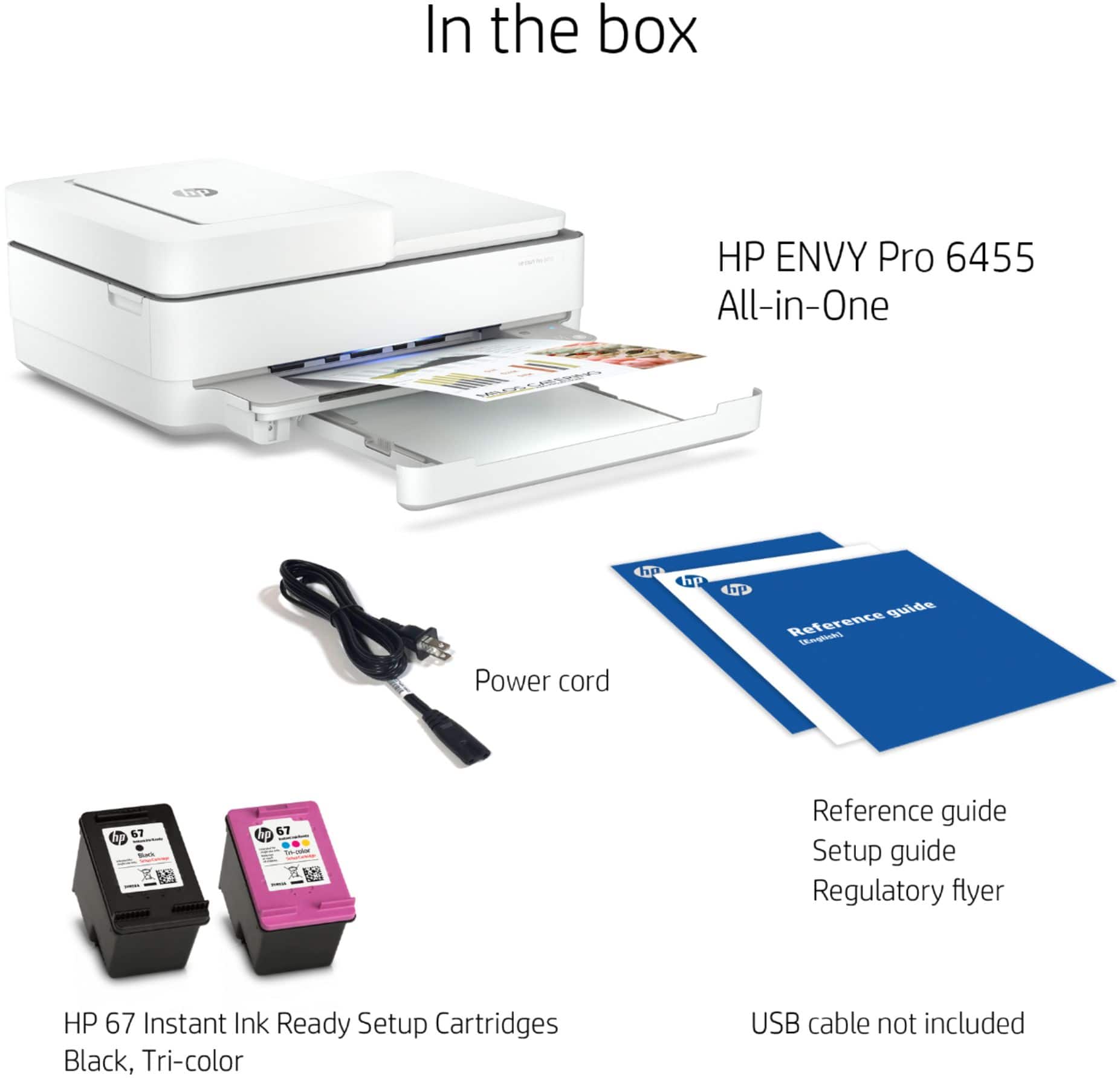
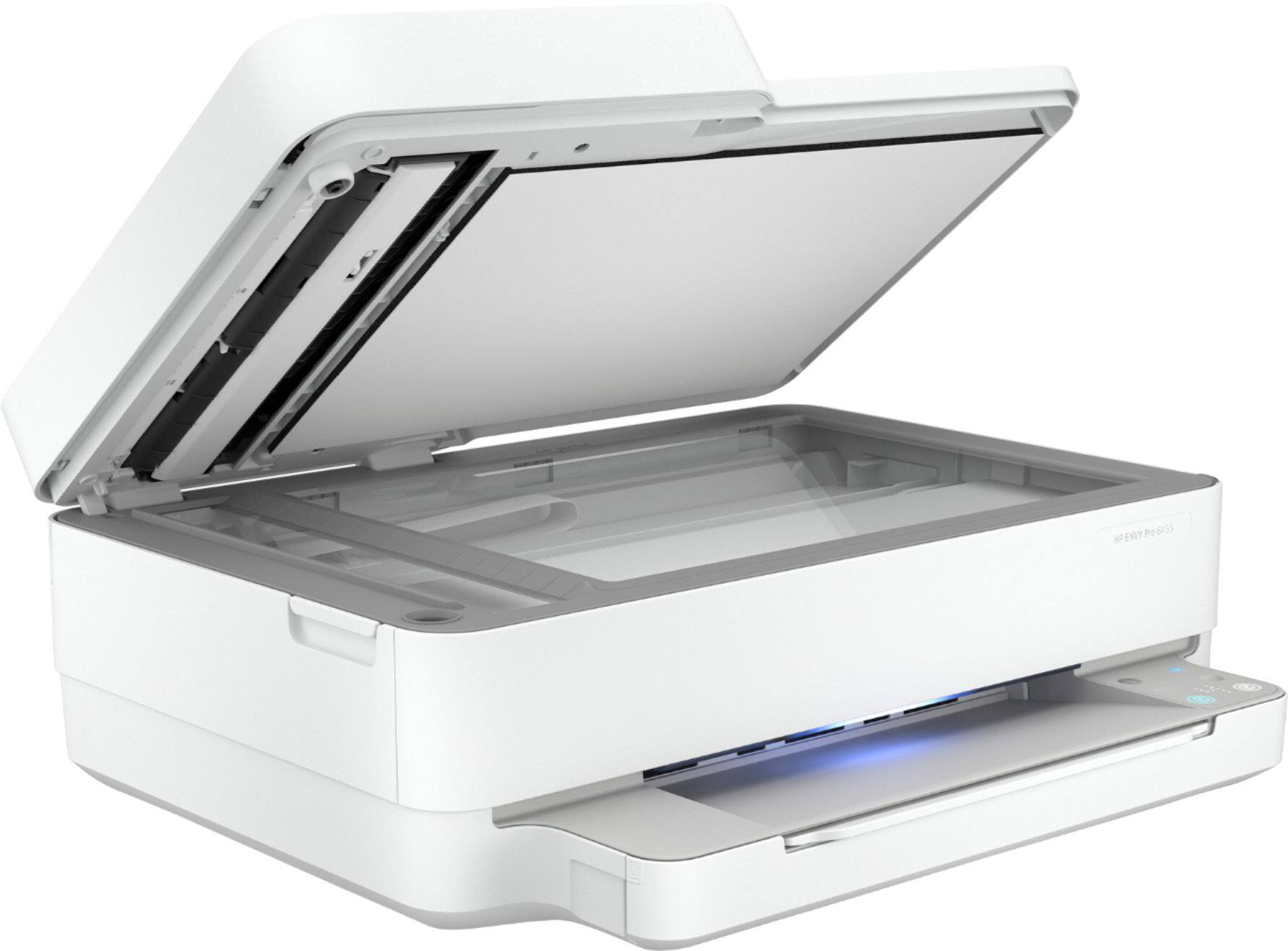
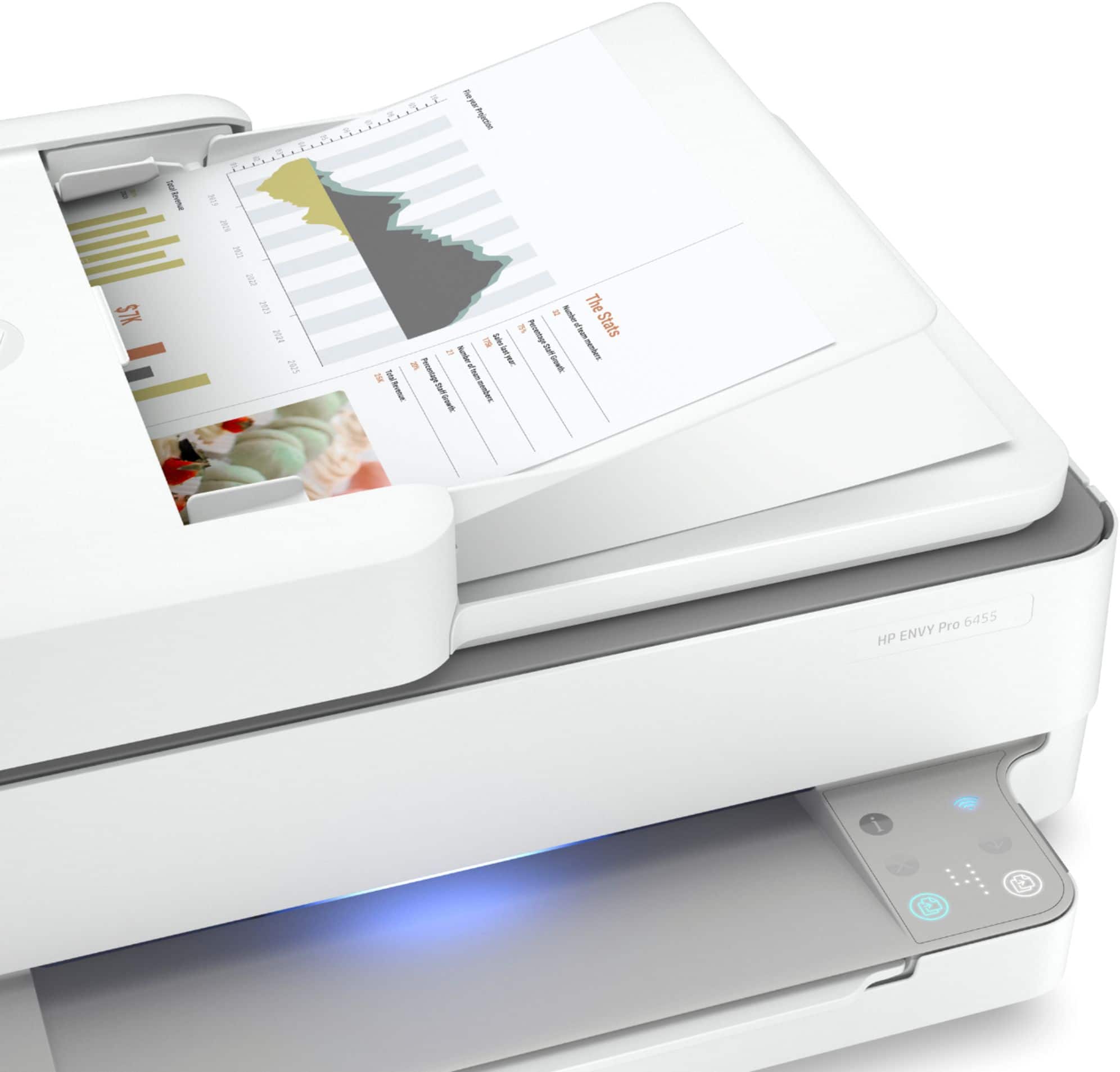
A:AnswerThe HP Envy Pro 6455 printer has the auto document feeder that allows you to copy or scan up to 35 pages at a time. The 6455 also has a flatbed scanner. The HP Envy 6055 printer only has the flatbed scanner.
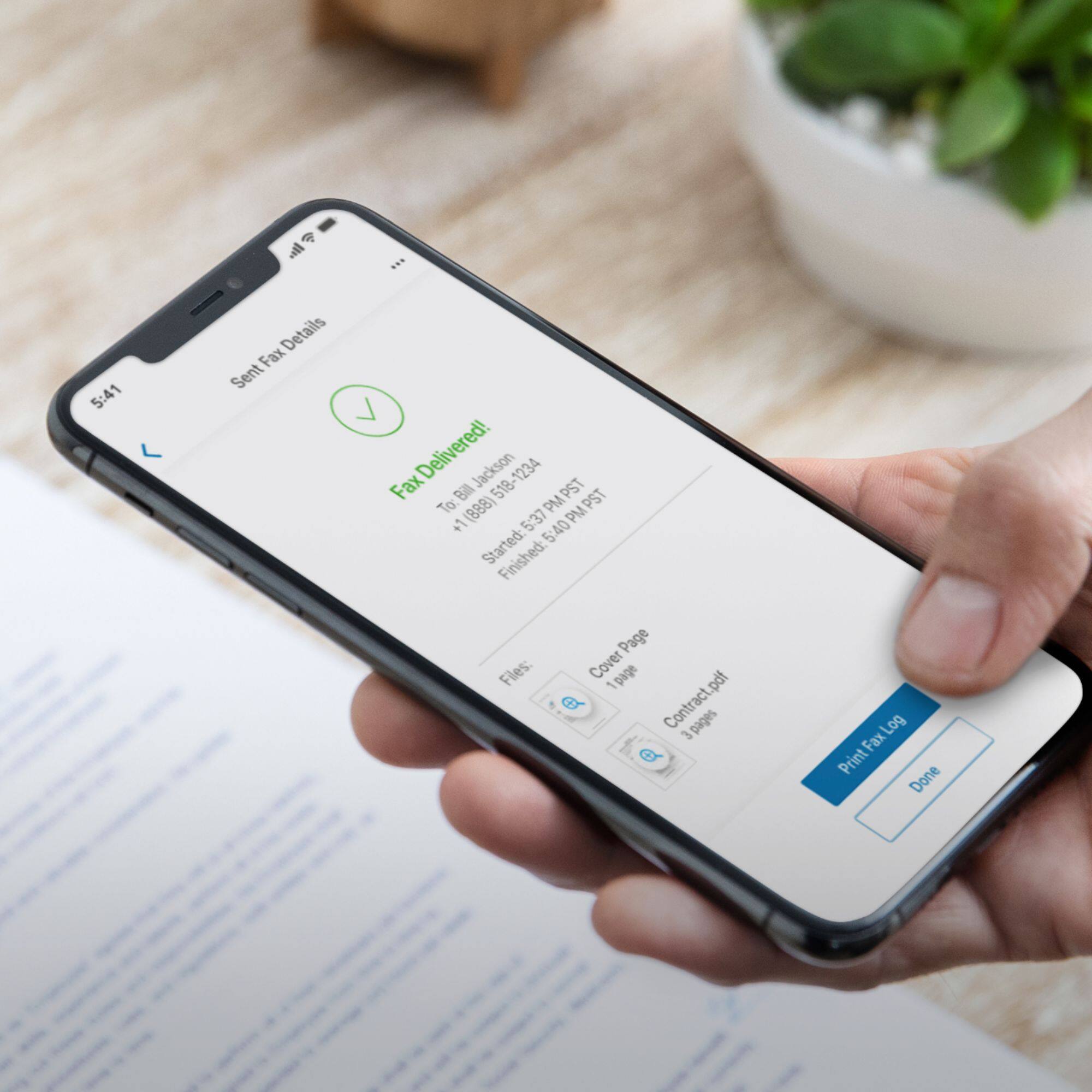
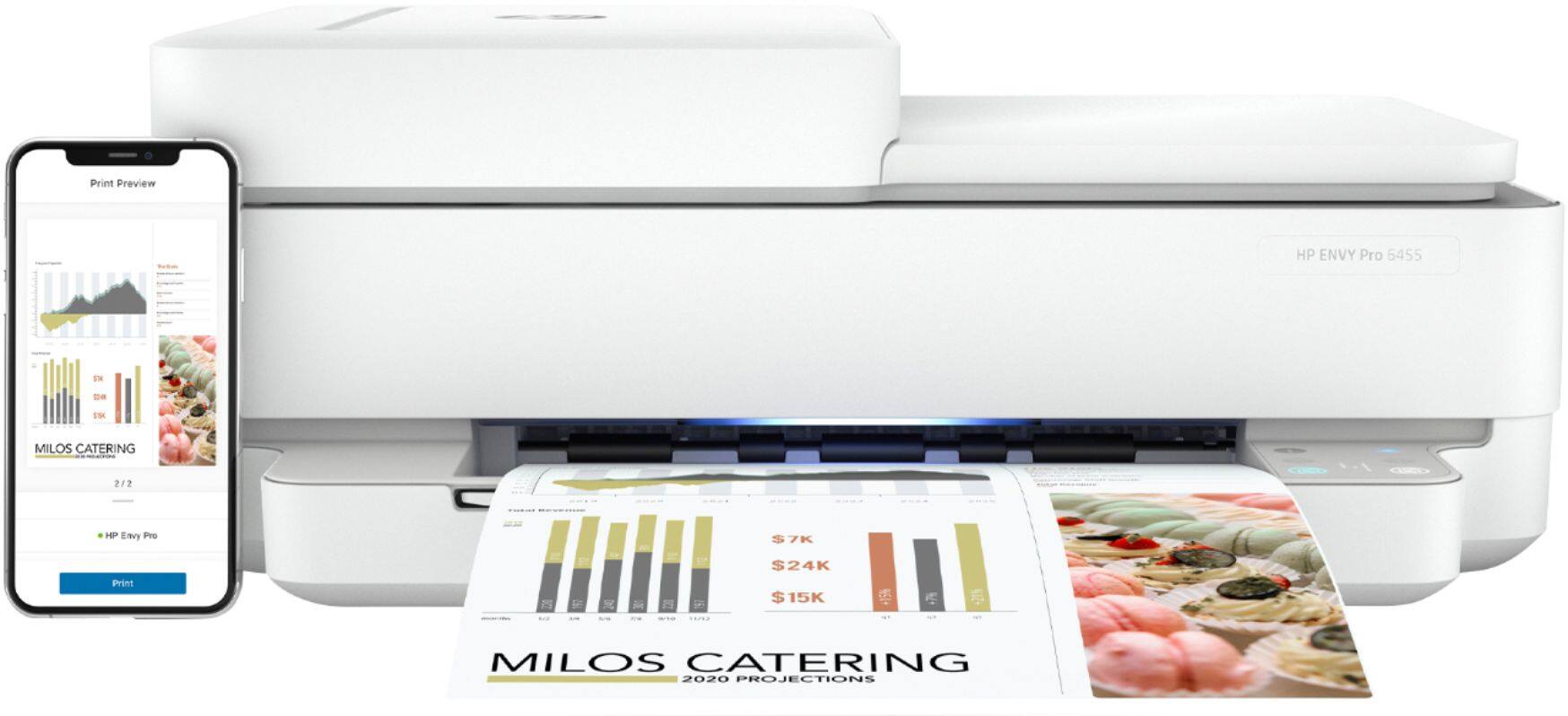
A:AnswerI connected my printer using my mobile phone. First I downloaded the HP Smart from the App Store. Then create your HP account unless you already have one. Next you follow the instructions once you create your password and it should connect to the internet.
A:AnswerThe HP spec sheet for this model list the following media weights as supported. Letter: 16 to 24 lb; HP envelopes: 20 to 24 lb; HP cards: up to 53 lb; HP 4 x 6 inch photo paper: up to 80 lb.
A:AnswerThat was my main concern and this printer DOES do auto-duplexing. No having to feed the paper back in and no clunky duplexing attachment. It's a great printer!