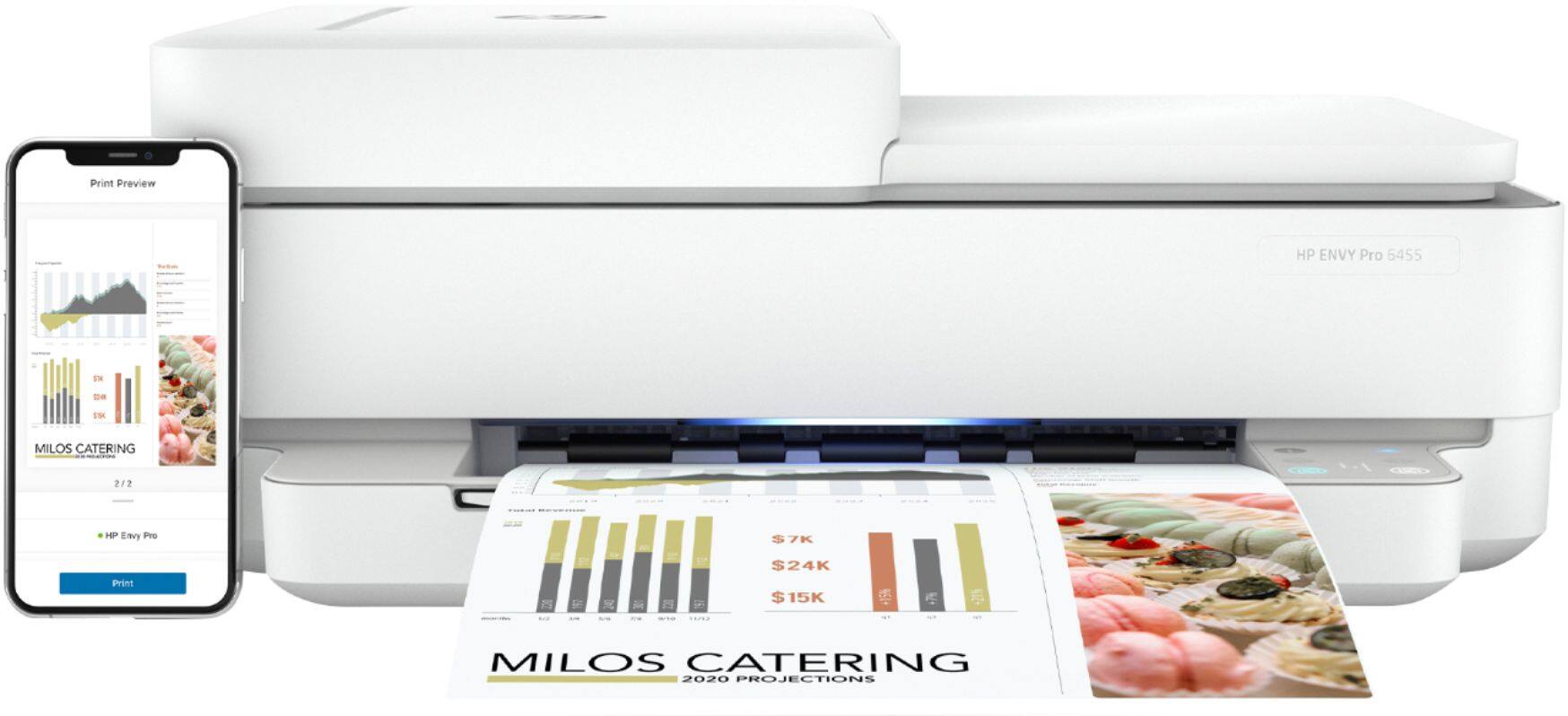
A:AnswerI believe so. I have used it with Asus, Dell (2 different models), Android (LG) and two home built options with no issue. I have not tried it with mac, but the app is available for mac so I assume it works with them as well.
A:AnswerThe HP Envy Pro 6455 does not have a SD card slot for SD cards. You would have to insert the SD card into a computer, choose your photos, then print.
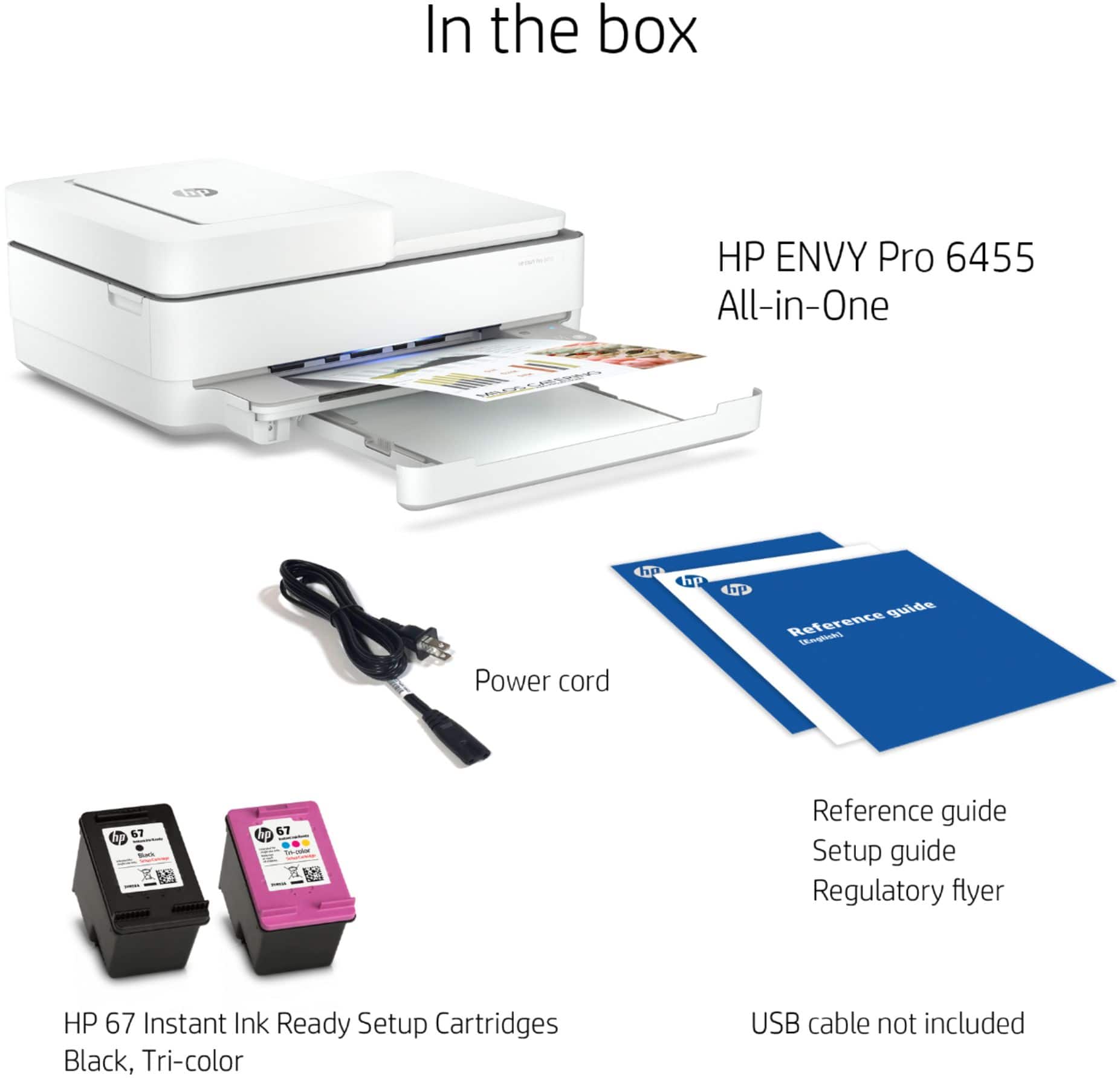
A:AnswerYes, the HP Envy Pro 6455 is a HP 2-cartridge printer so the printheads are built into the cartridges (black and tricolor). Our exclusive feature, Single Cartridge Mode, allows you to print with only one cartridge. Just don't leave the empty one in. So you never have to buy color if you don't want to.
A:AnswerThe HP - ENVY Pro 6455 printer uses the HP 67, 67XL, or 67XXL black and tricolor ink cartridges. You could try the HP Instant Ink service for free for a 2-month trial. HP will send you the ink before you need it. And if you need it sooner, you can ask them to expedite the ink. HP Instant Ink is where you pay for the number of pages you print. Not the ink. So, it does not matter what you print. And HP will you ink before you need it at no additional cost. If you are interested in trying the 2-month free trial, go to HTTP://www.hpinstantink.com to register your printer.
A:AnswerYes, the HP - ENVY Pro 6455 printer will work with your MacBook Pro. We recommend using the HP Smart app: https://support.hp.com/us-en/product/hp-deskjet-2600-all-in-one-printer-series/12319824/document/c06188214
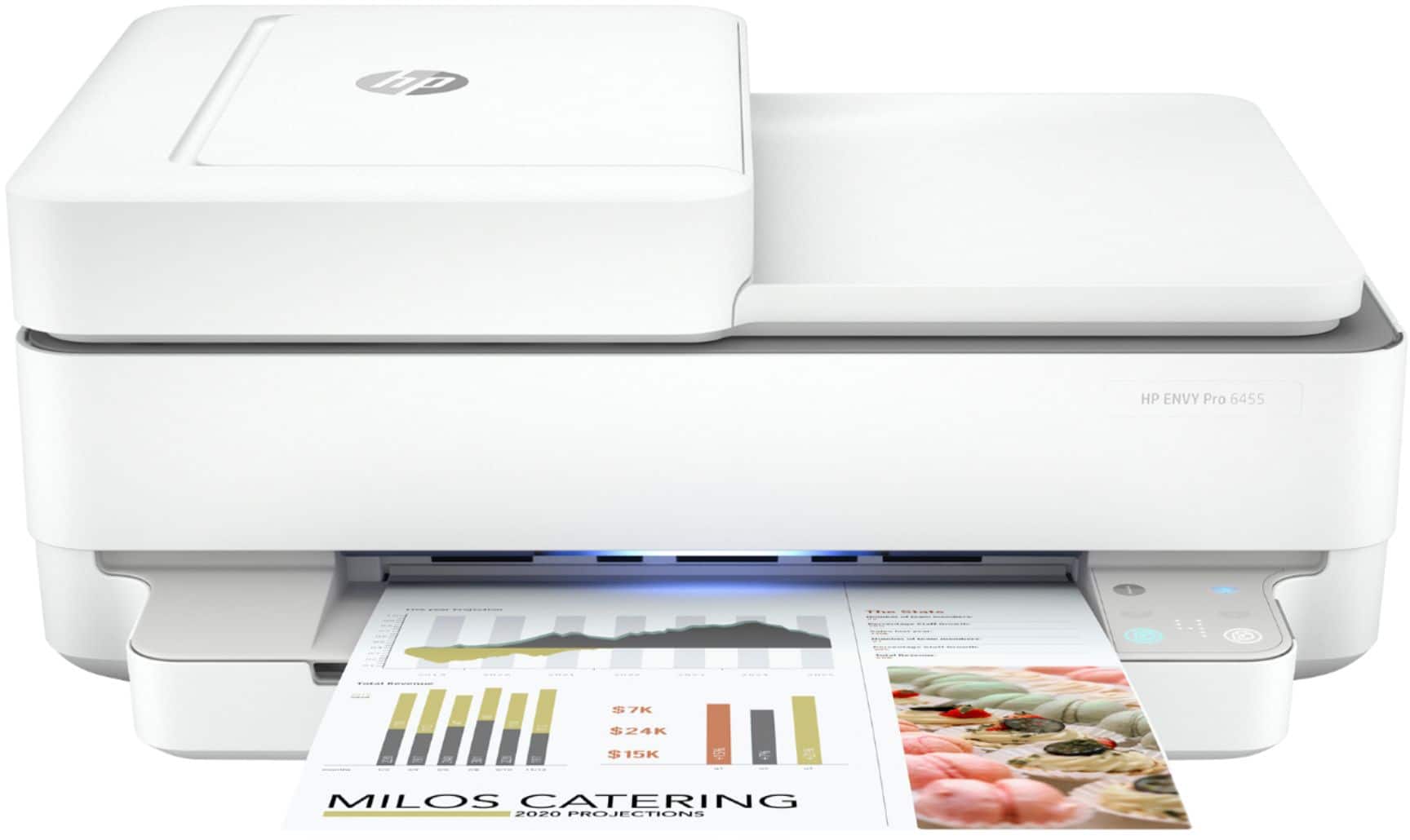
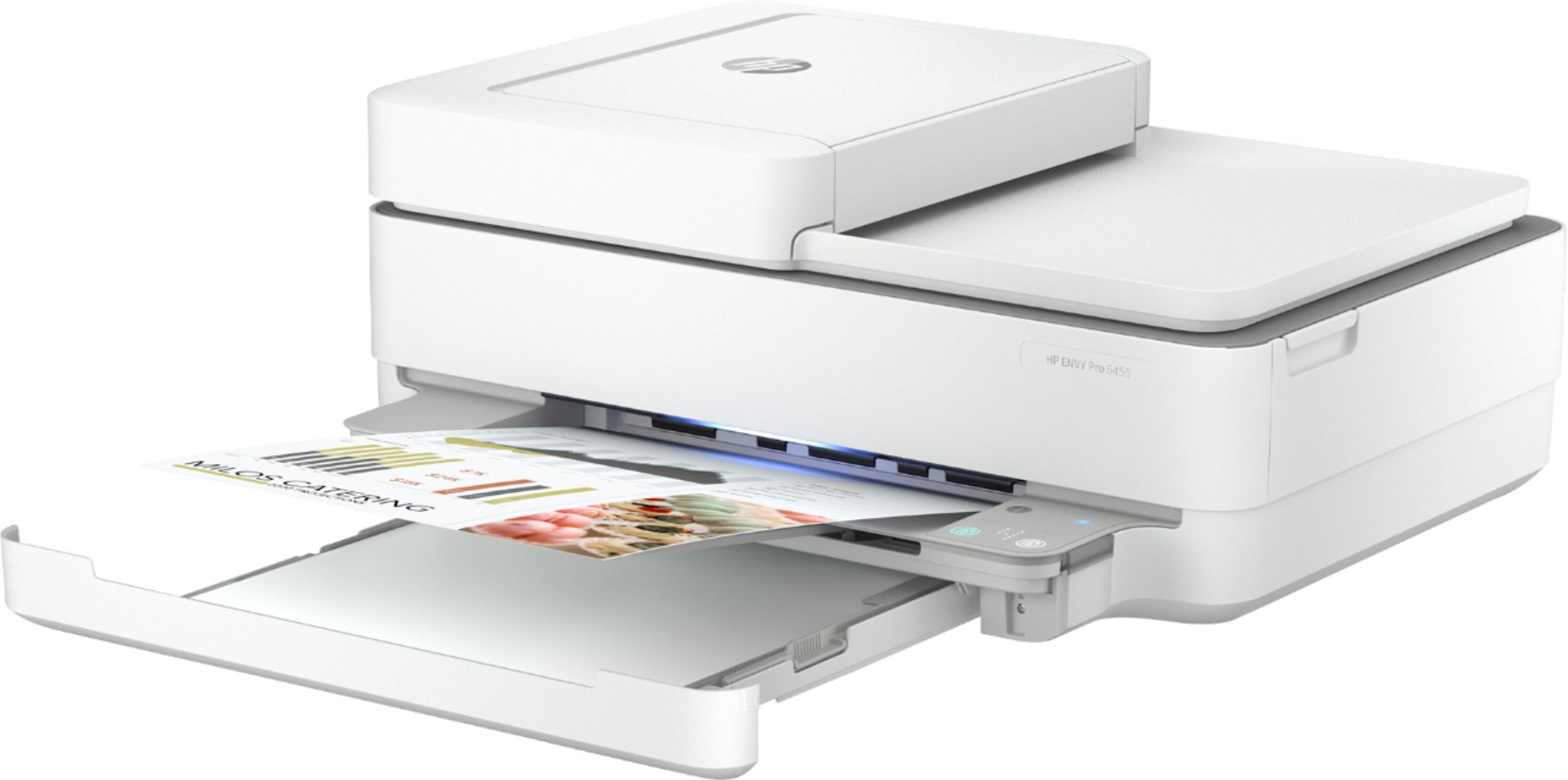
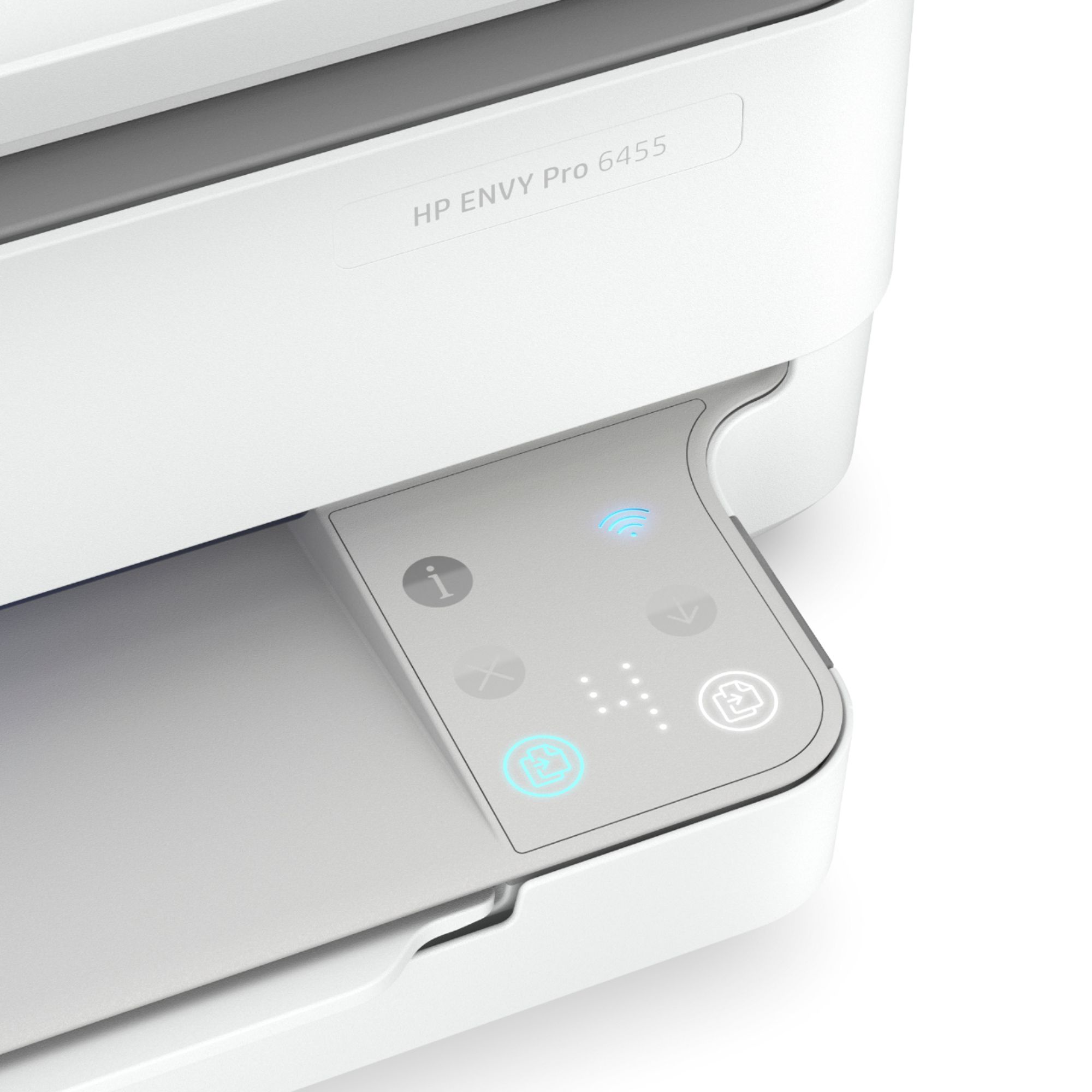
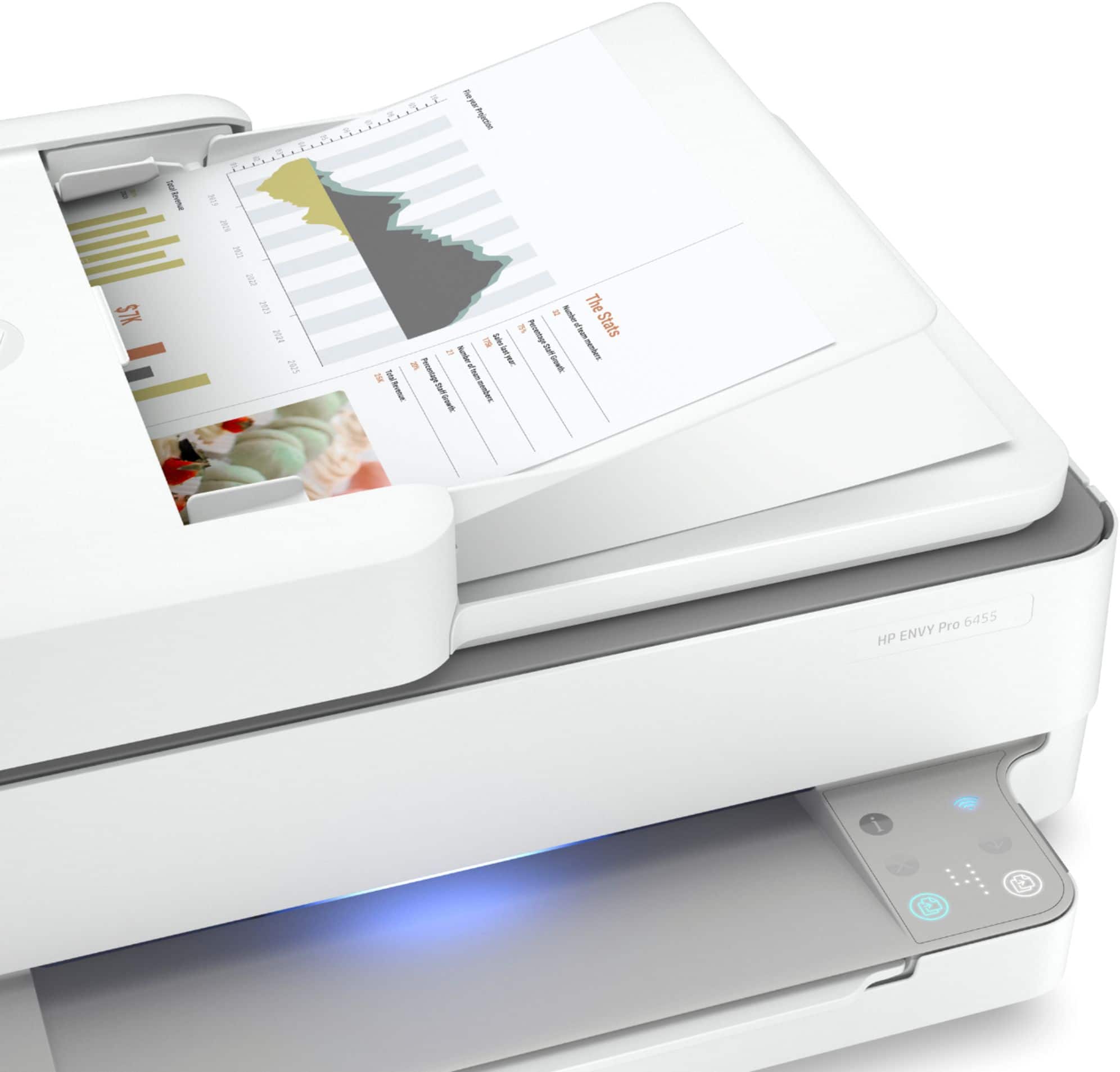
A:AnswerThere are a couple of lights on the printer. If you're talking about the blue one on the top right of the panel, that's letting you know that the printer is connected to a wireless network. There's no real way to turn it off other than disconnecting it from the wireless network. The two lights at the bottom of the panel should only be lit when making a color or black and white copy, and should go out once the copy is finished.
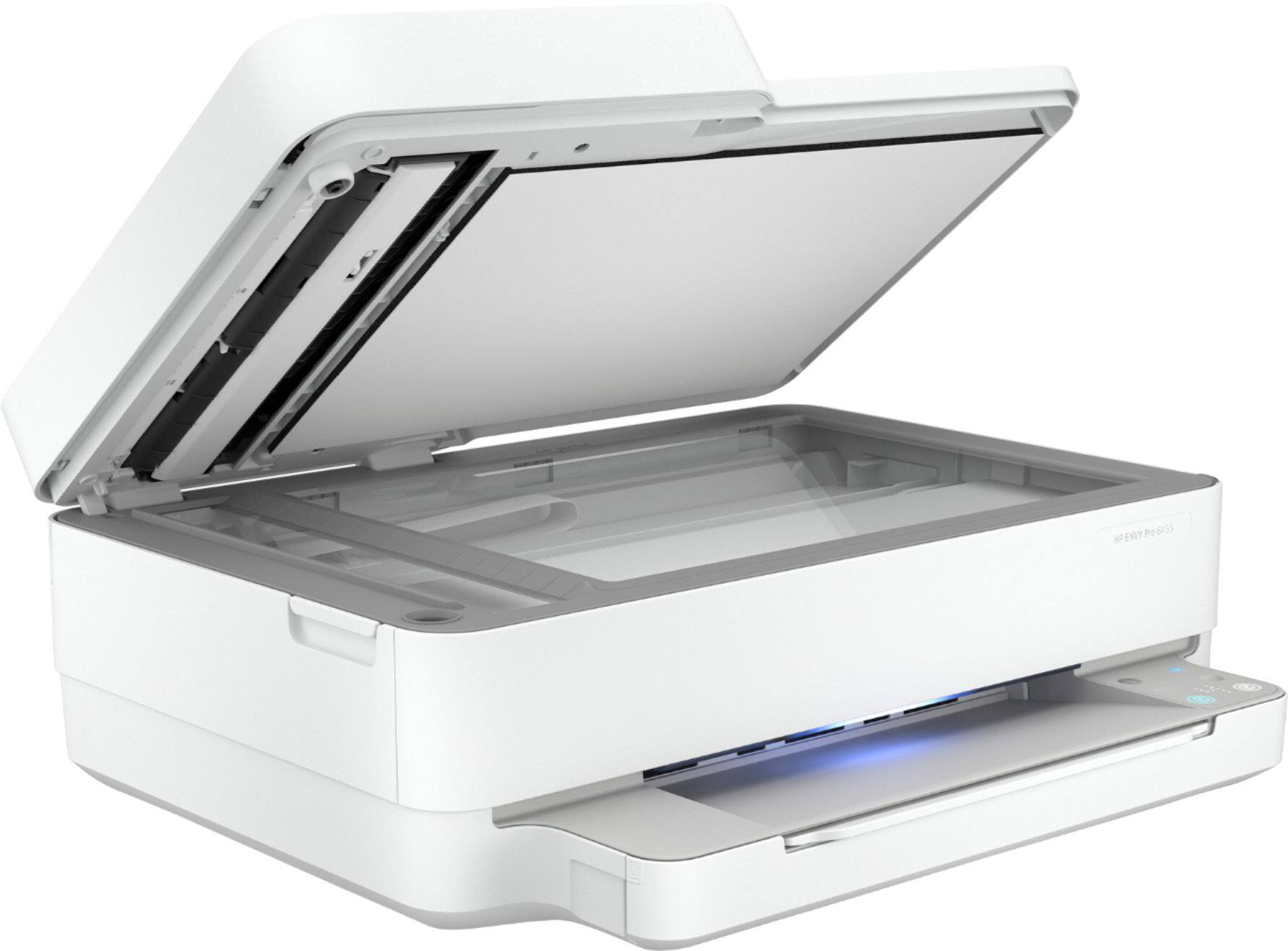
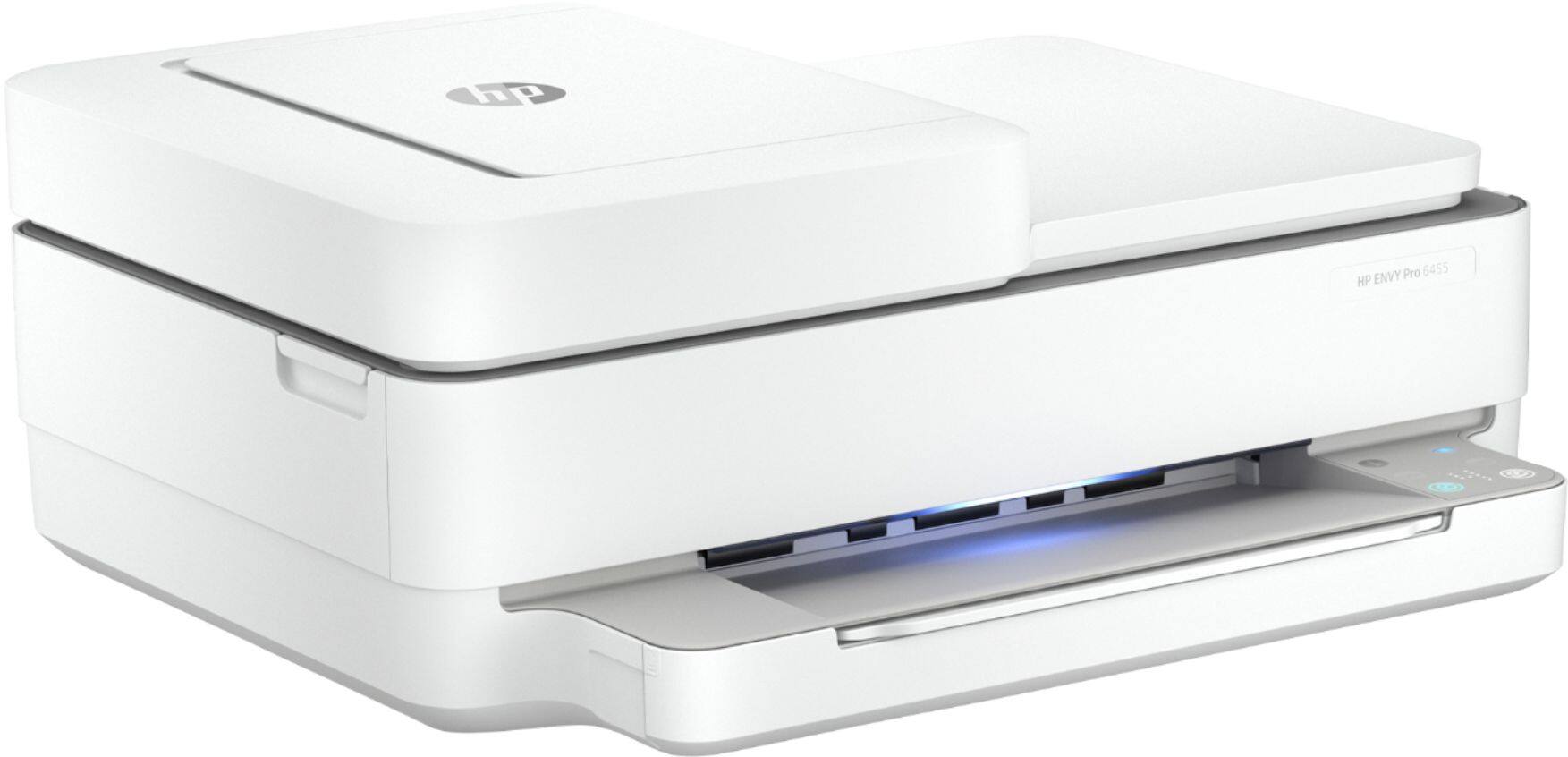
A:AnswerHere are the dimensions:
Maximum dimensions (W x D x H, U.S. standard) 17.02 x 20.13 x 7.6 in
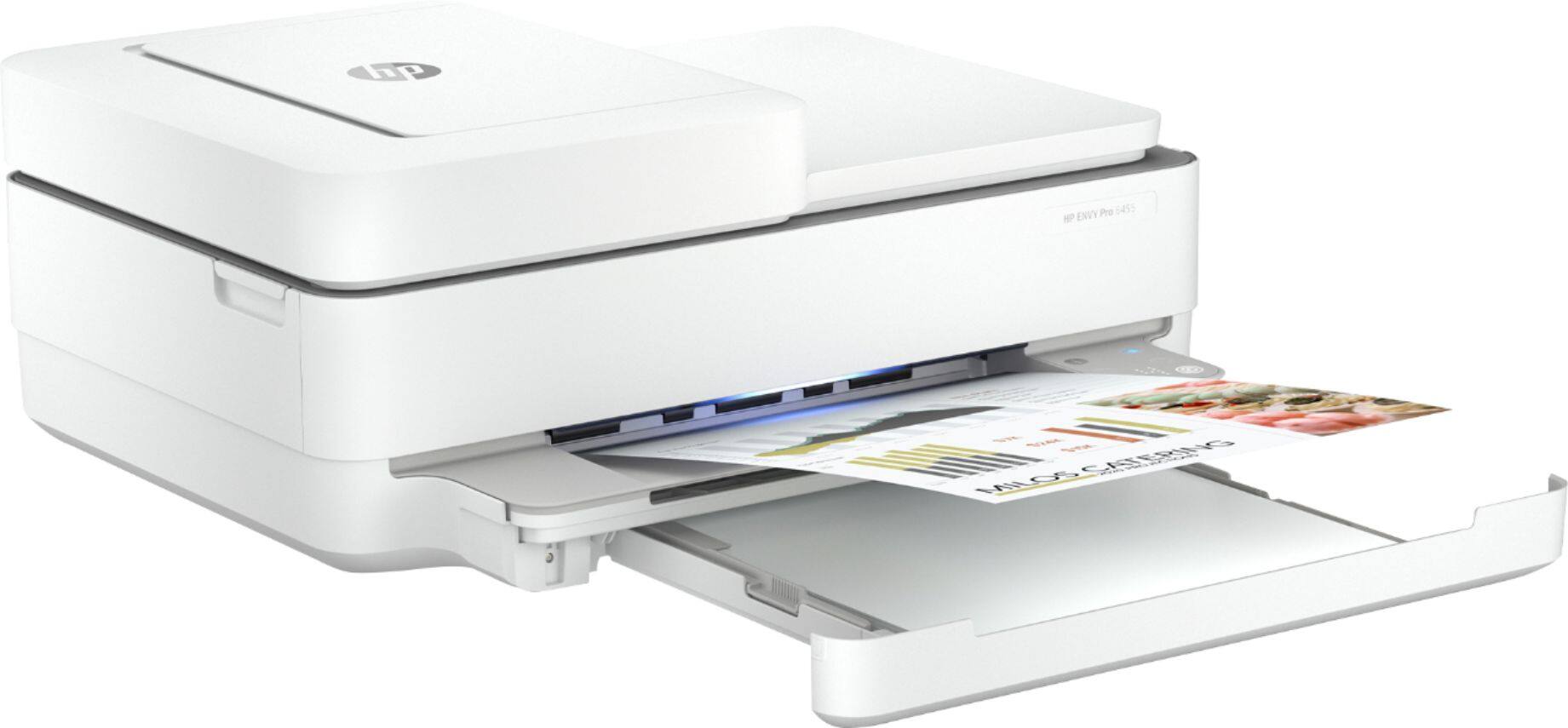
The Depth shown includes the output tray extension which adds about 7 inches. This can remain retracted until use.