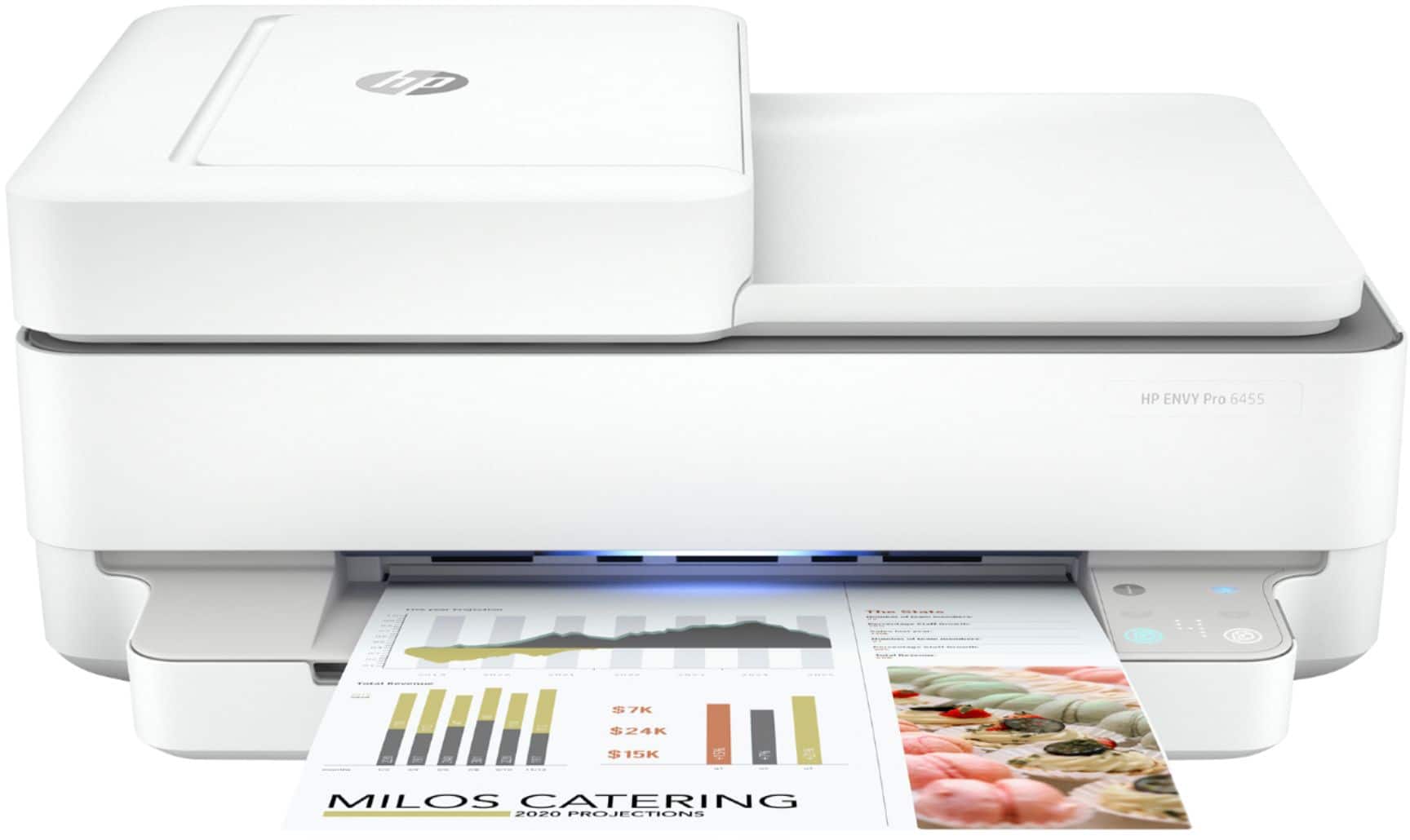
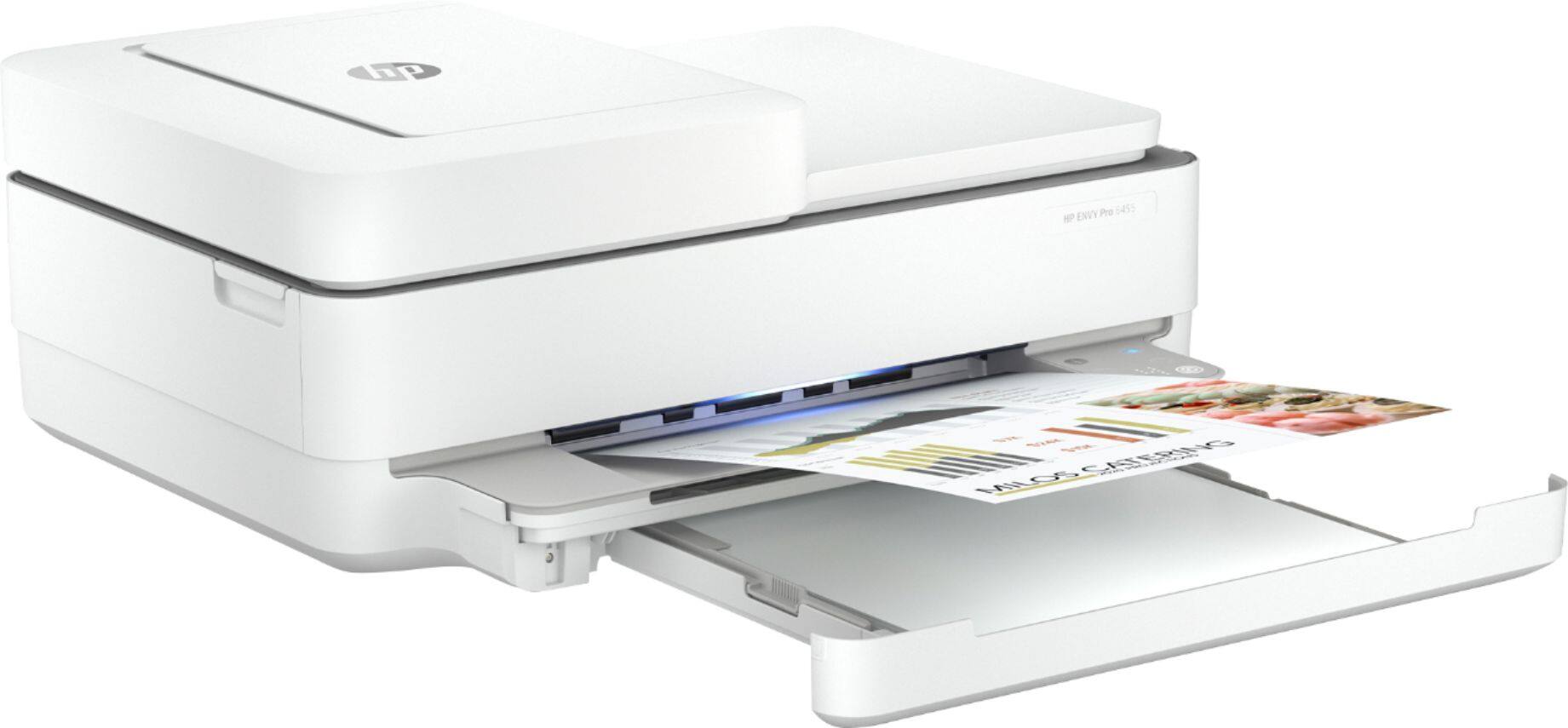
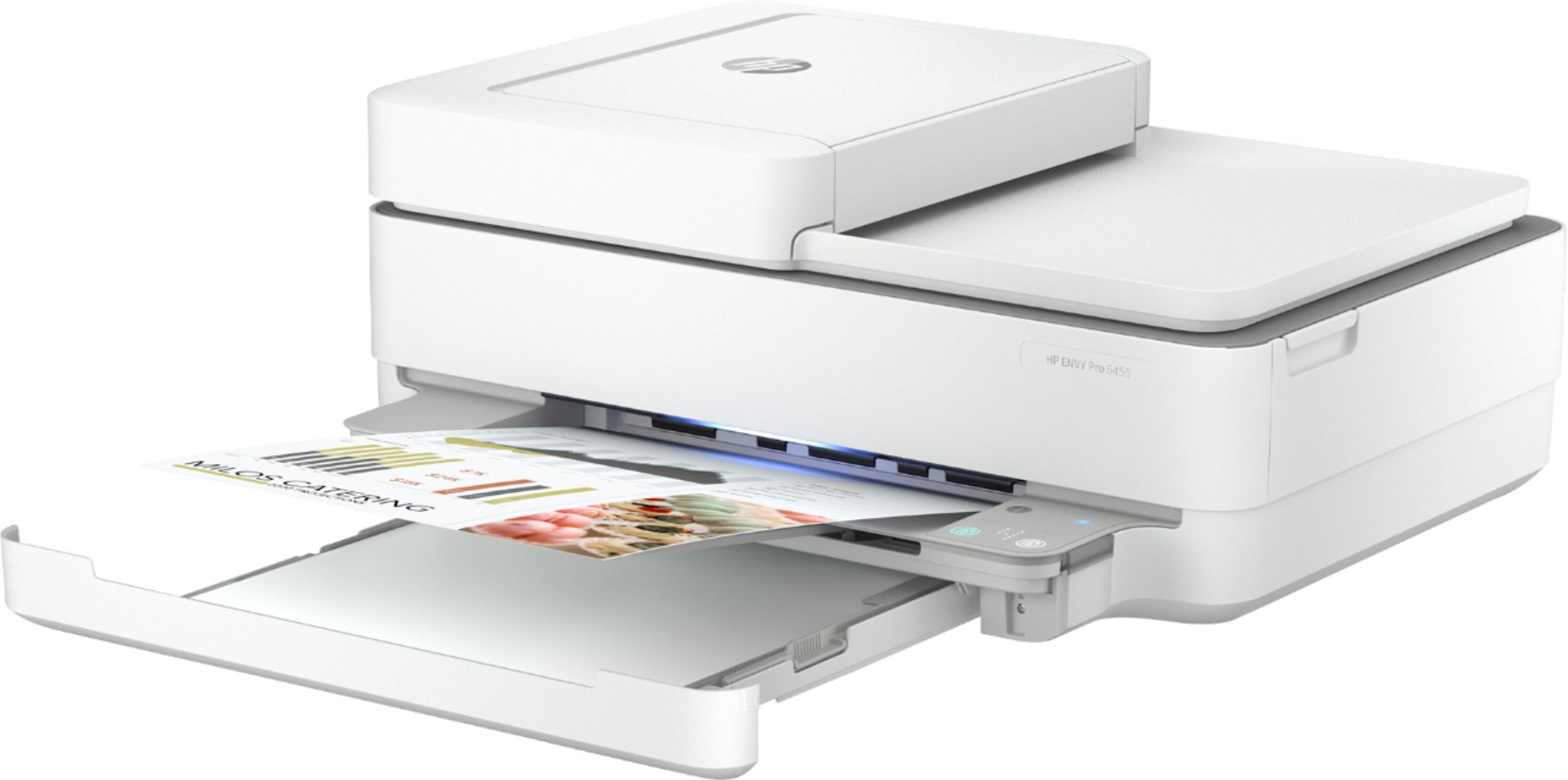
A:AnswerYes it can print on inkjet vinyl.
Here are the paper handling specs:
Media types
Plain Paper; HP Photo Papers; HP Matte Brochure or Professional Paper; HP Matte Presentation Paper; HP Glossy Brochure or Professional Paper; Other Photo Inkjet Papers; Other Matte Inkjet Papers; Other Glossy Inkjet Papers; Plain Paper, Light/Recycled
Media weight supported (metric)
A4: 60 to 90 g/m²; HP envelopes: 75 to 90 g/m²; HP cards: up to 200 g/m²; HP 10 x 15 cm photo paper: up to 300 g/m²
A:AnswerIf you take a look at the printer manual at http://h10032.www1.hp.com/ctg/Manual/c06584213.pdf and go to page 84, it has instructions for how to open the paper path access door. Once you've removed the door, clear the jam and put the access door back.
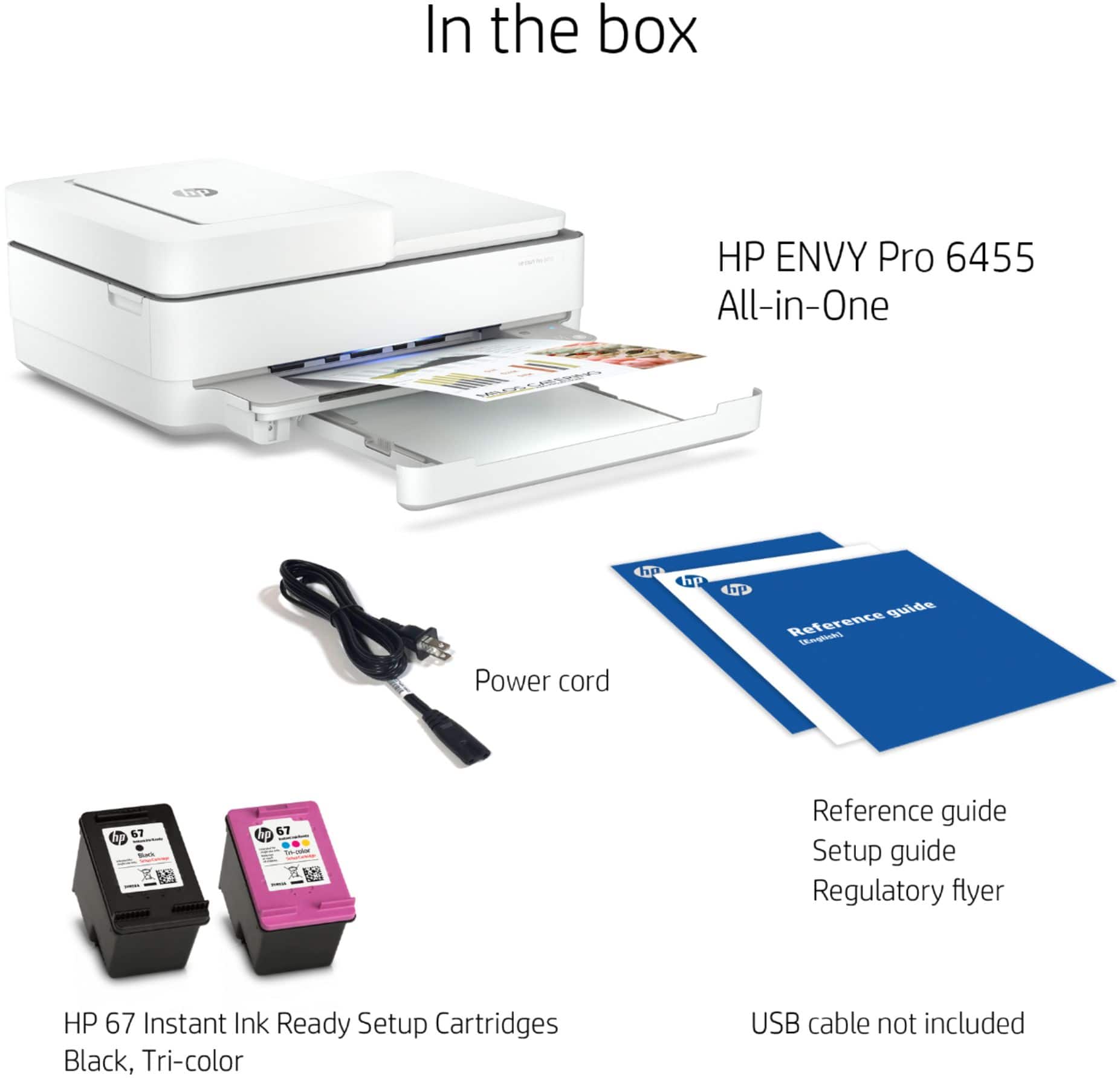
A:AnswerHP response to this question is not accurate (in my case). My HP6455e came from the factory with with a 65 Tri-Color Set Up Cartridge, and a 67 Black Set up Cartridge. I have tried replacing the 65 Tri color with a 67 Tri color and it did not recognize the cartridge. i disabled the cartridge security lock, and it still did not recognize the 67 Tri color cartridge. Unfortunately this mismatch of cartridge types (65 & 67) makes ink replacement about 20% more expensive than if the cartridges were the same number (67 & 67), as HP response indicates should be the case for ths model.
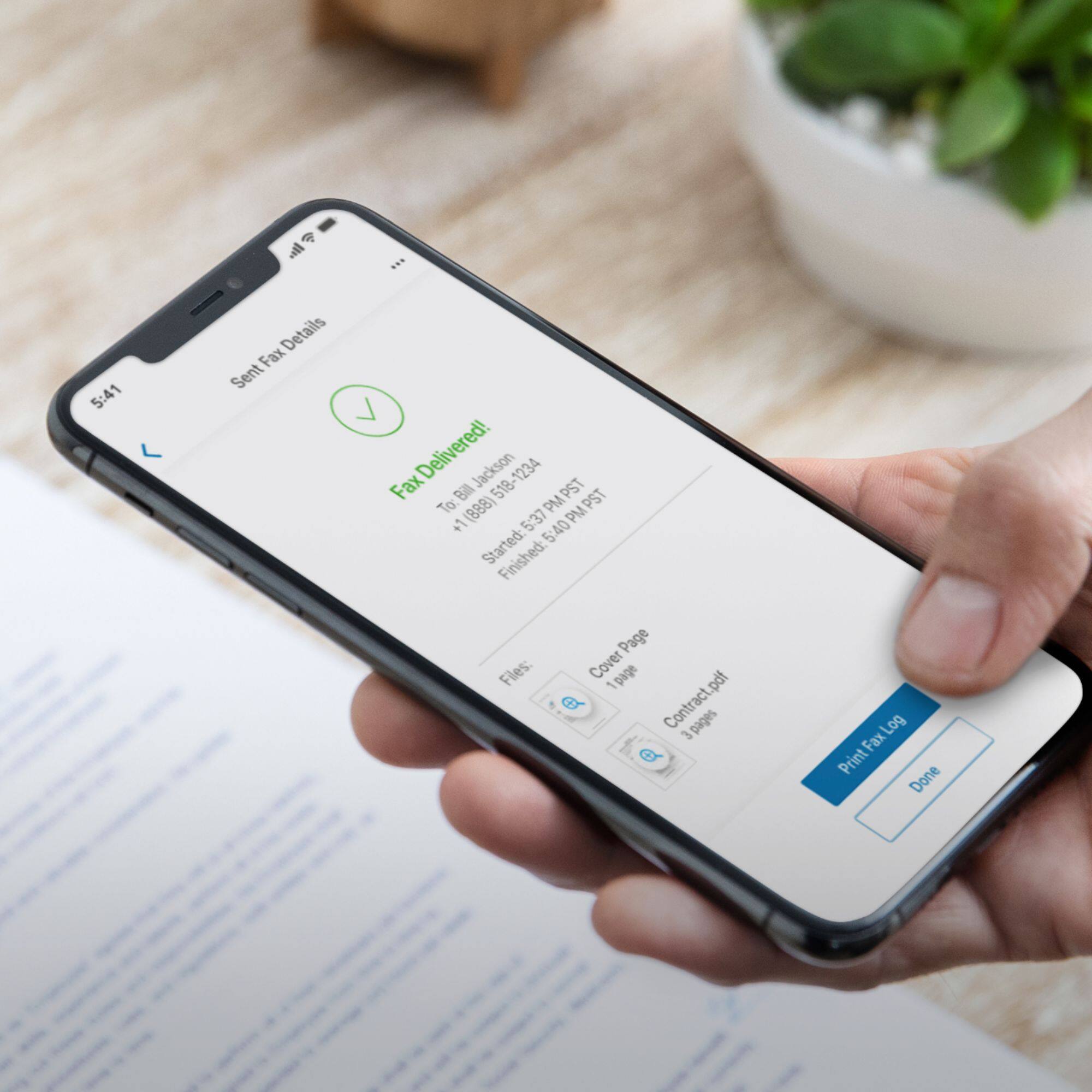
A:AnswerHello, you will need to contact your service provider, Verizon, and they will be able to assist you with that! Thank you for being an HP customer!
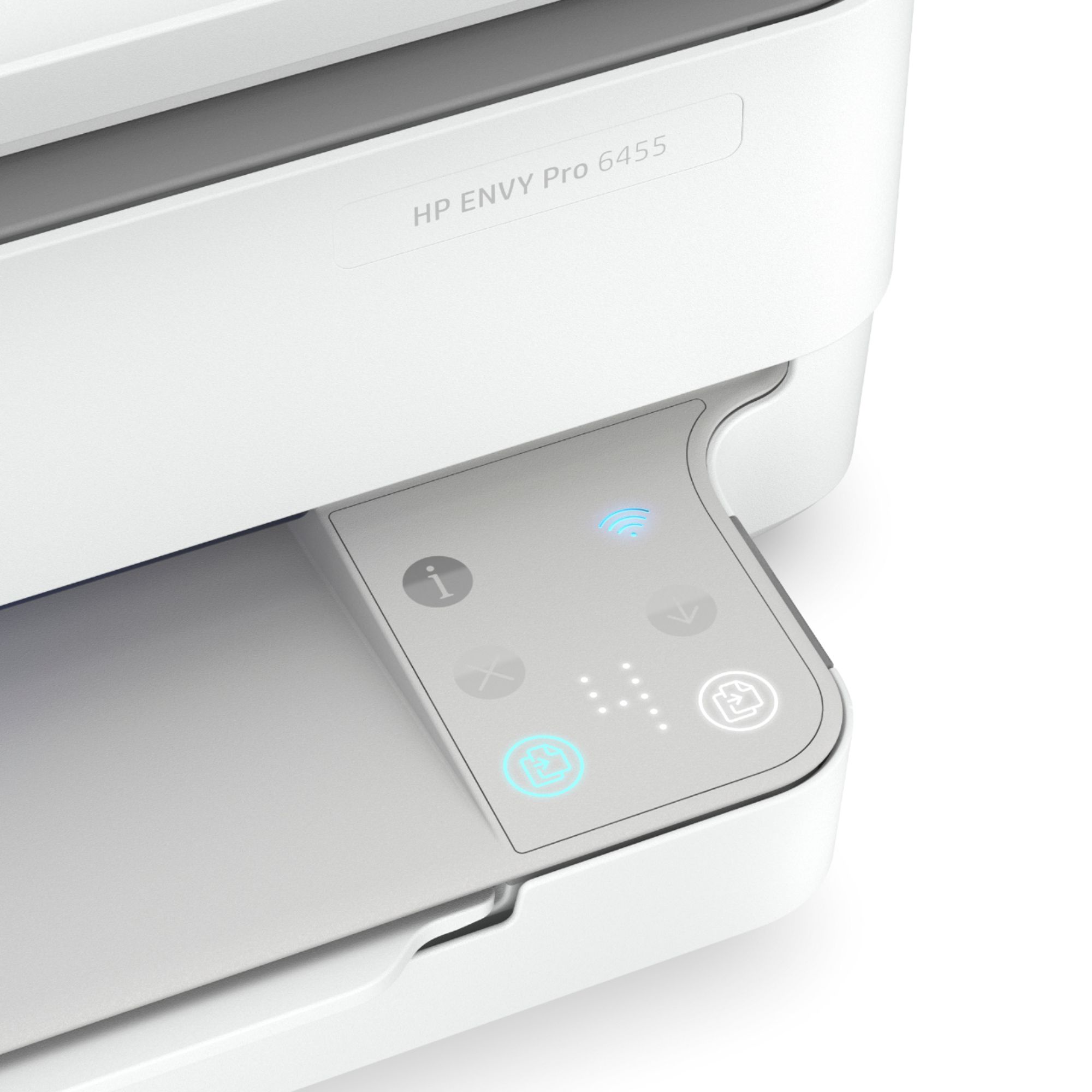
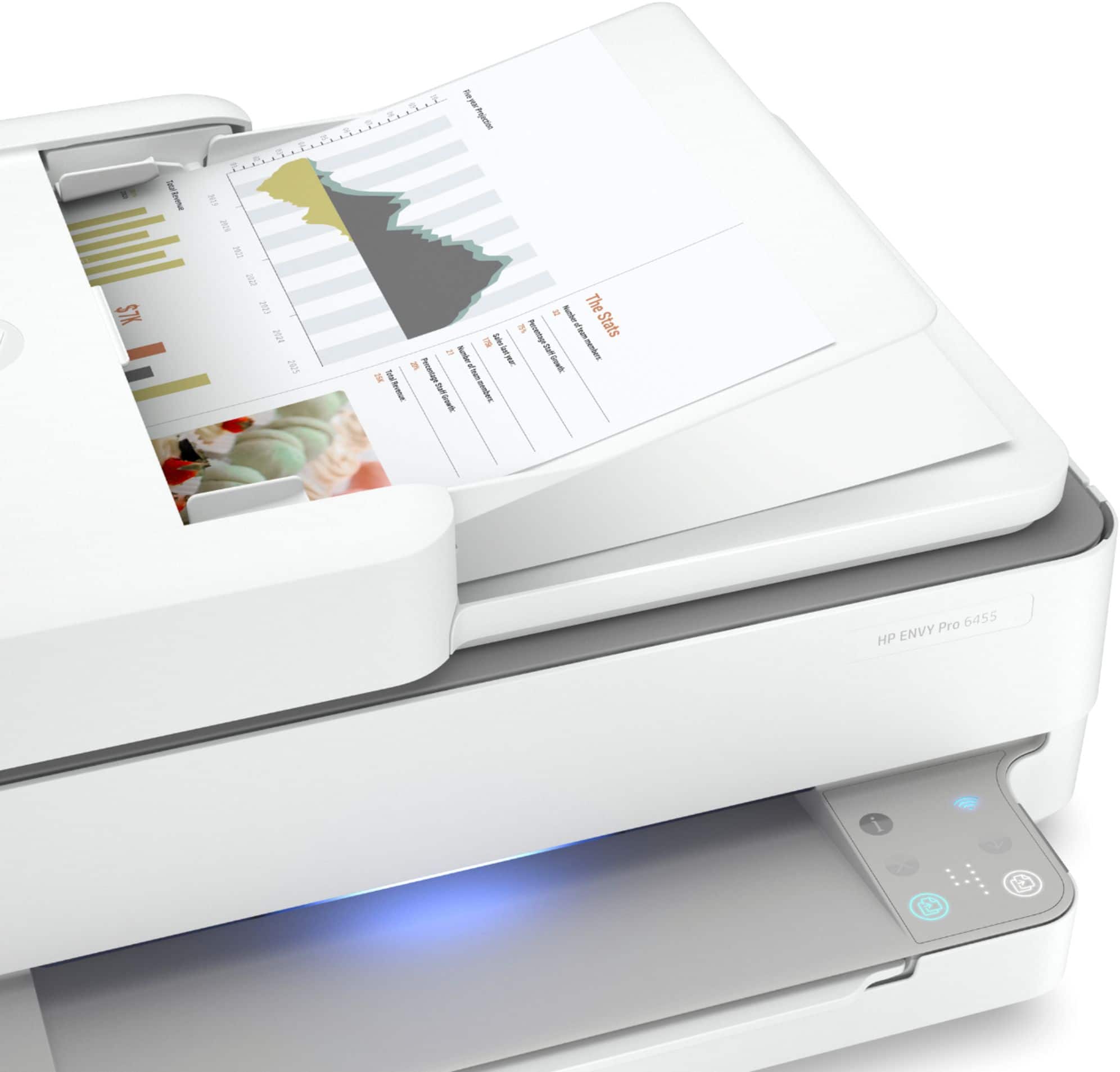
A:AnswerThe buttons on this printer are located on the front right corner. Here is the user manual, which identifies each button and provides instructions for making copies: http://h10032.www1.hp.com/ctg/Manual/c07043346.pdf
A:AnswerLooks like 100 sheets https://support.hp.com/us-en/product/hp-envy-pro-6400-all-in-one-printer-series/29256678/model/29256679/document/c06606107
A:AnswerThank you for your question! Here is the user manual for your printer: http://h10032.www1.hp.com/ctg/Manual/c06584213.pdf
Please see pages 19-20 and 51 for instructions on how to load and print envelopes.
If you need further assistance, please use this link: https://support.hp.com/us-en/contact-hp
A:AnswerThanks for you question. You may have an issue, as the ink should not smear on the paper if it is loaded correctly and in the drivers you specify that you are printing a photo. Here is the link for HP support: https://support.hp.com. You can also reach them by phone at 1-800-474-6836.