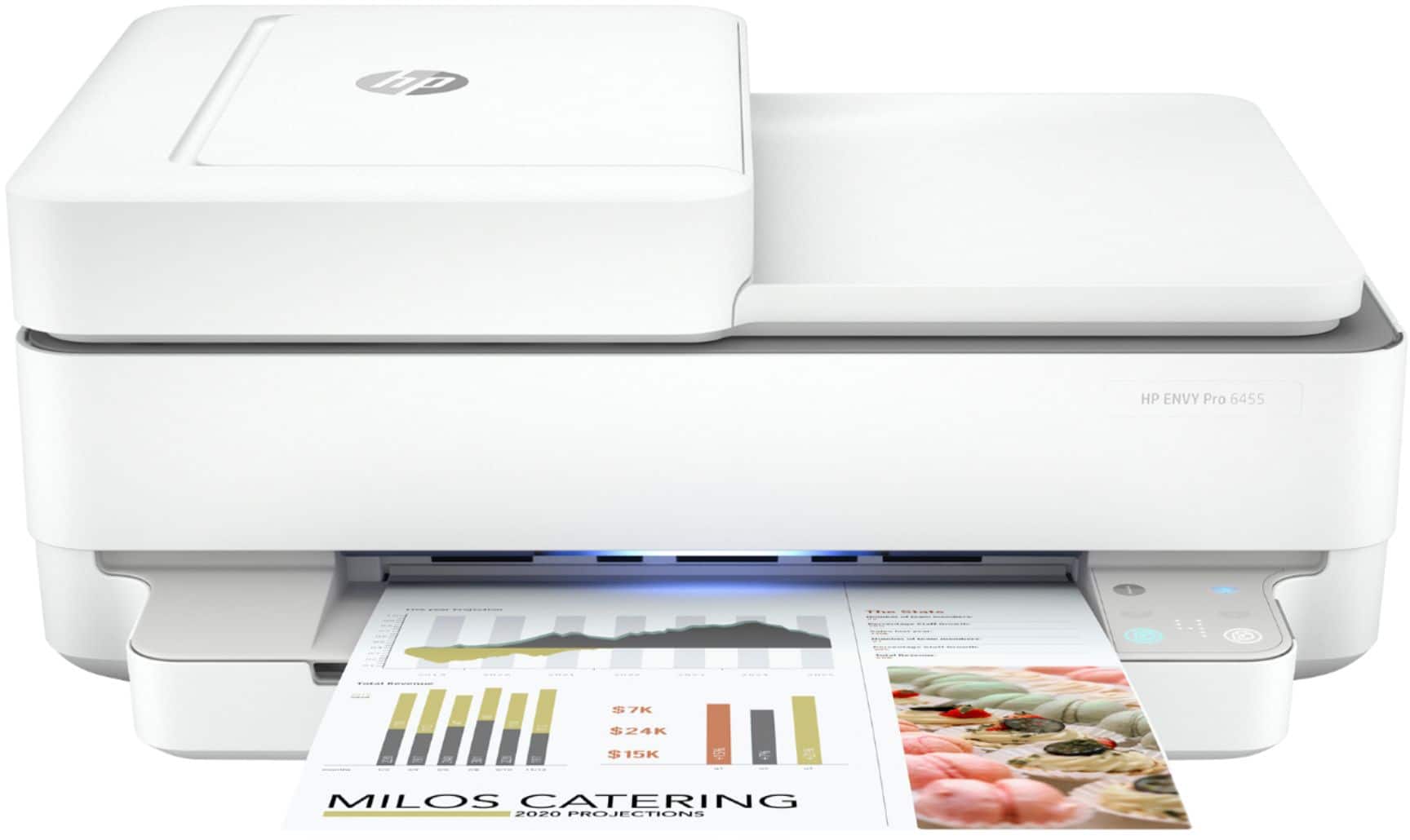
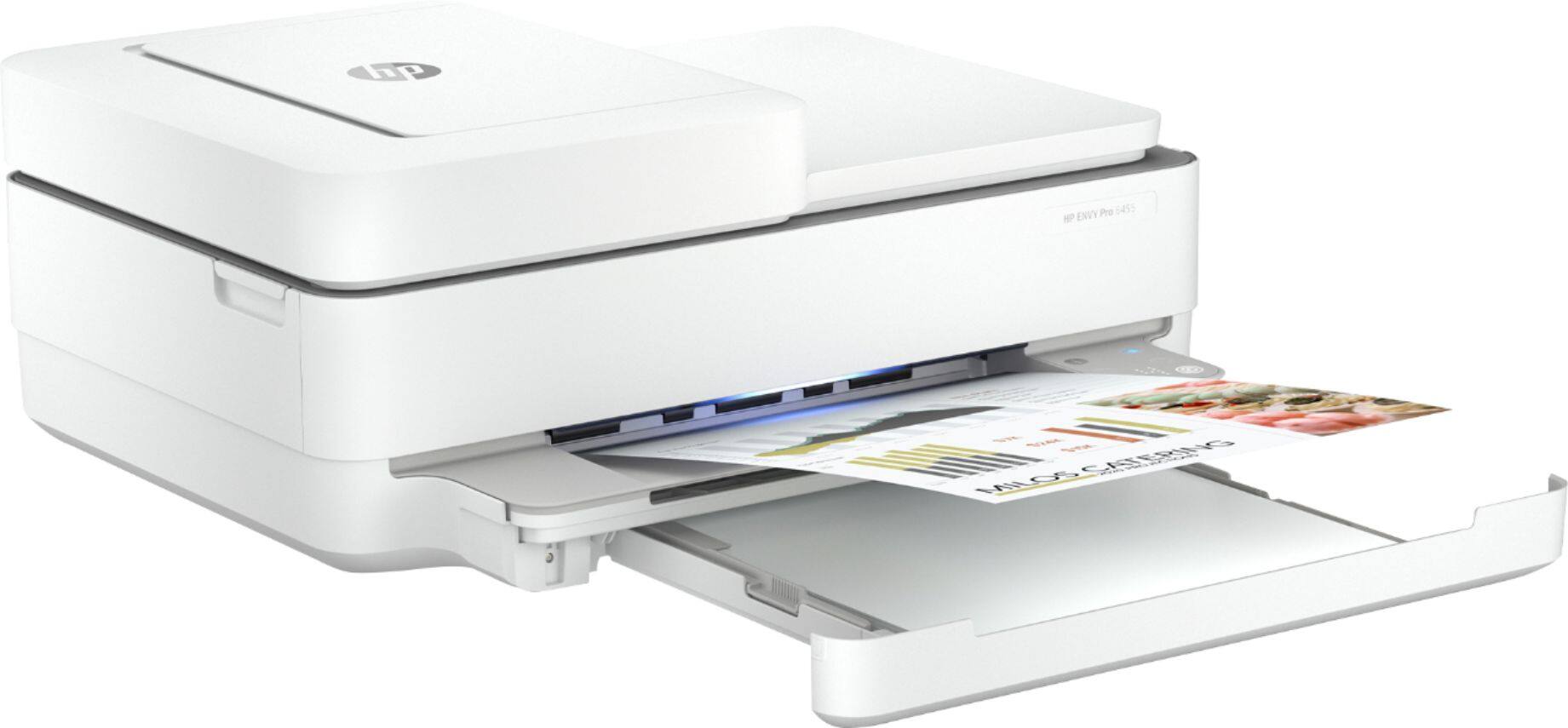
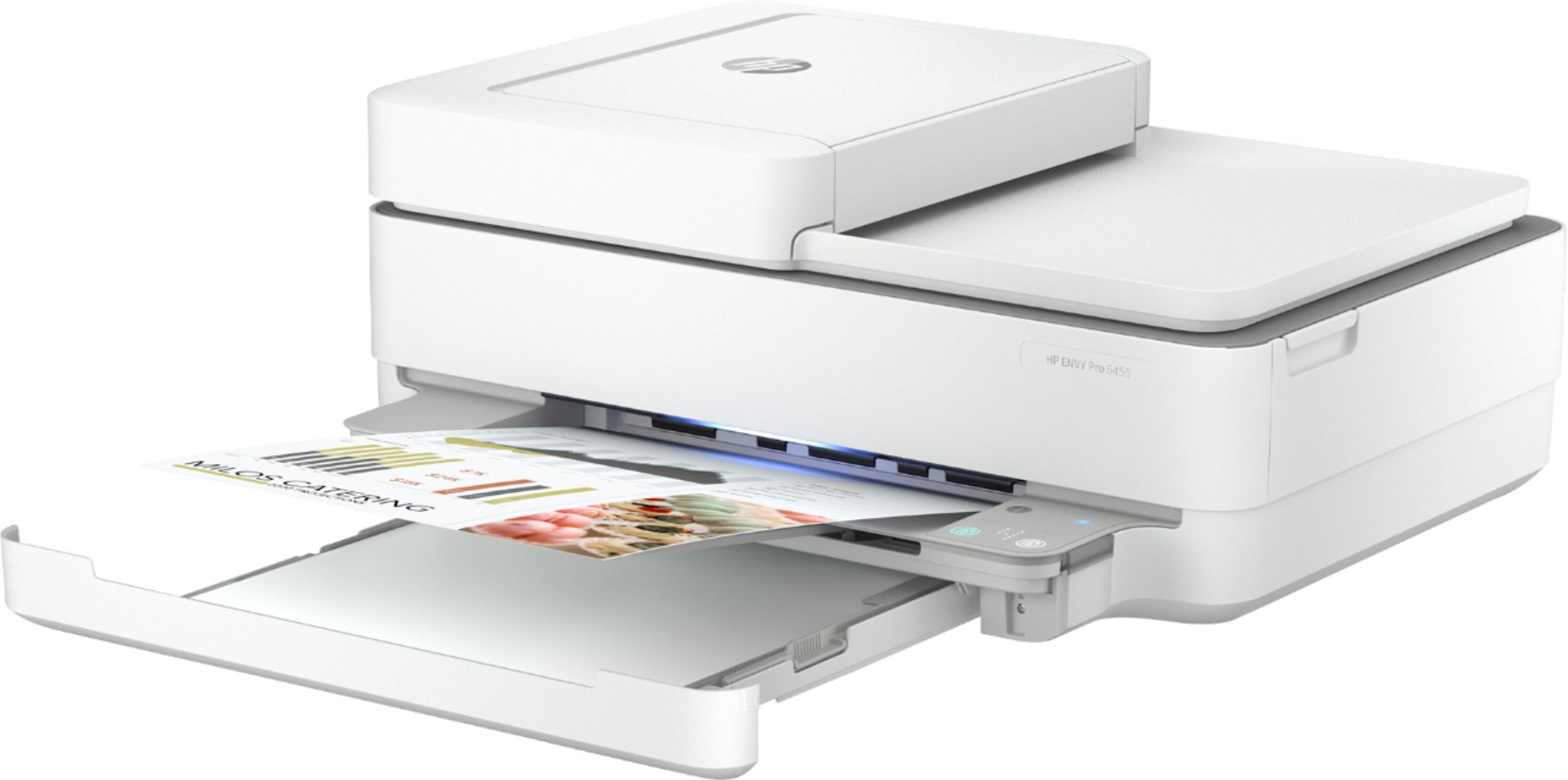
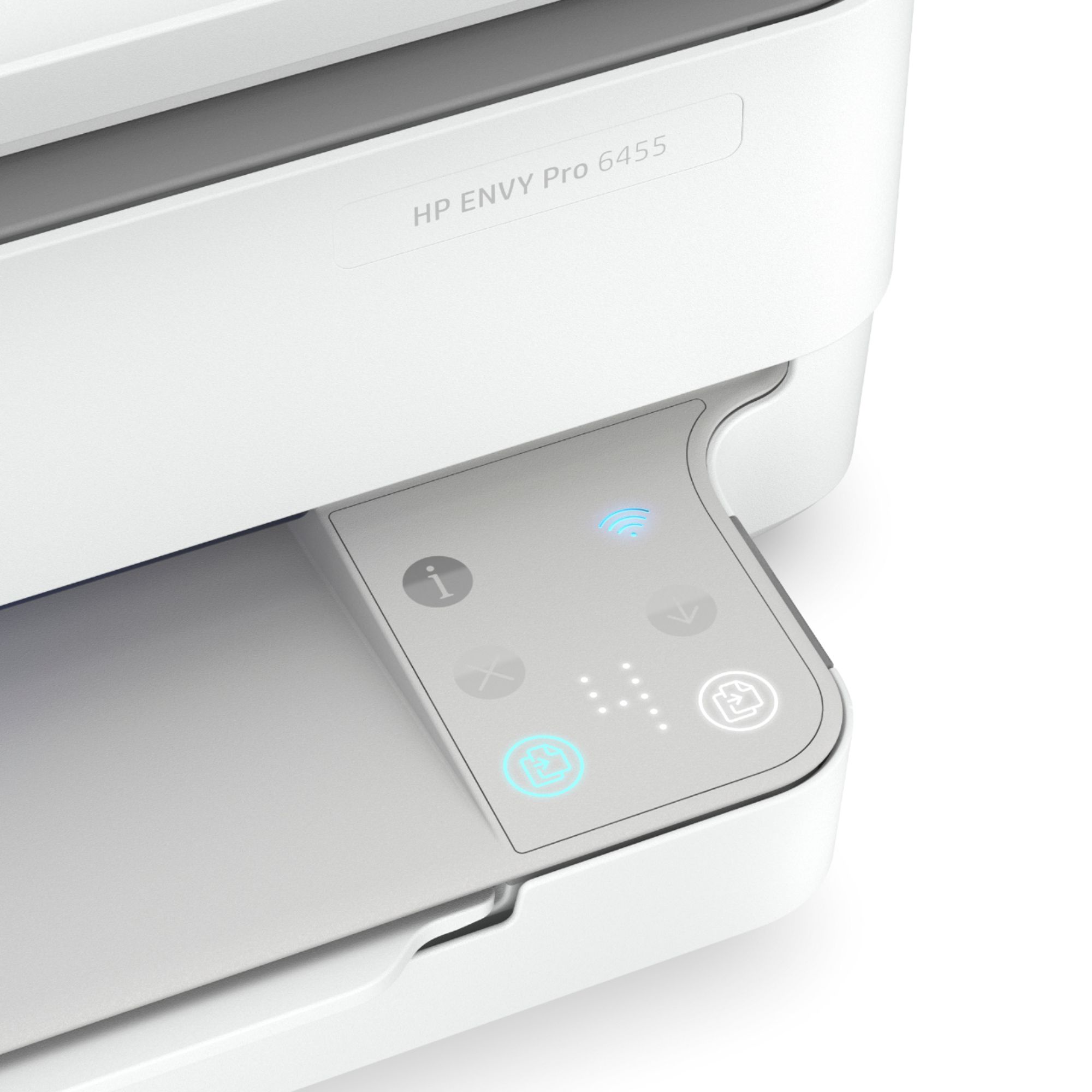
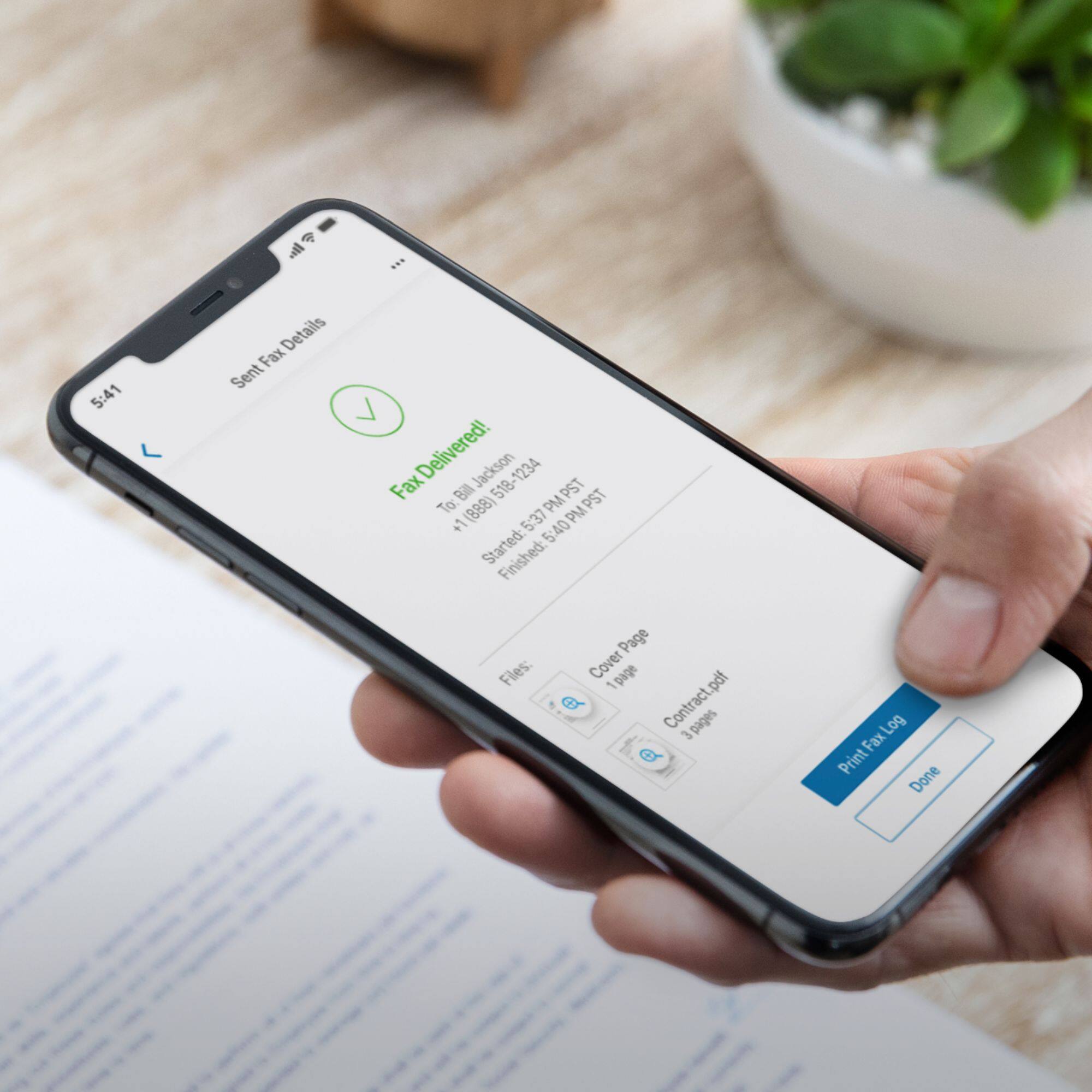
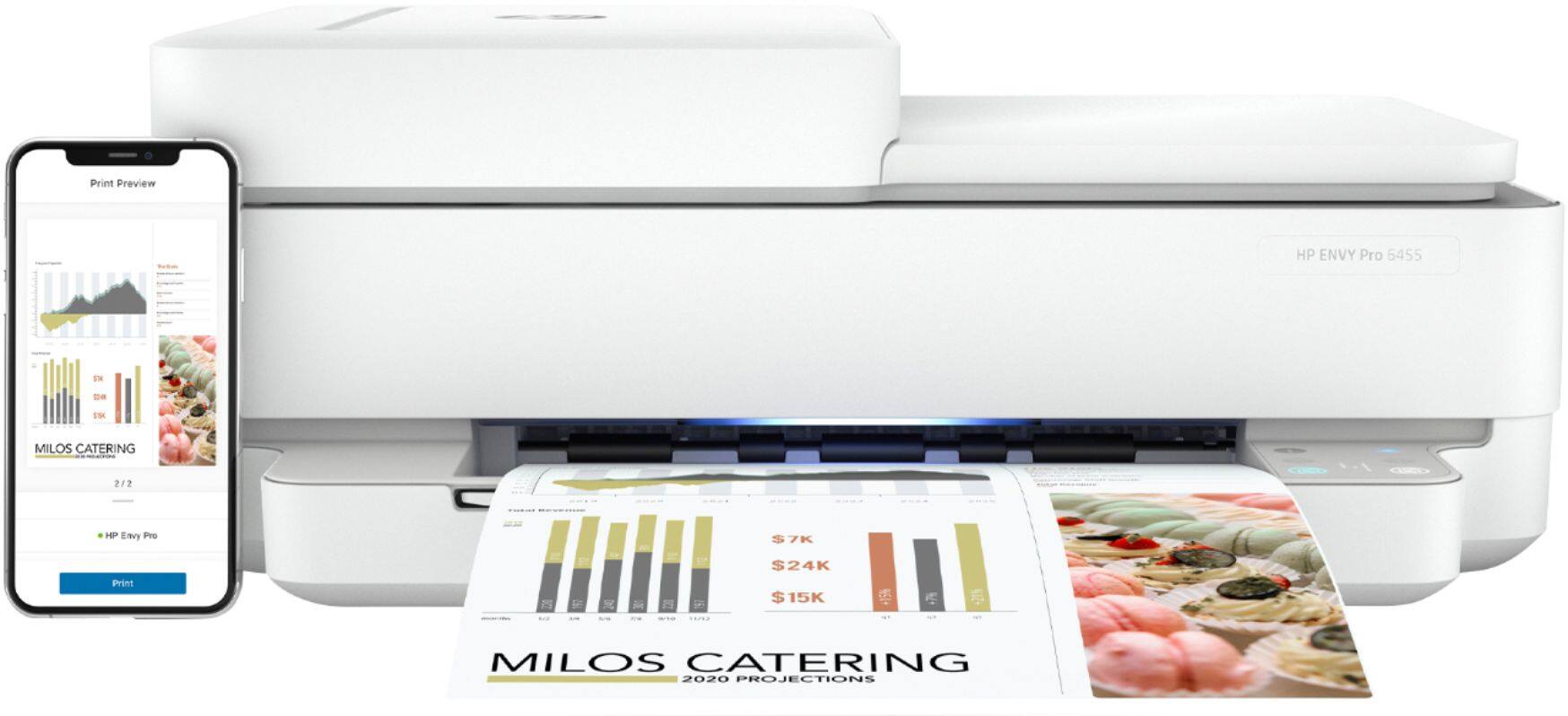
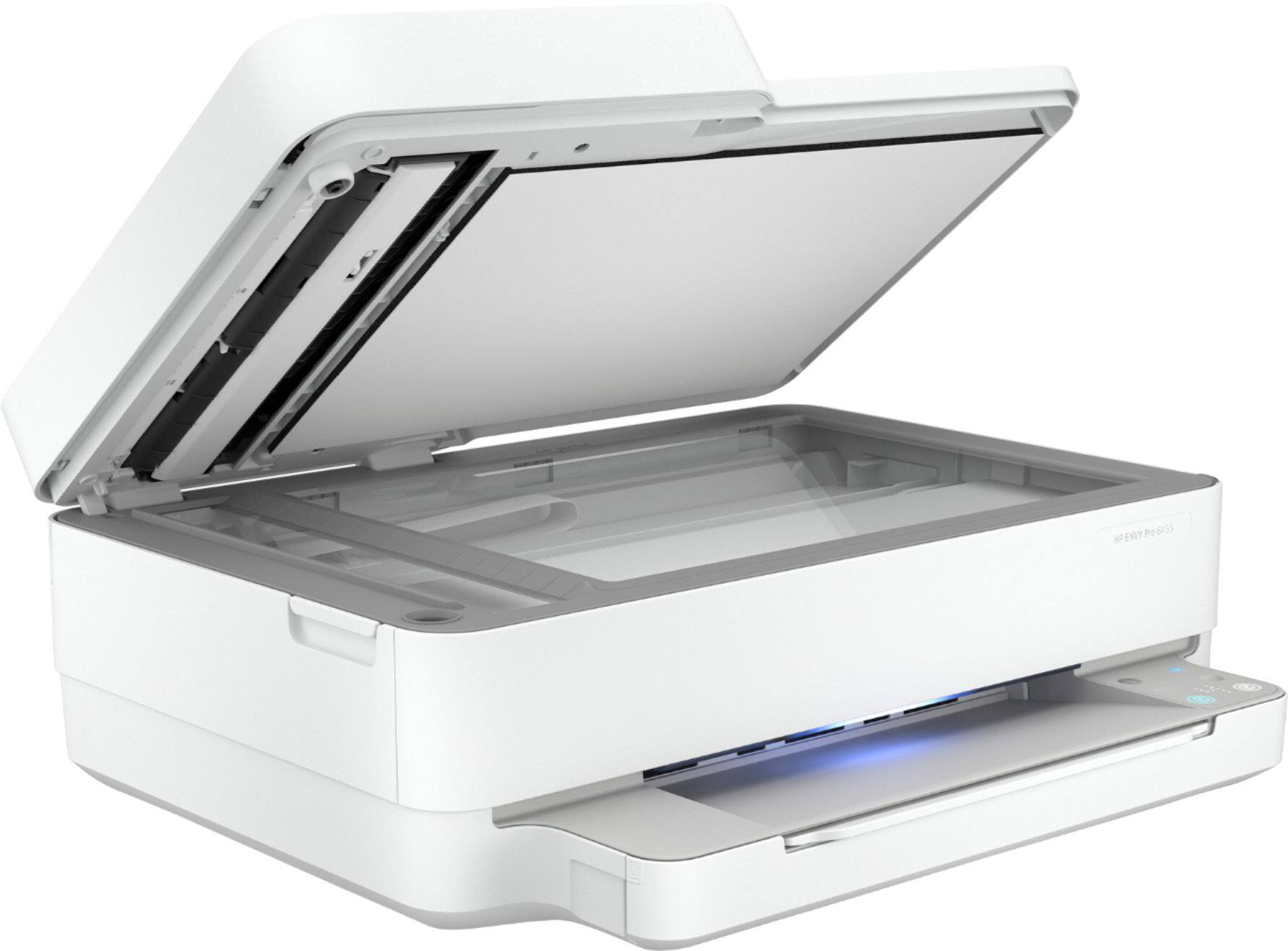
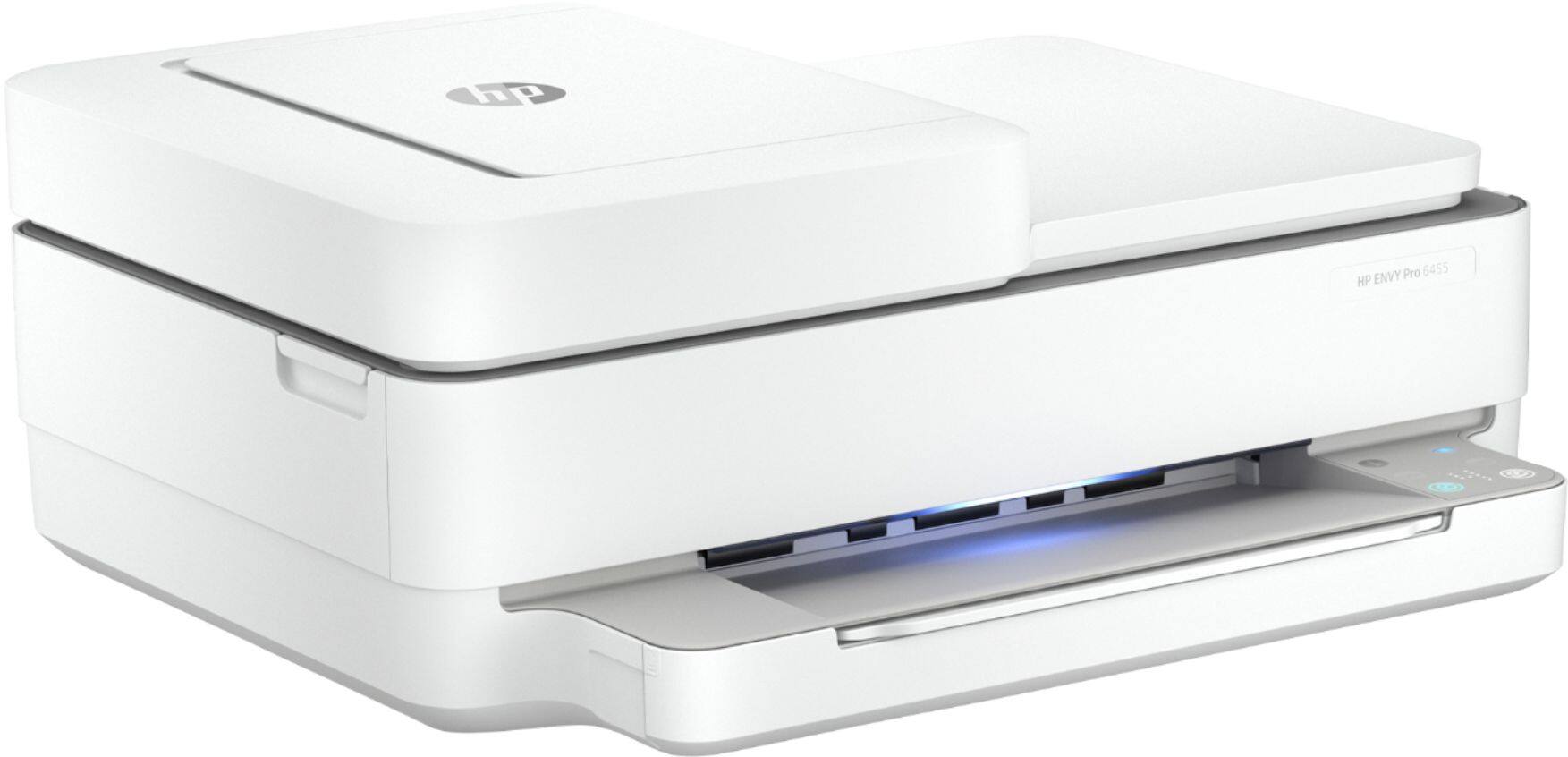
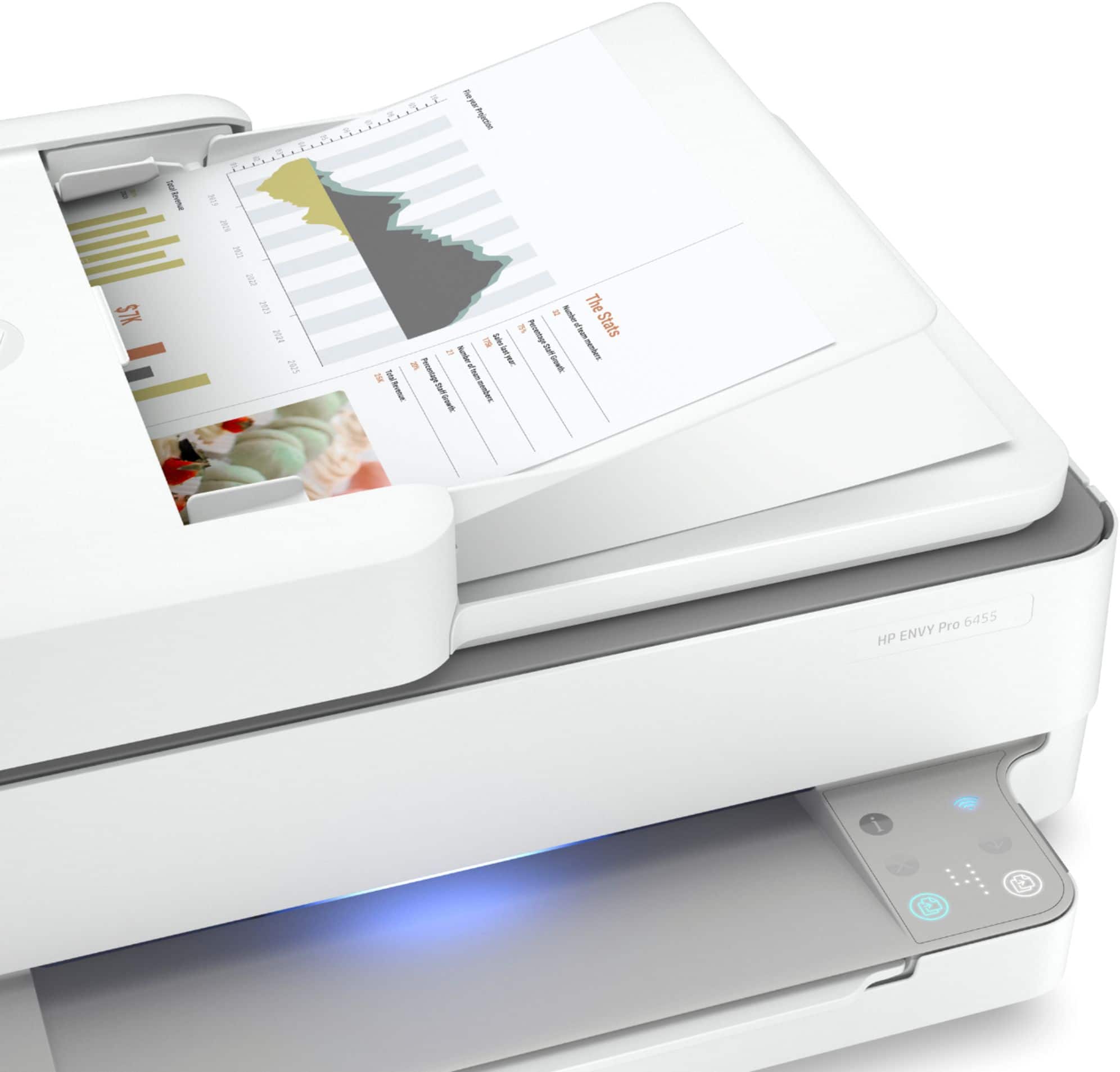
A:AnswerYou will need to connect to the APP to scan! UGH ... I miss my previous HP printer where all i had to do was lock in an email address. But with this machine there are no buttons on it to select SCAN or PRINT or COPY. it has to be done through the APP
A:AnswerRed X is to cancel a print job.
The other buttons that light up under the X are for for the copier functions. One will feed thru the top slot, the other copies whatever in on the glass.