A:AnswerI already had a wireless mouse from my previous Acer Chromebook which works perfectly with this laptop. No mouse is included. I hope this helps.
A:AnswerYes, this laptop is compatible with the Tilt Stylus pen. I've used it and think it's an excellent choice. I'm not sure there's another one I could recommend that would work better.
A:AnswerThe best thing to do is to let the battery totally discharge. Then, try charging it. If you are still having issues, go to http://support.hp.com
A:AnswerI've purchased 5 of these laptops within the last 3 months. They go on sale every few weeks. I got my first one on a "Deal of the Day" offer which was the lowest price yet. Just keep checking every day.
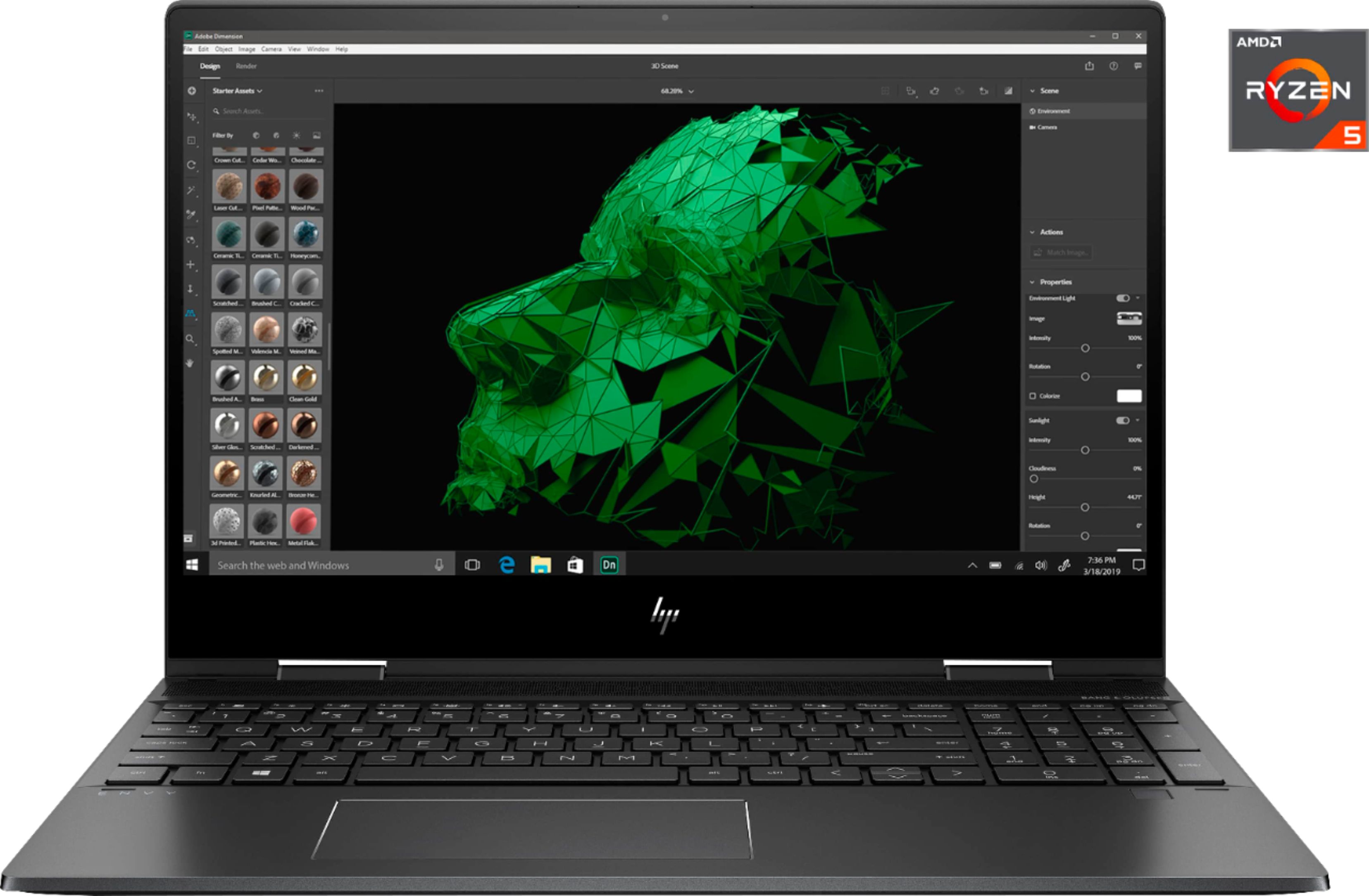
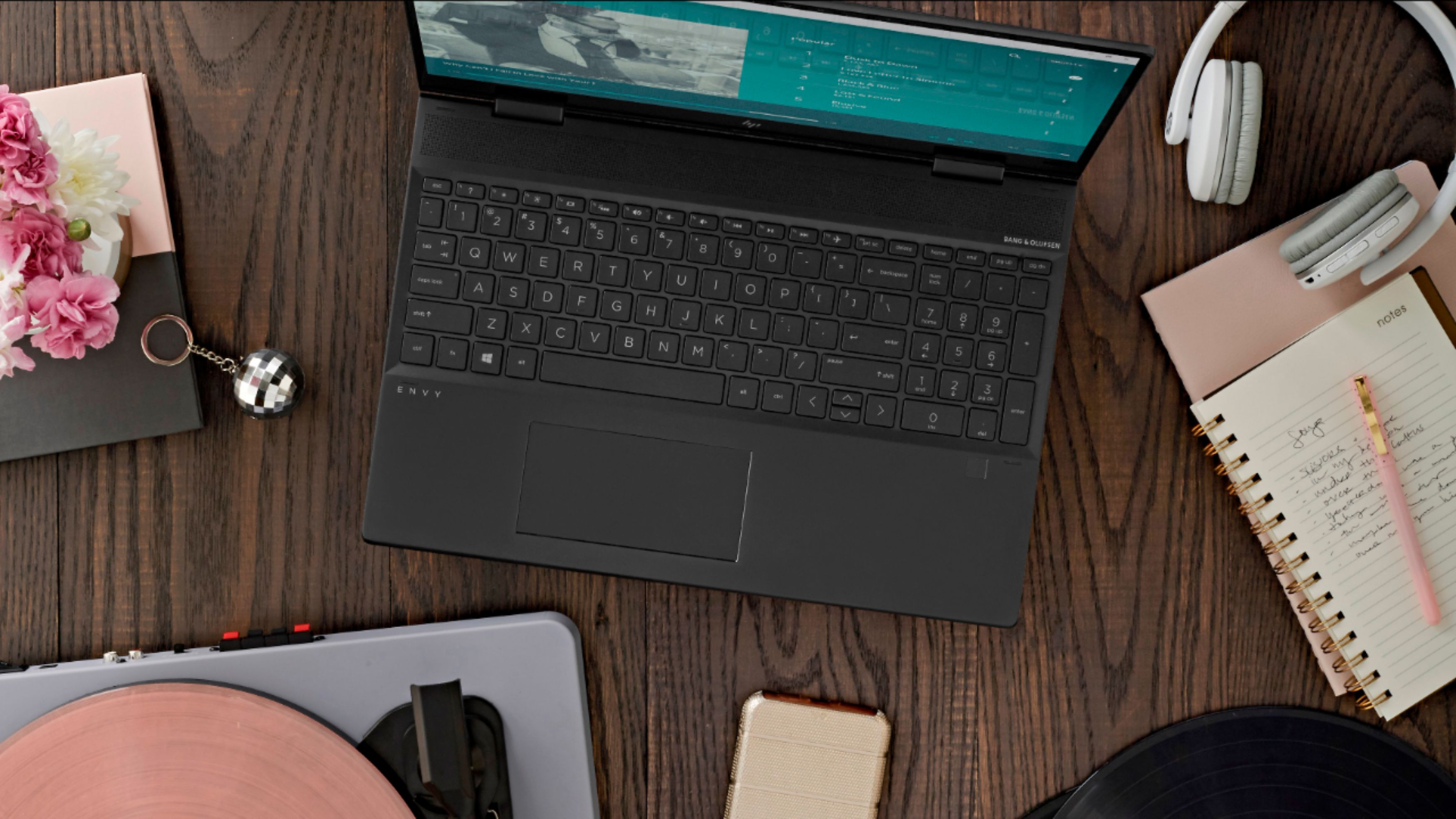
A:AnswerThe power button is part of the keyboard located to the right of the action keys which are the top row of keys. You can access the manual for the computer from the HP support site: http://h10032.www1.hp.com/ctg/Manual/c06613052