A:AnswerI noticed that too it does seem odd that the price dropped before it even came out and then the day it does come out the price goes back up. you can buy the same model through HP for 60 bucks less
A:AnswerYou can test your camera outside of Zoom. Type Camera in the Windows search area. Launch the Windows Camera App. You should be able to activate the camera and see what is sees. If the camera is working here is a link to some Zoom troubleshooting:
https://support.zoom.us/hc/en-us/articles/202952568-My-Video-Camera-Isn-t-Working#:~:text=Facetime%2C%20are%20closed.-,Restart%20your%20computer.,version%20from%20our%20Download%20Center.
If the Camera is not working contact HP support at https://support.hp.com.
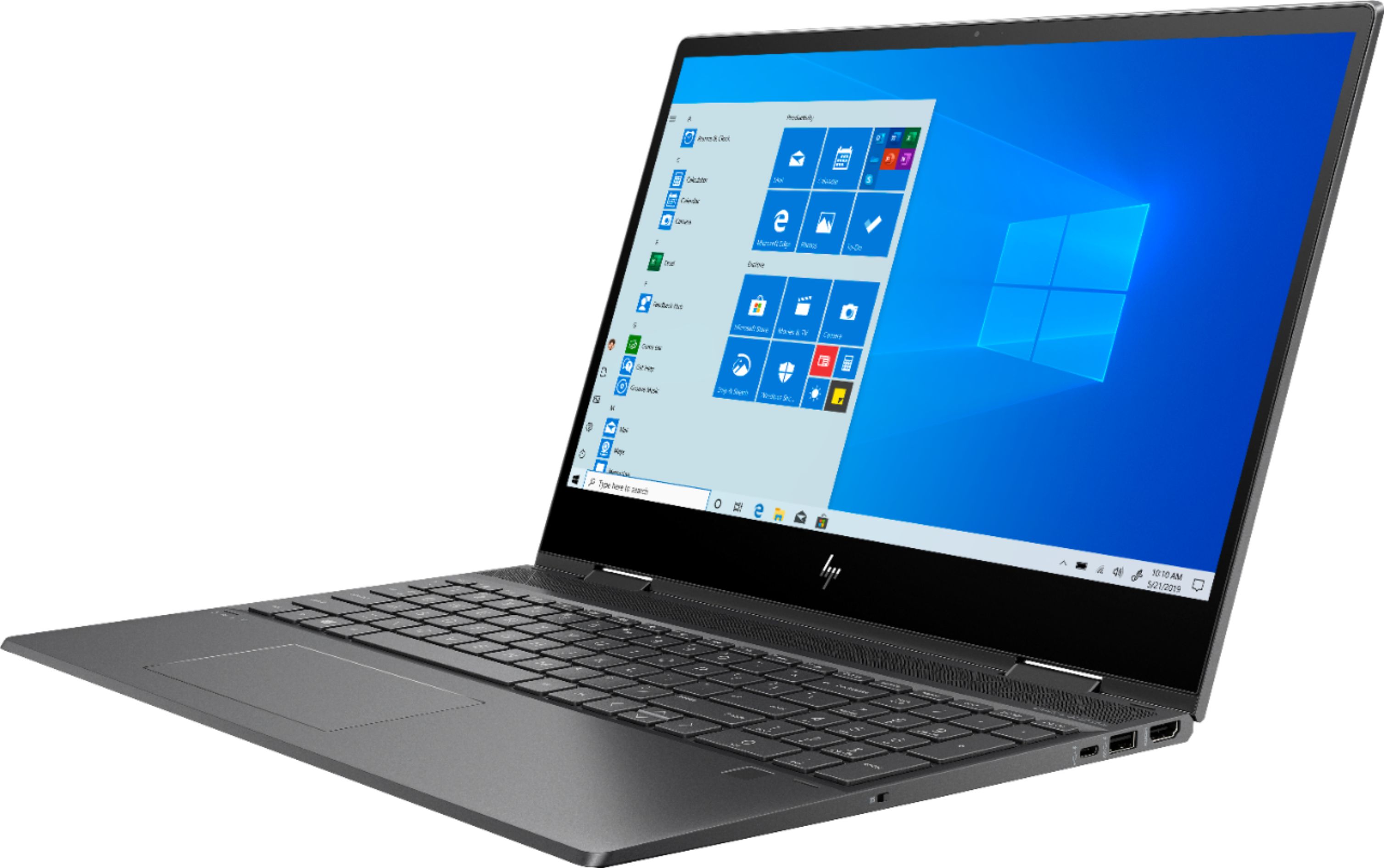
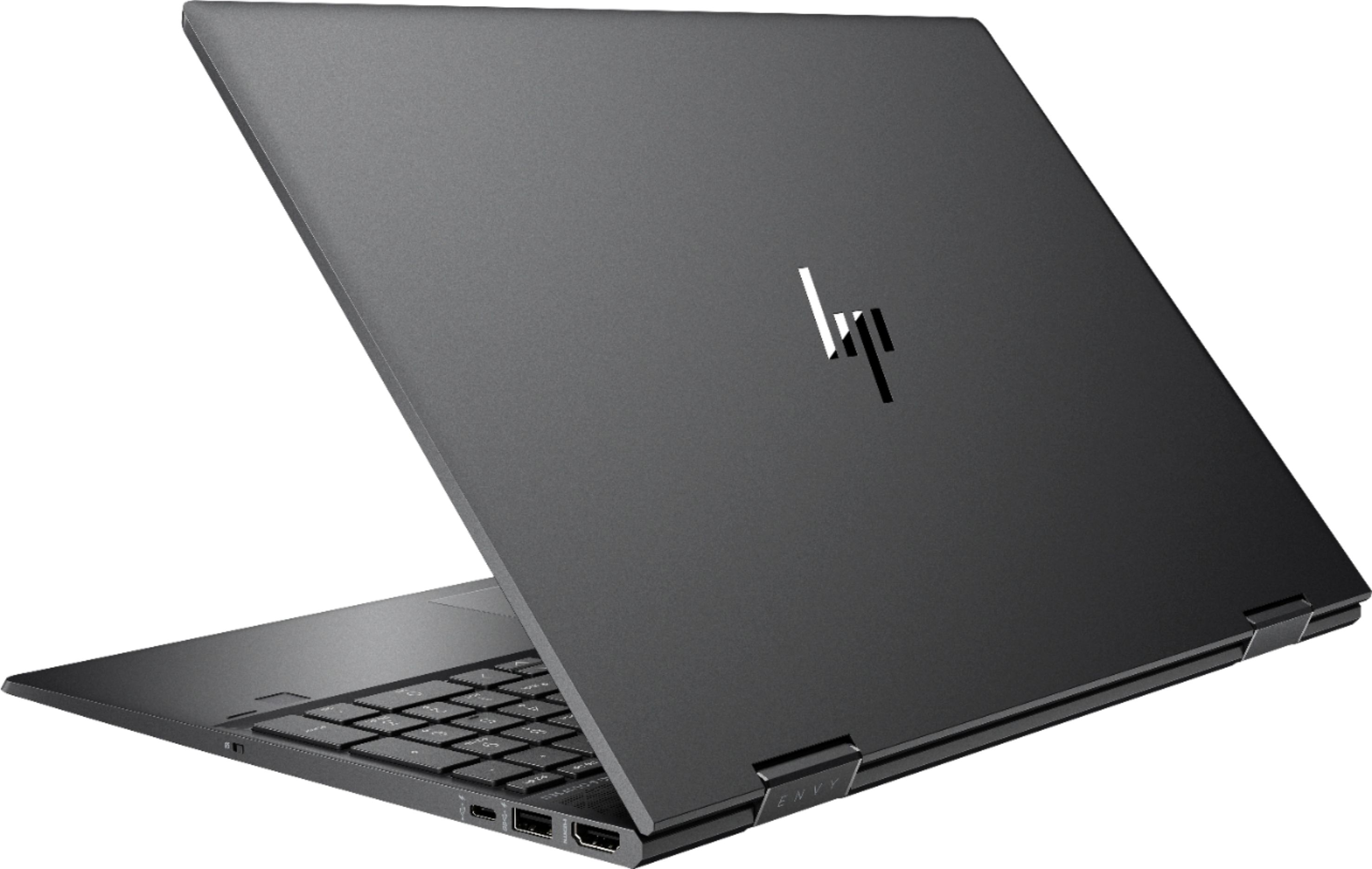
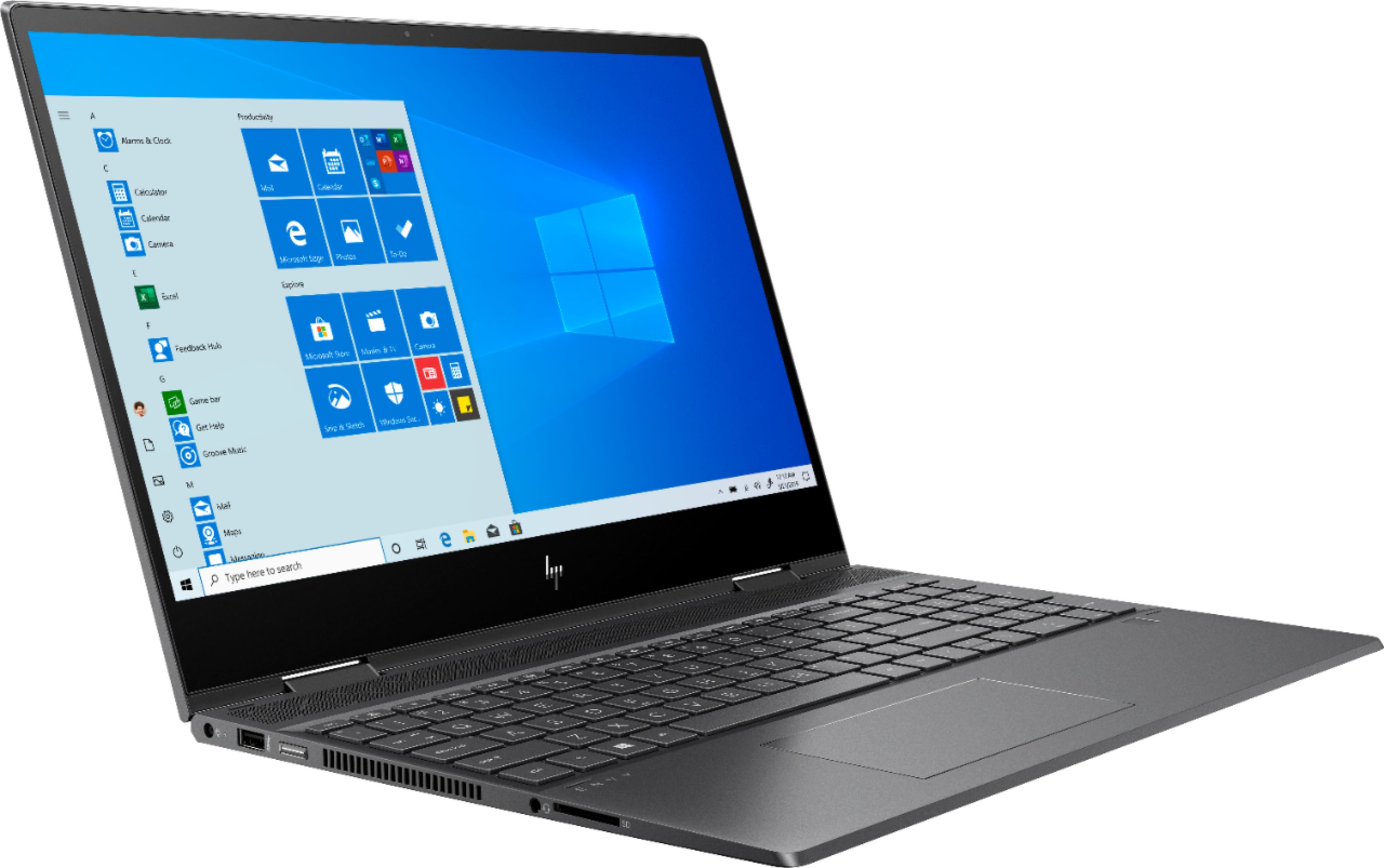
A:AnswerUnfortunately, the slim profile of the Envy x360 means that a DVD/CD player cannot be built in. For a compatible external model, look for an external DVD writer that connects via USB.
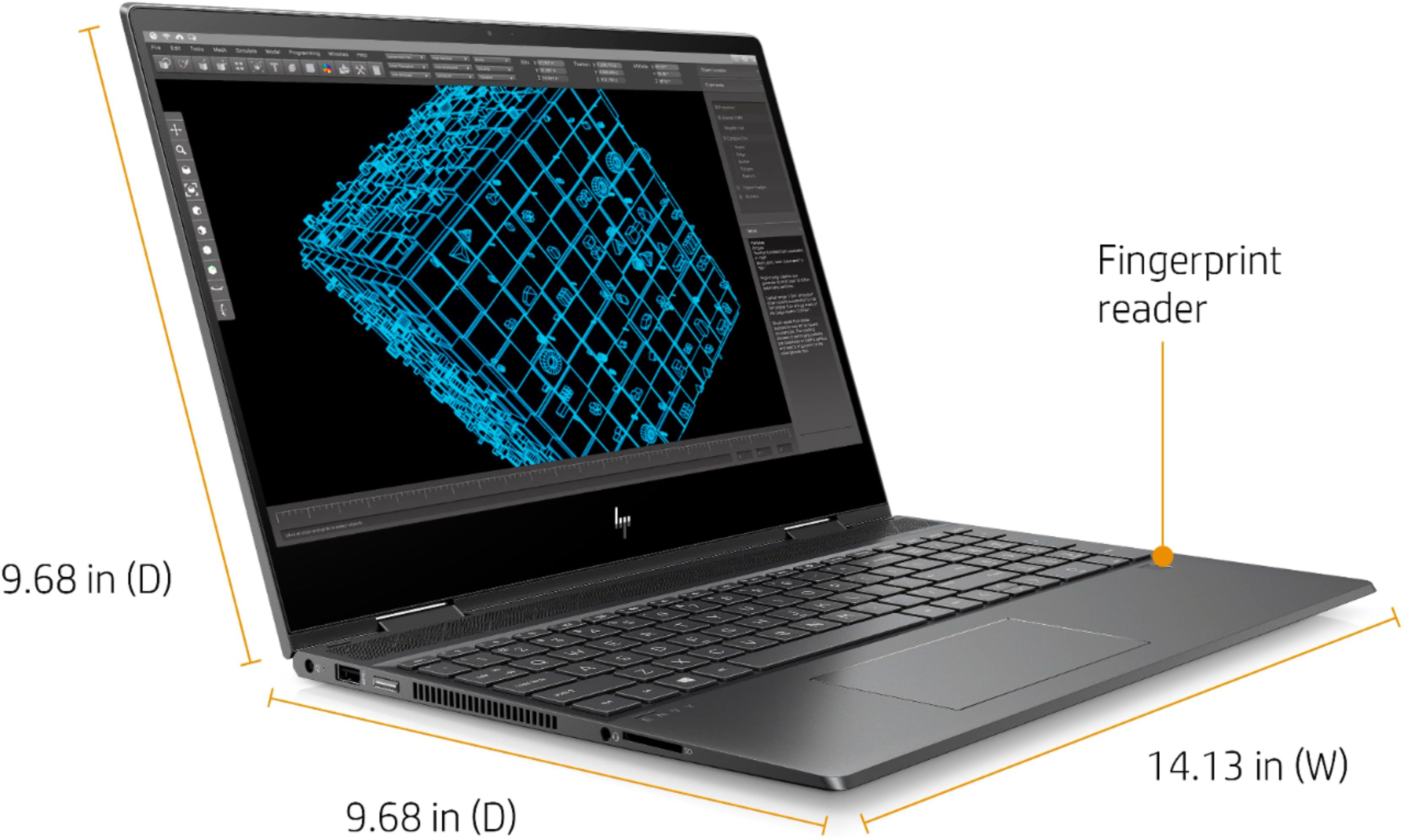
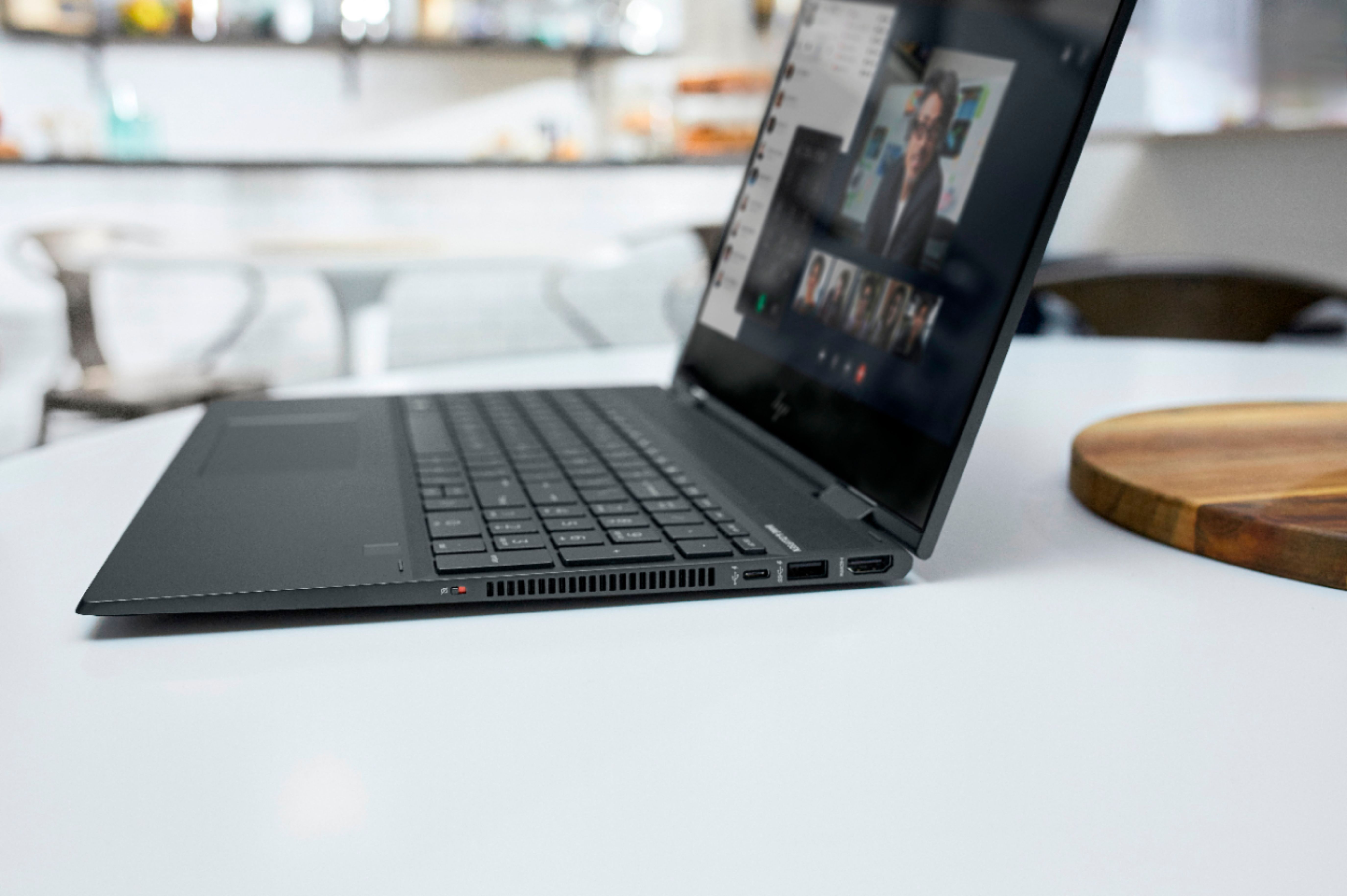
A:AnswerNo there is no ethernet port, but I just bought a $5.00 usb ethernet adapter and plugged it in with no issues, plug usb end into laptop and then ethernet cable into the other end of the adapter and it worked with no setup necessary.
A:AnswerI have used both of those and was able to hear with both of them.
However I did have a hard time figuring out how to turn down the sound on Zoom.
I am still learning how to use Zoom.