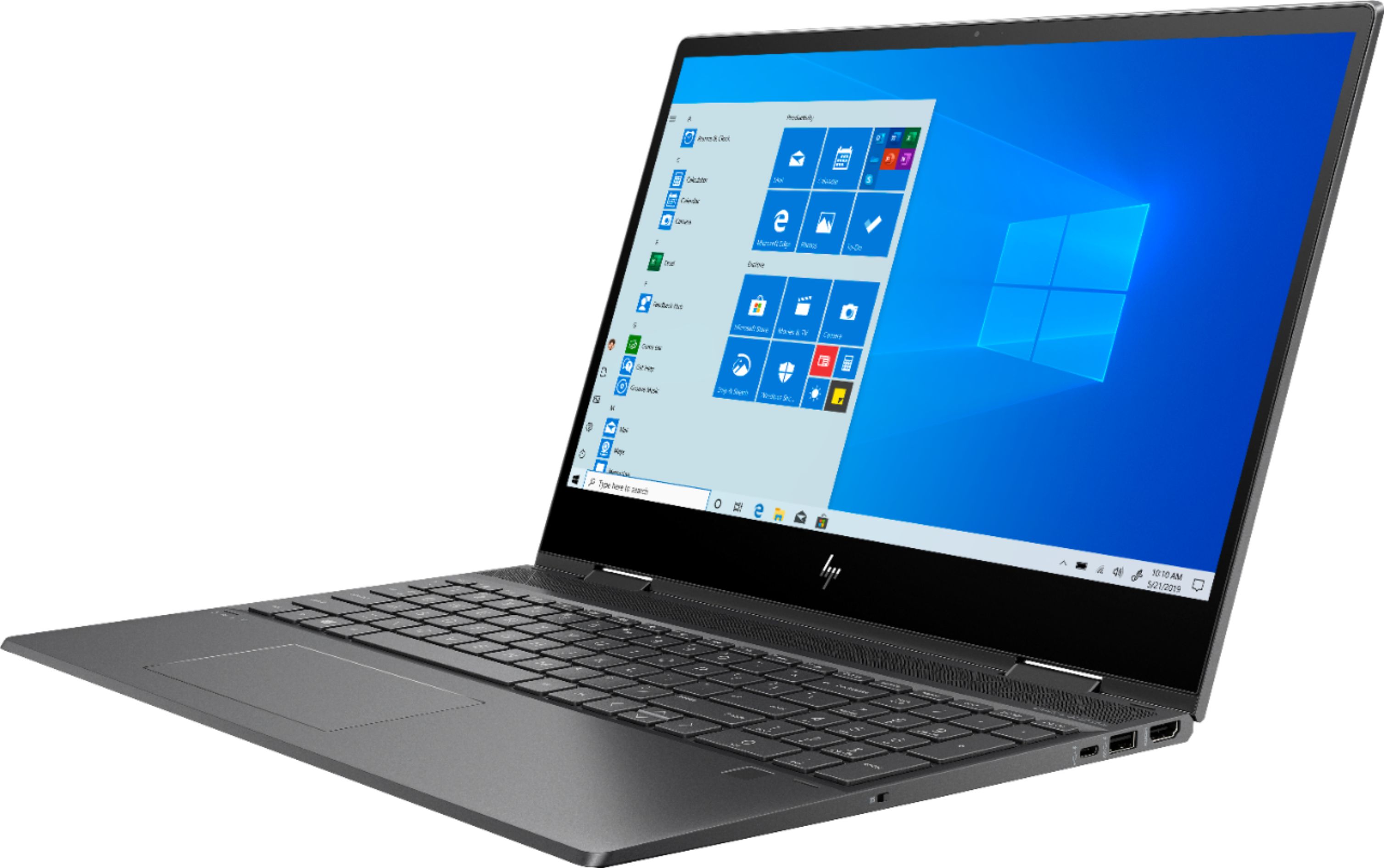
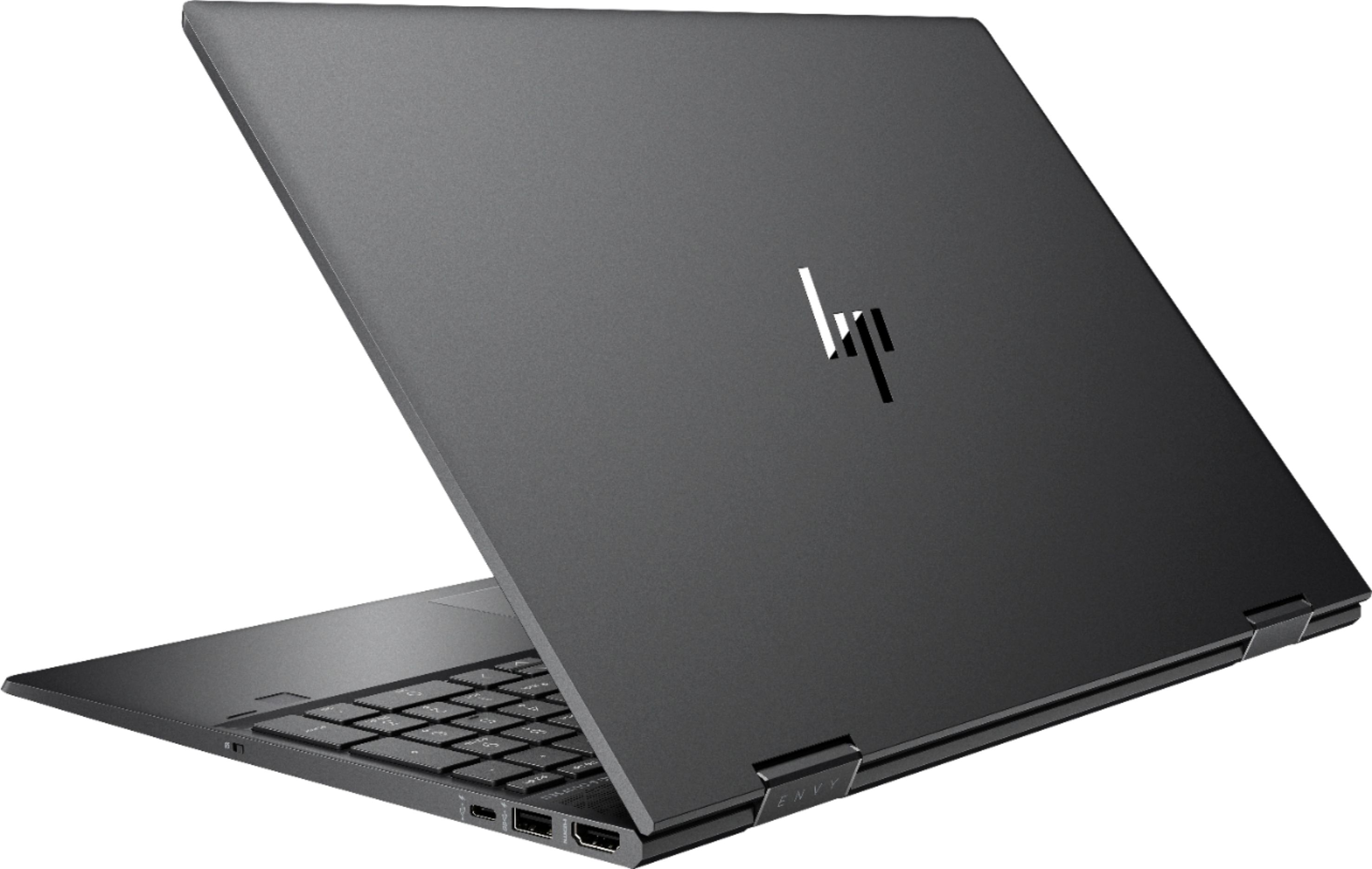
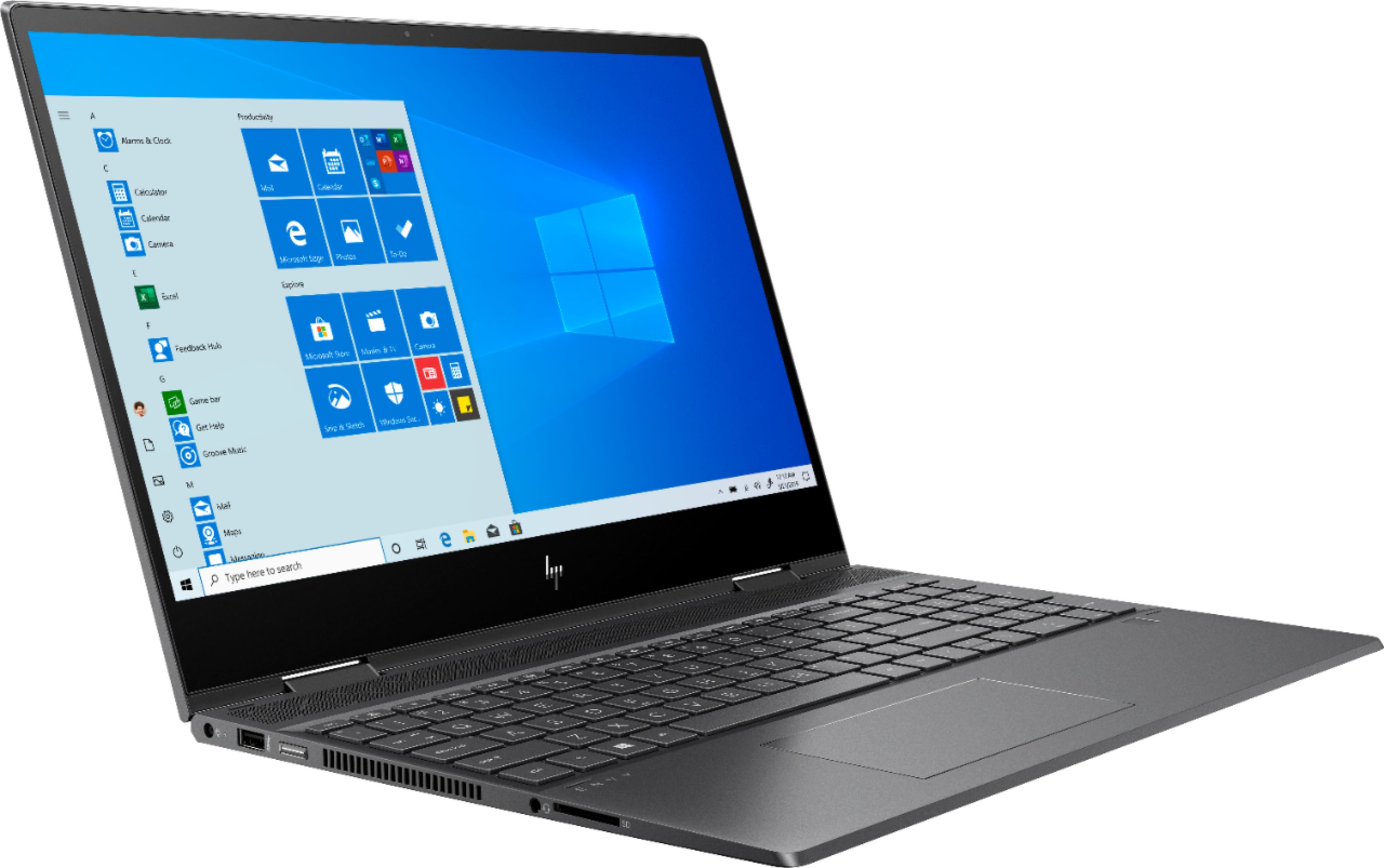
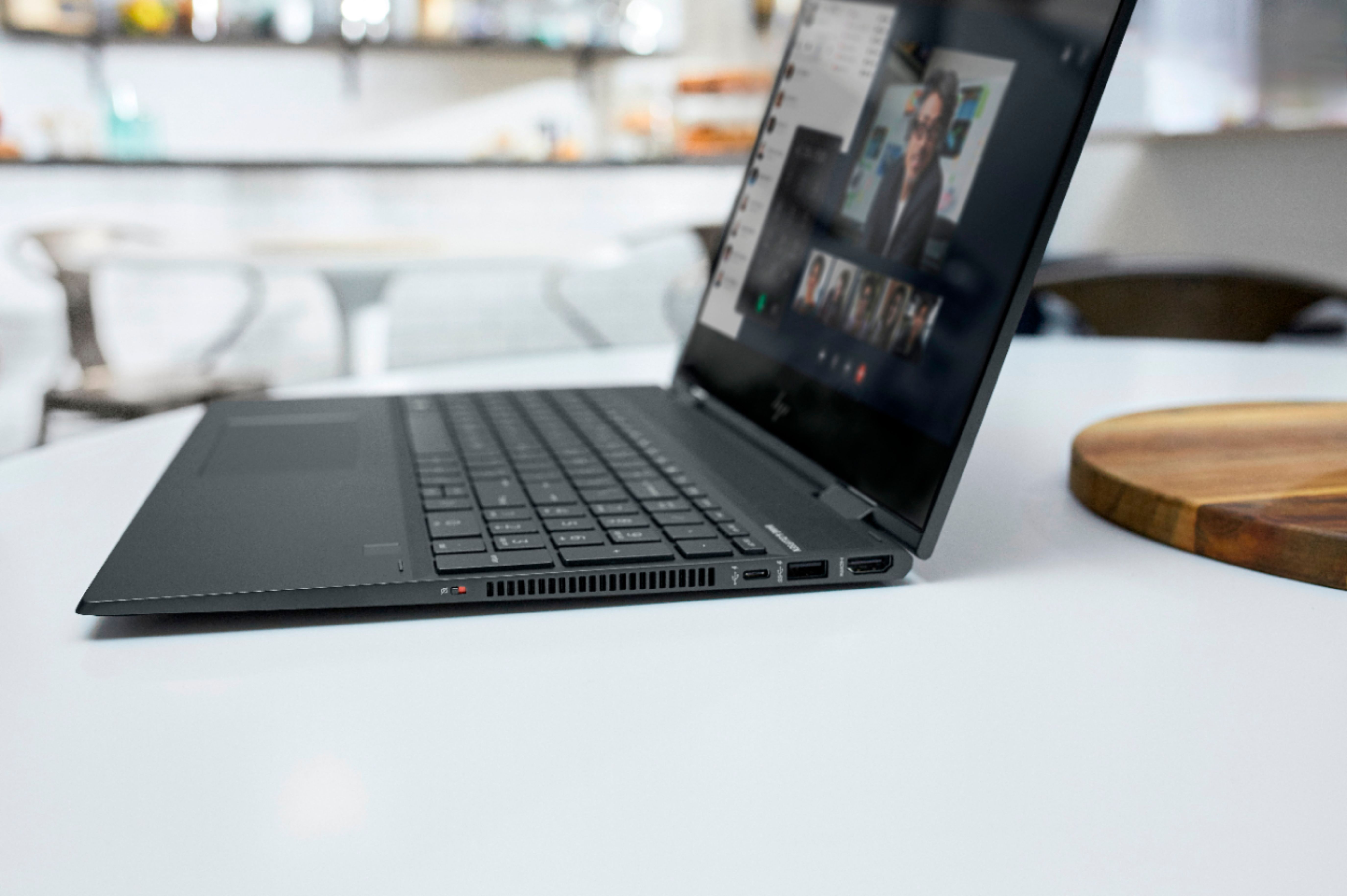
A:AnswerThis one does not, I think most of them do not anymore. I purchased a portable disc drive which was easy to set up, use and transport with the laptop.
A:AnswerI haven't seen a way to lock it like that. Best thing that can be advised is to only have it out when using it and keep in a bag on your person when not. Most locks for a laptop I have seen only keeps honest people from taking it. Good luck at school!!
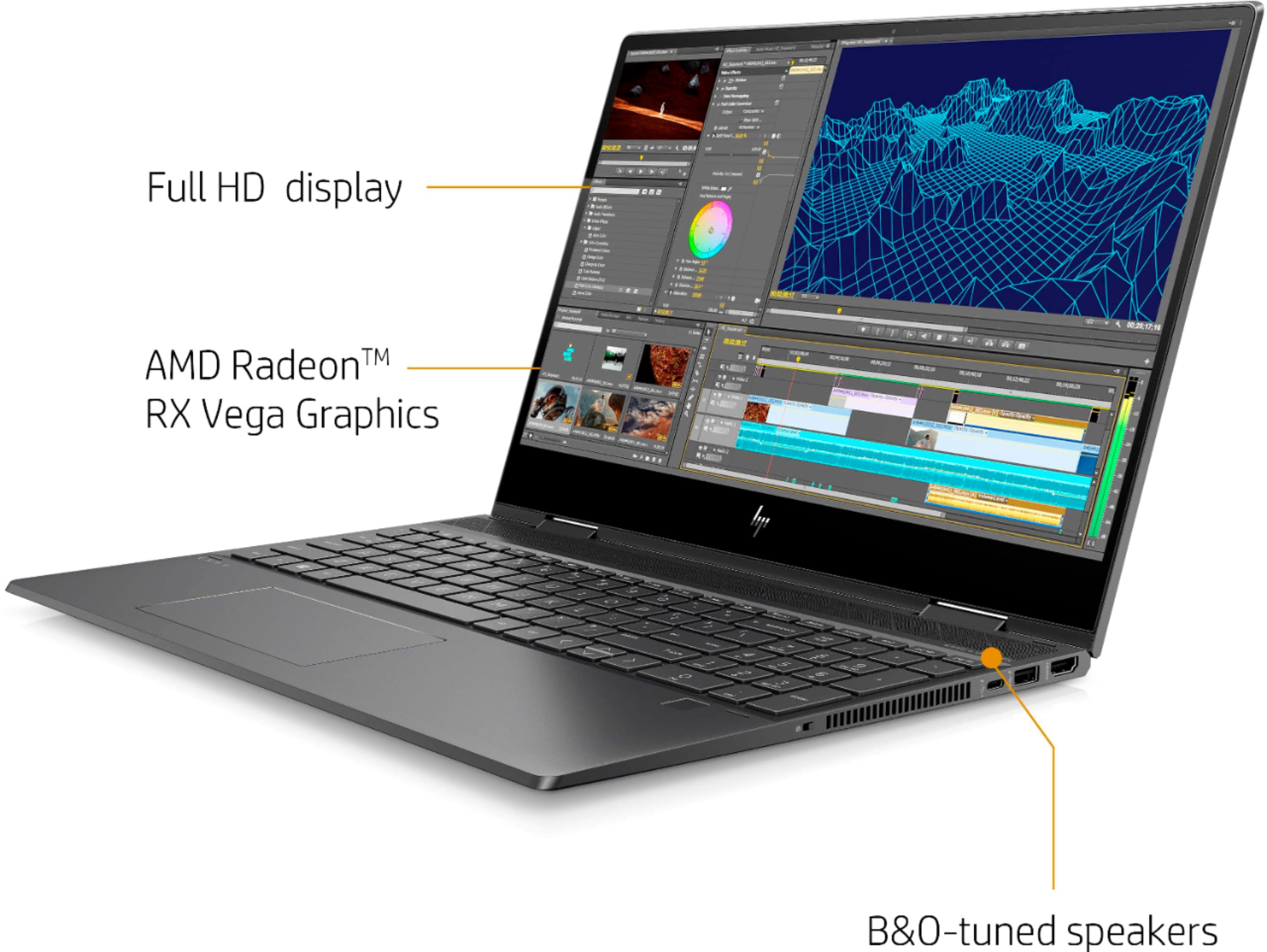
A:AnswerThere is no "RX Vega 8" RX starts at 10 and over.
Vega 3
Vega 6
Vega 8
RX Vega 10
RX Vega 11
Check out Wikipedia AMD_RX_Vega_series for more information on the series.
A:AnswerYes - it should do it very well for a laptop with integrated graphics.
However if you are a serious/professional photo editor, I would recommend that you buy a machine with discreet graphics for better graphical application performance.
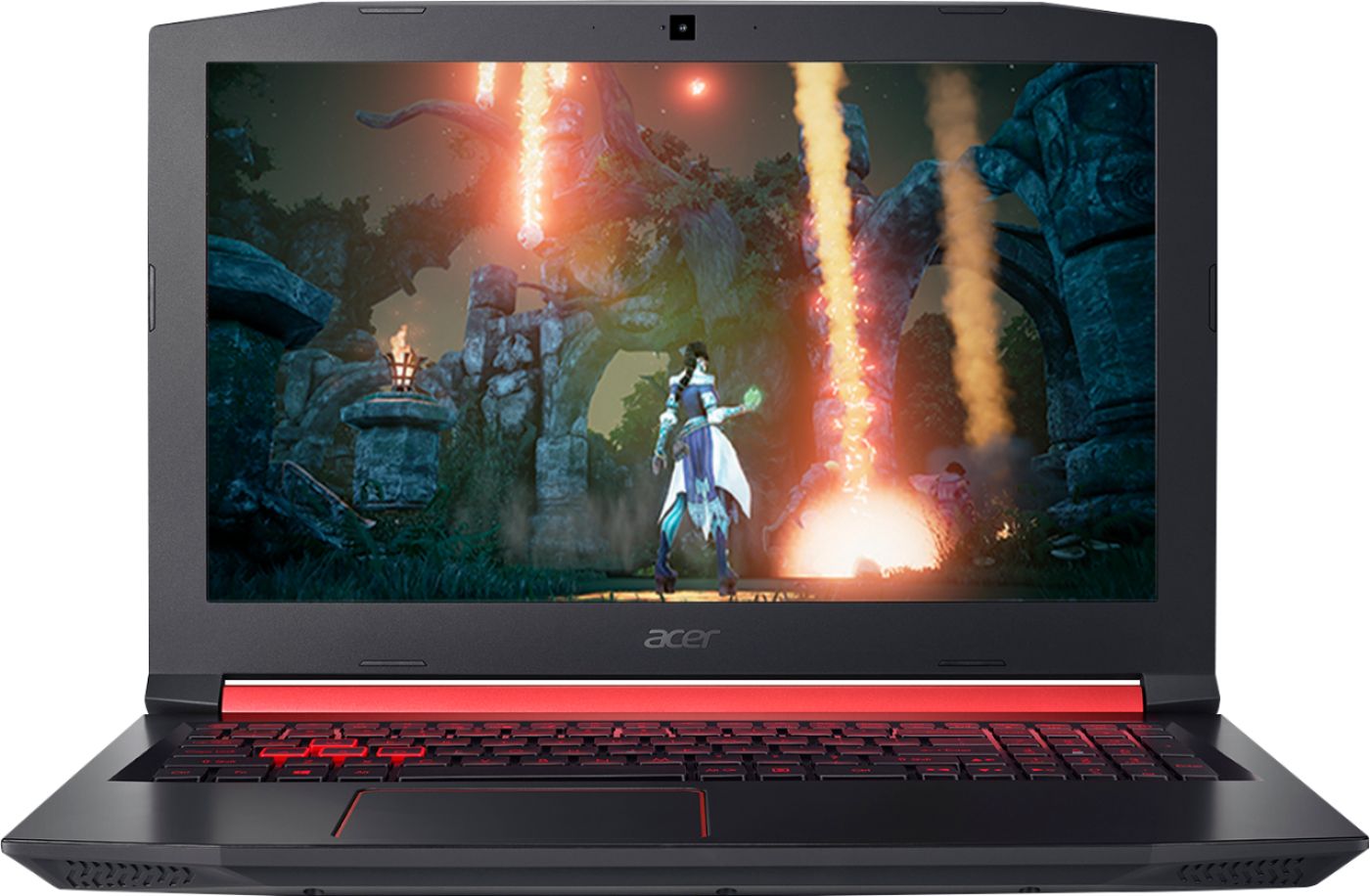
Below I have suggested a model that would be better at this for the same price point. That being said it is lacking a touch screen and an SSD, however it has more storage at 1TB, has an M2.PCIE X4 slot empty that an M2 can be added to for dual drives and can more easily be upgraded for this and RAM than the HP Envy.
A:AnswerIt's so much faster, especially the graphics performance. Clock speeds are only 100MHz higher, and power usage is the same, but FPS increase is significantly higher.
A:AnswerYes, you can buy a docking station for this laptop. You can use an Universal USB docking station with the ports you need for the other components that you want connected.