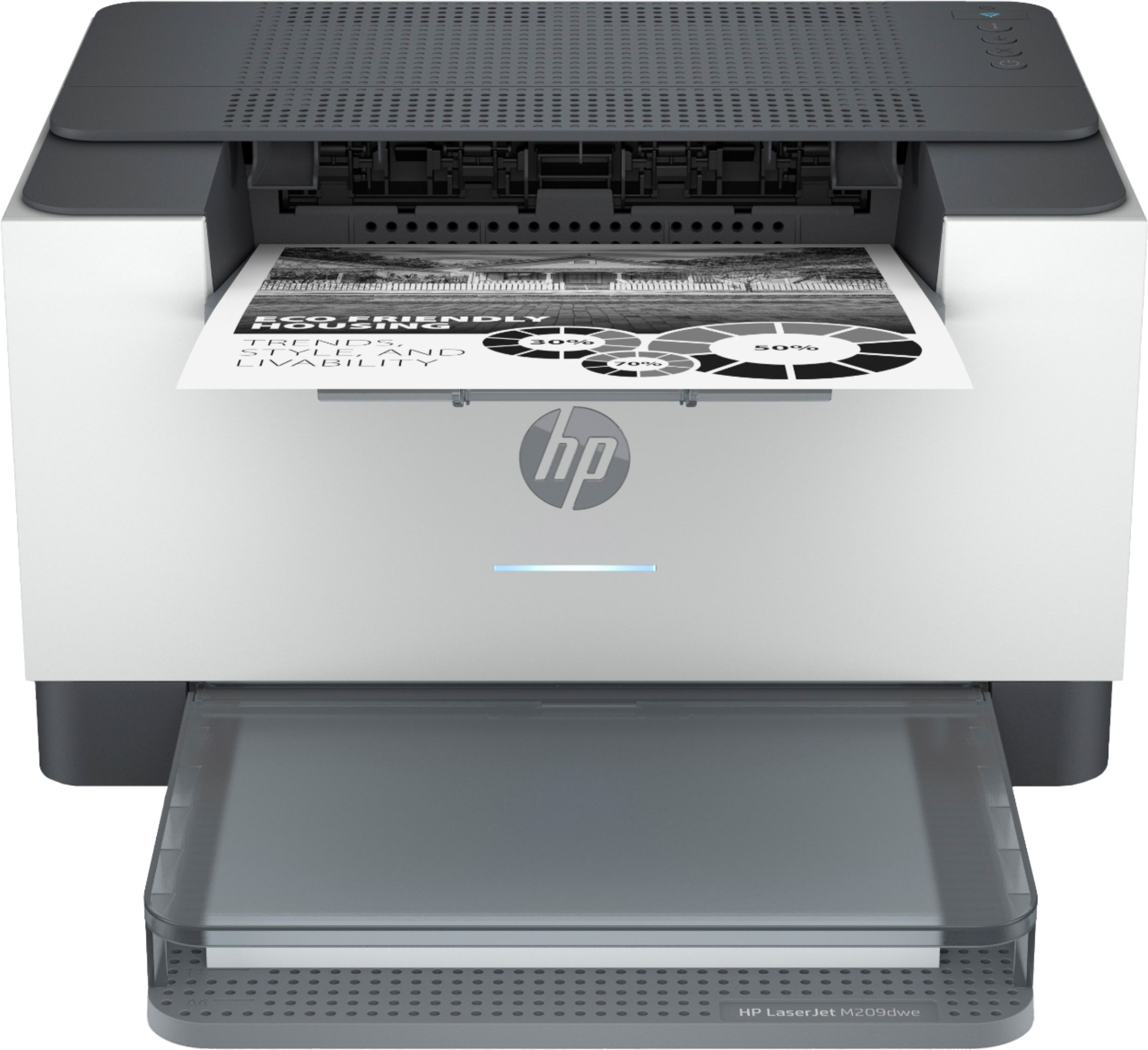
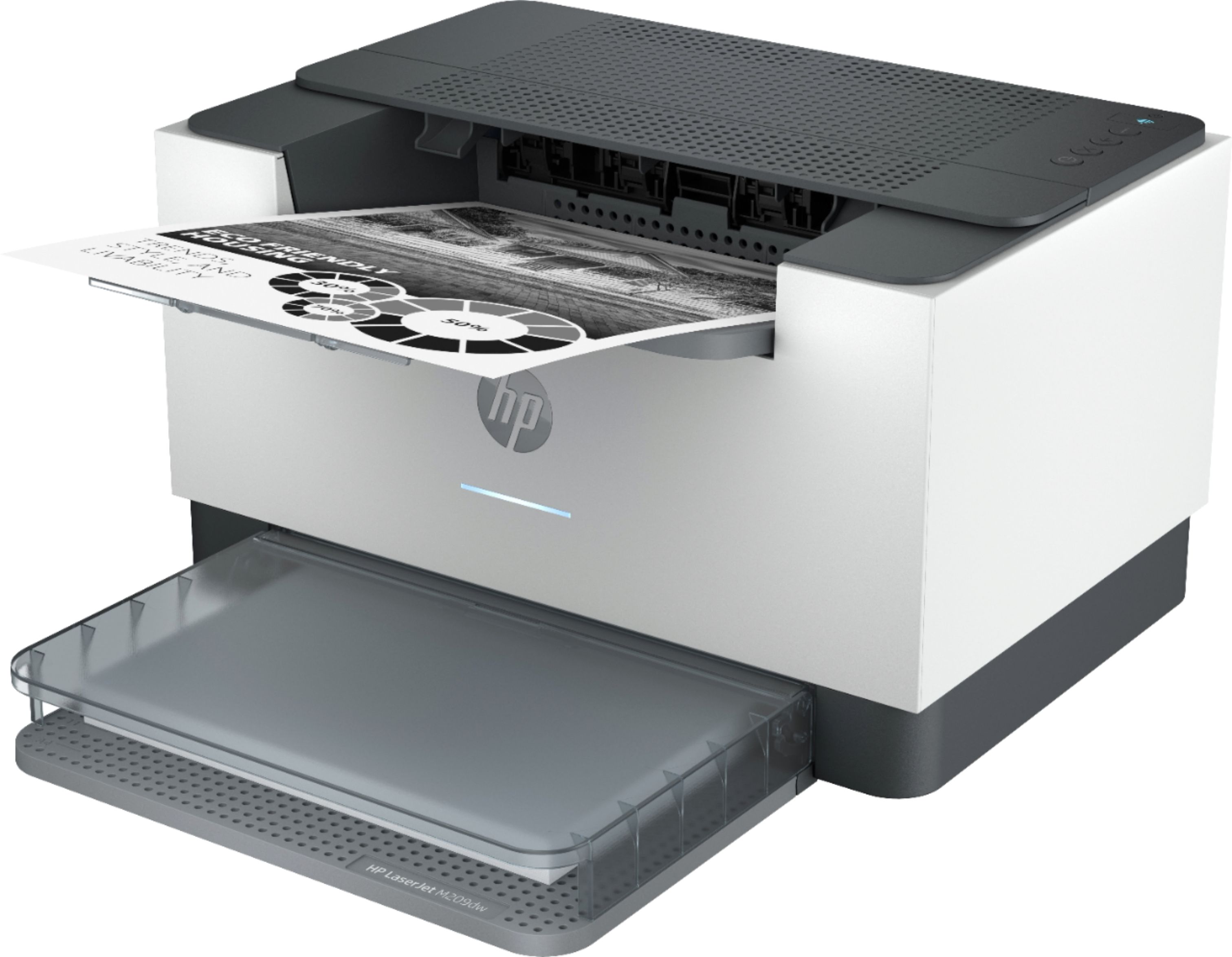
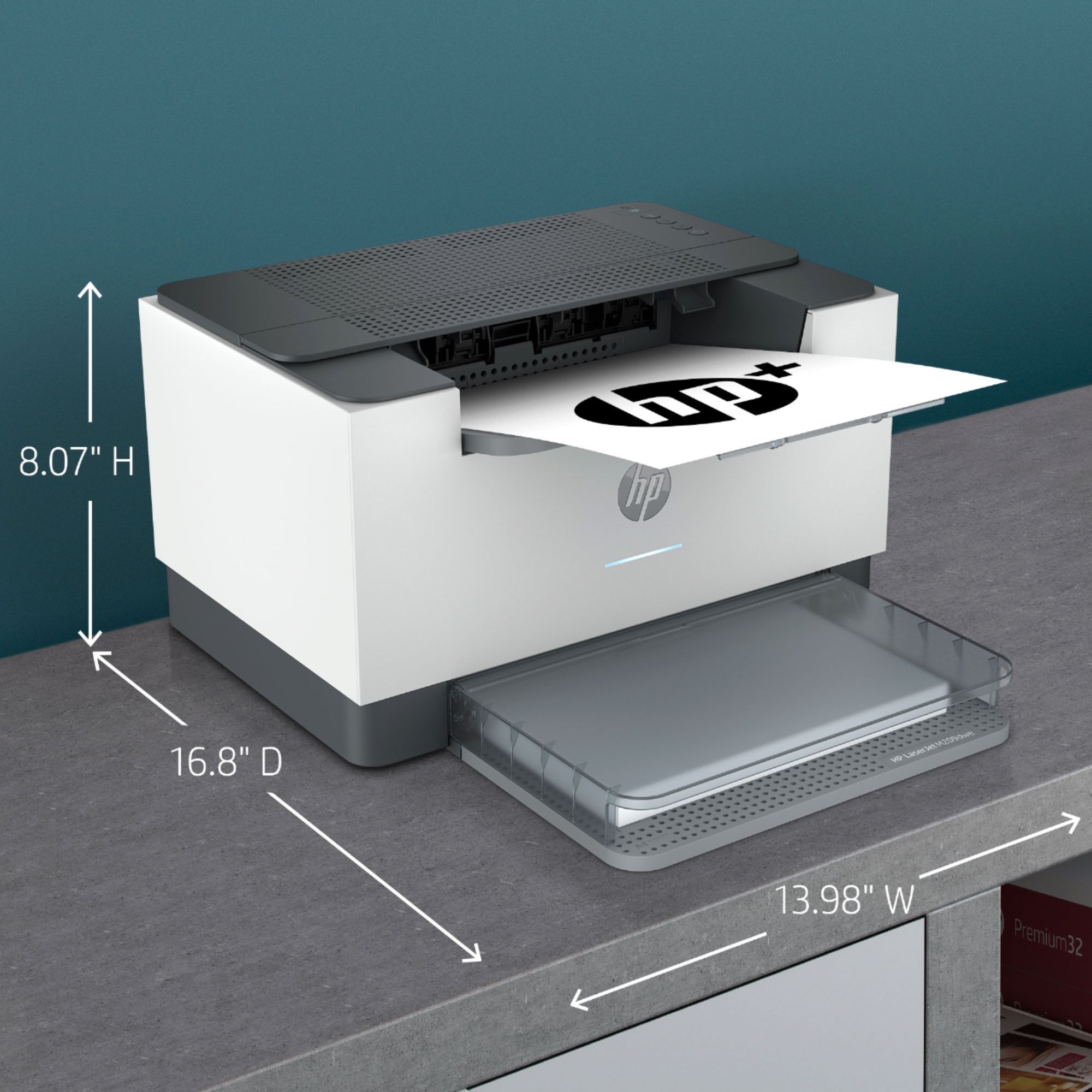
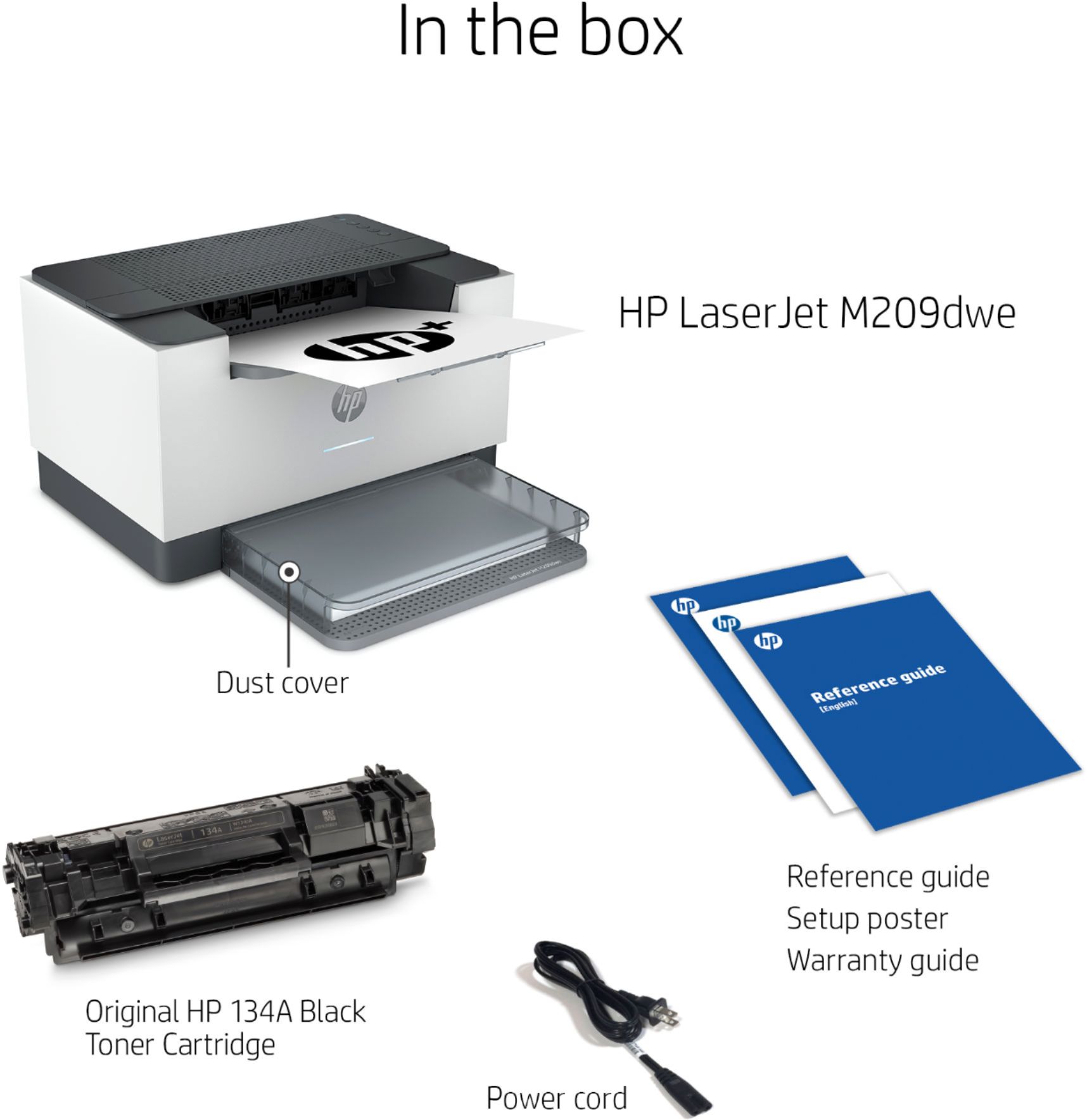
A:AnswerThank you for the question. Yes, all laser printers have a drum that delivers the toner to the paper with heat and pressure. With the M209dwe, the drum and toner are incorporated into one unit, HP 134 cartridges - standard yield (up to 1100 pages) and high yield (up to 2400 pages). See them here: https://www.bestbuy.com/site/searchpage.jsp?st=134+toner&_dyncharset=UTF-8&_dynSessConf=&id=pcat17071&type=page&sc=Global&cp=1&nrp=&sp=&qp=&list=n&af=true&iht=y&usc=All+Categories&ks=960&keys=keys
A:AnswerIf your computer has usb ports it will work, if you have wifi in your area it should also work with that. You should be stating what version of windows you've got but if you're 7 or newer you should be fine. The big deal is it has to be connected to the internet so HP talks to it all the time.
A:Answerapparently the price of a low cost printer is now that it must always be connected to the internet apparently at some point it will stop working if it isn't connected to the internet from all reports.
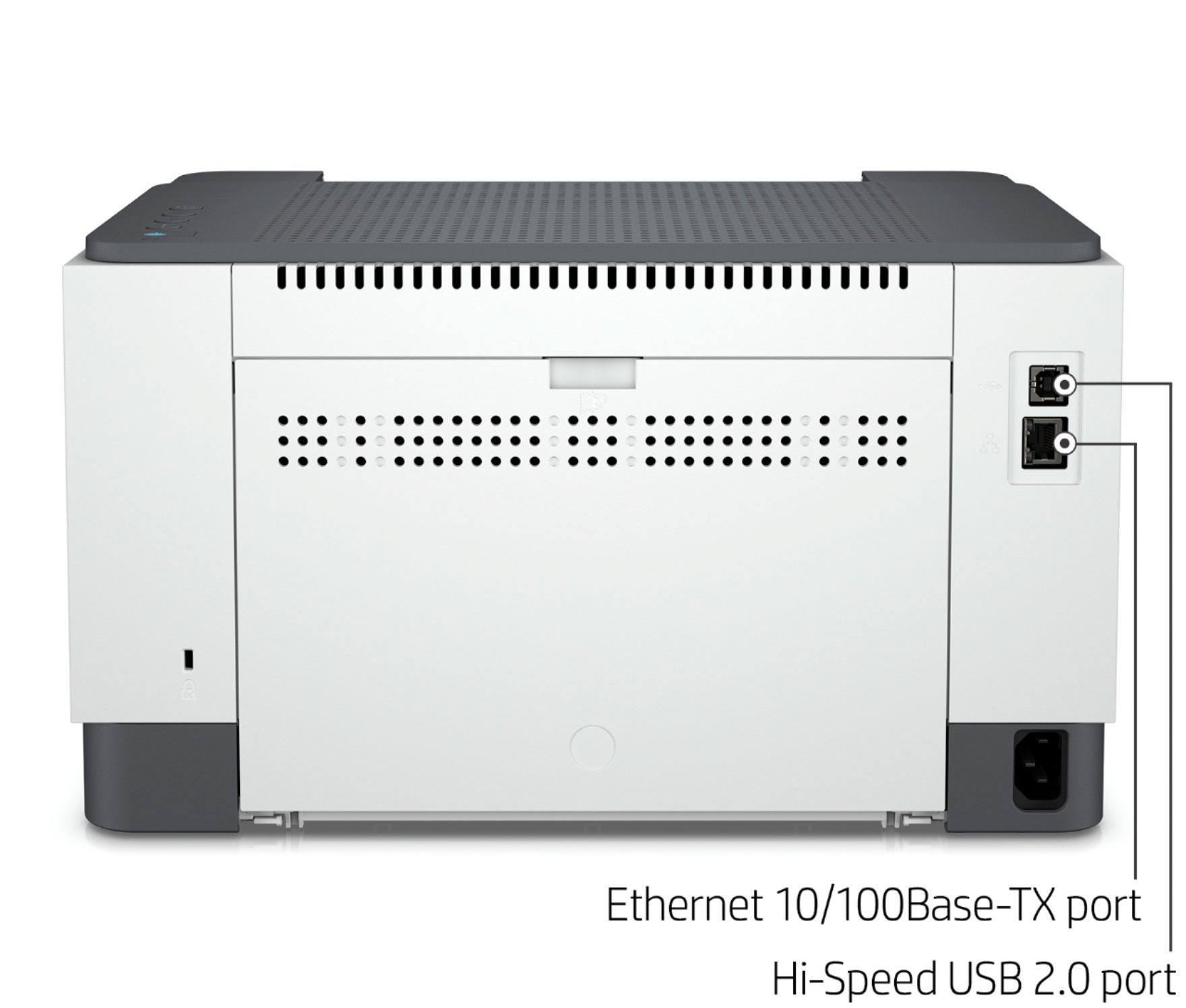
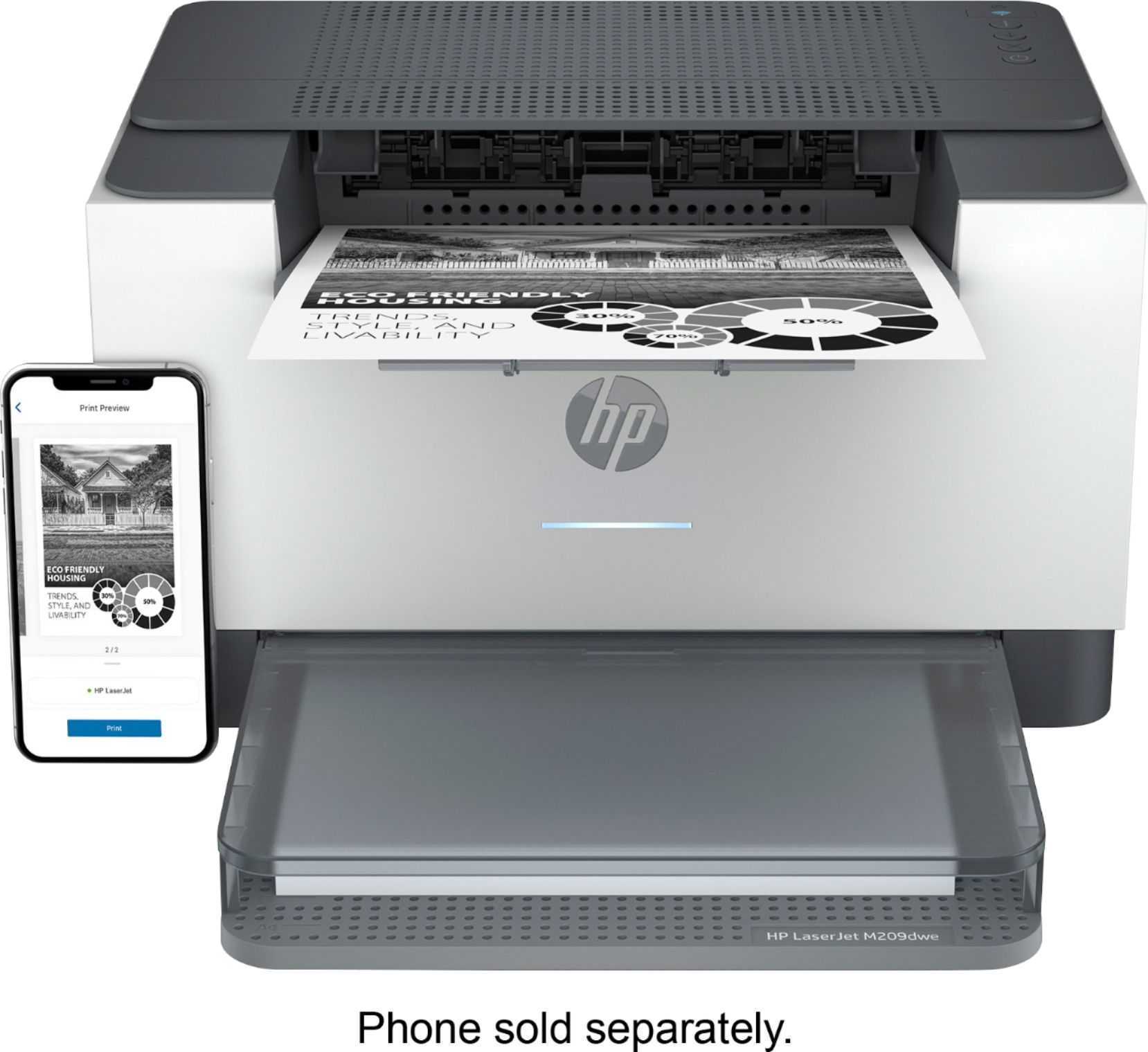
A:AnswerThank you for the question. Yes, there is a USB-B port on the rear for connecting directly to your computer (the cable is not included). You can connect the printer to your WiFi network quickly and easily using the free HP Smart App on from your smartphone or computer.