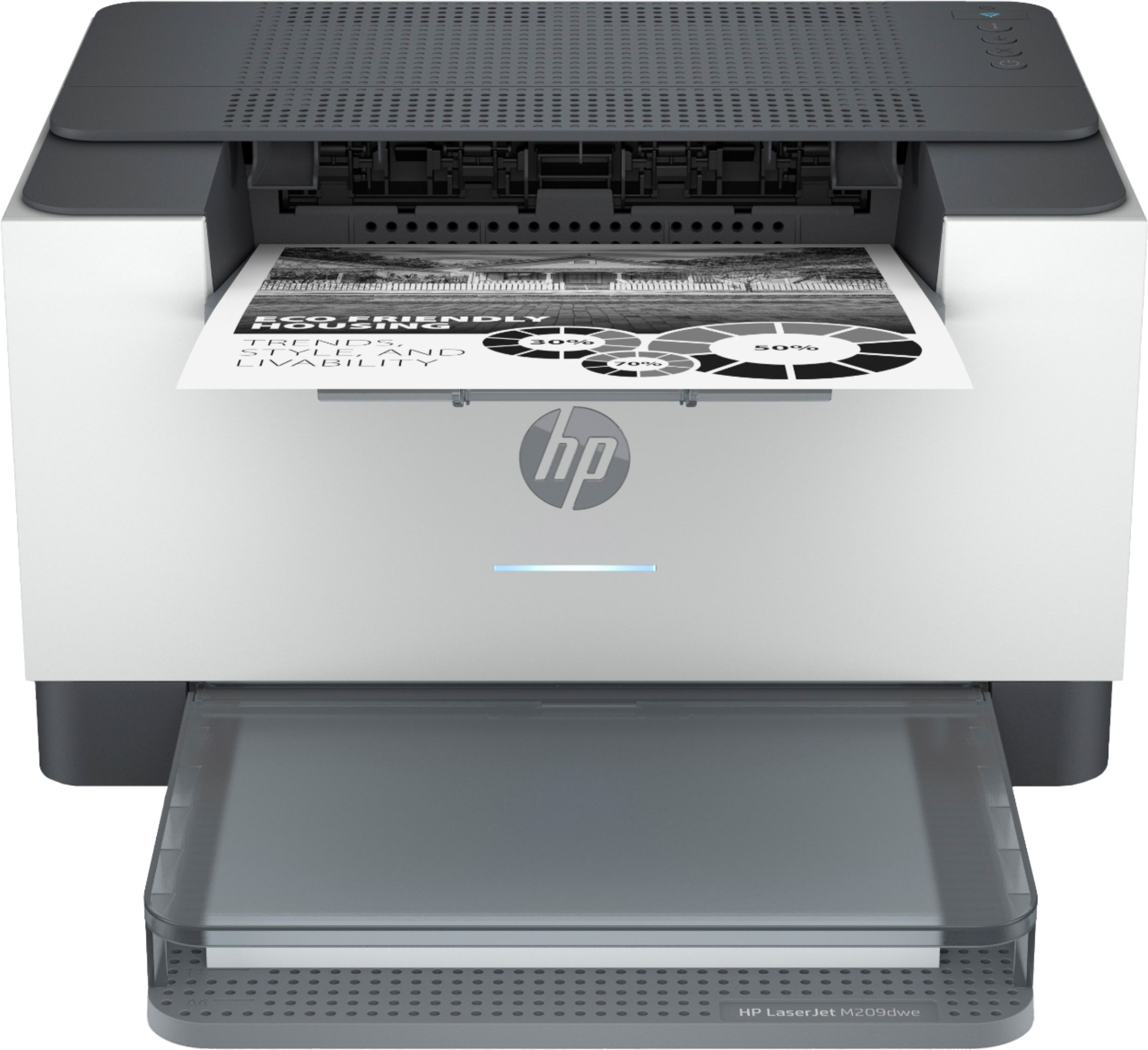
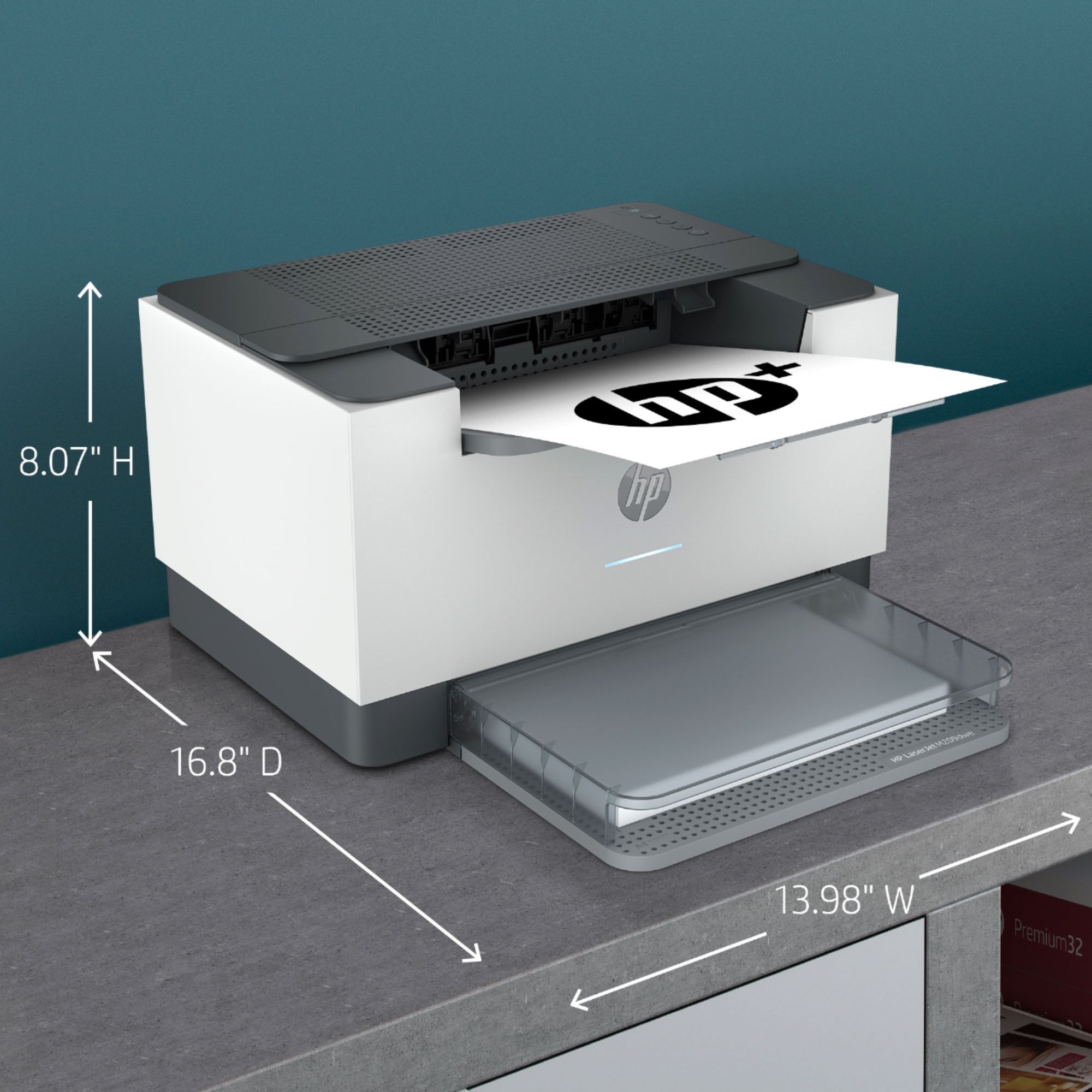
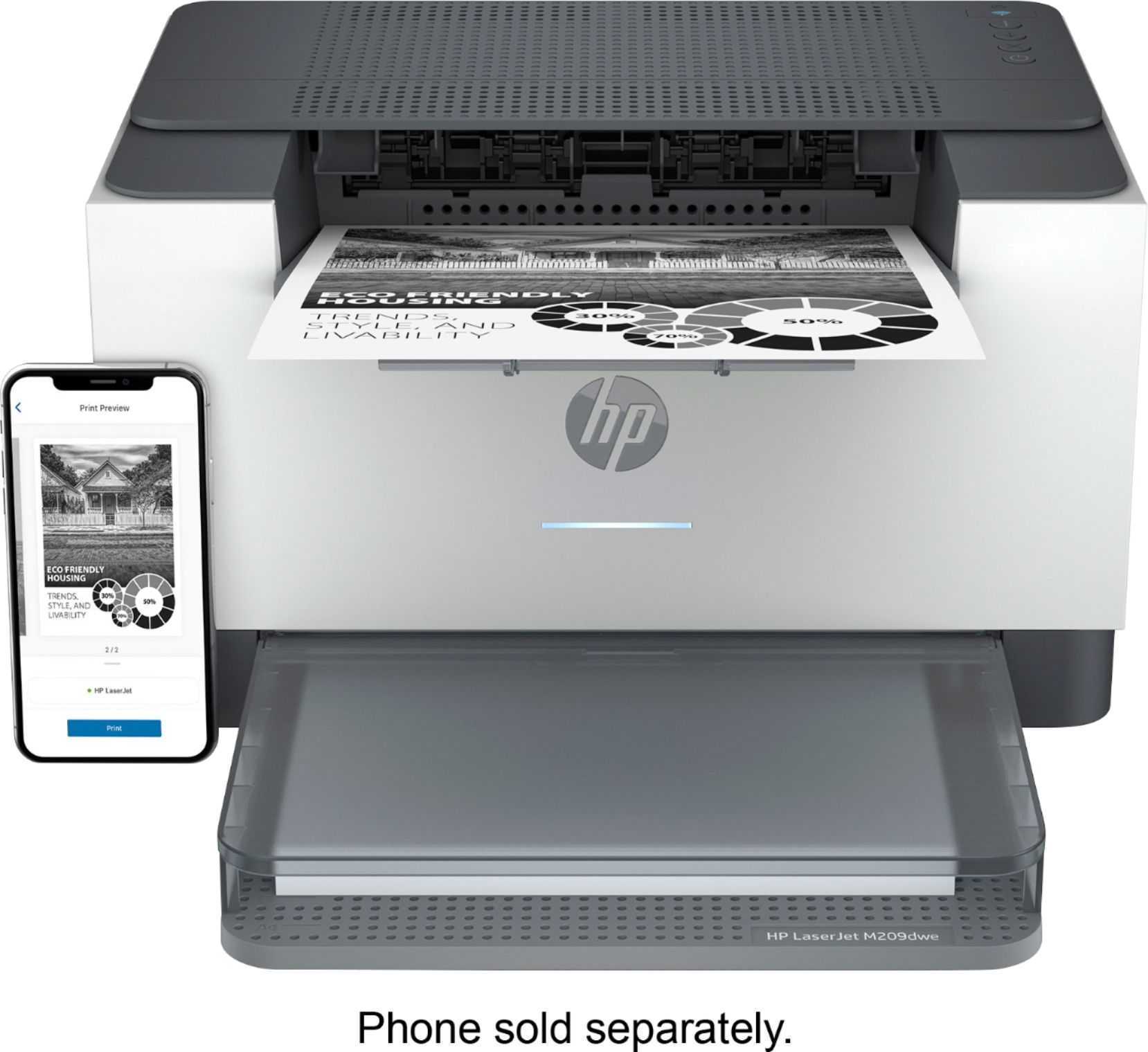
A:AnswerThank you for the question. Yes, the LaserJet M209dwe is compatible with IOS 10.15 Catalina. It is also compatible with Apple AirPrint and the HP Smart App for IOS.
A:AnswerHello, Joe. No, this HP Laserjet m209dwe printer uses WiFi technology. If you are looking for a direct connection from your iPhone to this printer. We would recommend using WiFi Direct. Wireless Direct (WiFi Direct) allows you to directly connect to a printer from a mobile device or computer without the need for internet access or a wireless network. You would connect to the printer’s wireless direct signal just like you would connect to a wireless network. The printer would have a unique name in your wireless connections, i.e. Direct-04-Printer. For more information, you can go to https://bit.ly/3jqsGQ8
A:AnswerThank you for your question. This printer can handle up to 43 lb paper. For comparison, our OfficeJet Pro 8025e can handle up to 110 lb cardstock.
A:AnswerYes, you should have no problem getting it tow work with your hotspot. You'll just need to tell the printer which network it is and put in the password.
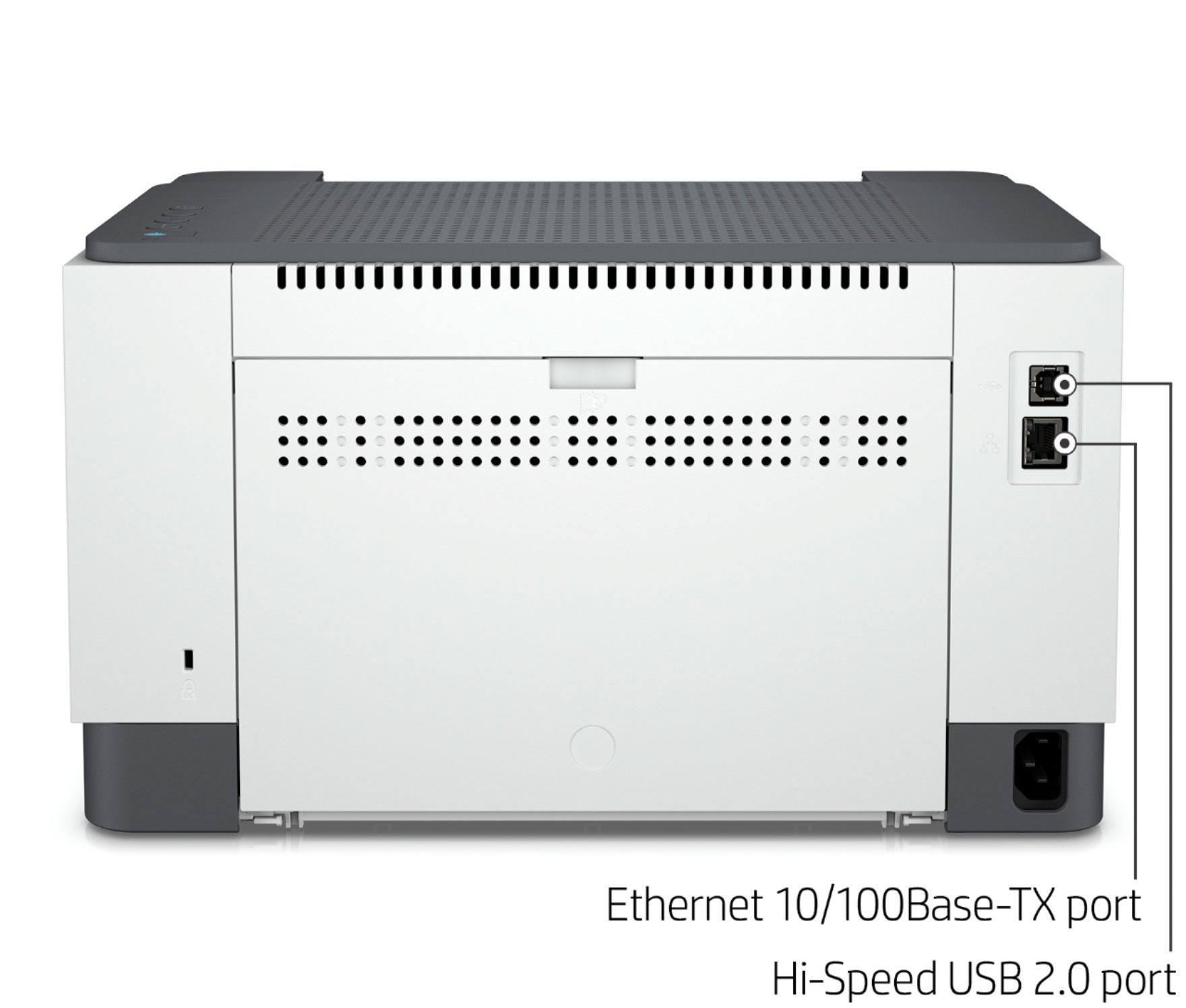
A:AnswerThank you for your questions! An internet connection (Wi-Fi or Ethernet) is required for this printer to be setup and function properly. After setup, you can connect via USB; however, this will disable a Wi-Fi connection. If you would like to work with a USB cable (after setup), make sure it is also connected to the internet with an Ethernet cable. Regarding paper sizes, this has an adjustable paper tray that can handle 4"x6" to 8.5"x14" paper and envelopes.
A:AnswerHi Kevin, thank you for the question. The DWE model requires an internet connection to monitor the use of HP toner only (or void the free year of warranty). An internet connection is also required to monitor the toner level so that HP Instant Ink knows when to send more (for the free trial and ongoing, if you enroll).