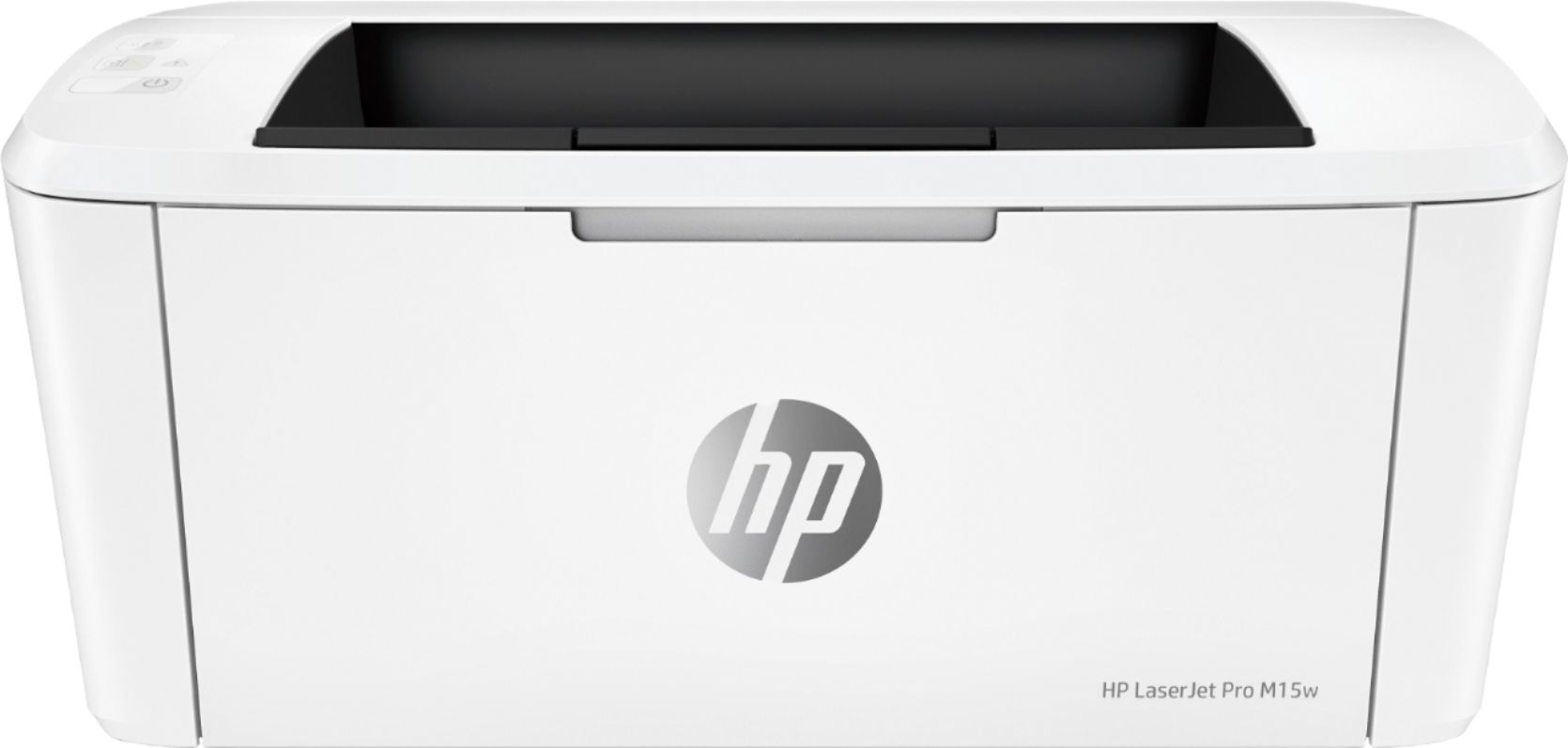
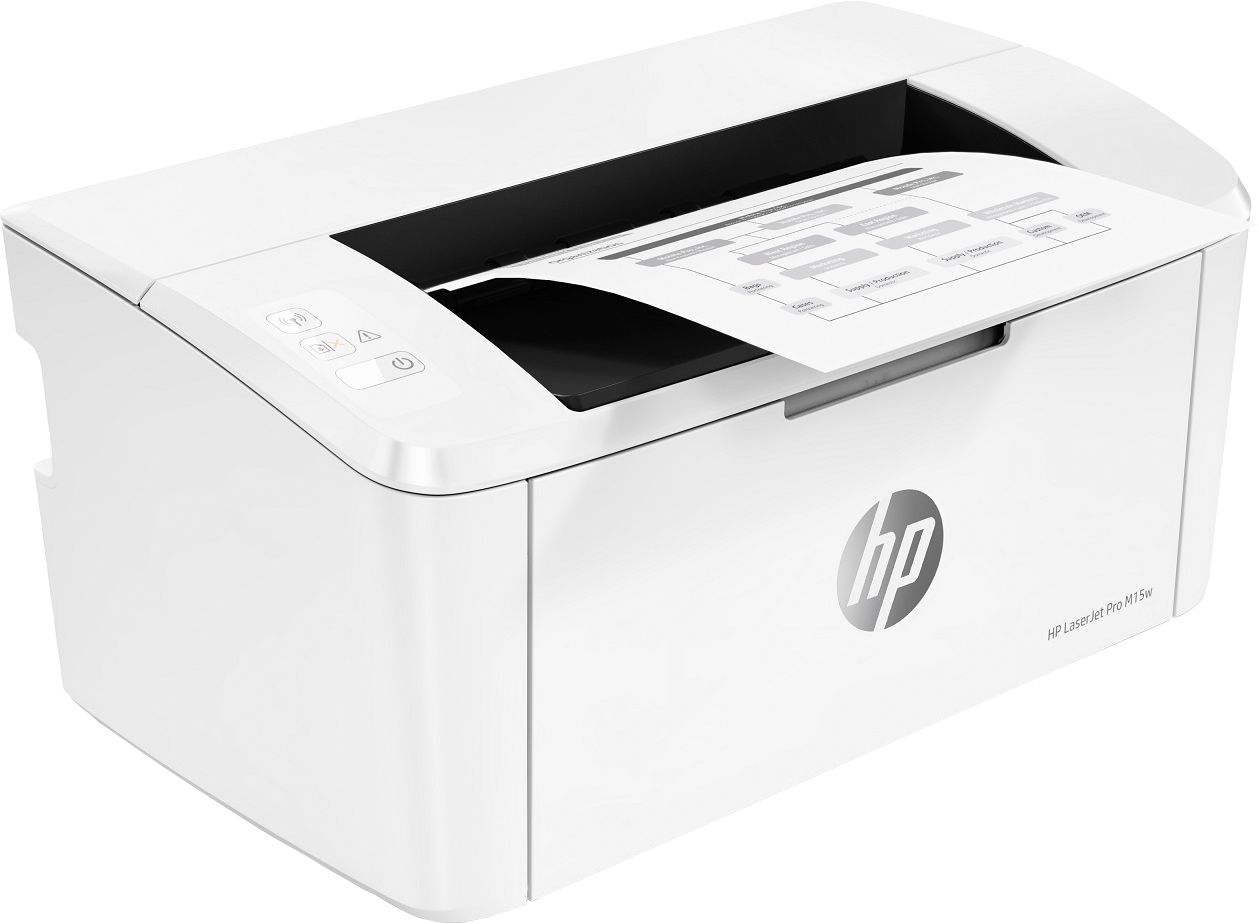
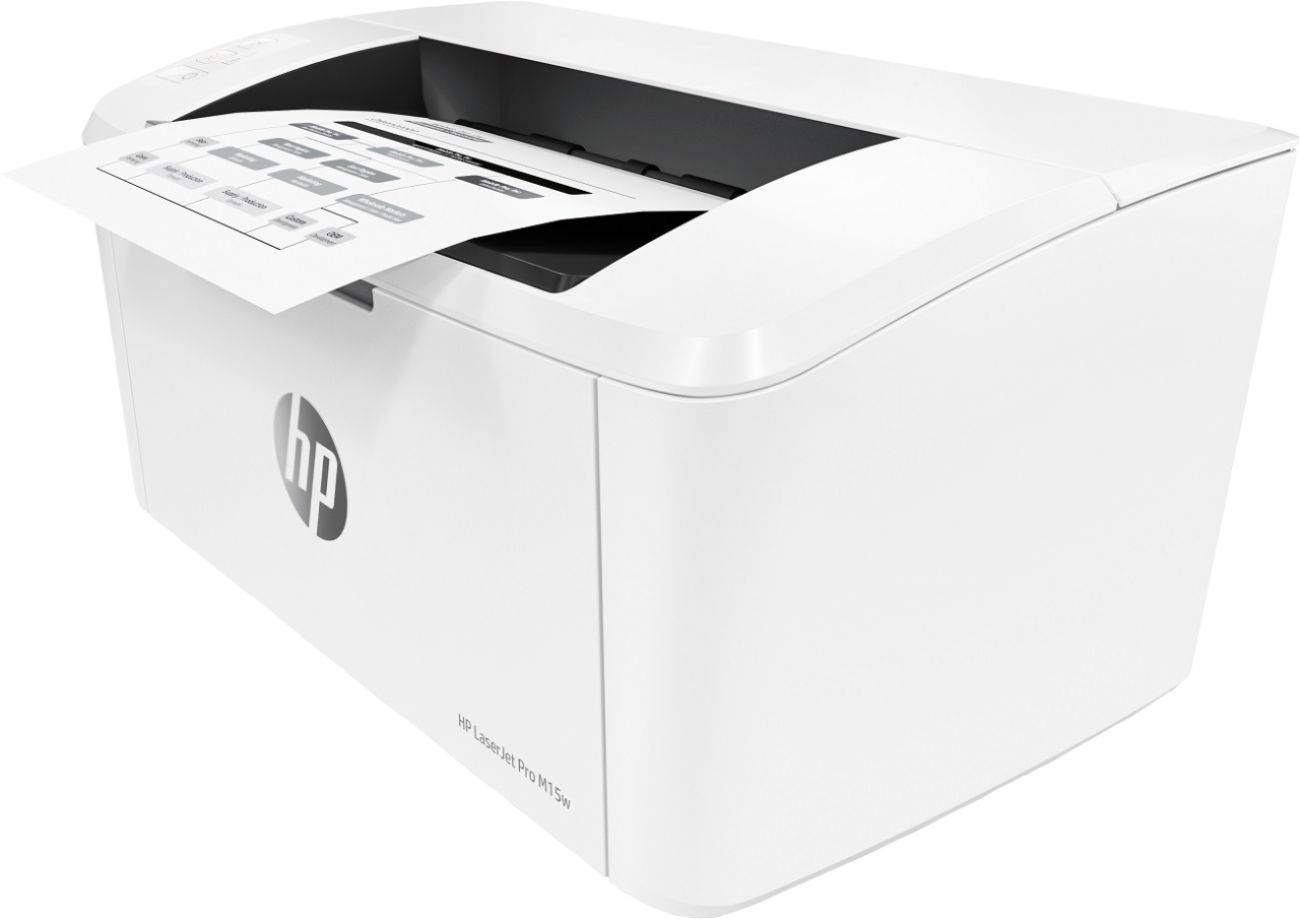
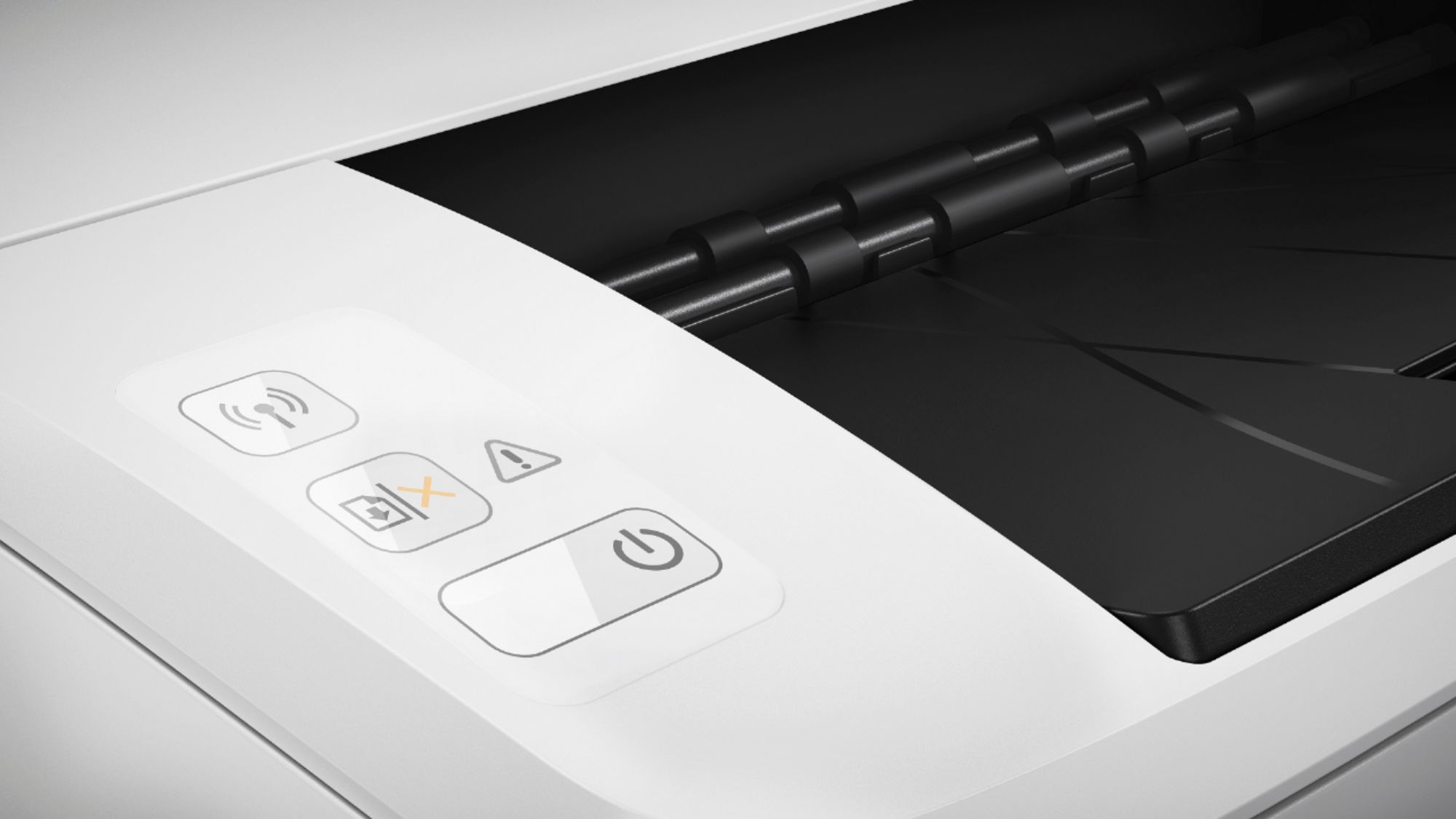
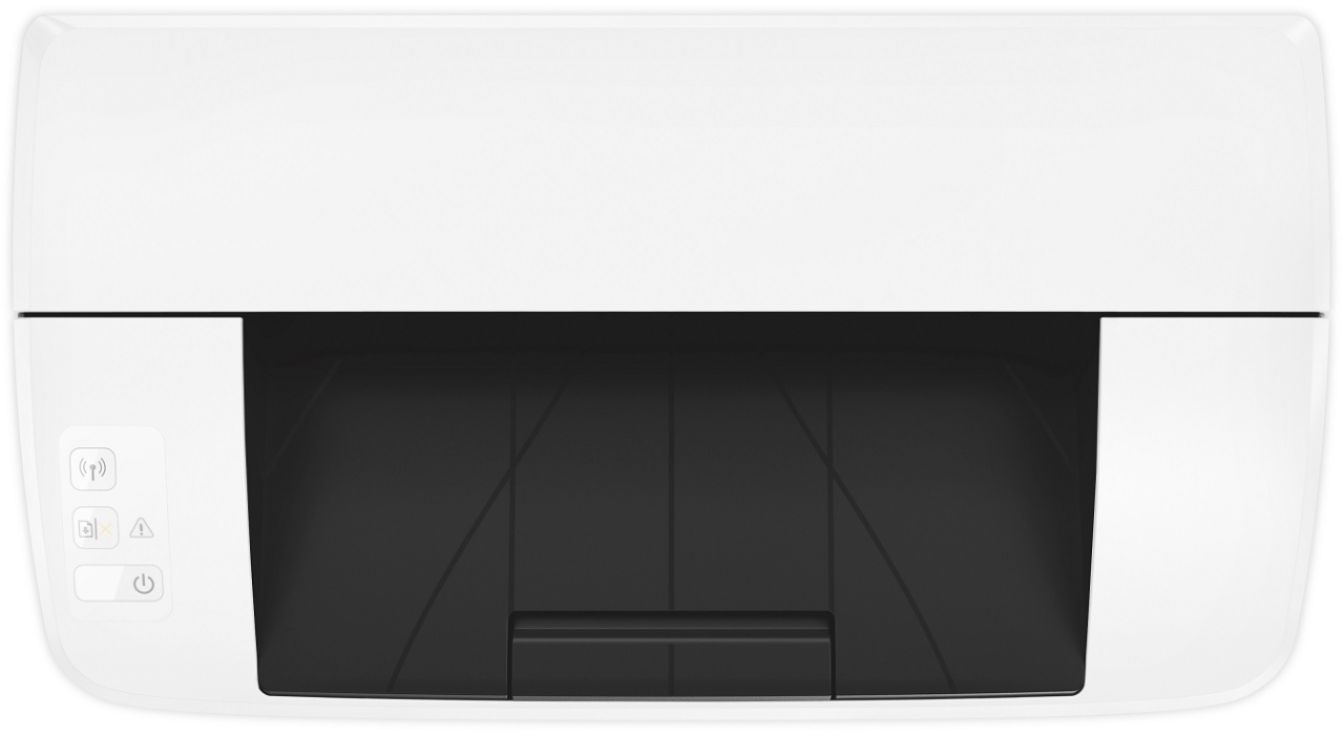
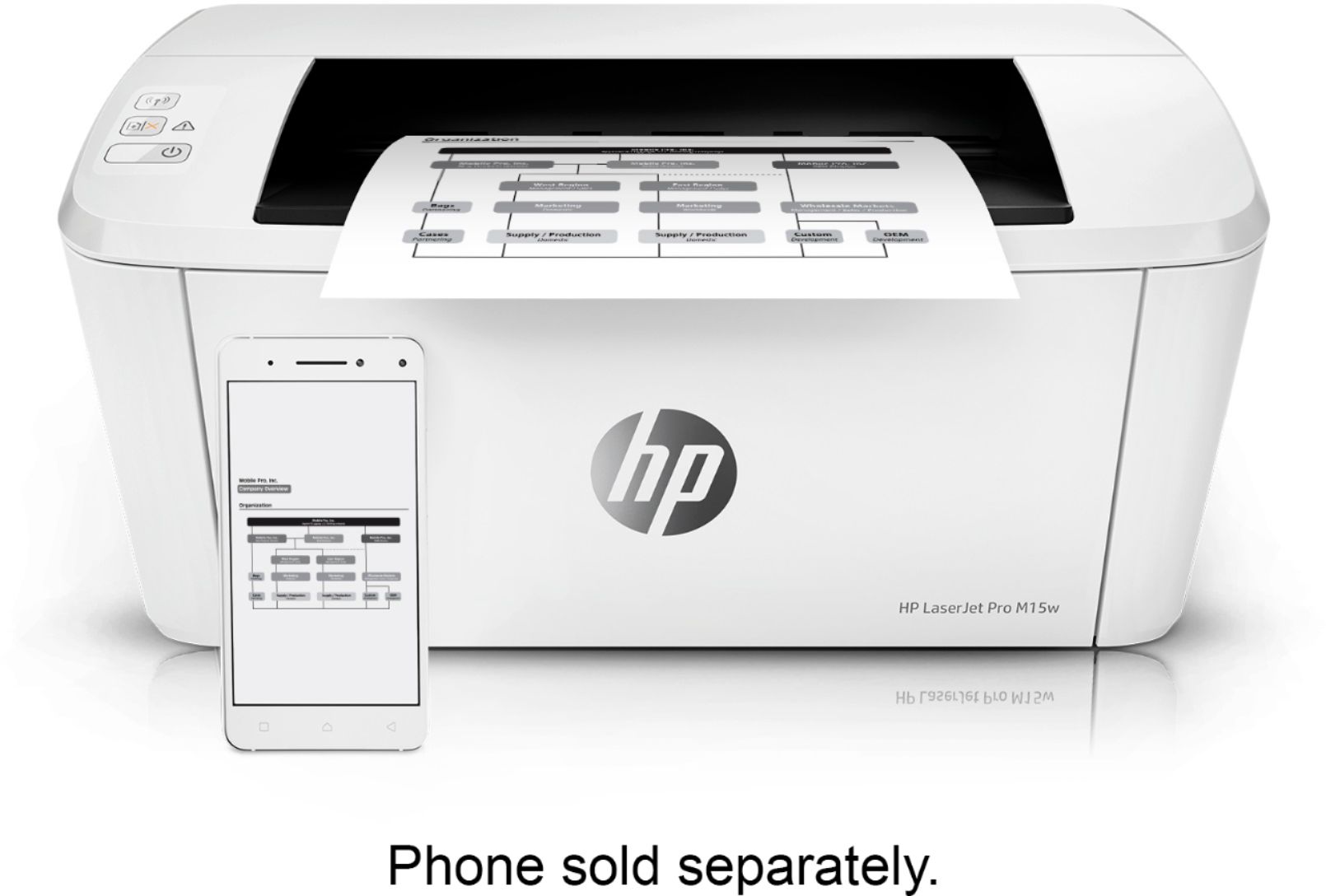
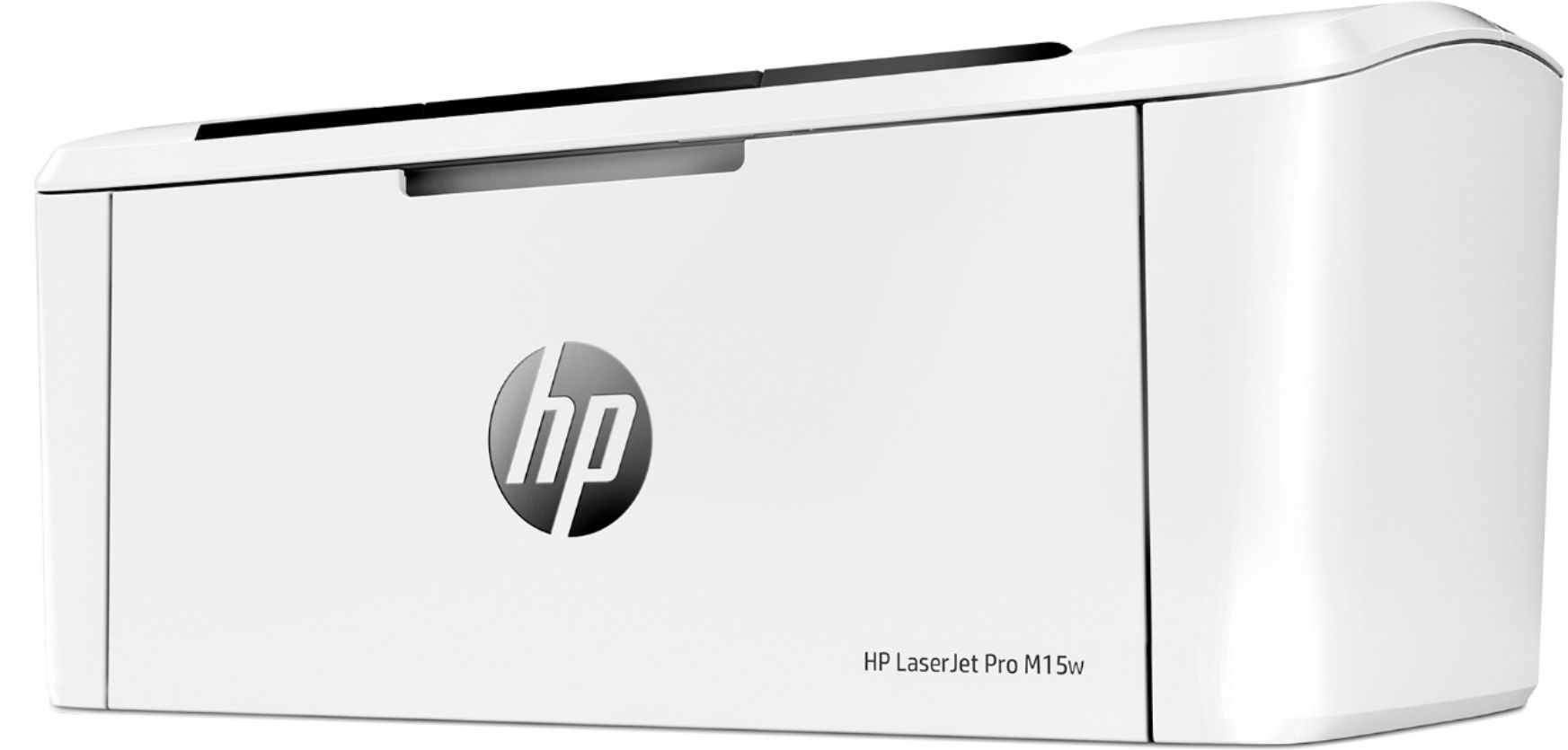
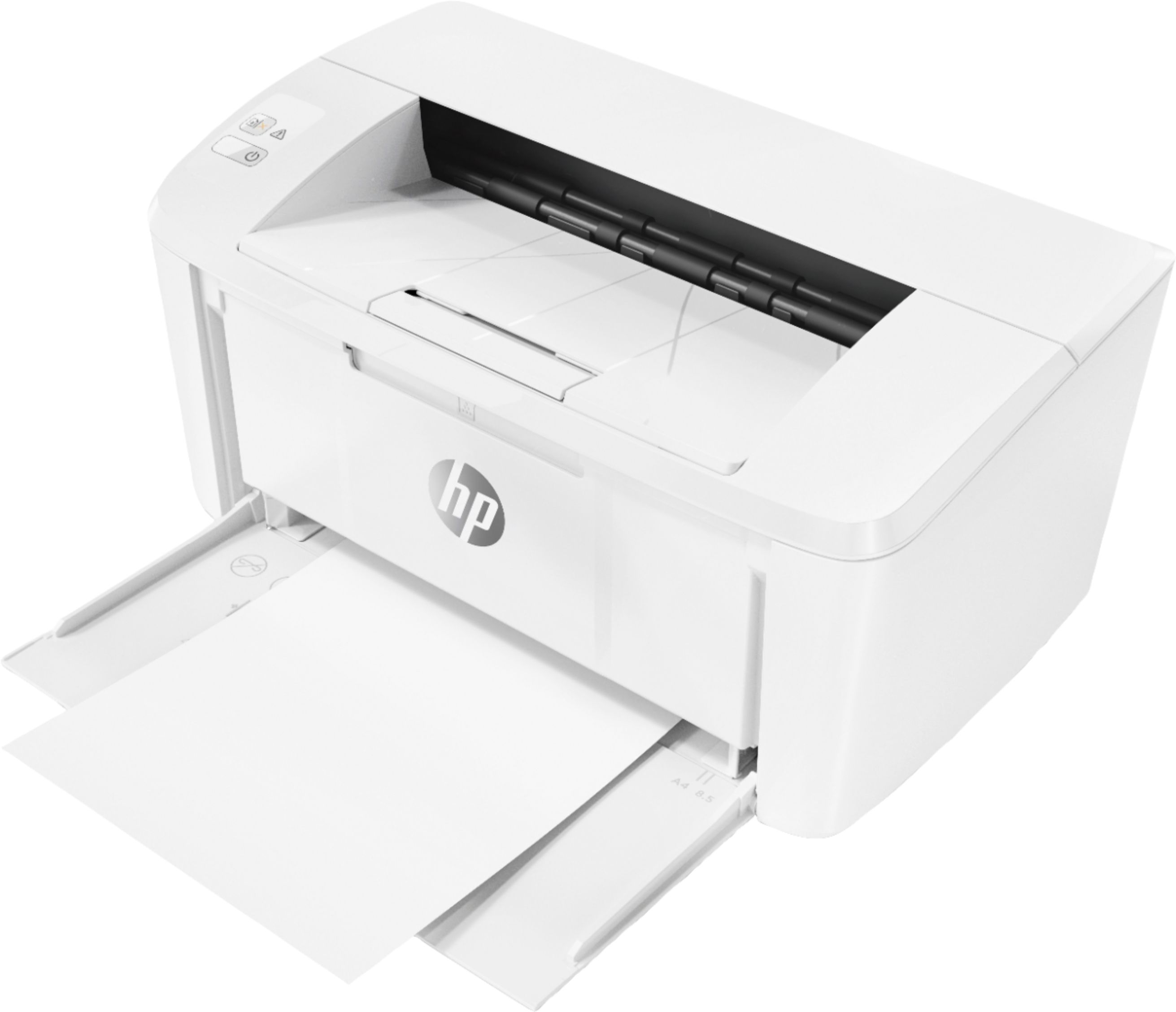
A:AnswerHi GetsGuy. Typically, this happens when the paper is unevenly stacked in the feeder. Please be sure all pages are aligned evenly, then make sure paper guides on your LaserJet Pro M15w keep the stack aligned - not too loose but resting against the edge of the paper in the feed tray. If this does not solve the problem, there may be another issue. In that case, please reach out to HP Tech Support at https://bit.ly/3mULd9E . You can also reach them by phone at 1-800-474-6836.
A:AnswerNo, you cannot. The LaserJet Pro M15w is a printer only. You will need to step up to the M29w in order to make copies. This link will take you to it. https://www.bestbuy.com/site/hp-laserjet-pro-mfp-m29w-wireless-black-and-white-all-in-one-laser-printer-white/6238315.p?skuId=6238315
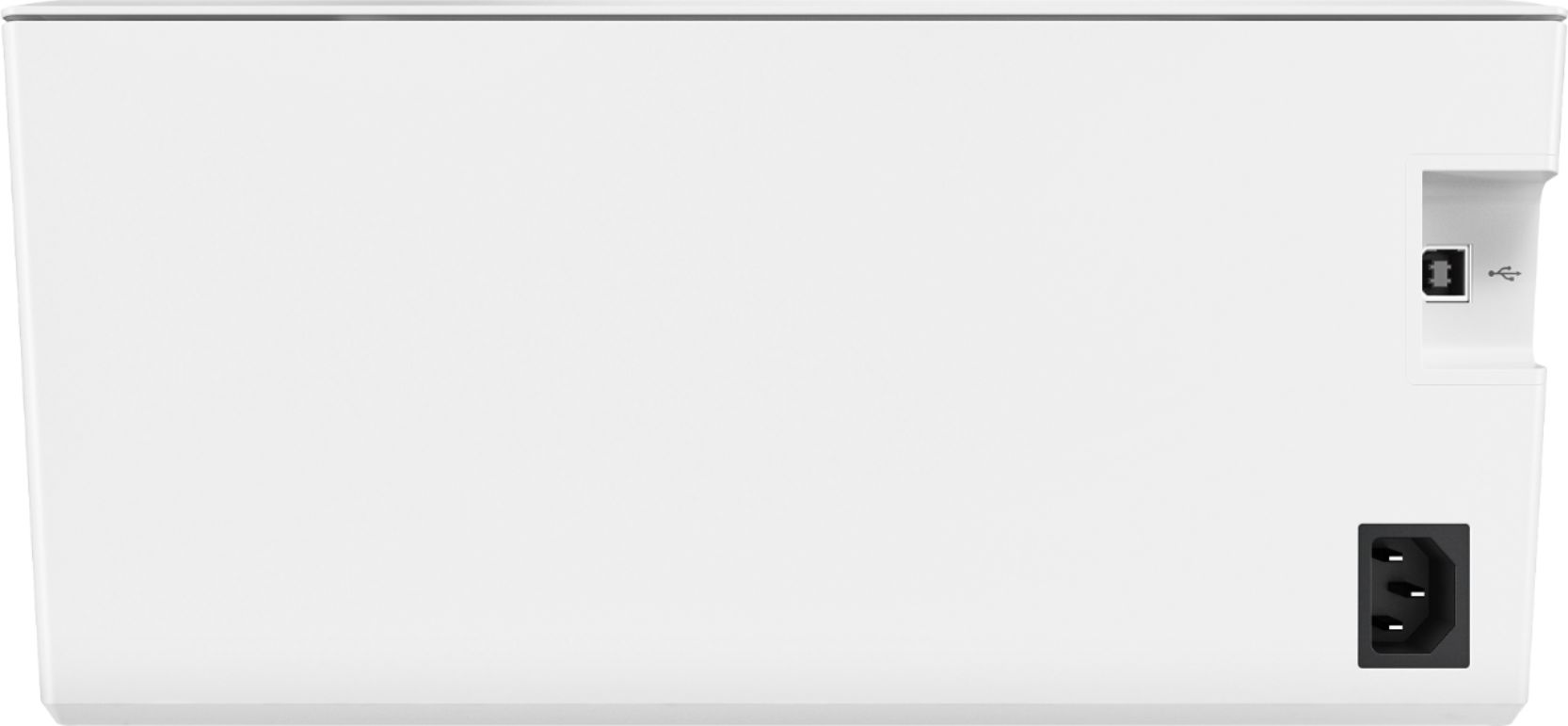
A:AnswerYes... I’m using it without any usb connections. They offer software for use with Mac but I’m using AirPrint with the MacBook Pro 2020 and with an HP Envy laptop as well as several iPads and iPhones
A:AnswerThe toner that comes with this printer will last about 500 pages. I would recommend reaching out to the customer service team at Best Buy about the availability of the HP 48A toner.