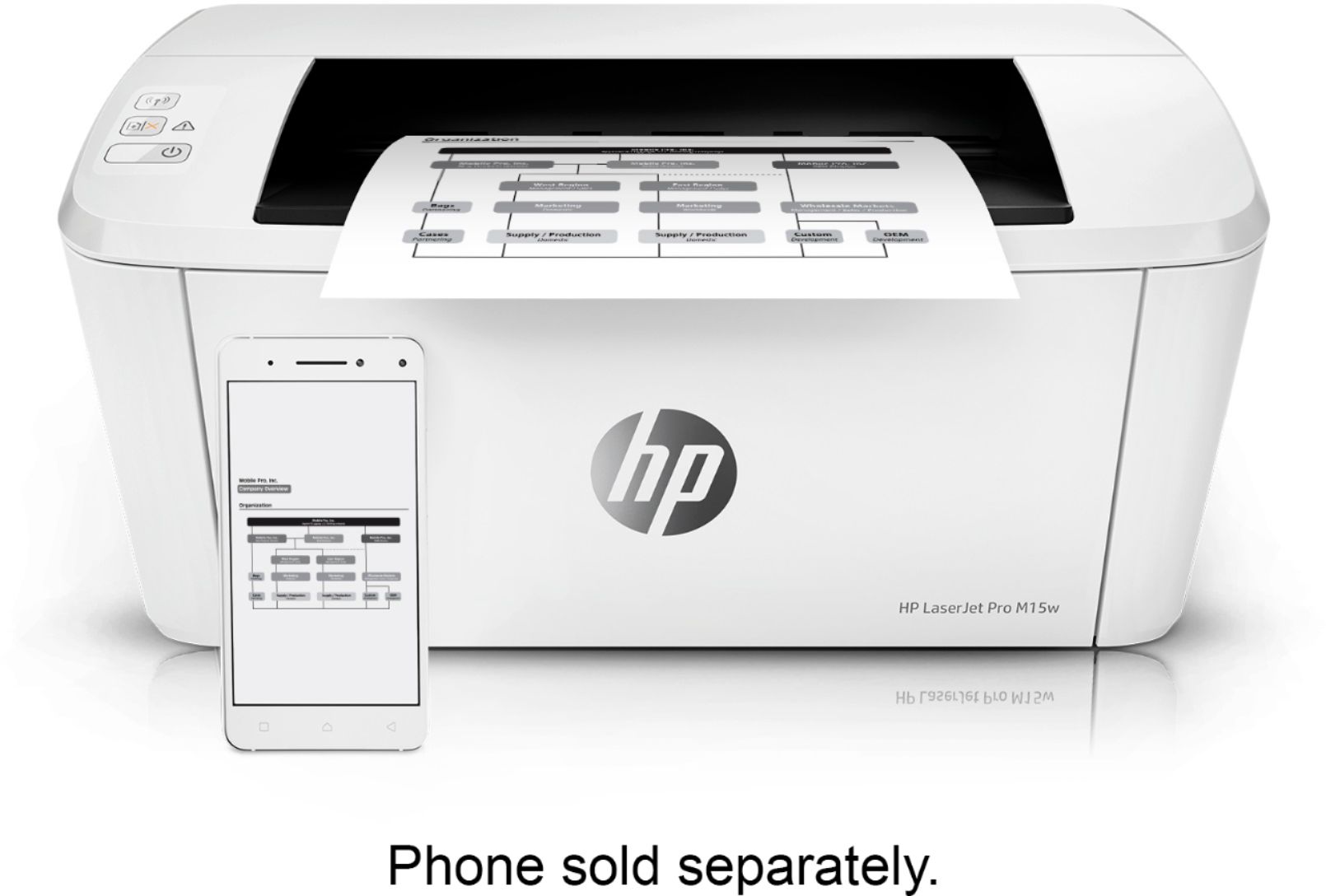
A:AnswerYes, the HP Smart App simply gives you more options to customize your prints or control your printer. It even has the ability to use the high quality camera on your phone to create document scans!
A:AnswerYes, this printer will work with the Chromebook in 2021. There is a different setup process. Here are some instructions on how to set up the printer on the Chromebook: https://support.hp.com/us-en/document/c04122530 and a YouTube video: https://youtu.be/Mf6LUKTMw9c
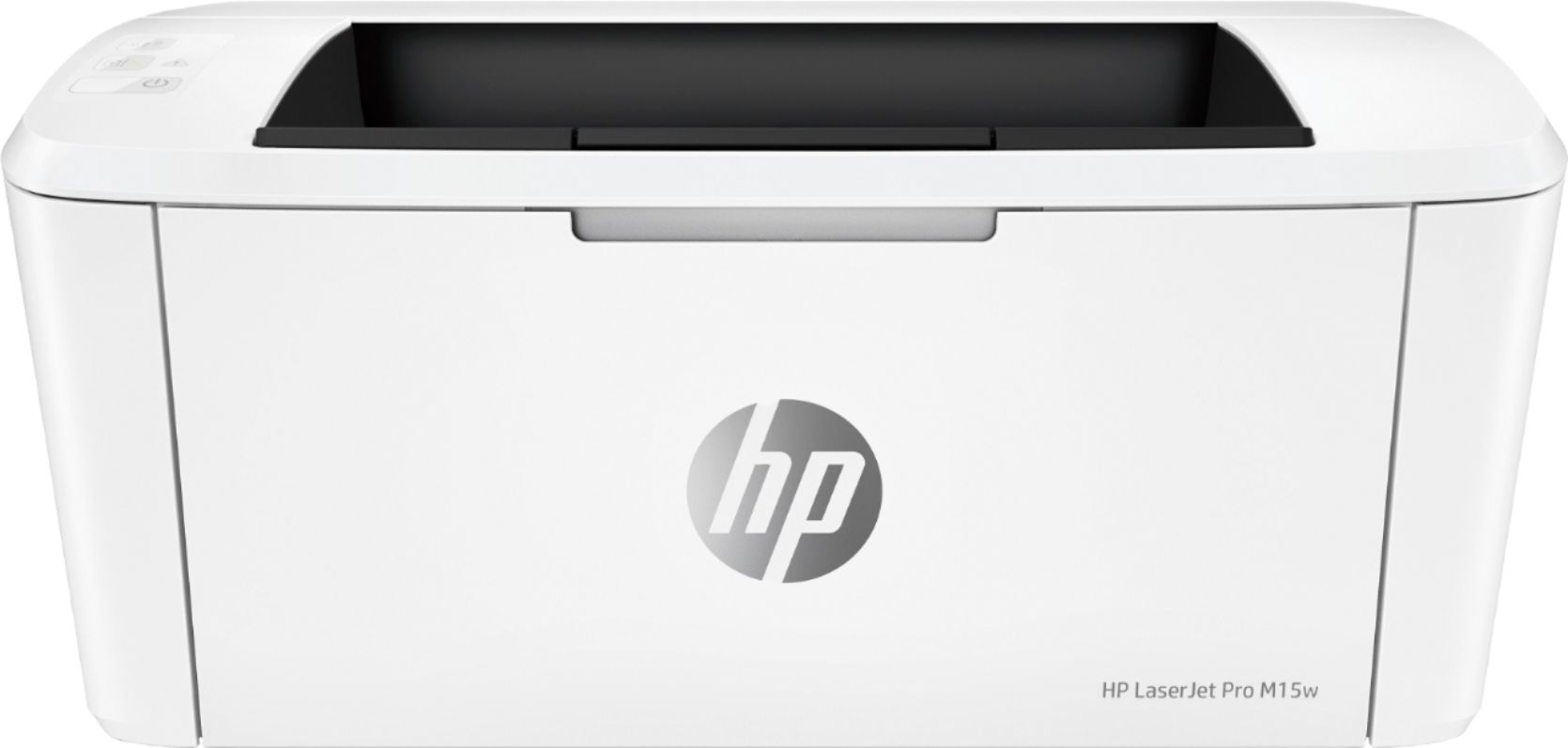
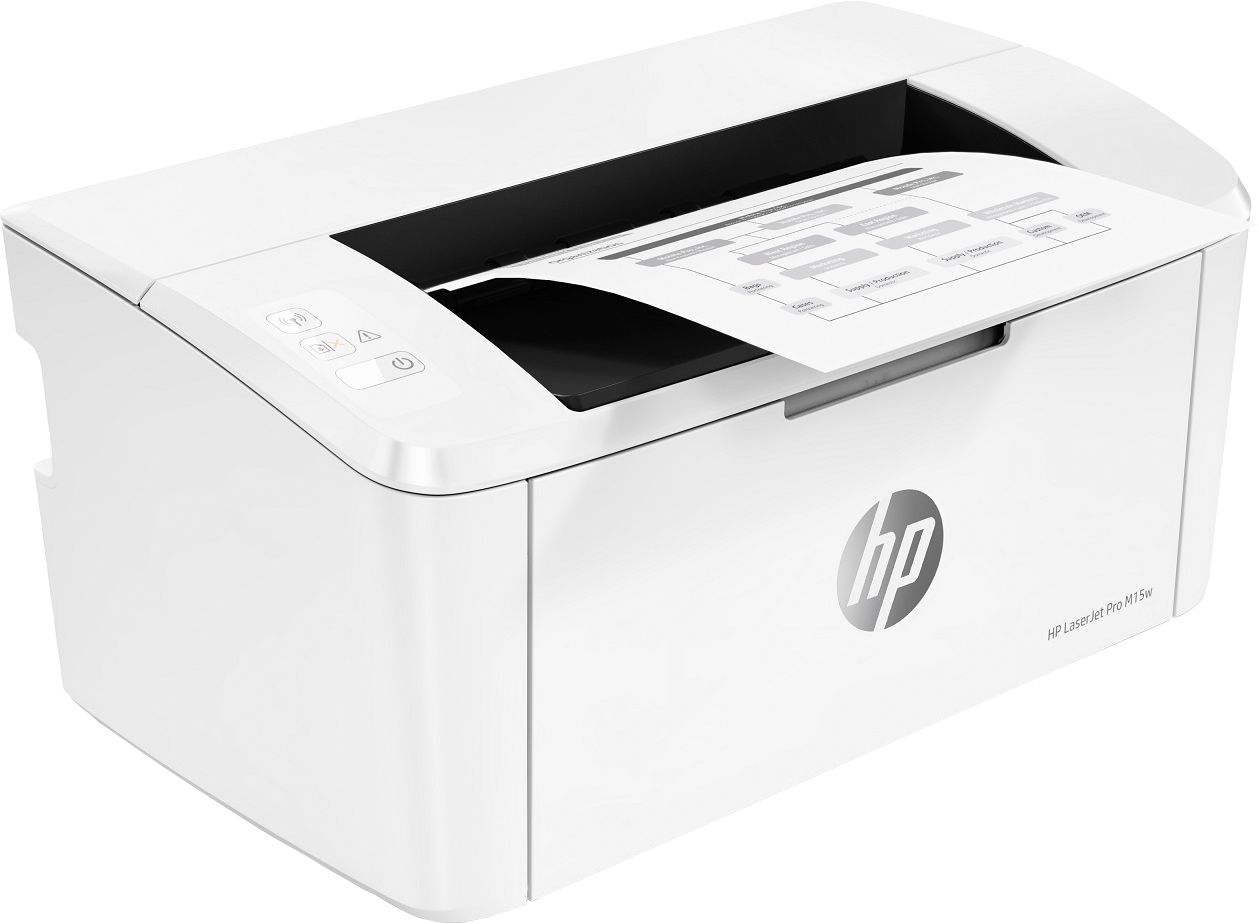
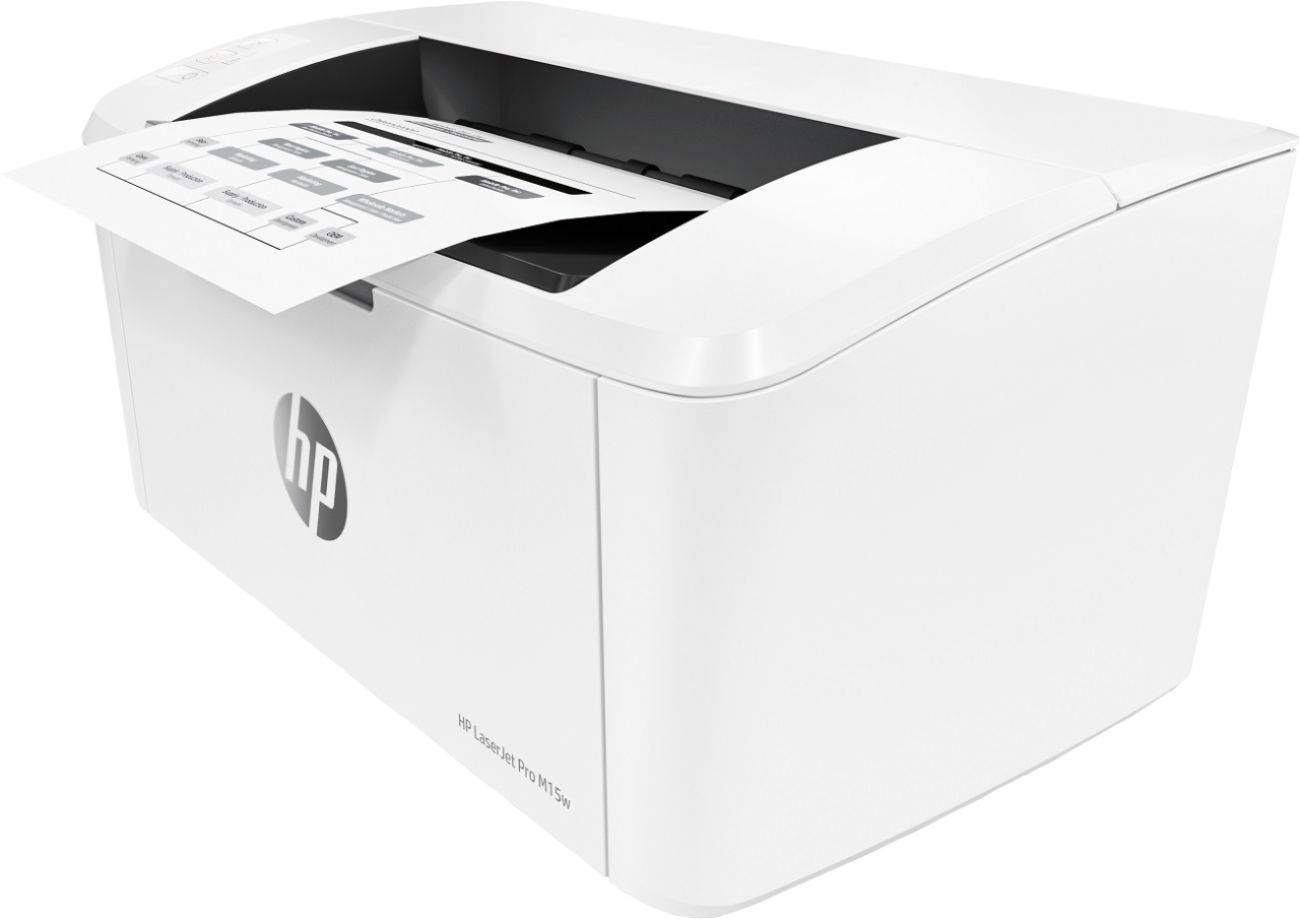
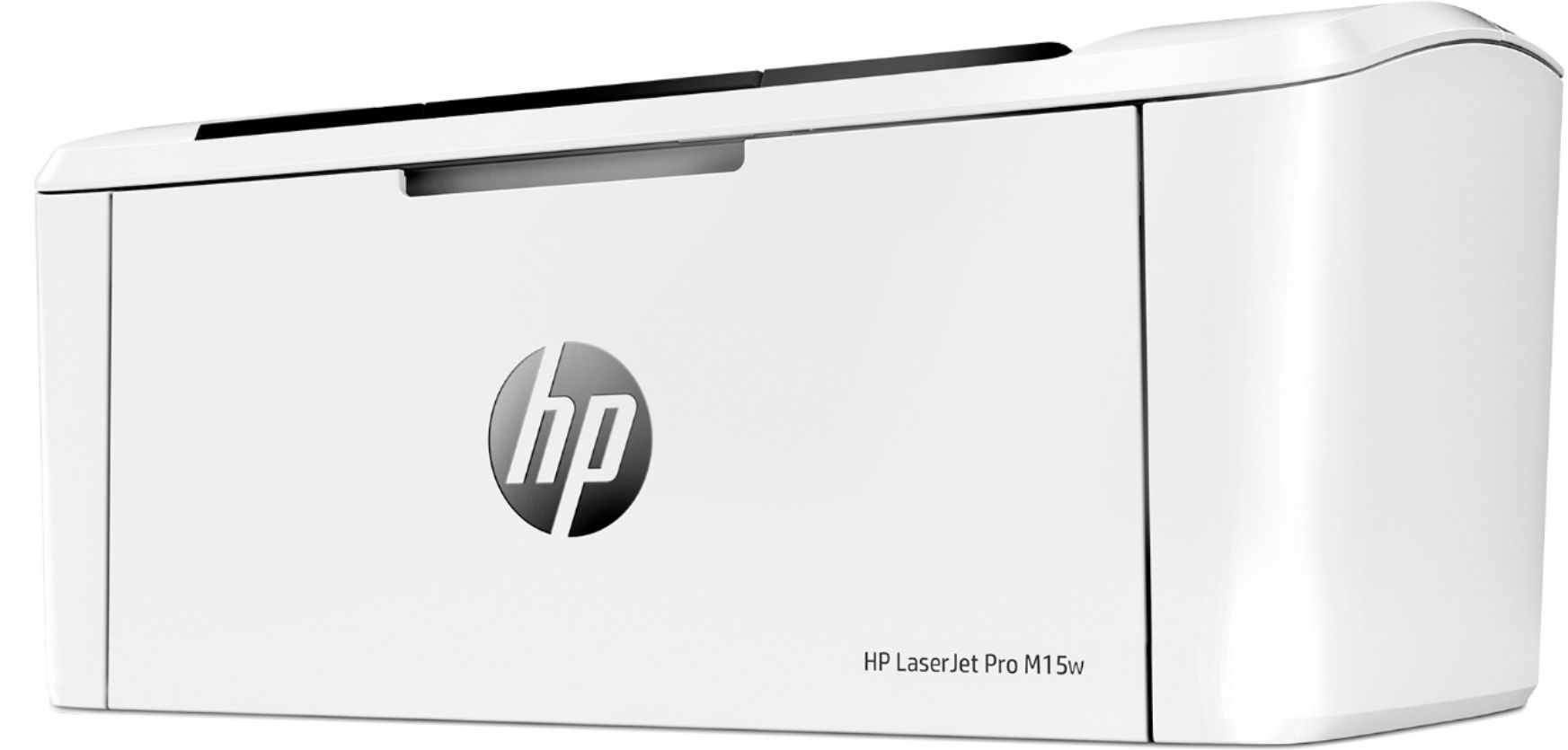
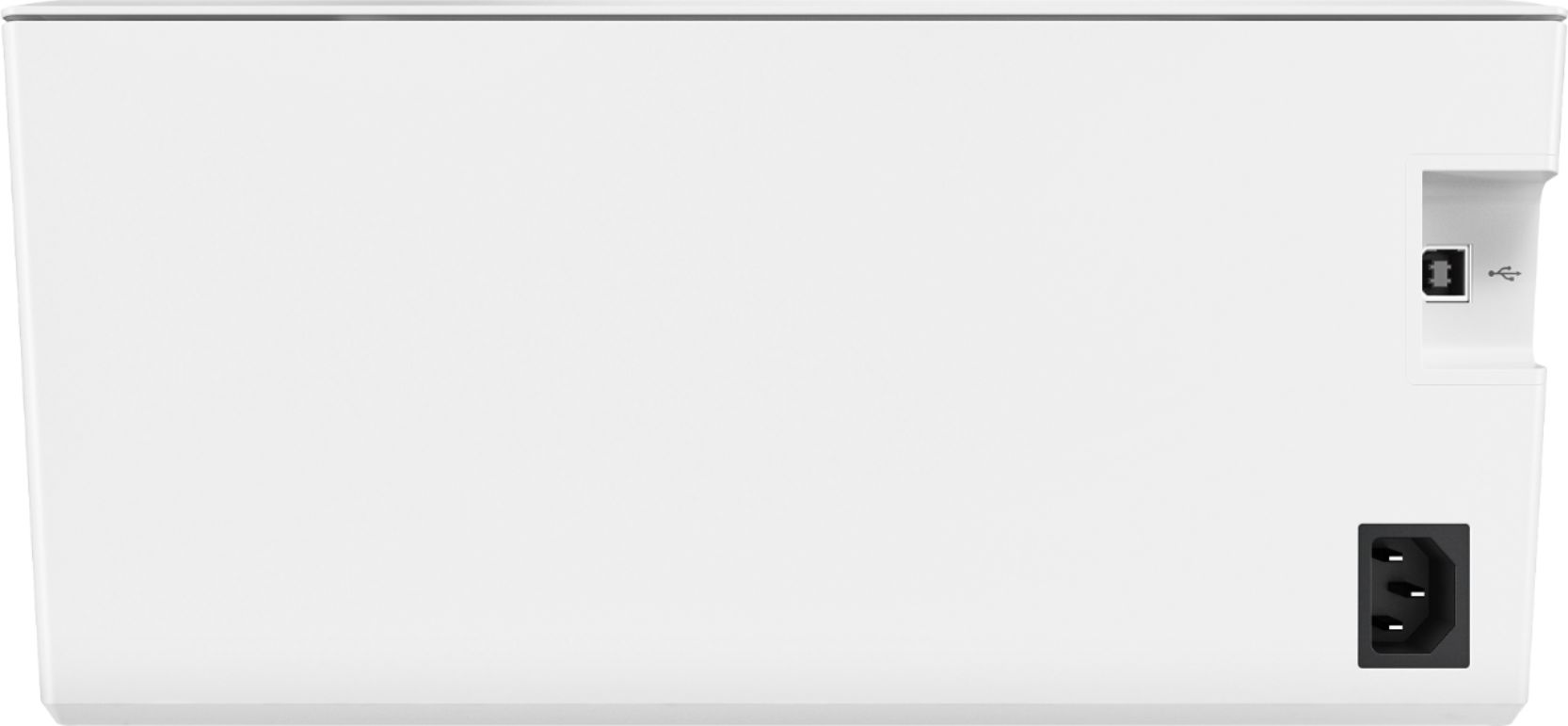
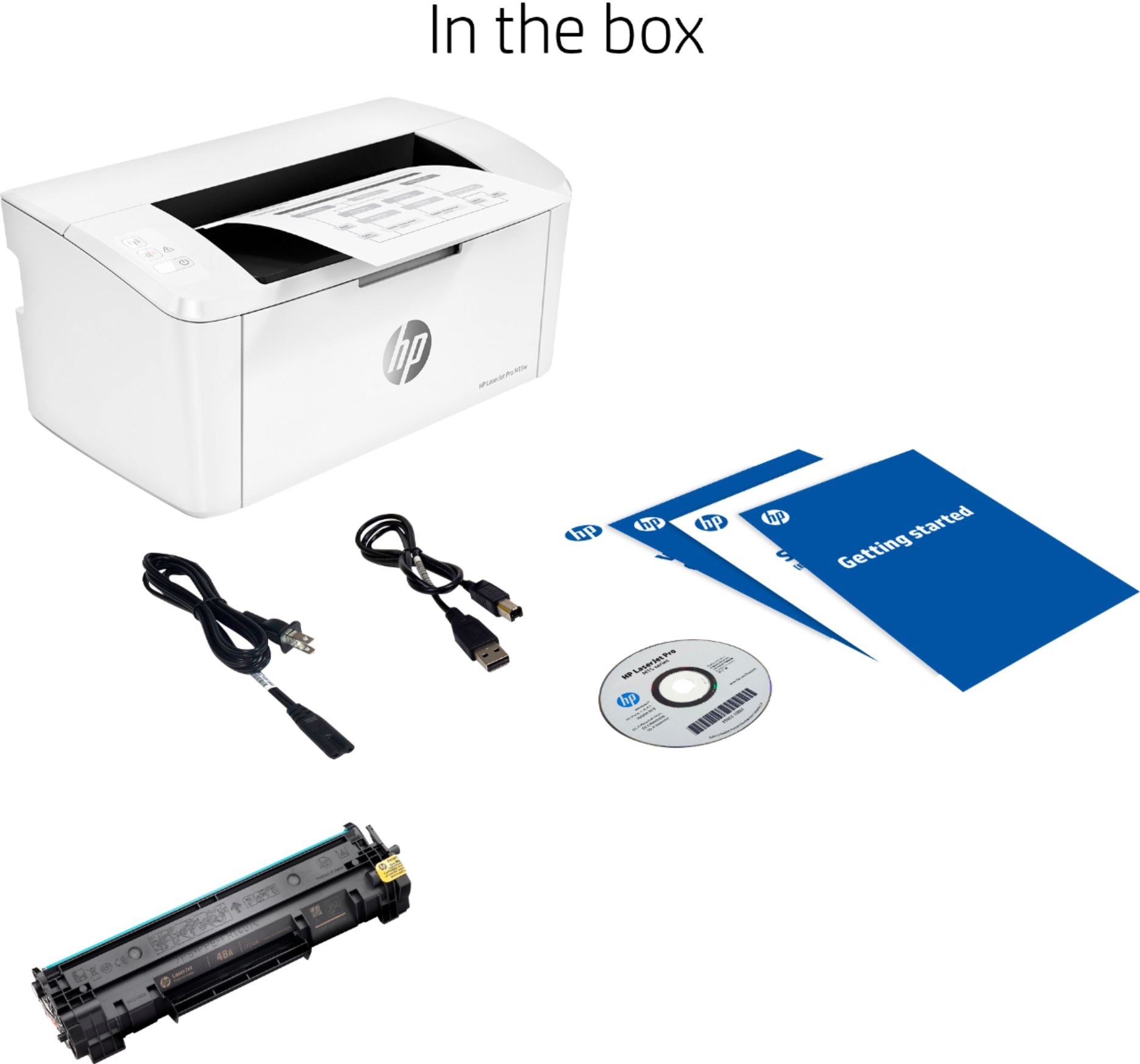
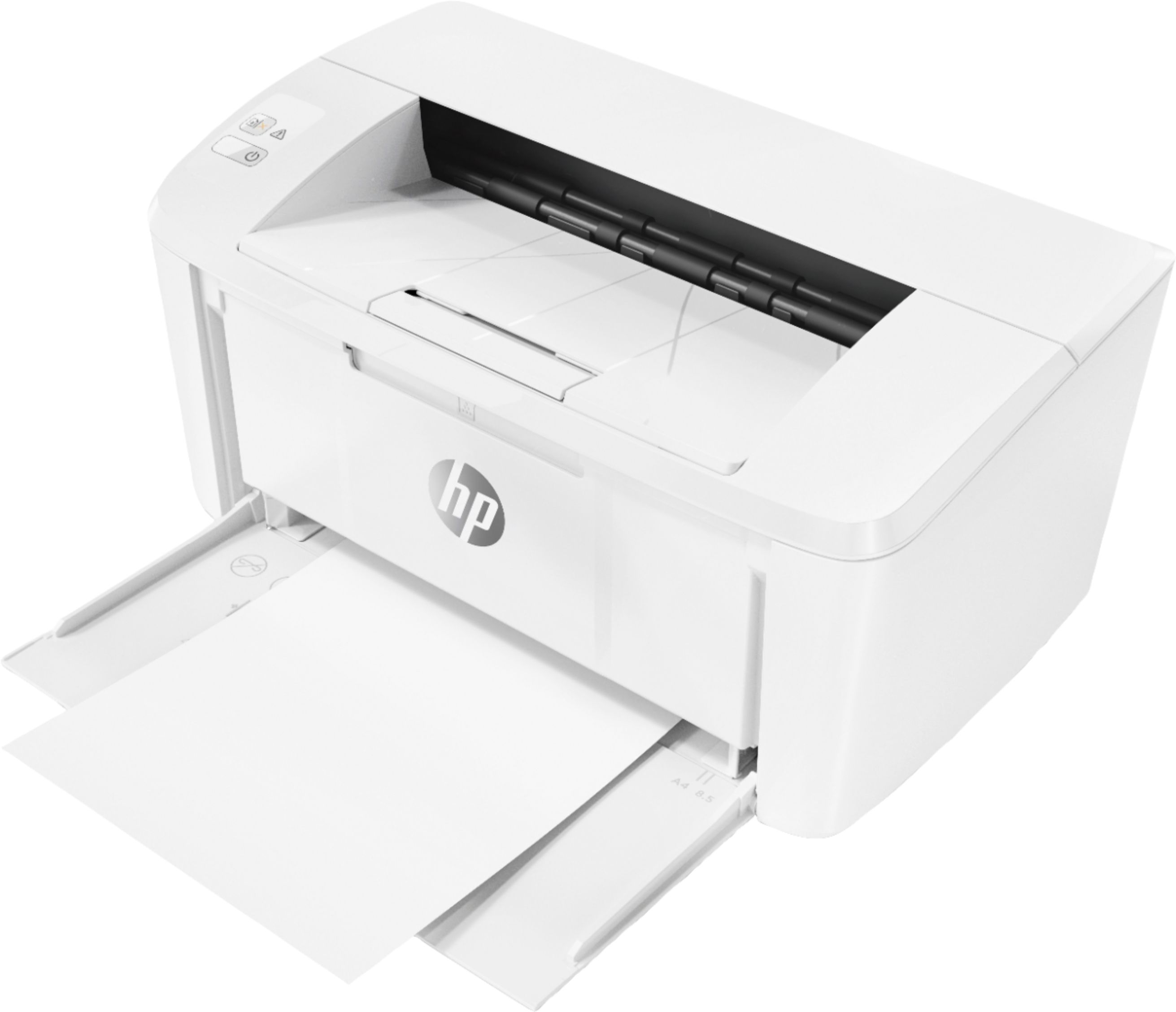
A:AnswerThe front panel with hp logo is folded down to feed paper. You can go to the hp website under support to download the latest driver for the printer. You don’t need a CD drive. A USB cable is included with the printer if you don’t want wireless printing. It is a very compact laser printer.
A:AnswerIt's the HP48a to get cartridge. Go look at the shape of it on one of the boxes on line. There's a company that also has half price refills. Although HP is cracking down on non HP toner and ink.