Questions & Answers
- Model:
- W2G51A#BGJ
- |
- SKU:
- 6199701
Q: QuestionIs this comparable with I phone 6?
Asked by Joker.
- A:Answer So long as you have the latest iOS on your phone, yes!
Answered by HP Team

Q: QuestionDoes this laser printer need memory? Does it come with memory already and, if so, how much?
Asked by Carbusys.
- A:Answer it comes stock with 16Mb of memory. It is not upgradable
Answered by Anonymous
Q: Questioncan this printer be hard wired to my laptop
Asked by Anonymous.
- A:Answer yes
Answered by Caramia
Q: Questionhow many sheets of paper does pe=rinter hold
Asked by killer.
- A:Answer 60 sheets
Answered by ProLeocas
Q: QuestionIs this color or only b&w?
Asked by ConcernedCustomer.
- A:Answer B&W only
Answered by ProLeocas
Q: QuestionCan I print wireless from my iPad which is connected to Verizon WiFi?
Asked by Anonymous.
- A:Answer Yes, this item will print from an iPad.
Answered by CommunityAnswer
Q: QuestionDoes this printer print on 118lb card stock?
Asked by Melvin.
- A:Answer Thank you for your question. This printer should be able to print on 110lb with no issue at all. 118lb should also work.
Answered by HP Team

Q: Questionplaced the new cartridge in printer, does not print. cartridge fits nicely. whats up?
Asked by Anonymous.
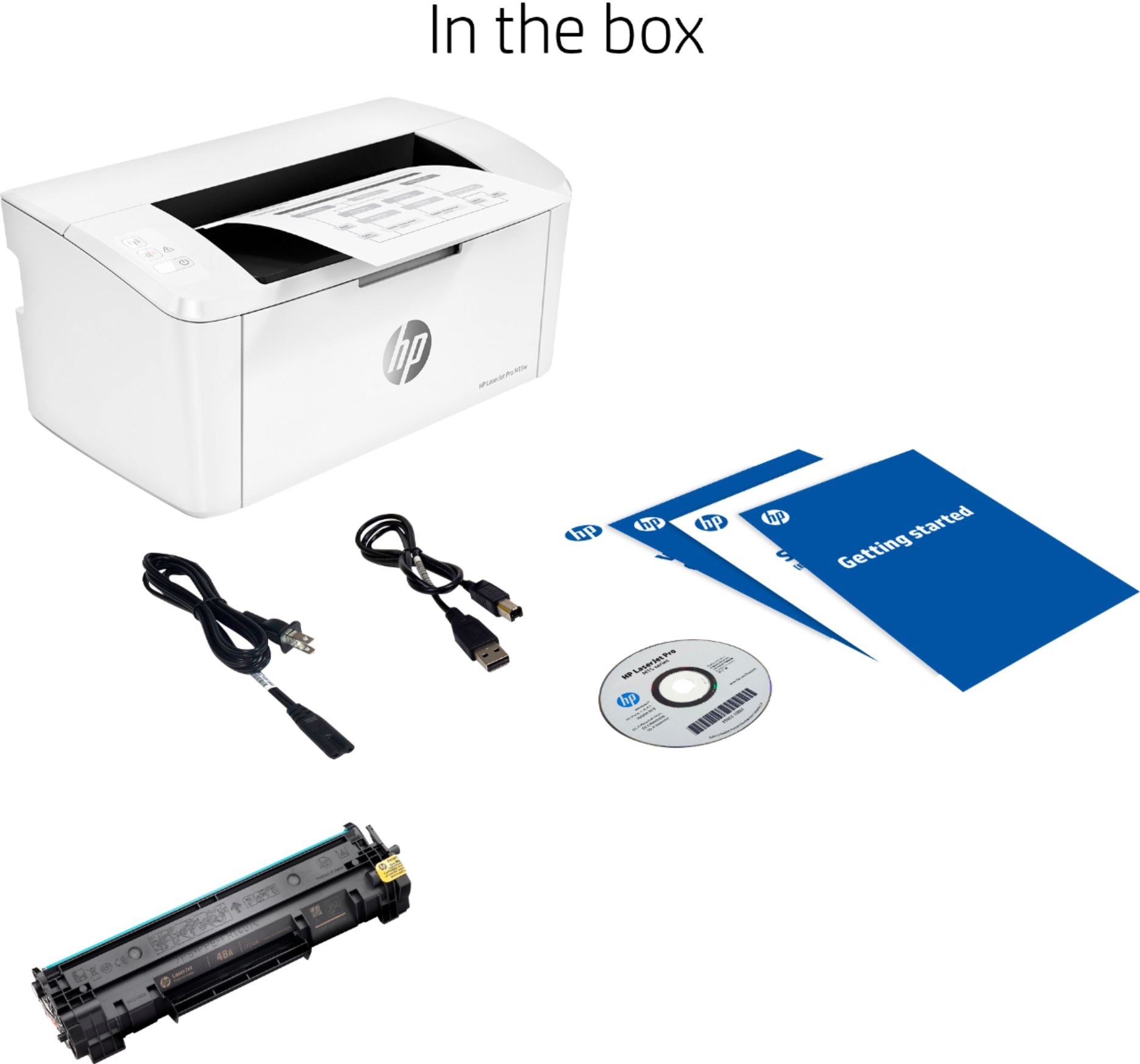
- A:Answer Did you pull the yellow tape?
Answered by closbuy
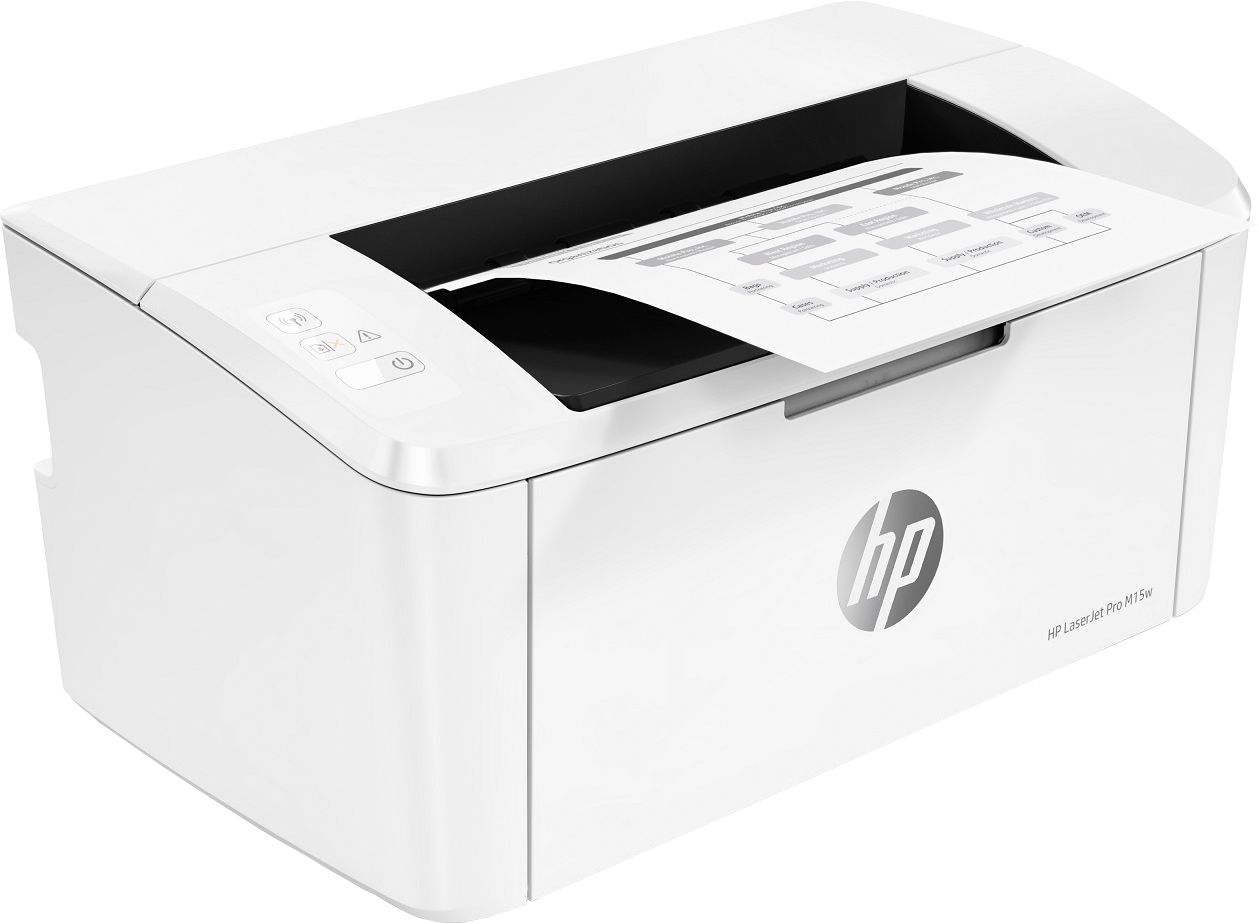
Q: Questionwhat are the dimensions of this printer?
Asked by Anonymous.
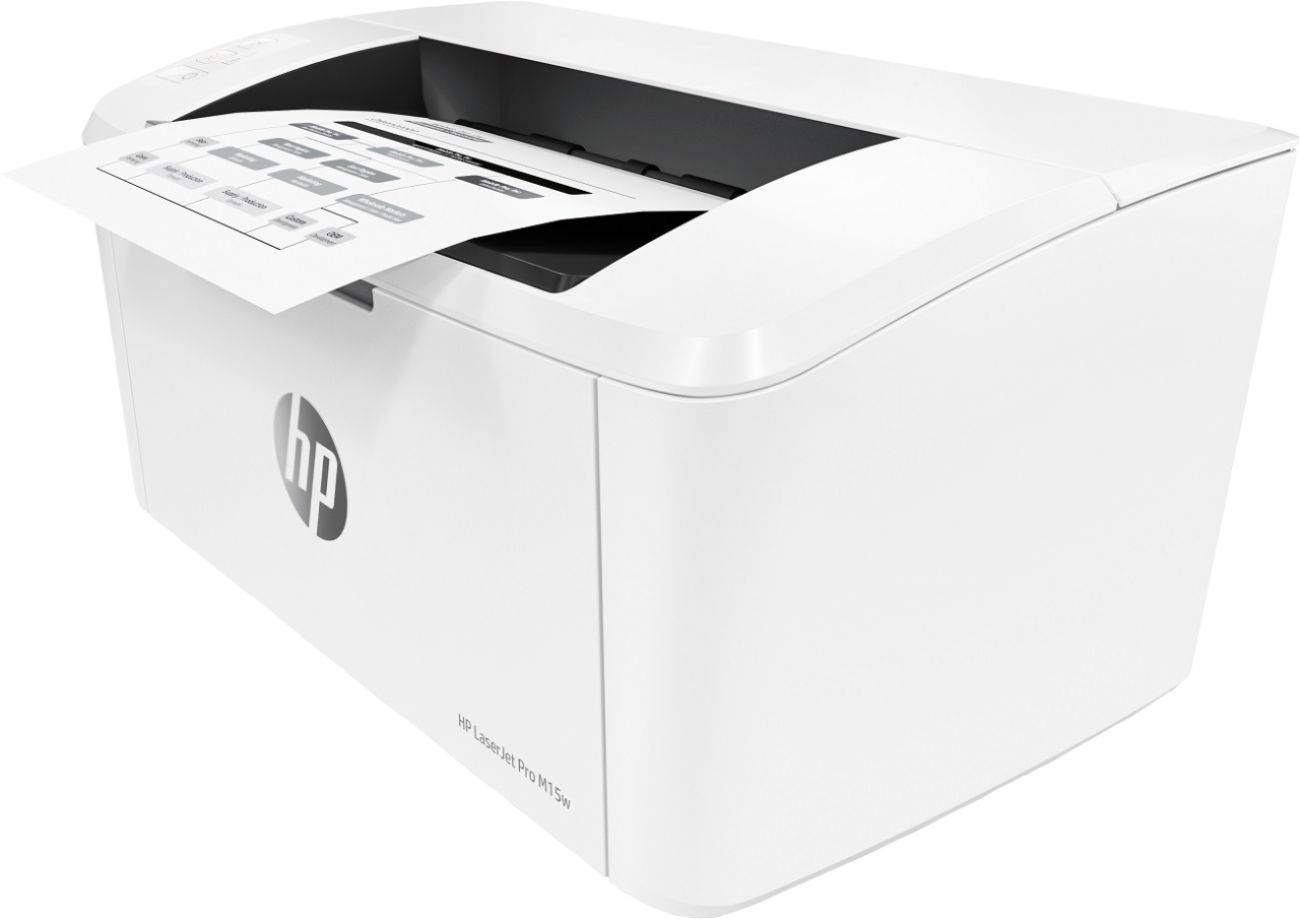
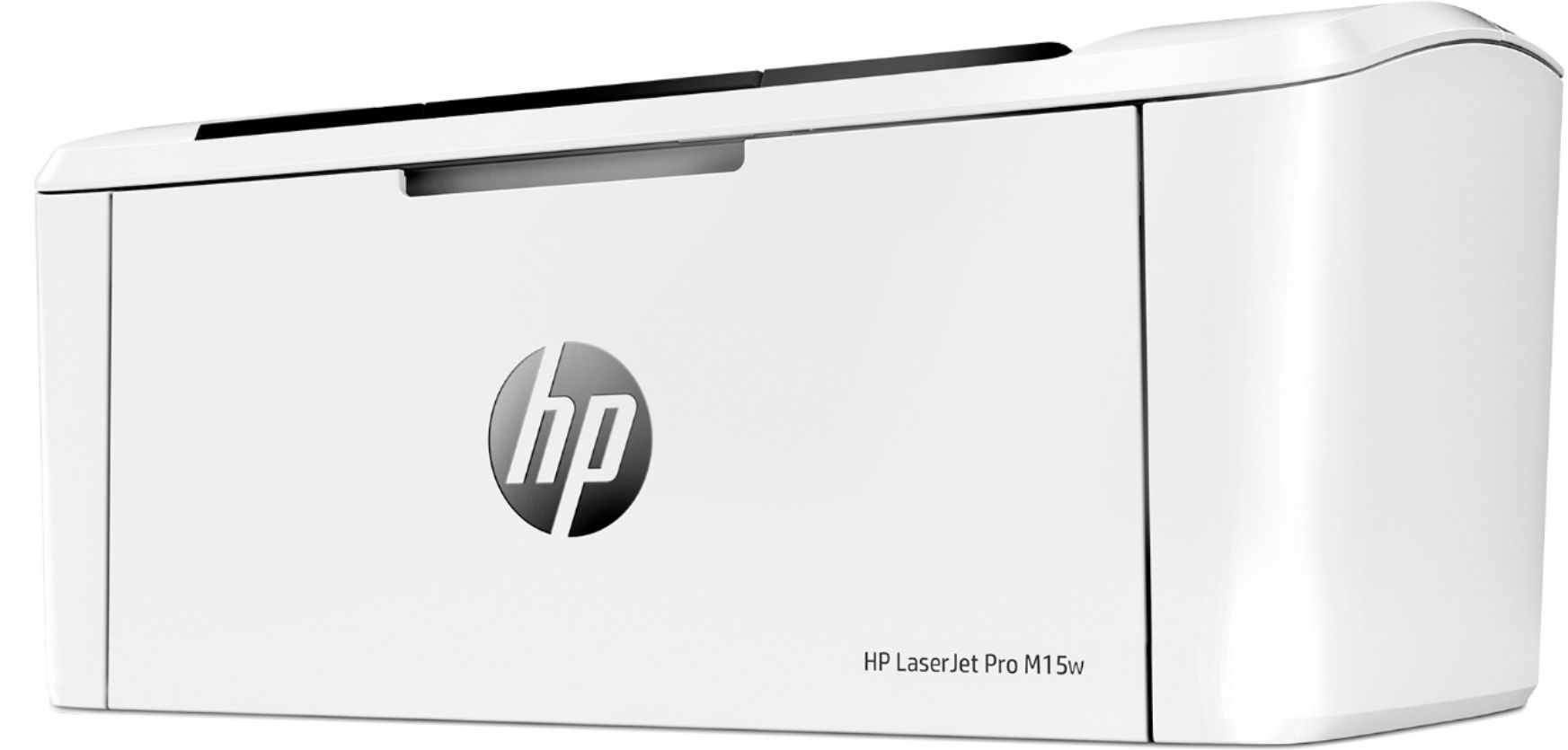
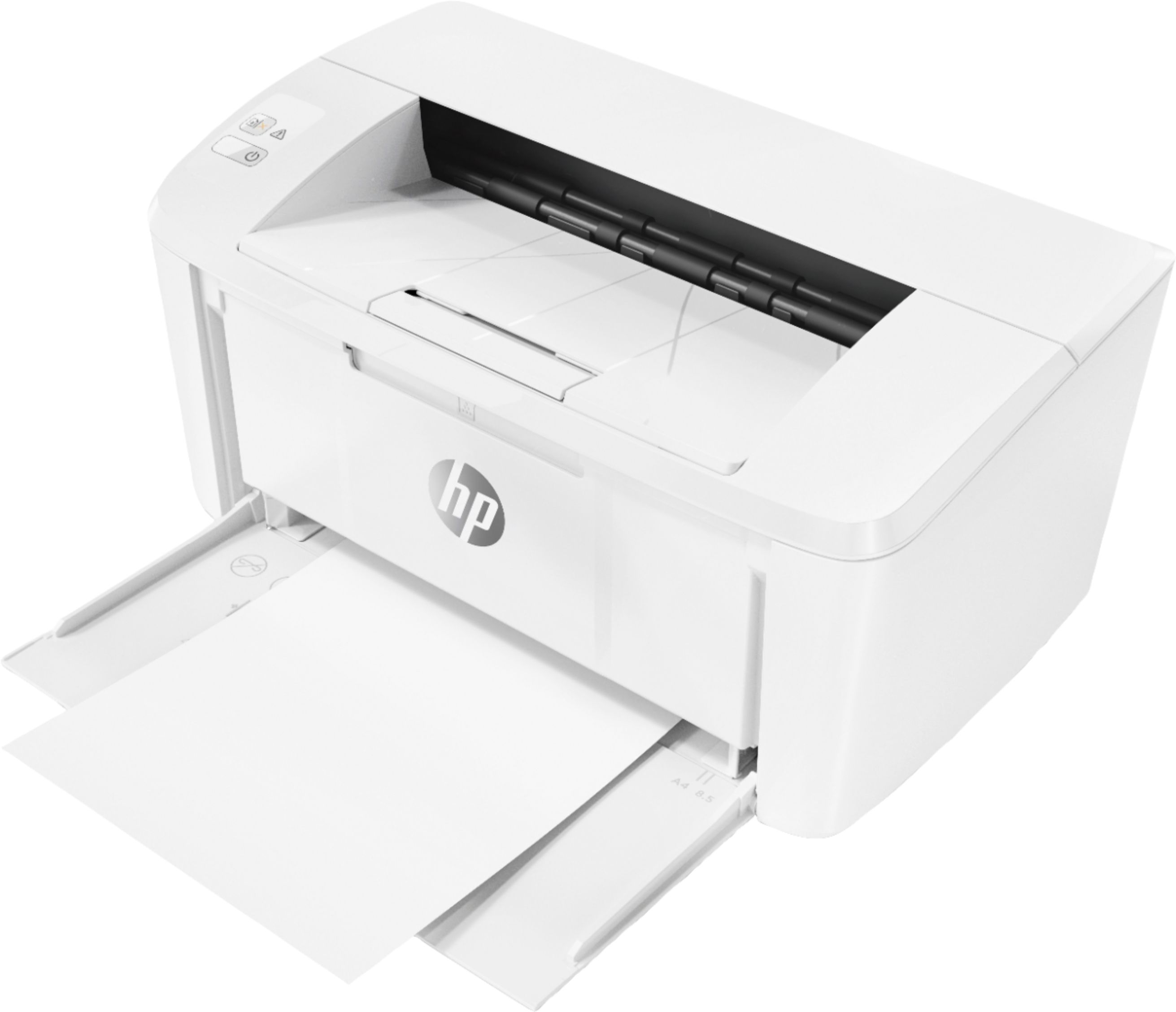
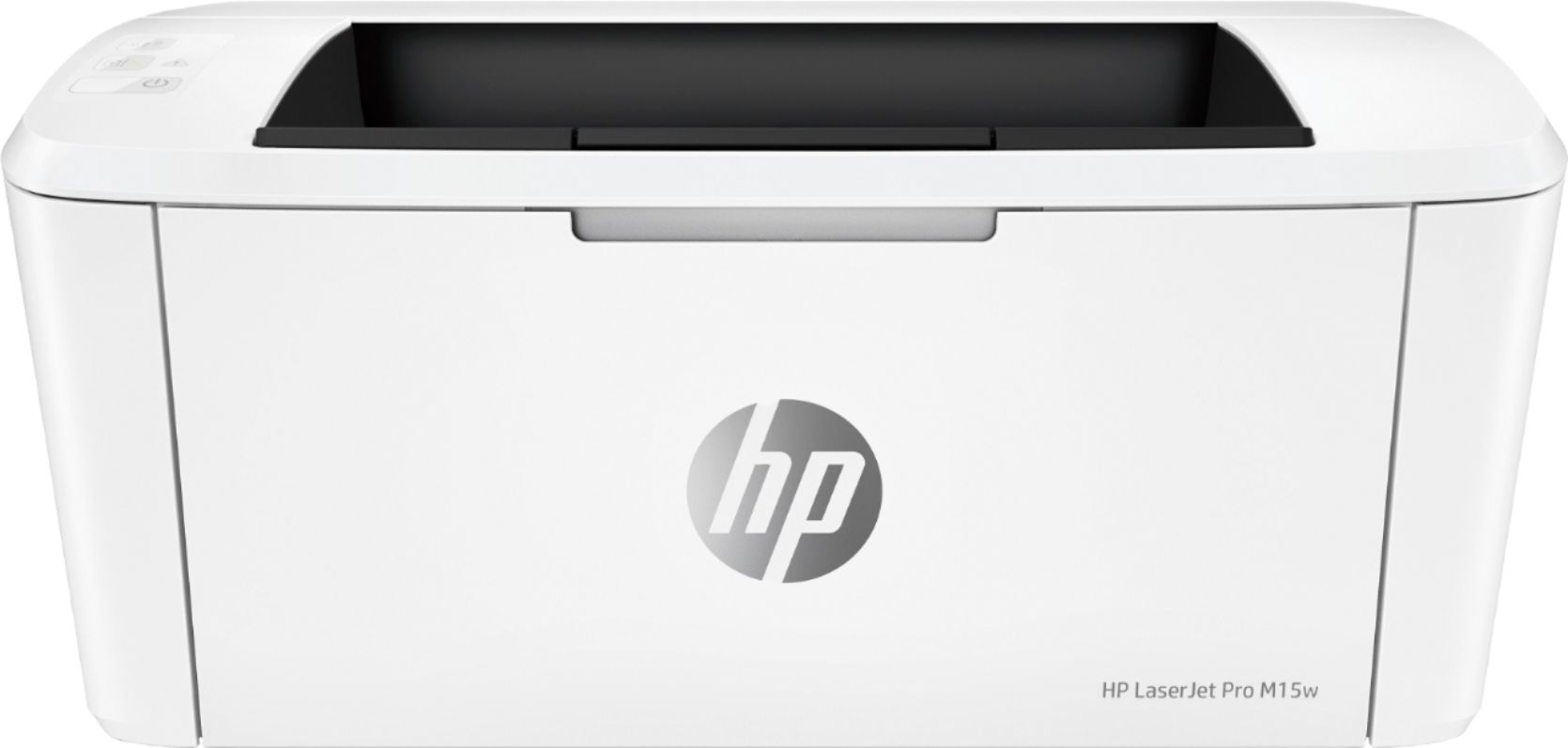
- A:Answer Fits easily on shelf 10” deep and 11” tall with power and usb cords attached, though would fit on smaller shelf with an open back. . 8x6.3x13.5 Actual size 14.25 deep by 7” tall when trays extended.
Answered by Simmoj
Q: QuestionCan print on cardstock?
Asked by Tic.
- A:Answer No. The HP Laserjet Pro M15w printer can only support 17 to 32 lb paper.
Answered by HP Team

Q: QuestionDoes this print in color?
Asked by Anonymous.
- A:Answer Because it's a monochrome laser, it does not print in color. However, HP offers a wide range of both inkjet and laser printers at Best Buy that do print in color.
Answered by HP Team

Q: QuestionIs this printer compatible with a dell chromebook and a archer chromebook?
Asked by grandma962.
- A:Answer Yes it is. Just download the HP app from the App Store.
Answered by GregT
Q: QuestionDoes this printer print double sided pages without refeeding the paper?
Asked by Jess.
- A:Answer This model does not have duplex capability.
Answered by HP Team

Q: QuestionCan I scan from Android Note 7 or only IPhone products?
Asked by Rice1020.
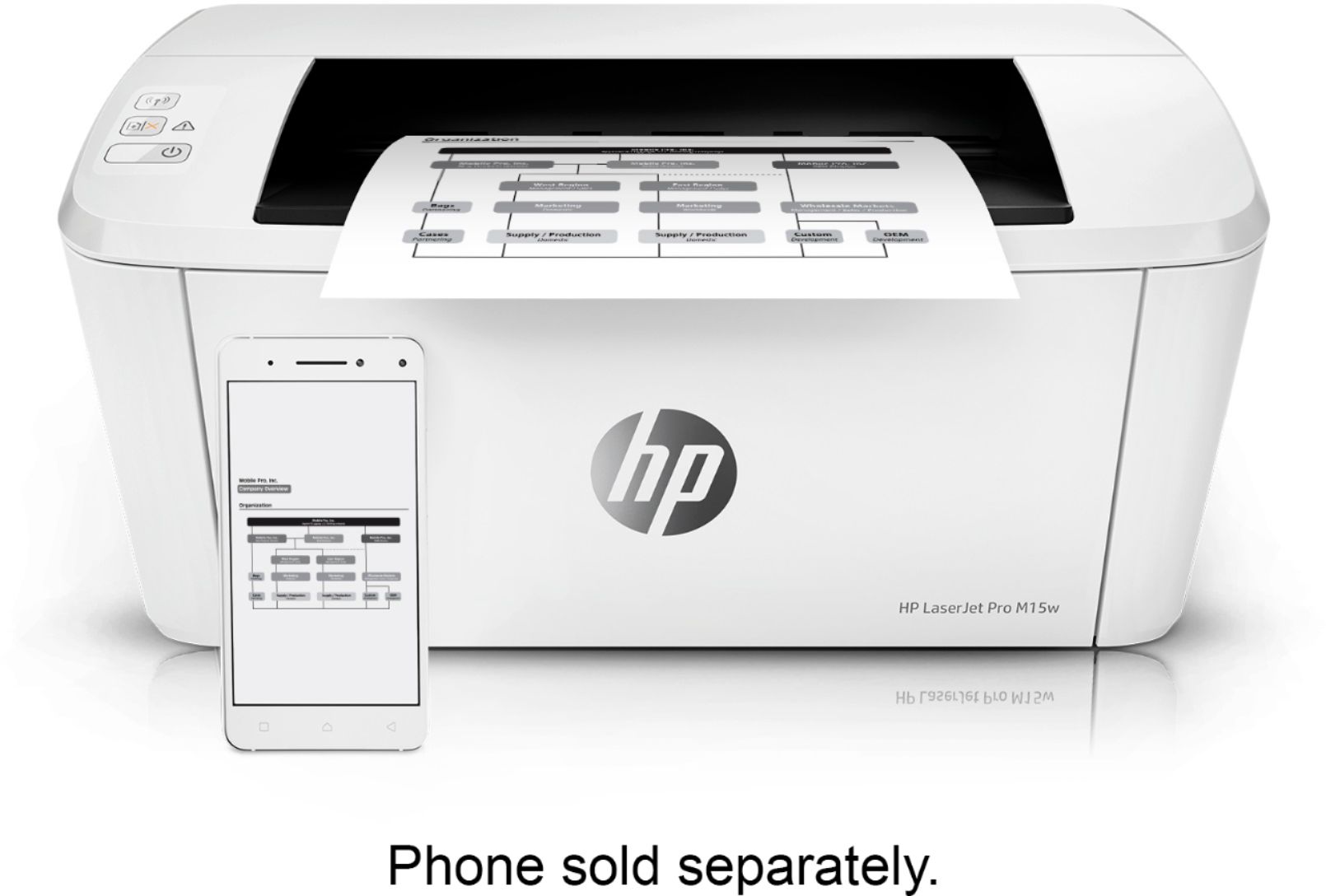
- A:Answer This printer works great and will print from these devices using either a home network or it can be connected directly by wifi or USB but it doesnot scan. Due to its small size it is very portable too.
Answered by Batman
Q: Questionis it going to work with xp windows ?
Asked by emil.
- A:Answer Yes, this item will work with xp windows.
Answered by CommunityAnswer
Q: QuestionIs it easy to set up with a MacBook Air using a vslivinskywire, not wifi?
Asked by Anonymous.
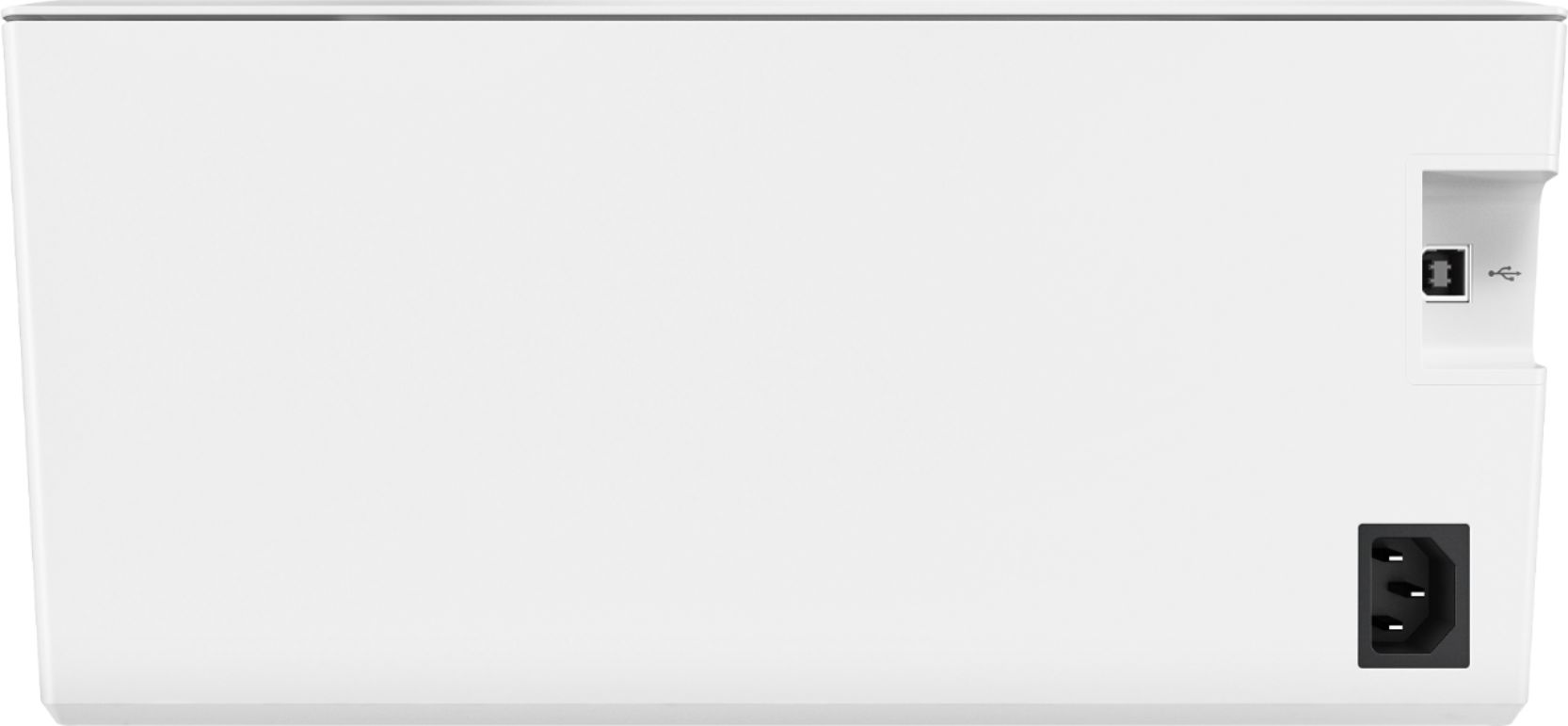
- A:Answer I'm not sure what a vslivinskywire is, but the cable you would use in lieu of a WiFi connection is a standard USB A-B printer cable.
Answered by HP Team

Q: QuestionCan you assign this printer a static IP address to prevent the constant disconnecting when going into sleep mode? Thank you.
Asked by HatePrinterDisconnection.
- A:Answer This is a basic entry-level printer, so it doesn't have that feature, but typically it doesn't lose connection when going to sleep.
Answered by HP Team

Q: QuestionHow do I; Automatic Two-Sided Printing on MacBook Air or iphone or ipad?
Asked by neomka.
- A:Answer This printer does not have duplex capabilities. You would have to manually flip the page.
Answered by HP Team

Q: QuestionIs this 48a toner micr compliant
Asked by Curious.
- A:Answer Our toner is not MICR but most banks accept checks printed with HP LaserJet printers.
Answered by HP Team

Q: QuestionIs this printer compatible with Linux OS ? Difficult to set up?
Asked by Jerry.
- A:Answer Note: To install the HPLIP drivers and HP utilities, the printer must be connected to the USB port of your desktop/laptop. Download the HPLIP script from the link https://developers.hp.com/hp-linux-imaging-and-printing/gethplip for your Linux distribution. From a bash (CLI terminal) shell, execute the script as a "regular" (nonroot) user and choose the "default" installation option. Keep choosing the default options. Depending on your Linux setup, the script may download and install additional OS packages. If an older version of HPLIP is installed then the script will prompt you to remove it; select yes. When the installation is complete, you will have access to a bunch of hp-<commands> that you can use to administer the printer. HPLIP 3.18 is the minimum version that supports the 15w printer. In my case, I downloaded HPLIP 3.19 for Linux Mint 19. I went through the script's default option for the questions and when it was completed, I used the HPLIP GUI app to print a "test" page and voila it printed! To configure the WiFi, use the CLI utility "hp-wificonfig" (printer must be connected to a USB port on desktop/laptop). Manual duplex printing works fine (no paper jams) Hope this helps.
Answered by ArunK
Best-selling Best Buy
- $299.99$299.99The price was $349.99
- $14.99$14.99The price was $19.00
- $199.99$199.99The price was $349.99
- $24.99$24.99The price was $29.99
- $14.99$14.99The price was $19.00
- $139.99$139.99The price was $149.99
- $149.00$149.00The price was $399.00