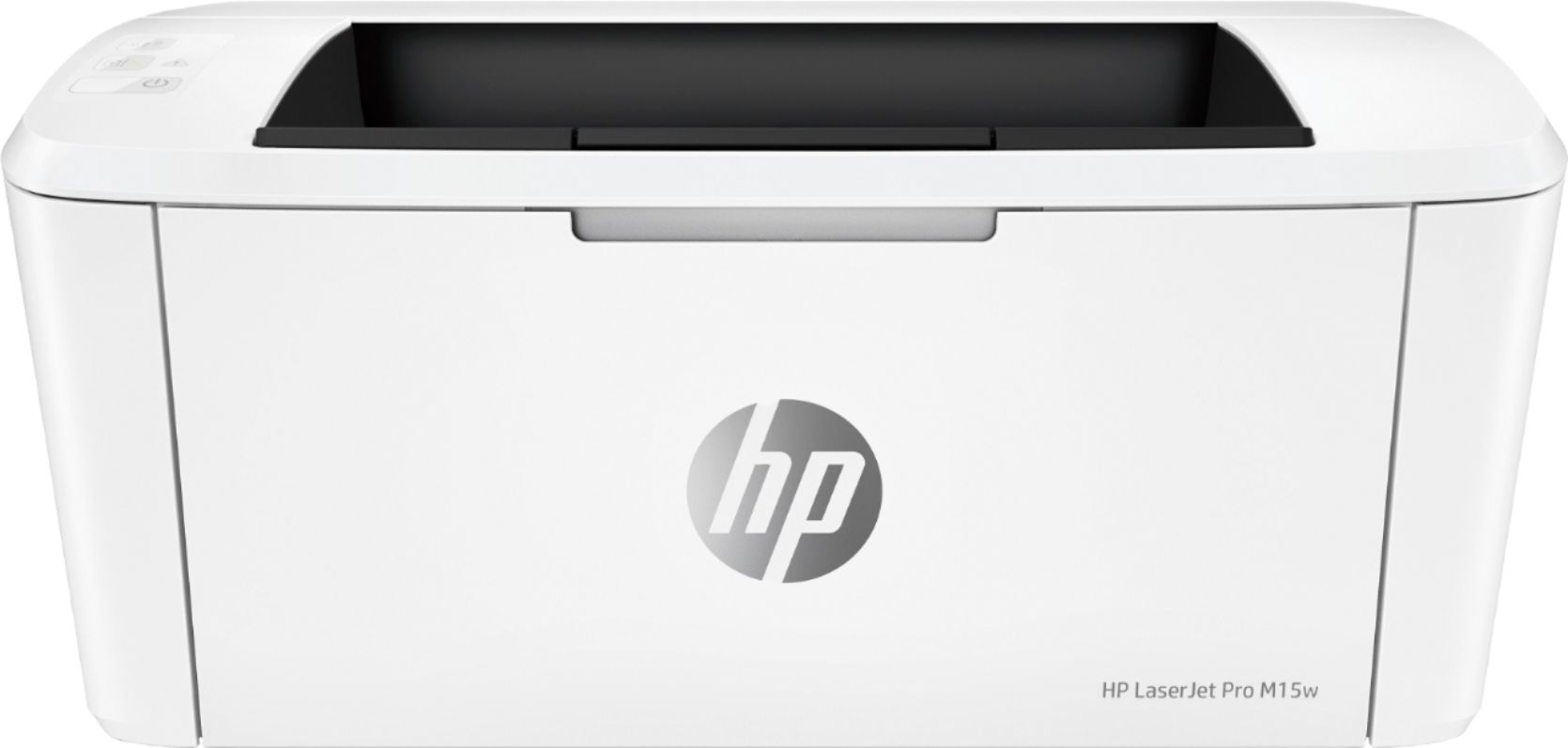
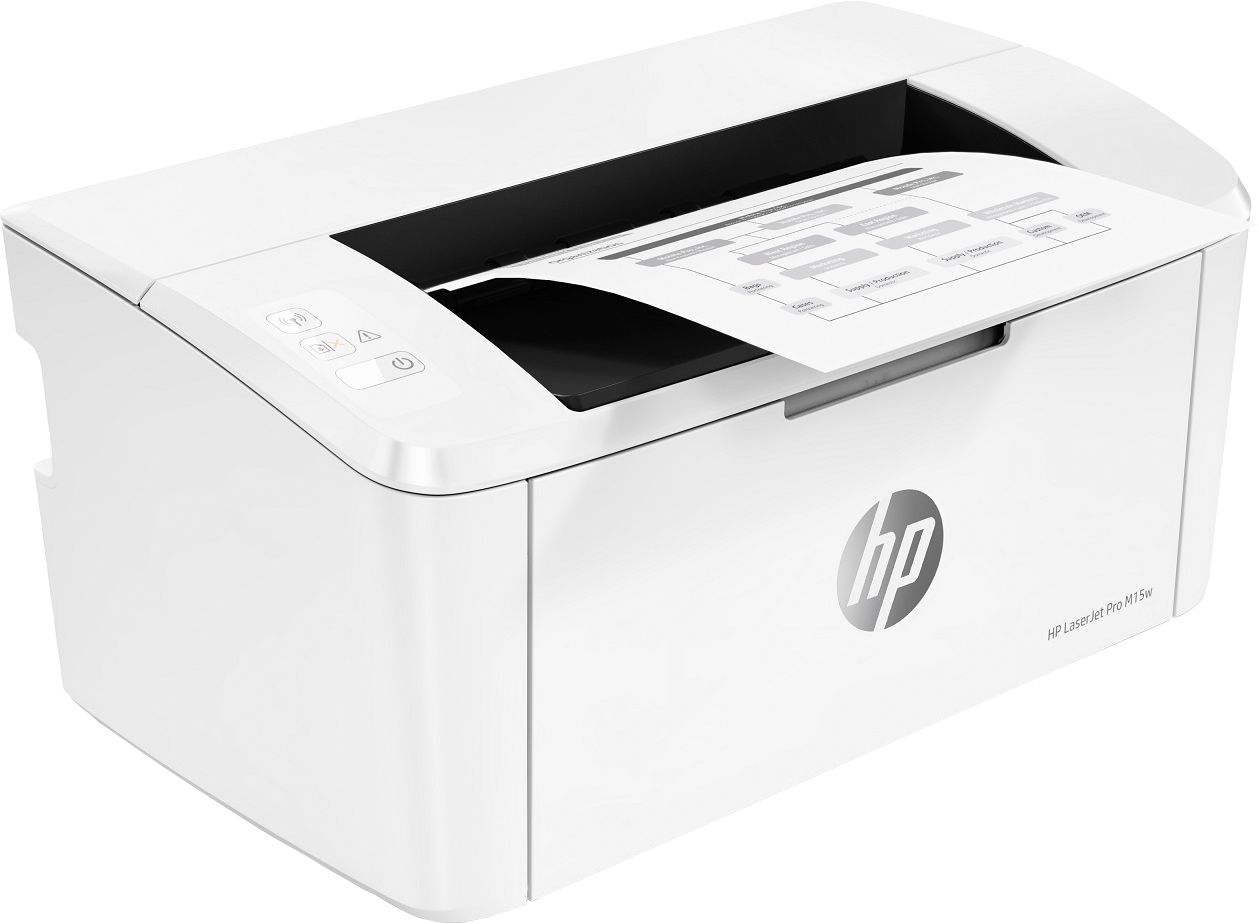
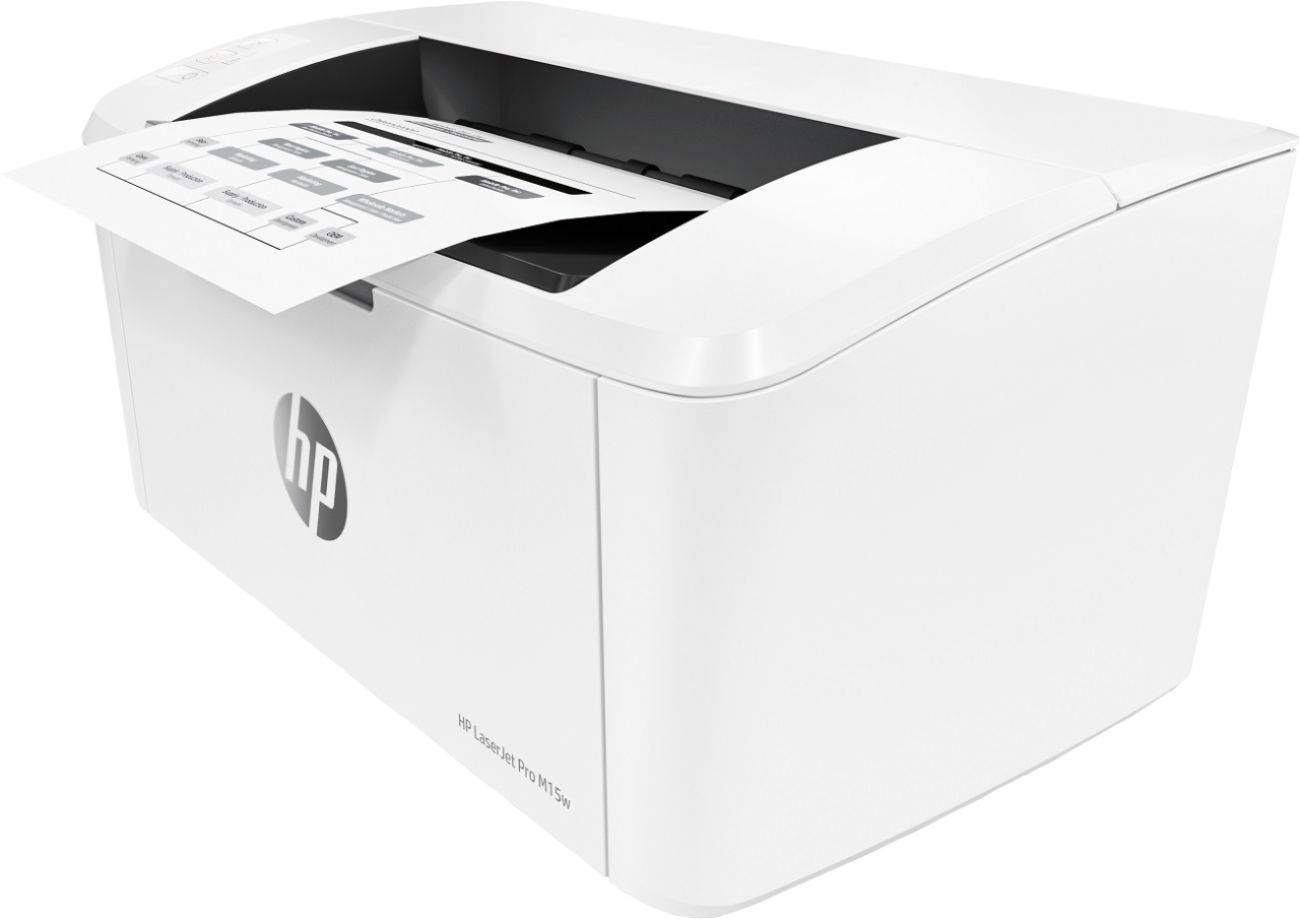
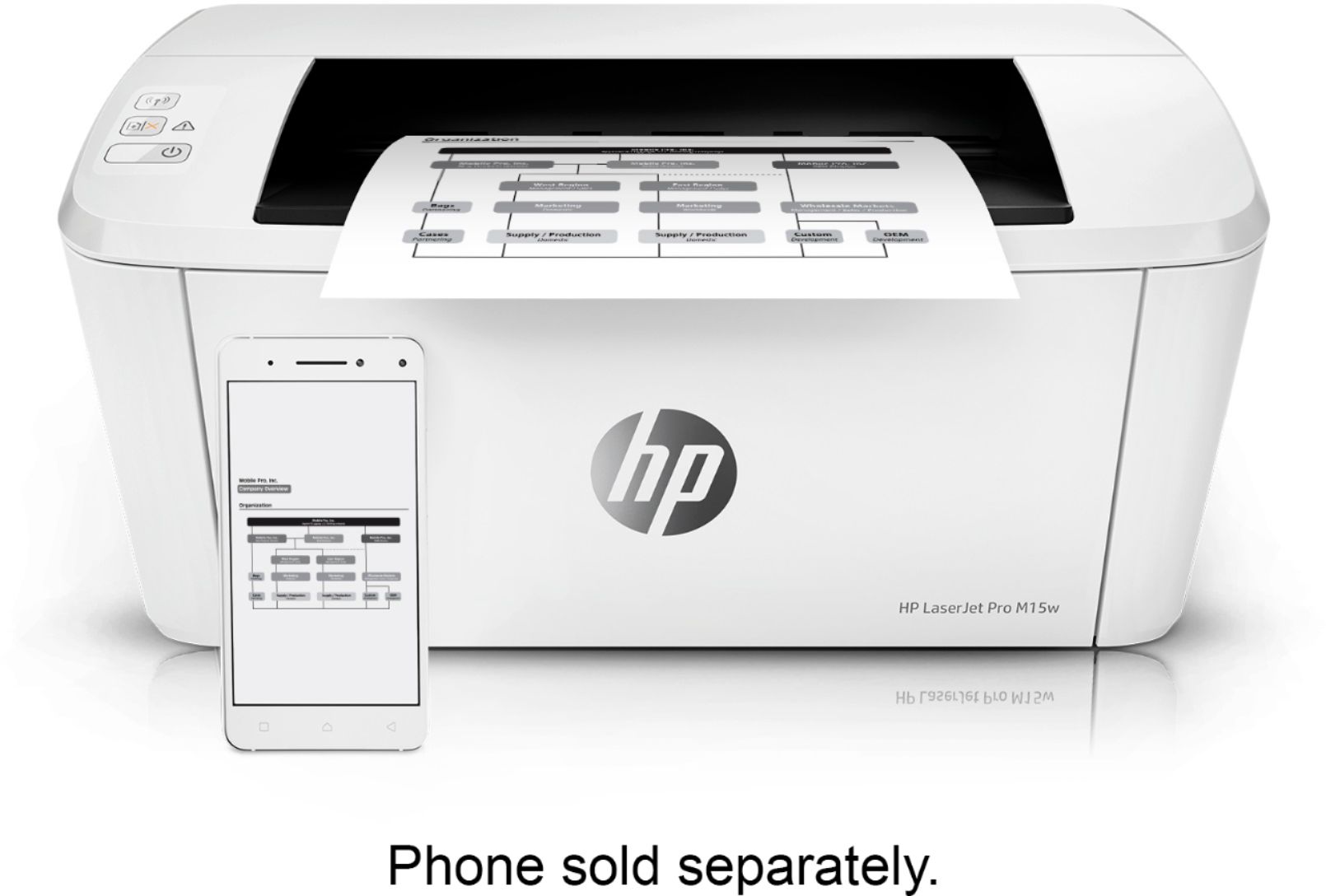
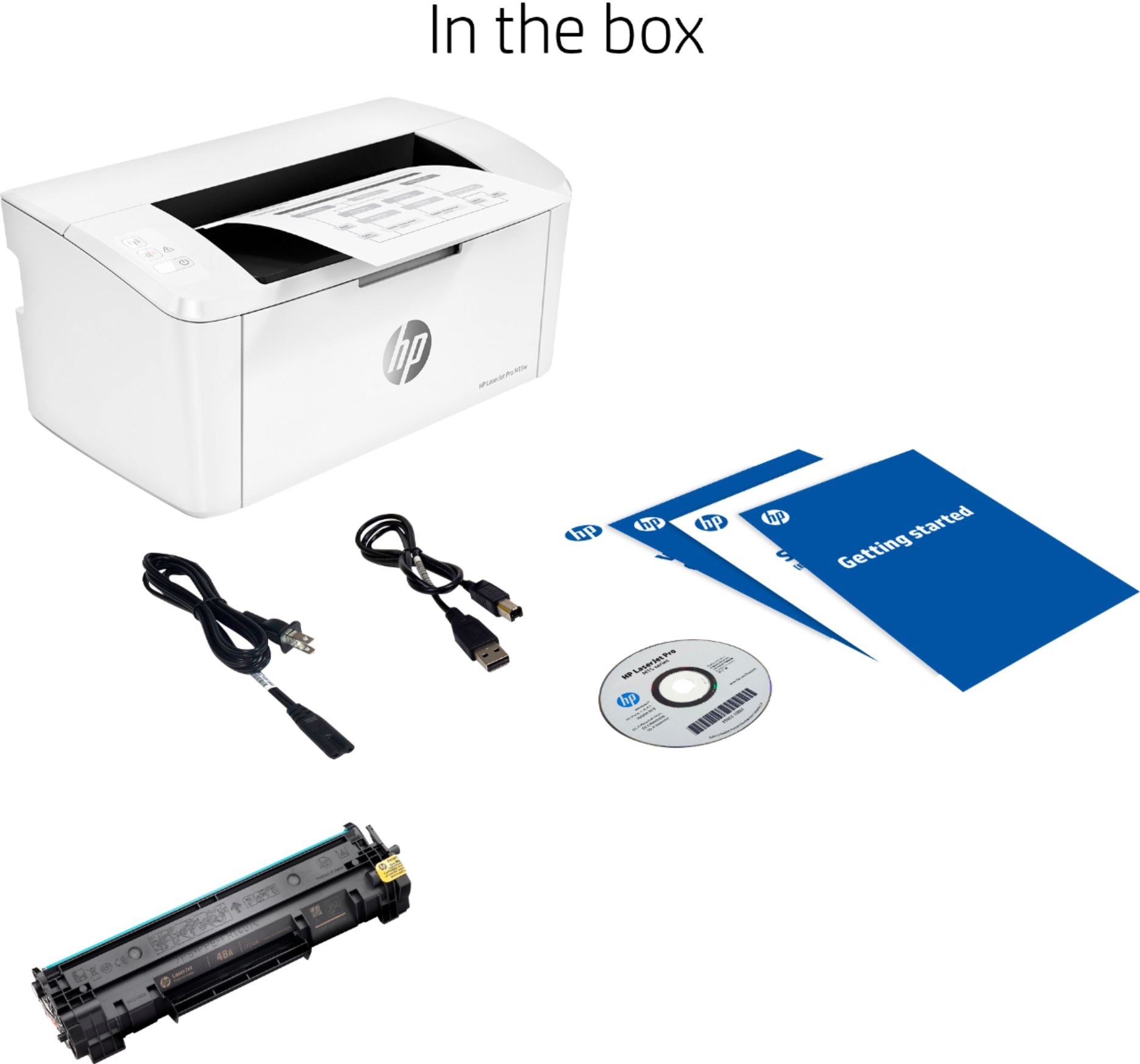
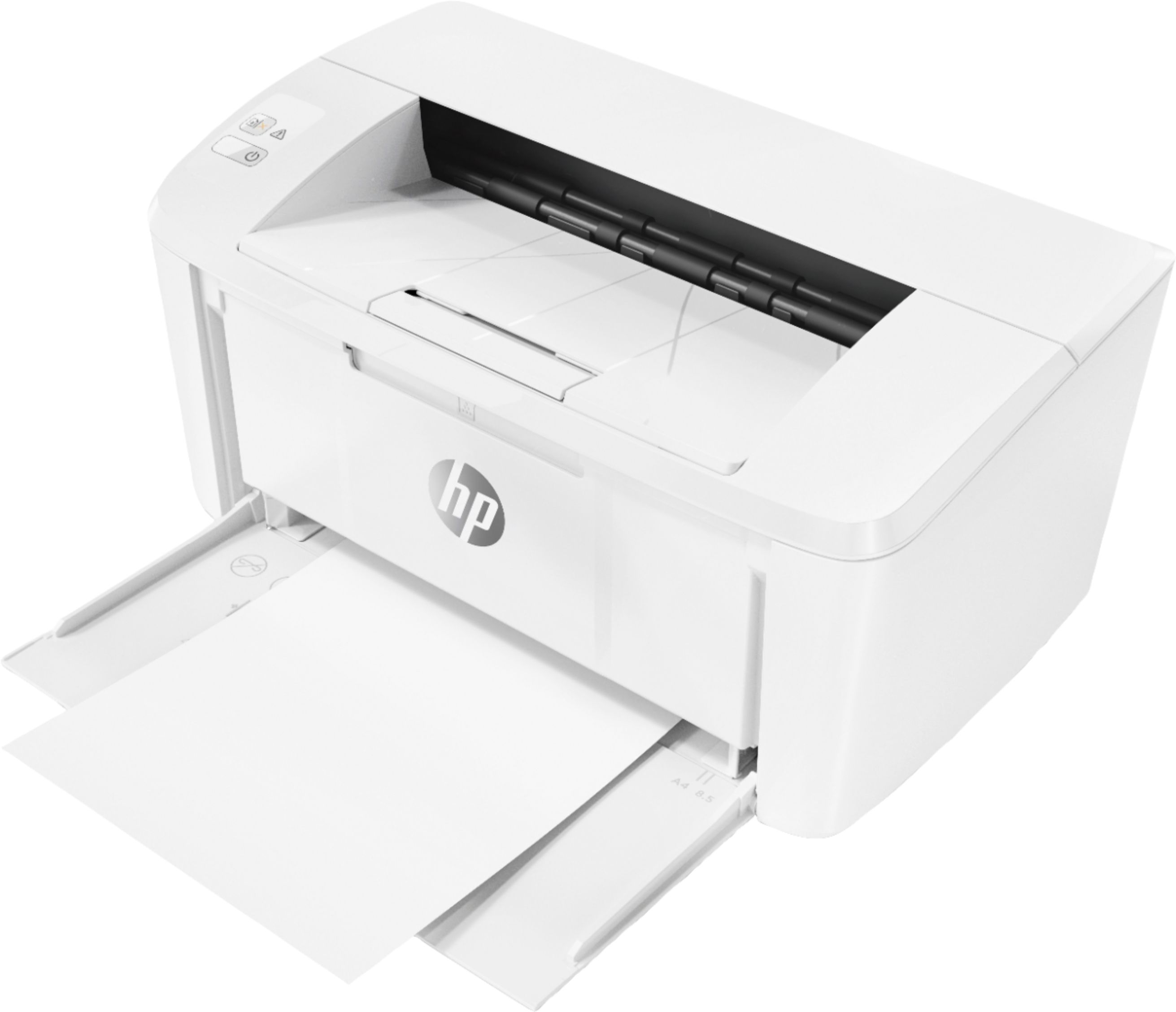
A:AnswerFor scanning and copying with this printer you would need to use the HP Smart app which turns your phone or tablet camera into a scanner and sends the scanned document to the printer.
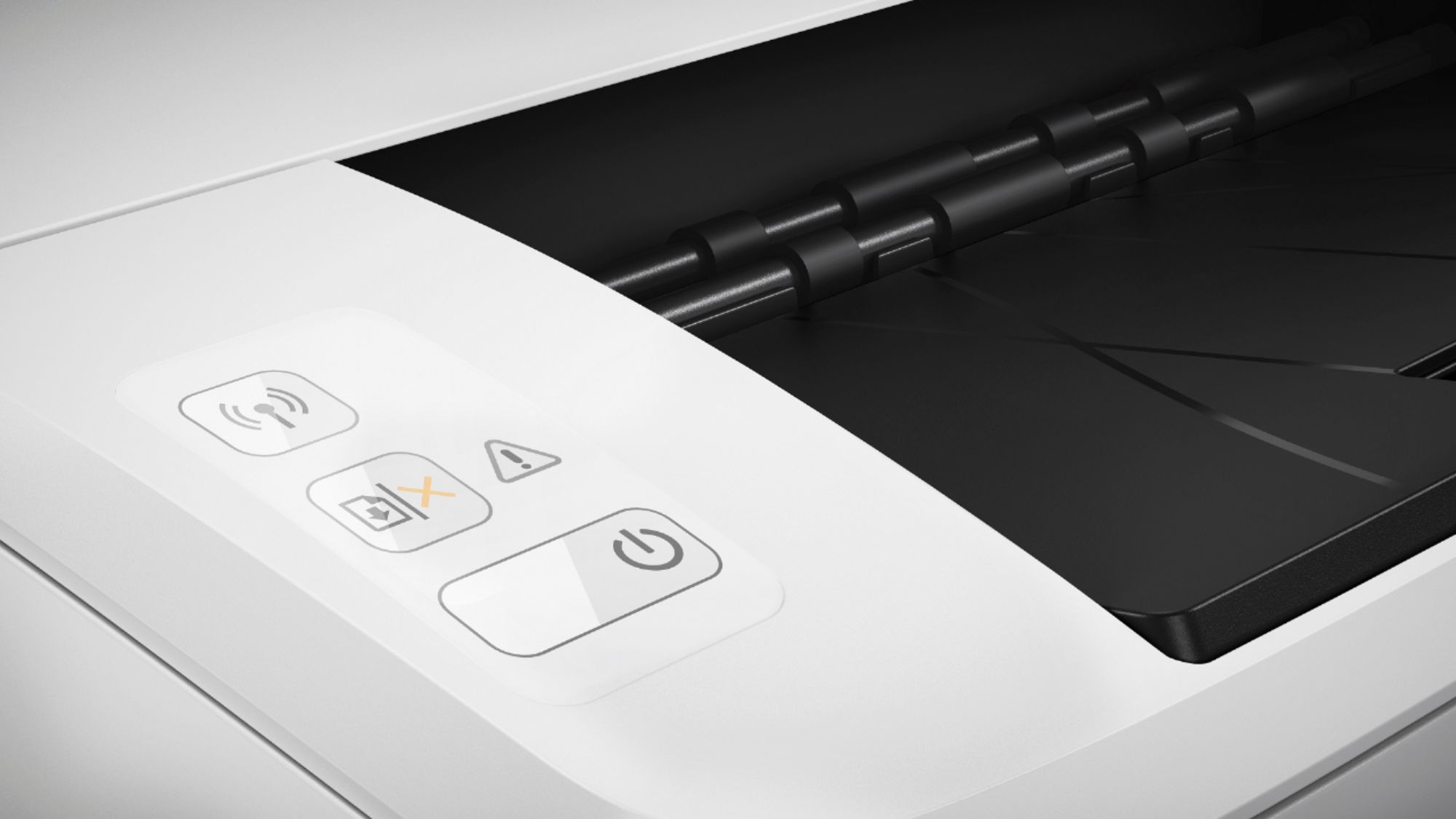
A:AnswerNo, it doesn't appear that it does. I recently changed my Ubiquiti wireless access point to run the 5GHz radio only, and this printer stopped connecting and I was unable to print. Only when I went into my networking settings and re-enabled 2.4GHz did the printer connect again.
A:AnswerThank you for your question. The M130FW is Google Cloud Print ready. Printing with a Chromebook is different than printing from other devices. You can learn about setting up Cloud Print here: https://support.hp.com/us-en/document/c04550264