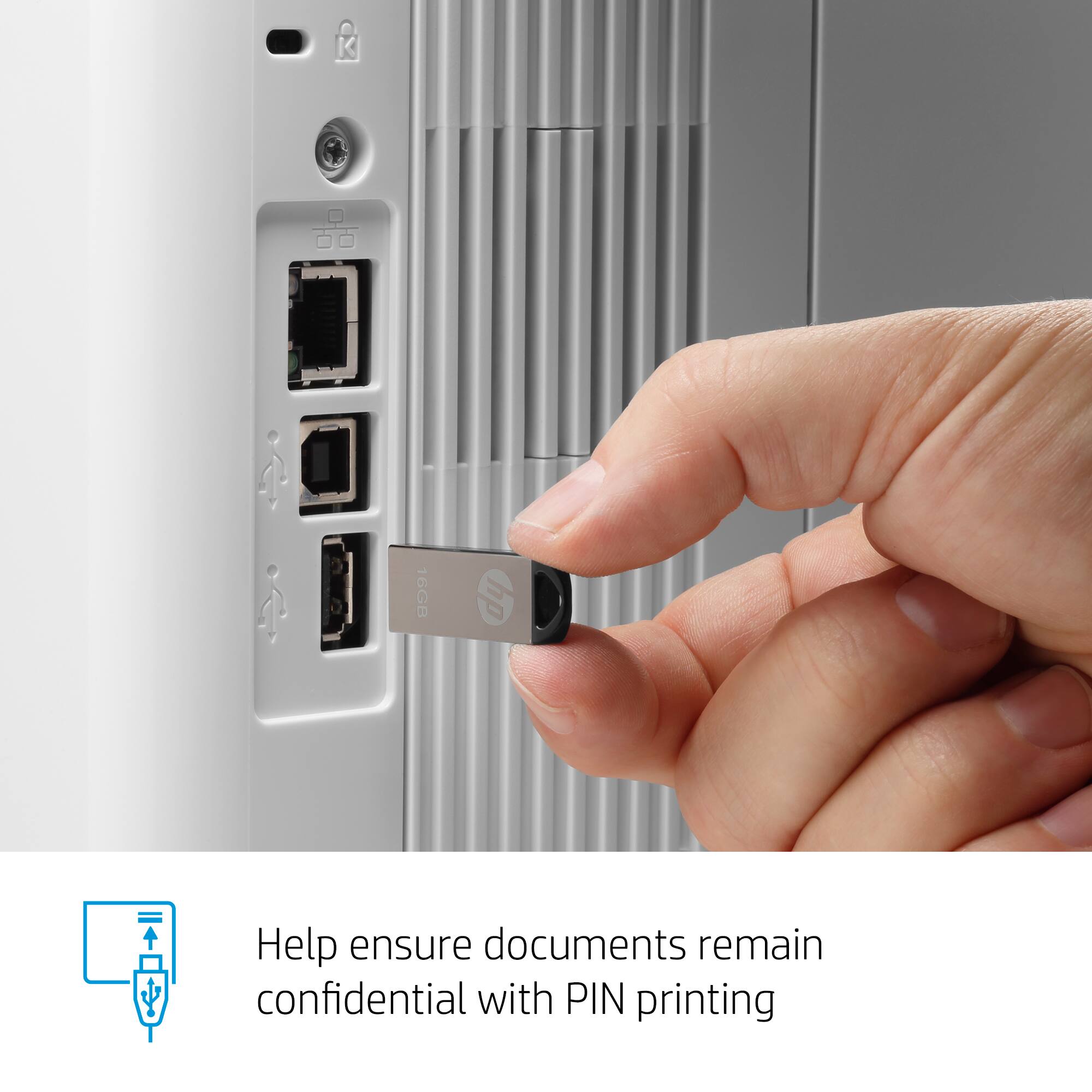
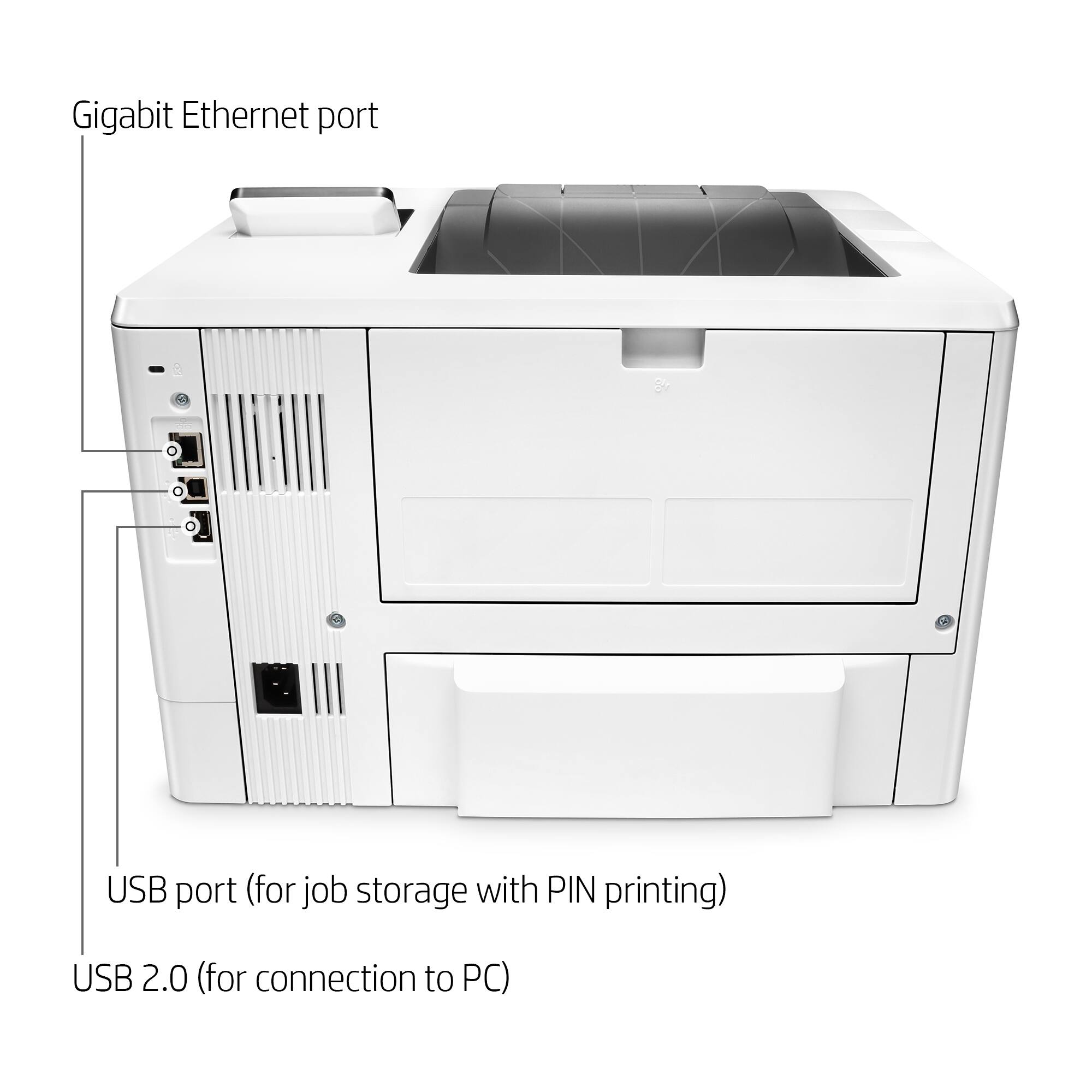
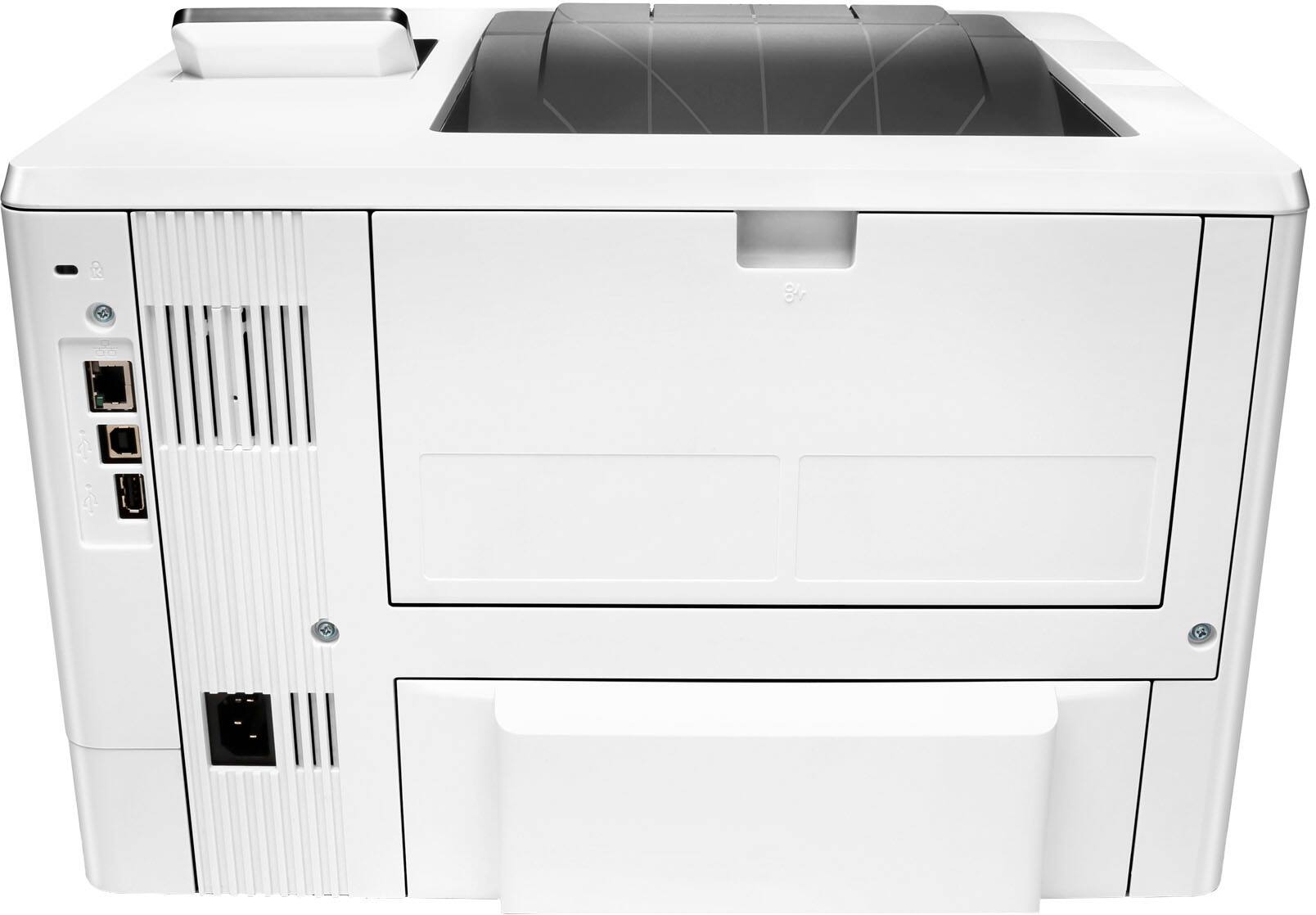
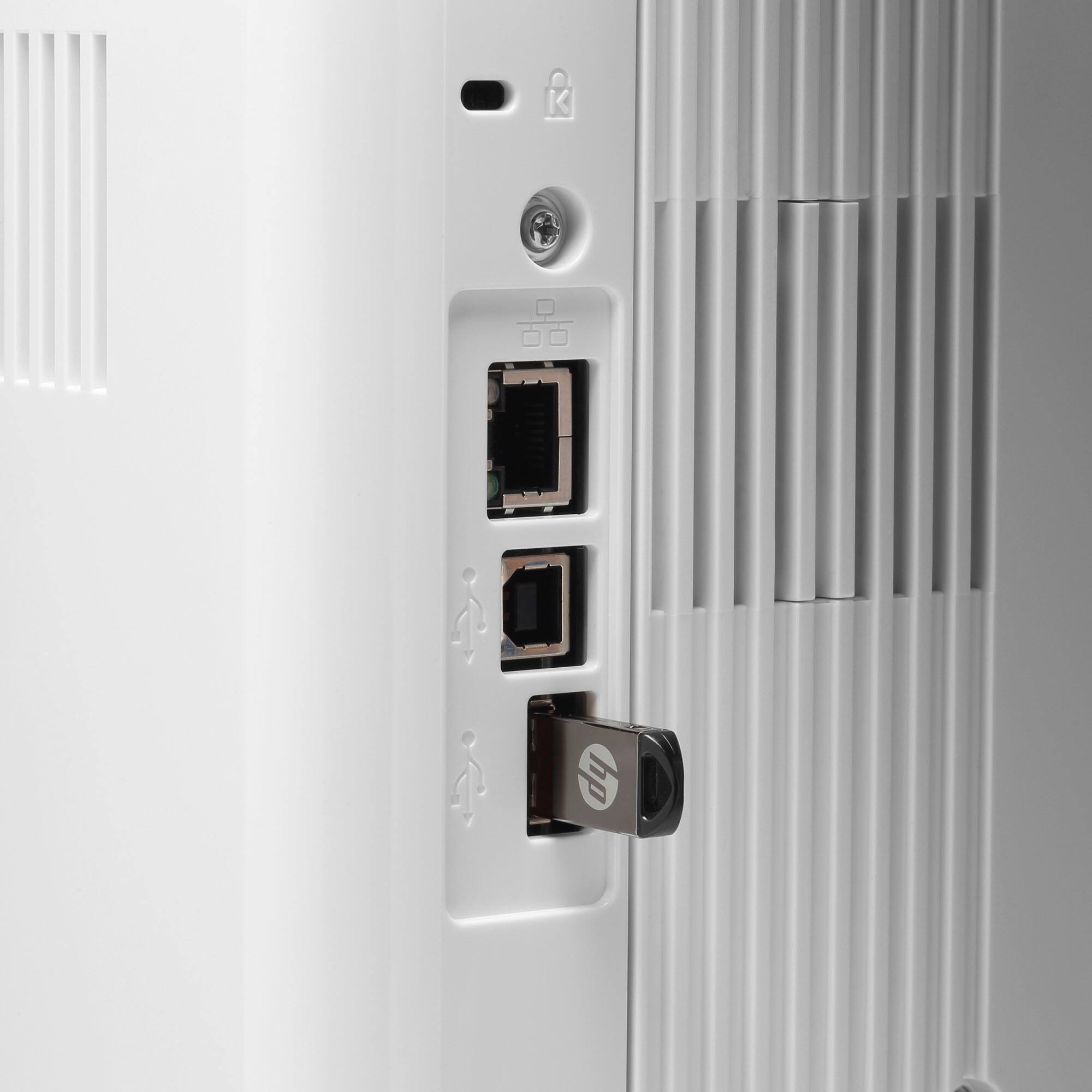
A:AnswerYou would have to send whatever document desired from the USB on the computer to the printer. You would not be able to access the USB drive from the printer since it would not be plugged into the printer directly.
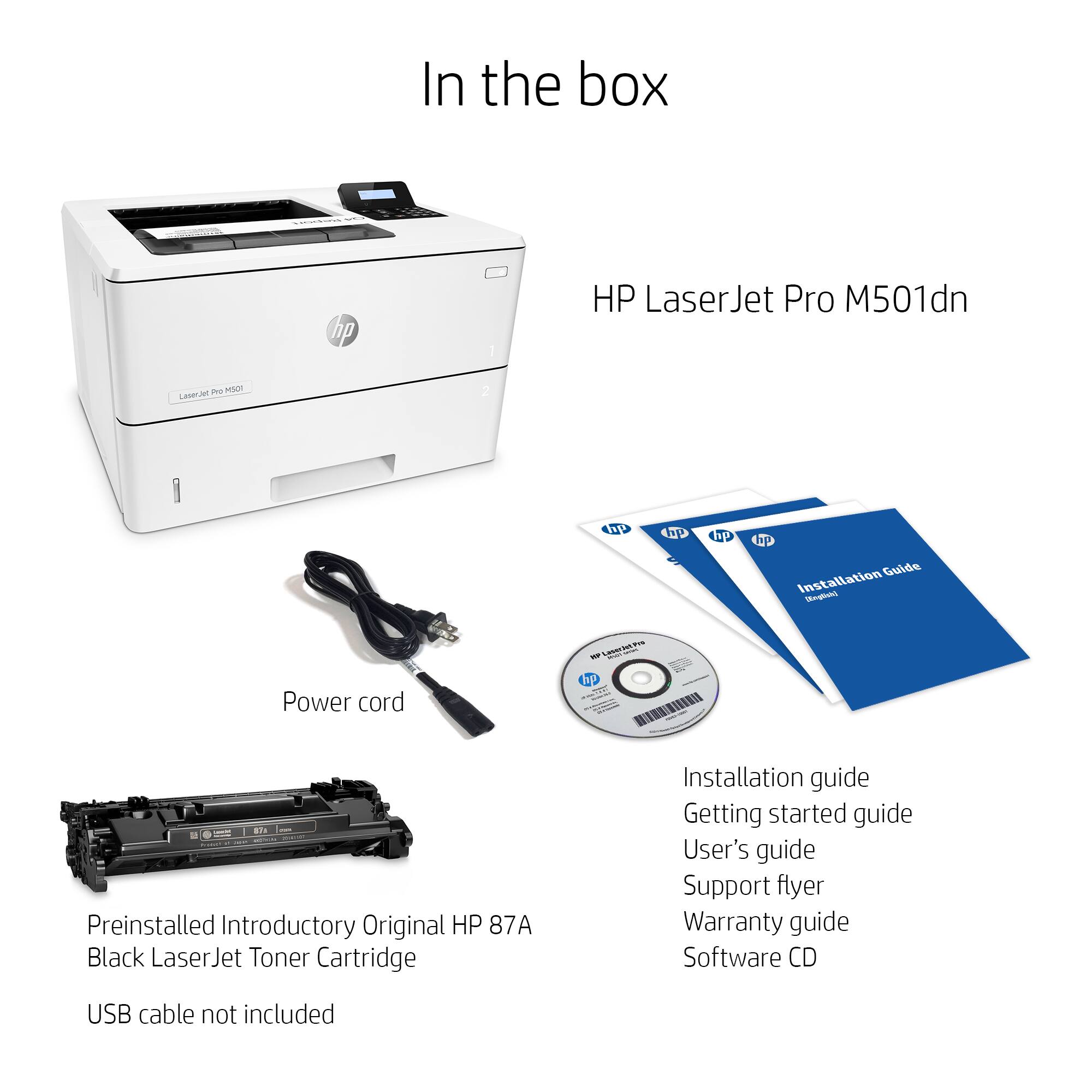
A:AnswerUntrue. You need a cable like this
UGREEN USB Printer Cable USB 2.0 Type A Male to B Male Scanner Cord High Speed for Brother, HP, Canon, Lexmark, Epson, Dell, Xerox, Samsung etc (10 Feet)
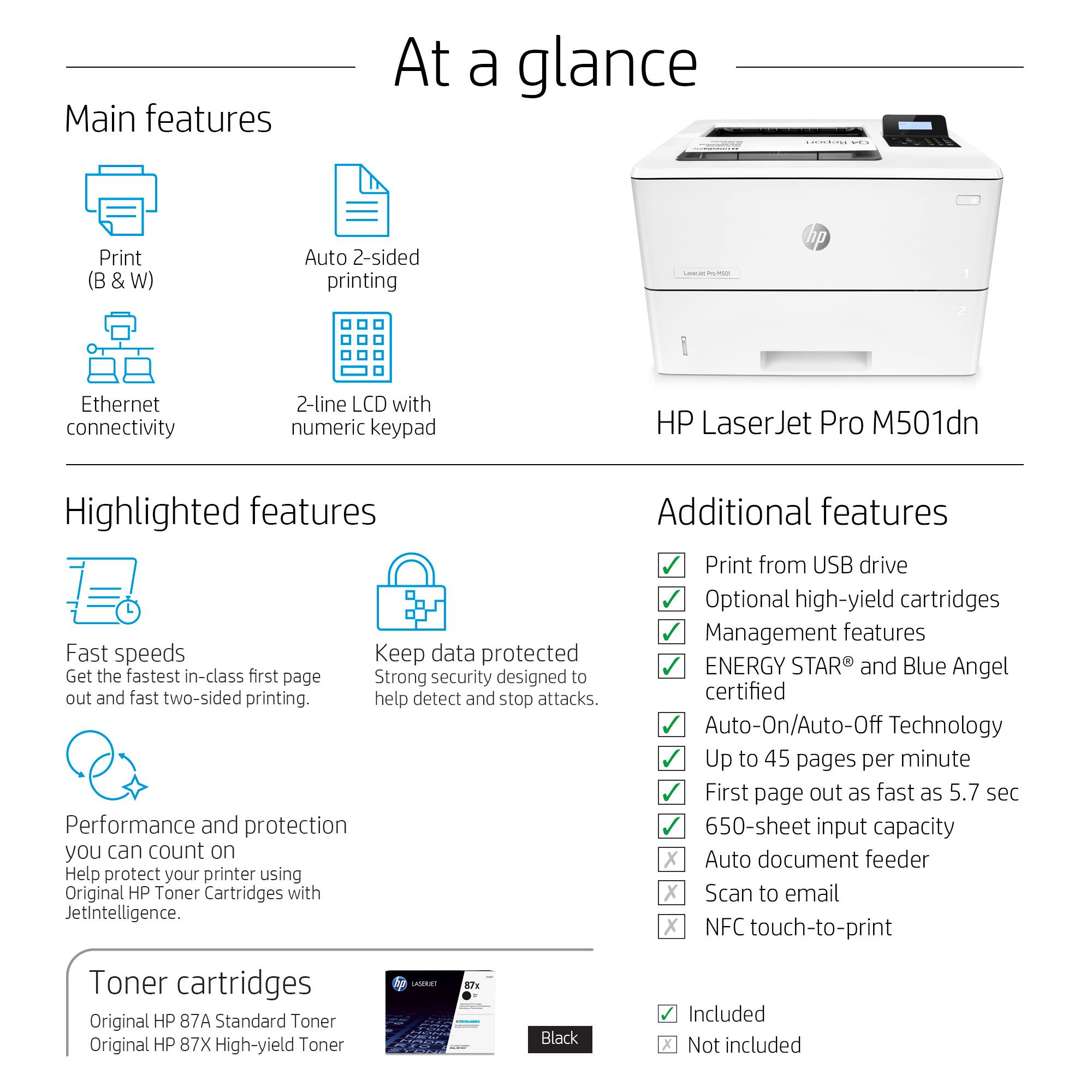
Which is not supplied. The USB connection in the back of the printer does not connect the printer to a computer. It is for a memory stick.
A:AnswerYou can use HP 87A Black Toner Cartridge, Standard (CF287A) with a yield of up to 9,000 pages, or HP 87X Black Toner Cartridge, High Yield (CF287X) with a yield of up to 18,000 pages.
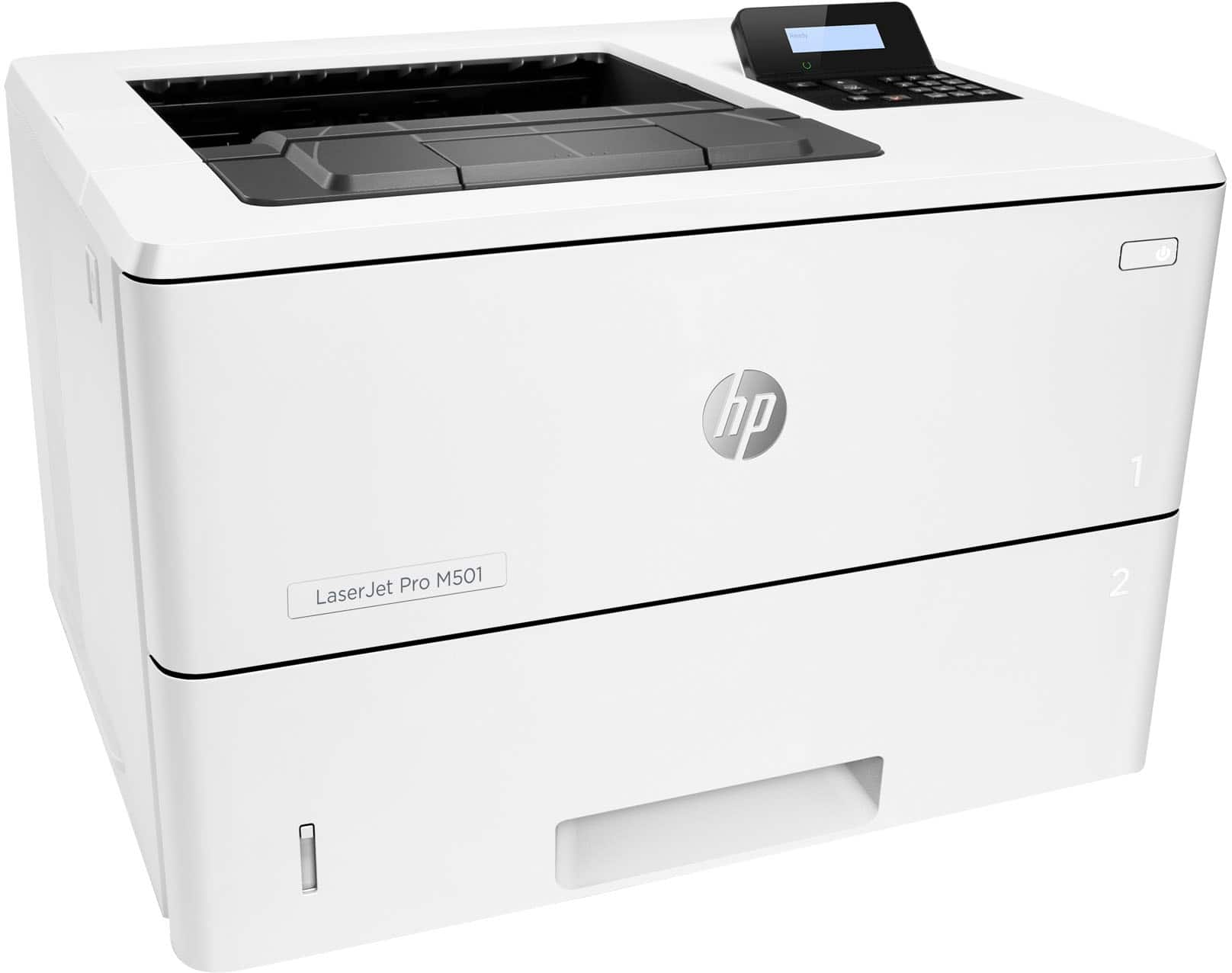
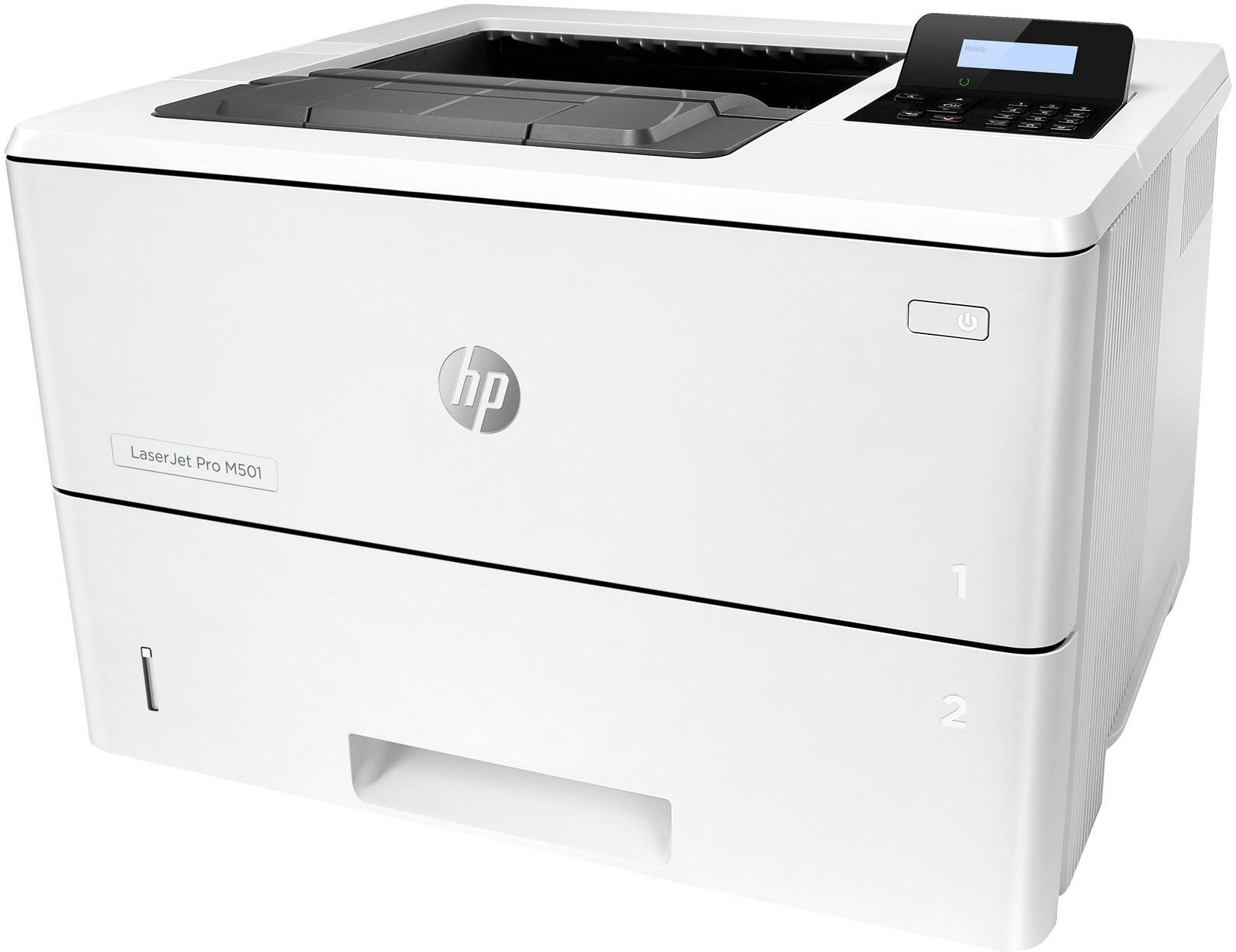
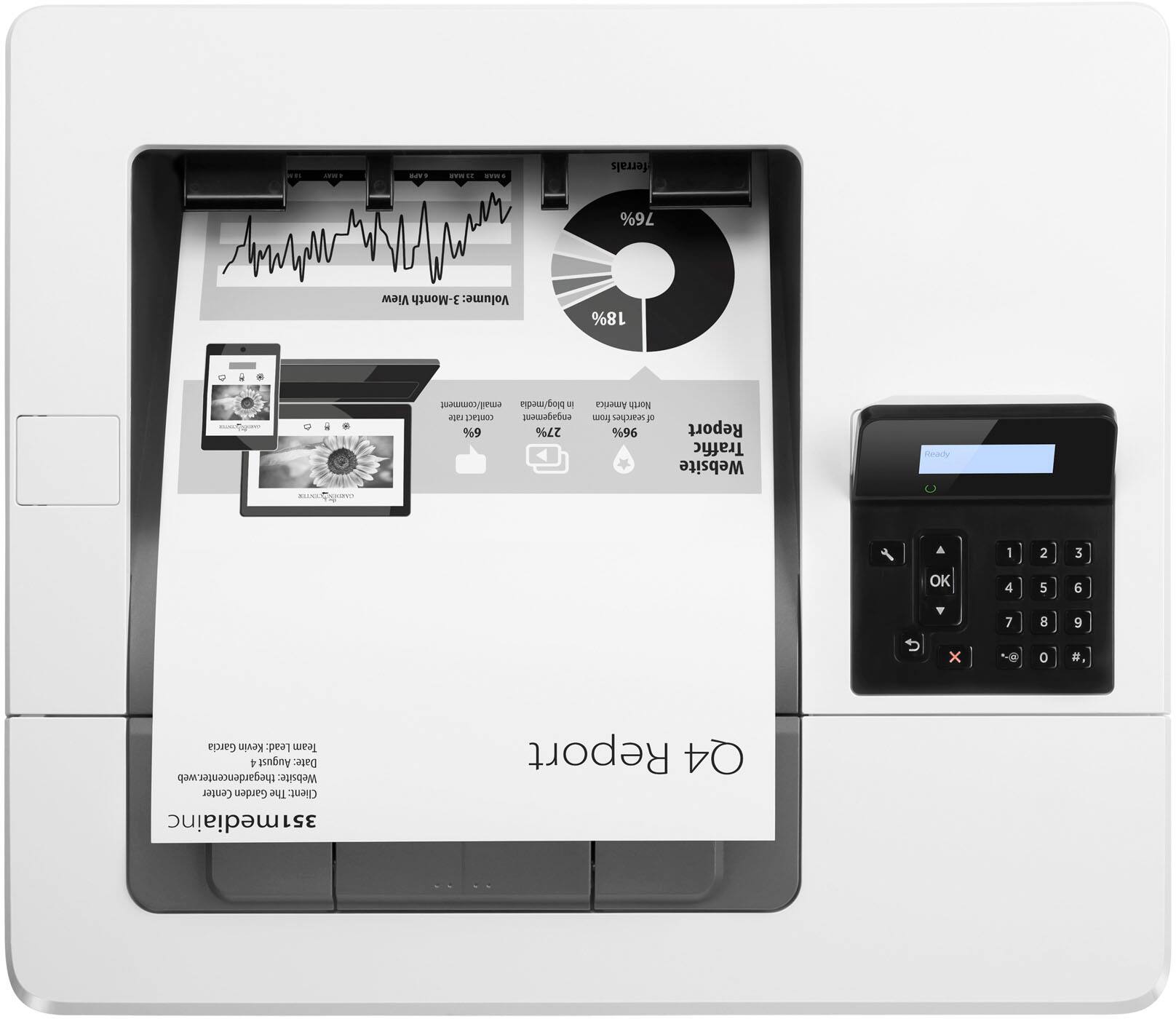
A:AnswerBy default, if you have tray 1 (flip out tray) open, it will pull from there and print face up from the top of the stack. Tray 1 seems to handle thicker stock much better than tray 2.
The main tray, tray 2, pulls the top sheet and prints the underside. This can be changed in the settings to flip over then print. This will slow your pages per minute speed if every page has to be flipped over by the printer.
Tray 1 seems to be designed for checks and card stock, tray 2 for regular or label paper.
A:AnswerI'm a teacher, and my boss bought all the teachers in our adult ed program this printer. We have Windows 10, and it works like a charm. I do single side, duplex, and use the tray. At home, I have a HP 4000, (22 years old.) It still works, but it's a little slow. I will be purchasing this printer for home. I have Windows 7 there, and it should work just fine. I will use the 4000 as a backup printer should I ever need it. It weighs quite a bit, and that's another reason for getting the 501. Some questions about color cartridges. There are NO COLOR CARTRIDGES. I don't know why that was put in the description. There's only room for the black cartridge, which is what I want.
I think you will be happy with this printer.
A:AnswerYour software will have to support this. If you have 2 sizes of paper, you can load one in the multipurpose tray and one in the tray 2. You will neet to let up the size of paper you install in the printer driver (which size paper is in which tray) for the software to do this automatically.