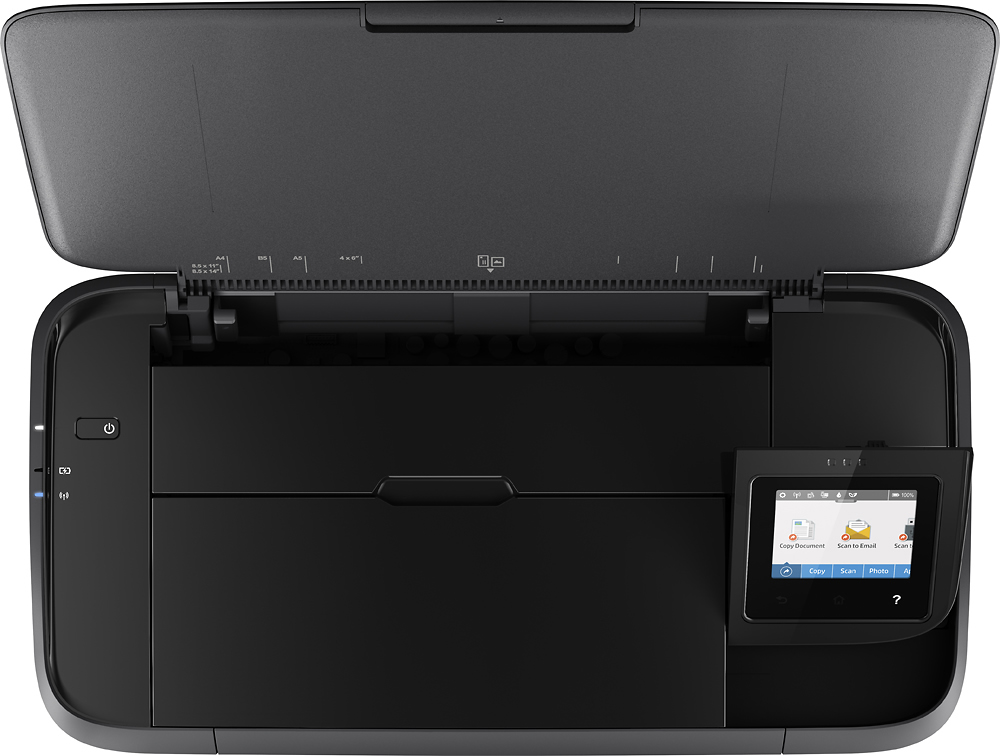
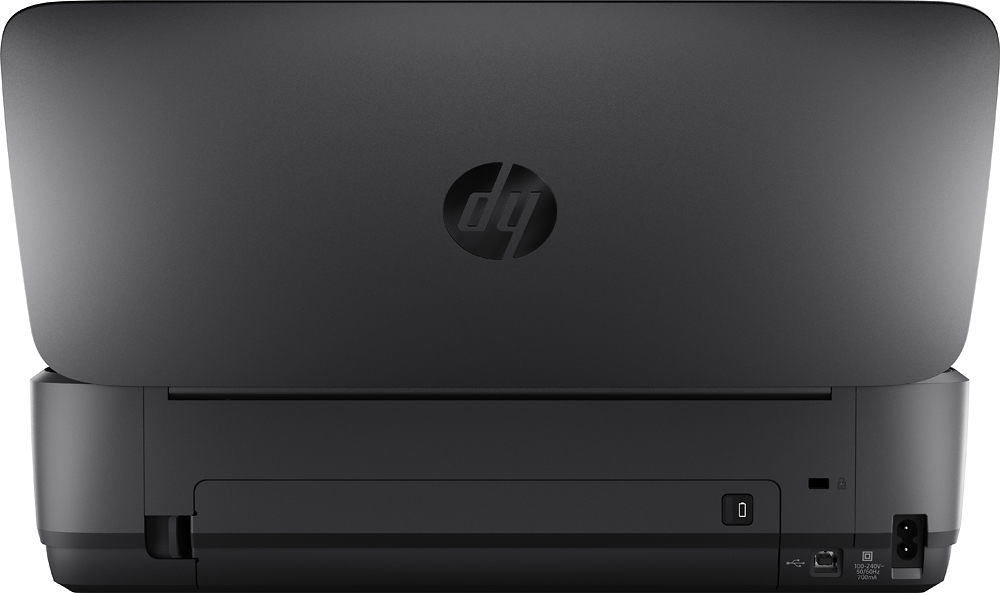
A:AnswerThank you for the question. Yes, the OfficeJet 250 mobile printer is compatible with Windows 11; Windows 10; Windows 8.1; Windows 8; Windows 7; Windows Vista; Linux; OS X 10.11 El Capitan; macOS 10.12 Sierra; Chrome operating systems. We suggest that you review the QuickBooks printer guidelines before purchasing.
A:AnswerThe OfficeJet 250 printer supports the following sizes: Letter, legal, statement, executive, envelopes (No. 10, Monarch, 6 3/4 in), cards (3 x 5 in, 4 x 6 in, 5 x 8 in), photo (8 x 10 in, 5 x 7 in, 4 x 6 in, 3.5 x 5 in). It does not support 16x20".
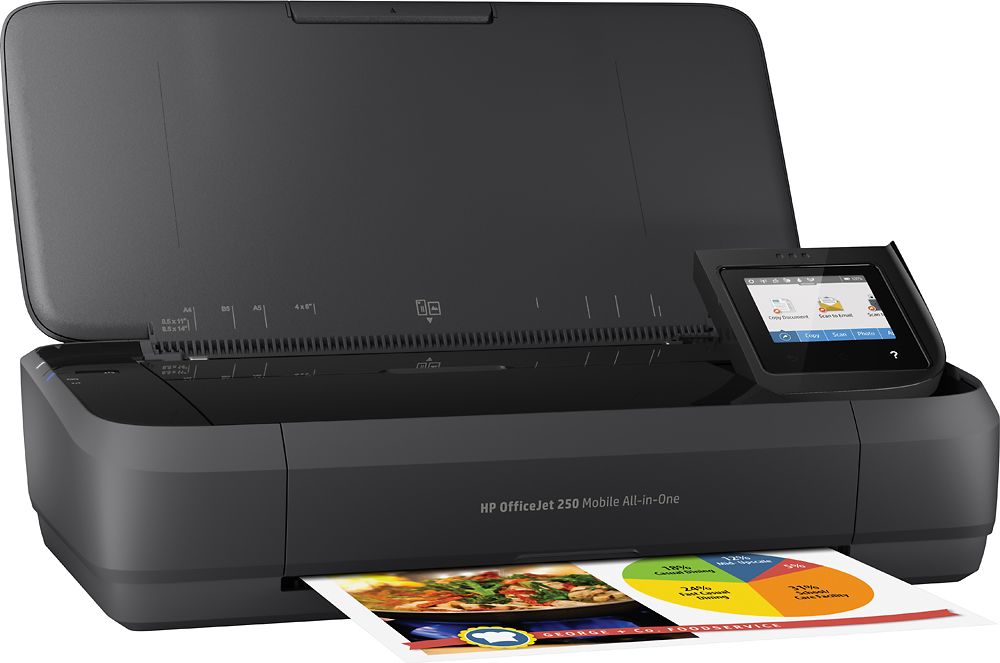
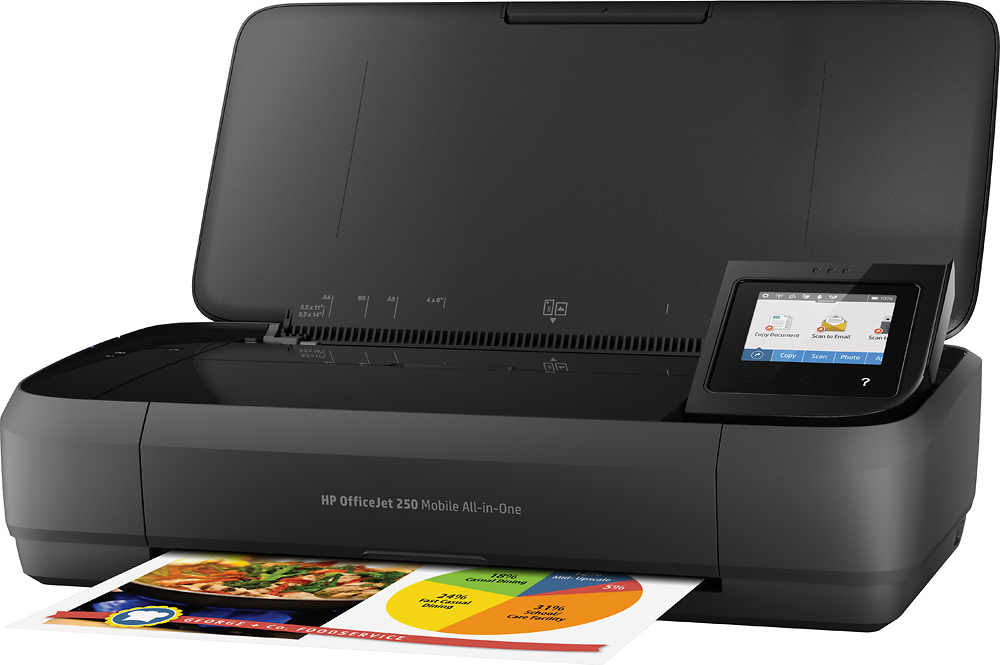
A:AnswerThank you for your interest. Our OfficeJet 200 and 250 models are mobile printers that work on battery power when you're "out and about". They use a two-cartridge system, and you can remove the tri-color cartridge to print only in black, single-cartridge mode. Be mindful that this is not a permanent mode, and you should replace the color cartridge after the black print job(s). For permanent monochrome printing, you'd need to go with a monochrome laser printer. These are available with a host of features but do not have the battery option/mobility of the OfficeJet 200 and 250 printers. ,
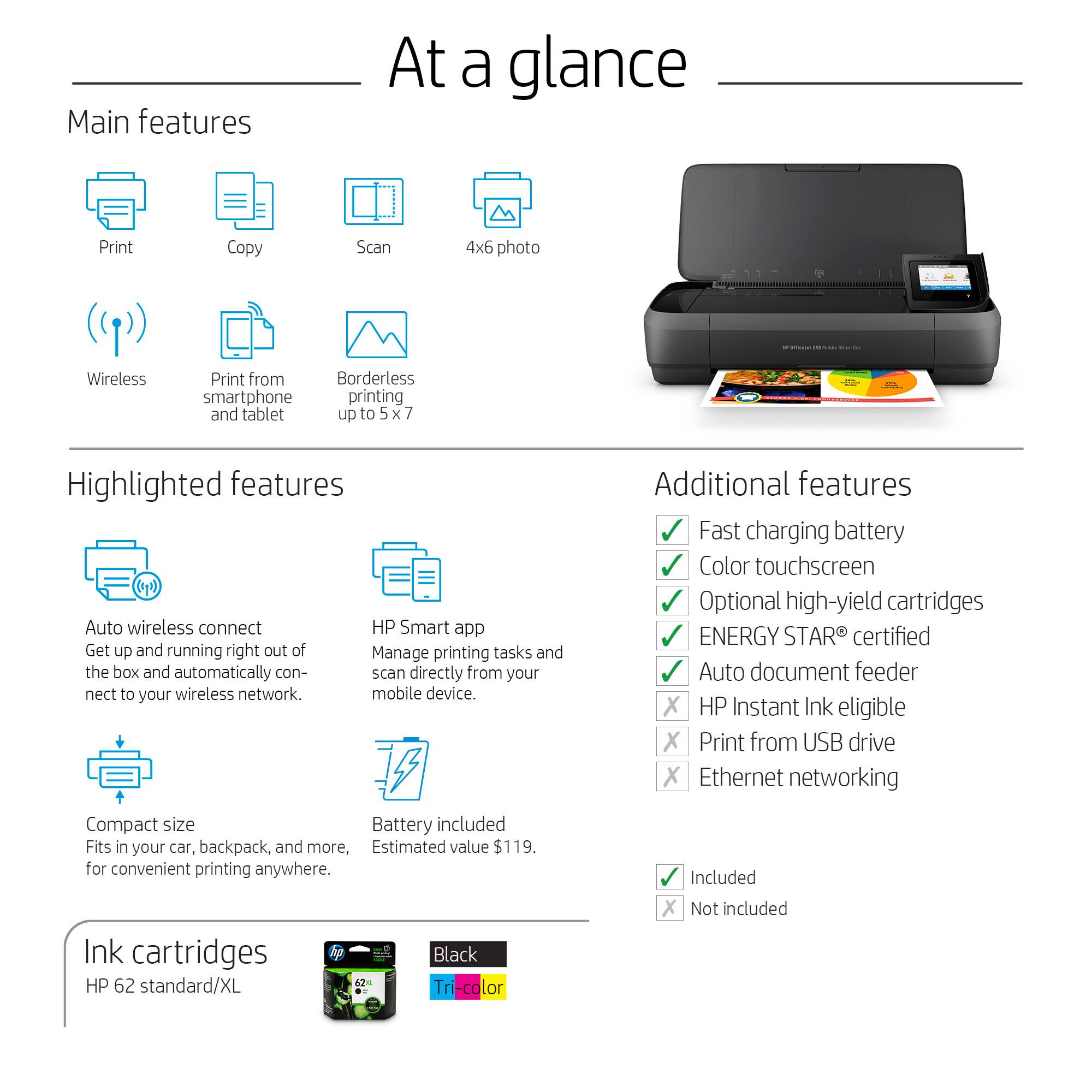
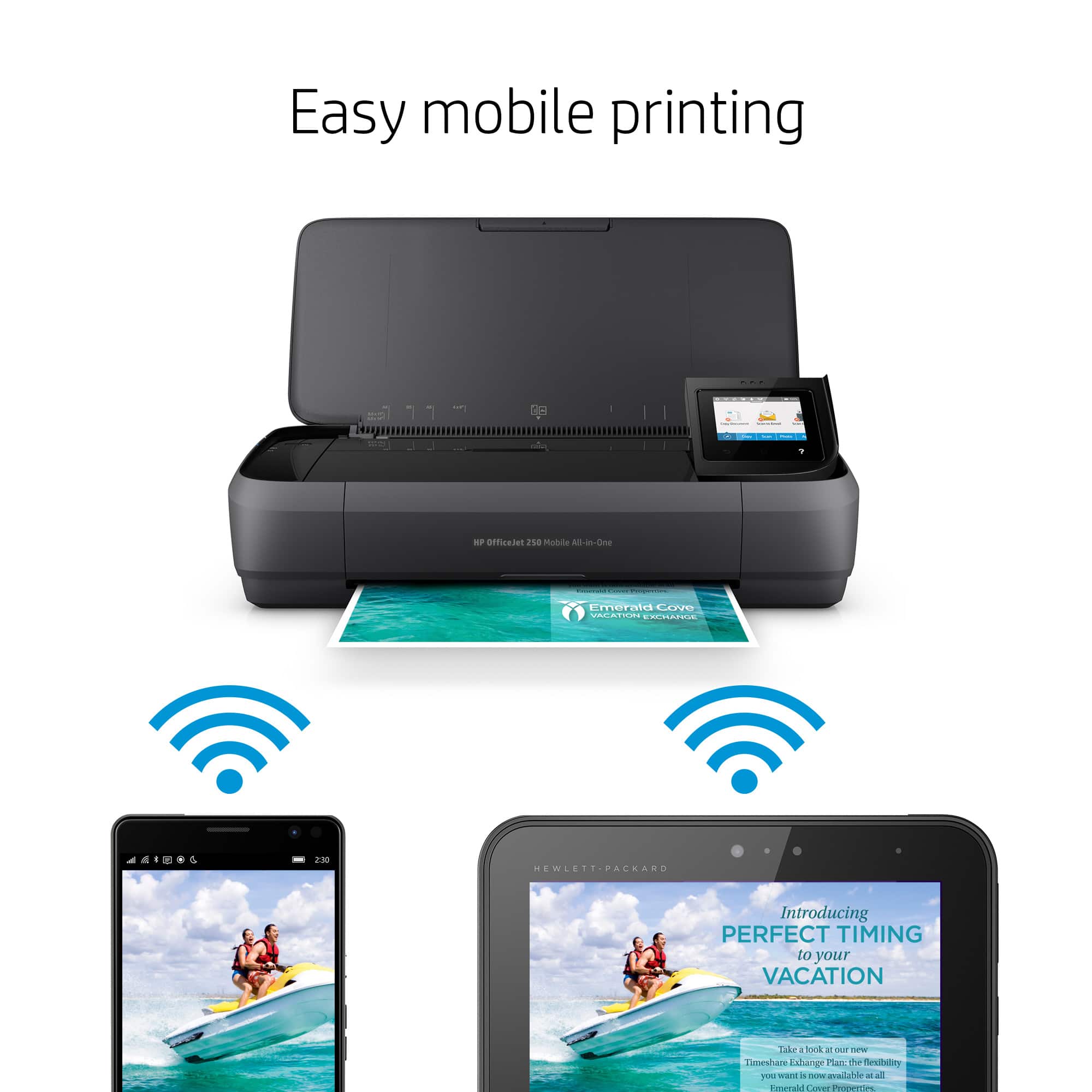
A:AnswerHello, Vince. Thanks for your question. Yes, you can use the Samsung Galaxy S8 plus tablet with this HP Officejet 250 printer. We recommend using the HP Smart app.
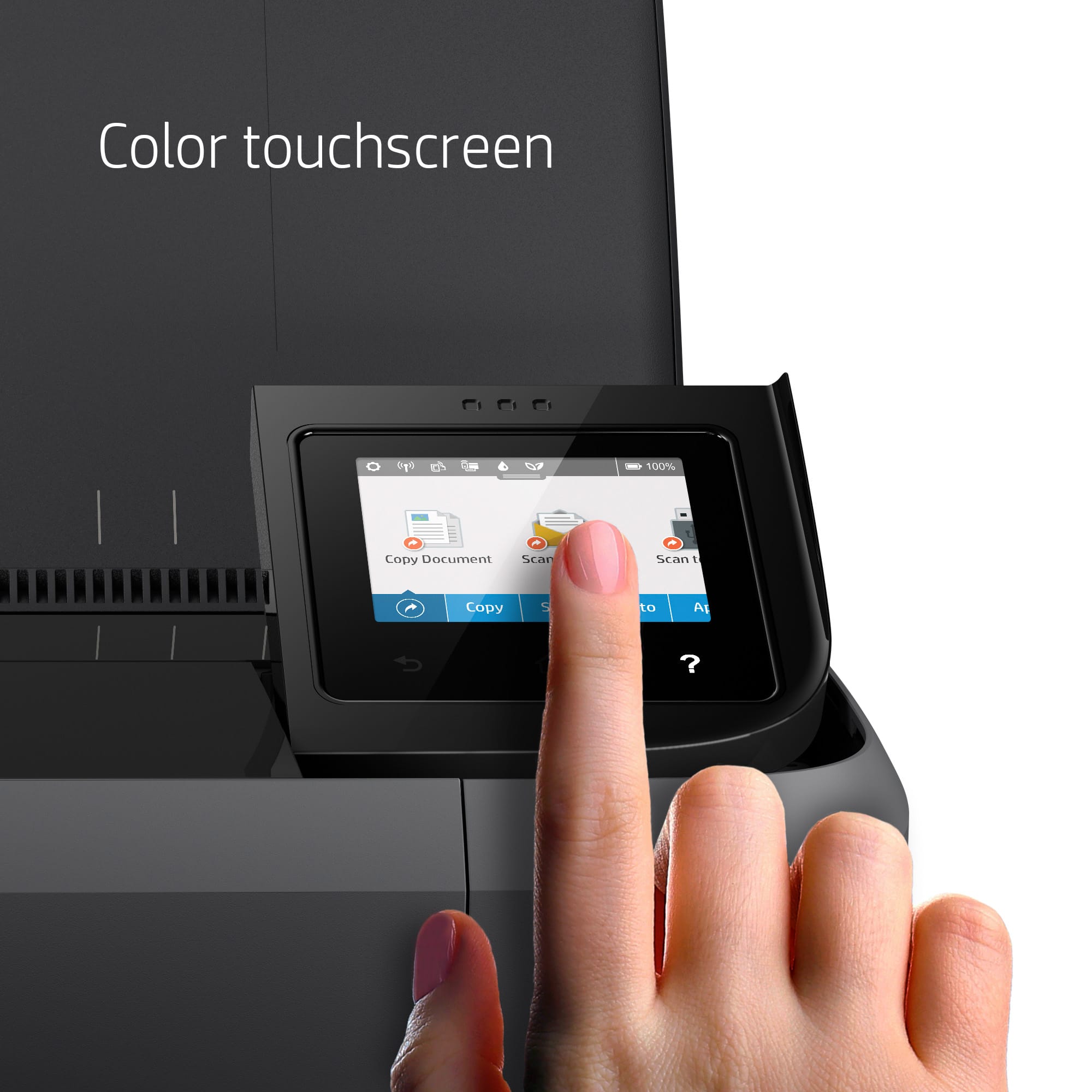
A:AnswerThank you for your question, Fred! According to the user manual for this model, you can set custom settings for each copy, including "Resize", using the touch screen. The specs state that it can resize copies from 25% to 400%.
A:AnswerYes, the font print quality is excellent and it can be transported and not heavy at all. I like everything to be compact and small. I've had larger and cheaper printers and they do not hold up like this one. I've had mine for 5 years. Great little printer and when mine stops working, will definitely stick with this one.