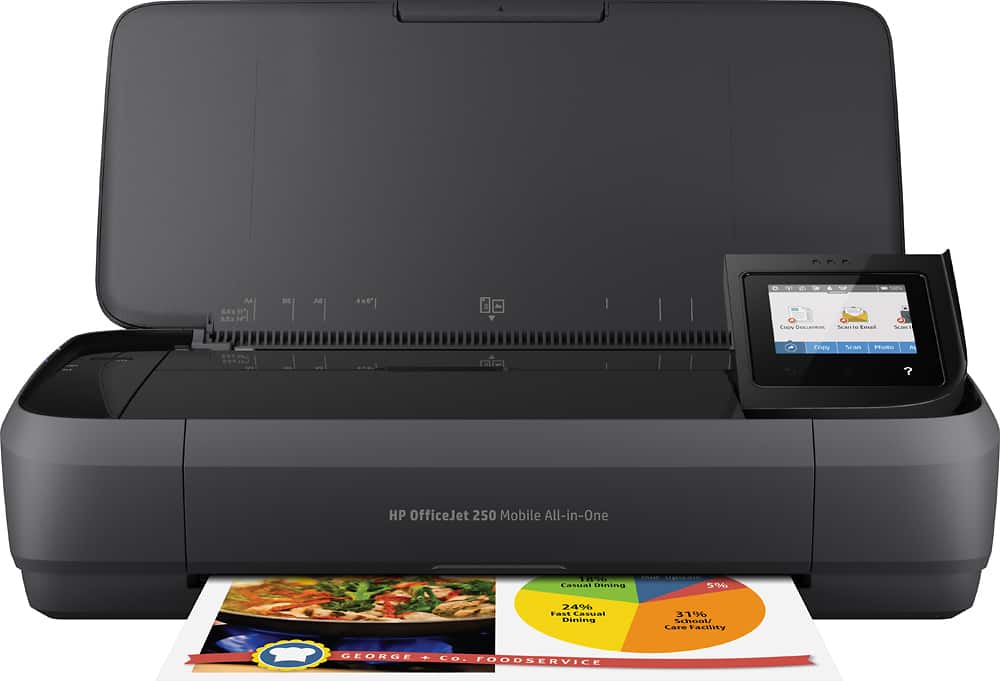
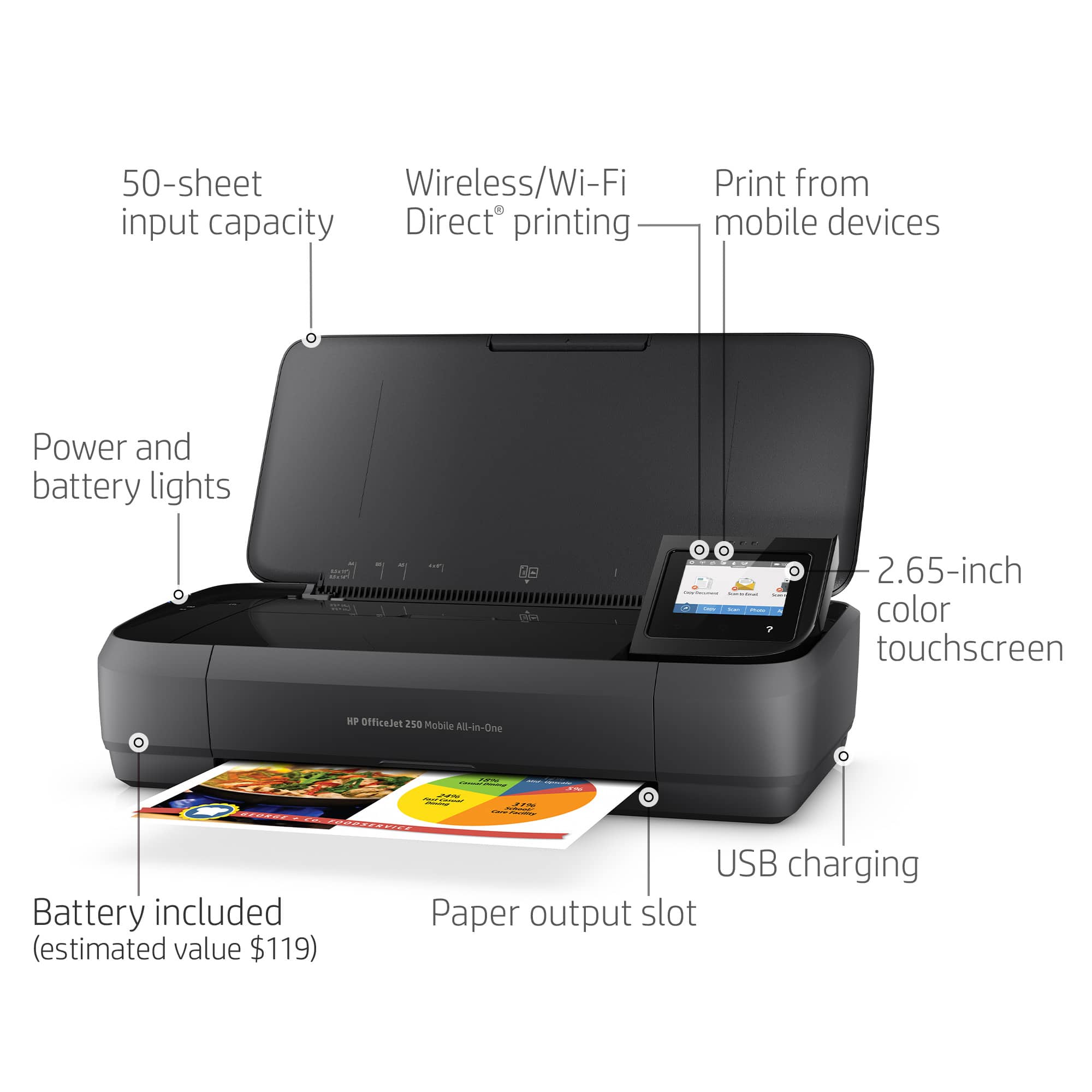
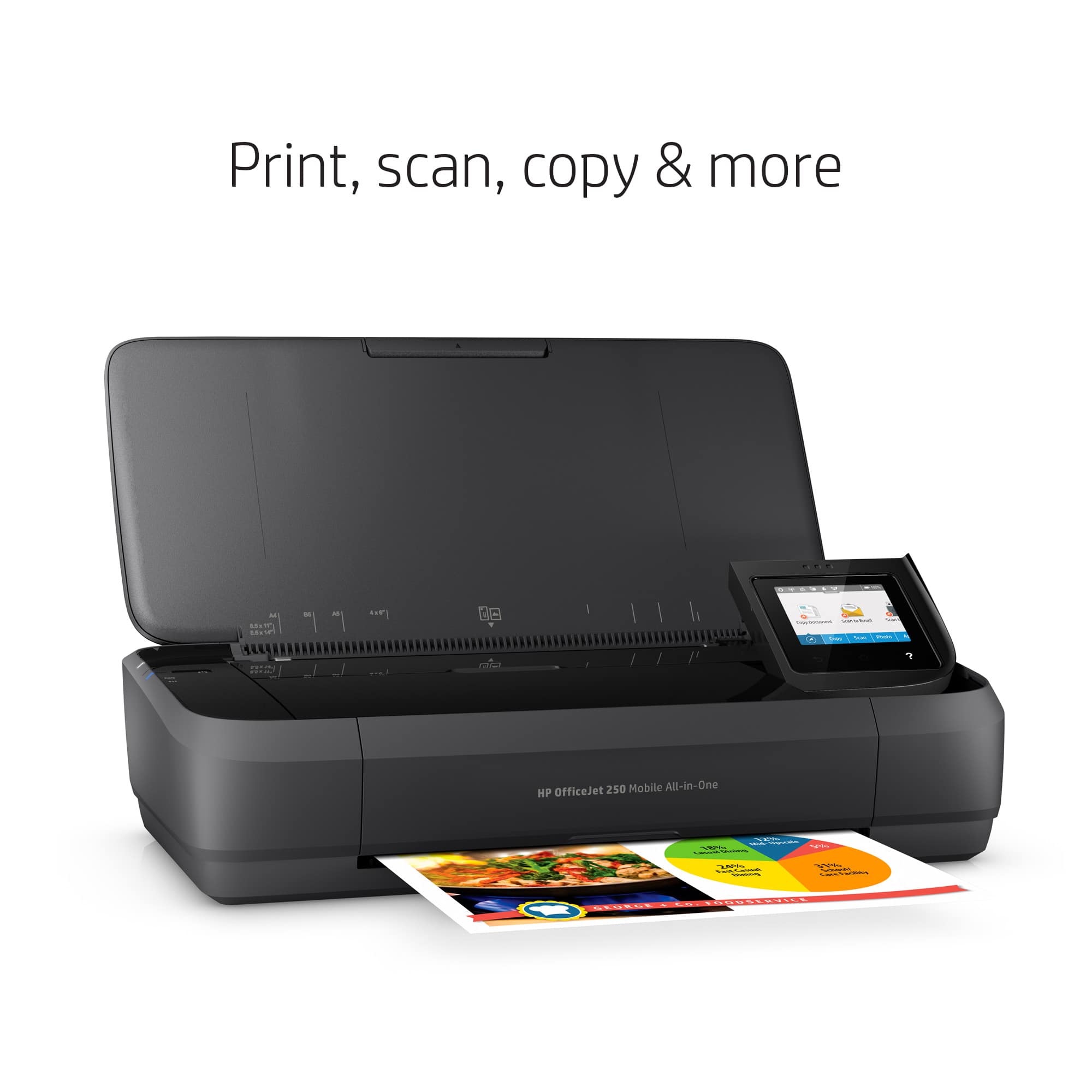
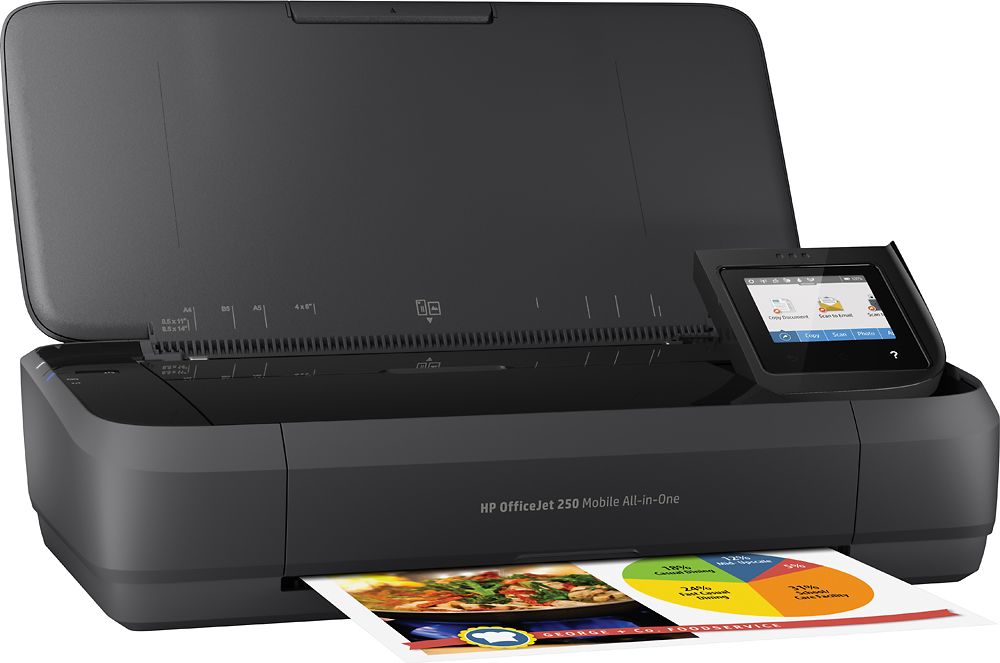
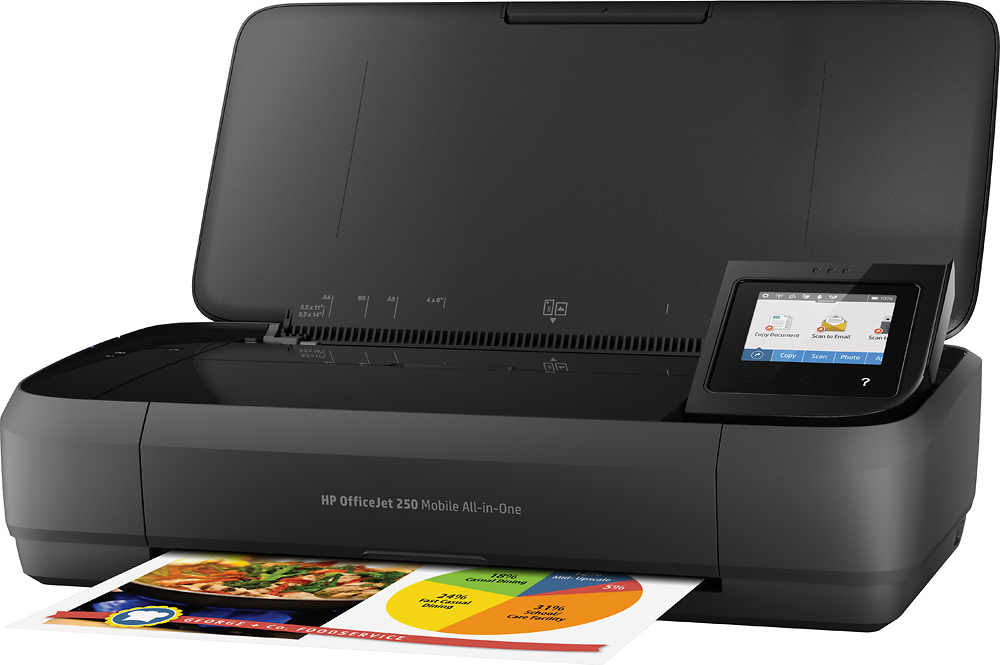
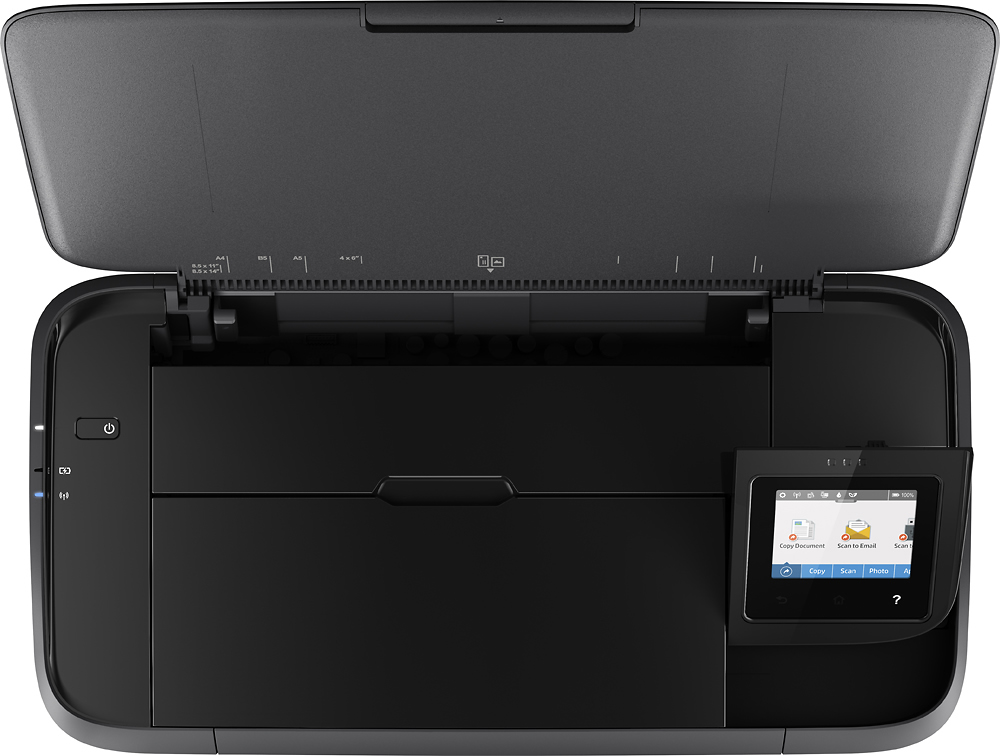
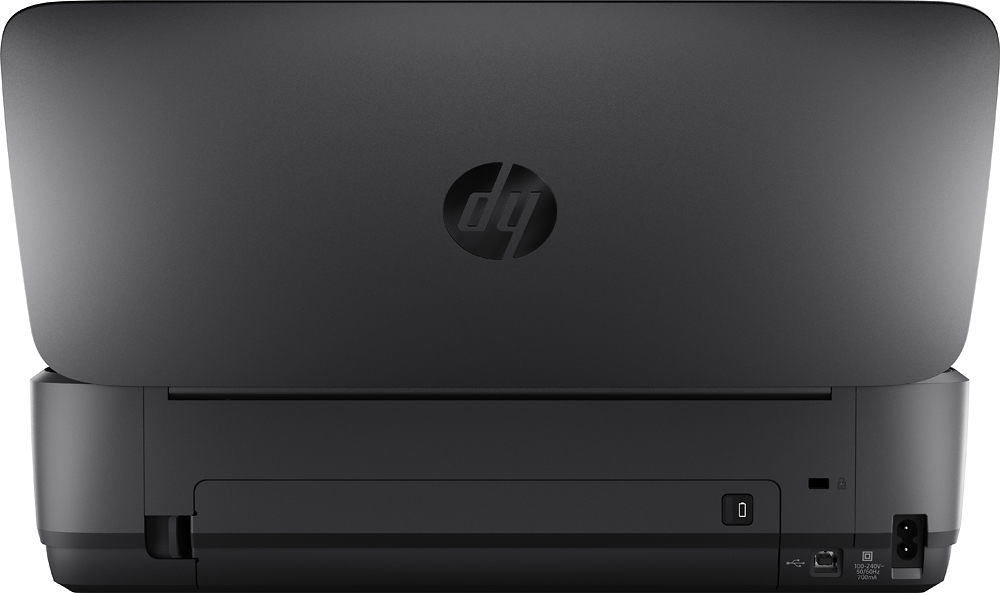
A:AnswerYes it does make copies. You would load it from the front (see attached picture). But, it needs to be something thin because the documents are moved through the printer and the originals come back out the front under the extended tray. So, paper is fine, but I tried my drivers license (plastic) and it got stuck.
A:AnswerWe really like this printer. Since we don’t use a Pinter much these days, this HP has been great to pull out and quickly set up for printing or scanning.
Easy to set up once you download the drivers, which is mostly easy through HP’s download service.
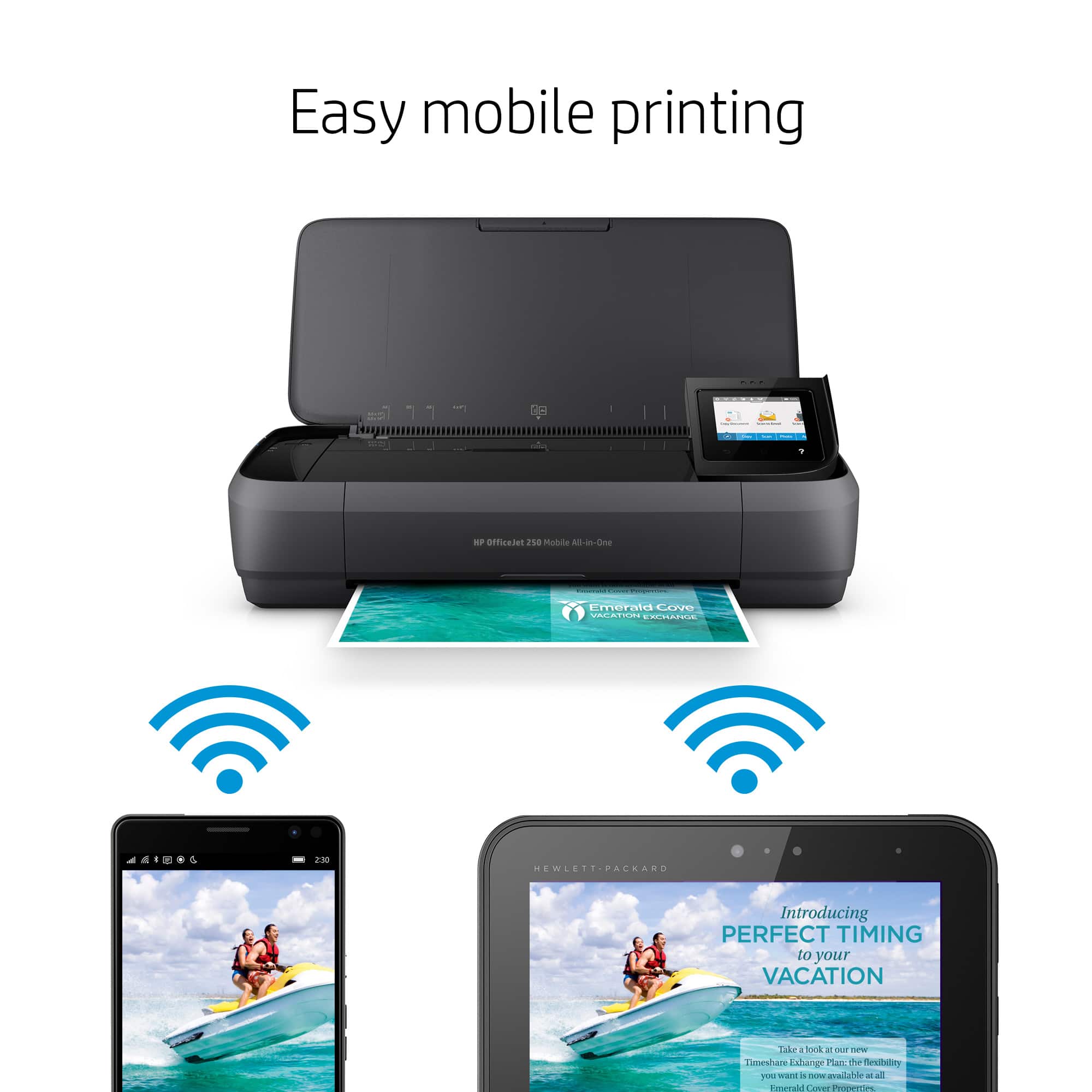
Have set up through phone, iPad, and computer - as long as on the same network.
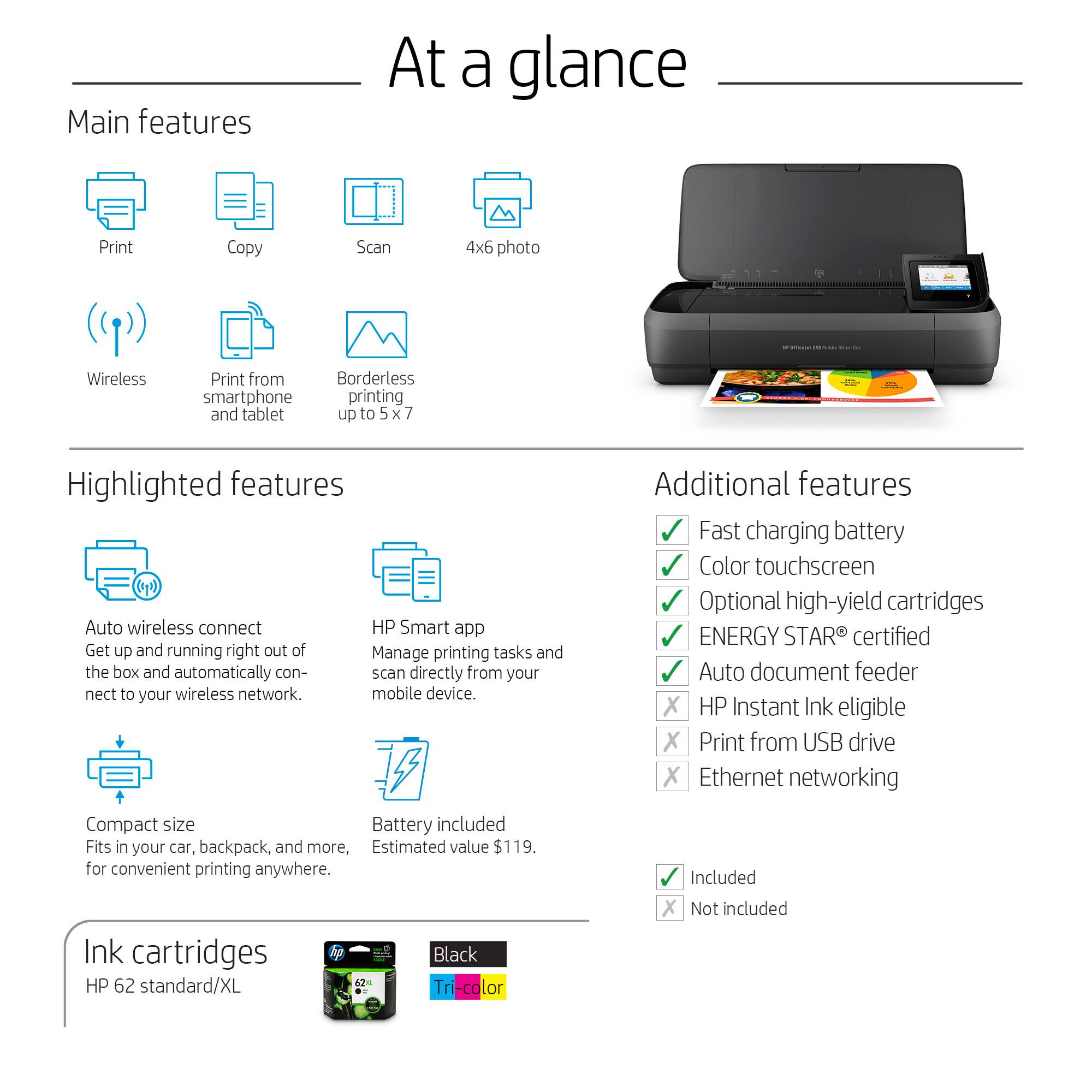
A:AnswerYes, you can. In fact, you can remove the color cartridge and the printer will go into "single cartridge mode" and won't notify you further that it's not finding a color cartridge.
A:AnswerShould be able to. As long as it can hookup by bluetooth or if have internet connection. Go on HP site to double check if want to make certain or call them with make and model etc.
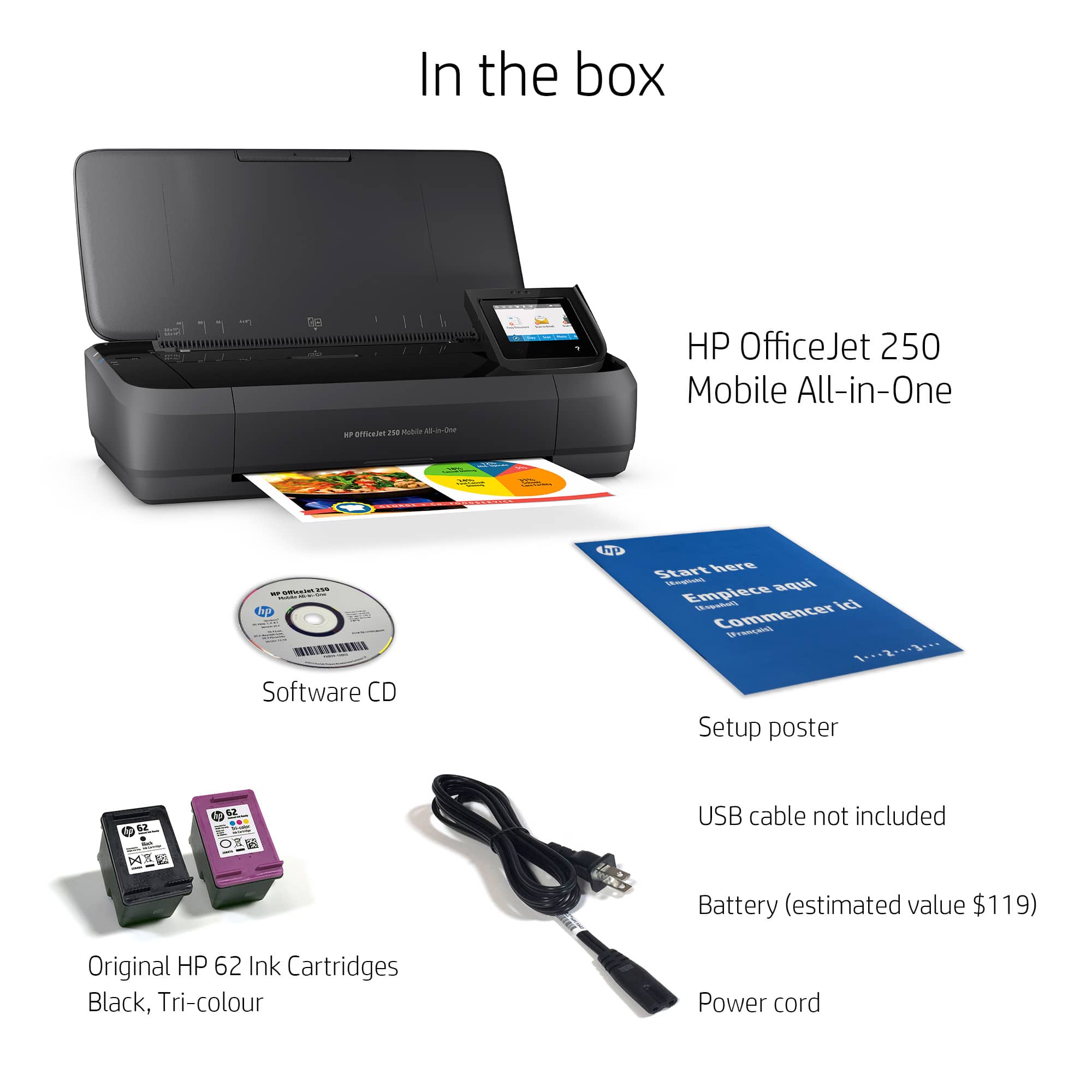
A:AnswerThe OfficeJet 250 comes with ink cartridges. The ink cartridge life will vary based on the content of your prints and the regularity of use, but generally, they do last!
A:AnswerThe printer can do two sided printing, but not automatically, so you'll have to flip the paper over to print on the "back" side. Depending on what program you're printing from, it may have the option of doing two sided printing. In that case, it will print the odd numbered pages, and after you've flipped the paper, it will print the even numbered pages.
A:Answer250 is a lot of pages for this little printer with small ink cartridges. If you have a deadline and a faster printer is not available this could probably do it. Its quite possible that you might run out of ink before you finish printing so have extra ink cartridges with you. Since the paper is loaded in small batches, you would be better off separating the 2 paper sizes you need to print. I’m a Real Estate Agent and I use this printer for a quick print or copy of something for the client’s records when in their home. The majority of any contracts are sent to them by way of email or postal.