A:AnswerUnfortunately, a Q/A forum like this isn't a good way to get a problem resolved. If you contact the HP support team, they should be able to troubleshoot the issue for you.
A:AnswerYes, the HP Officejet 3830 printer will work with Chromebooks. Once you connect the printer to your wireless connection, follow these instructions: https://support.hp.com/us-en/document/c04122530
A:AnswerYes, the HP Officejet 3830 printer will work with laptops and Chromebooks. Once you connect the printer to your wireless connection, follow these instructions: https://support.hp.com/us-en/document/c04122530 With the laptops, I would recommend visiting https://123.hp.com/setup to set up the printer.
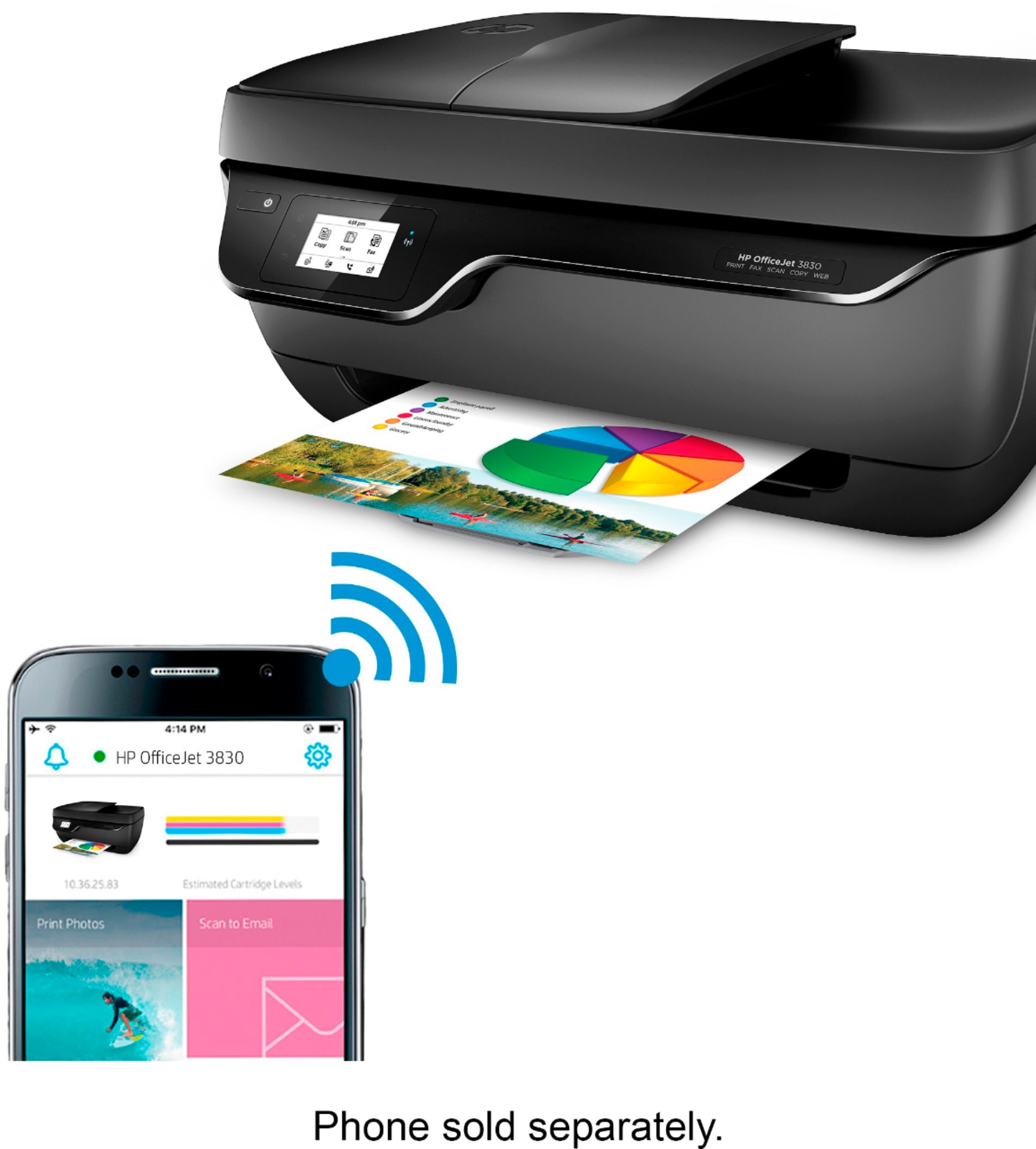
A:AnswerYes, this HP Officejet 3830 printer is AirPrint compatible with your iPhone. Just be sure the iPhone and the printer are on the same wireless network.