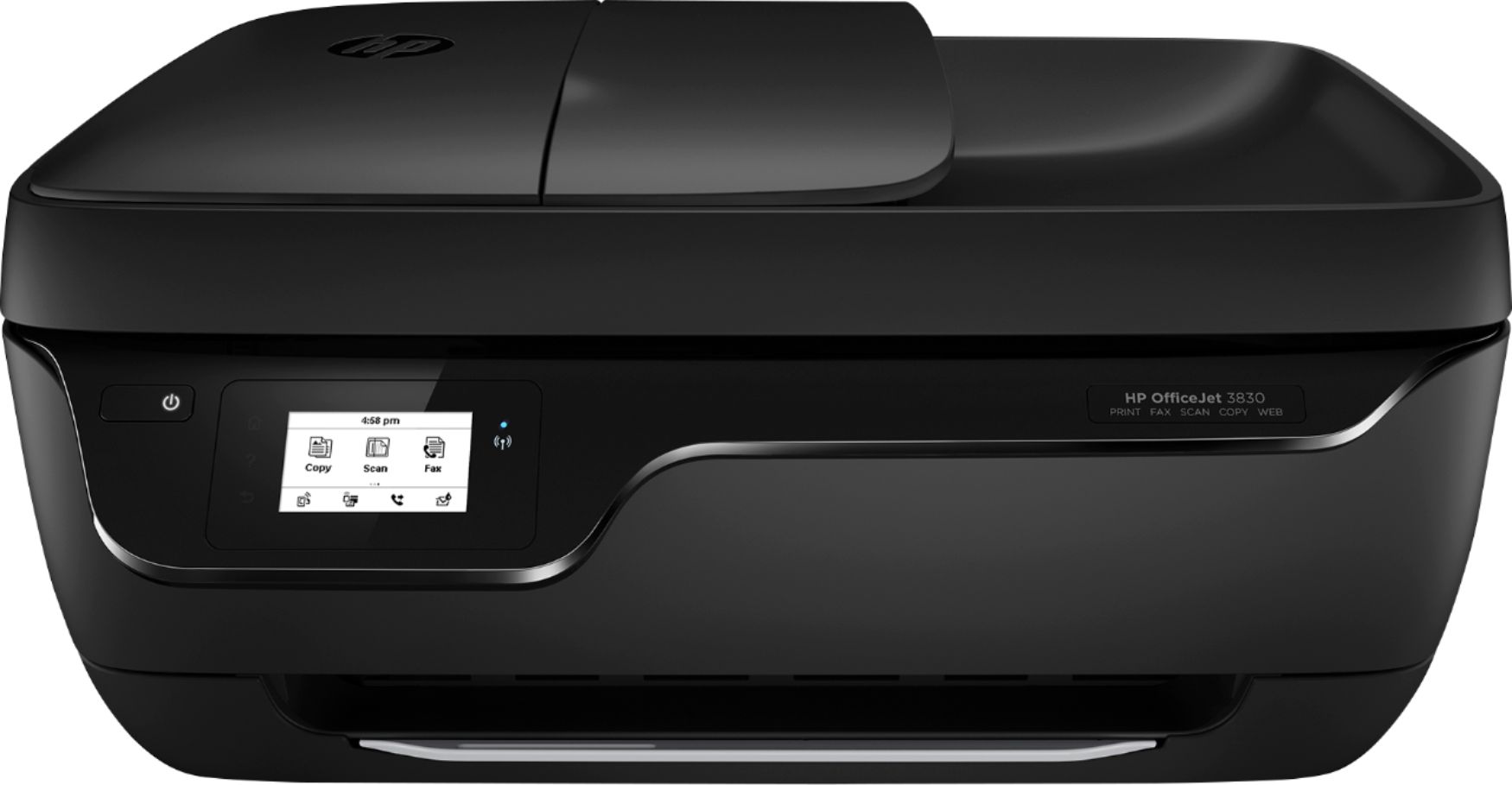
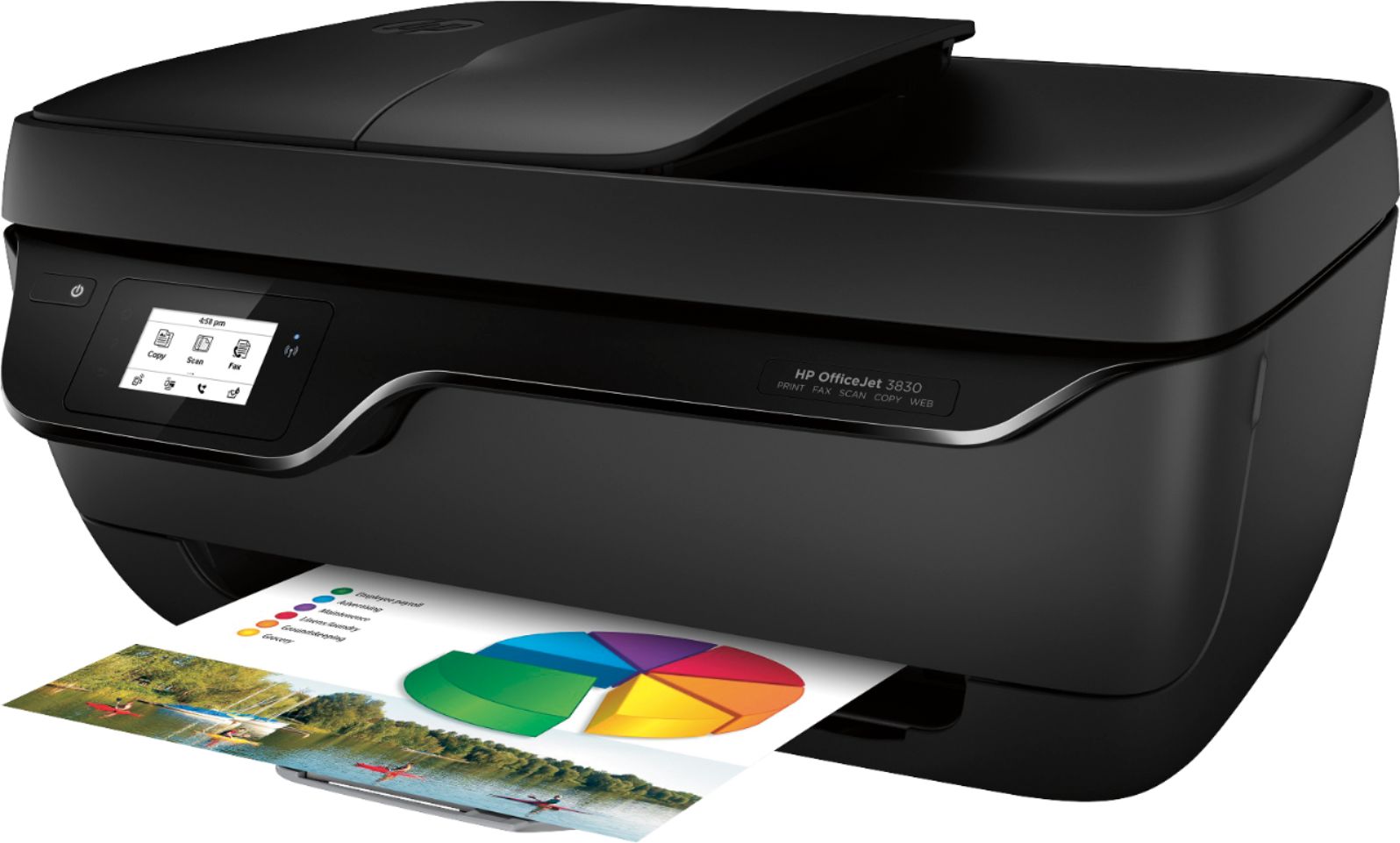
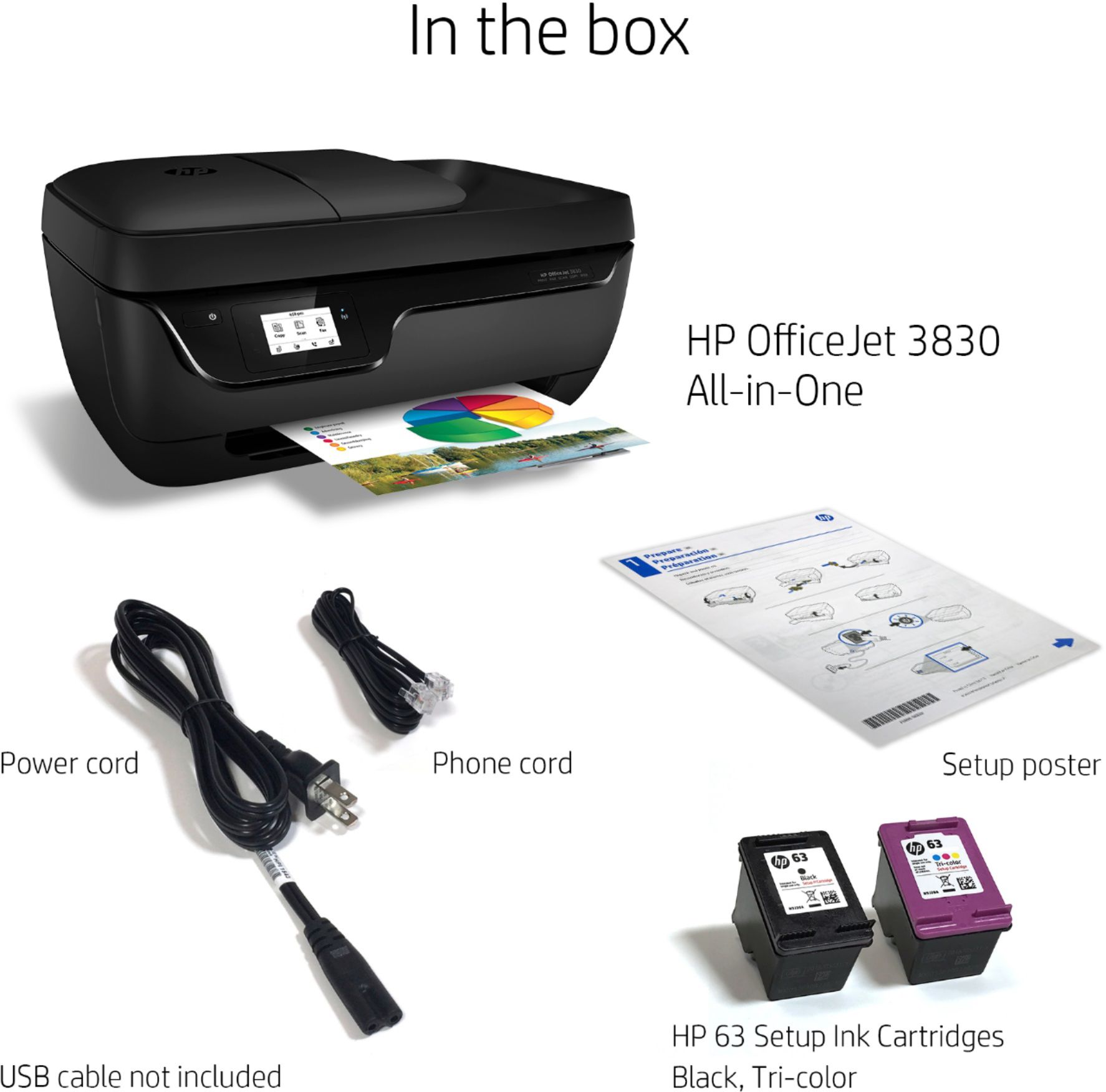
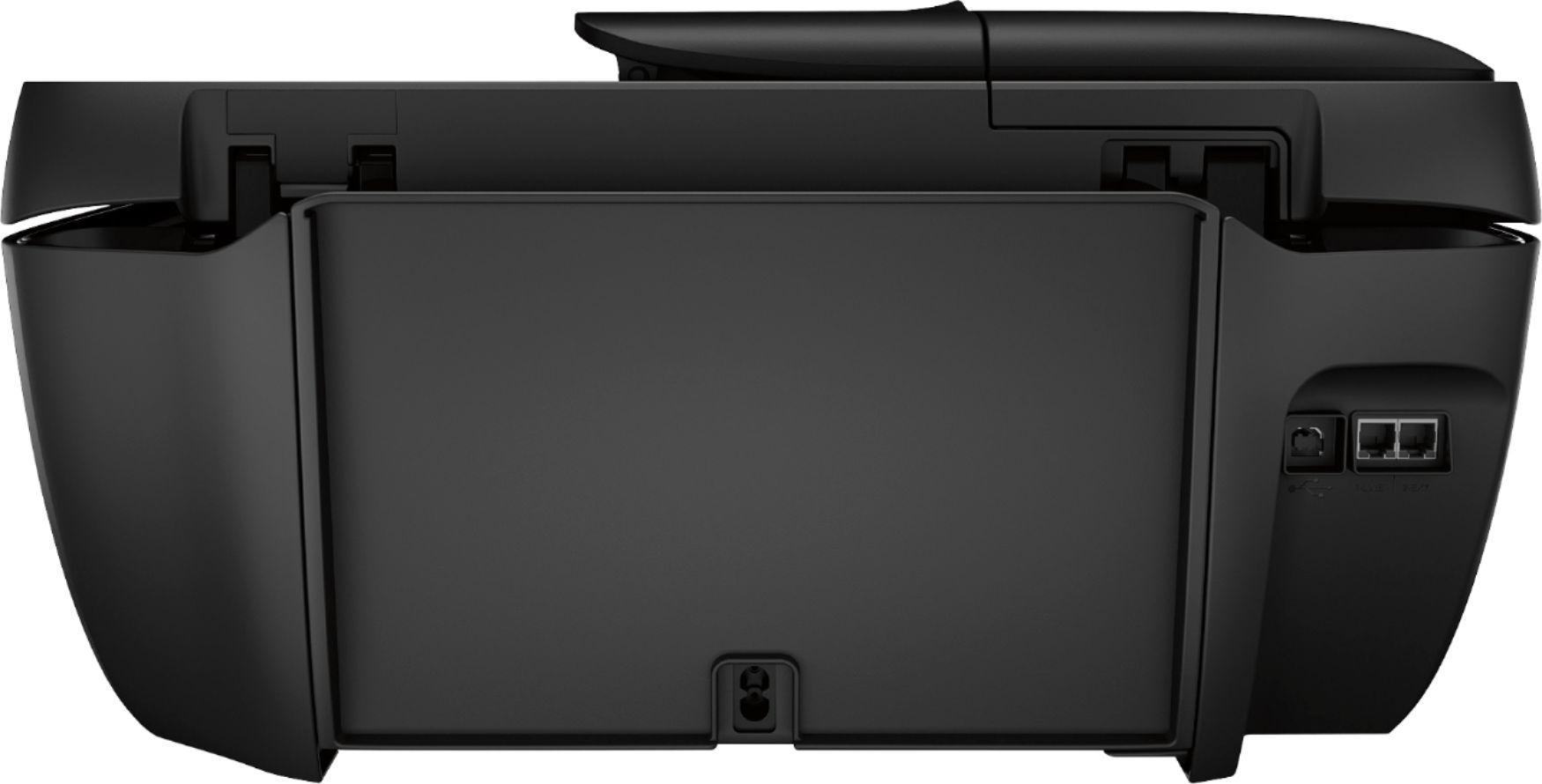
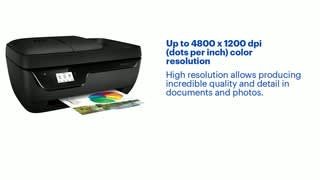
A:AnswerHere is a link to a troubleshooting page for the HP OfficeJet 3830. I would see if you can get some help from this page:
https://support.hp.com/us-en/product/hp-officejet-3830-all-in-one-printer-series/7172321
If not you may wish to contact HP Support at https://support.hp.com or call them at 1-800-HPINVENT.
A:AnswerNo this printer requires Windows Vista, 7, 8, or 10 Operating System. You should contact Best Buy customer support with your receipt question. Here is how to contact them:
https://www.bestbuy.com/site/customer-service/help-topics/pcmcat203400050001.c?id=pcmcat203400050001
A:AnswerIt's designed to take paper up to 8.5x14. If your printer is not handling 8.5x11 paper, you should contact the HP support team for troubleshooting.
A:AnswerI know that a lot of Cricut users really like the 3830. Because the printer is designed to let the paper pass straight through, the paper doesn't have to make the U-turn that it does in most printers.