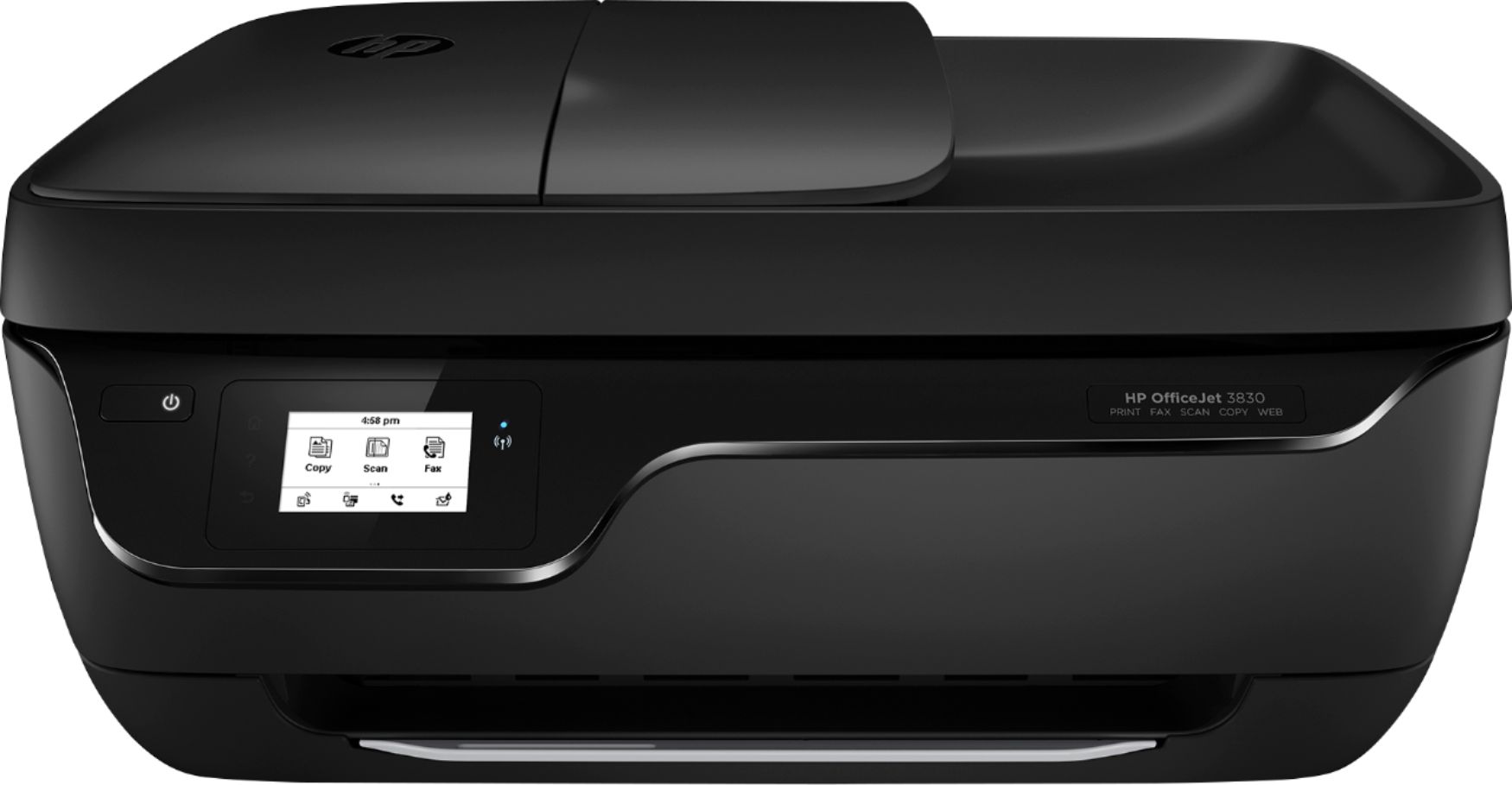
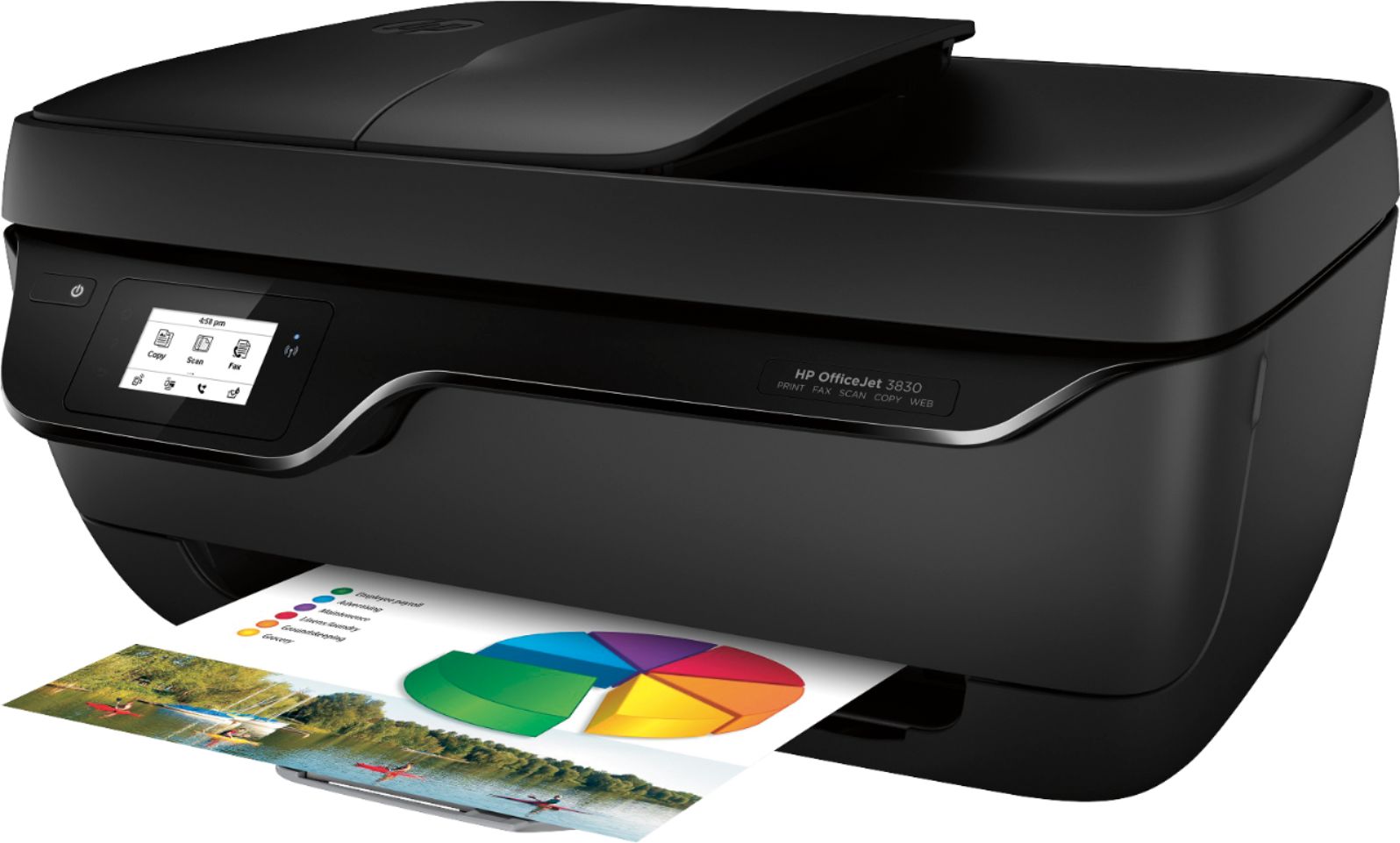
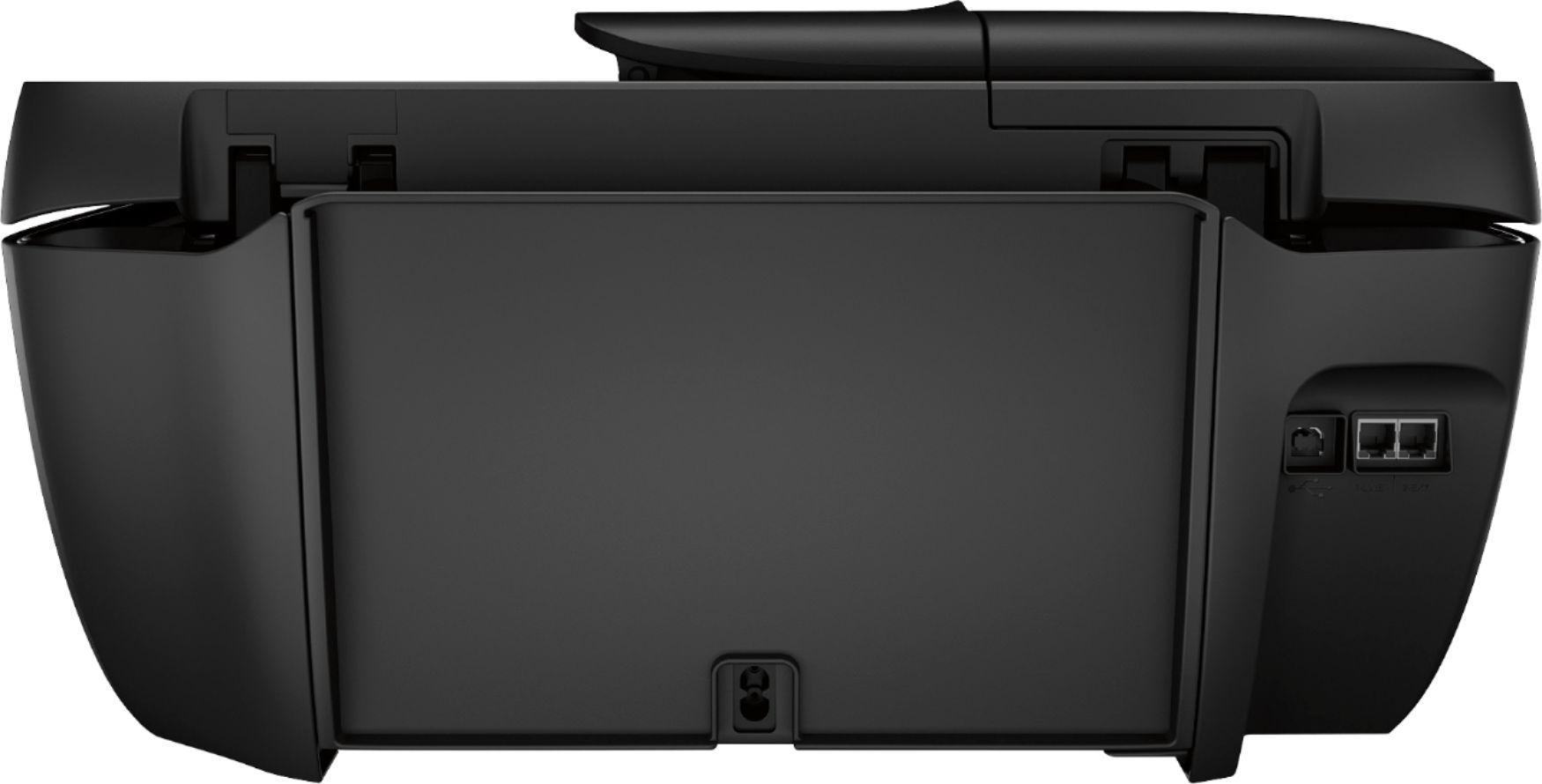
A:AnswerUnfortunately, you cannot use the OfficeJet 3830 to fax over wifi. Faxing through the printer requires connection of the printer to a landline port.
A:AnswerCheck the bottom of the feeder to confirm that there is no debris present and that the rollers can move freely. Also, check out the HP Support site for more troubleshooting steps: support.hp.com
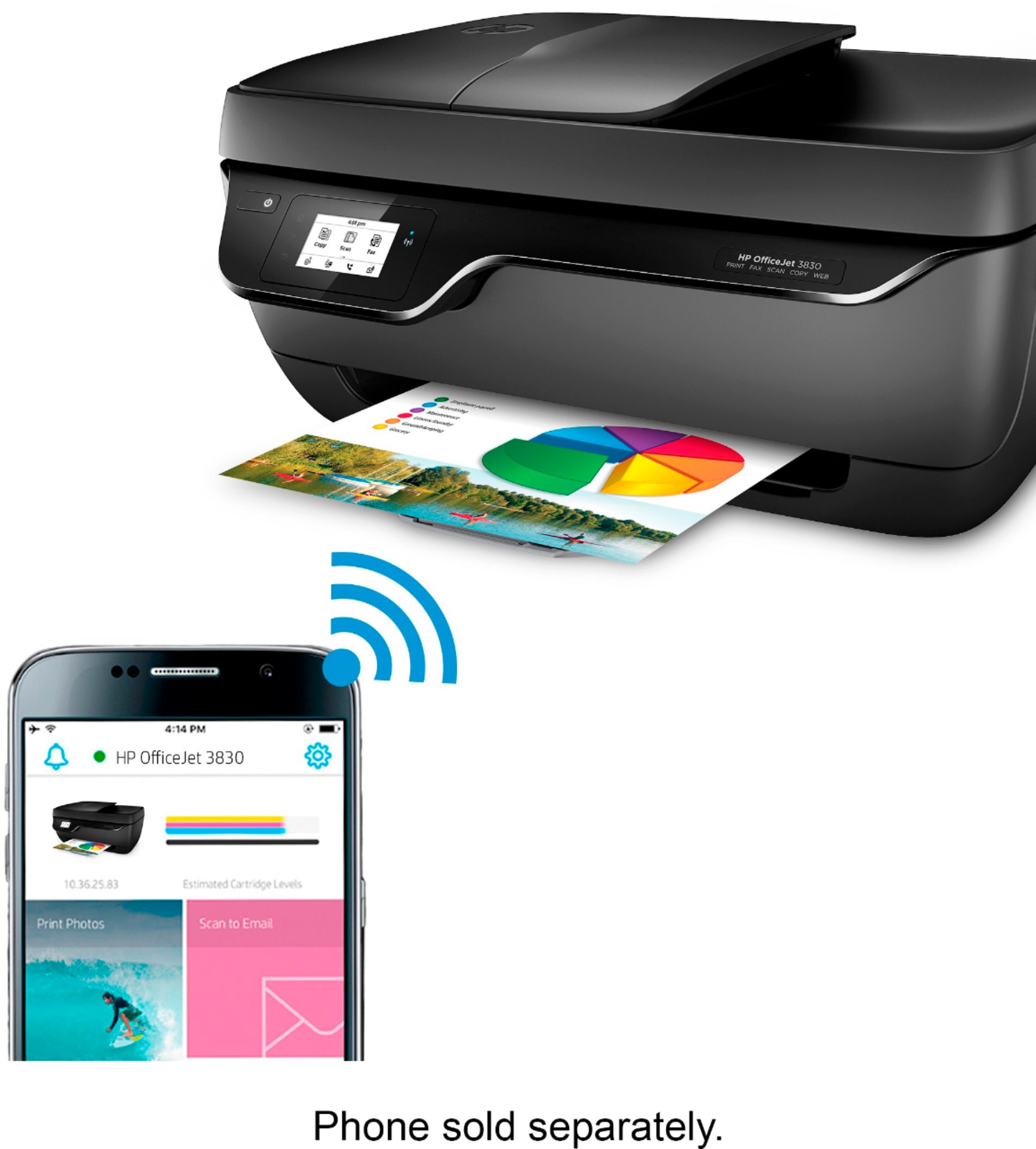
A:AnswerYes, your Samsung Galaxy S10e is compatible. Check out the HP Smart app in the Play Store for tons of extra capabilities and an easy way to check supplies levels on your printer, without going to the printer.
A:AnswerHi Tita, you will be able to print from your iPad with this printer. All you have to do is turn the WiFi on in the printer settings menu. Once the WiFi is on, your iPad should see the printer in the list of WiFi devices. Select the printer in the list of WiFi devices, and your iPad should then be connected to the printer. You can now print from your iPad.
A:AnswerI don't I don't know I don't have the office jet 3830. I have the HP Officejet Pro 8035 and it's ok I' planning on returning it for what I paid for I expected more out of it, I think I was given the wrong one. I'm hoping the HP Office Jet Pro 6700 is a lot better than the one that I have.
A:AnswerYes, you can print from a Samsung Note 10 Plus and an Apple desktop computer. You can to be sure they are all on the same wireless network as the printer. We recommend using the HP Smart app: https://support.hp.com/us-en/document/c03561640
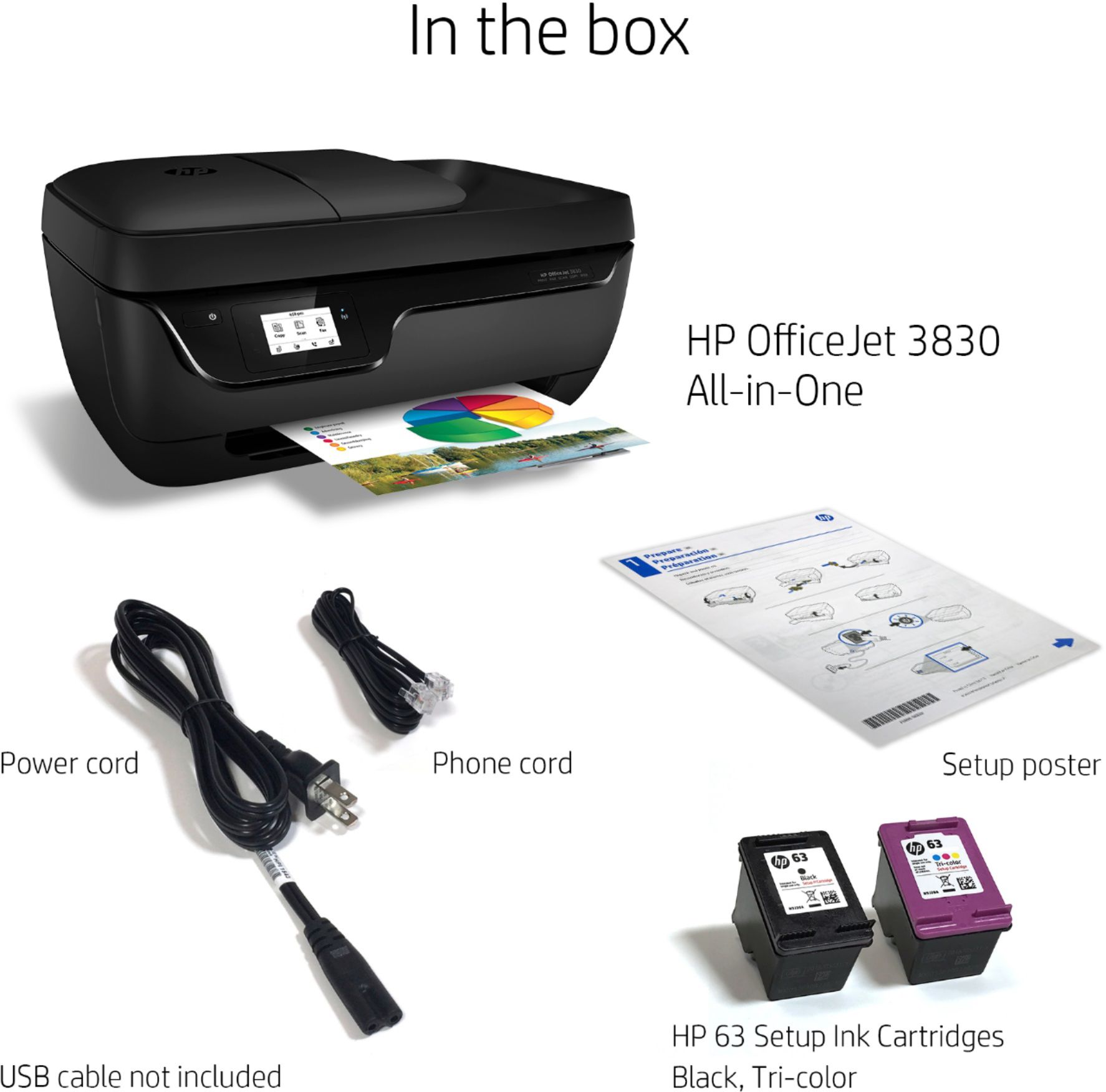
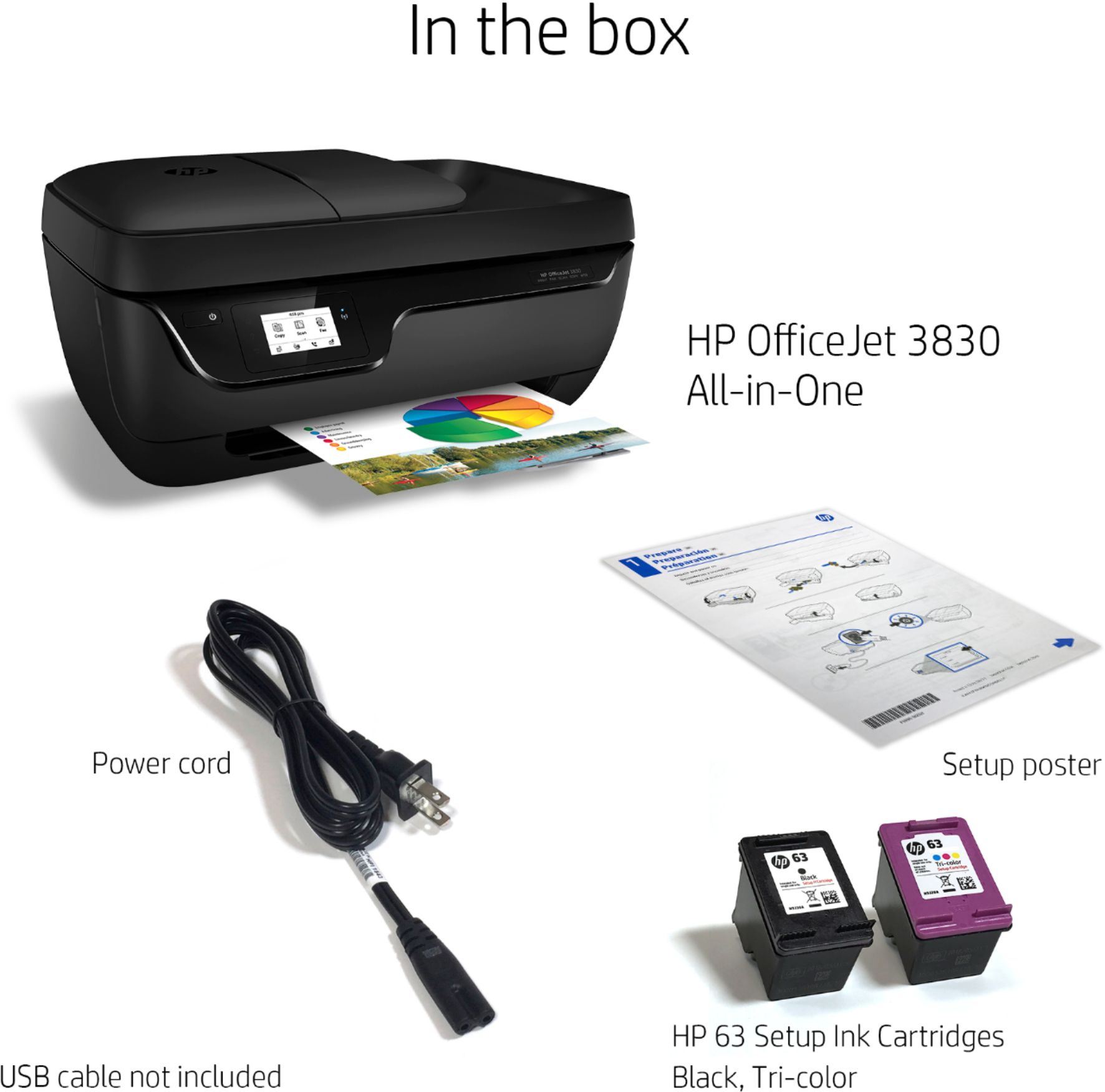
A:AnswerYou will not need a USB printer cable if you plan to use the printer connected wireless. You can print from any of your devices with wireless connectivity if you connect without a cable.
A:AnswerNot really sure about bluetooth, when i hooked mine up it asked for my internet password, but then i was able to set it up and was also able to print from my phone. My best suggestion is to call the company and ask them. That way you can be sure. Hope this helps you out.