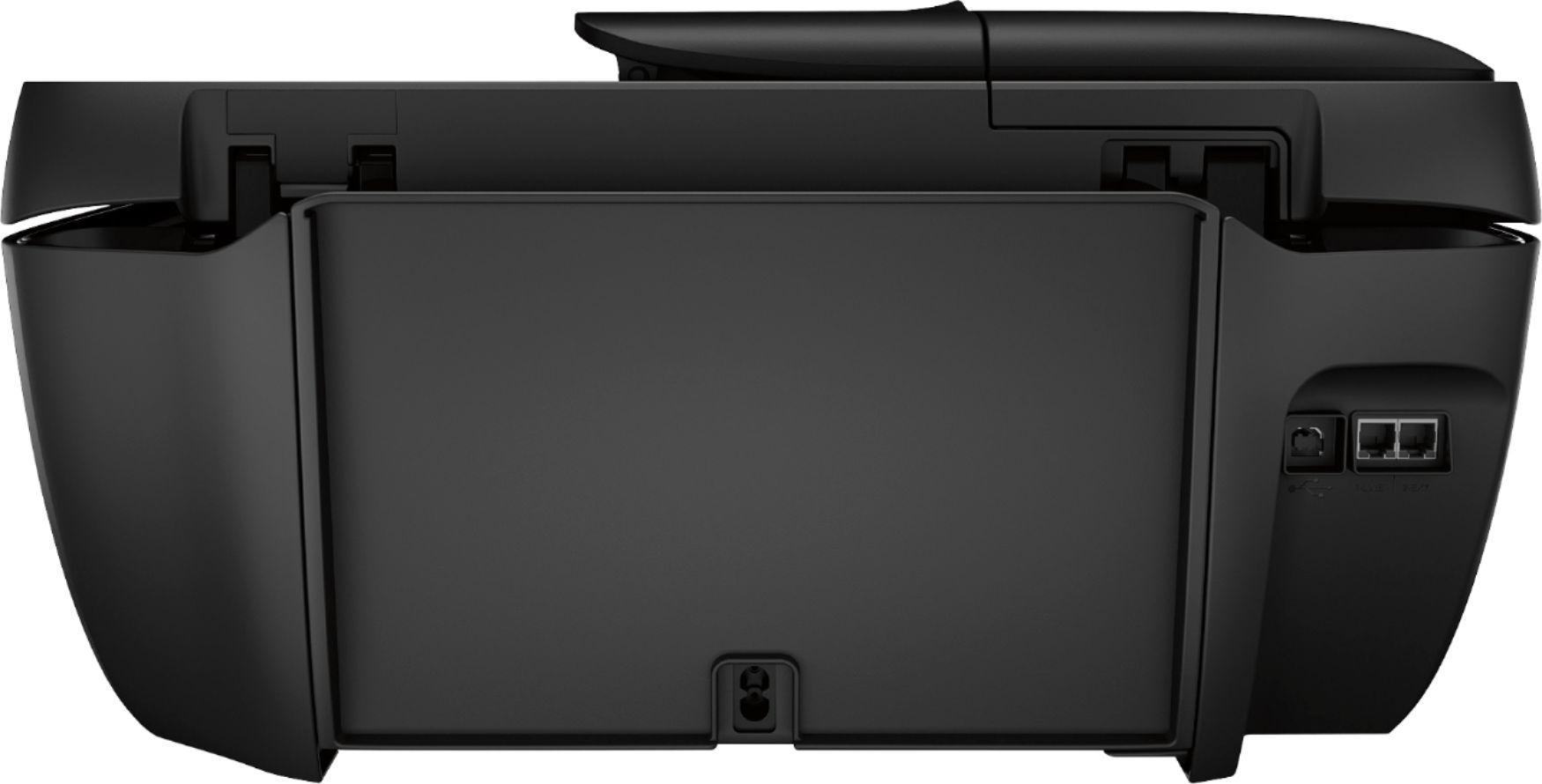
A:AnswerYes, but I have it wireless. Works great, took a little time to figure it out. I actually went to your tube and saw how to do the paper tray pull out and where to put the paper in the back.
A:AnswerA4 size paper measures 8.27 x 11.69 inches
Letter size paper measures 8.5 x 11 inches
Learn more here: https://en.m.wikipedia.org/wiki/Paper_size
A:AnswerI'm sorry that you have experienced this issue. I recommend reaching out to HP Support so they can assist you. They have access to more tools to assist you. Here's the link to HP Support: http://support.hp.com/us-en . Click "Contact HP" at the bottom left of the page. Alternatively, you can reach them by phone at 1-800-474-6836.
A:AnswerYes this will work with Mac and HP Chromebooks.
Here are the Mac OS X requirements:
OS X v10.11 El Capitan
OS X v10.10 Yosemite
OS X v10.9 Mavericks
OS X v10.8 Mountain Lion
A:AnswerYes, you can scan using the Chromebook. You will want to use Google Cloud Print and the HP Smart App. Here are more details about Google Cloud Print.
A:AnswerI'm not sure I understand question.
If you're referenced "double-sized paper" is European size A3 (297 x 420 mm or 11.69 x 16.54 inches), then that size will not work in HP Office Jet Pro 8030.
The maximum width of paper for this printer is about 8.5 inches or 216mm.
If you meant to ask about double-sided printing ...… The 8030 is capable of double-sided printing (flip on long or short end). I've done this with 8.5" X 11" paper.