A:AnswerNo, this printer does not have the capability to print double sided documents automatically. I would recommend looking at the Officejet 5255 printer,or any of the Envy printers or Officejet Pro printers.
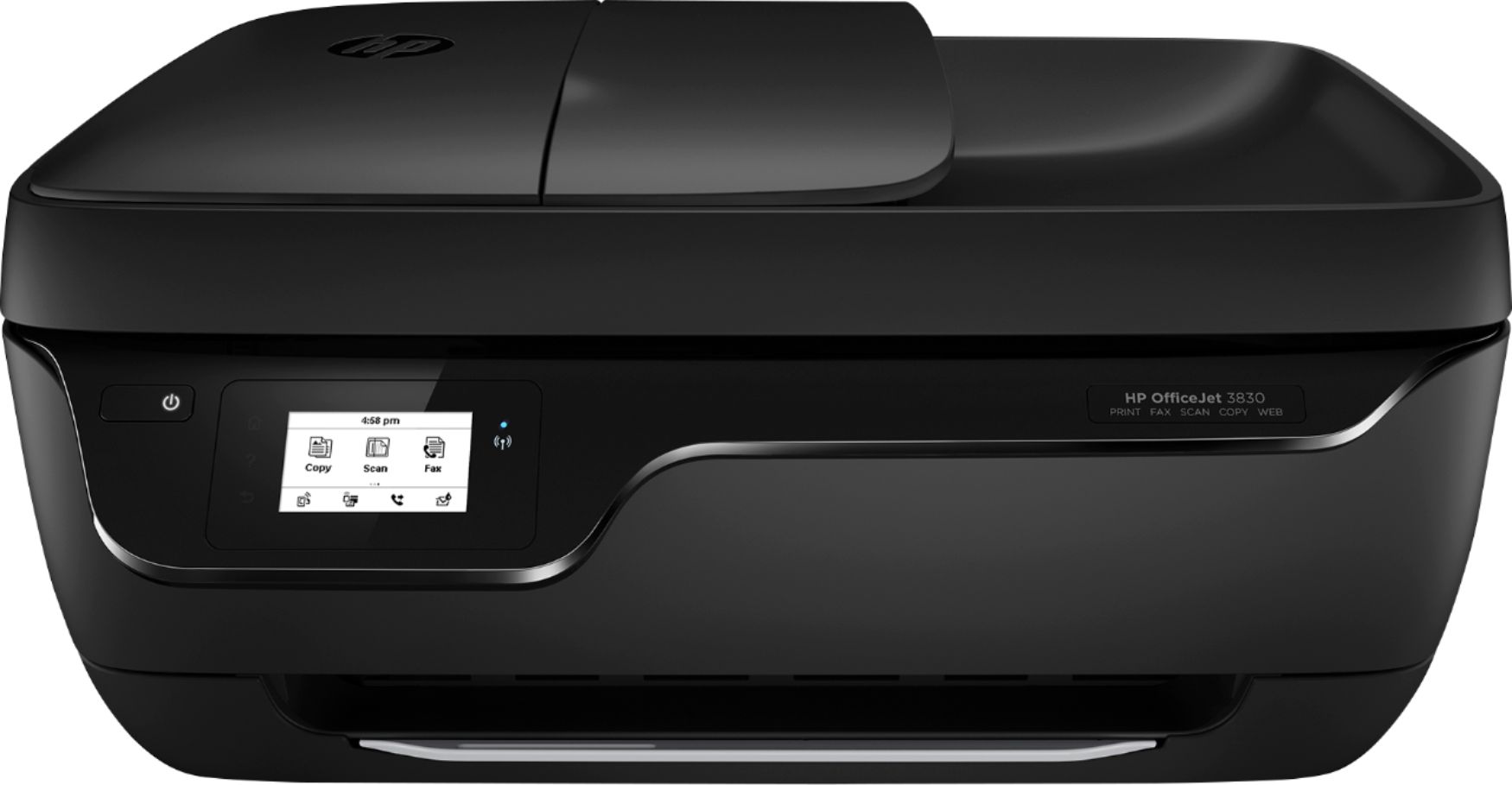
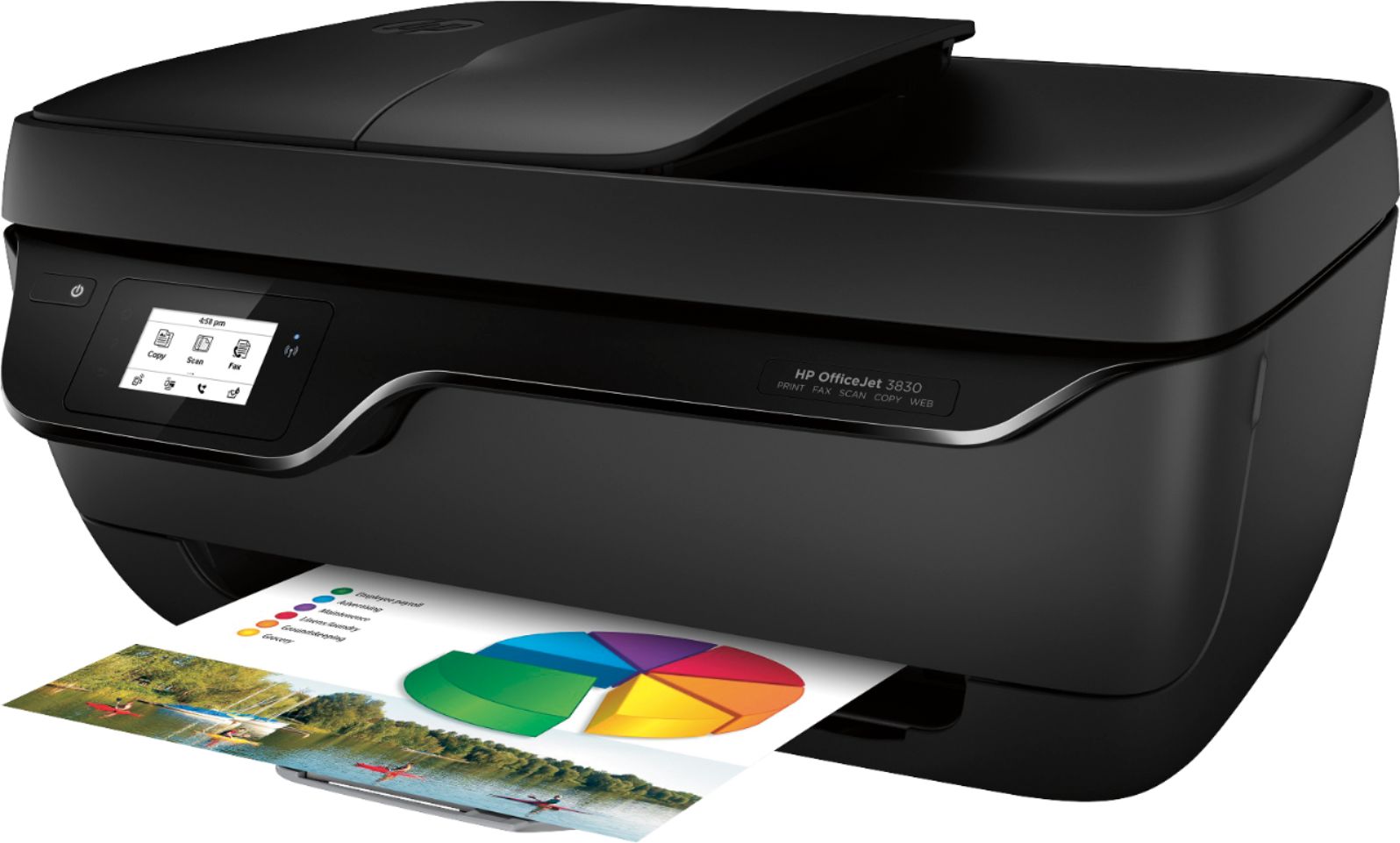
A:AnswerNo, it is not just a black ink printer. It prints in color as well. It also copies in color and black and white. It faxes. It scans. However, it does not have a separate photo paper (4x6) tray.
A:AnswerNo, this printer does not do double sided printing. I would recommend looking at the HP Officejet 5255, any of the HP Envy printers or any of the HP Officejet Pro printers for double sided printing.
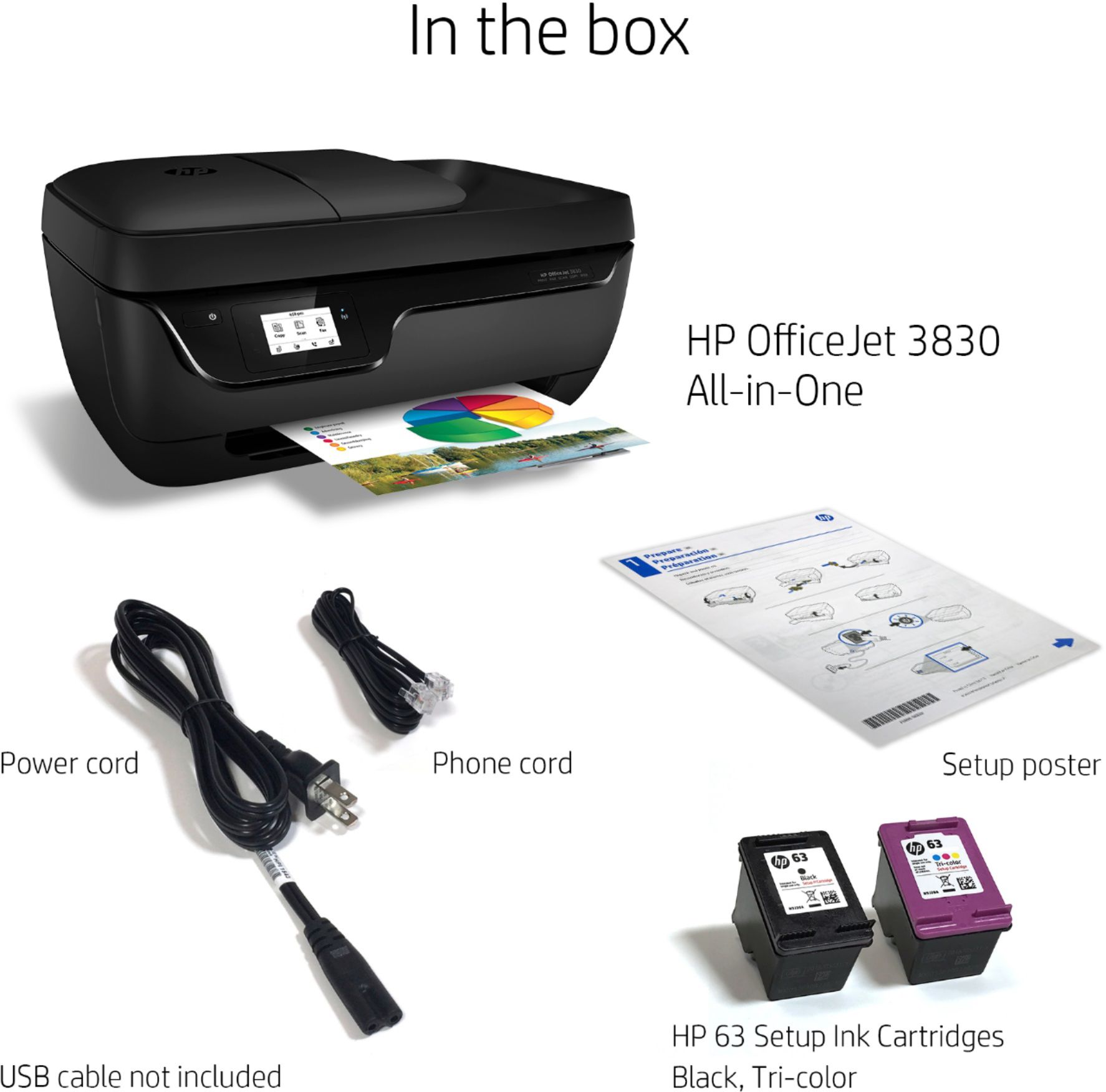
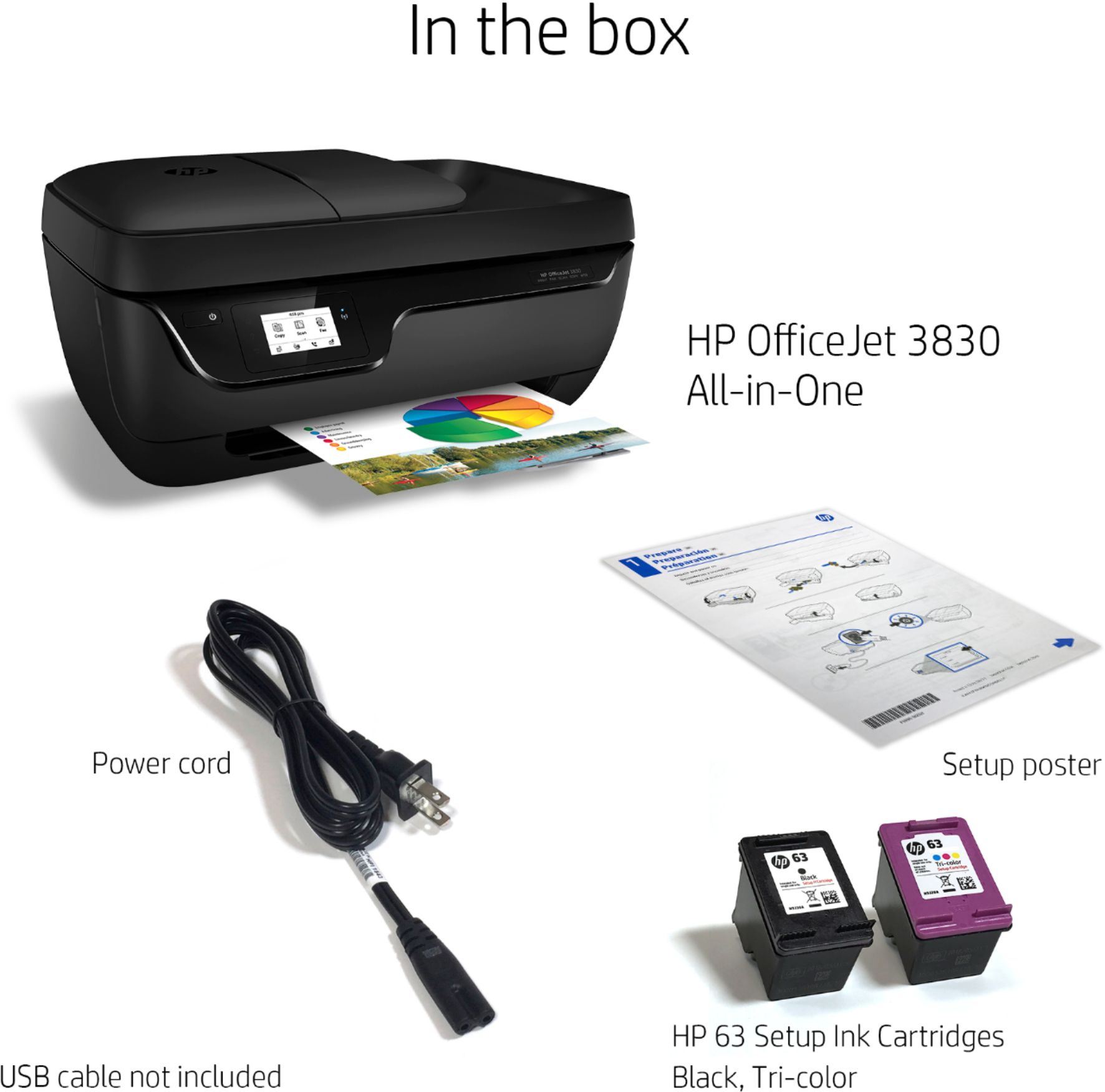
A:AnswerThe HP Office Jet 3830 that I just purchased did not come with a CD. Basic print functionality may be enabled through Windows 10, but nothing over and above that. A friend could download the drivers for you and put them onto a USB key for you to install on your computer.
A:AnswerIn order to print with the Chromebook, you would need to use Google Cloud Print. Here are more details: https://support.hp.com/us-en/document/c02817255 You can also print from your smartphone. You just need to be sure to be connected to the same wireless network. Here are some more details on mobile printing solutions: https://support.hp.com/us-en/document/c03722645
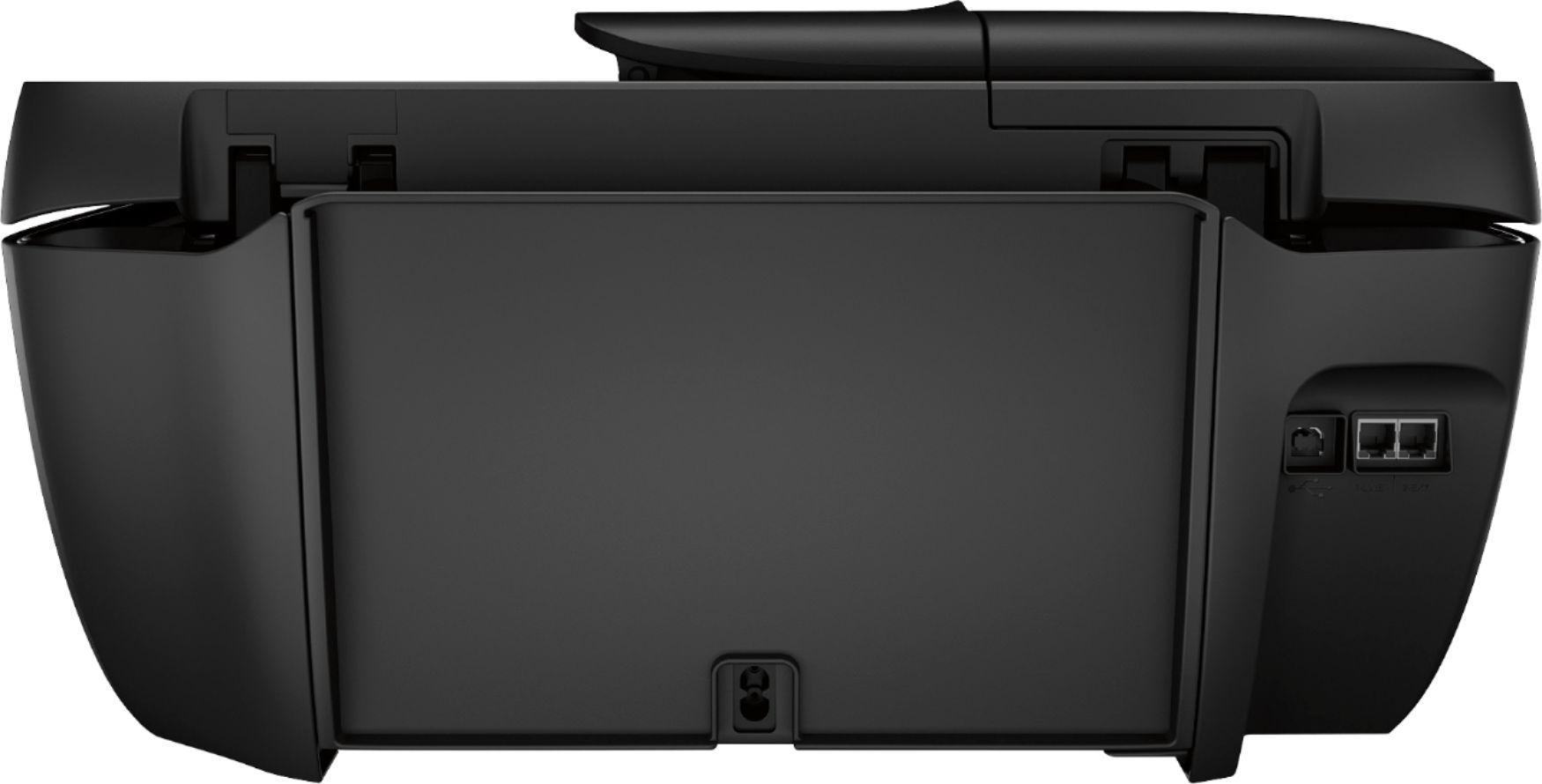
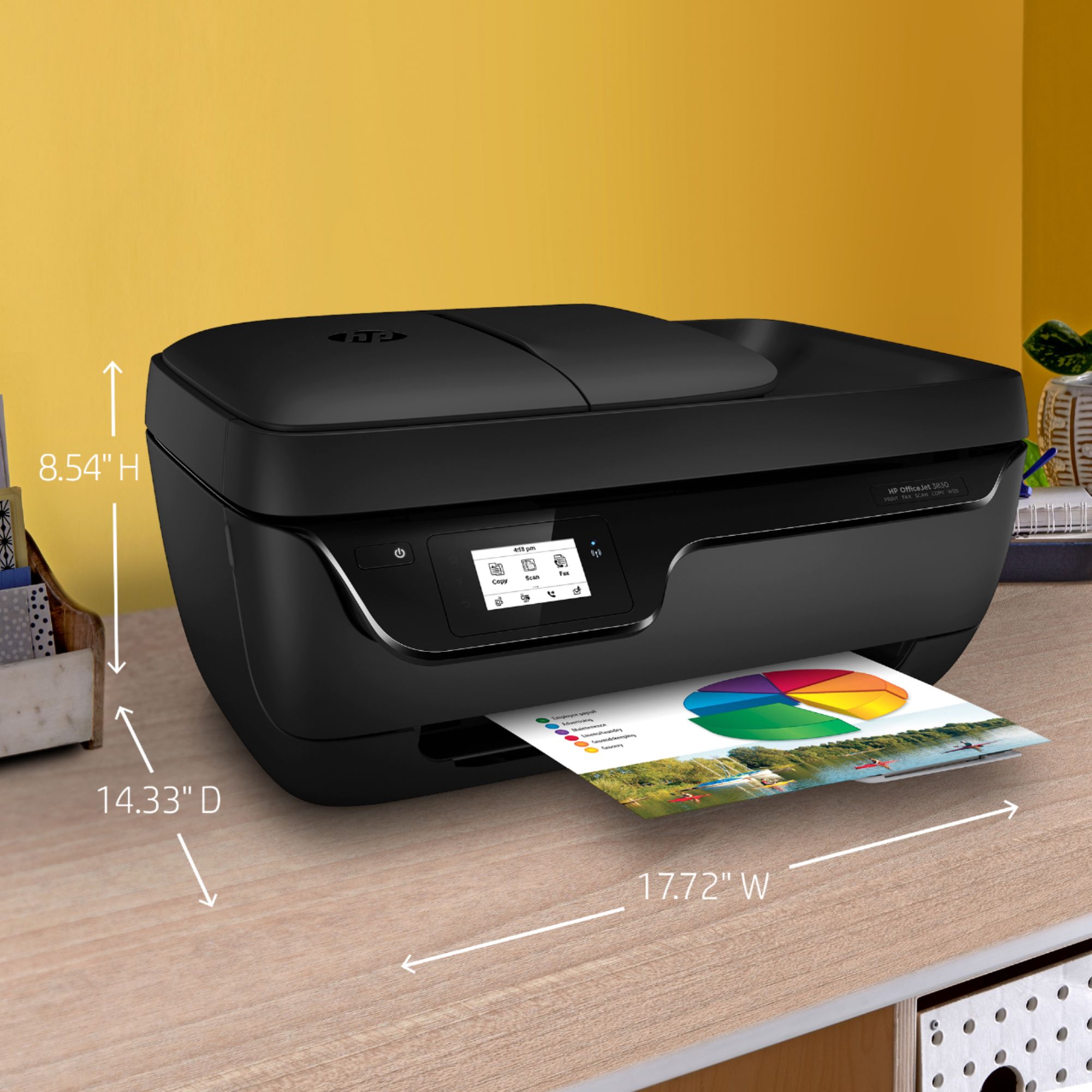
A:AnswerHere are the dimensions
W x D x H: 23.0 x 27.2 x 12.1 in (Cleanout + OP tray fully extended) and W x D x H: 23.0 x 17.5 x 12.1 in (Cleanout + OP tray not extended).
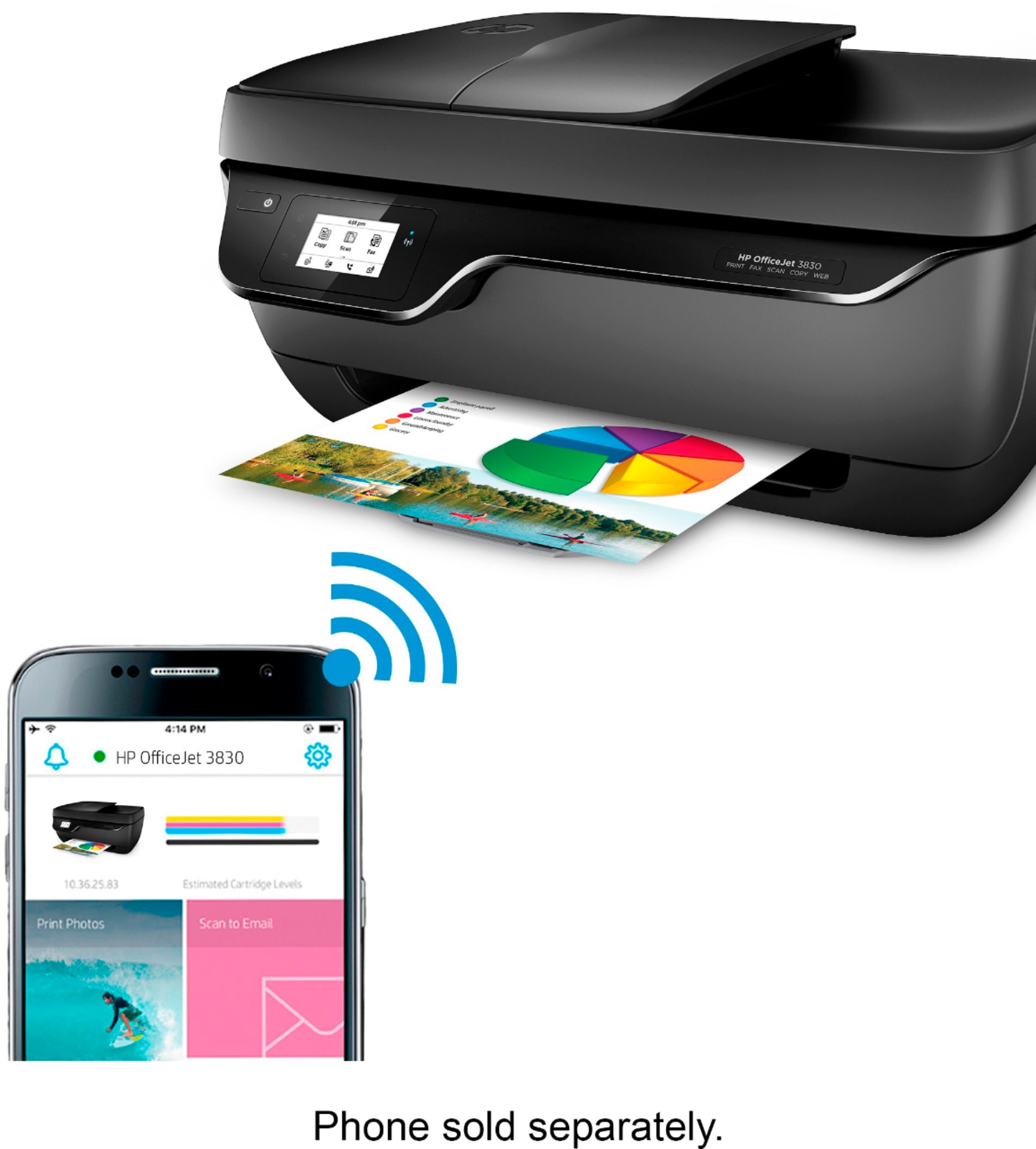
A:AnswerYou can print via wifi direct using any smart phone (including an iphone) and also can print, scan, and copy using the HP Smart app for IOS and Android.