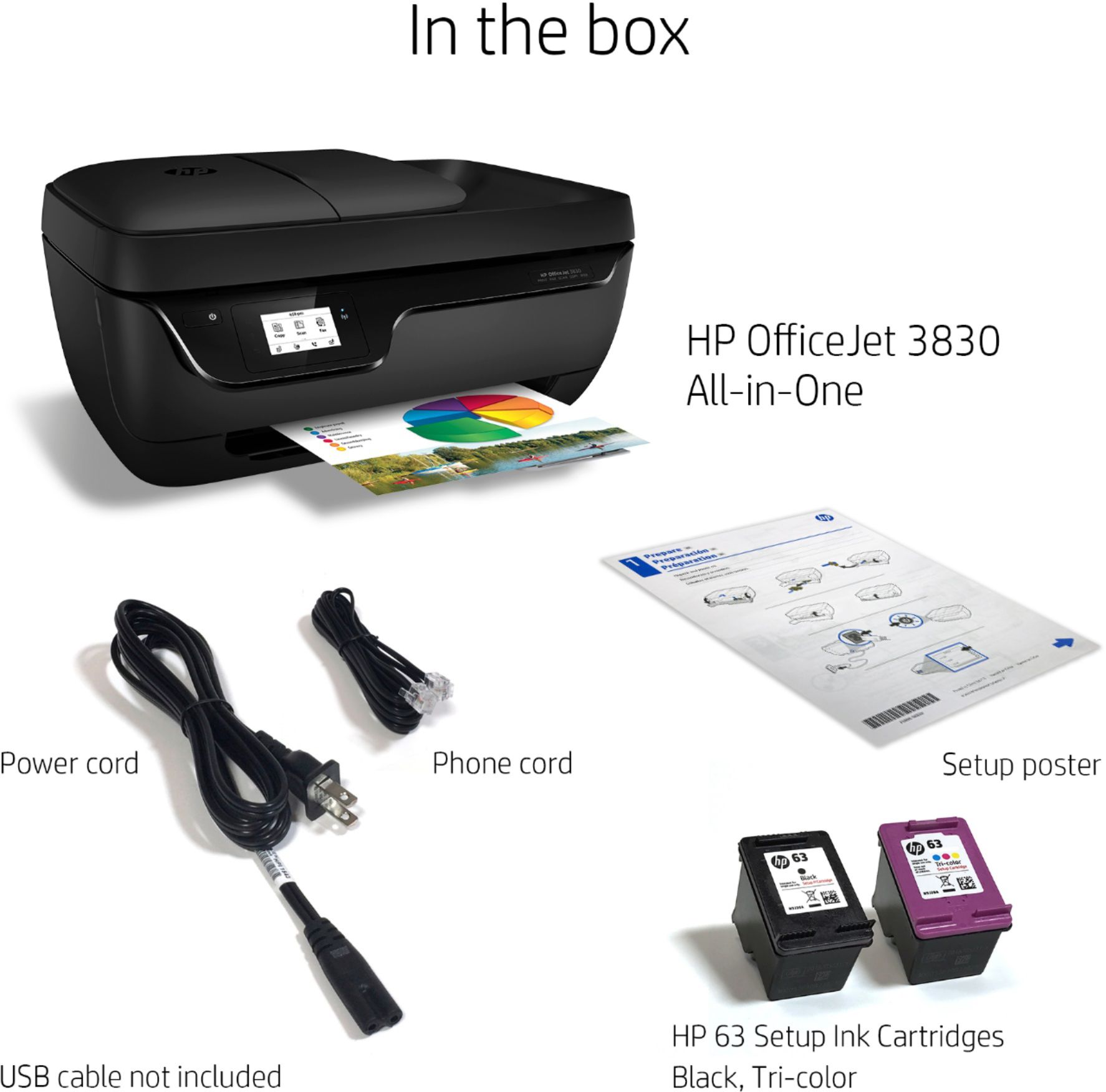
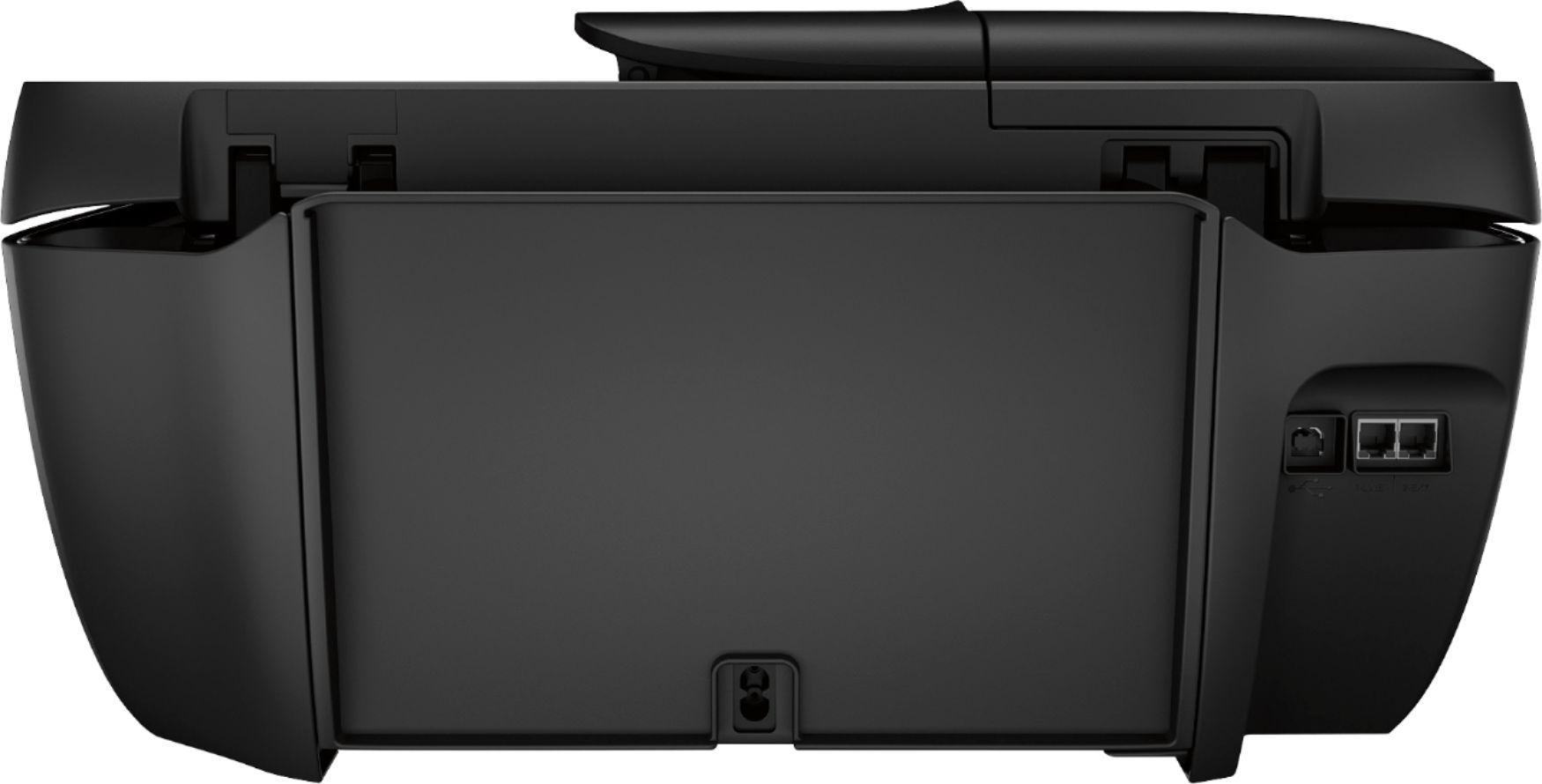
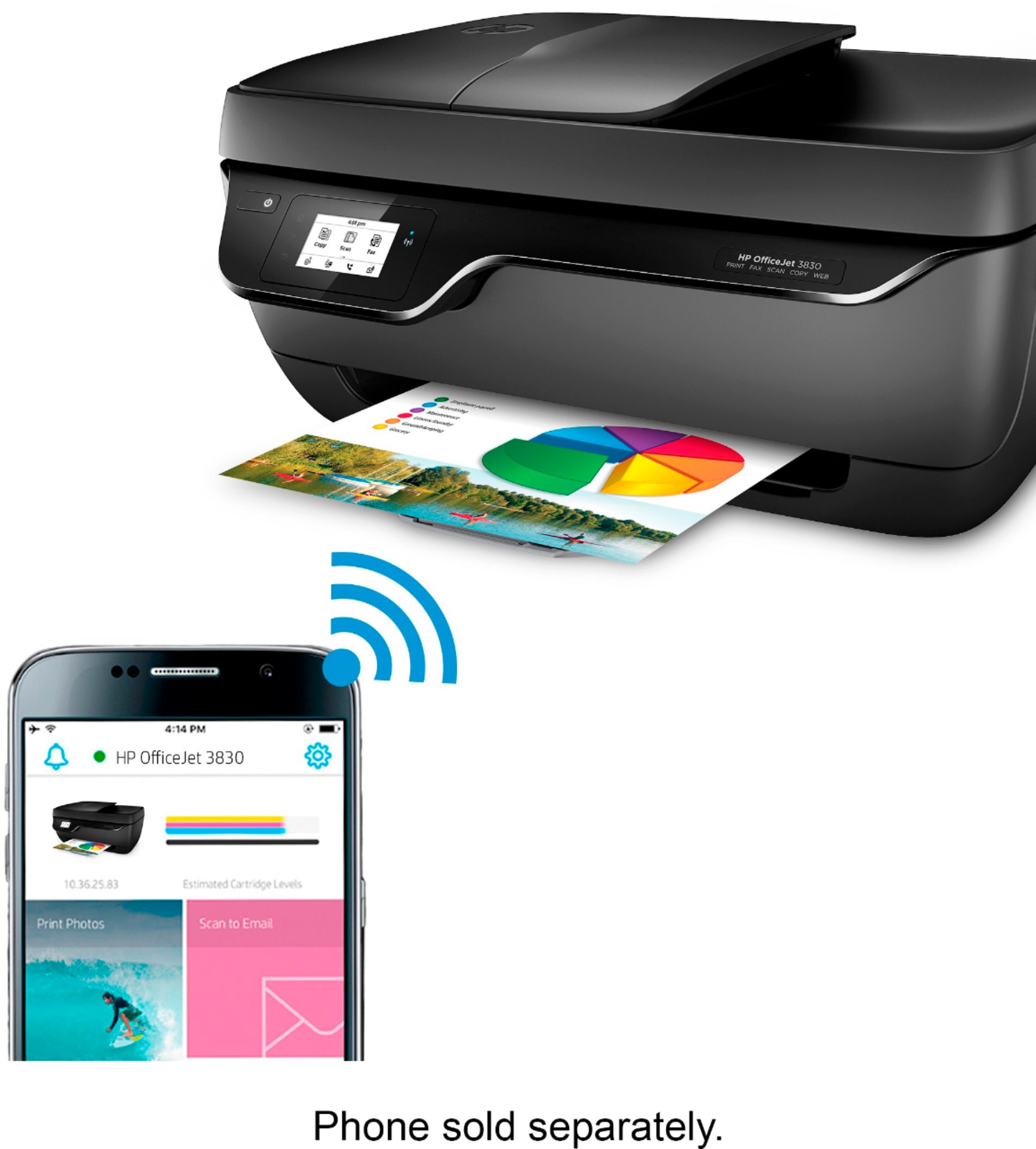
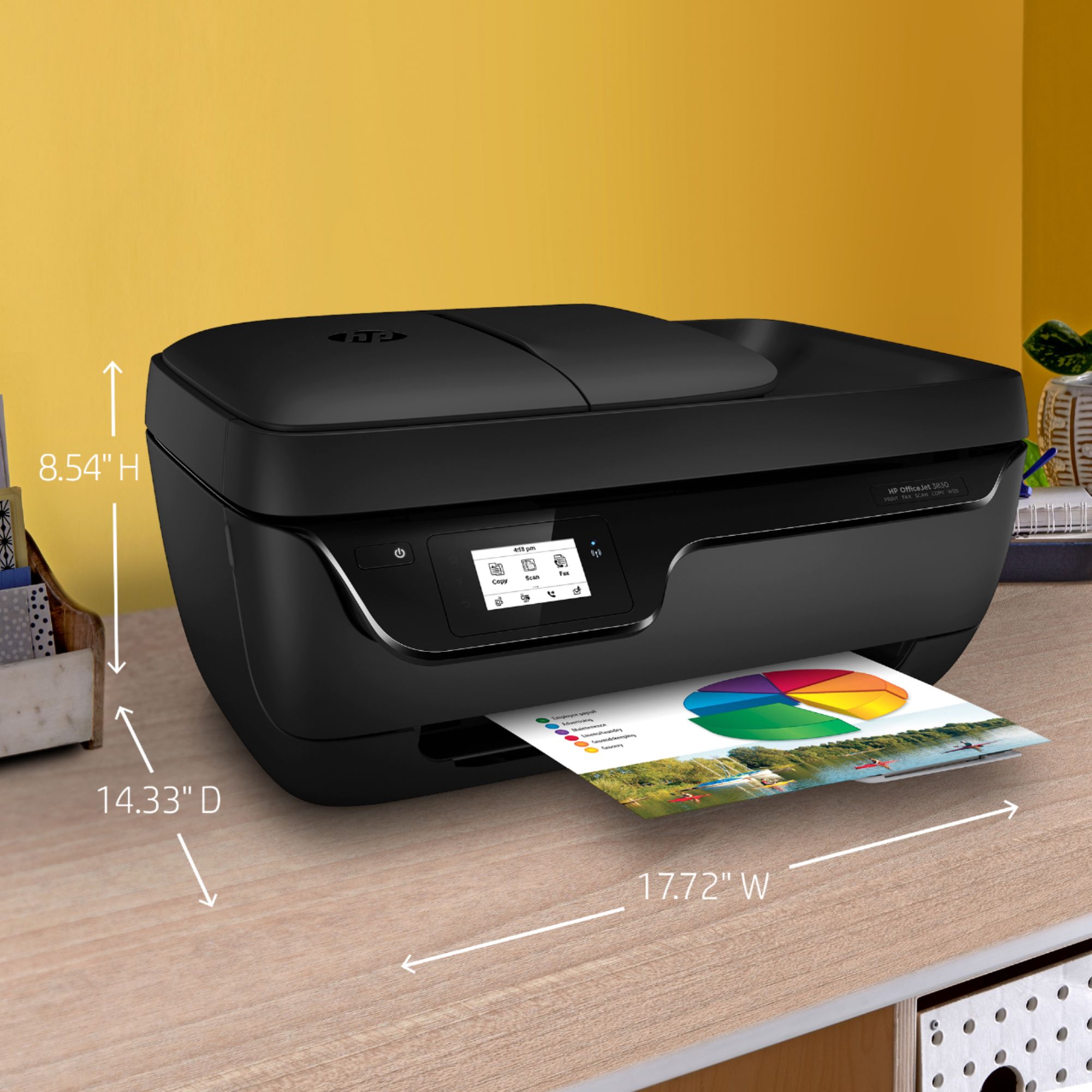
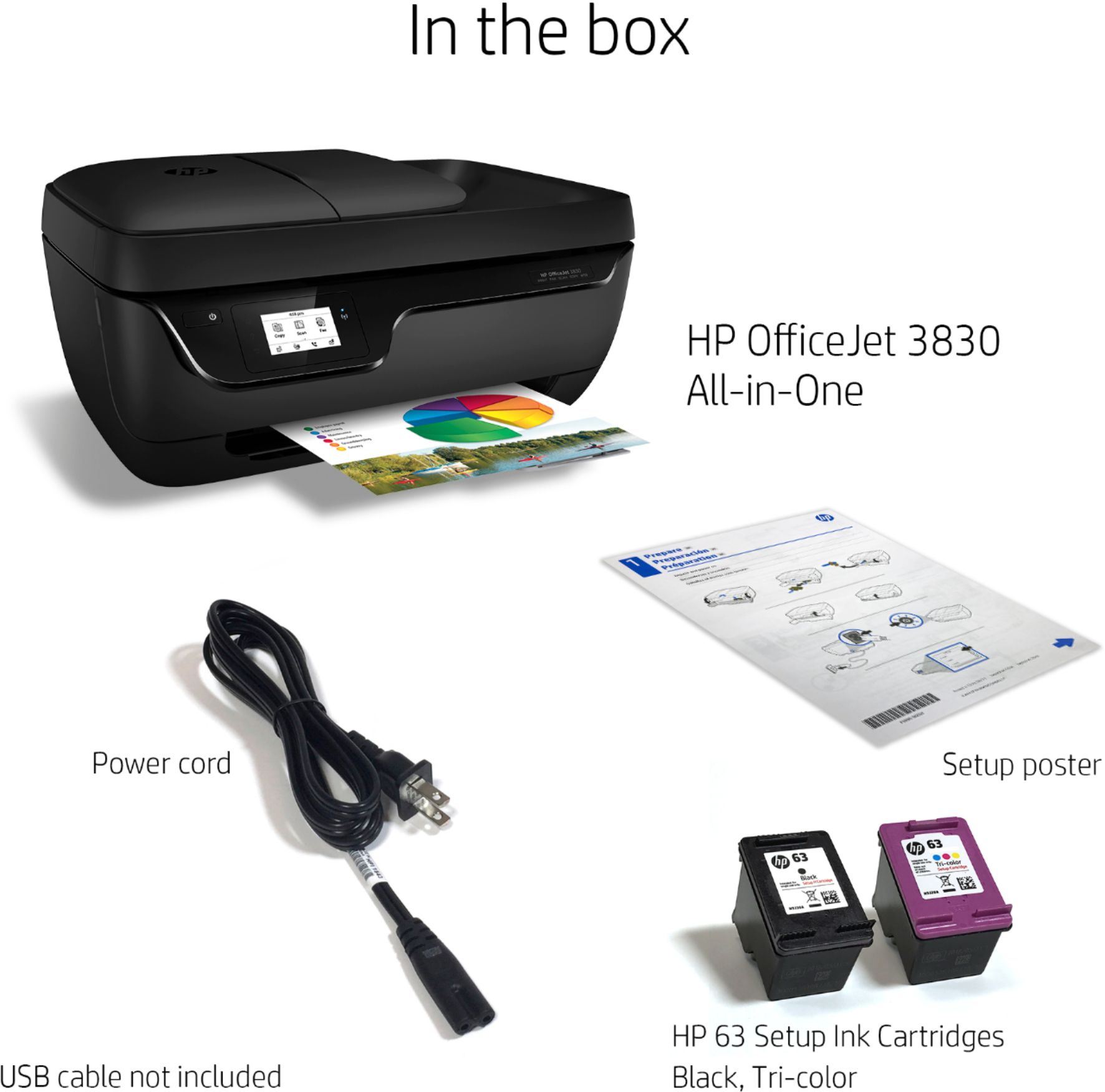
A:AnswerYou don't need a USB cable, unless you prefer to set up the printer with a wired connection to your printer. If you wish to purchase a USB printer cable (A to B, male to male), you can. They vary in price depending on the length of the cable and the maker.
A:AnswerYes, the Officejet 3830 printer is compatible with the Dell Chromebook. You would just need to use Google Cloud Print. Here is more information: https://support.hp.com/us-en/document/c02817255
A:AnswerYes, this printer is compatible with Windows 10 S Mode. You can print using solely your phone. You can use WiFi Direct, if you do not have a wireless network. Wireless Direct (WiFi Direct) allows you to directly connect to printer from a mobile device or computer without the need for internet access or a wireless network. You would connect to the printer’s wireless direct signal just like you would connect to a wireless network. The printer would have a unique name in your wireless connections, i.e. Direct-04-Printer. For more information, you can go to: https://www8.hp.com/us/en/campaigns/wireless-printing-center/wireless-direct.html