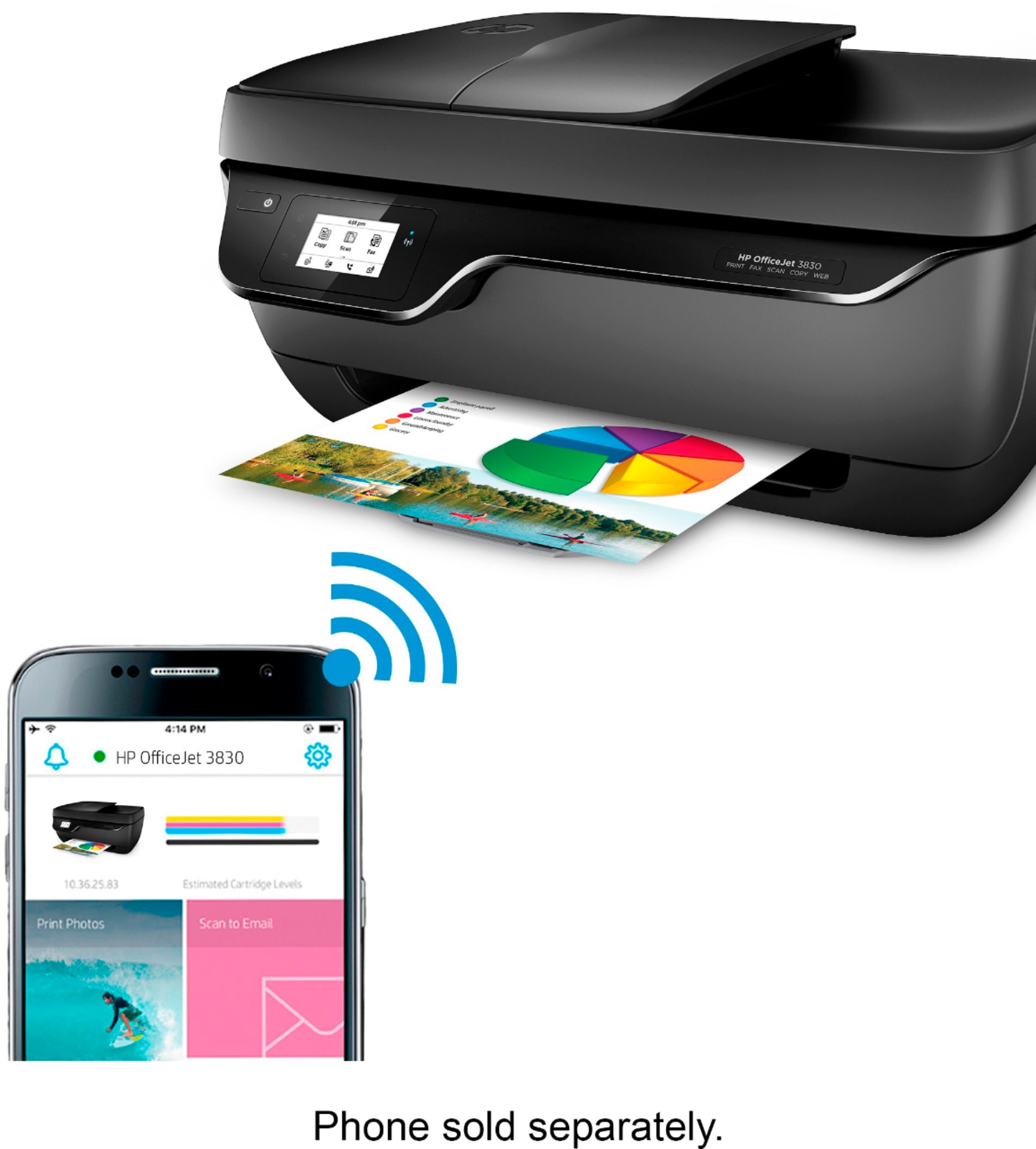
A:AnswerYes- you will need to download the HP app to your iPhone and/or iPad. You can configure the app and interface with the printer from both devices.
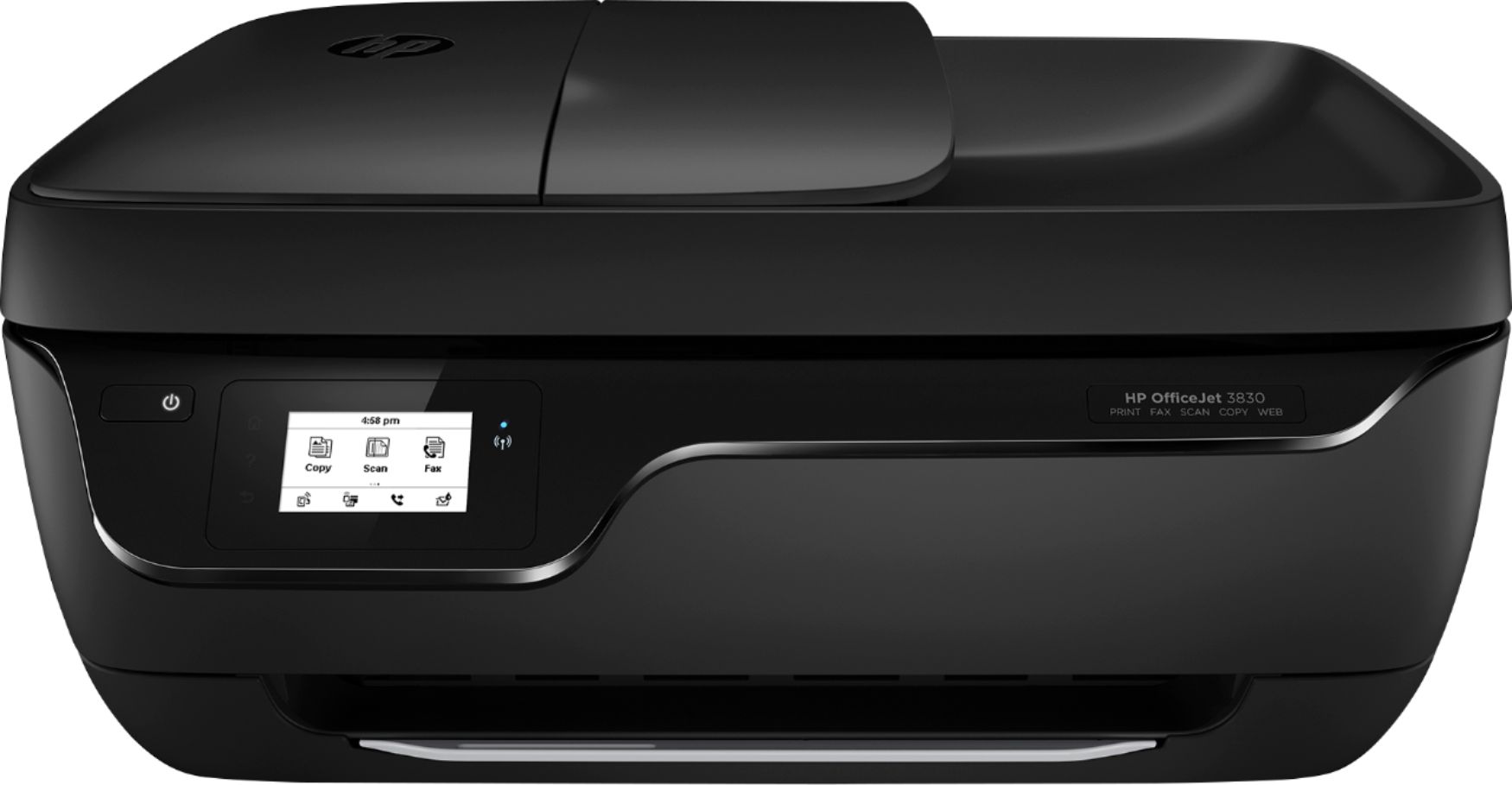
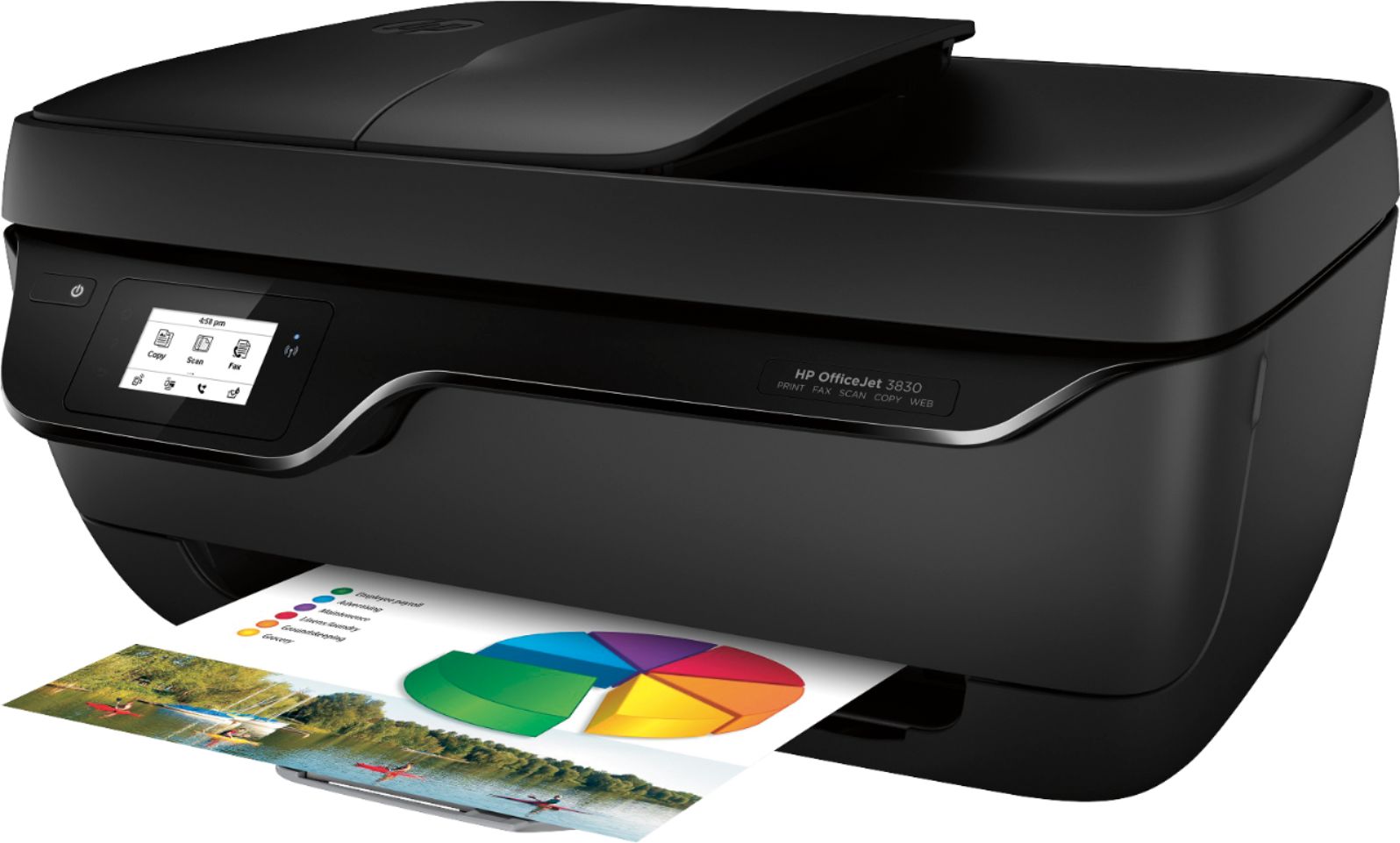
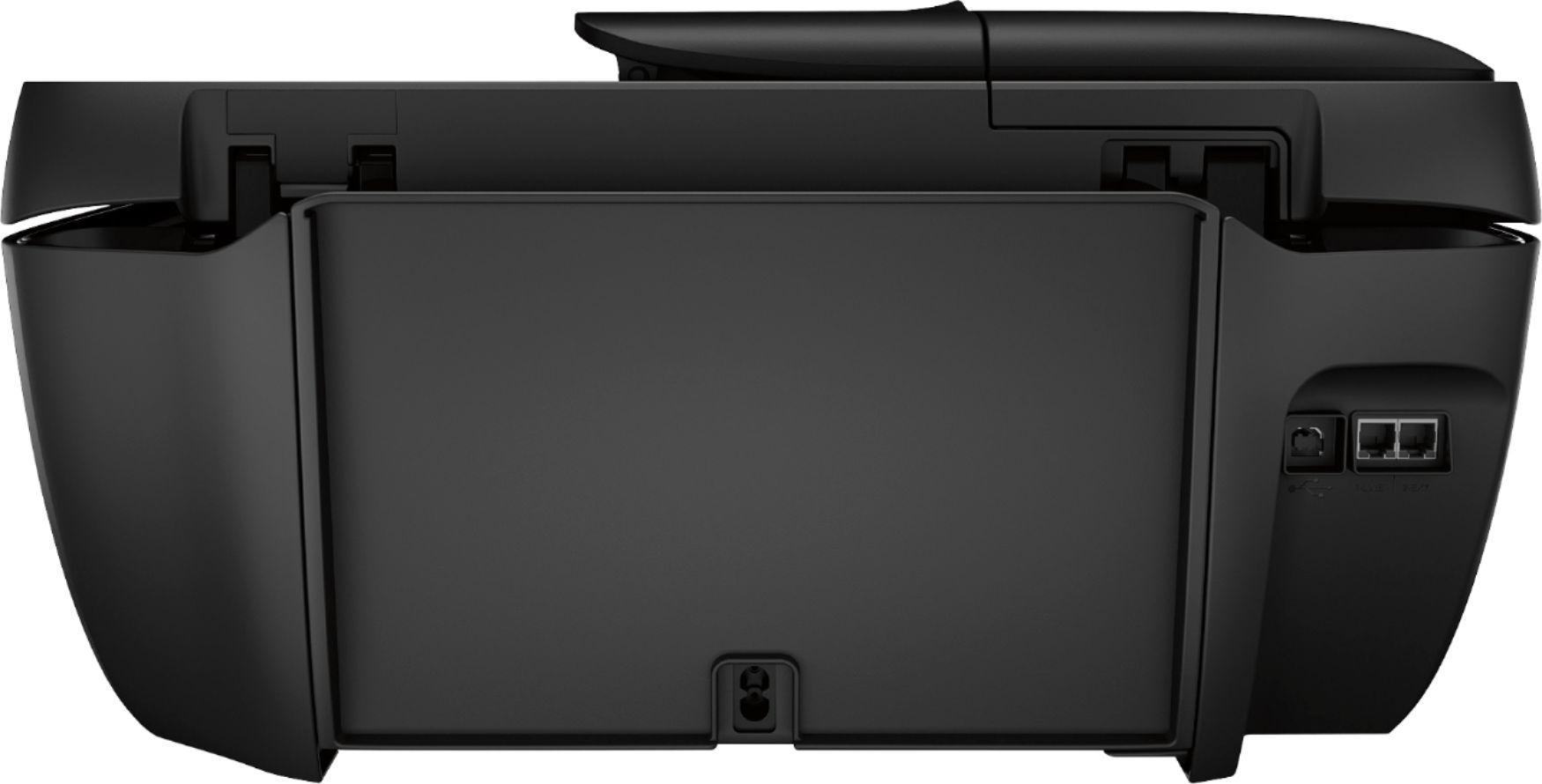
A:AnswerThe Envy 7640 printer has the two paper trays on the front. It also has the SD card and USB port for flash drives. It prints a little faster than the Officejet 3830 and it prints double sided documents automatically. The Officejet 3830 paper tray is on the back, which means the printer will not be able to print double sided documents automatically. You would have to manually turn the paper when prompted. As far as the control panels, the 7640 is in color. The Officejet 3830 has a monochrome screen. If you are looking for a printer similar to the 7640, I would recommend the Envy 7855.
A:AnswerThe Officejet 3830 can handle up to 110 pound paper, which is cardstock. In order to use it with the Chromebook, you would need to use Google Cloud Print. Here is more information: https://support.hp.com/us-en/document/c02817255
A:AnswerNo, this printer does not have a duplex for printing or scanning.. You would have to manually turn the pages to print on both sides. If you want a printer with a duplex, I would suggest looking at one of HP's Envy printers, or Officejet Pro printers. If want to be able to print and scan both sides, I would recommend looking at Officejet Pro 9015 or 9025 printer. The Officejet Pro 9025 scans both sides in one pass.
A:AnswerYes, it does. When you have selected to copy, there is a settings icon in the lower corner of the screen, this will give you options for enlarging up to 400% or reducing down to 25%.
A:AnswerI haven't been able to use the scanner. I keep getting an error message that the printer is offline but it's on. Invest in a better printer. I haven't used the fax.