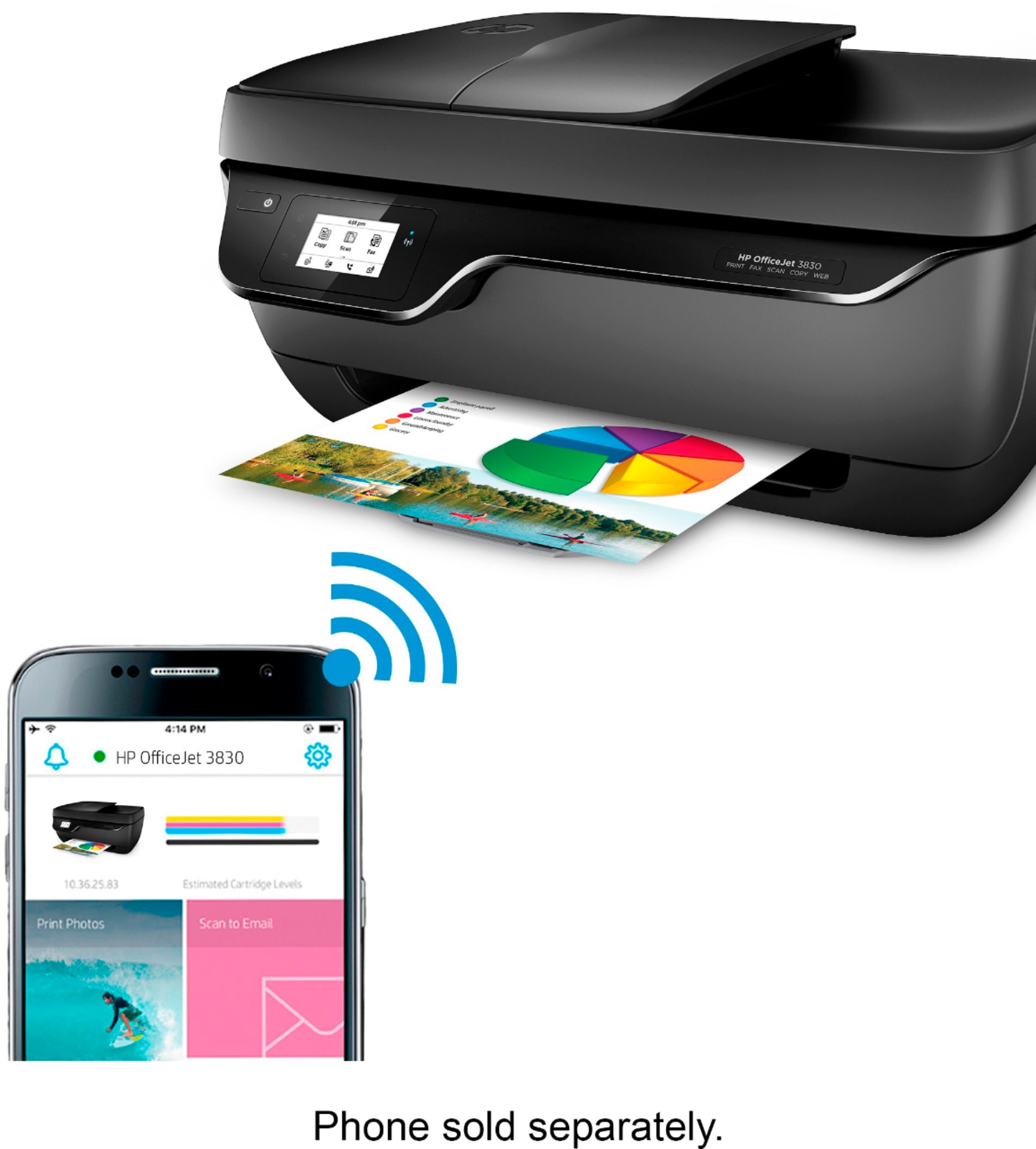
A:AnswerThis printer connects to WiFi so it shouldn't matter what you're printing from. As long as you can download the "HP Smart" app you can print from anything. The computer also makes up its own email so if you can't download the app just send what you're printing through the email.
A:AnswerIm using a samsung chrome book. So i would assume it would work with youres. Hope this helps.. I havent had any problems with connecting to the wifi or printing wirelessly with my chrome book..
A:AnswerNot if it's just text, but it will use the colors for grayscale printing.
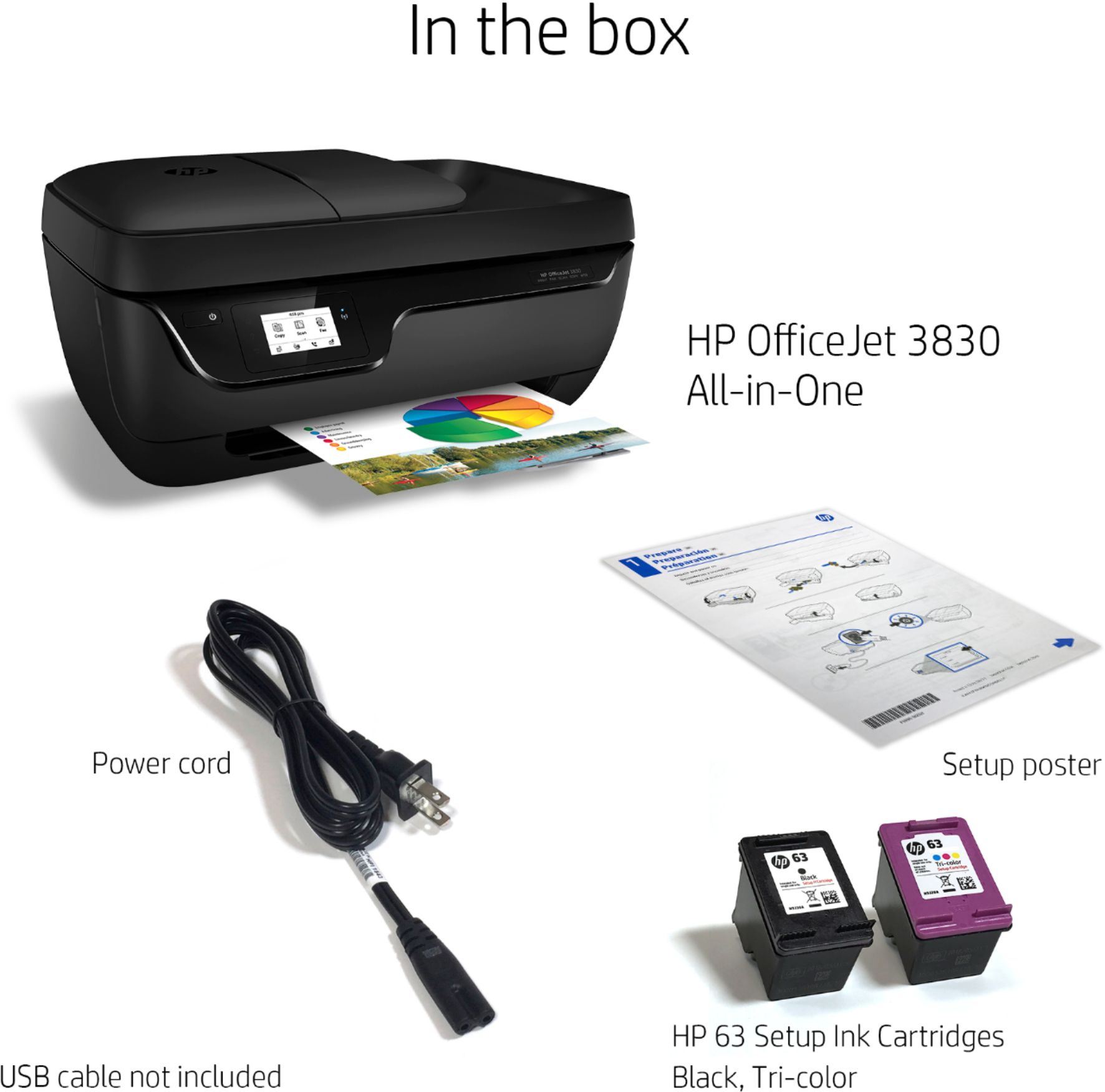
By the way, this is an HP 2-cartridge printer, and hence you can print with a single cartridge if you want to. Simply remove the cartridge you don't want.
A:AnswerSure but for high quality photo prints an expensive photo printer is required if that's what your looking to do. Plain printer photos are good.
A:AnswerYes, this printer can support several different media types of paper, including the following: Plain paper, photo paper, brochure paper, envelopes and other specialty inkjet papers; Letter: 16 to 32 lb; HP envelopes: 20 to 24 lb; HP cards: up to 110 lb; HP 4 x 6 inch photo paper: up to 145 lb.
A:AnswerYes, you may print using only a phone. But you will need to install drivers on your computer if you wish to print from it. That's usually done by connecting to the internet.