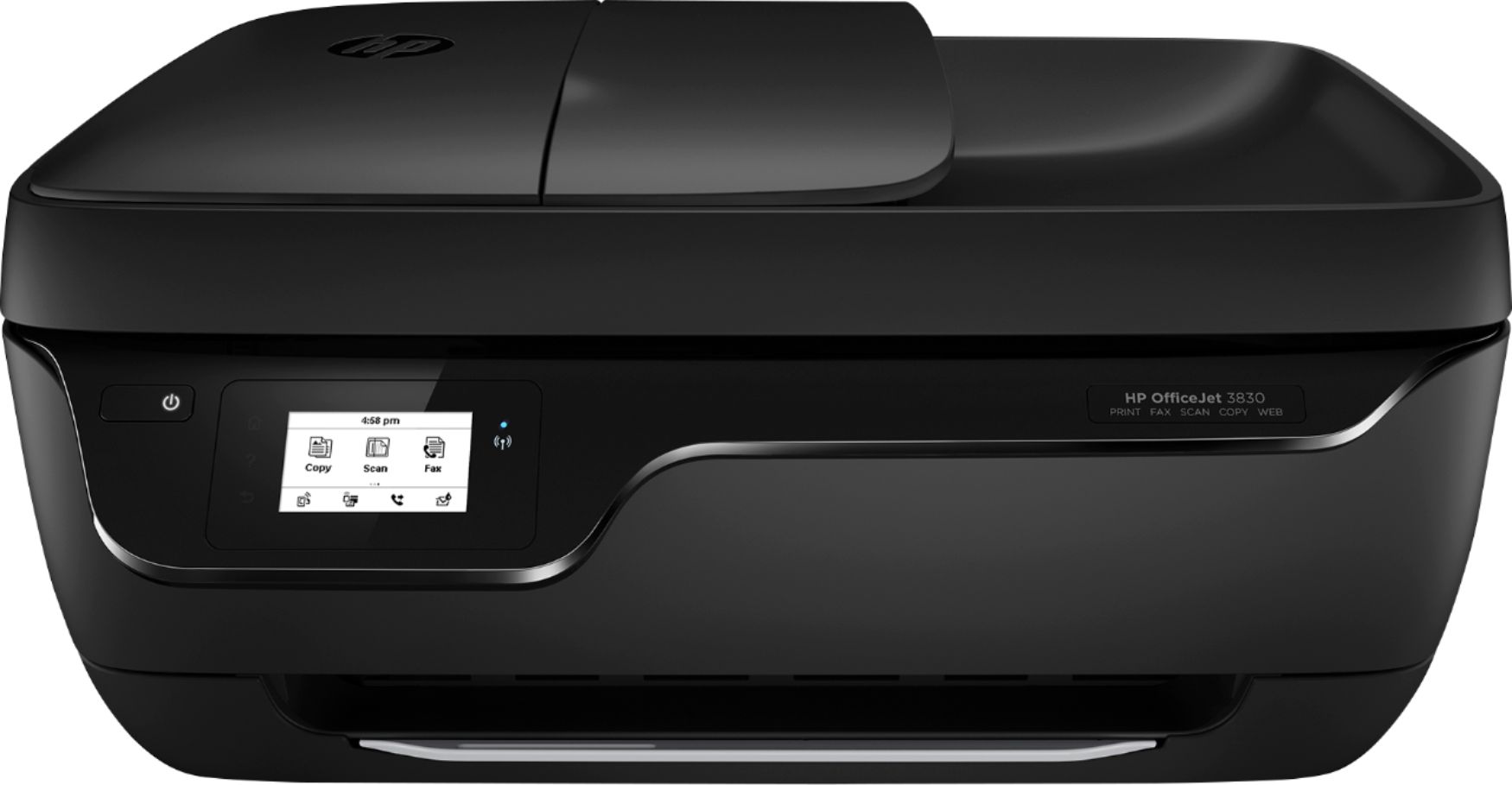
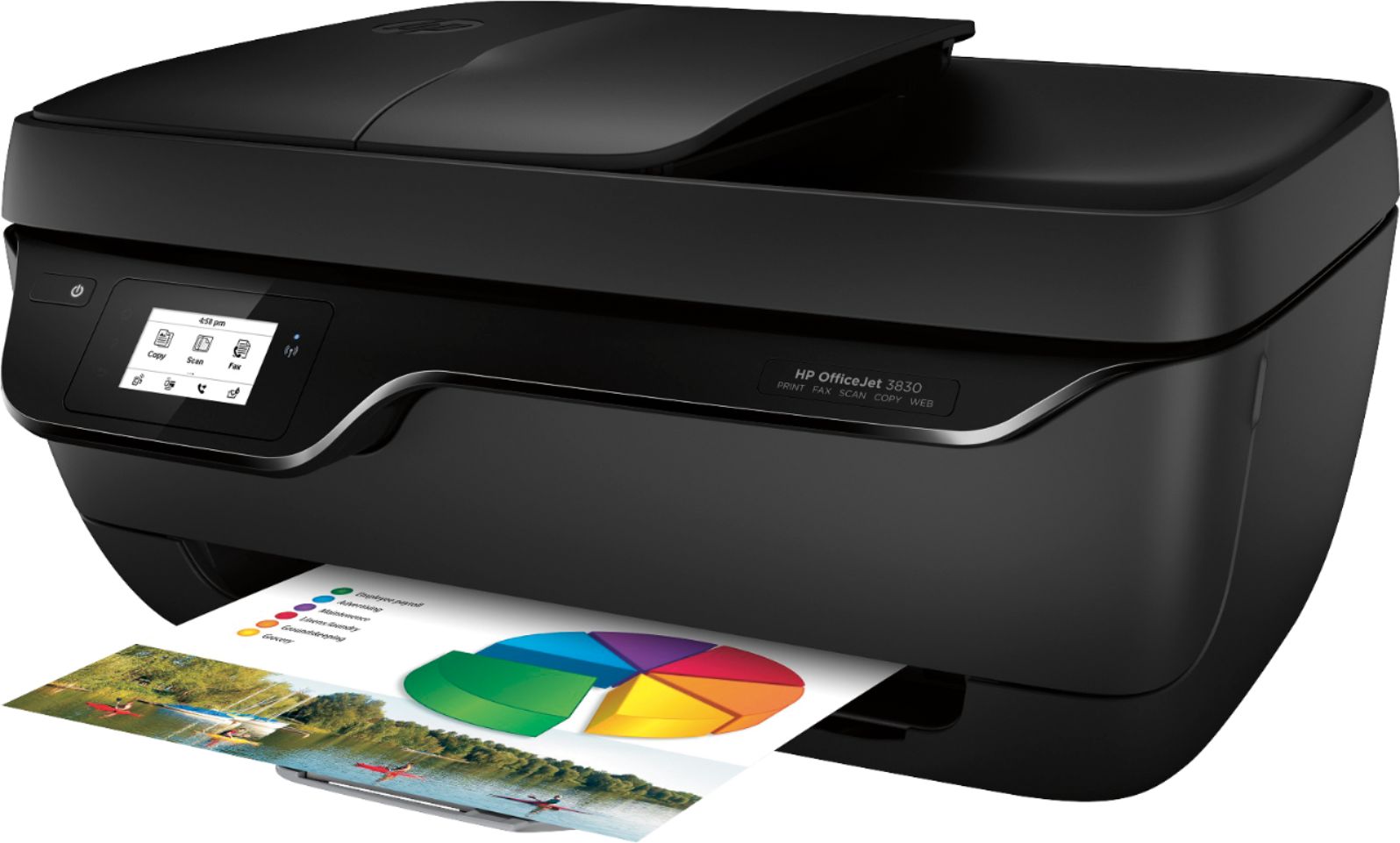
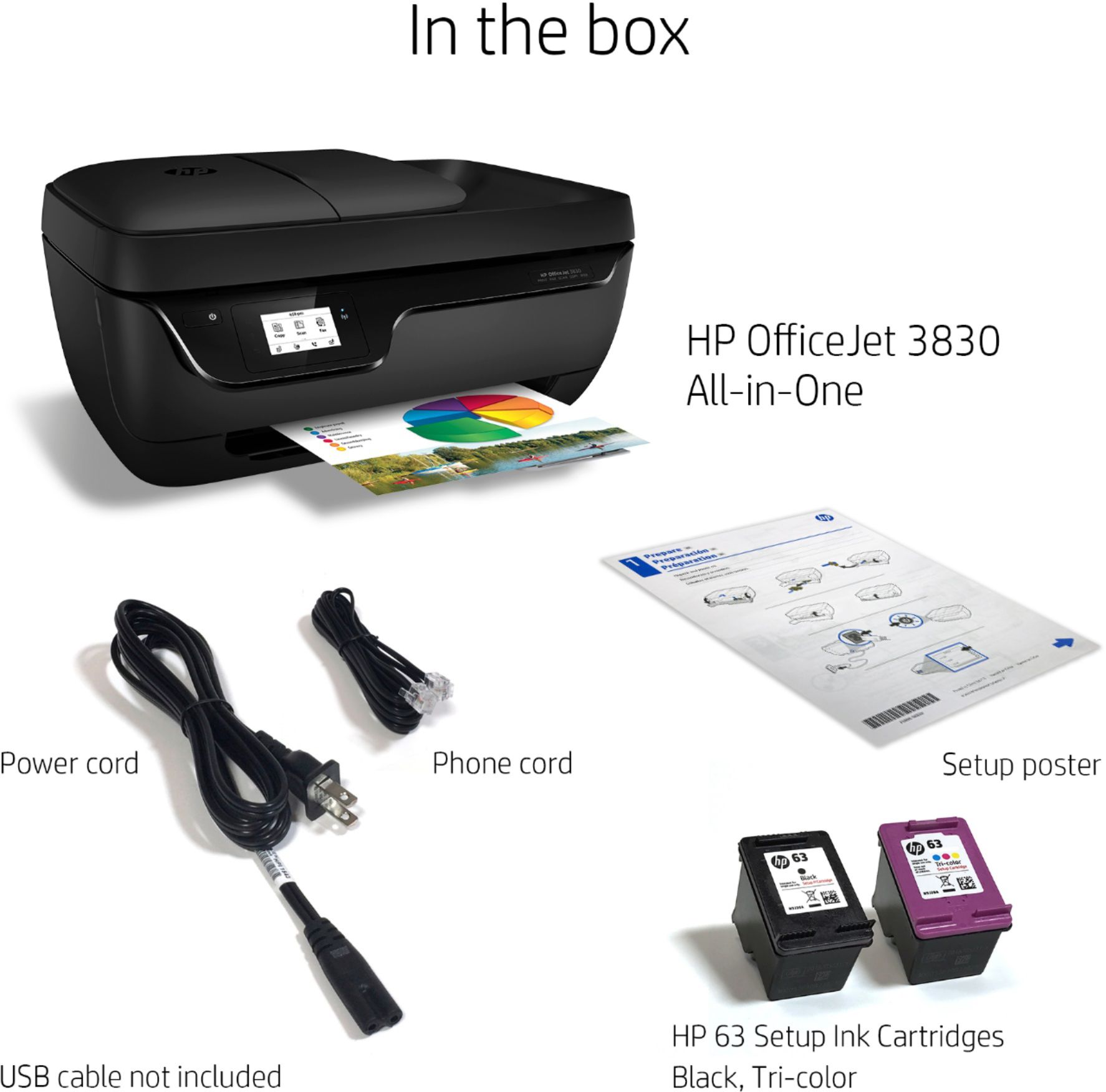
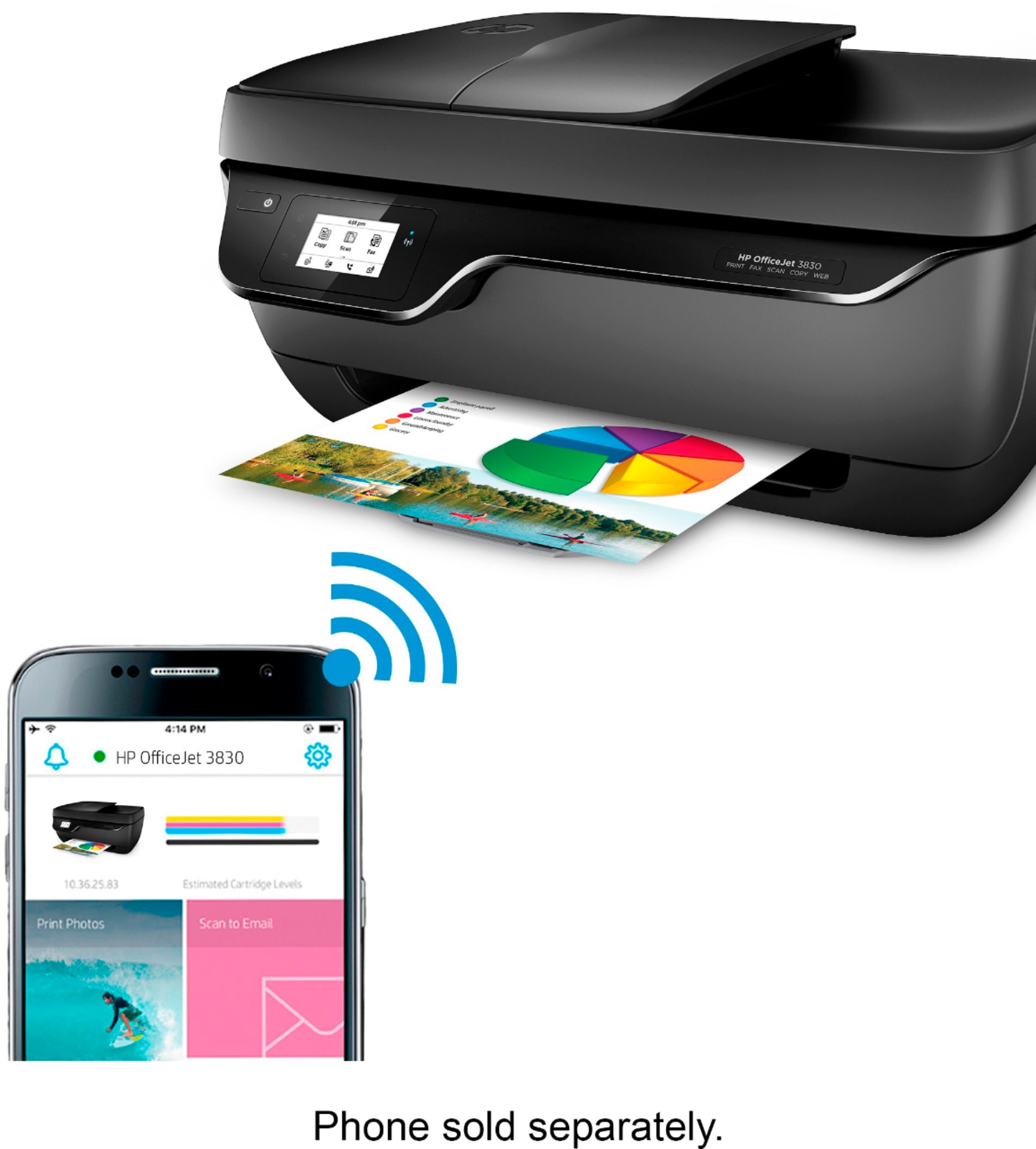
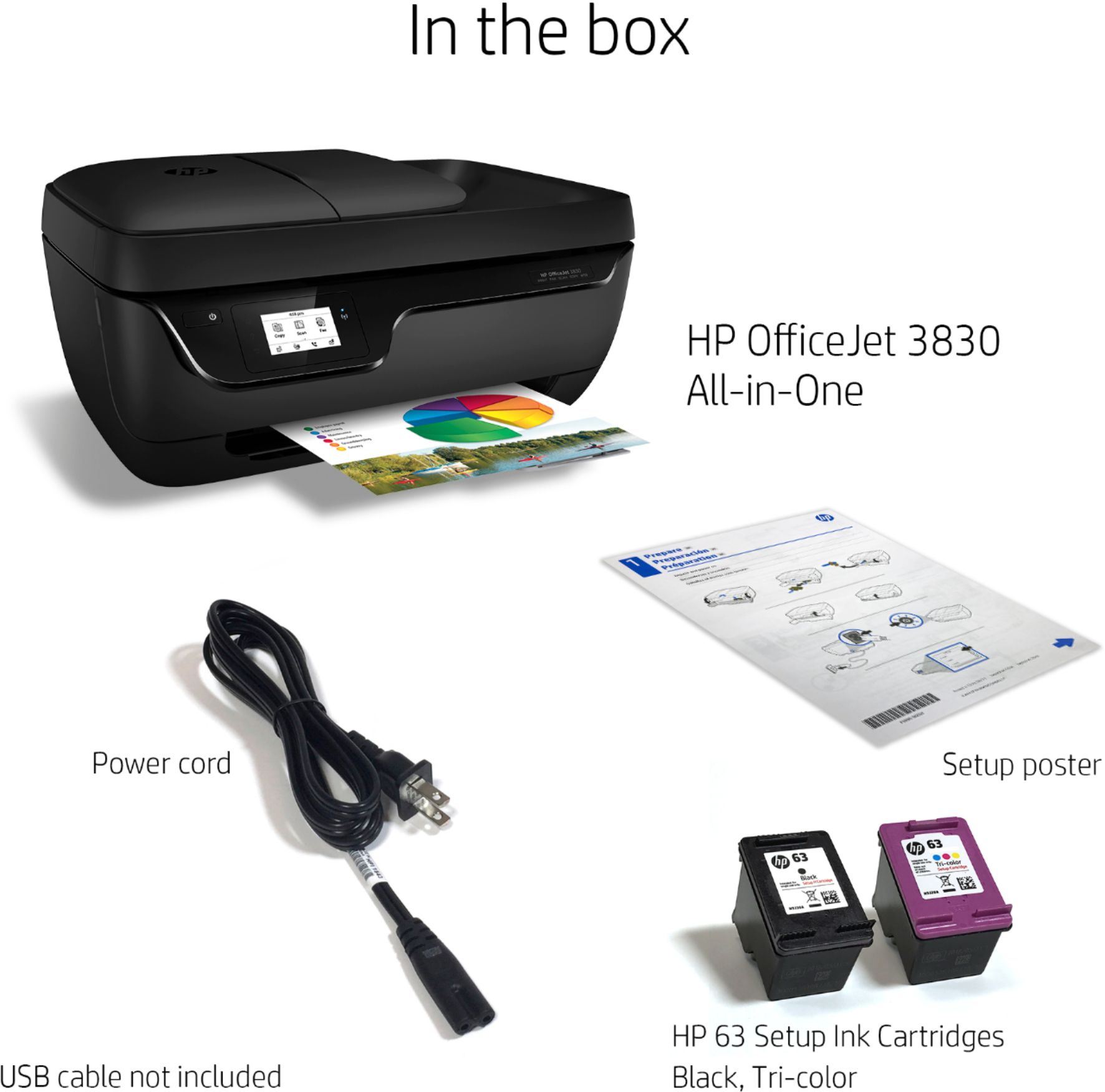
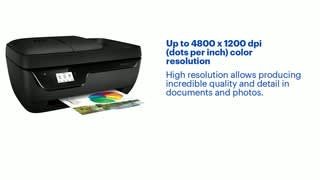
A:AnswerGo to the Hp setup printer website and it will ask for your printer name. Put in the name for your printer and it will give you the download link to set up your new printer.
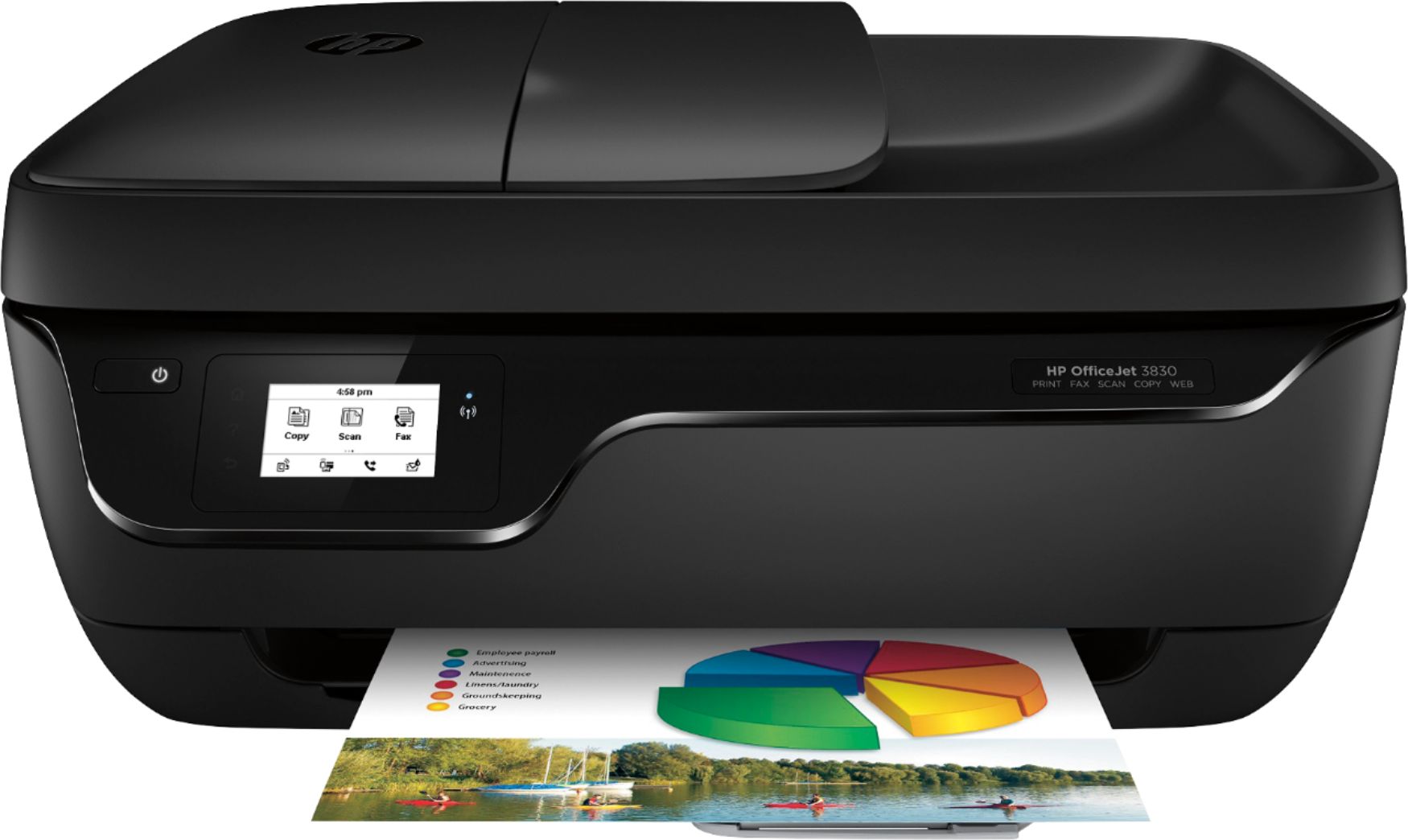
A:AnswerPut your paper on the glass with the print facing down. Push the black command screen to wake up the printer if it is asleep. From the little command screen push copy. Choose the number of copies you want and push "start black" for black and white or "start color" for color copies.