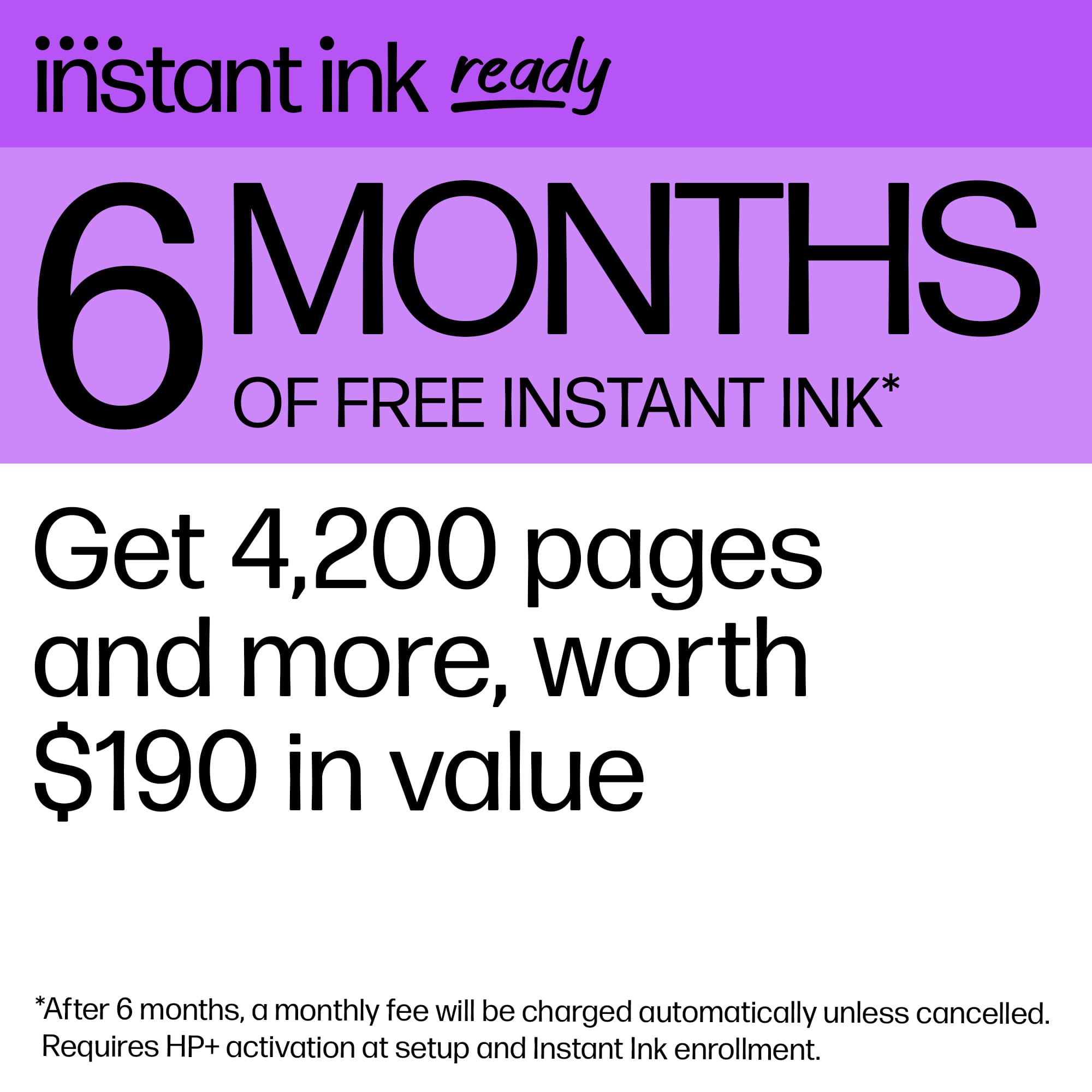
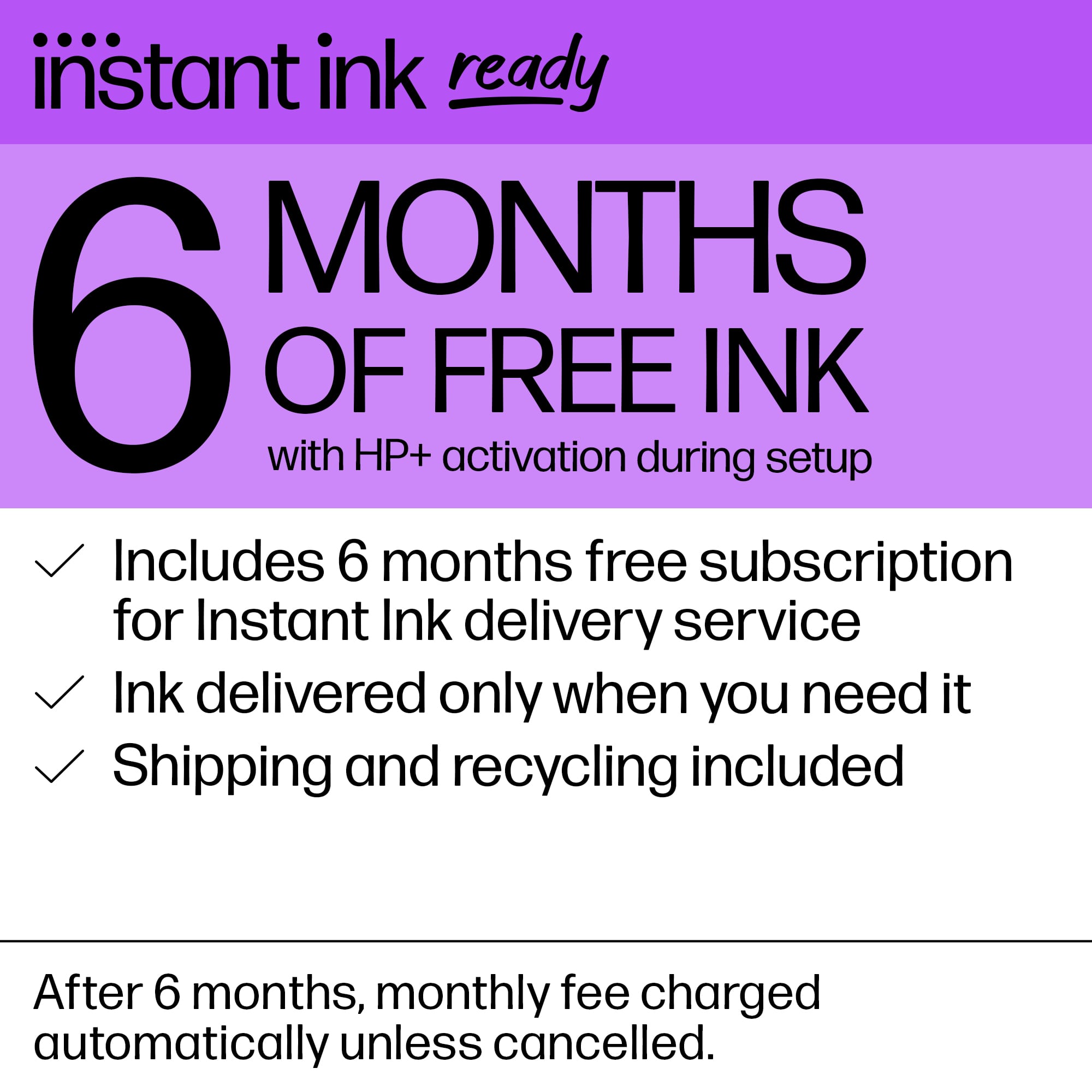
A:AnswerLarry, thank you for your question about Instant Ink! Instant Ink is HP's automatic ink replenishment service that sends you the ink you need when your printer runs low on a cartridge. You can sign up for it through the HP Smart app or on the HP Instant Ink site.
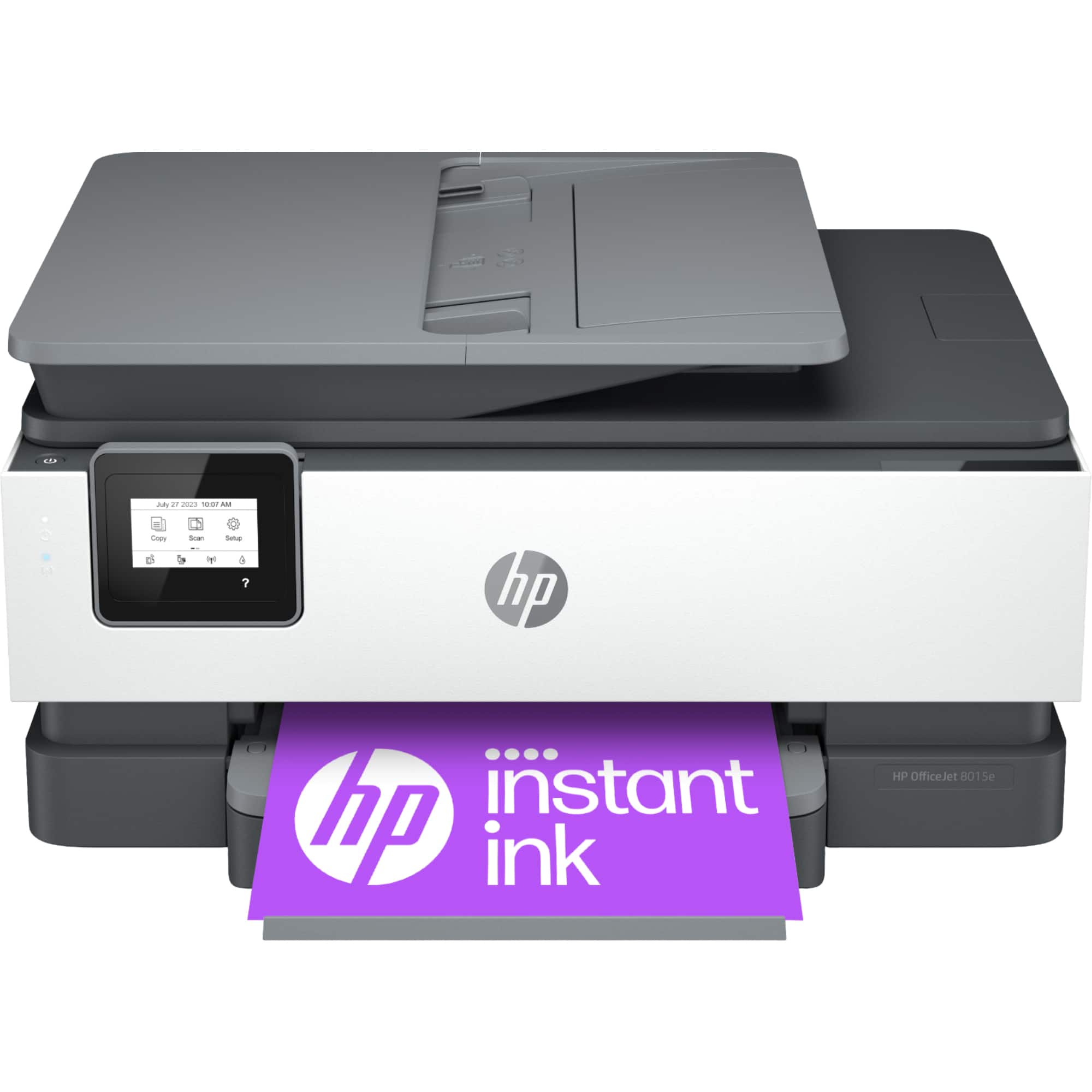
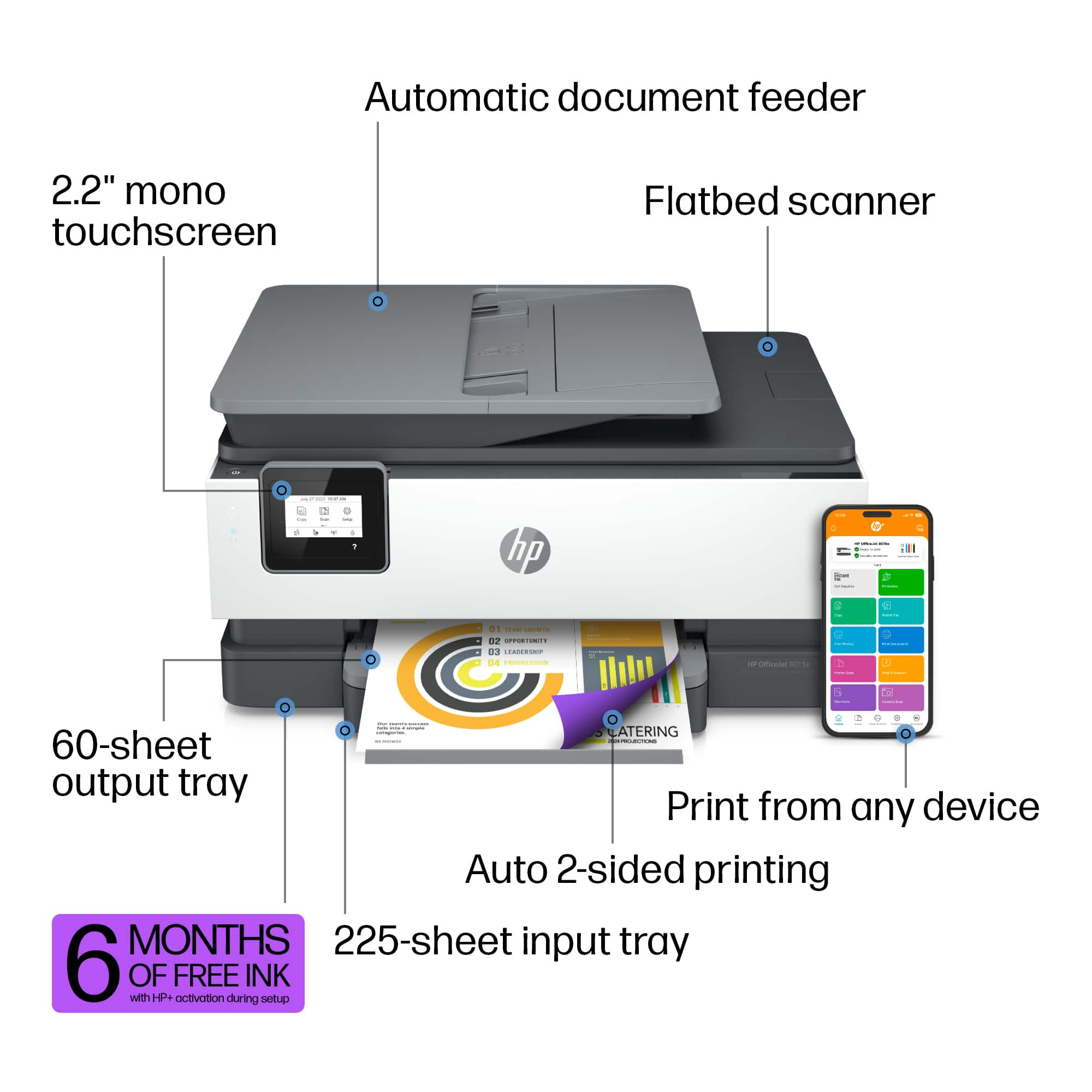
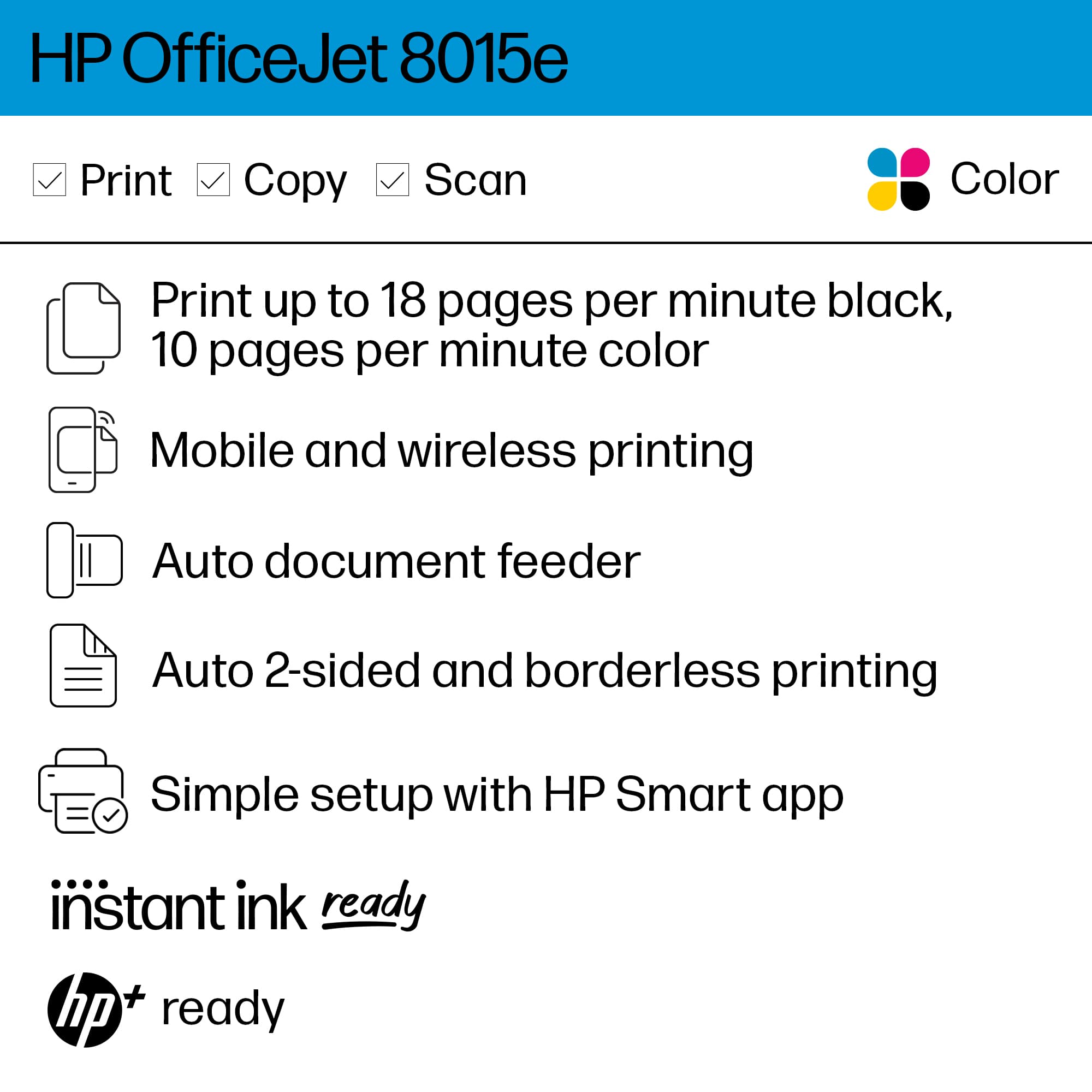
A:AnswerHello and thank you for your question! This HP OfficeJet 8015e printer will have the same or better print quality than the OfficeJet Pro 8600. It can print borderless up to 8.5" by 11" on HP photo papers only. It will be slower when printing in color than the 8600. Thank you for being a valued HP customer!
A:AnswerAs far as I understand since I have experienced the ink with the printer and then also received a shipment of Instant Ink, the cartridges that come with the printer are regular - in as much as the Instant Ink cartridges which came by mail are larger and therefore have greater capacity.
A:AnswerKato, thank you for your question on this HP OfficeJet printer! You do not need to opt-in to HP+ and Instant Ink immediately to claim the offer.
A:AnswerThank you for your question, to register for HP Instant Ink, you will need to head to the Instant Ink website which can be reached at the following link. https://instantink.hpconnected.com/us/en/l/ If you run into issues they have a support team there that will gladly assist you.
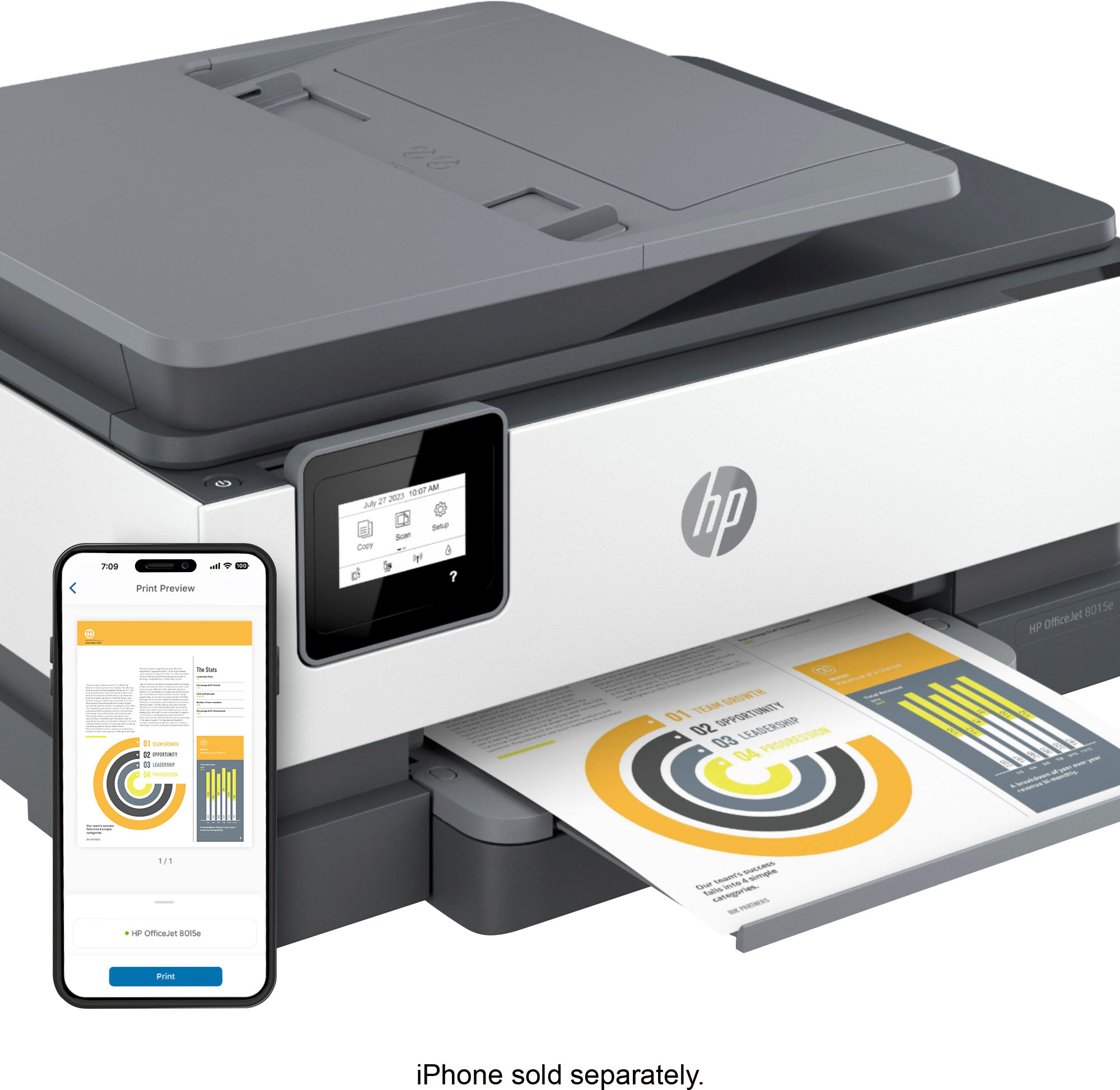
A:AnswerHi, thanks for your question today. Yes, you can set up and use the HP OfficeJet 8015e printer without a computer. It supports wireless printing from smartphones and tablets, including iPhones and iPads. We recommend using the HP Smart app to setup the printer on your devices.