A:AnswerThank you for the question. Yes, the HP OfficeJet 8015e can reduce or enlarge output within a range of 25 to 400% using the printer control panel.
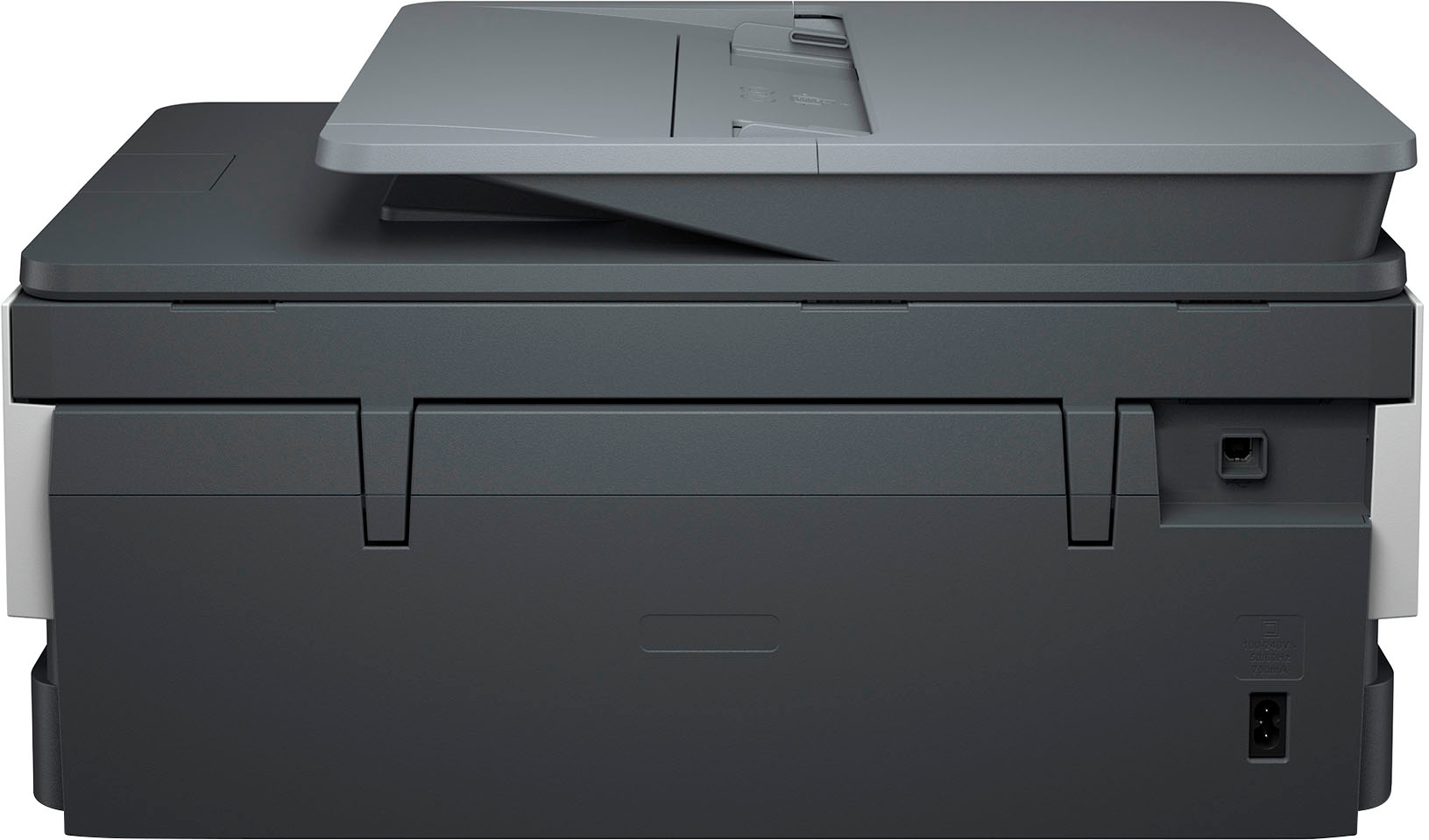
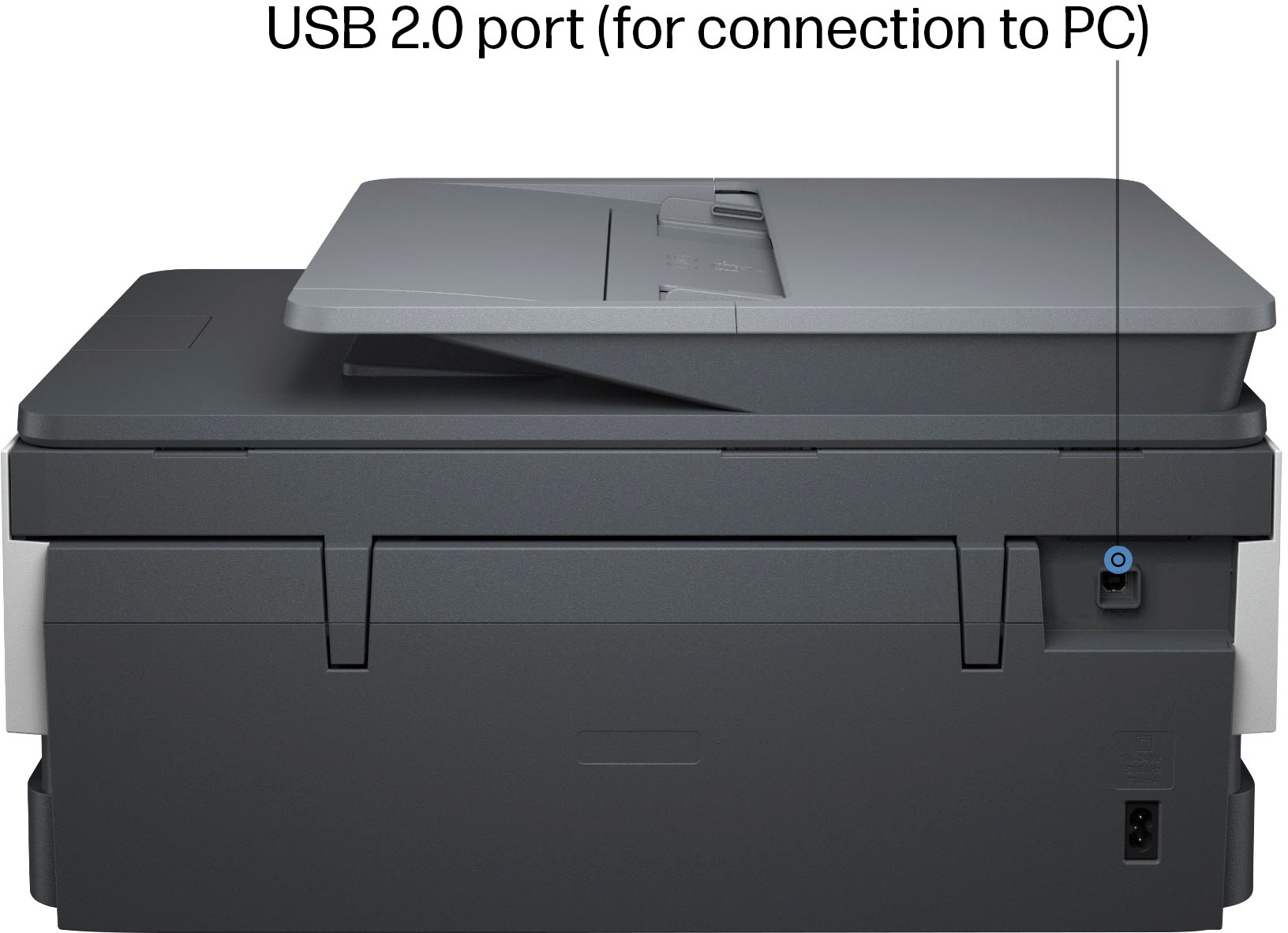
A:AnswerHello Dee and thank you for your question. If you need to use a USB 2.0 cable to connect the HP OfficeJet 8015e to a computer, then yes, you can do that. The cable is not included in the box with the printer.
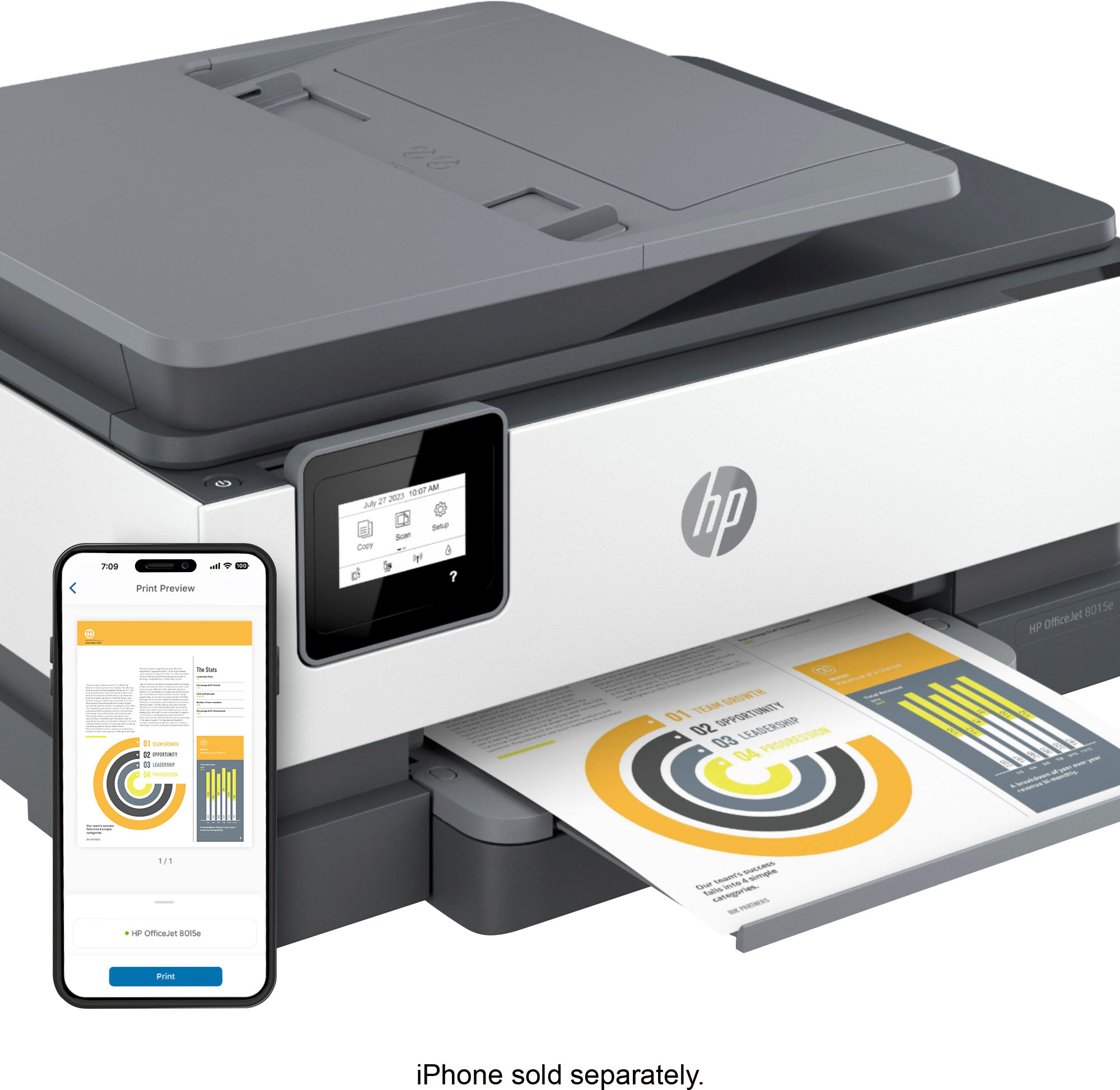
A:AnswerHi Suzanne, thank you for the question. Yes. The printer supports Apple AirPrint, allowing seamless printing from Apple devices. You can use Siri voice commands to print documents directly from your iPhone or iPad. With Alexa, by enabling the HP Printer Skill in the Alexa app and linking your HP account, you can use voice commands to print items like shopping lists or check printer status. Ensure your printer is connected to the same Wi-Fi network as your devices for optimal performance.
A:AnswerThank you for the question. No, the OfficeJet 8015e uses three color cartridges and one black cartridge. The printer has no single-cartridge mode and uses color to achieve certain gradients in black. However, for low-volume printing, a 2-cartridge model (DeskJet or Envy) does allow for single-cartridge mode, with the tri-color cartridge in place at start-up and removed for printing. Replacing the color cartridge after single-cartridge printing will extend the life of the cartridge and contribute to printer health. A better option is to purchase a monochrome laser printer.
A:AnswerThank you for the question. The OfficeJet 8015e and OfficeJet 8020 accept HP 910 and 910XL(high-yield) cartridges. Please review your question, as there is no Laser Pro 2080e.
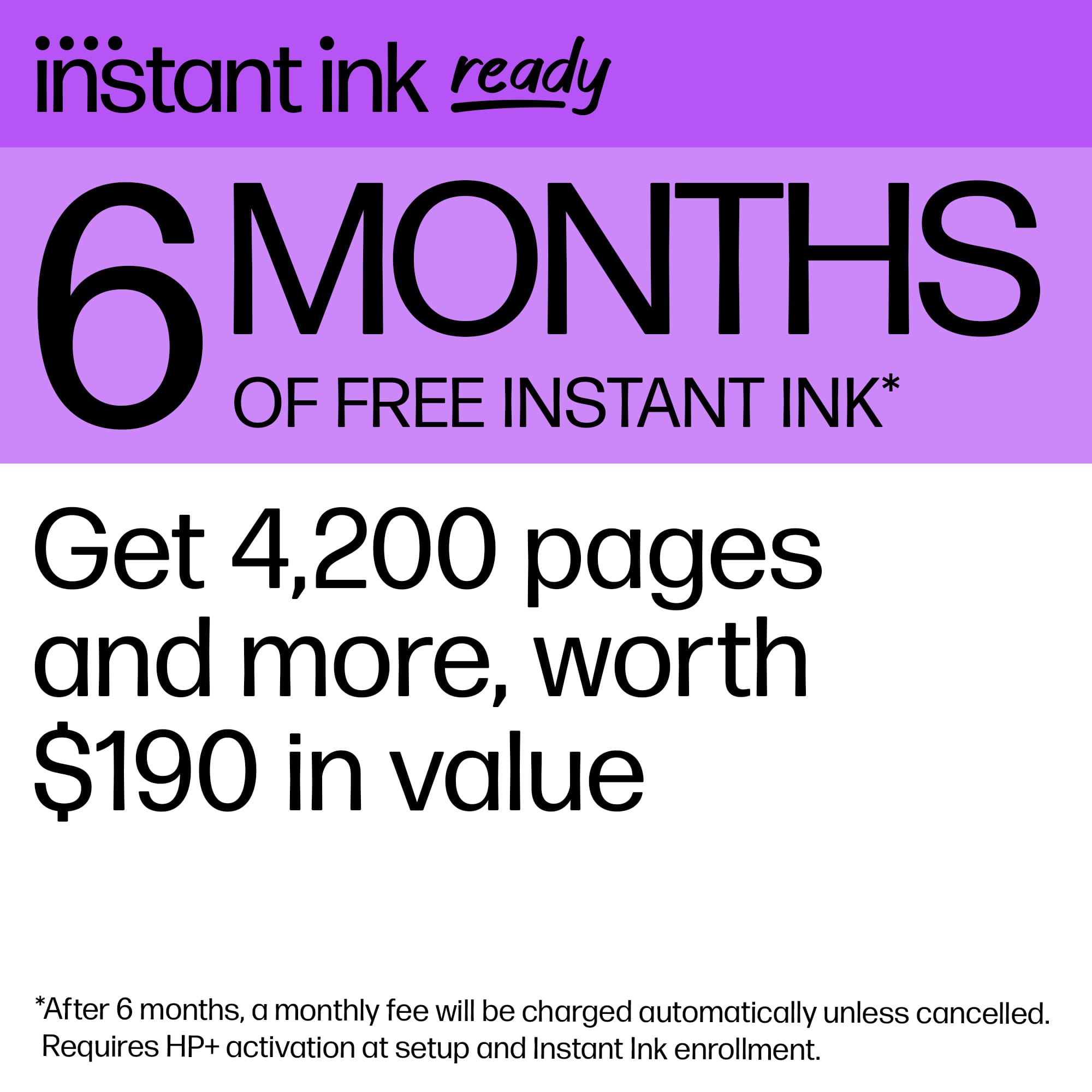
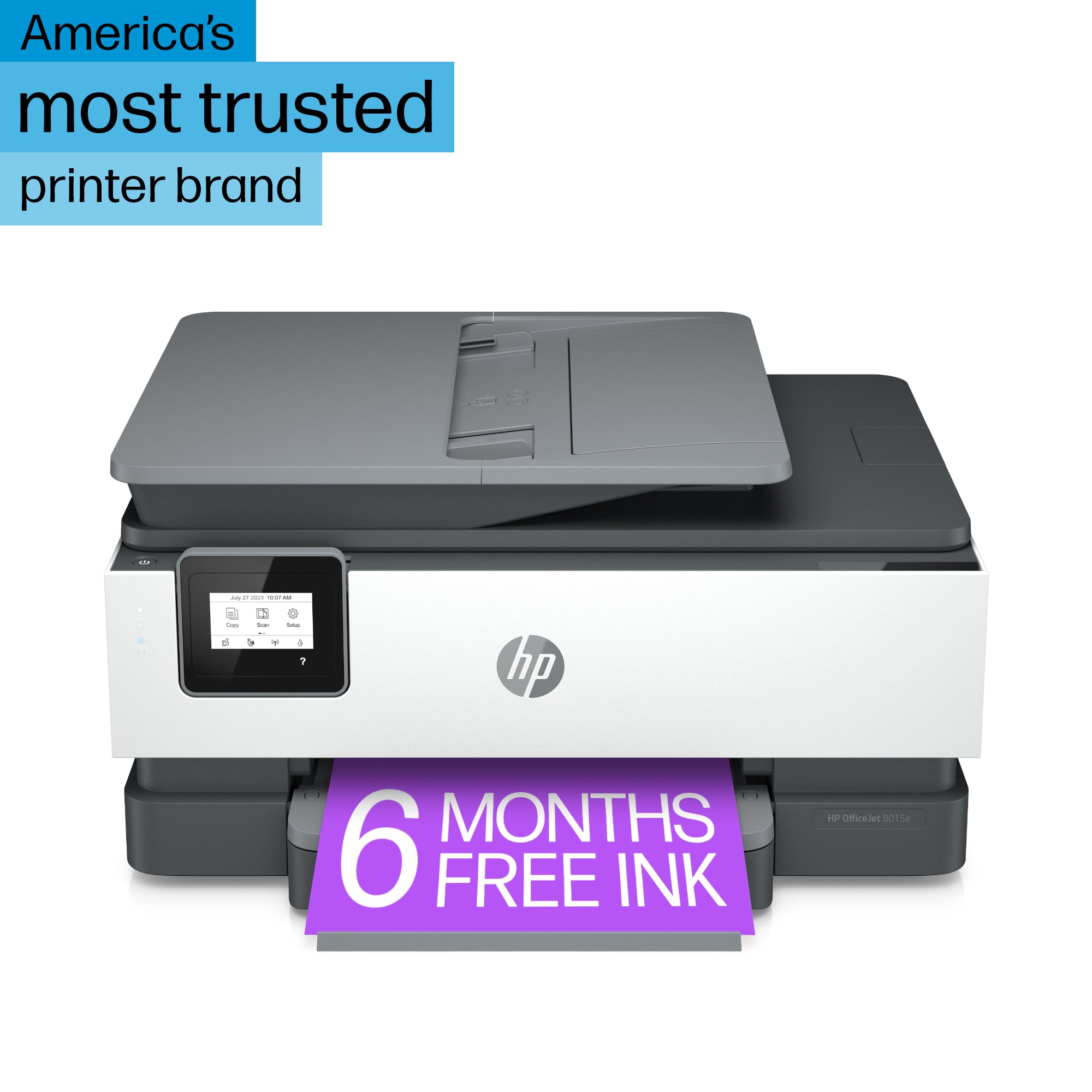
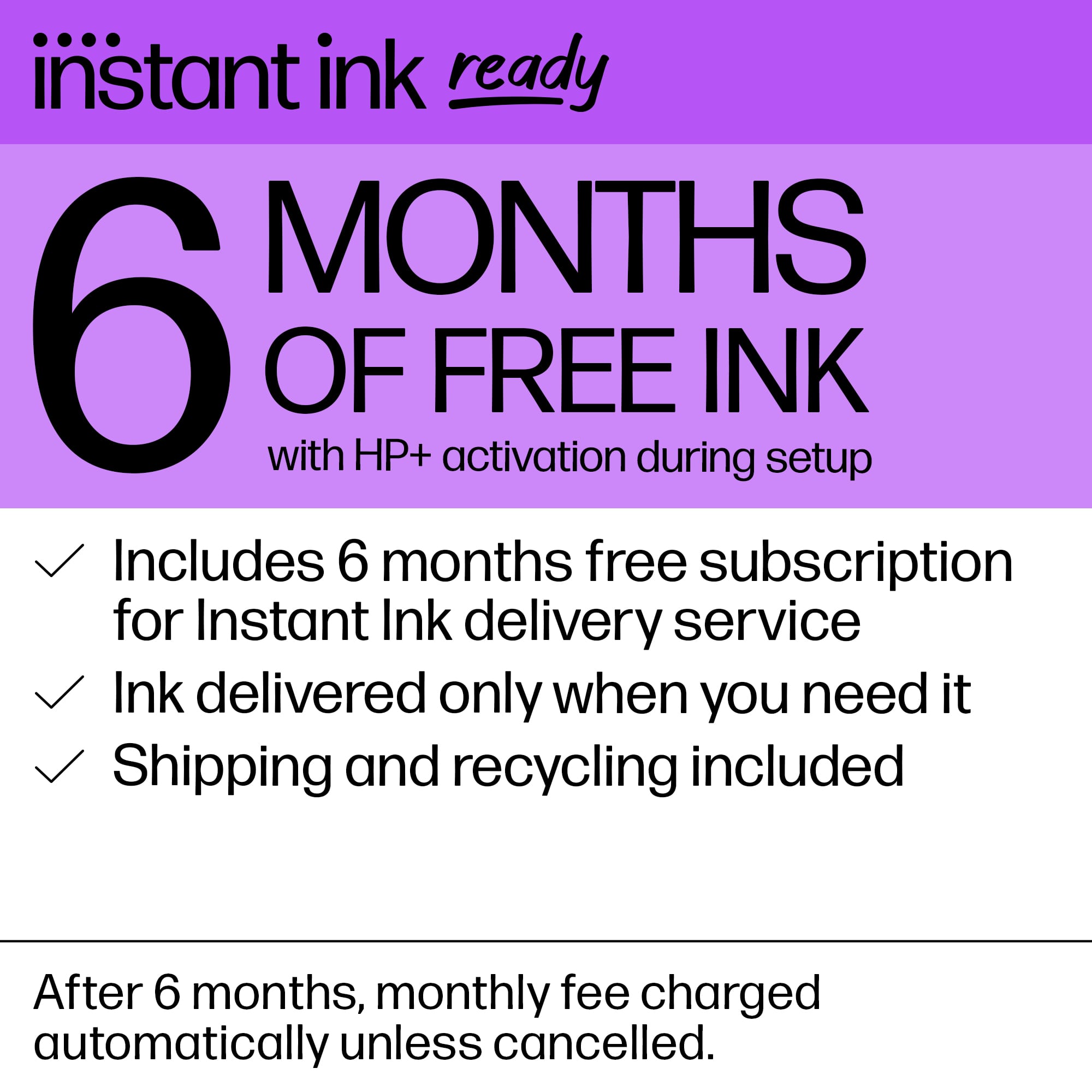
A:AnswerHello and thank you for asking. To get the 6 months of free HP Instant Ink for the HP OfficeJet 8015e, do the following: (You can do this on your smartphone by using the free HP Smart app, or at the website on the installation poster included with the printer.) First, start the printer set up by using a wireless Internet connection. Next, choose to opt-in to the free HP+ program or not. Third, subscribe to an Instant Ink print plan. You will get the first 6 months of your Instant Ink print plan for free. If you have additional questions, please contact HP Support.
A:AnswerThank you for your question. The Officejet 8015 printer is compatible with the following operating systems: Windows 11, Windows 10, Windows 8, Windows 7, macOS 10.11 El Capitan and later versions and the Chrome OS.
A:AnswerThank you for the question. There are a couple of reasons why you may not have received Instant Ink cartridges from HP. if you redeemed the free ink offer during setup. Please reach out to Instant Ink customer service for assistance.