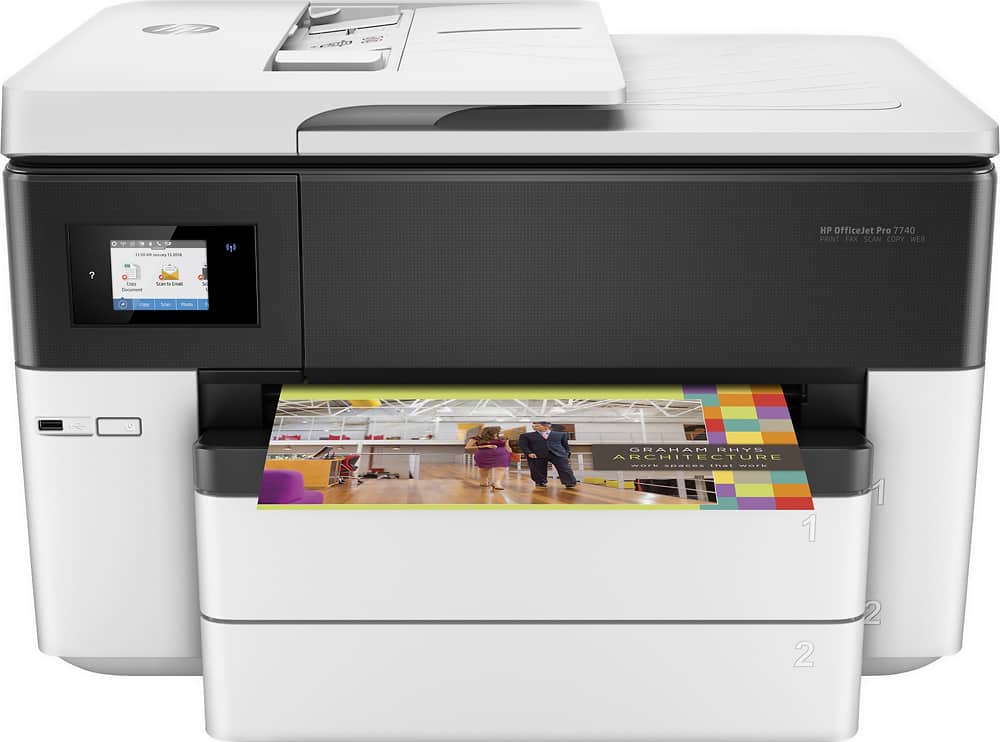
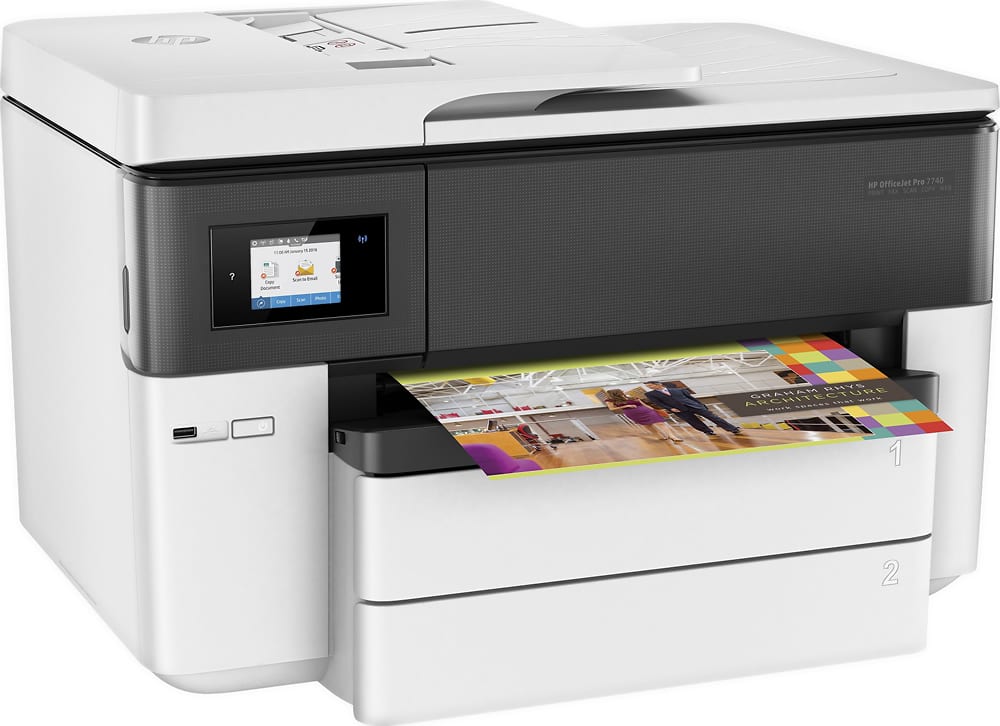
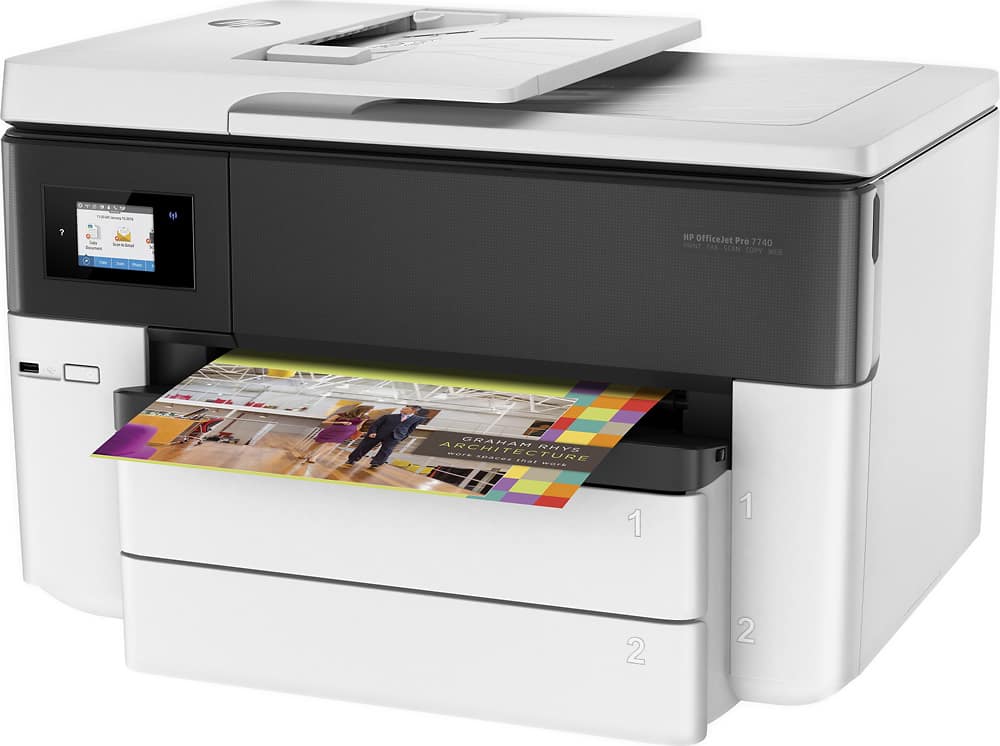
A:AnswerThe OfficeJet pro 7740 supports the following sizes. A4; A6; B5 (JIS); 6 x 8 in; Executive; Index card 3 x 5 in; Index card 4 x 6 in; Index card 5 x 8 in; Index card A4; Index card Letter; 3 x 5 in; 4 x 6 in x 10 x 15 cm; 5 x 7 in x 13 x 18 cm; 8 x 10 in; 10 x 15 cm; L; Photo 2L; 8.5 x 13 in; Legal; Letter; Statement; Ofuku Hagaki; Hagaki Card 100 x 148 mm; Japanese Postcard; Envelope #10; Envelope A2; Envelope C5; Envelope C6; Envelope DL; Envelope Monarch; Card envelope 4.4 x 6 in.; JIS Chou #3; JIS Chou #4; 11 x 14 in; 12 x 12 in;
B4 (JIS); Tabloid; Super B; A3
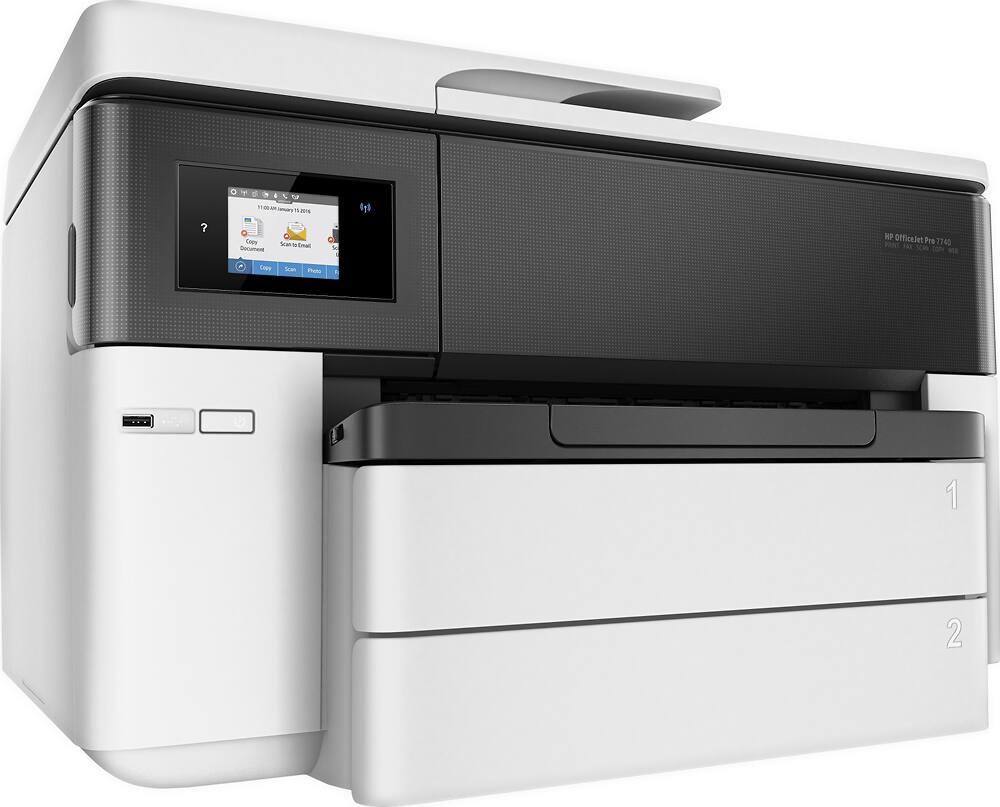
A:AnswerHello. Thanks for your question. This is the most current HP Officejet Pro wide format printer that can print up to 11 x 17 inches. It is compatible with the macOS Monterey.
A:AnswerThank you for your question. The Officejet Pro 7740 printer uses the 952 inks, which can be found at Best Buy or other retailers that carry printer ink.
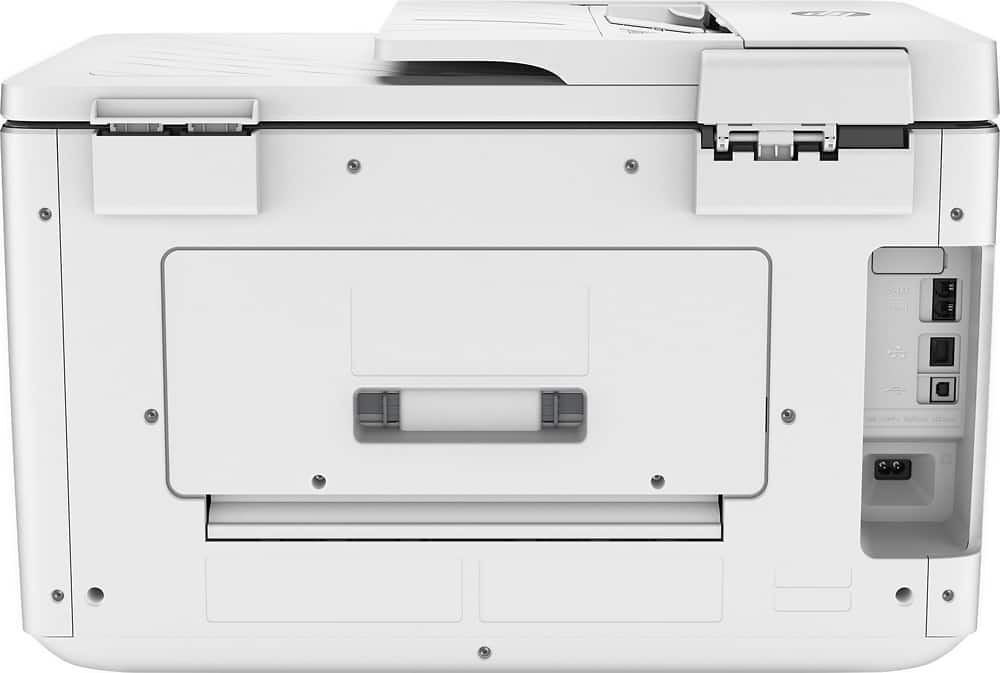
A:AnswerHi Dan, thanks for your question. You can use a USB printer cable to connect the printer. The OfficeJet Pro 7740 also supports a wired Ethernet connection for network access.
A:AnswerHi, thanks for asking about printing on cardstock or photo paper. Yes, it print on lightweight photo paper, but not cardstock. Also, keep in mind that the printer will handle paper up to 11x17, so it's quite large. If you don't need to print on paper that large, a smaller printer, like one of the OfficeJet 8000 or 9000 series would take up less room.