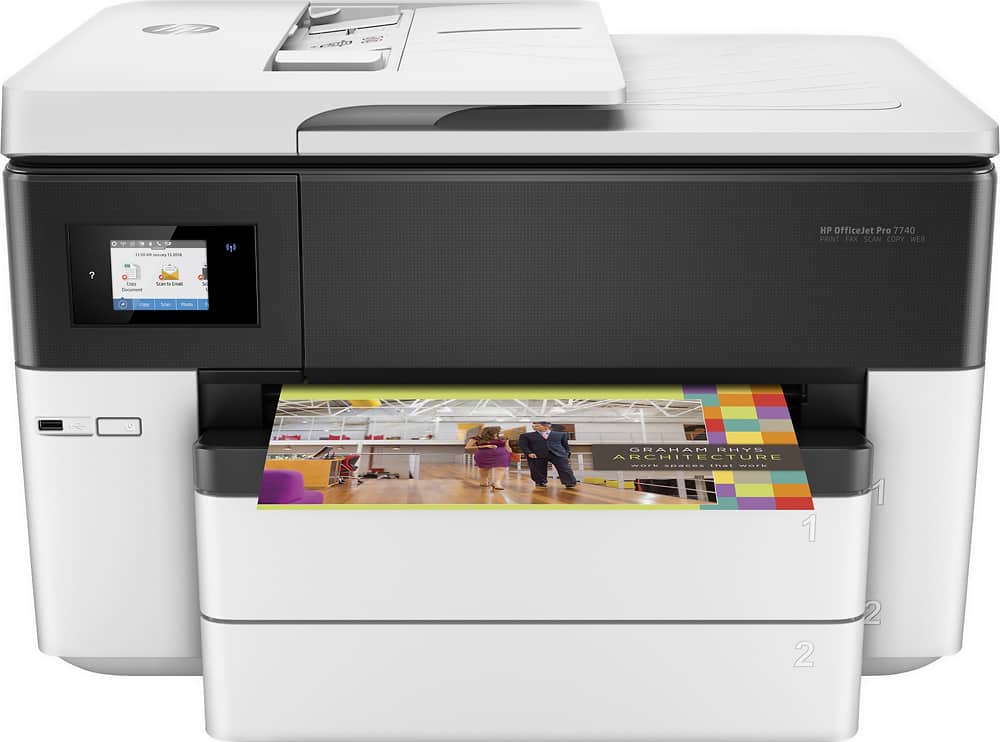
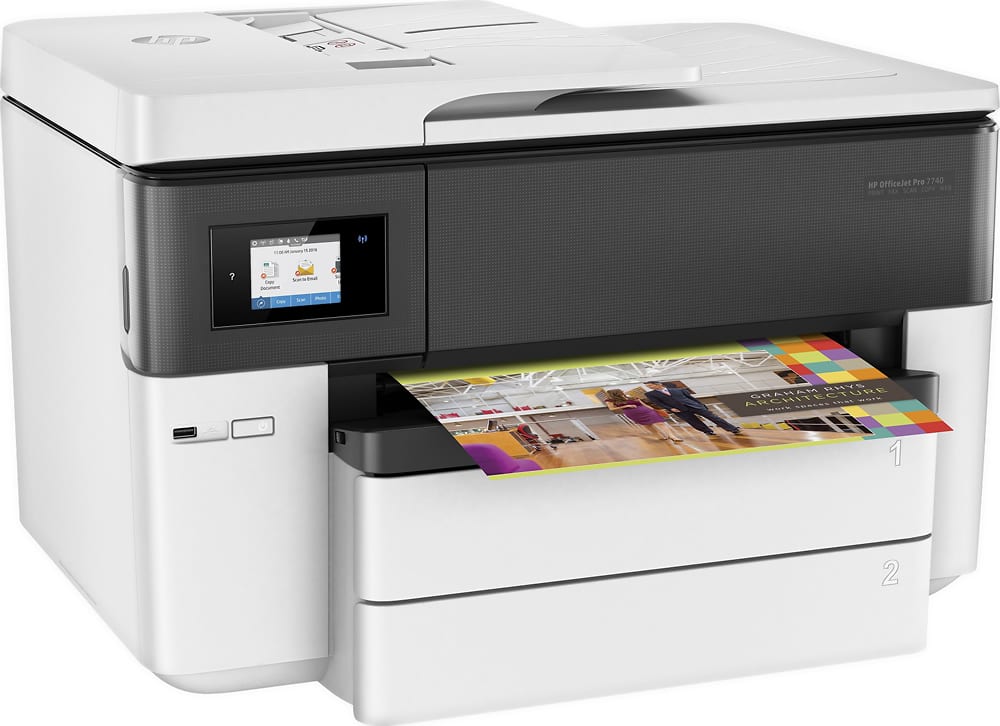
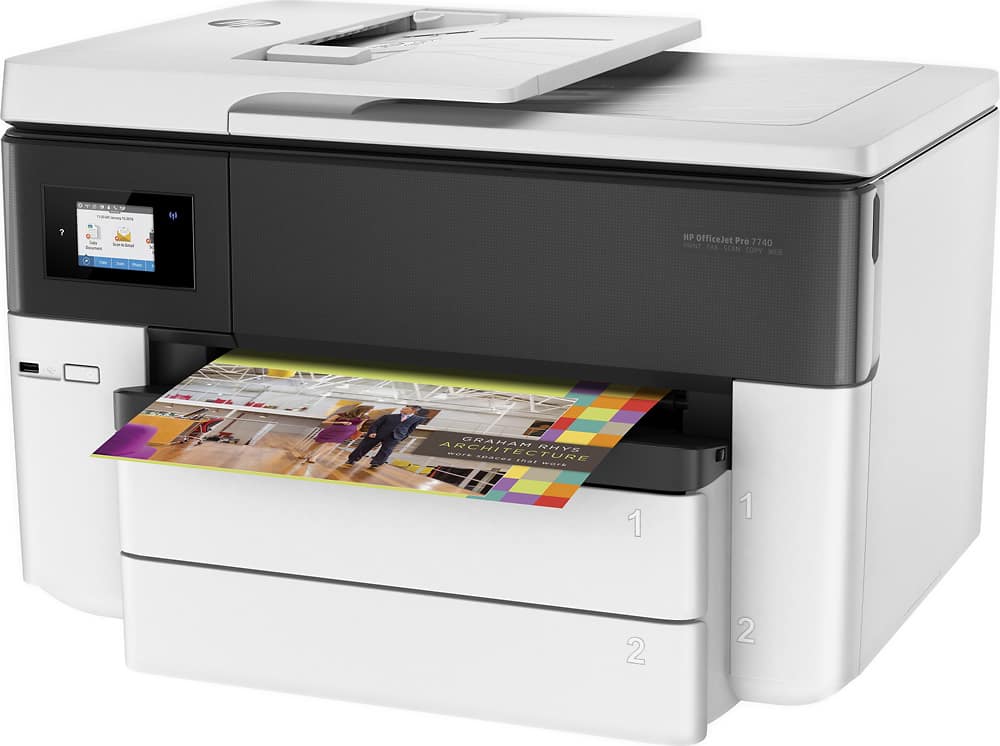
A:AnswerThank you for your question. The Officejet Pro 7740 printer has Wi-Fi Direct capabilities, which allows you to print directly to it from a Smart phone or tablet.
A:AnswerHello Bobbi and thanks for asking. The HP OfficeJet Pro 7740 can reduce and enlarge from 25% to 400%. You would set that from the printer touchscreen. The printer can handle 3"x5" to 11"x17" media.
A:AnswerYou can try changing the resolution the scan to see if that fixes the issue you are having. The other option would be calling HP Support at 1-800-474-6836 to see if they can troubleshoot the issue or if they have a known fix for it.
A:AnswerThank you for the question. Yes. The OfficeJet Pro 7740 prints custom sizes from 3 x 5" to 11.7 x 17" using tray one and from 8.5 x 11" to 11.7 x 17" using tray two.
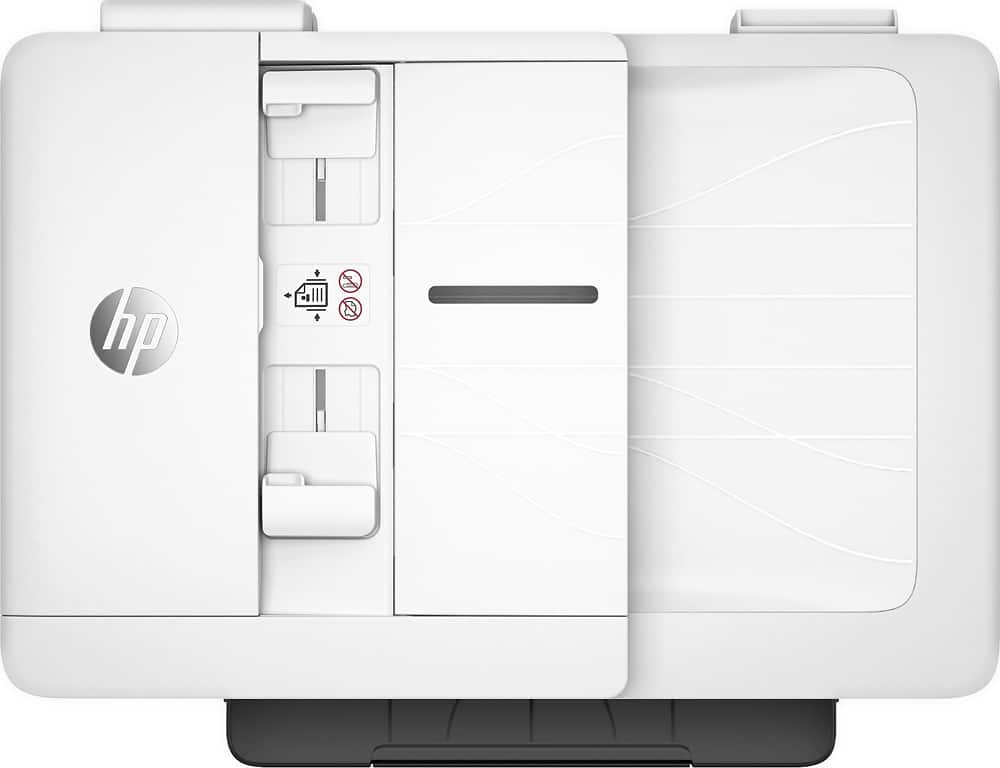
A:AnswerHello, Deb. Thanks for your question. You can scan up to 35 pages at a time through the ADF (Auto Document Feeder) on top of this HP Officejet Pro 7740 printer.
A:AnswerThank you for the question. Flipping only indicates how the output pages will be used. Flip on long edge will print the pages so that you flip them side-to-side like you would for an up-right book or binder (ie. - along the long edge black arrow). Flip on short edge will print the pages so that you flip them over the top as you would or a calendar (ie./ - along the short edge red arrow). Check or reset your margins as well as the flip setting and see if that makes a difference.
A:AnswerHello. Thanks for your question. You can scan up to 35 pages through the ADF (Auto Document Feeder) on top of this HP Officejet Pro 7740 printer. Once you have scanned those pages, you can We recommend using the HP Smart app. save those scanned pages as 1 PDF file.