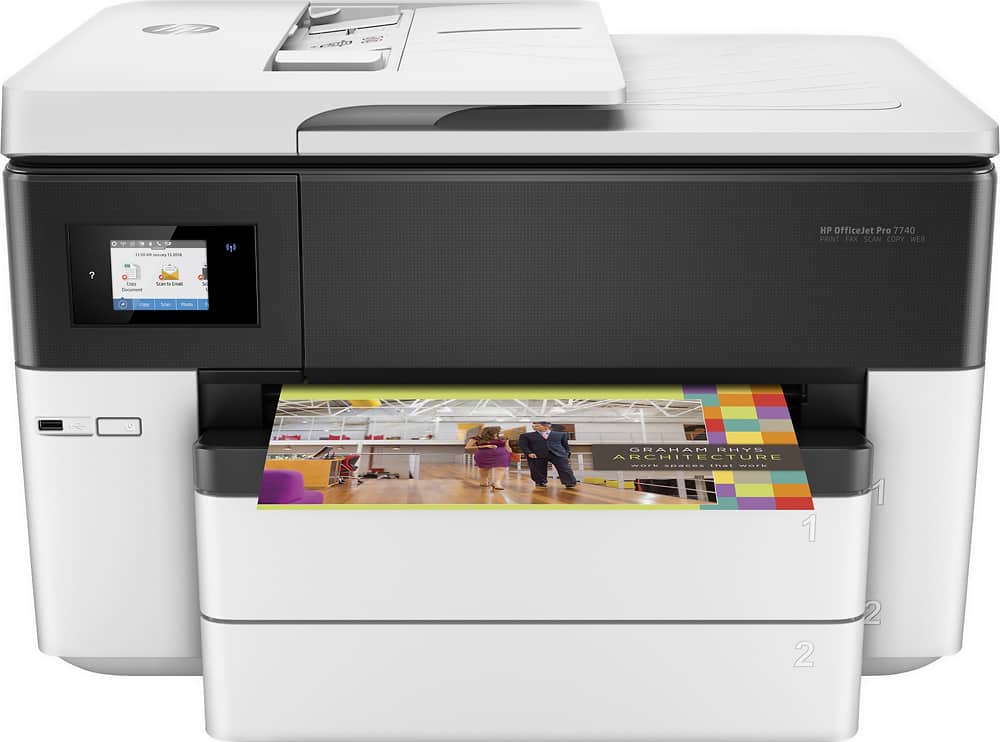
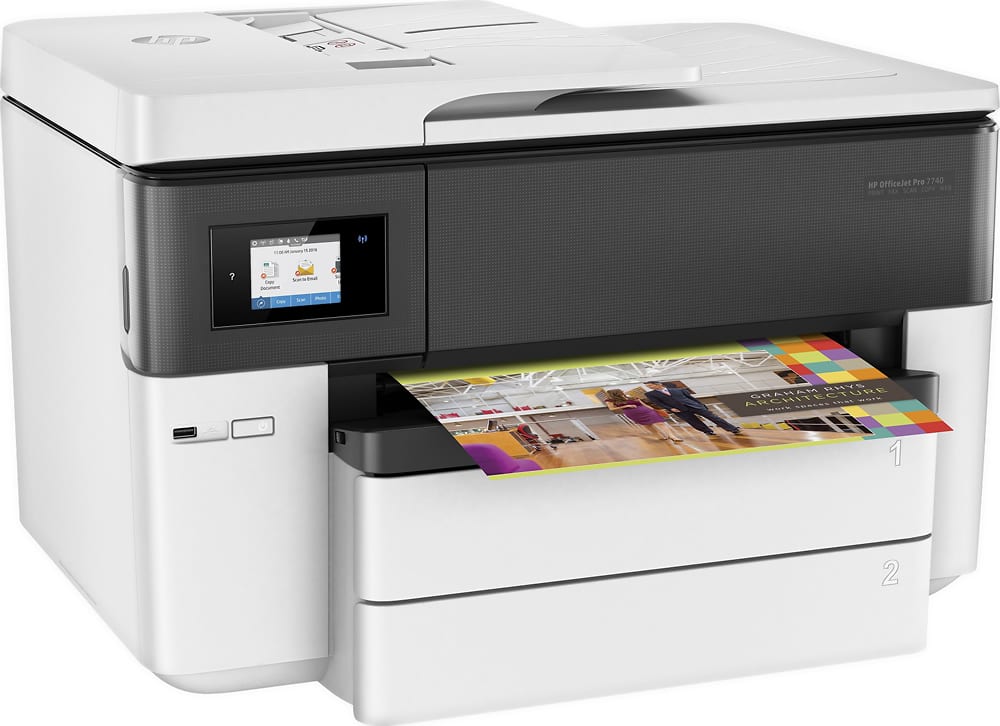
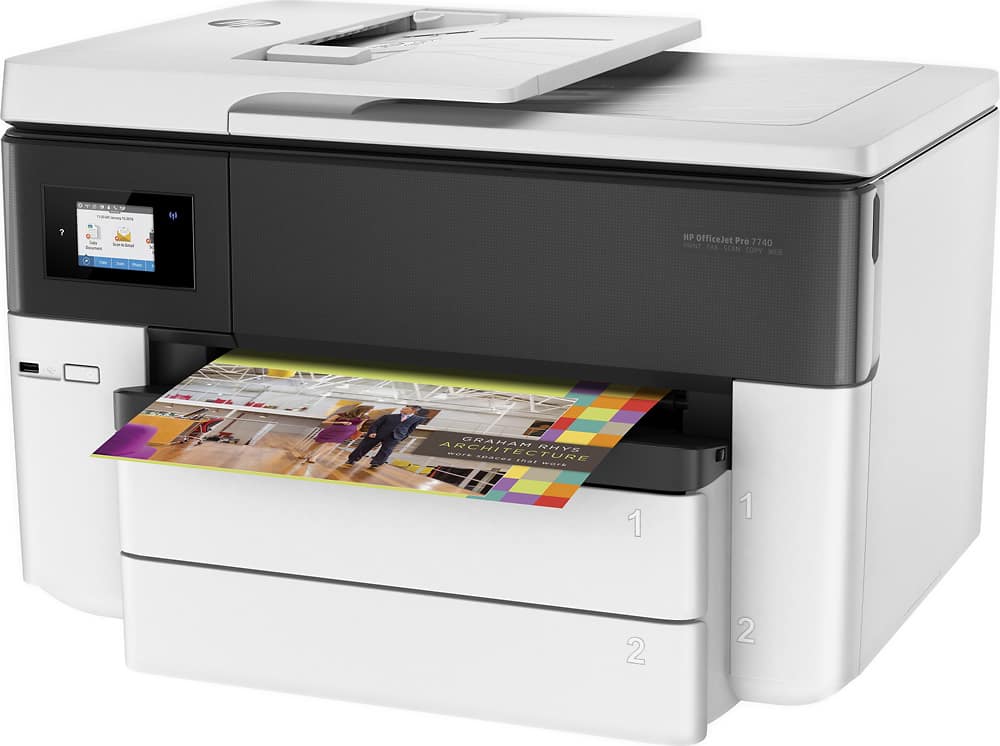
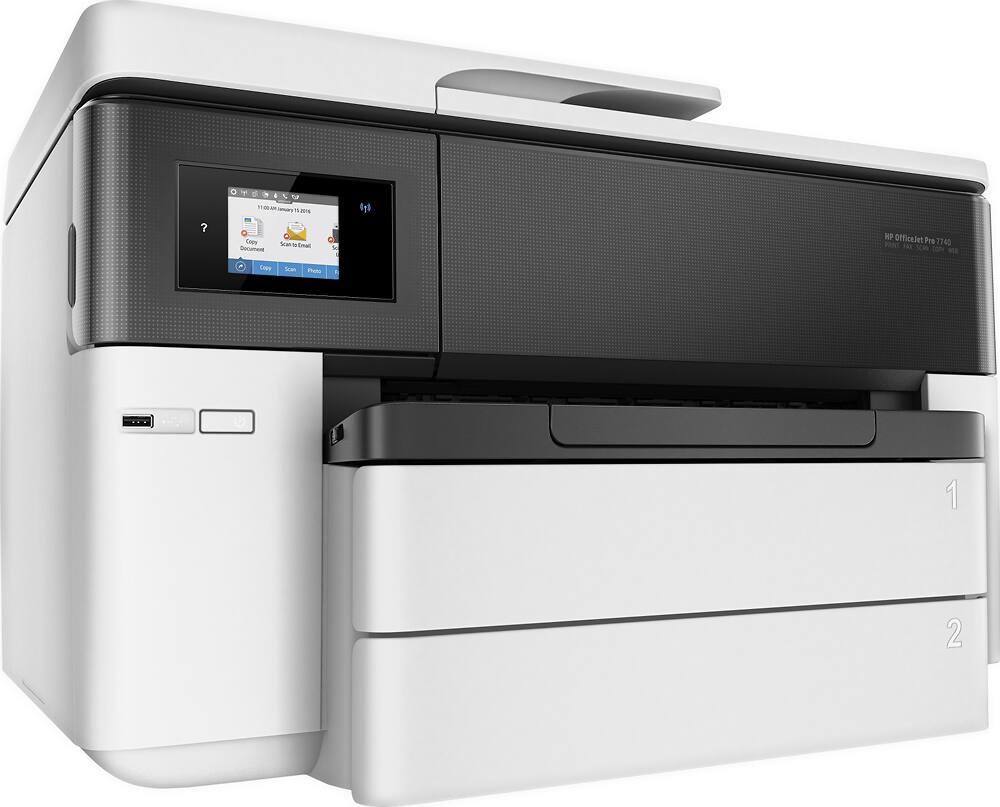
A:AnswerThank you for the question. Yes, the OfficeJet Pro 7740 is compatible with your Apple phone, using Apple AirPrint or the free HP Smart App for IOS. Yes, you can connect it to a hot spot.
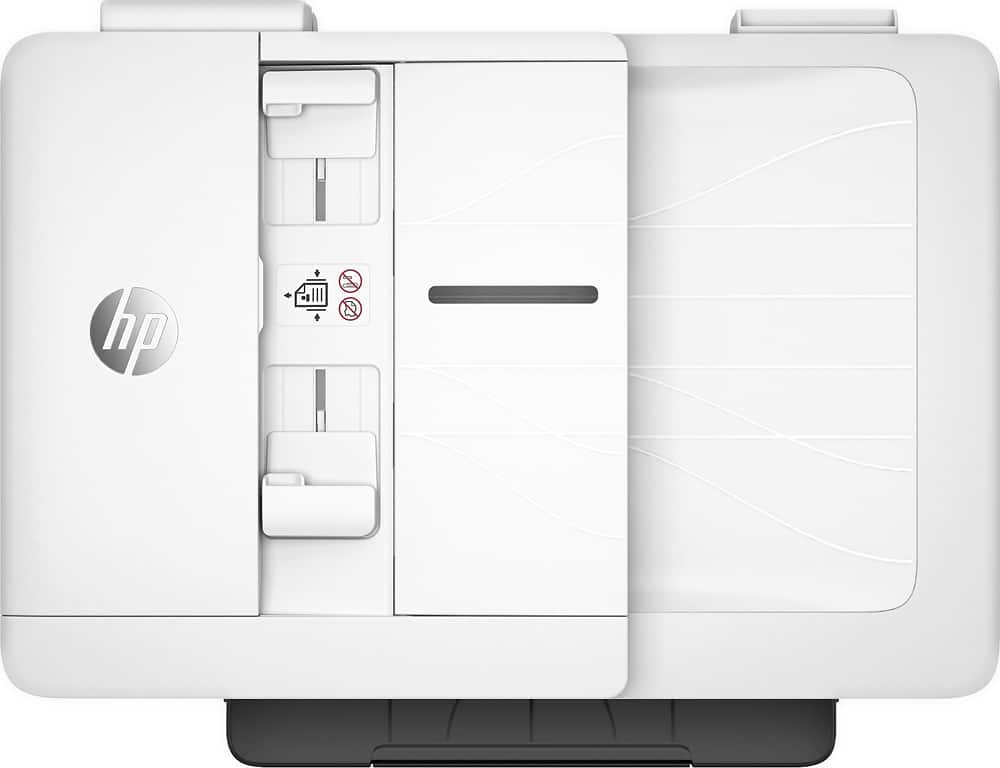
A:AnswerHello. Thanks for your question. The ADF (Auto Document Feeder) on top of this HP OfficeJet Pro 7740 Wide Format All-in-One Printer can hold up to 35 pages.
A:AnswerHi Susan, thank you for the question. The OfficeJet Pro 7740 will scan 2-sided documents up to 8.27" x 11.69", and one sided up to 8.5" x 14" using the document feeder. 11 x 17" scans would be done on the scan bed only, single-sided.
A:AnswerThank you for the question. The OfficeJet Pro 7740 has a maximum capacity of 25 #10 envelopes. No other envelope sizes are noted as supported, but that doesn't mean that you cannot load them. This model supports media sizes from 4 x 6" to 11 x 17", and you will be able to adjust the paper guides for loading small quantities of different sized envelopes.
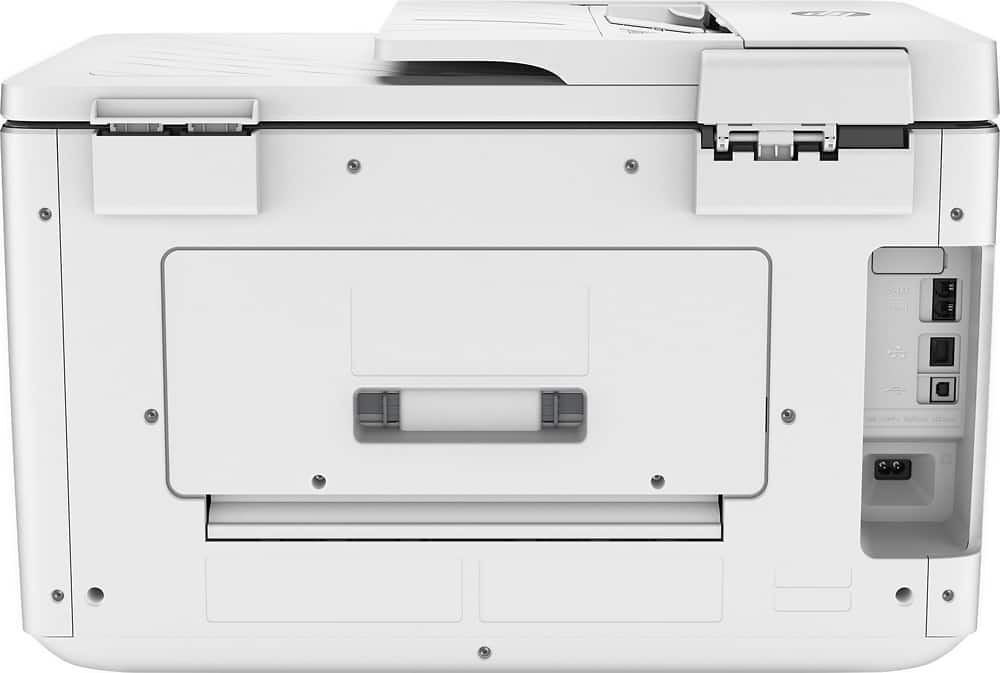
A:AnswerThank you for the question. The phone cable is for connecting the printer's fax to your telephone landline. It has an RJ-11 connector on each end and will only fit into the phone port on the printer, with the other end connected to your telephone outlet in the wall.
A:AnswerHello. Thanks for your question. This HP Officejet 7740 printer comes with setup cartridges in the box. The yield of setup cartridges varies by model but tends to be enough to get the average user through setup and initial printing jobs.
A:AnswerHi Justin! Thank you for your question. The HP OfficeJet Pro 7740 Wide Format All-in-One Printer does support postscript only for Mac OS X and with Windows, it supports PCL 3 and GUI.
A:AnswerHello, all HP devices come with a one-year limited manufacturer's warranty. If so desired, you can purchase additional warranty information from HP called the HP Care Pack. Thank you for being an HP customer!
A:AnswerYou're talking about a piece of film that already has something on it, correct? If so, the answer is going to be "it depends". Are you printing on an area of the film that already has something on it? If not, you'll probably be fine, if the film is designed for use in an inkjet printer. If you're printing on an part of the film that already has something on it, it may well damage the print, if the ink you used was a dye-based ink.
A:AnswerIf you mean to print so that you take your 8-1/2 x 11 paper and fold it landscape and get a little booklet out of it - yes it does, but that is a function of the software that you are using more than the printer's job. Look for "booklet" in the help file or search the web for that function (the better option really) for the software you are using, and you should find the info you need. From there, it's just a matter of sending it to any printer. I've used my 7740 to print booklets before.
A:AnswerThank you for reaching out. You mentioned A2 cards, but you also mentioned 4 1/4 x 5 1/2". For A2 cards, no. That's approximately 16.5 x 23.5", and this printer will handle media up to 11 x 17". Card stock is not a recommended media per the product specification. The Office Jet Pro 7740 will print 2-sided automatically.
A better choice for printing 4 1/4 x 5 1/2" would be the OfficeJet Pro 8025e. The paper path supports cards up to 110 lb, and it prints 2-sided automatically. See it here: https://www.bestbuy.com/site/hp-officejet-pro-8025e-wireless-all-in-one-inkjet-printer-with-6-months-of-instant-ink-included-with-hp-white/6450663.p?skuId=6450663