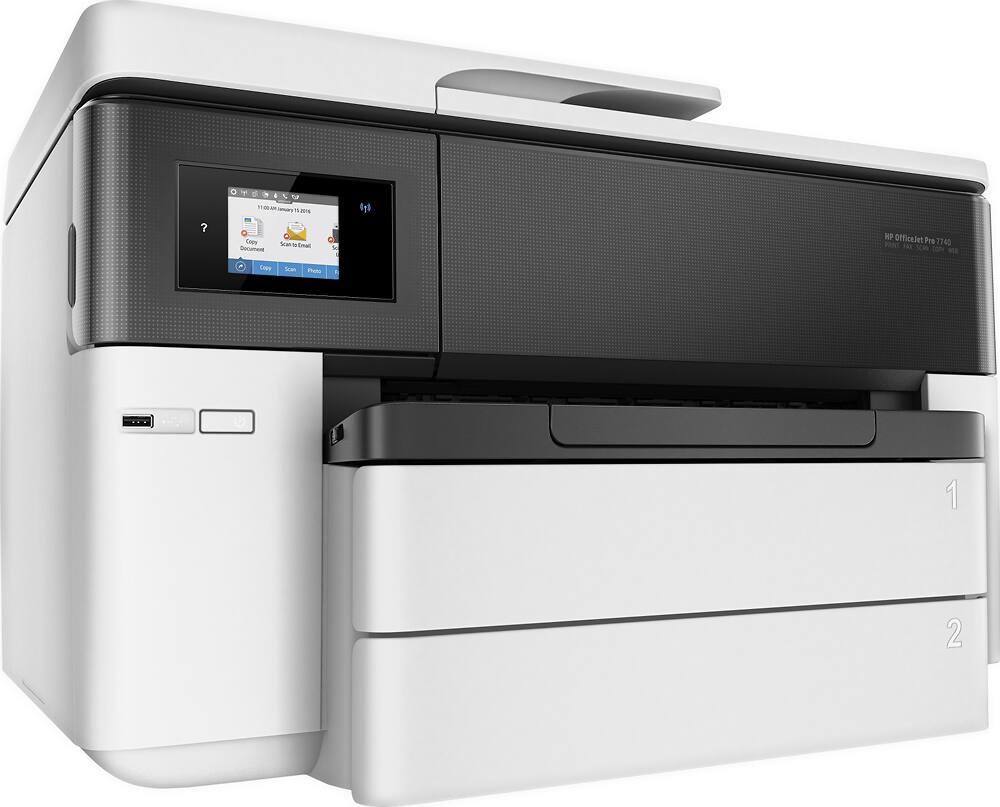
A:AnswerHi Bana, thank you for the question. Yes, the OfficeJet Pro 7740 will scan to email, PC or Mac, the cloud, or a USB drive using the control panel.
A:AnswerHello. Thanks for your question. This HP OfficeJet Pro 7740 Wide Format All-in-One Printer has the capability to reduce or enlarge copies from 25 to 400%.
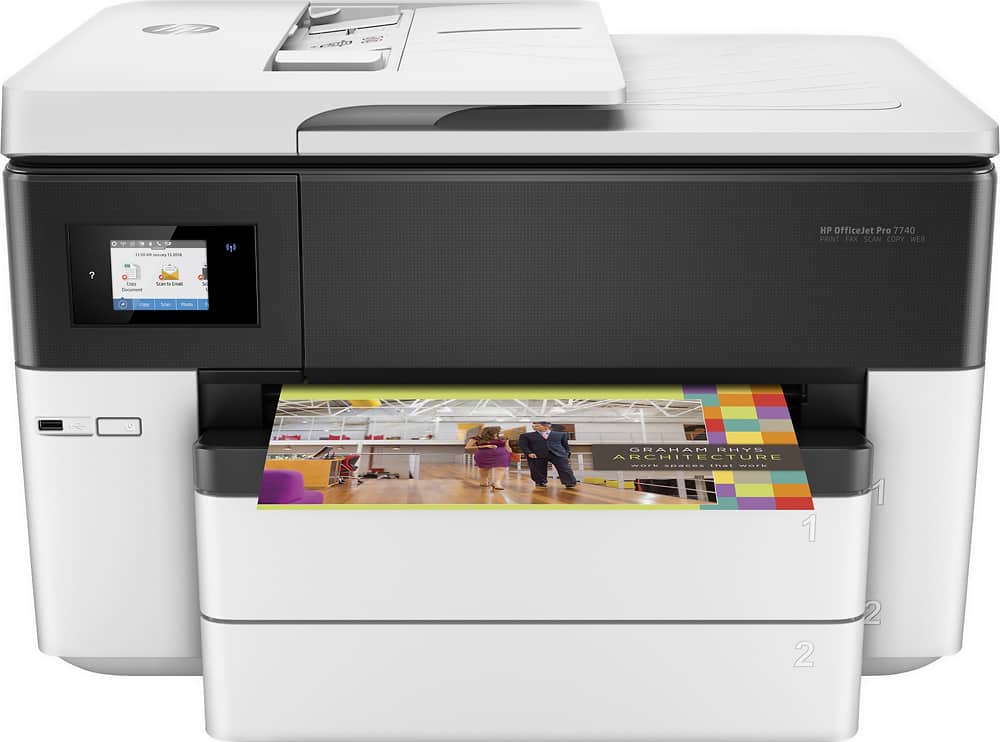
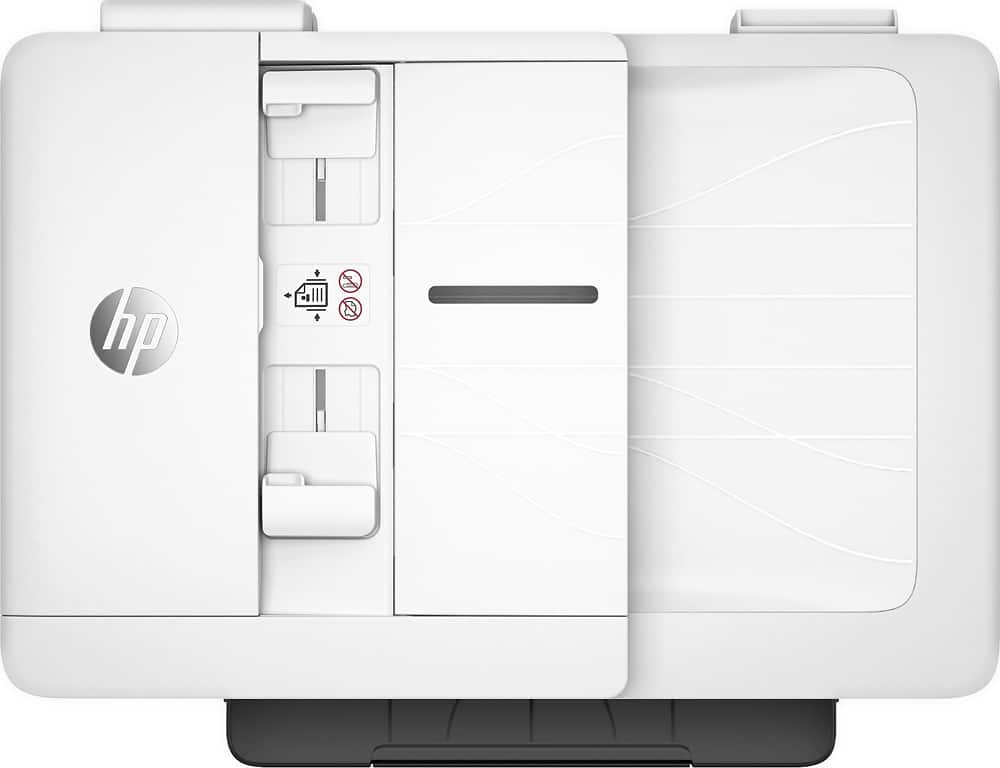
A:AnswerThe OfficeJet Pro 7740 printer has a 35 page auto document feeder and (2) 250-page paper trays. There is not a multi-purpose tray included with this printer.
A:AnswerHello. Thanks for your question. Yes, you can set up the HP Officejet 7740 with HP ePrint. HP ePrint essentially gives the printer an email address so that you can email items like a PDF to the printer and it will print the PDF. As long as it is connected to the wireless network, you can email it from anywhere and the printer will print the email and its attachments. Here are the instructions on how to set up HP ePrint. https://support.hp.com/us-en/document/c03721293
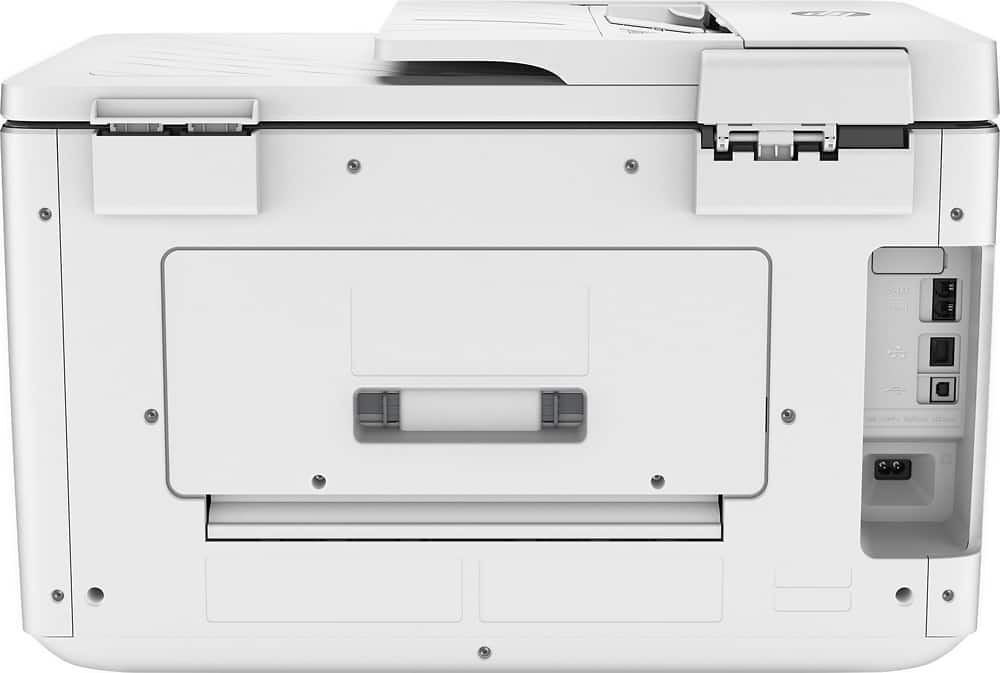
A:AnswerHere is what HP list's for the power on this model. Power Supply Type: Internal (Built-in) Universal Power Supply; Power Requirements:
Input voltage: 100 to 240 VAC (+/- 10%), 50/60 Hz; Power Consumption: 37 watts
maximum, 0.20 watts (Manual-Off), 6.5 watts (Standby), 1.47 watts (Sleep
A:AnswerHi, thank you for the question. Bluebacks are coated for use with solvent inks, i.e. latex inks. The OfficeJet Pro 7740 uses dye and pigment inks. It may not provide the results you're seeking (that said, the 7740 does support glossy media, as in photo papers). The printer supports presentation media up to 180/ and the requested 9 1/2 x 12 size.
A:AnswerHi, thank you for the question. Yes. The OfficeJet Pro 7740 has a wireless capability of 802.11 b/g/n. 802.11n is a frequency that operates in Dual Band mode. The protocol will support 2.4GHz and 5GHz.