A:AnswerYes, it does print both sides and copy both sides. The quality of the printing is very clear. I'm very happy that I purchase this printer, and I'm 100% satisfied with it..
I would recommend it to any one who is looking for a good and affordable printer.
A:AnswerTerrible! Ordered online set it up and it wouldn't print alignment page. Called geek squad they told me to run maintenance program. Umm... this is brand new so I shouldn't have to run a maintenance program. I am returning it. I bought a 5000 series set it up no problem.
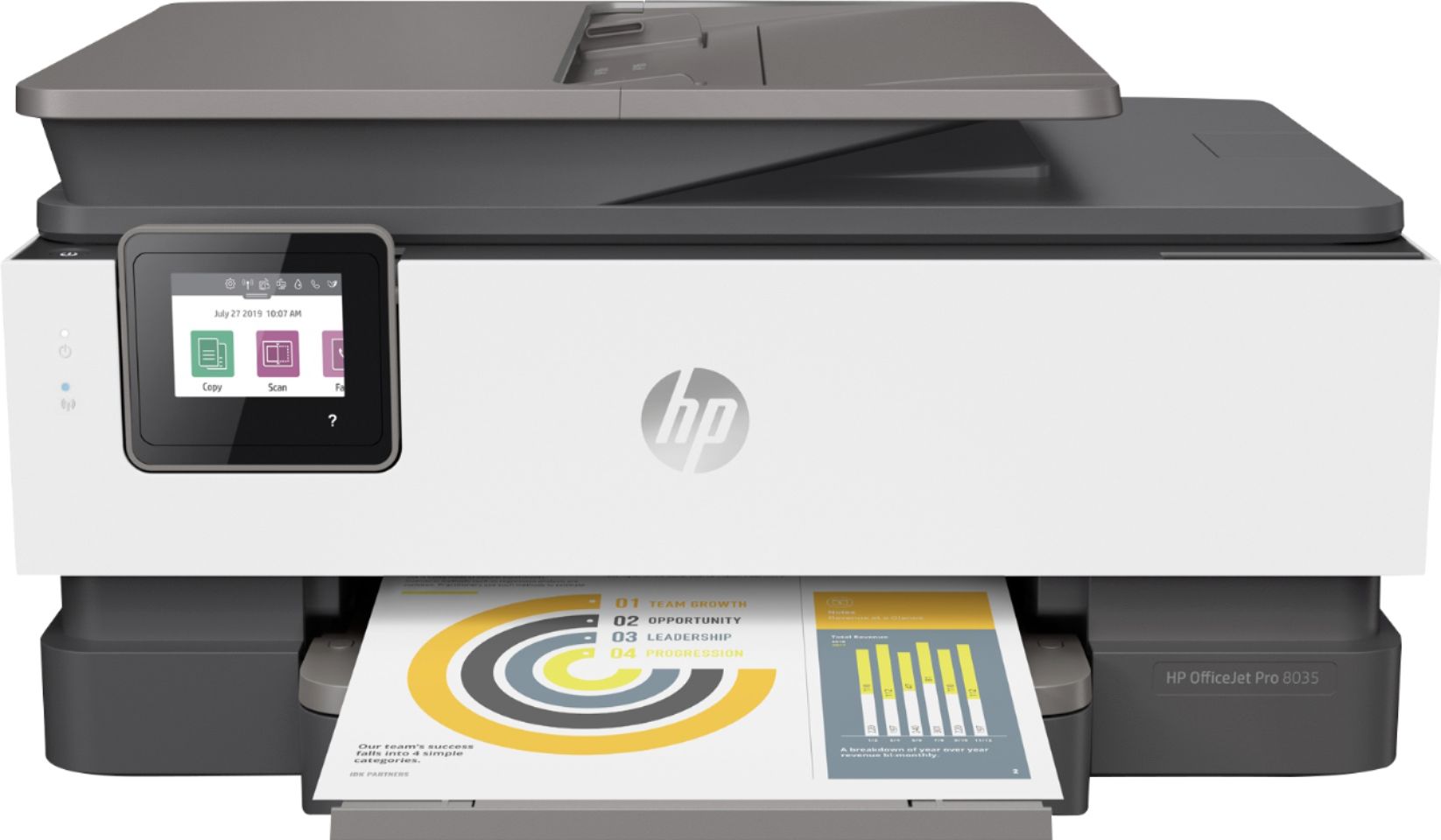
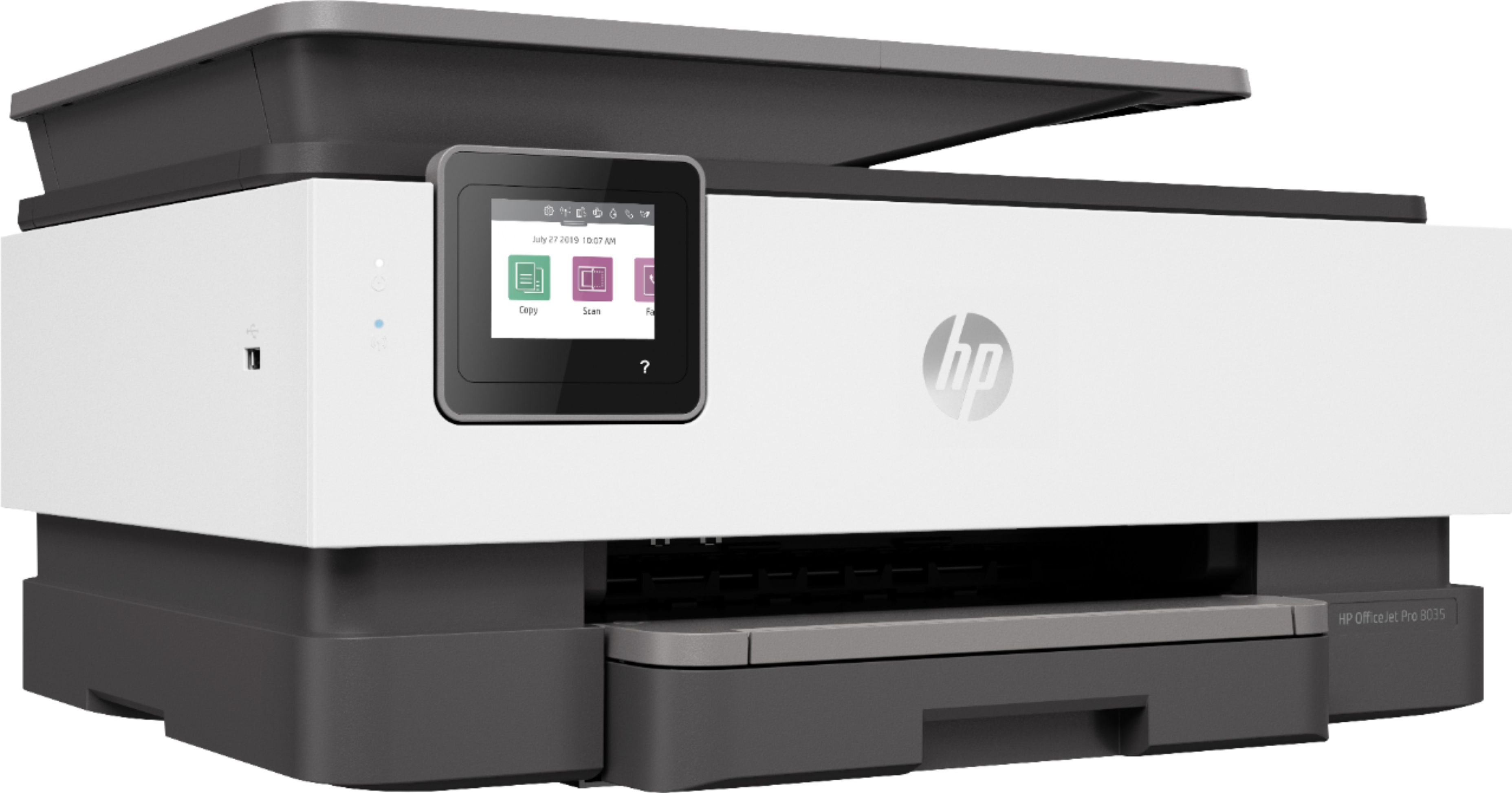
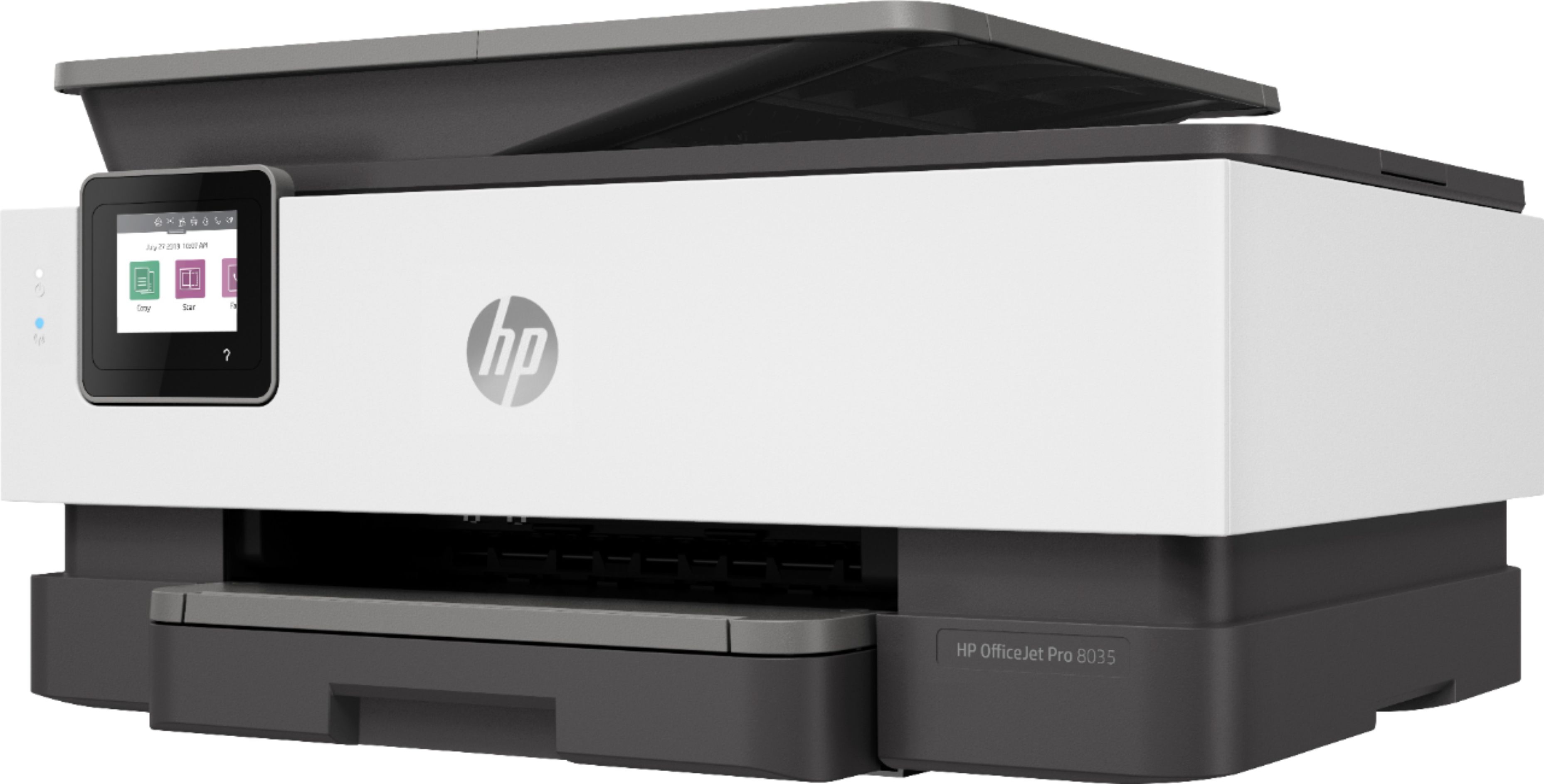
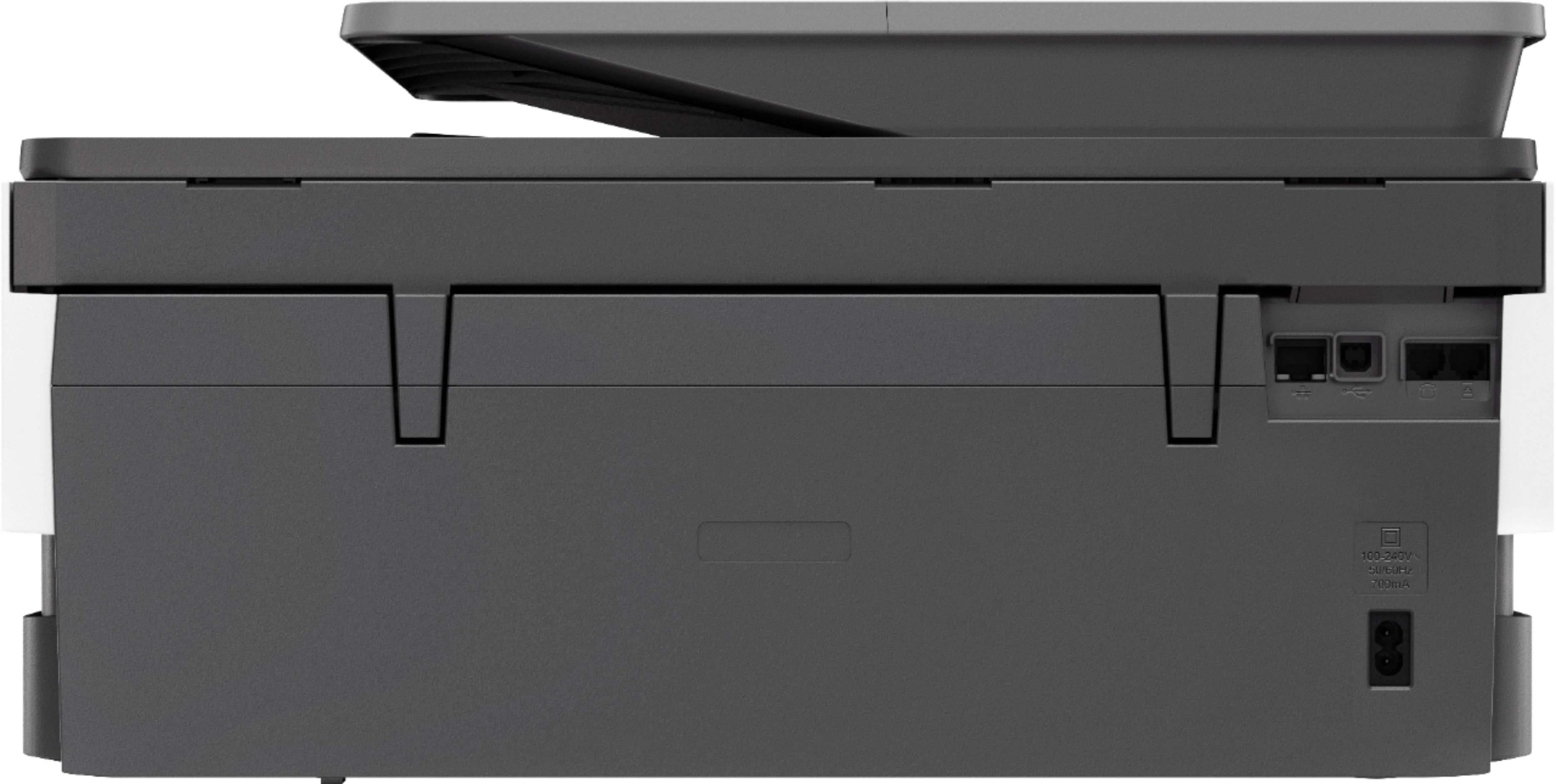
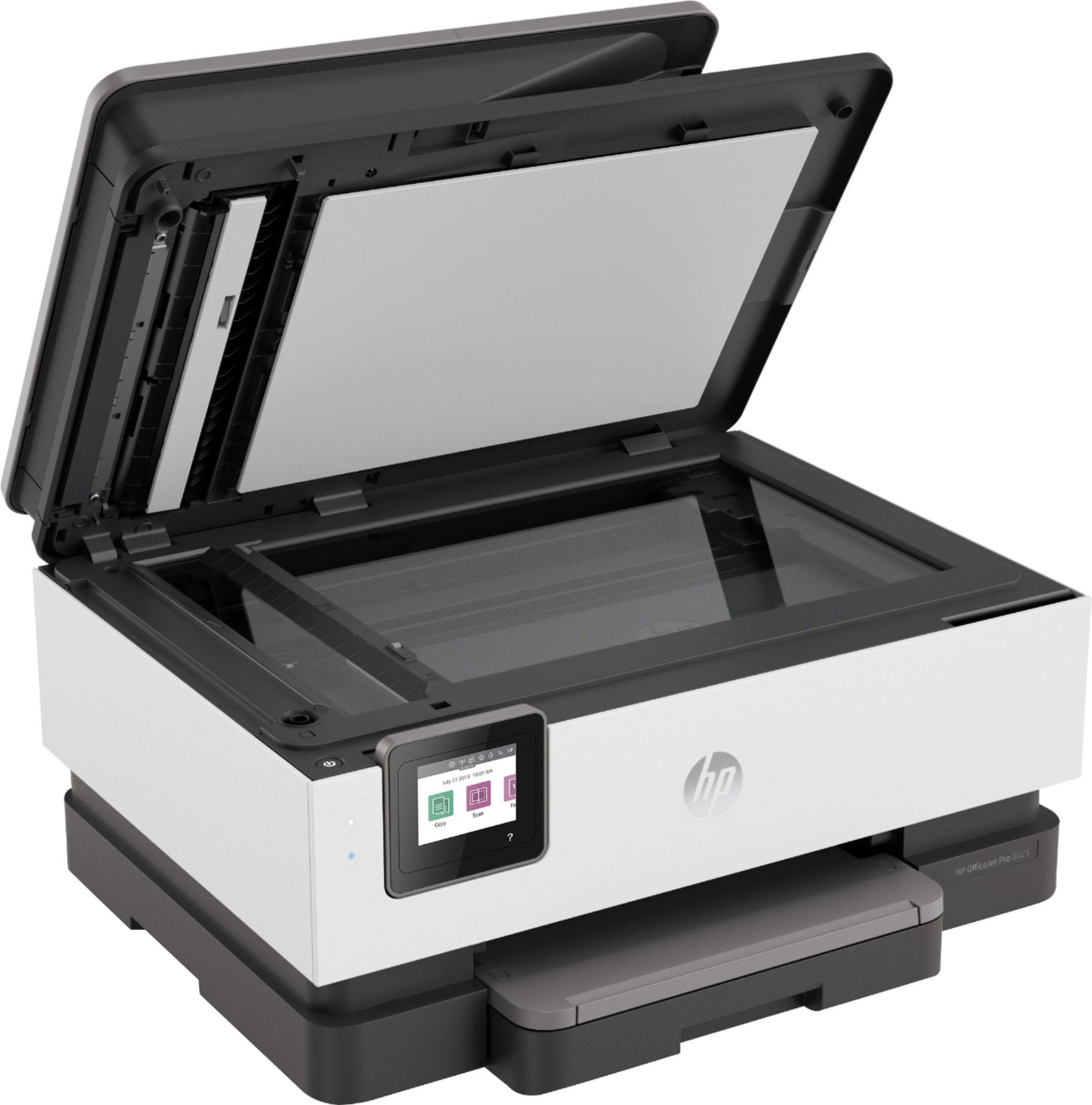
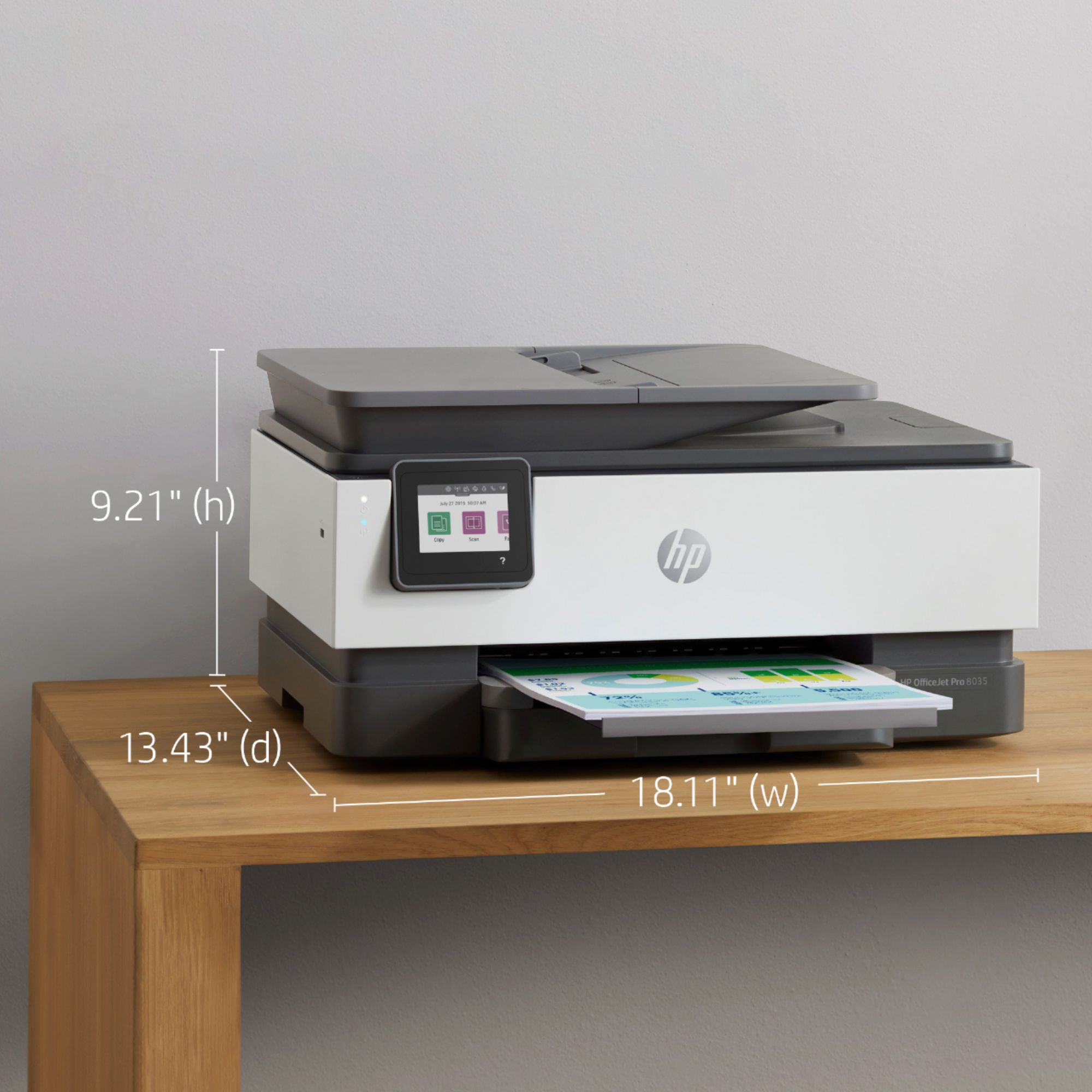
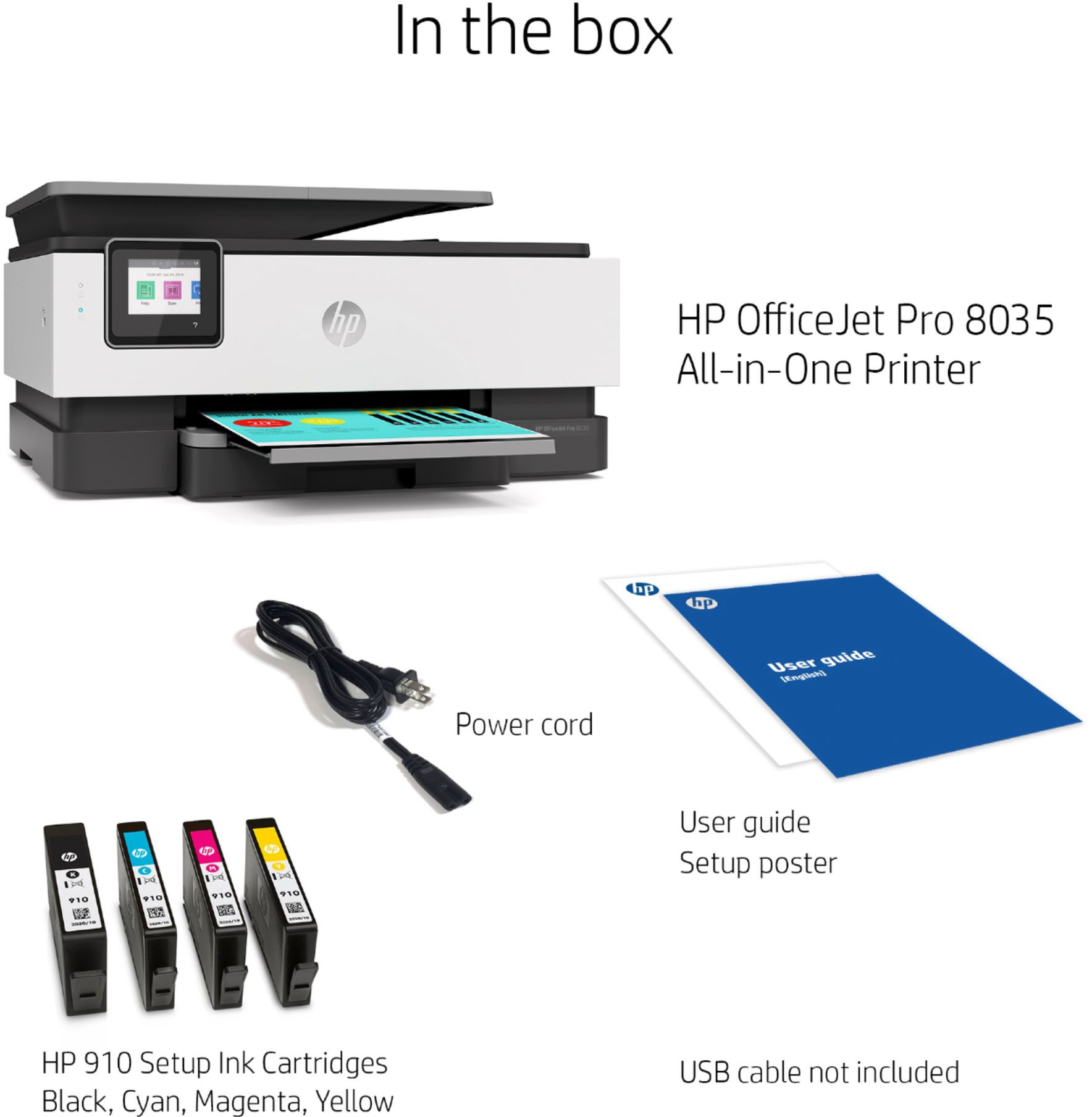
A:AnswerThe only printers that cannot be connected to the computer using the USB cable is the Tango and Tango X printers. Not all HP printers have auto document feeders. The HP OfficeJet Pro 8035 printer does have an auto document feeder.
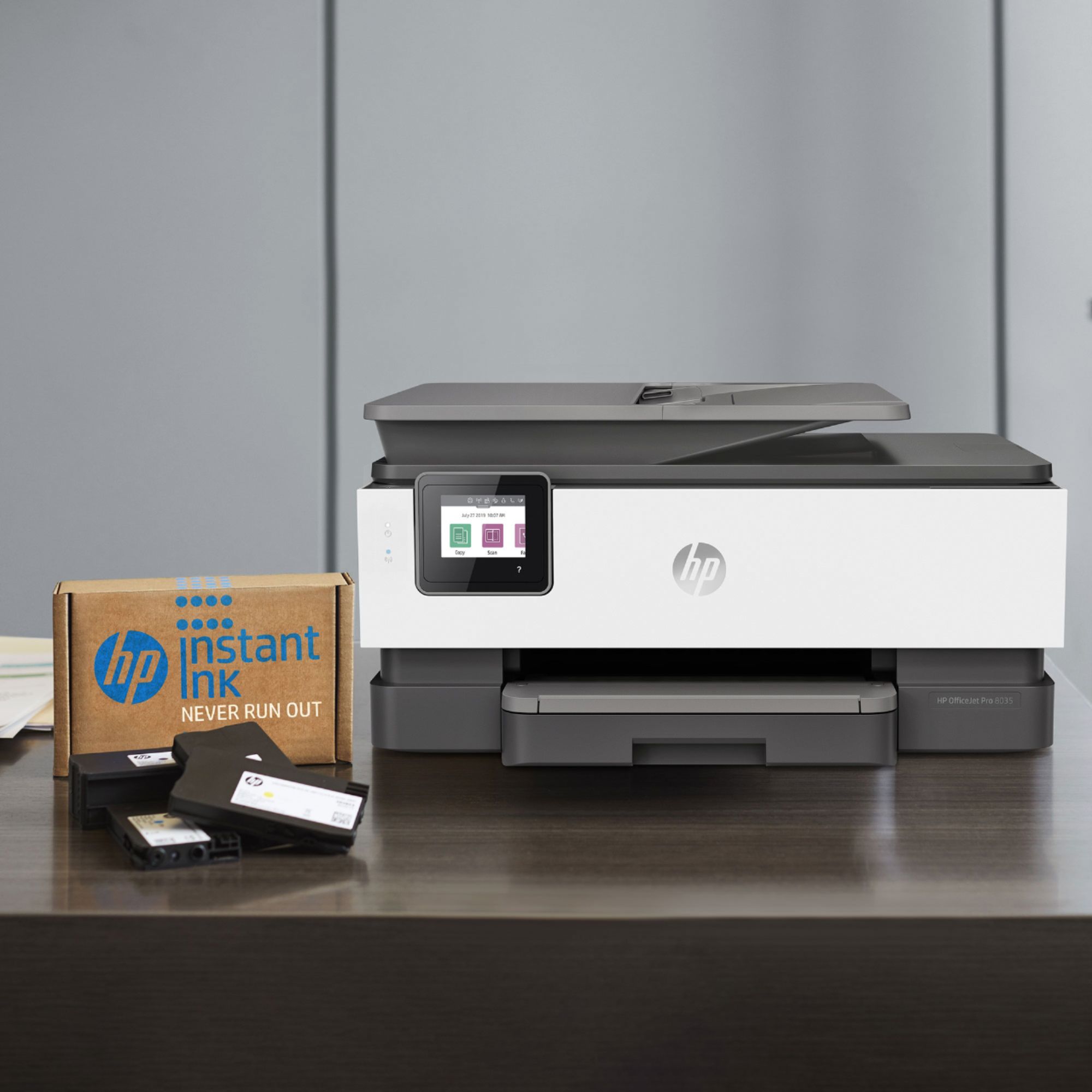
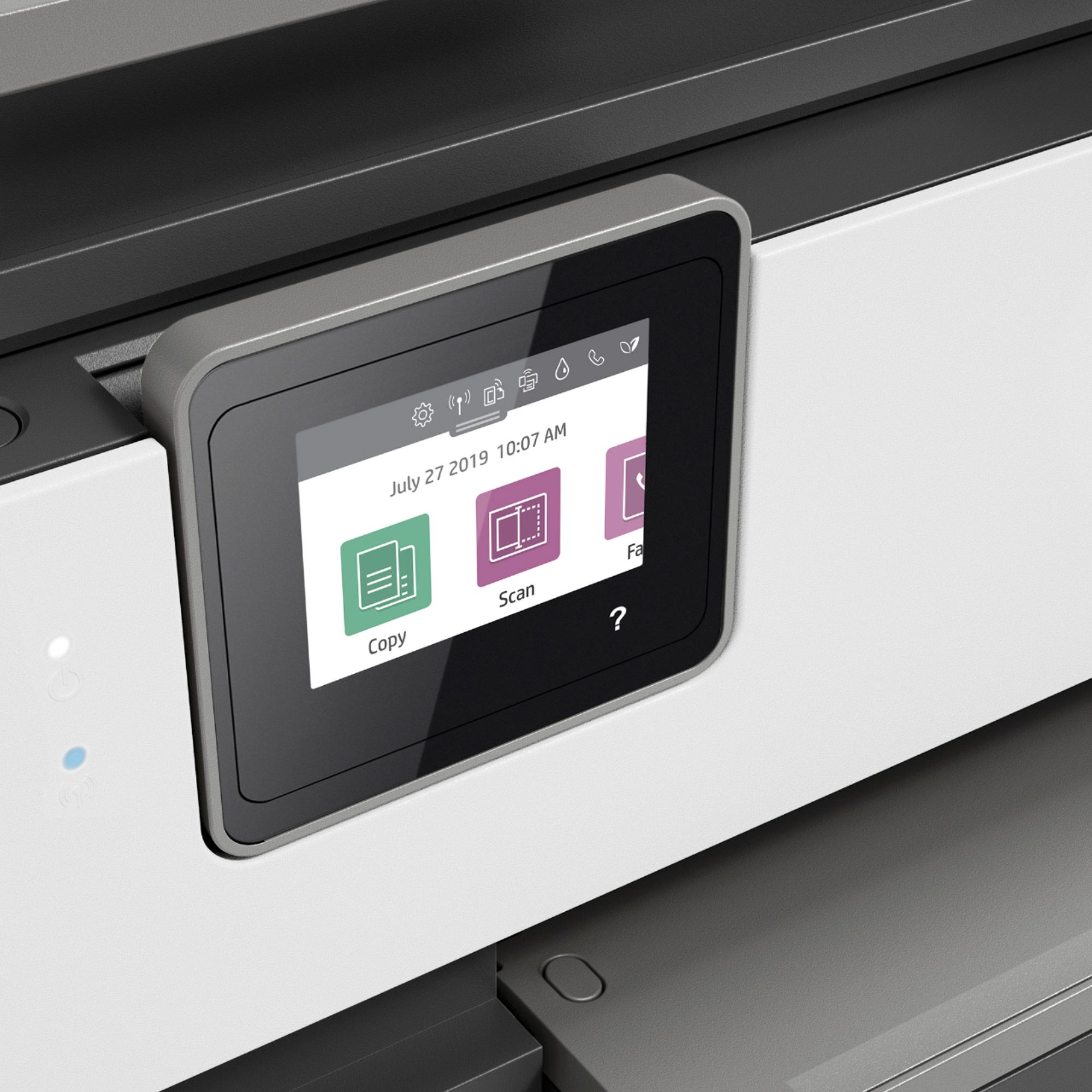
A:AnswerYes, both the OfficeJet Pro 8025 and 8035 printers have the same printing speeds. The only differences will be that the OfficeJet Pro 8035 has a front USB port to print photos or scan to a USB flash drive. It also comes with 8 months of HP Instant Ink based on the $5 plan.