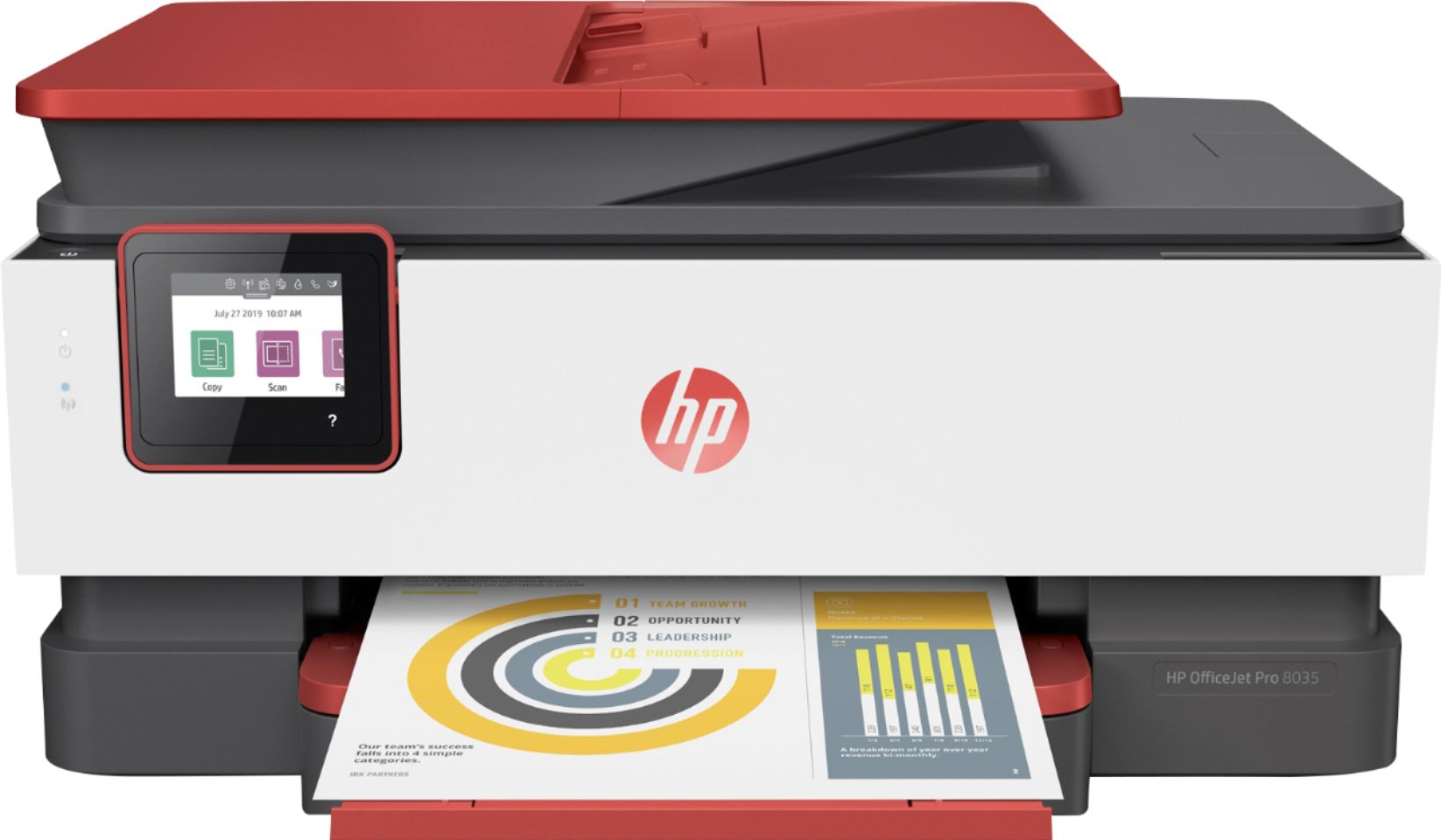
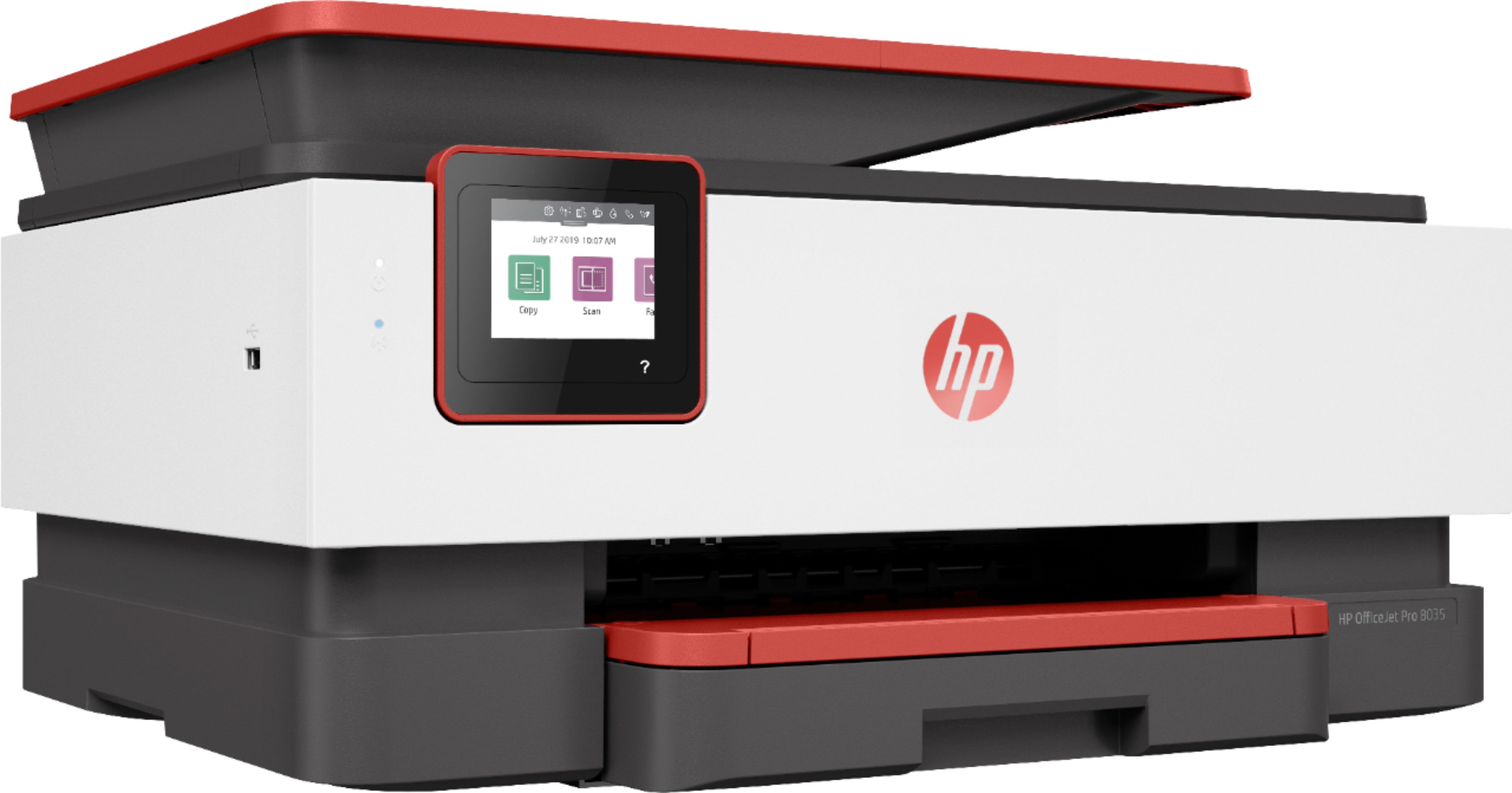
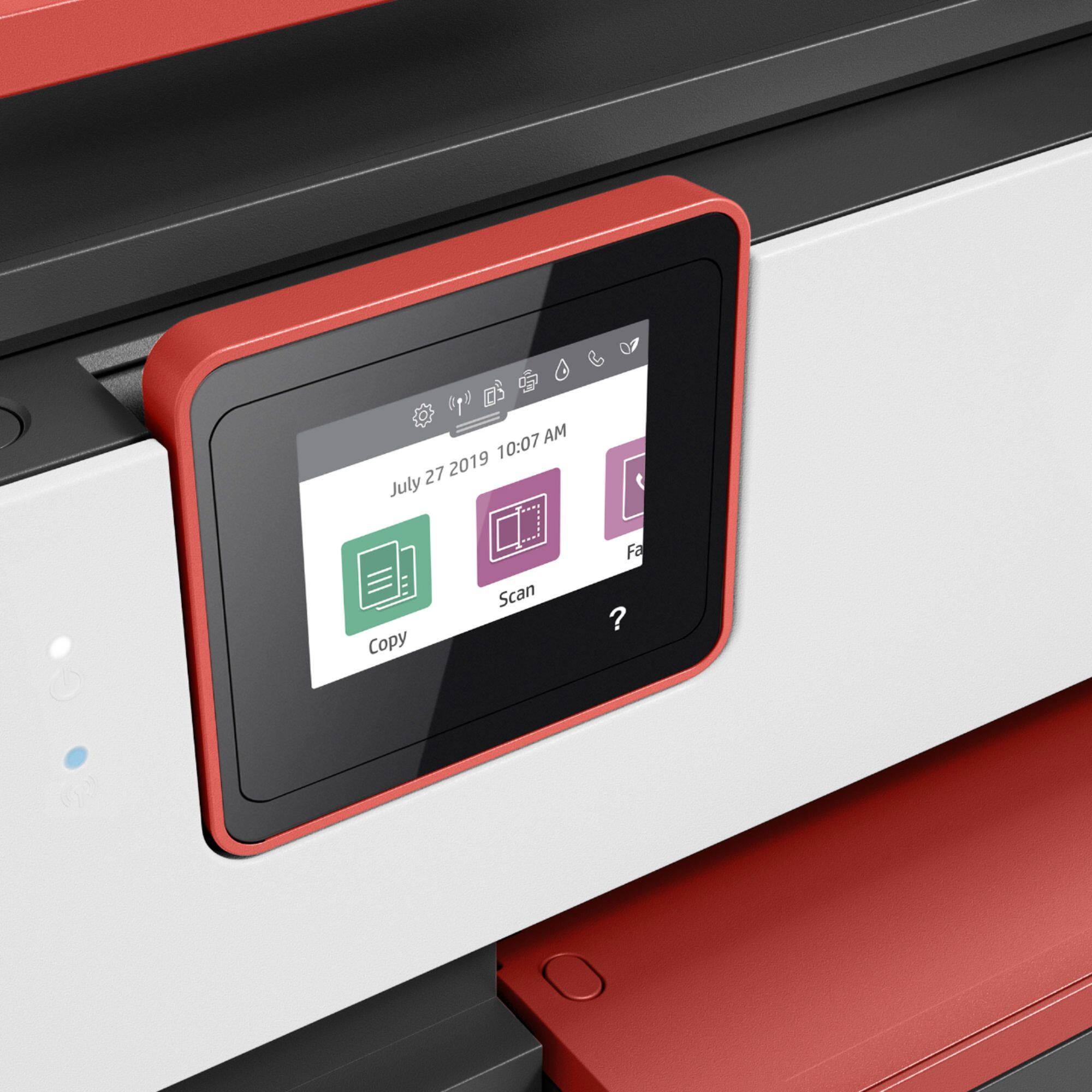
A:AnswerFirst is patience. There’s a button on each side of the tray cover, I put the tray in first then try to put the top on and slide it while pressing the buttons.
A:AnswerYes, it supports connecting on the 5GHz wifi band. When you set the printer up, during the section on WiFi, just select your 5GHz wifi network. Please note that it will make little or no difference to the printing speed, because the limiting factor is how fast the printer can print, not how fast you push the data to it.
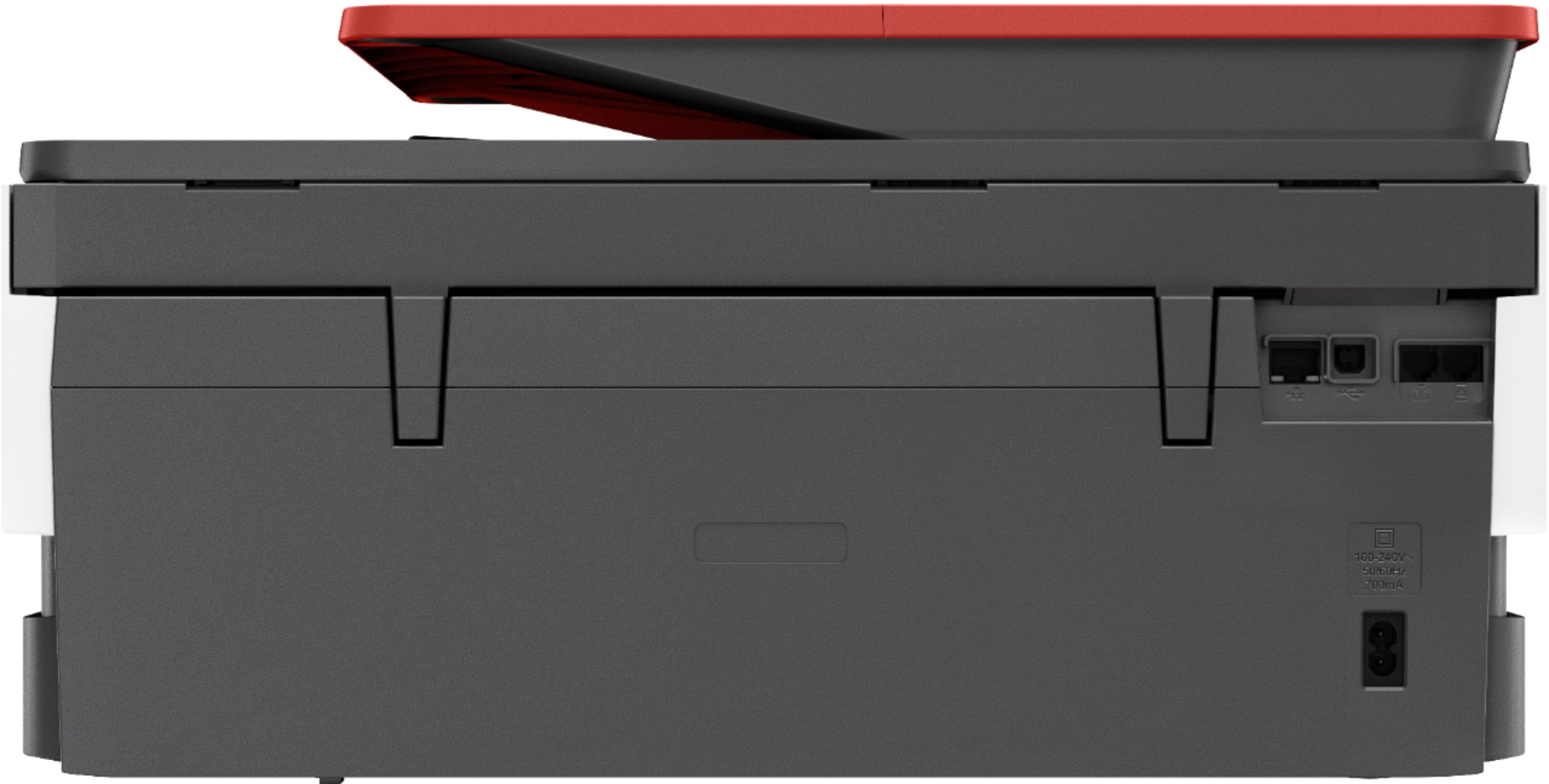
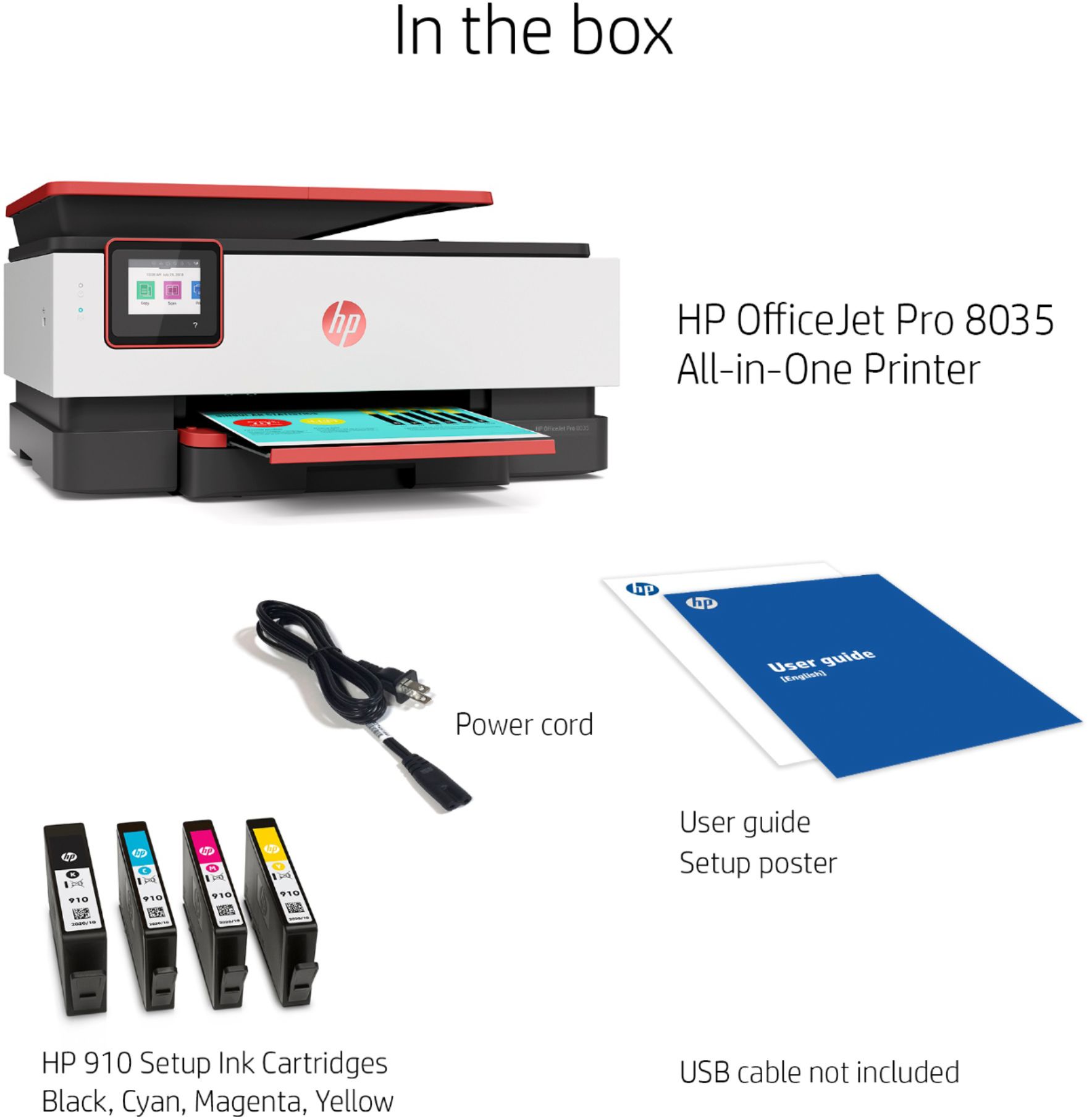
A:AnswerThe 8035e must be connected to a 110 electric receptical. If you purchased this new, it should have come with the power cord. If not, return it, or go back
where you bought it and tell them. Be sure to look in the box, again. Hope this helps, and good luck.
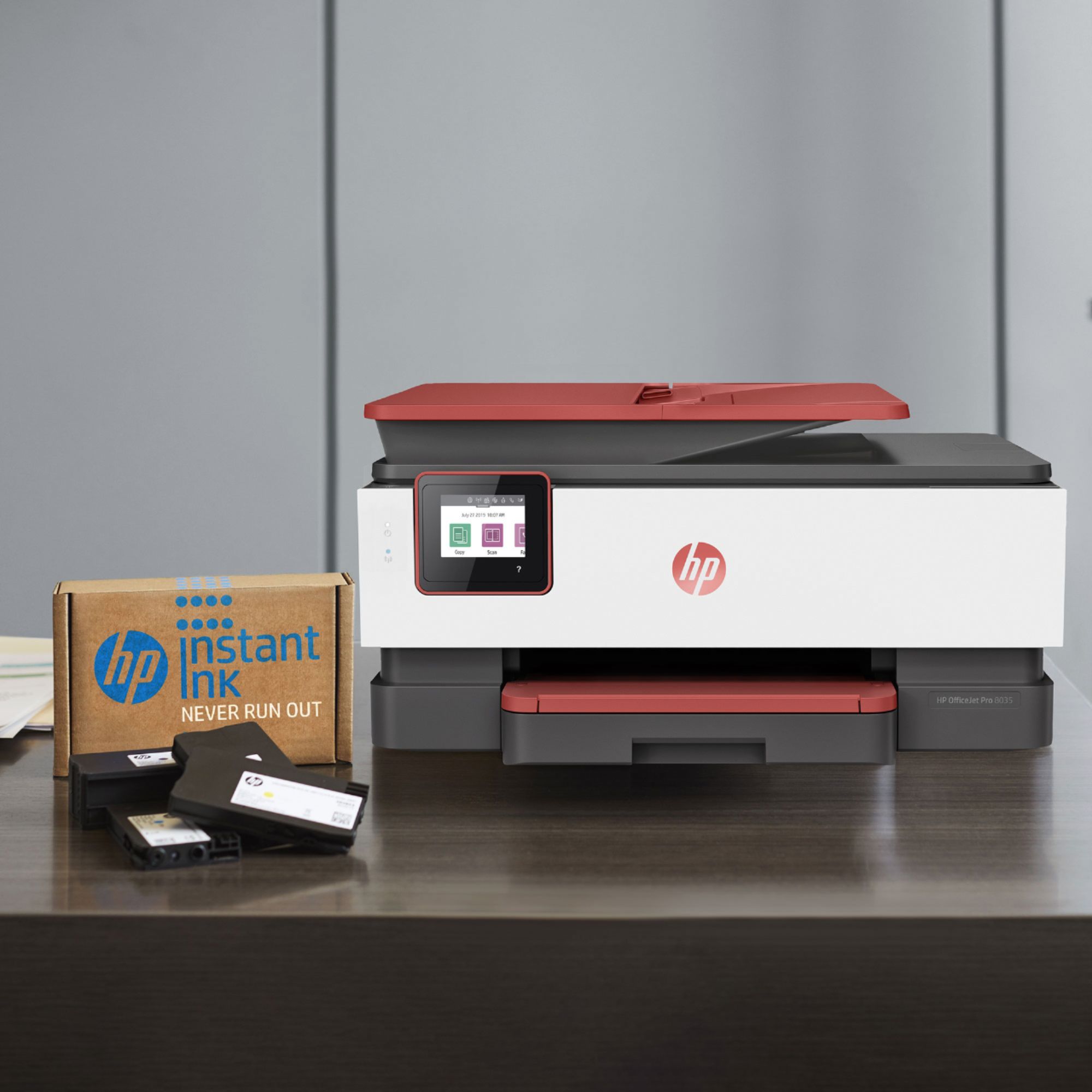
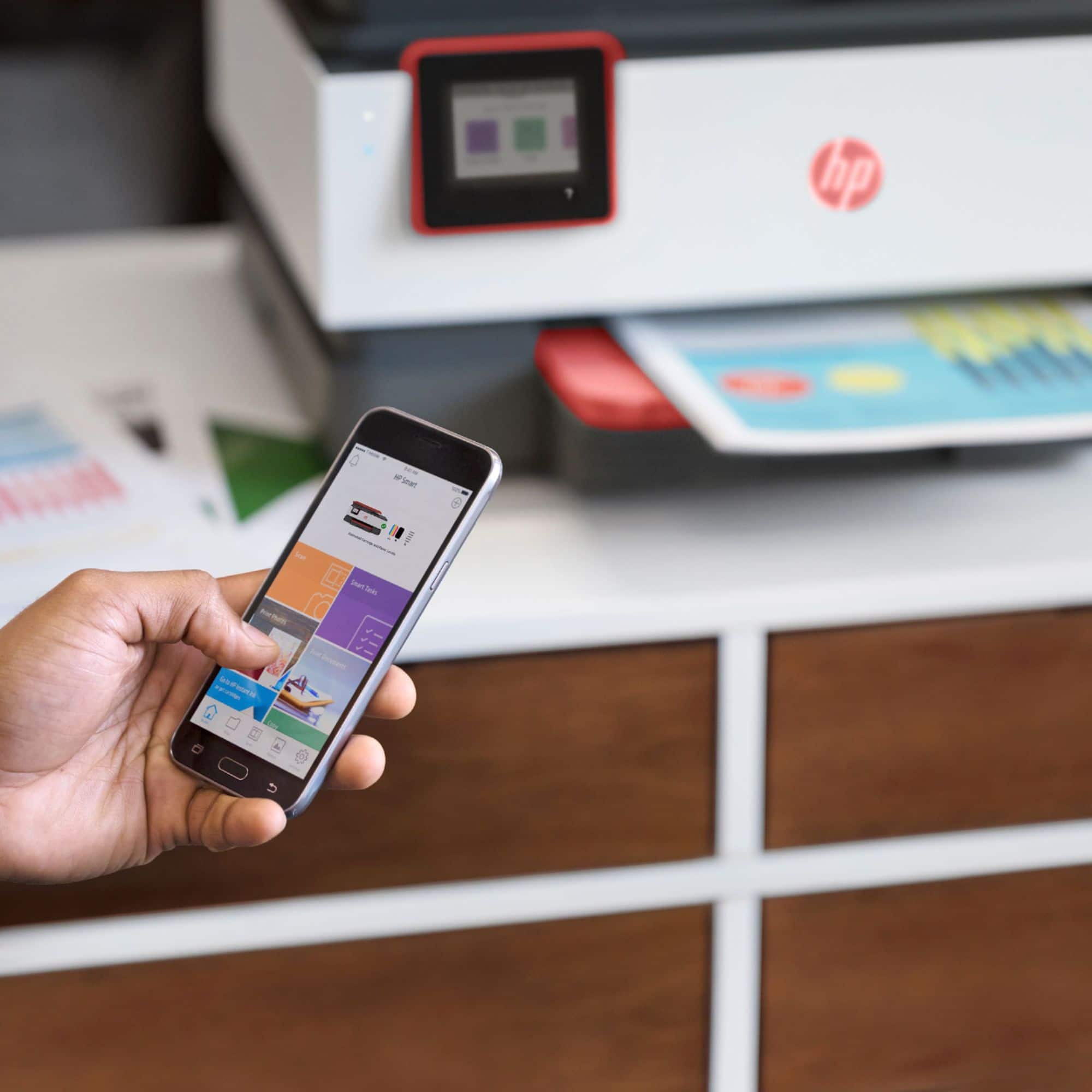
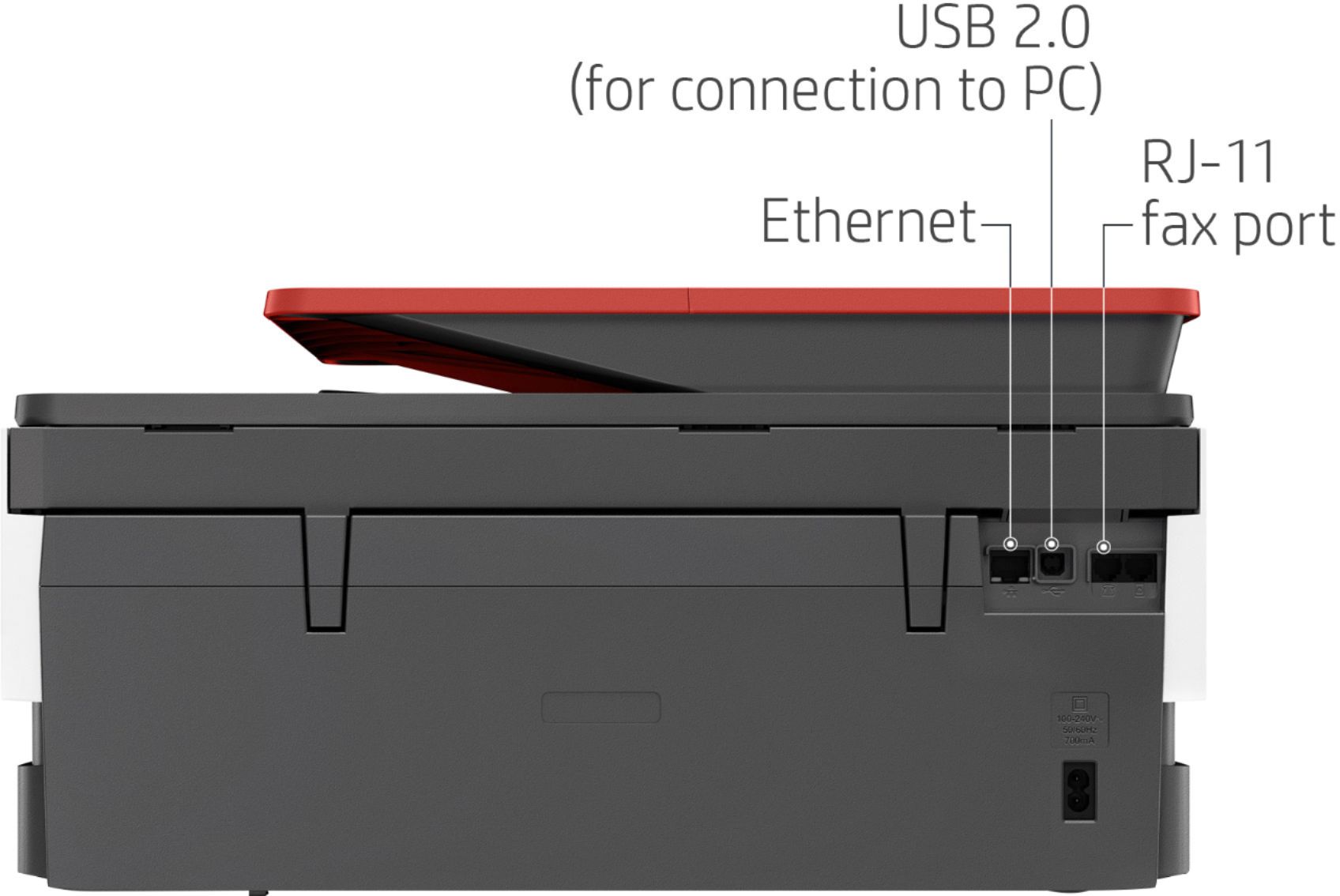
A:AnswerHello, this printer has a USB port because it's in the OfficeJet series of printers. You can use the USB port in the same manner you would use your SD memory card. You can also scan through the cloud, through email, or through the HP Smart App. This is a fantastic printer, especially if you enroll in Instant Ink. Thank you for being an HP customer!
A:AnswerThank you for the question. This model unfortunately does not support dual band wifi connectivity, and will only pair with 2.4Ghz networks. The wireless capability of the OfficeJet Pro 8035e is 802.11a/b/g/n. (5G pertains to your cellular network, not your personal wireless network. The printer will work with any of the wireless network standards.)