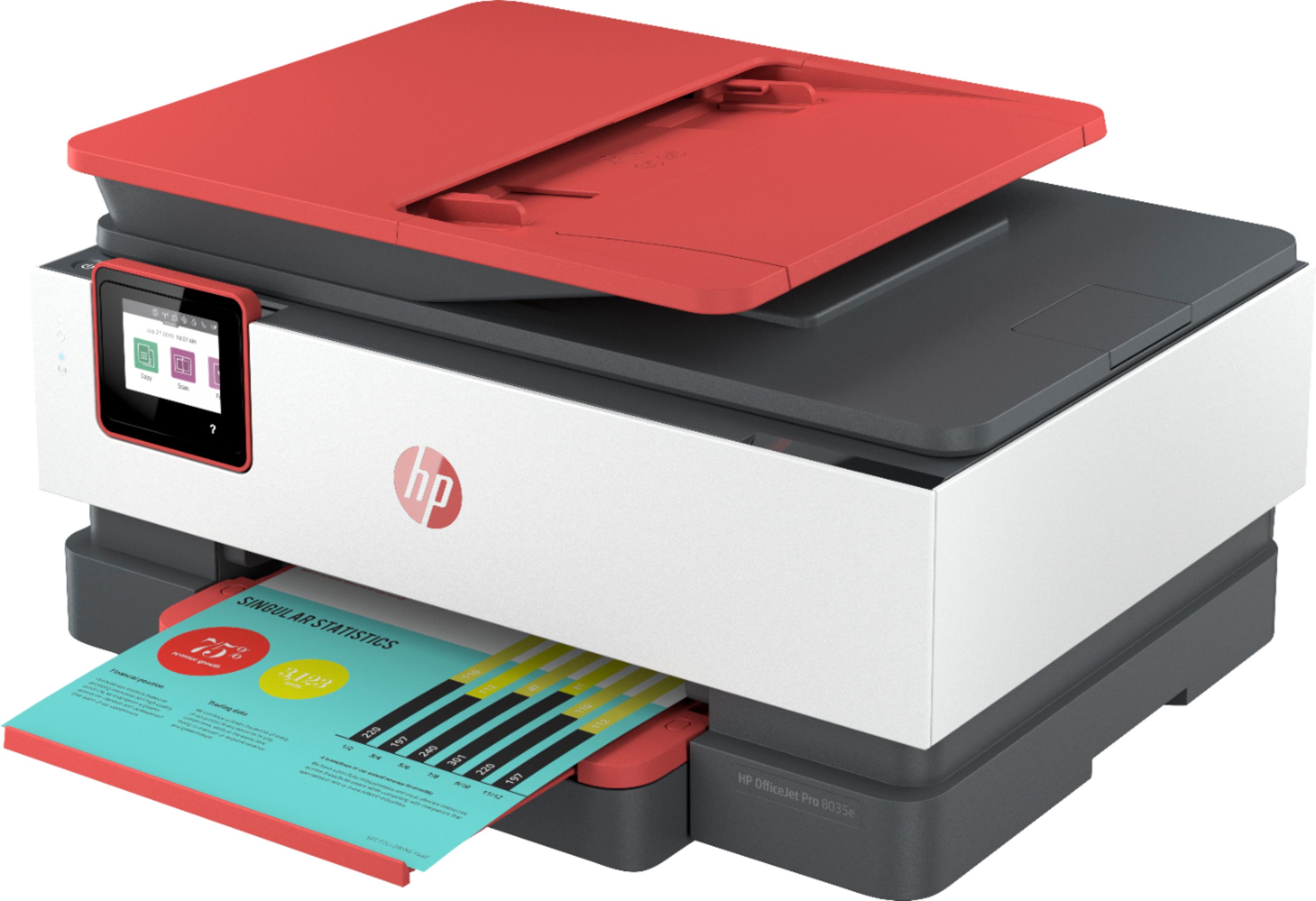
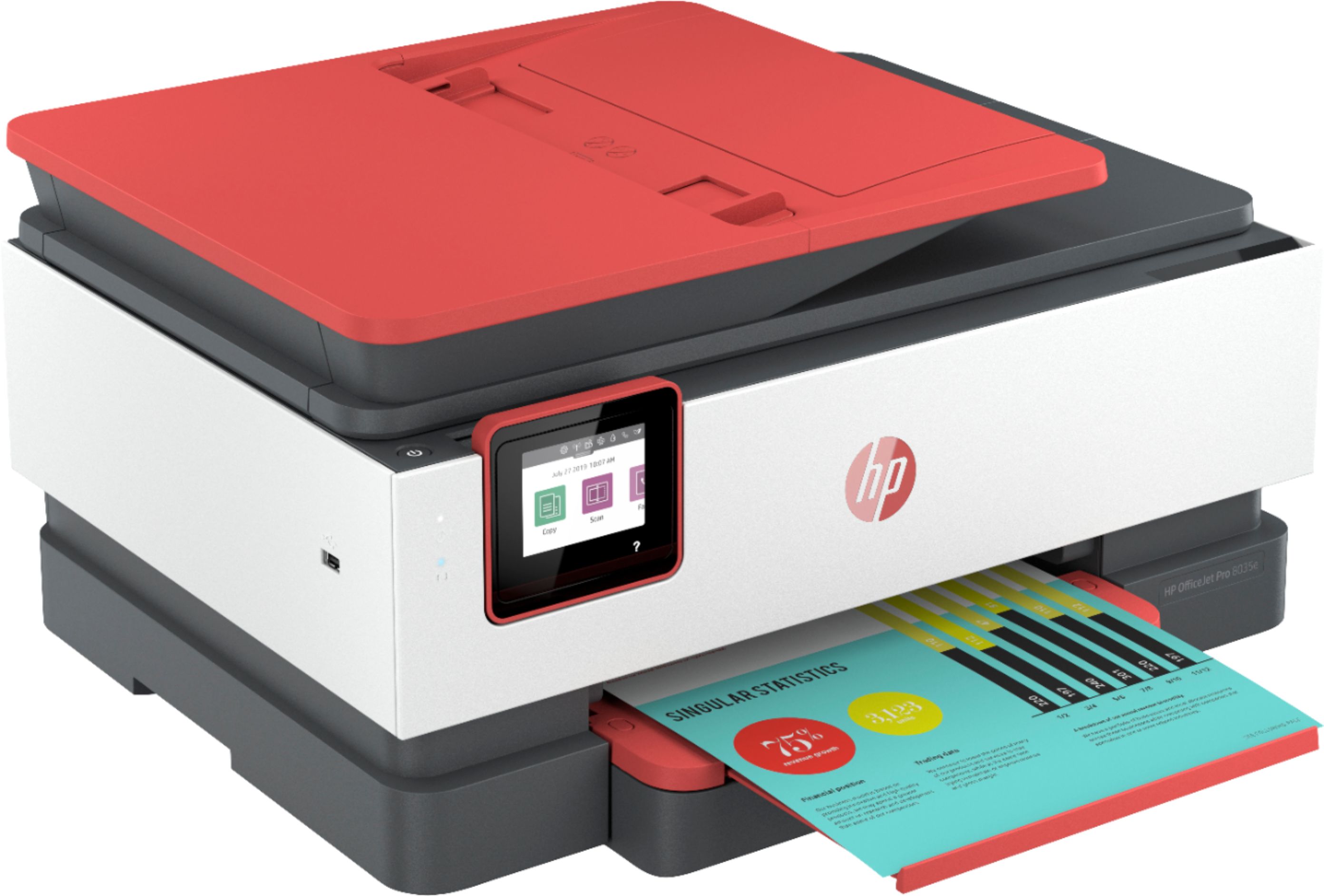
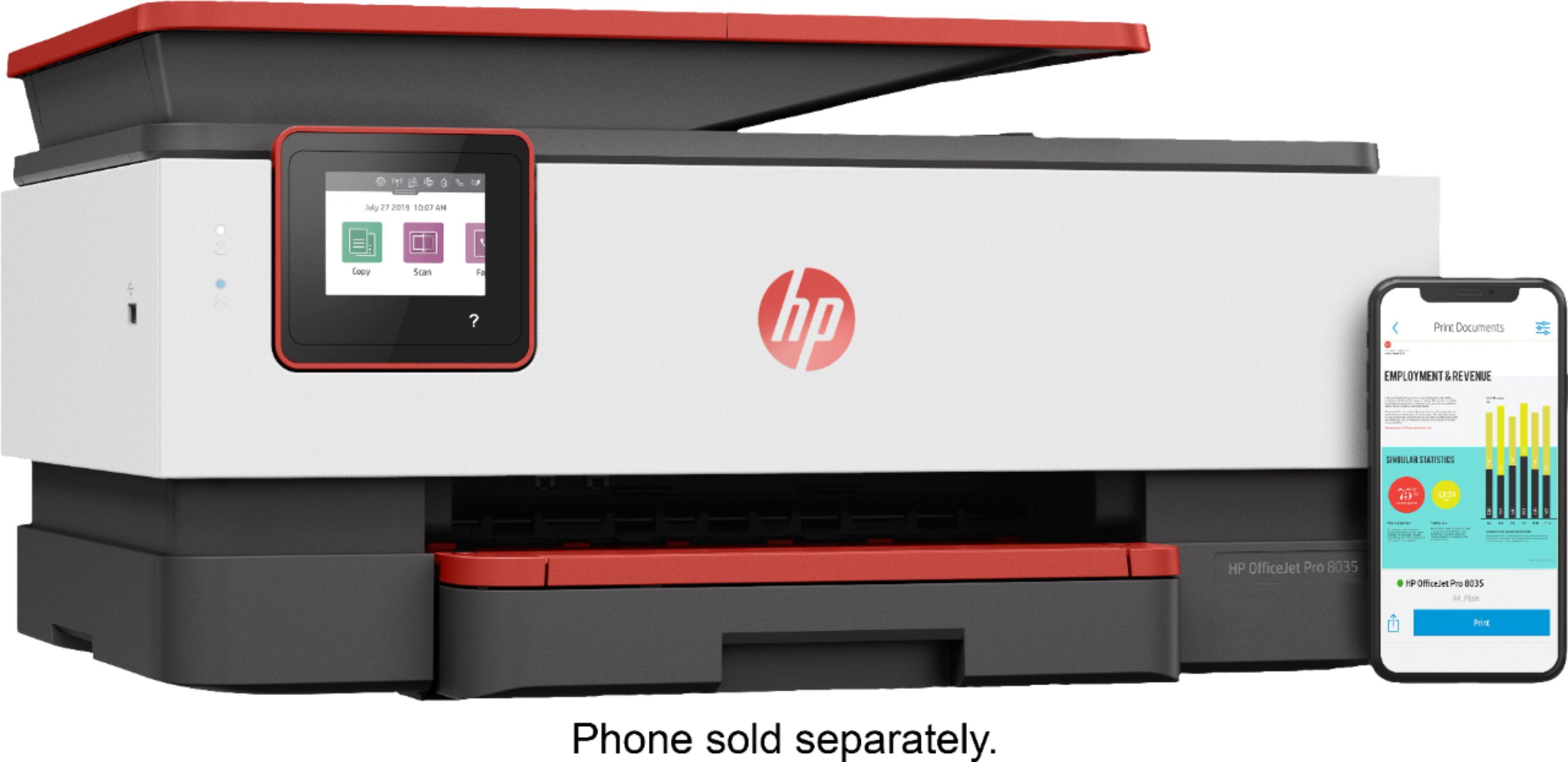
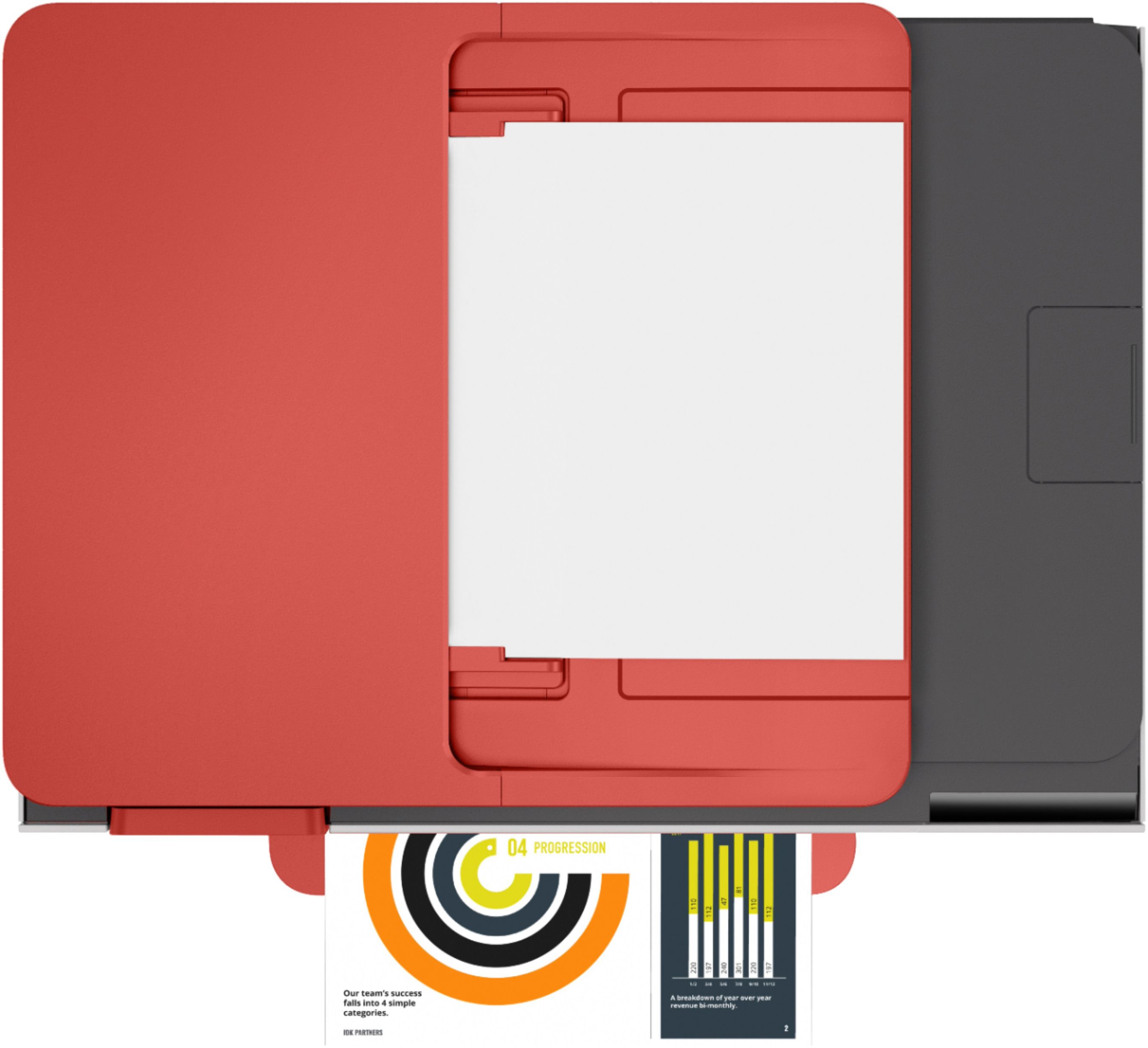
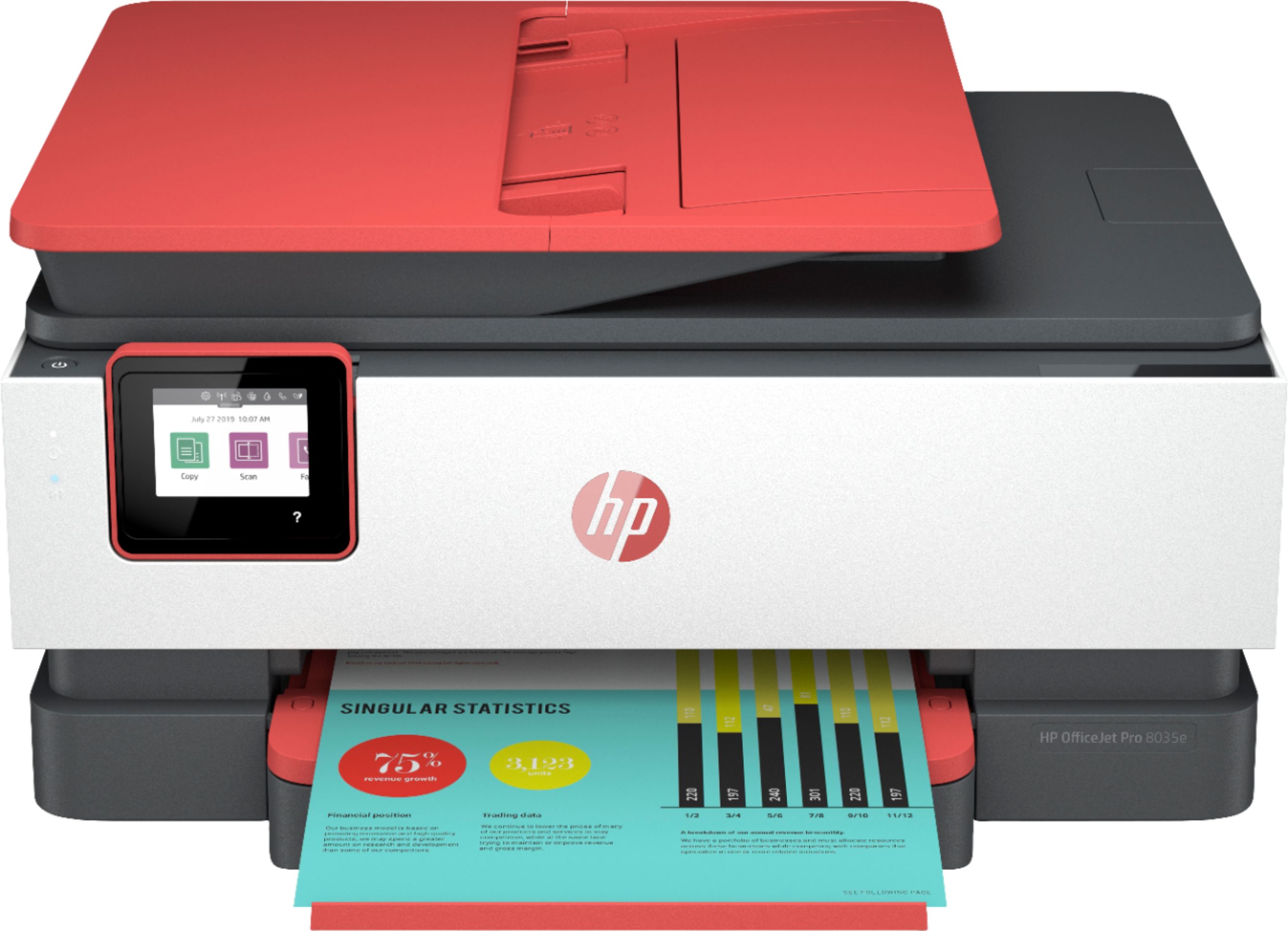
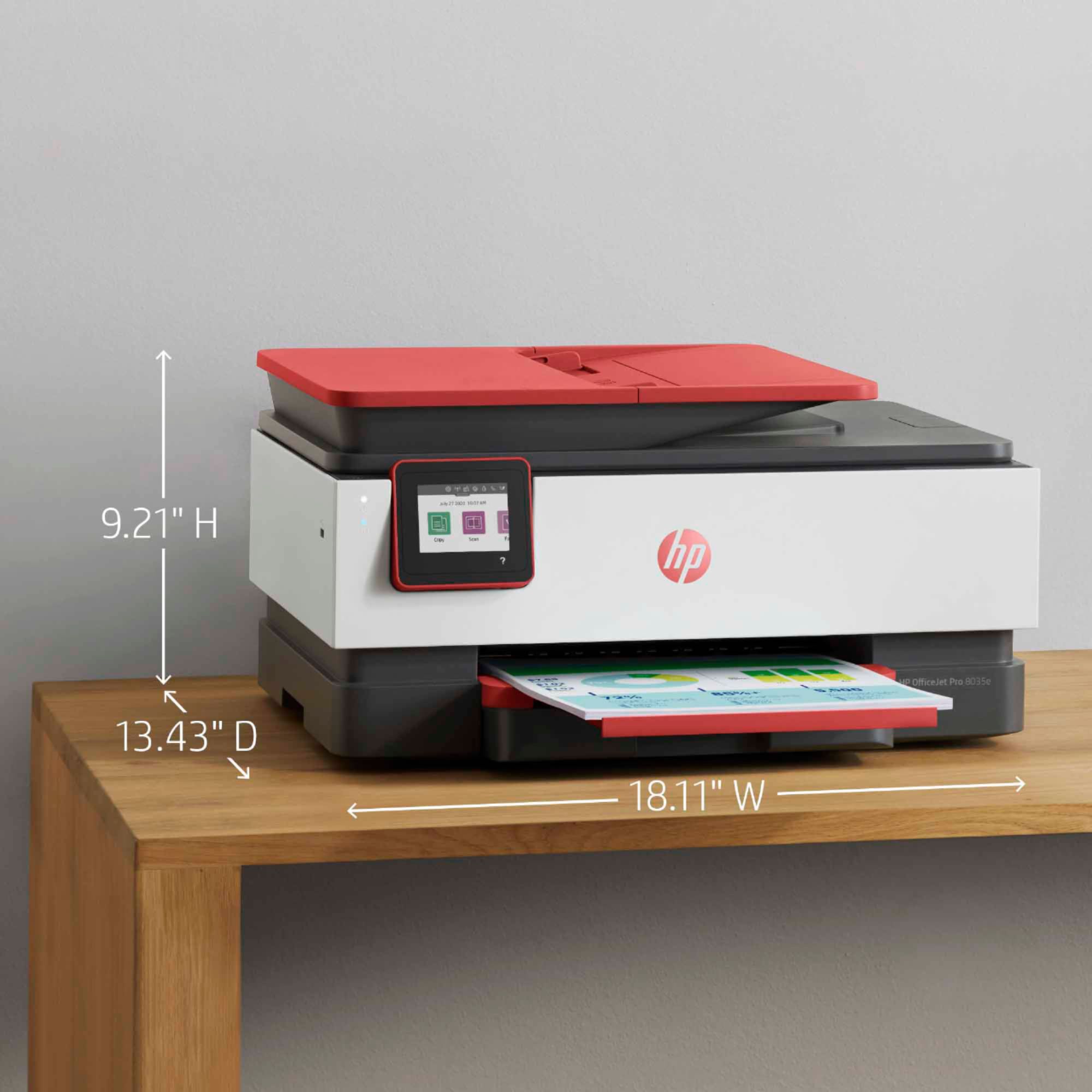
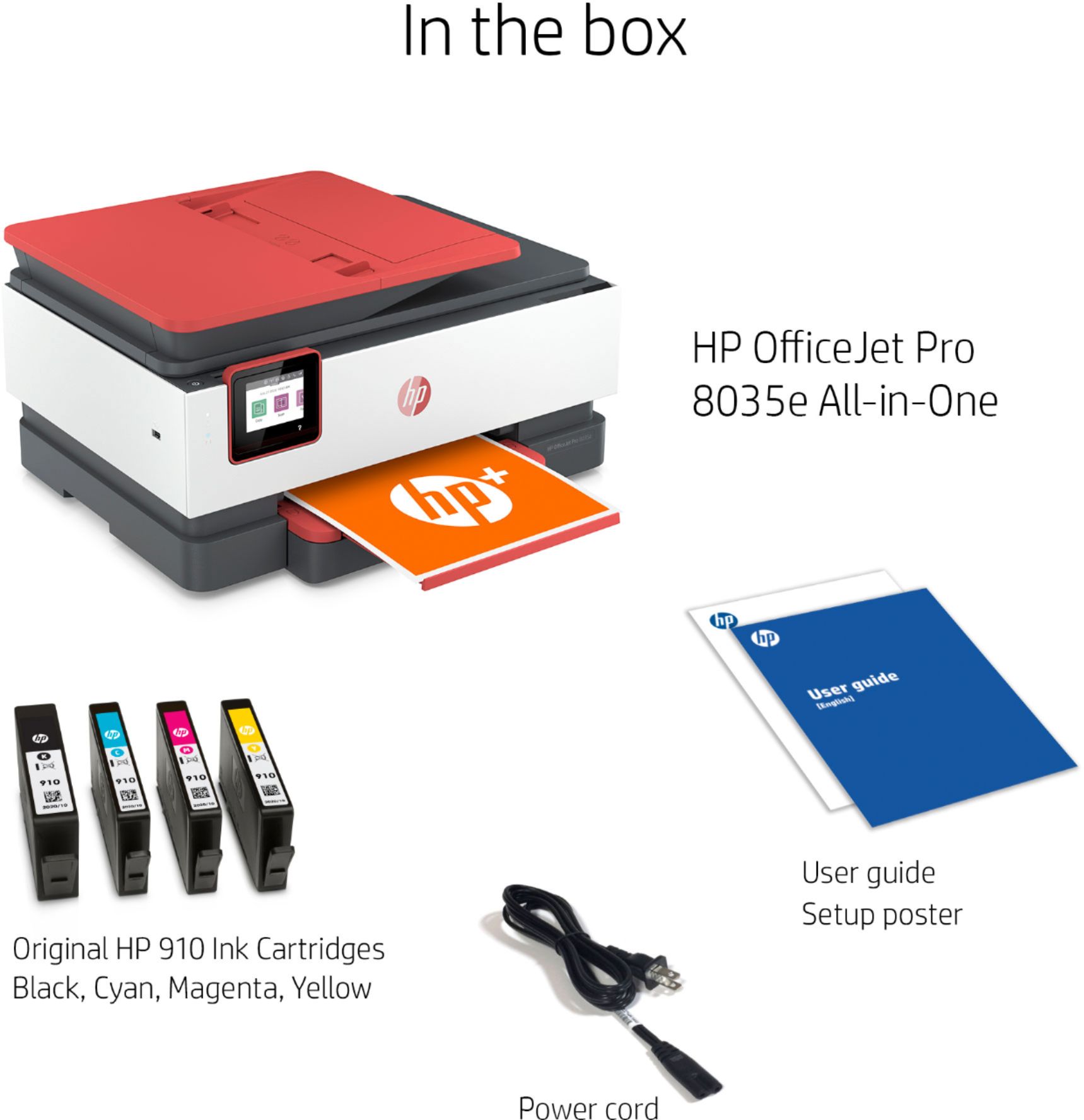
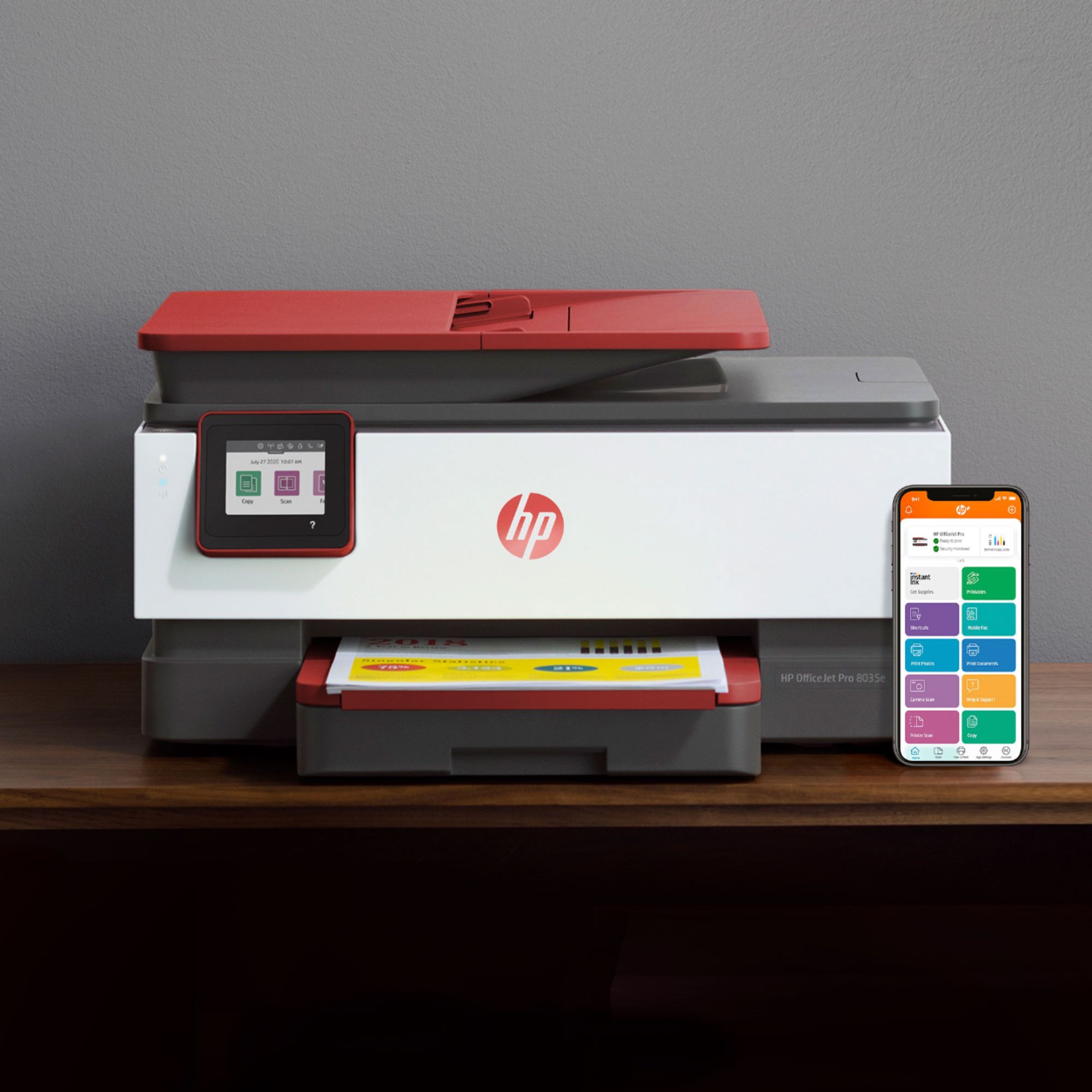
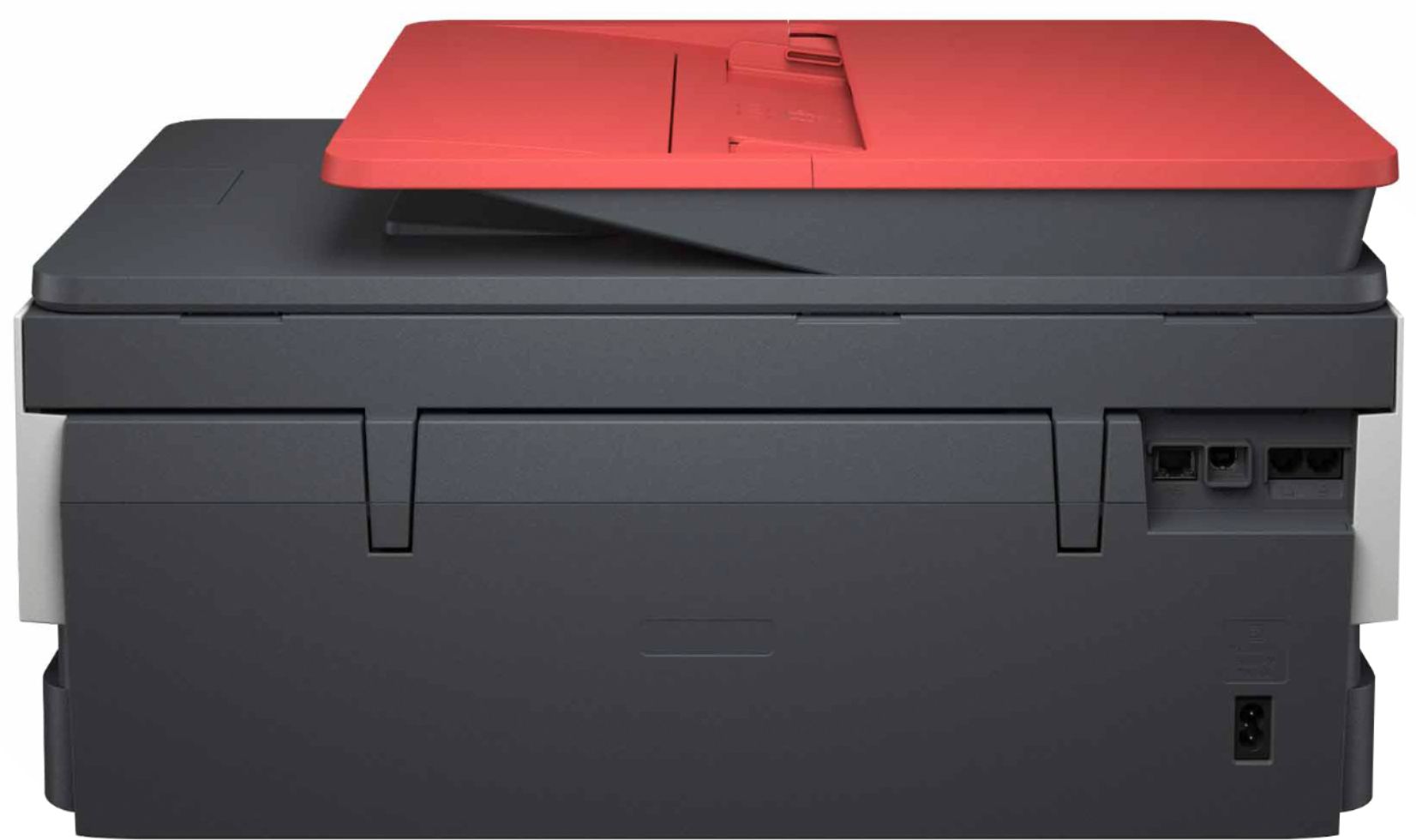
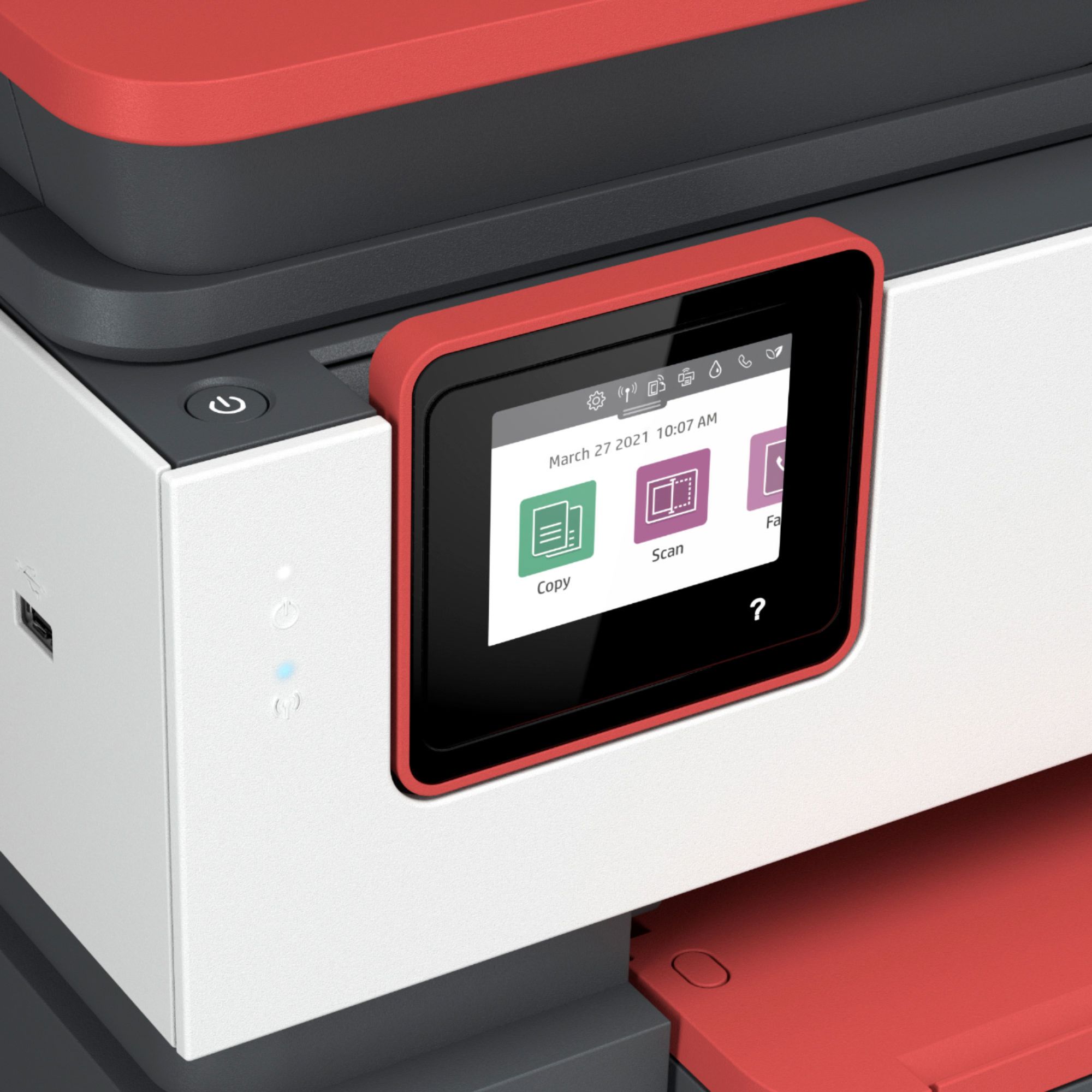
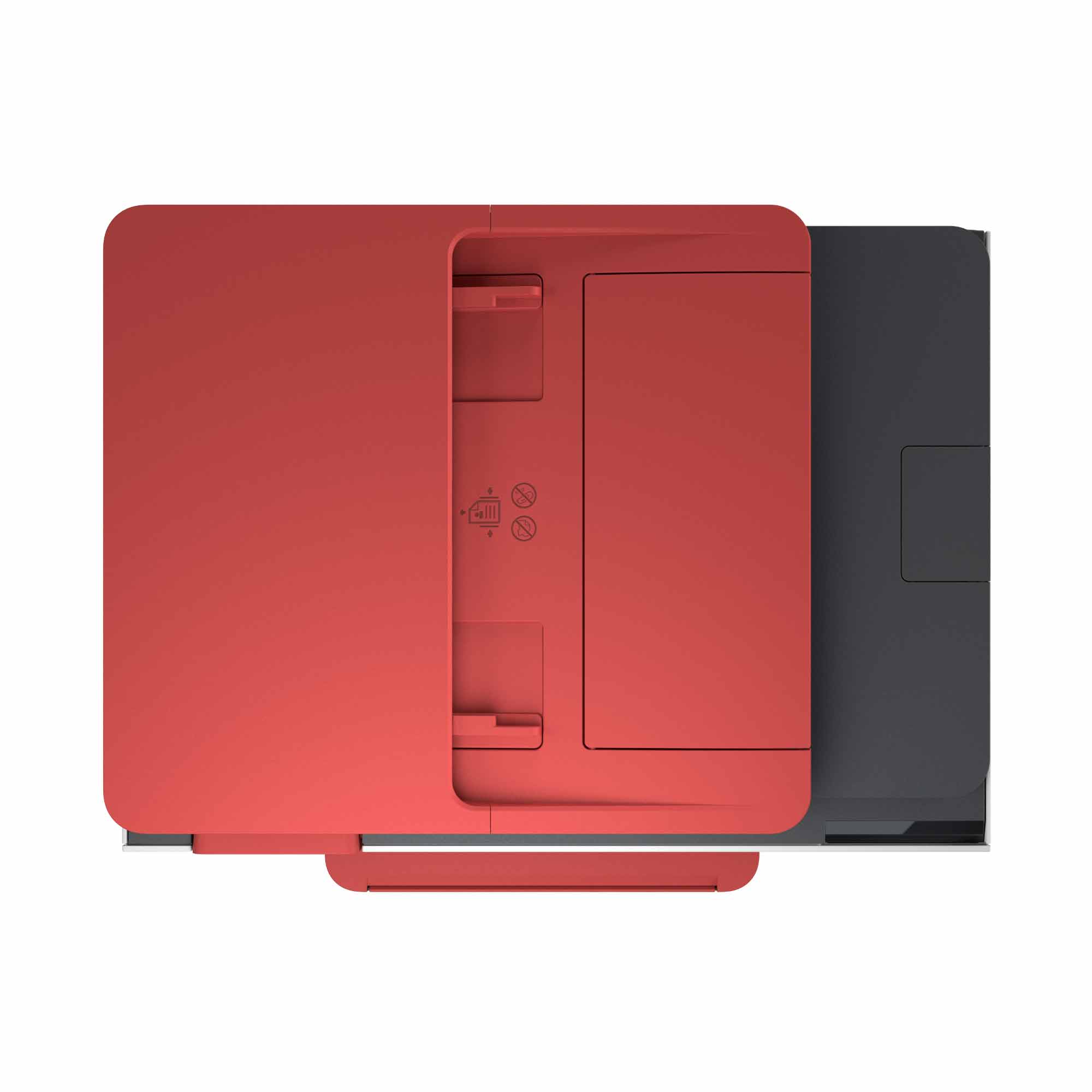
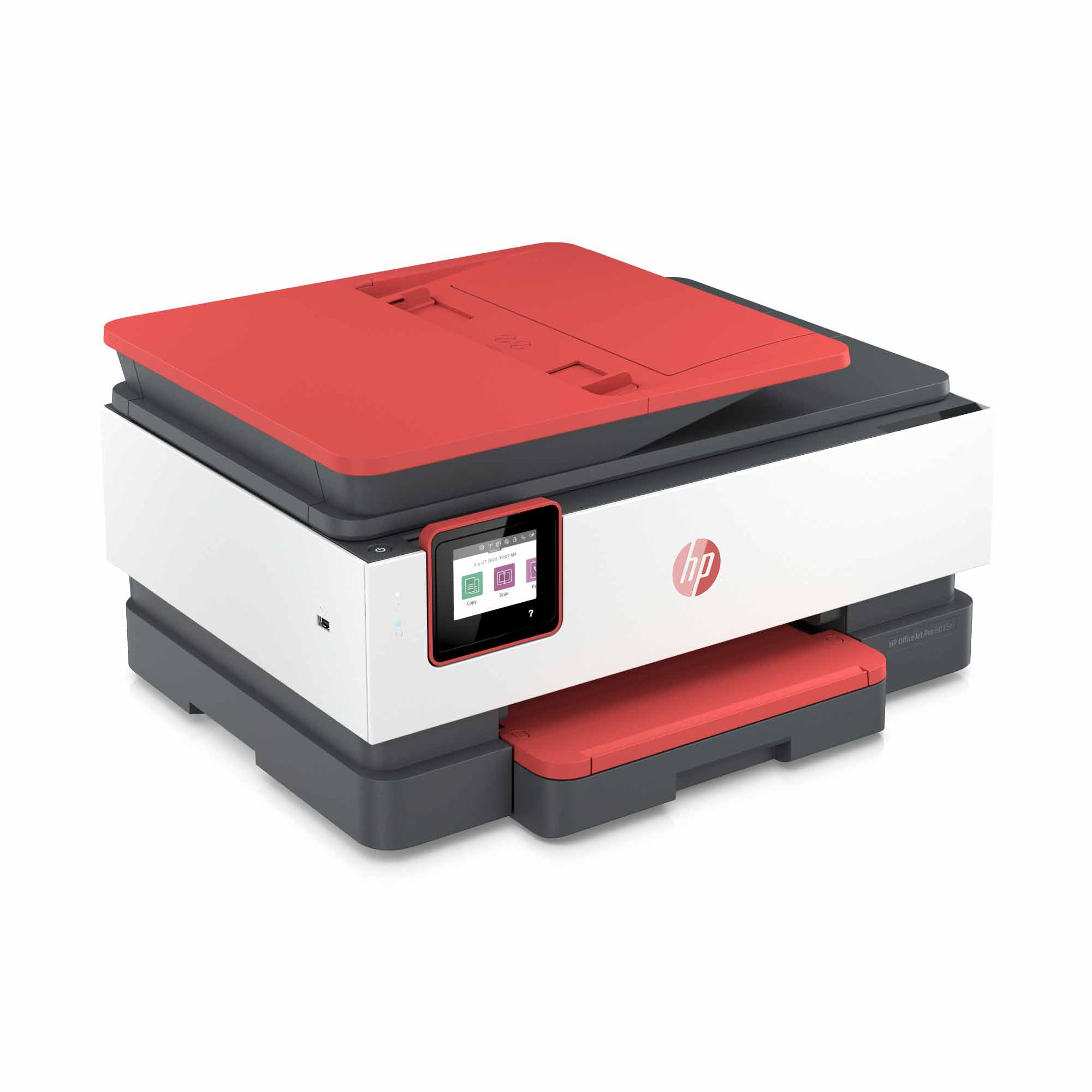
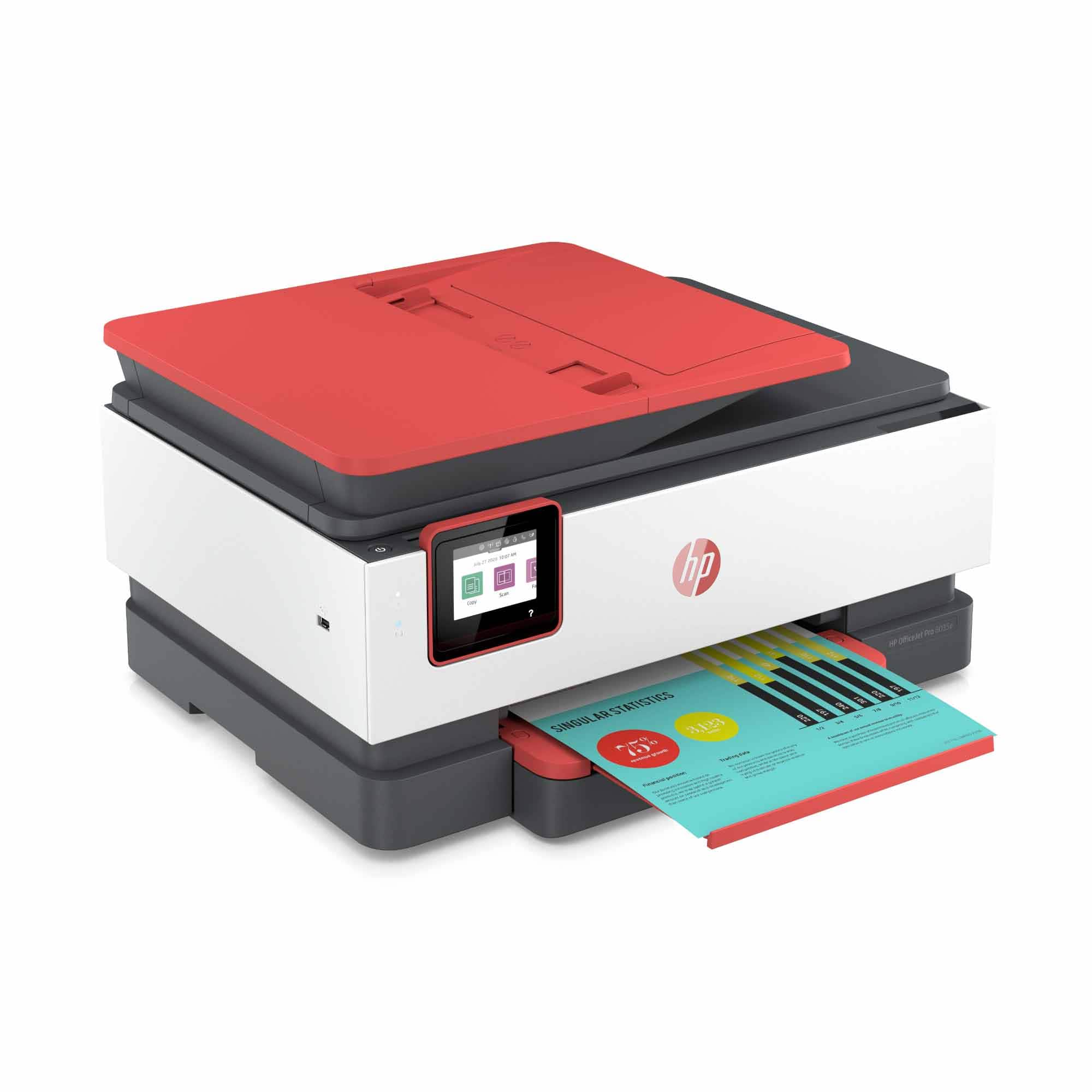
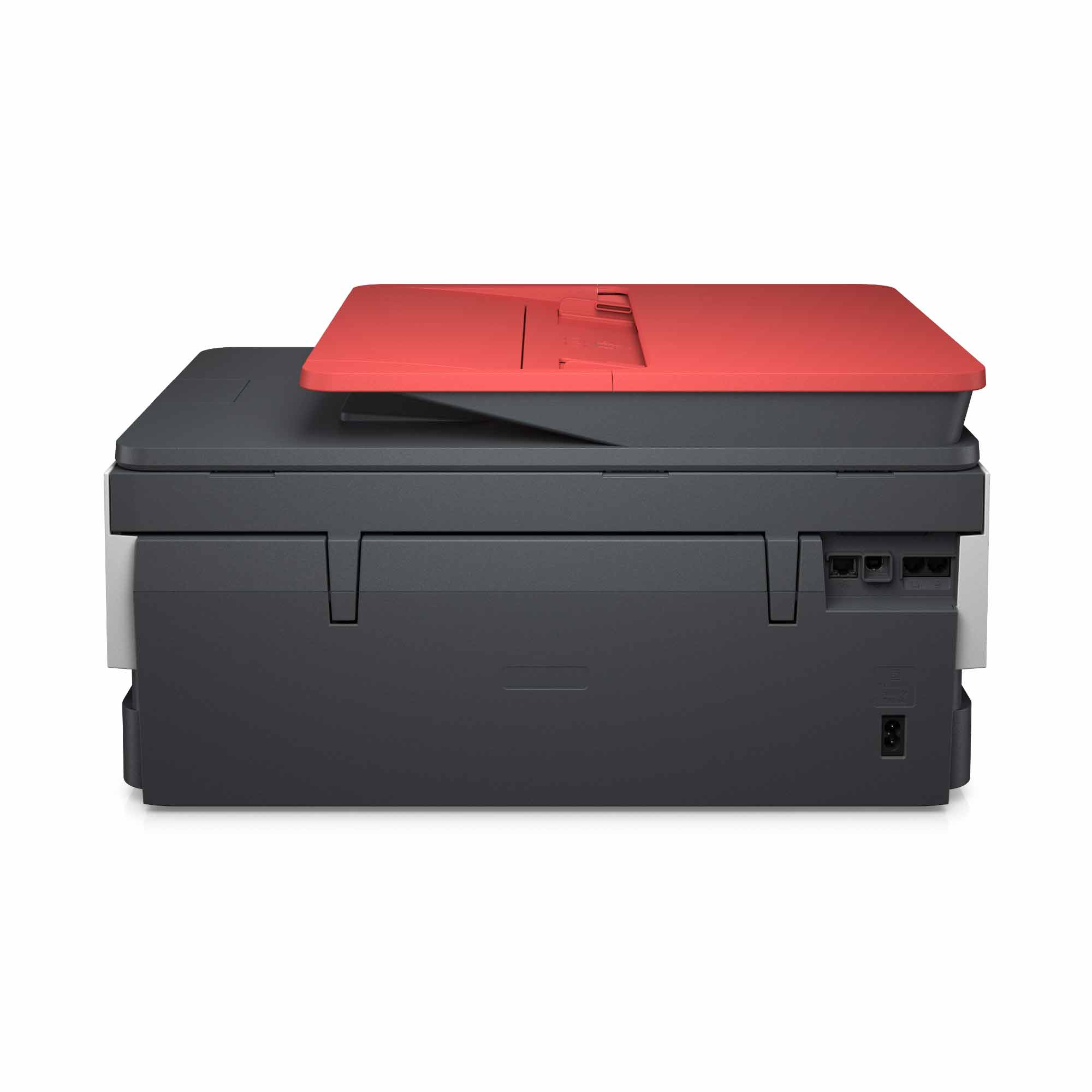
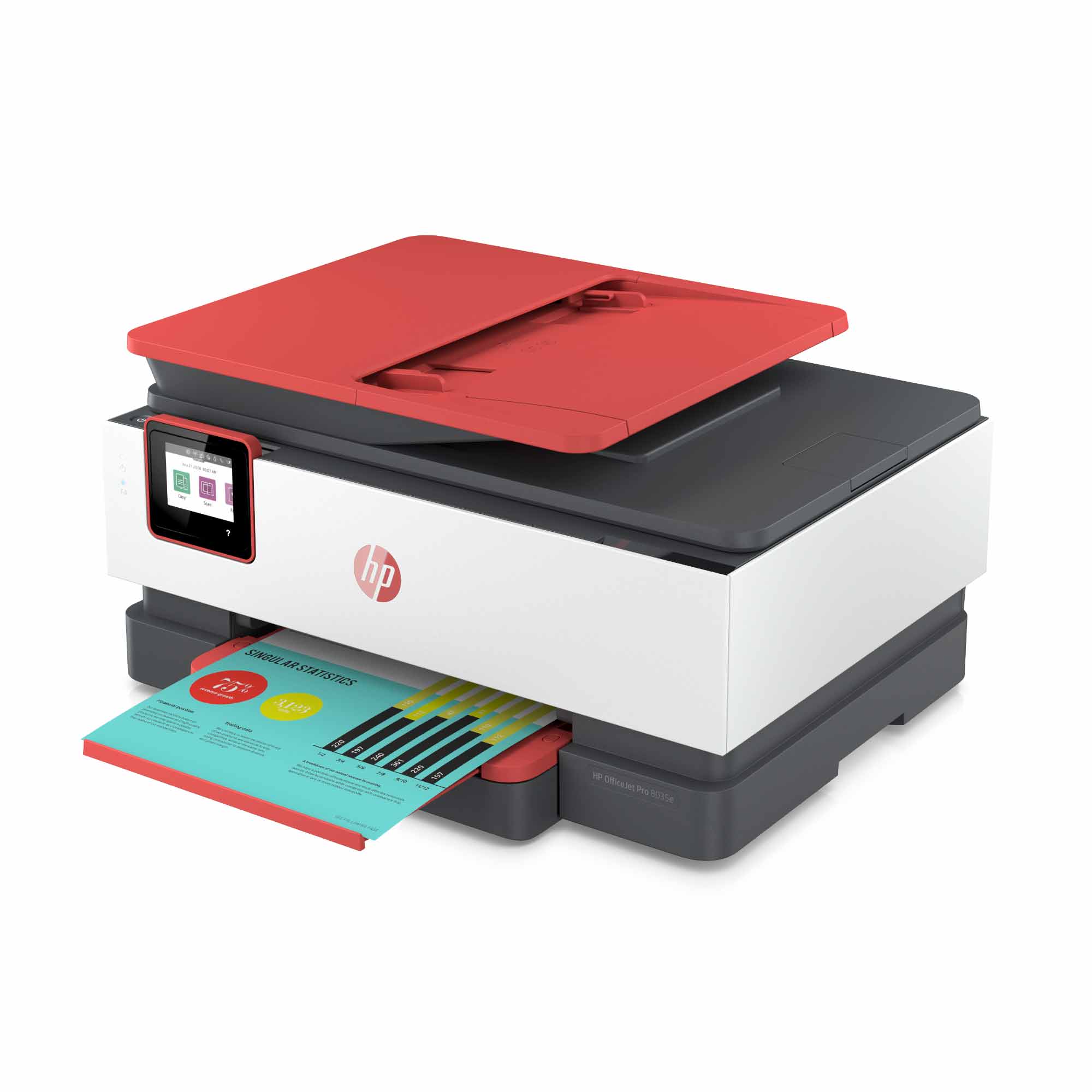
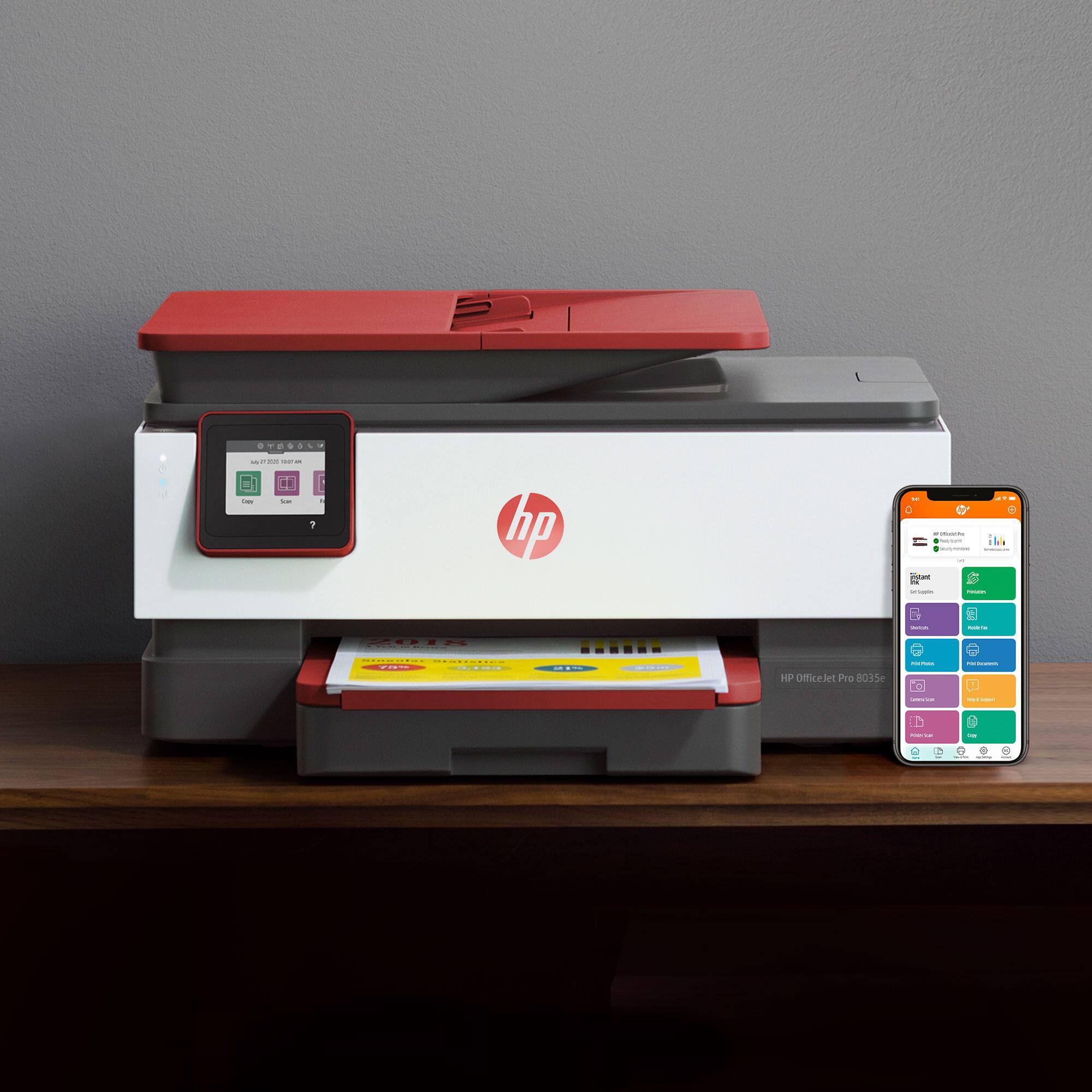
A:AnswerYes, here is the link to the red (Coral) model.
https://www.bestbuy.com/site/hp-officejet-pro-8035-wireless-all-in-one-instant-ink-ready-inkjet-printer-coral-white-gray/6335315.p?skuId=6335315
A:AnswerNo, HP does not support the use of generic brand ink cartridges. Most printing brands are transitioning to using non-refilled ink cartridges. HP specializes in our cartridges and develop the formula for our ink from the ground up so that print consistency, vibrancy, longevity etc. are all tested and brought to peak performance and capability. Using refilled/re-manufactured cartridges removes this guarantee of quality printing and could damage your printer in the long run.
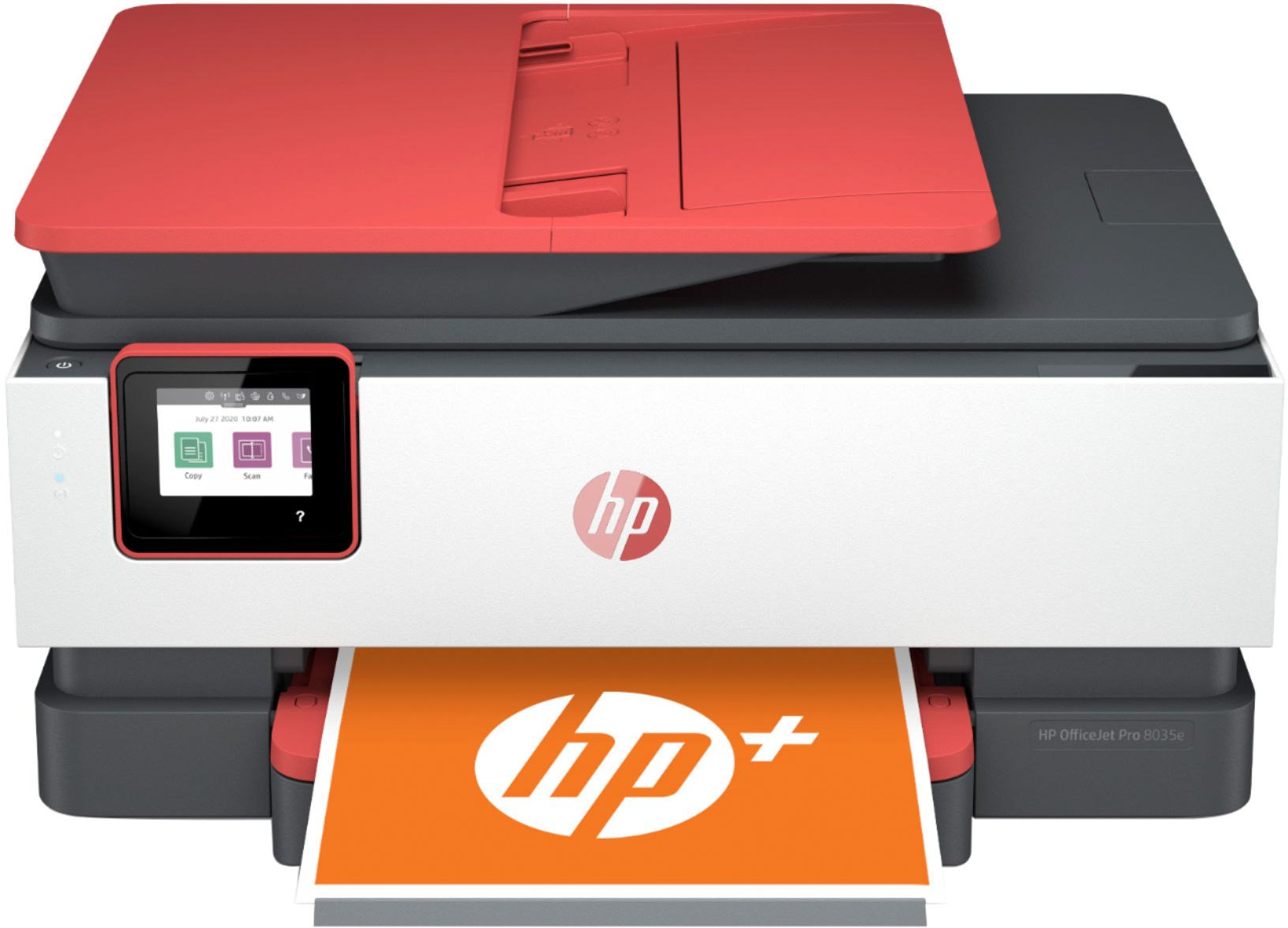
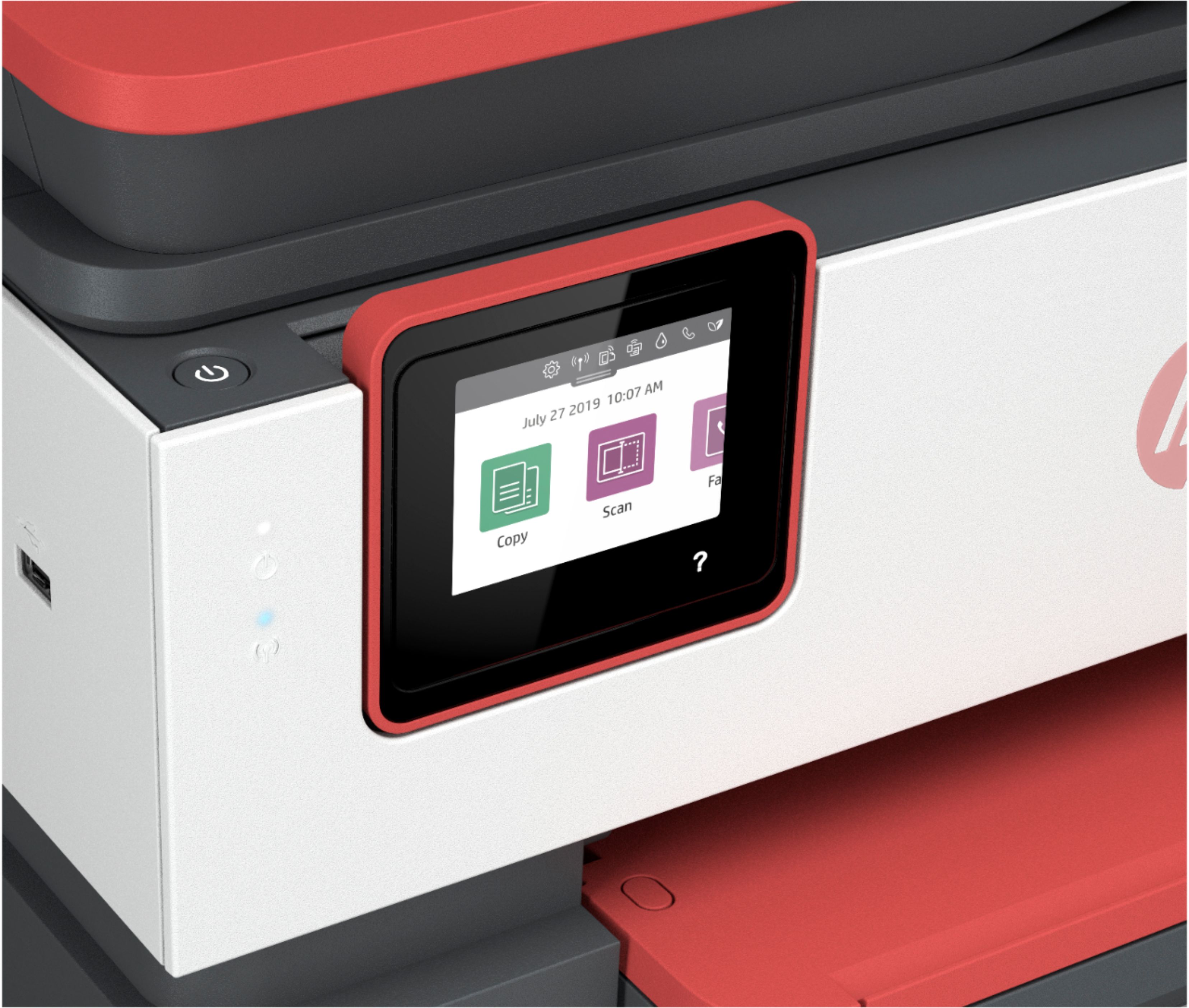
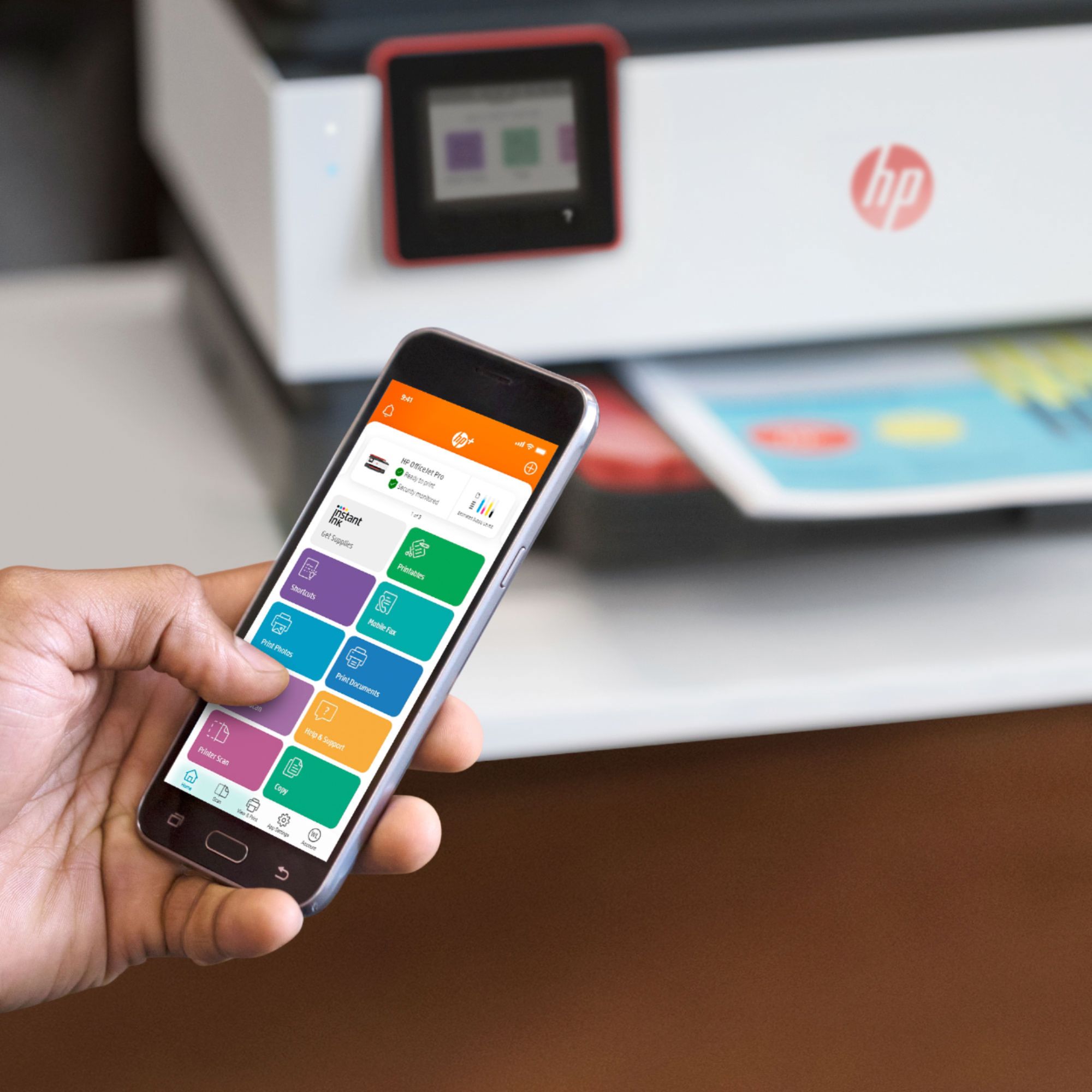
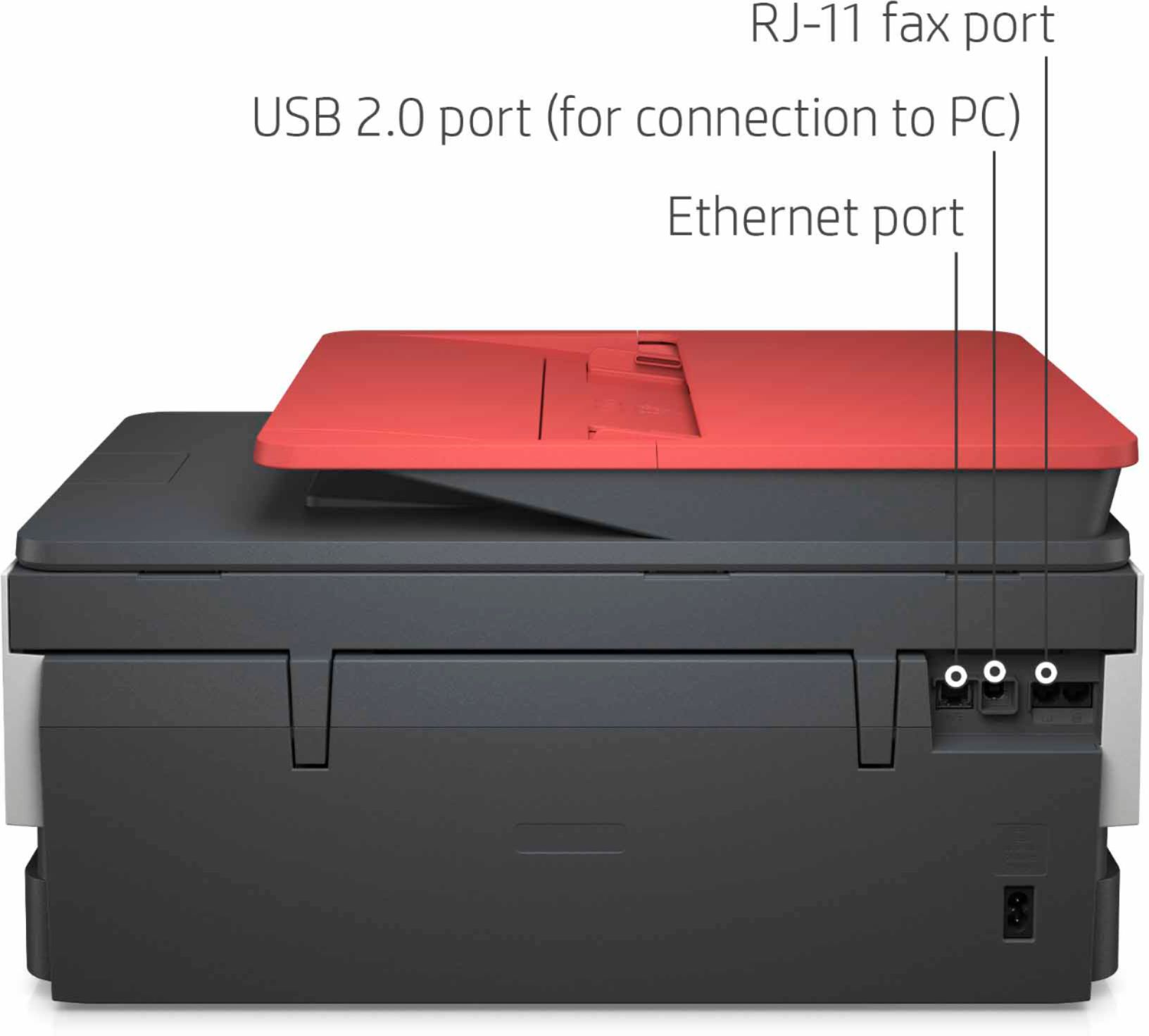
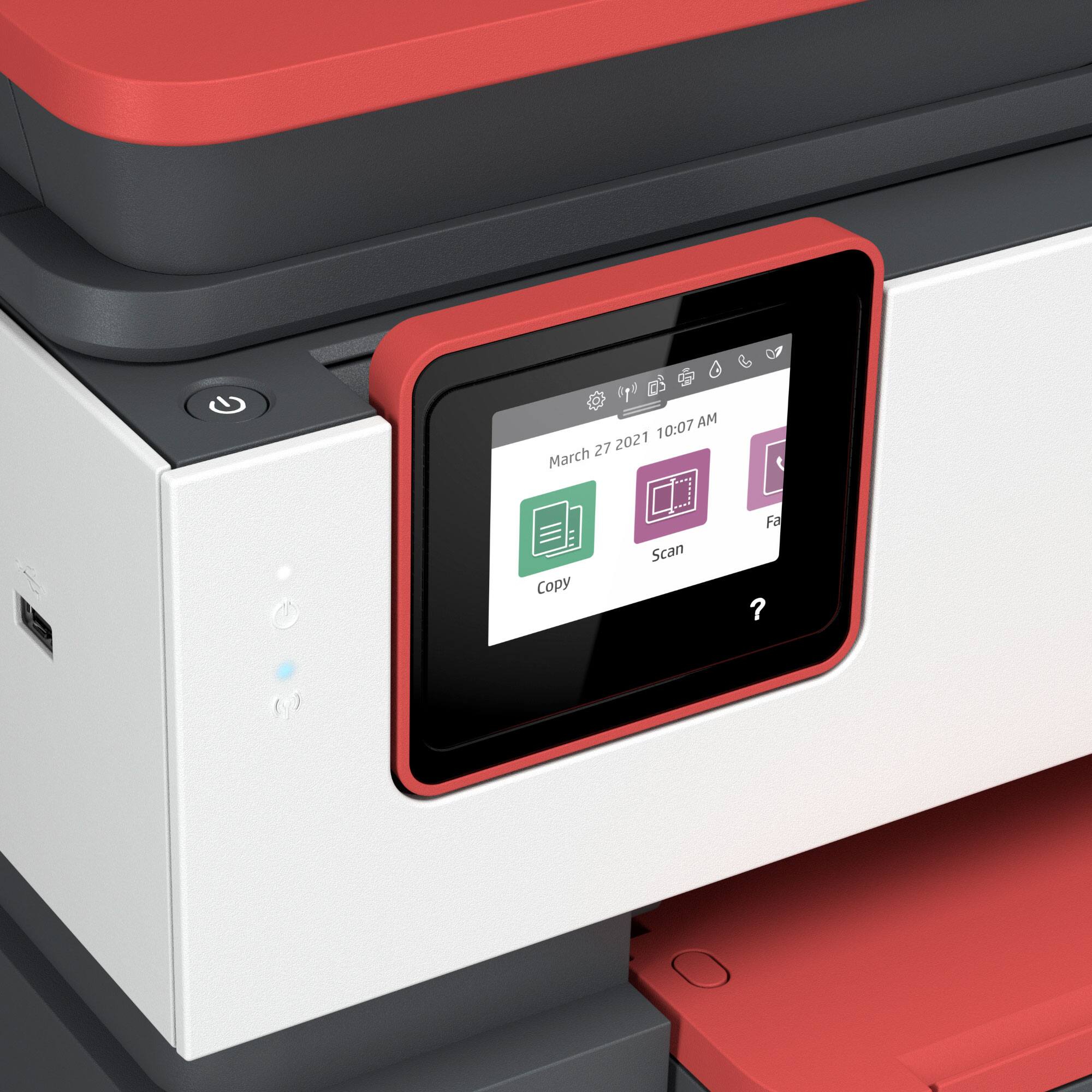
A:AnswerThe printer can print, copy, scan and fax. It has a built-in fax using land lines. Also, using the optional HP Smart app, you can send mobile faxes.
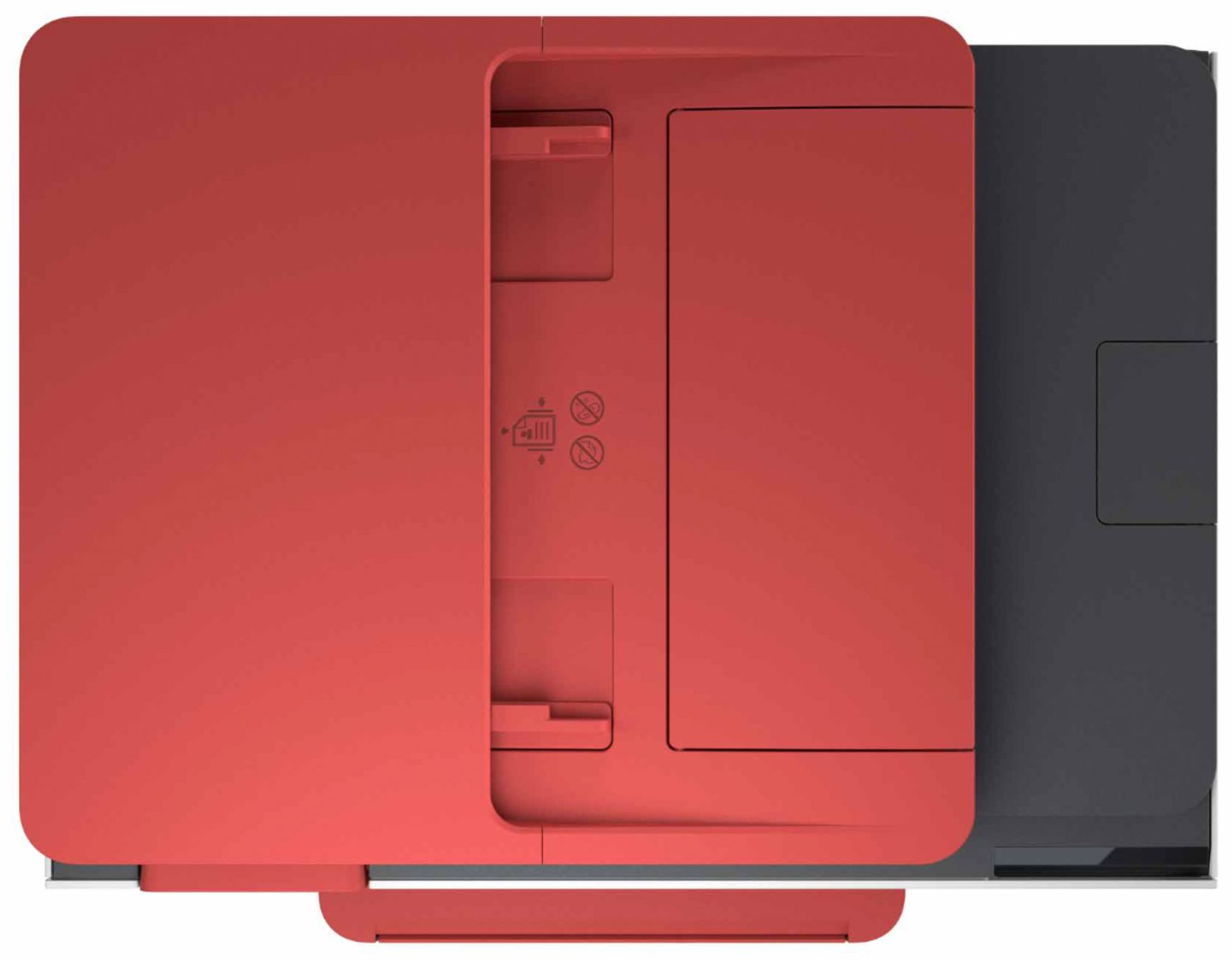
A:AnswerTo scan both sides of the paper on the HP Officejet Pro 8035 printer, you would need to manually turn the paper over. We recommend looking at the HP Officejet Pro 9015 or 9025 printers, which both can scan both sides of the paper automatically.
A:AnswerIn order to take part of the 8-month promotion of HP Instant Ink, you need to register the printer by visiting https://www.hpinstantink.com. The 8-month promotion is based on the $4.99 plan. After you register, HP will send you your Welcome Kit within 7 to 10 days. From then on, HP will send you ink before you need it.