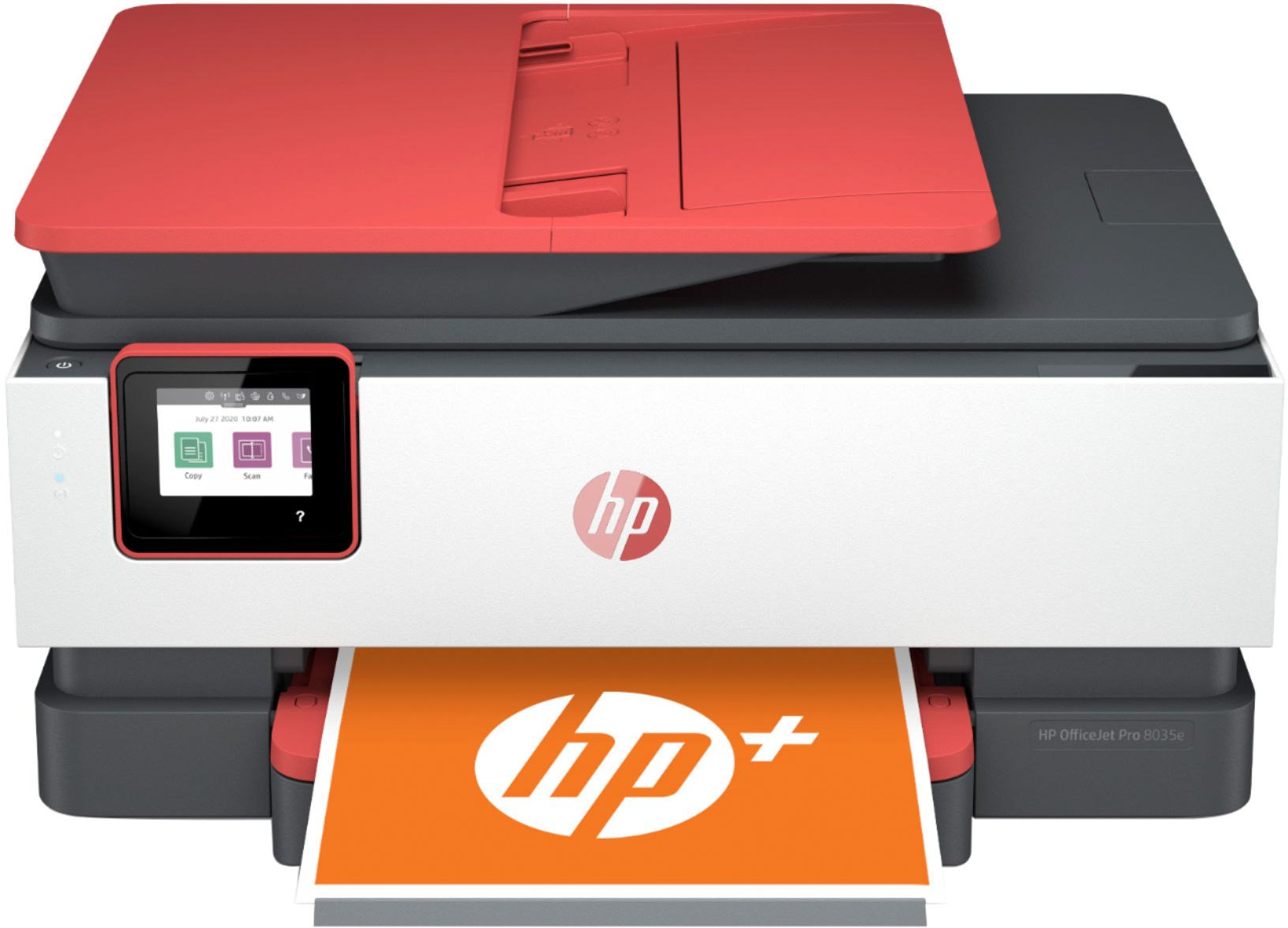
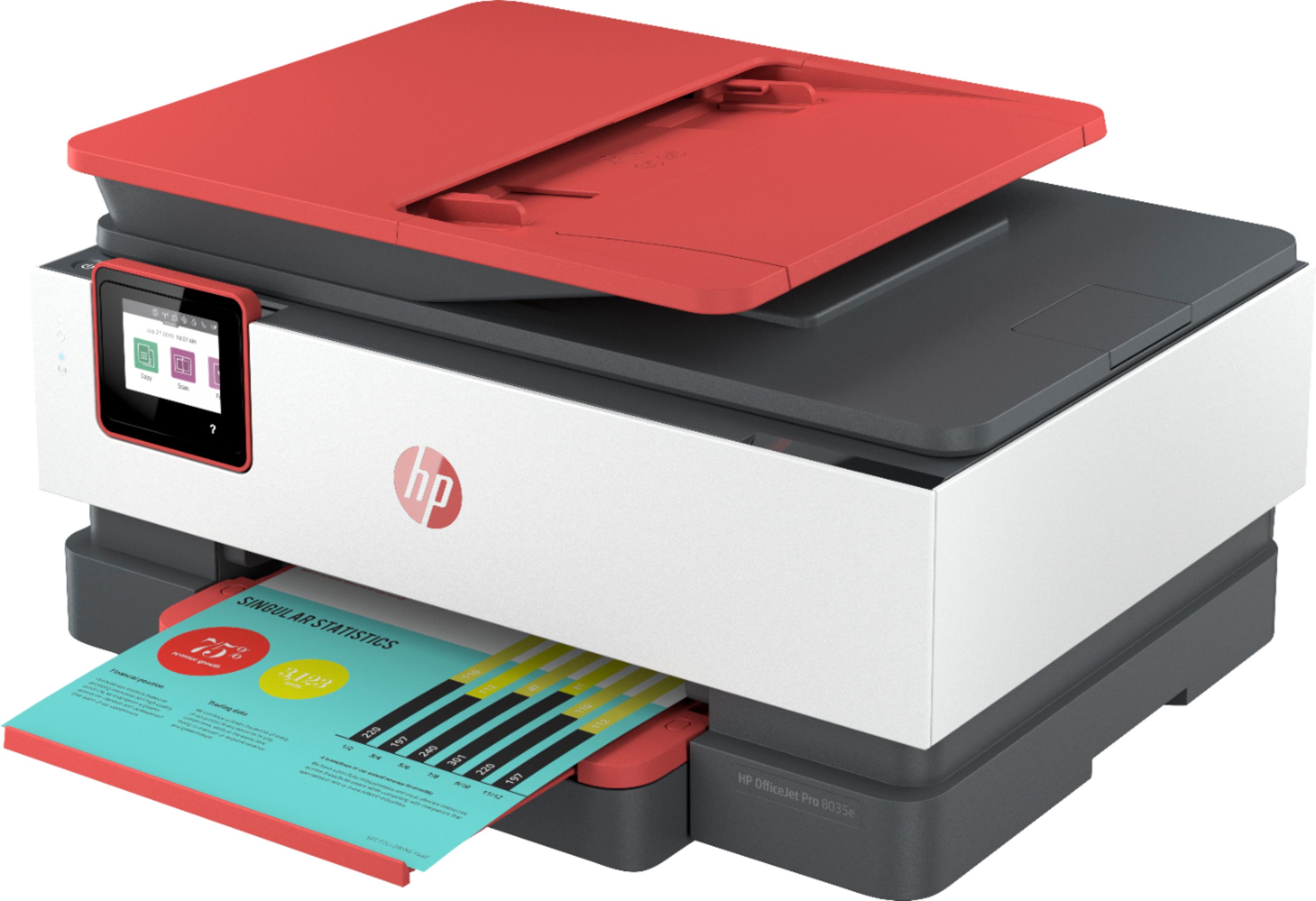
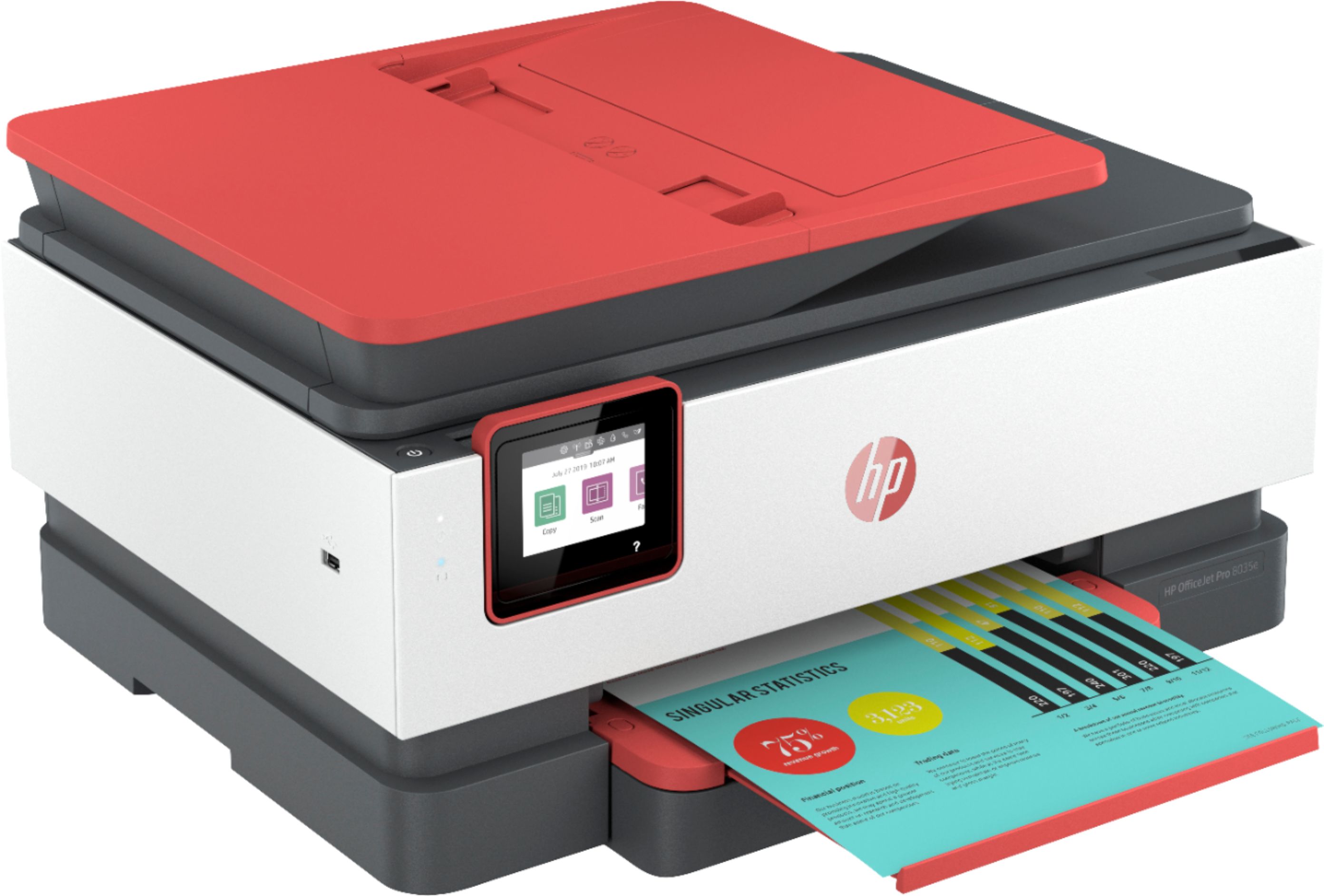
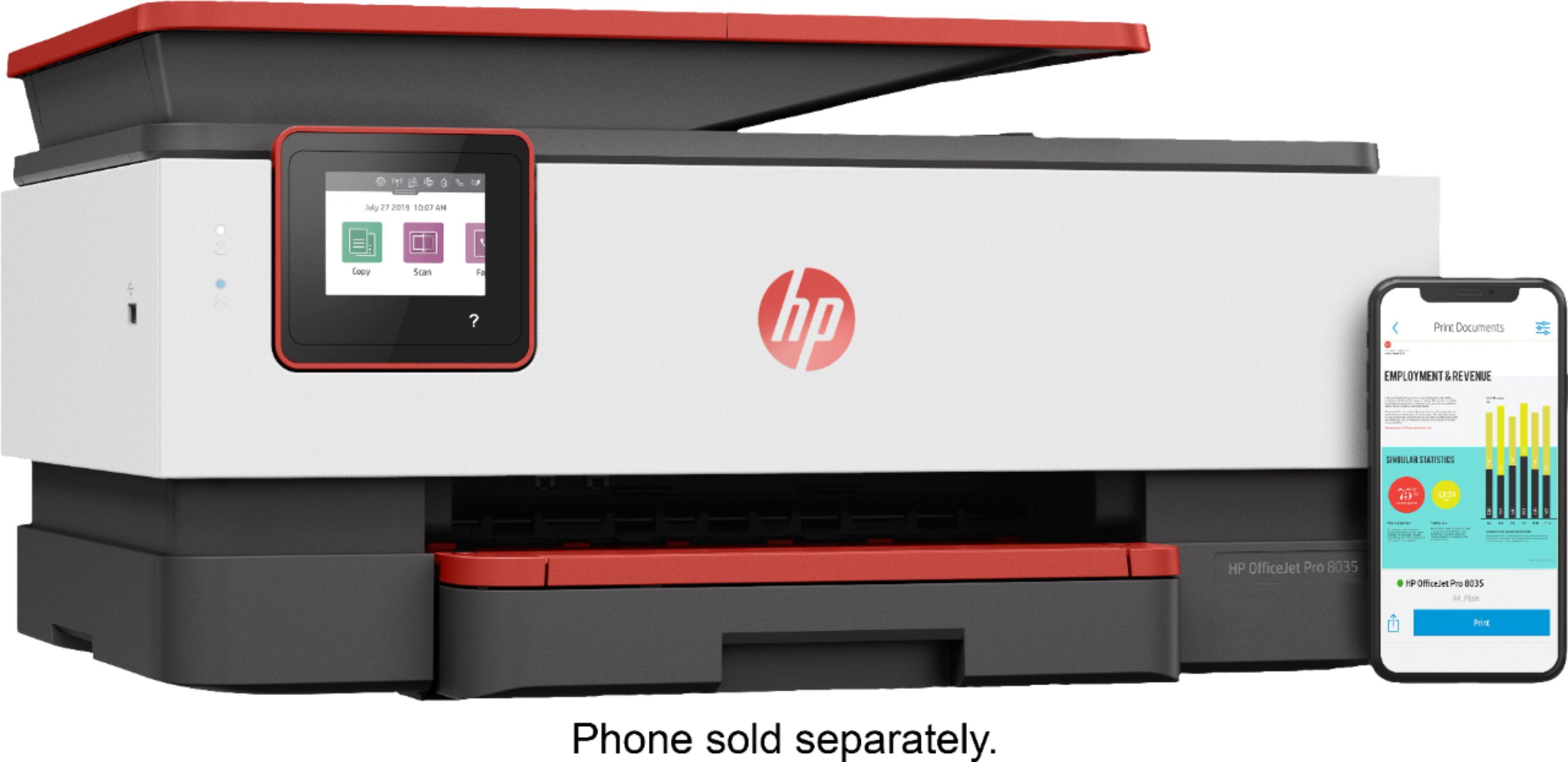
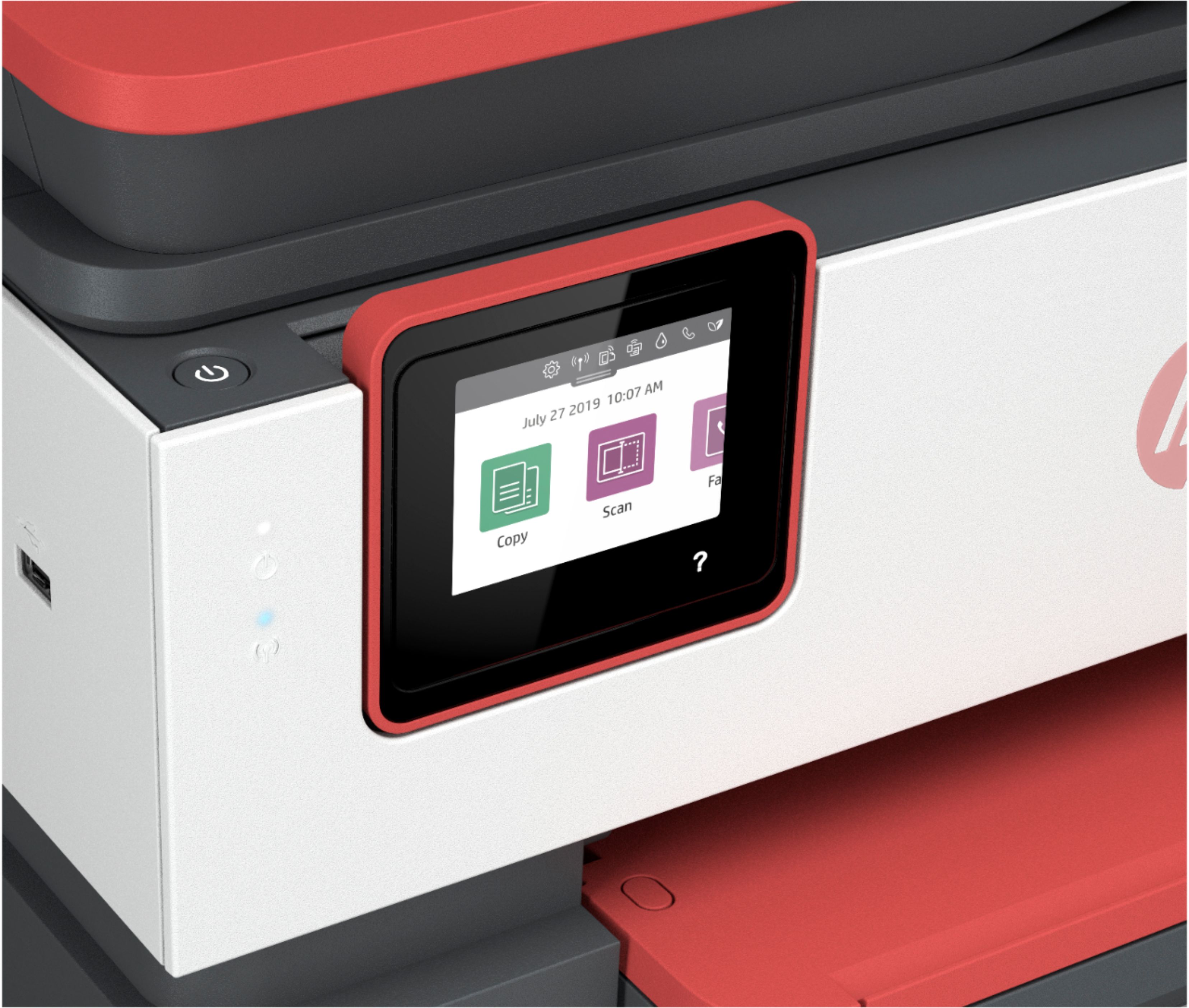
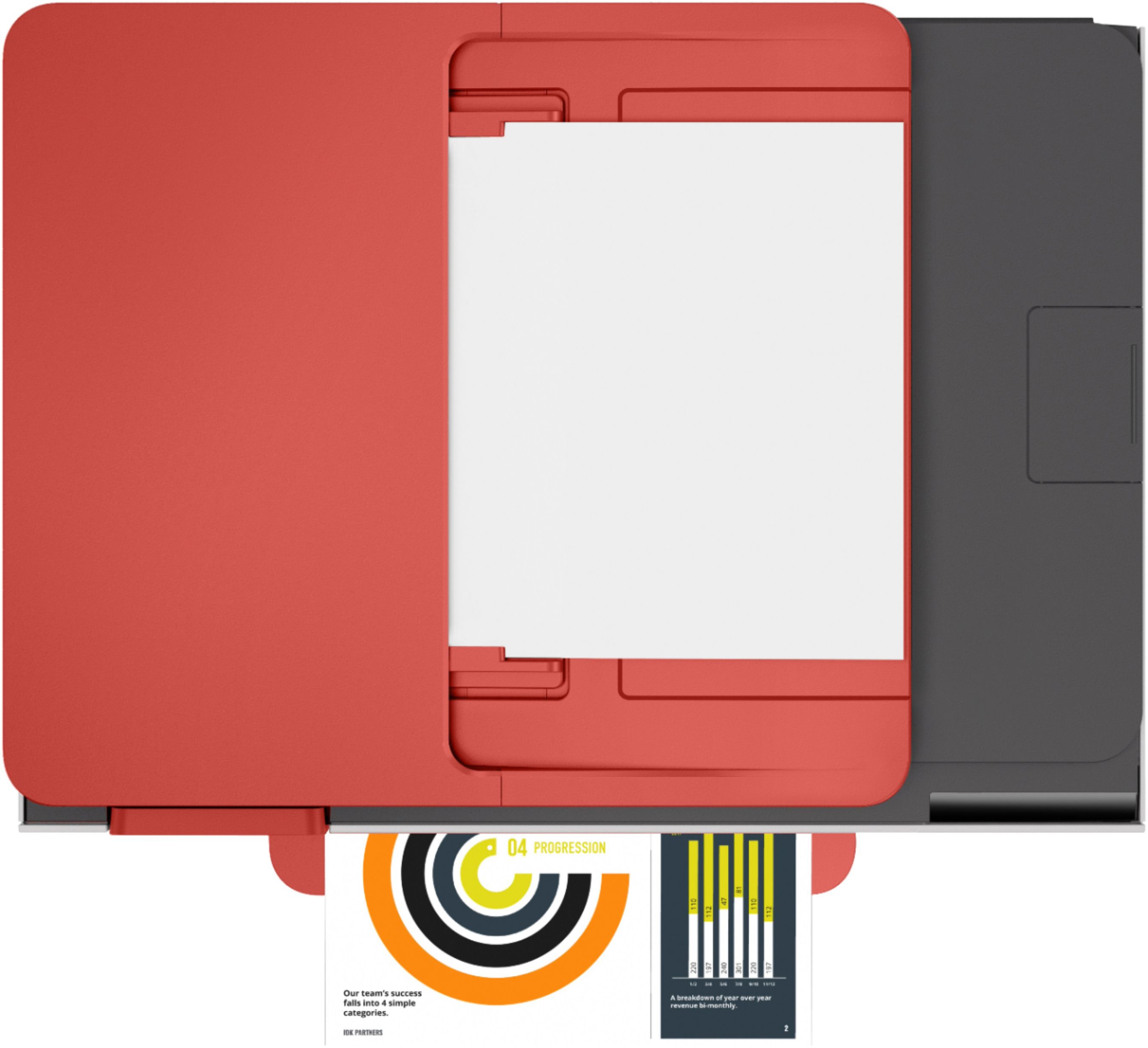
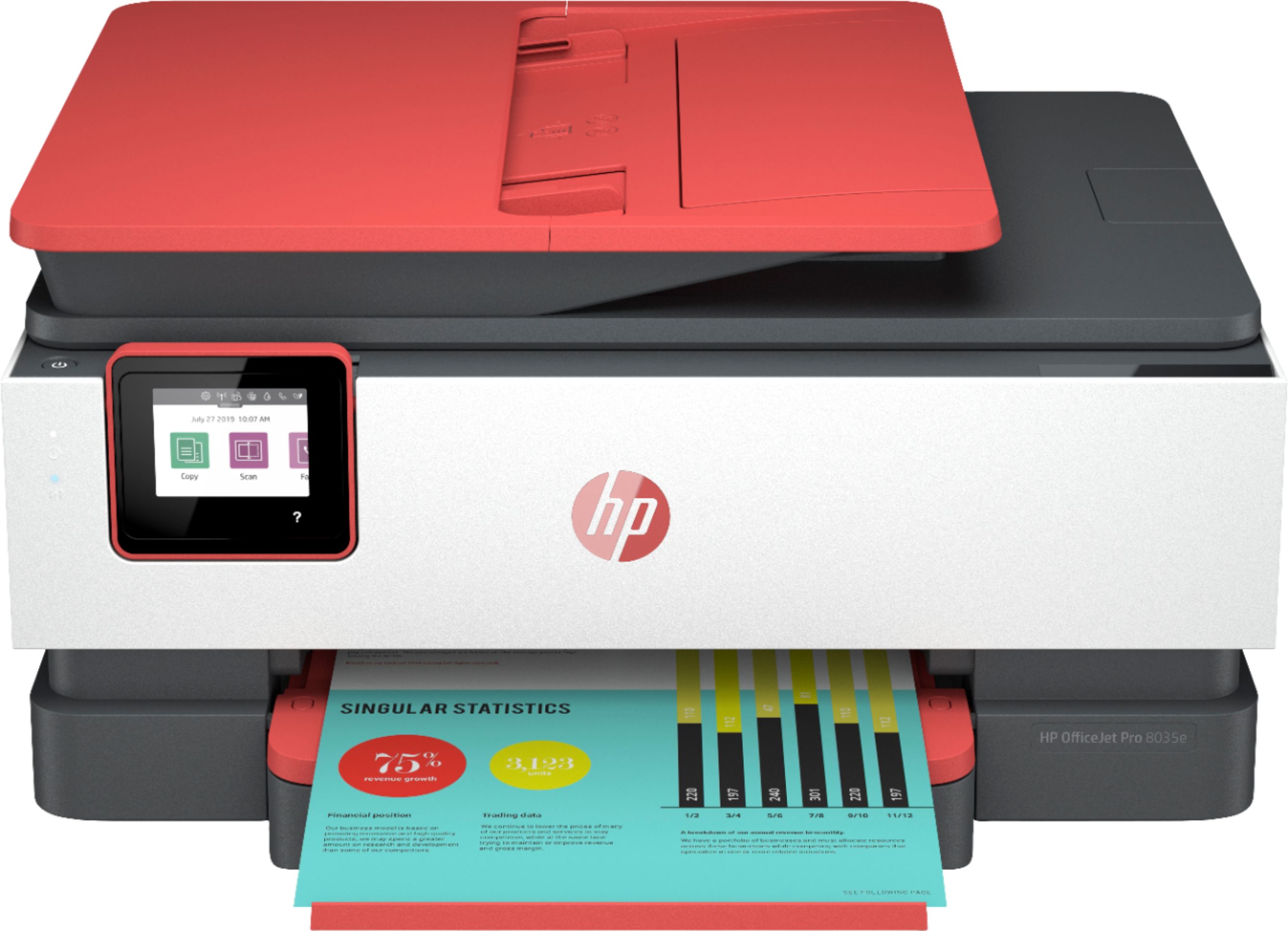
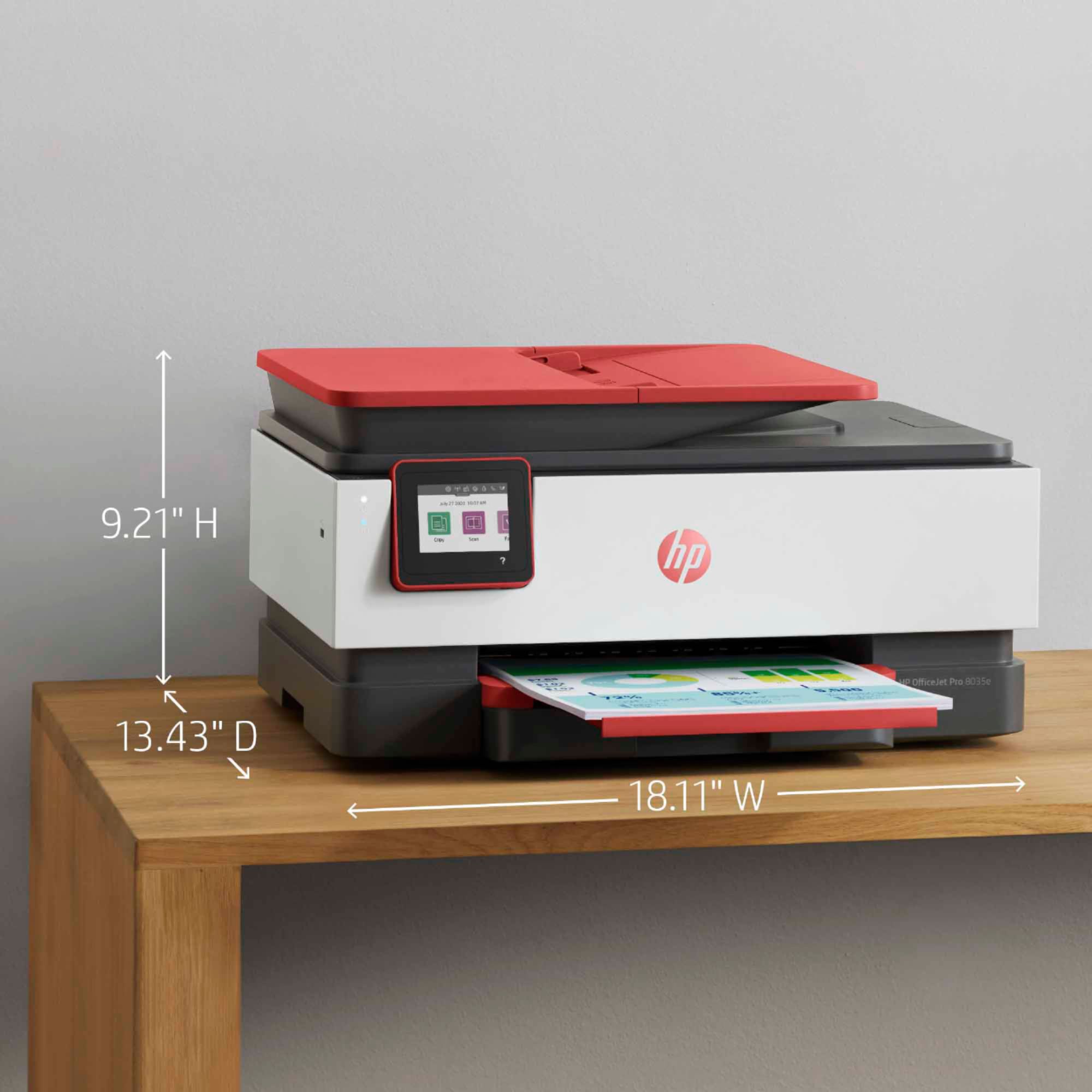
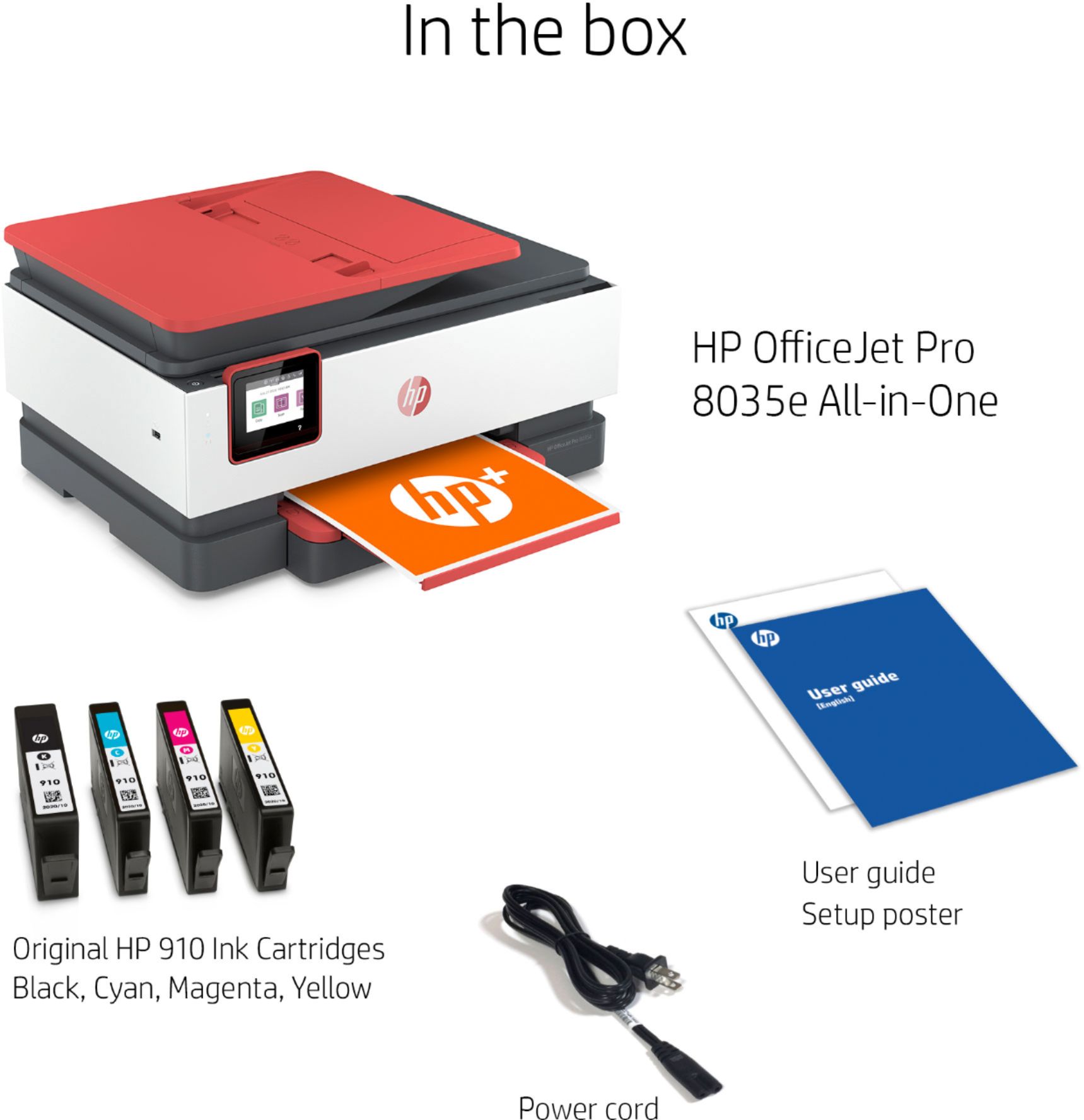
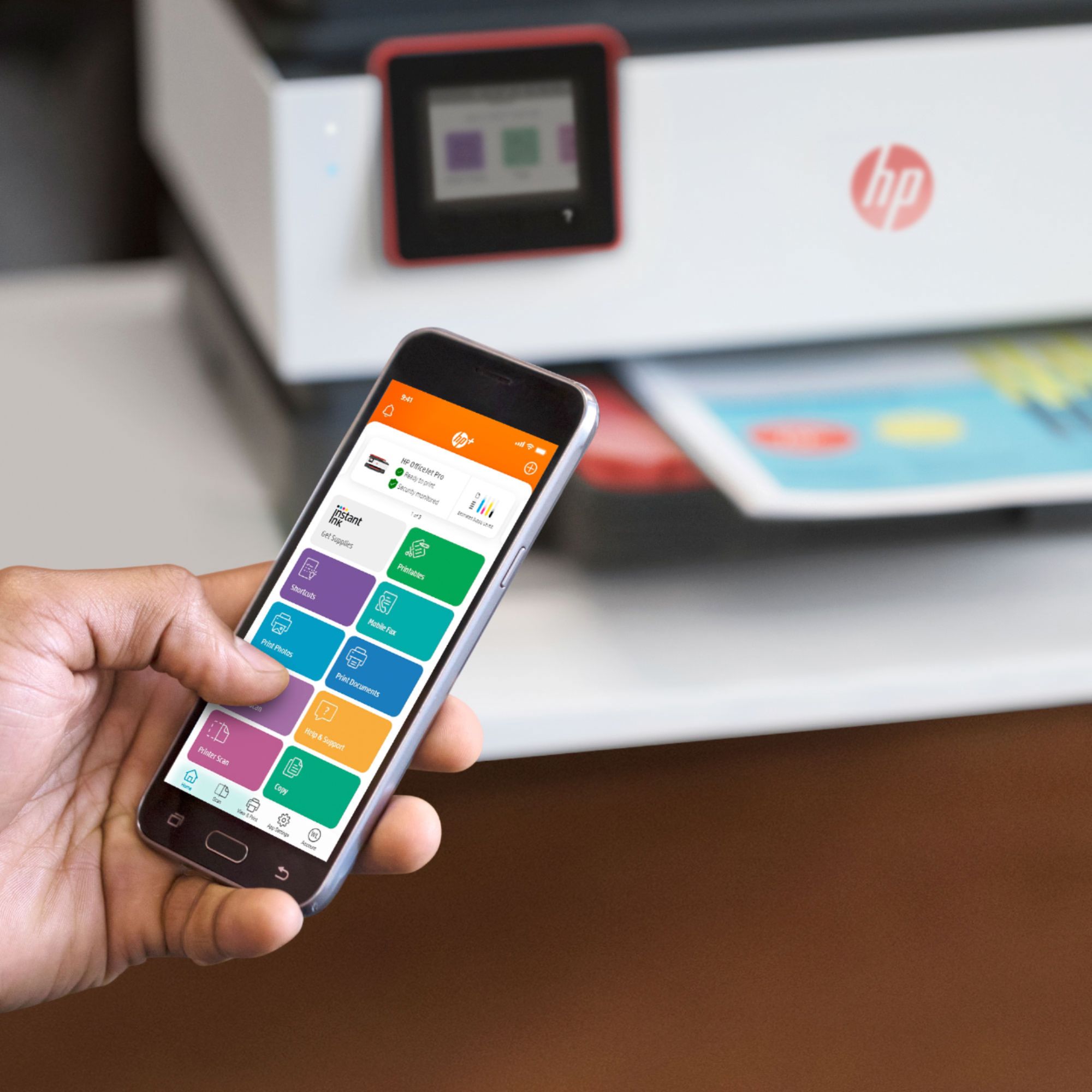
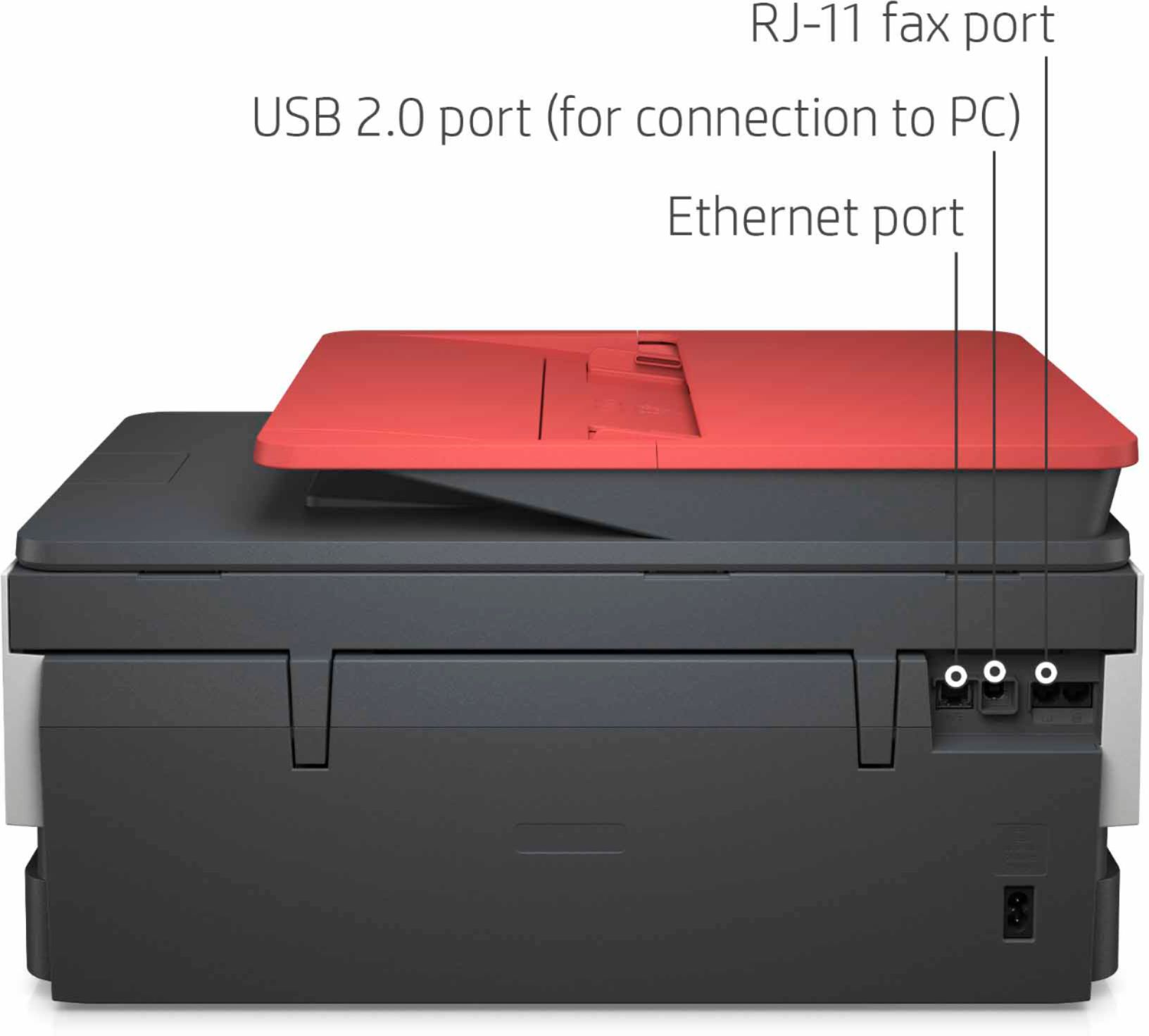
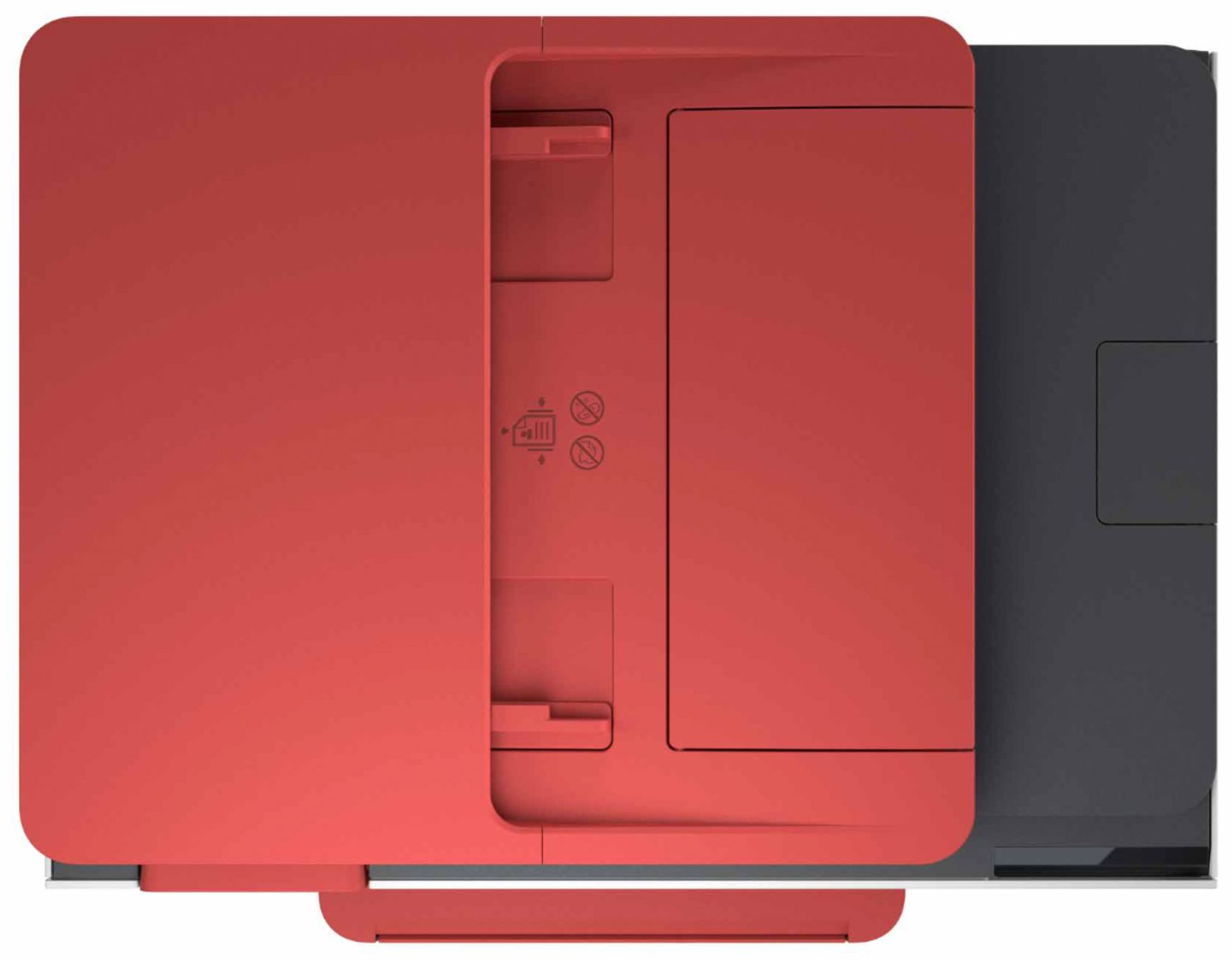
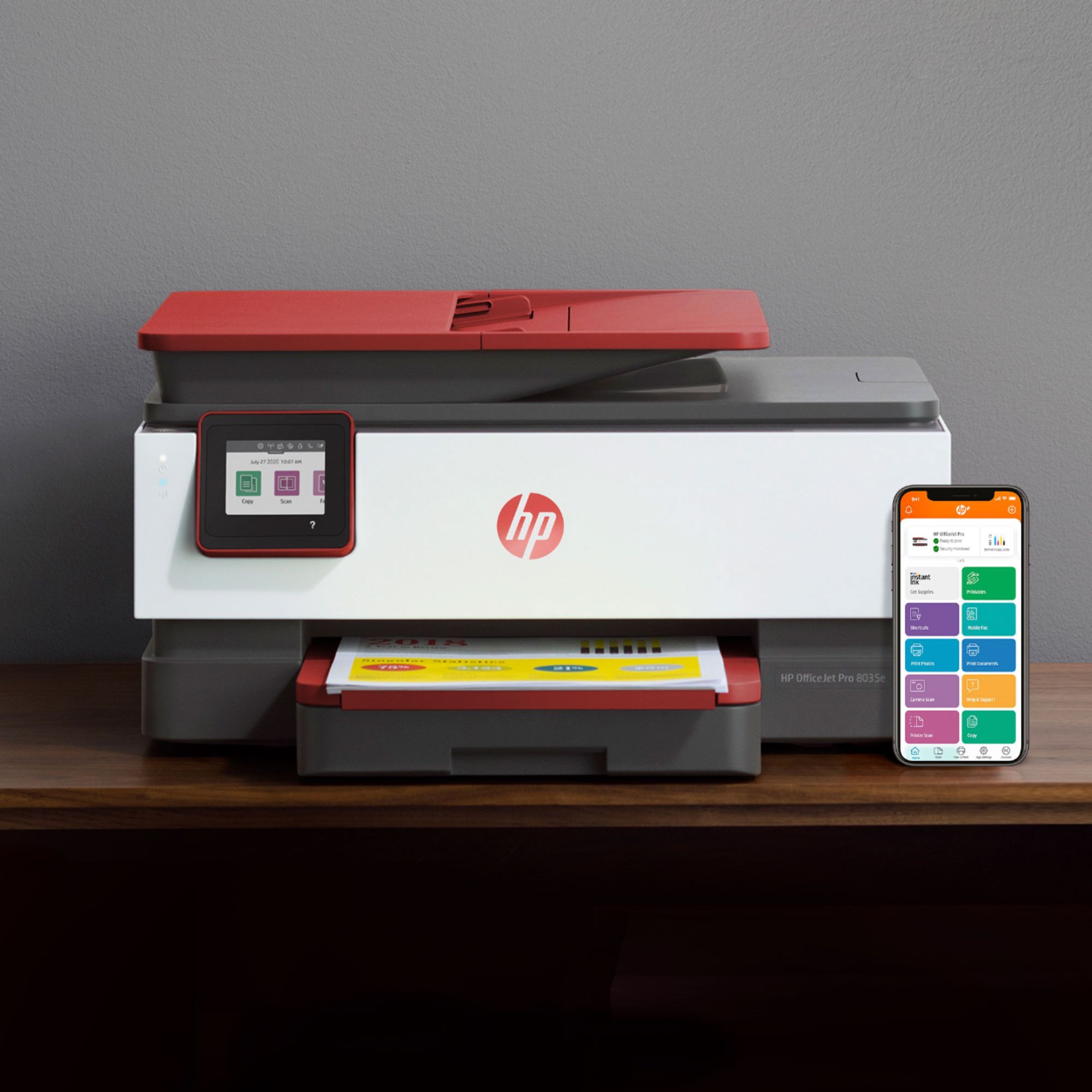
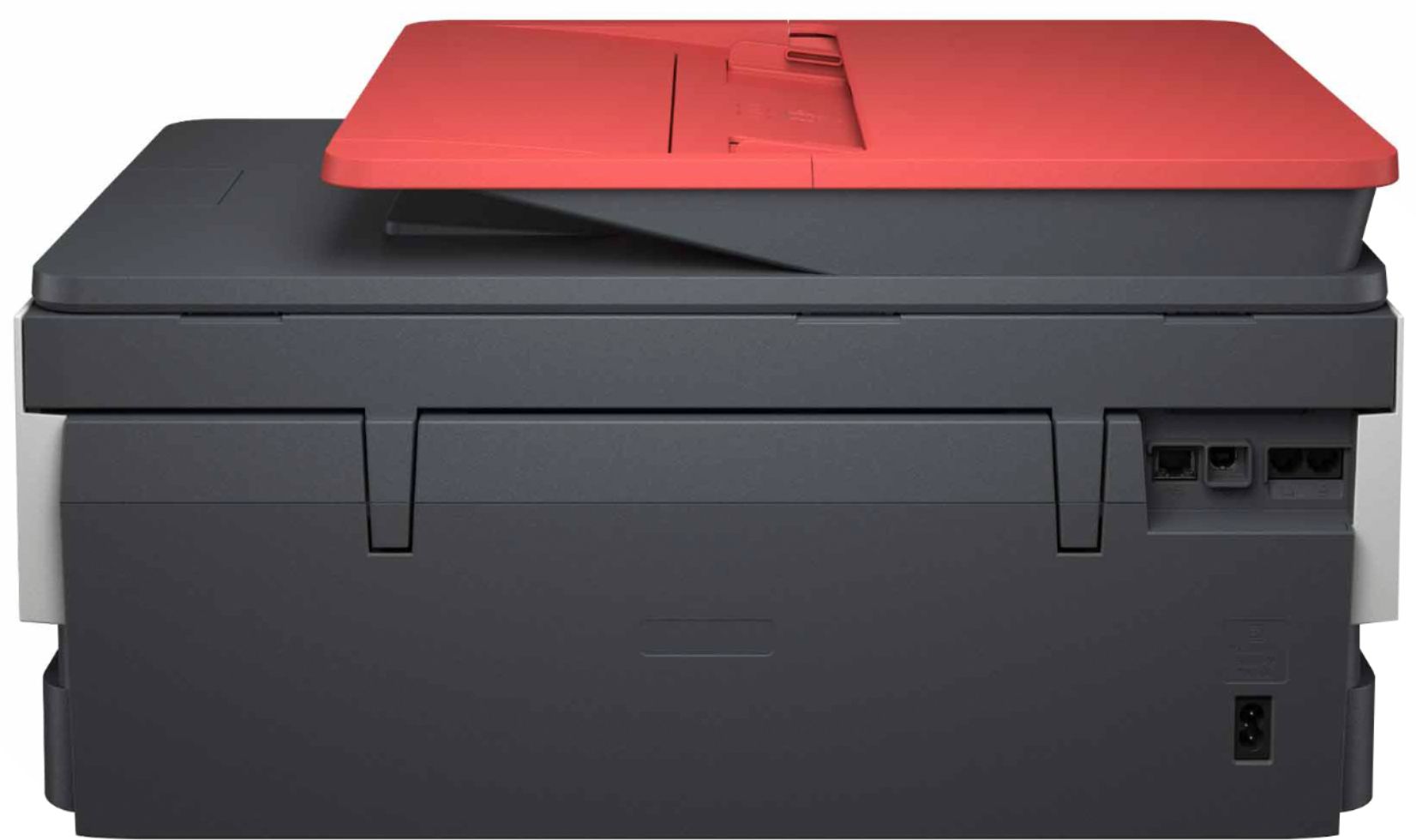
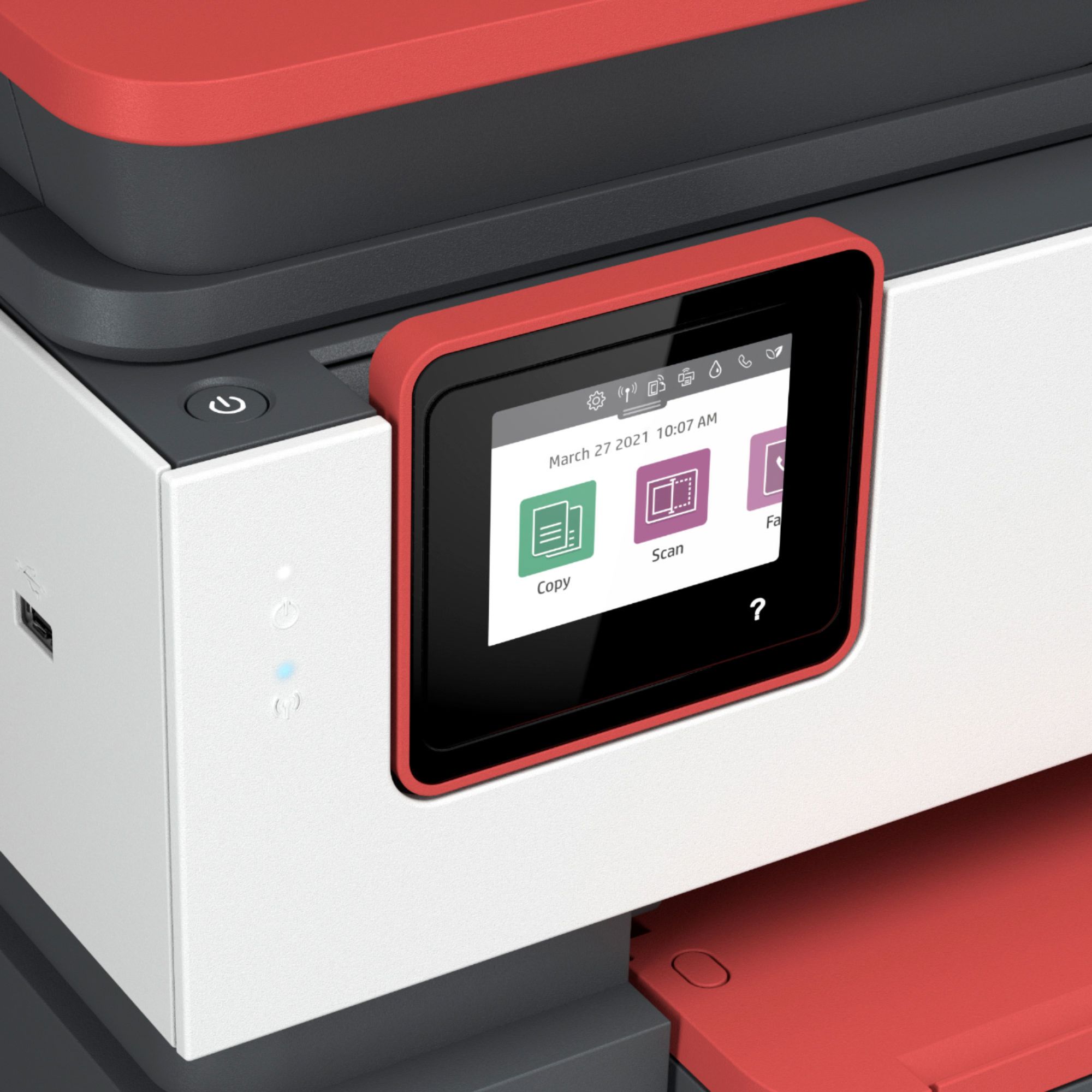
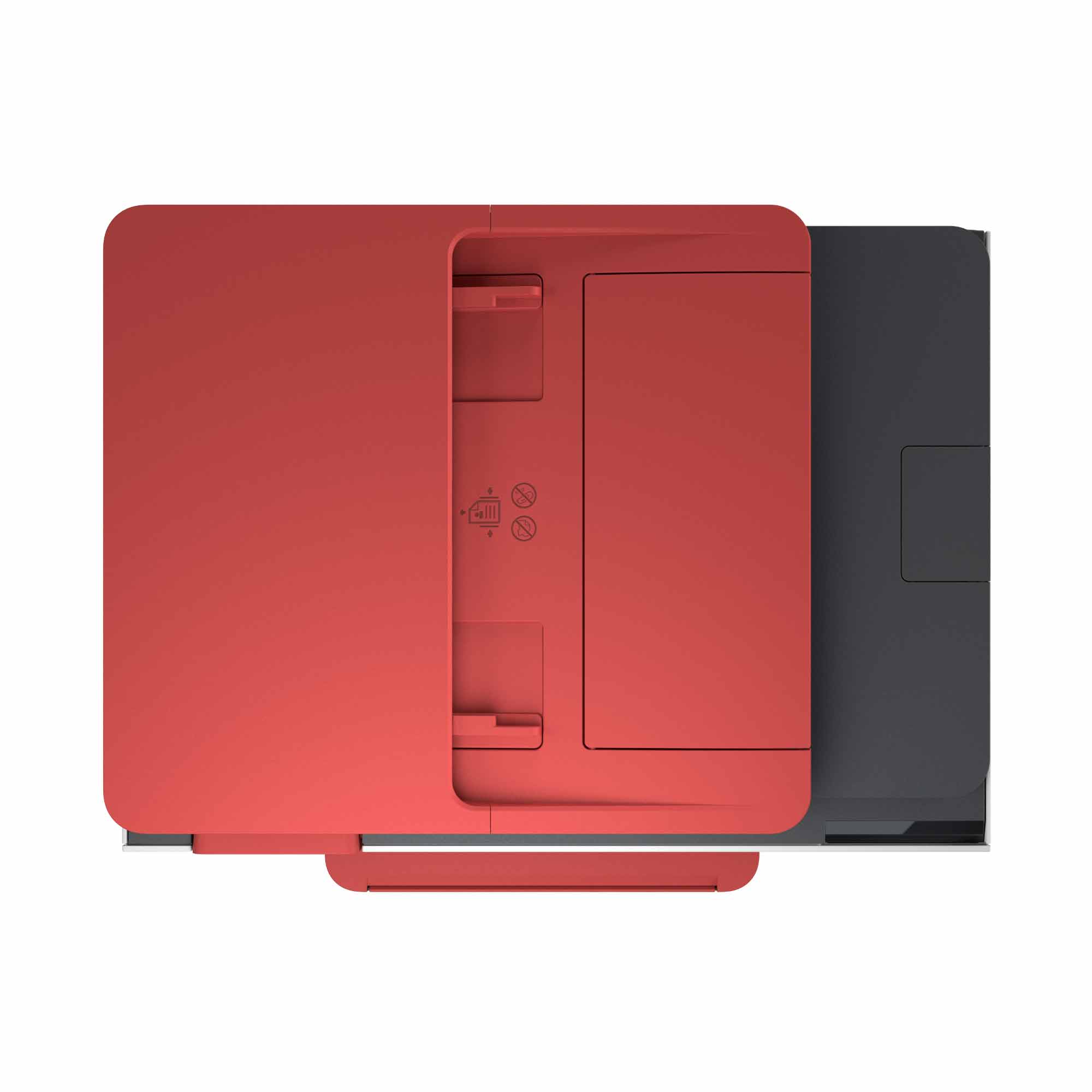
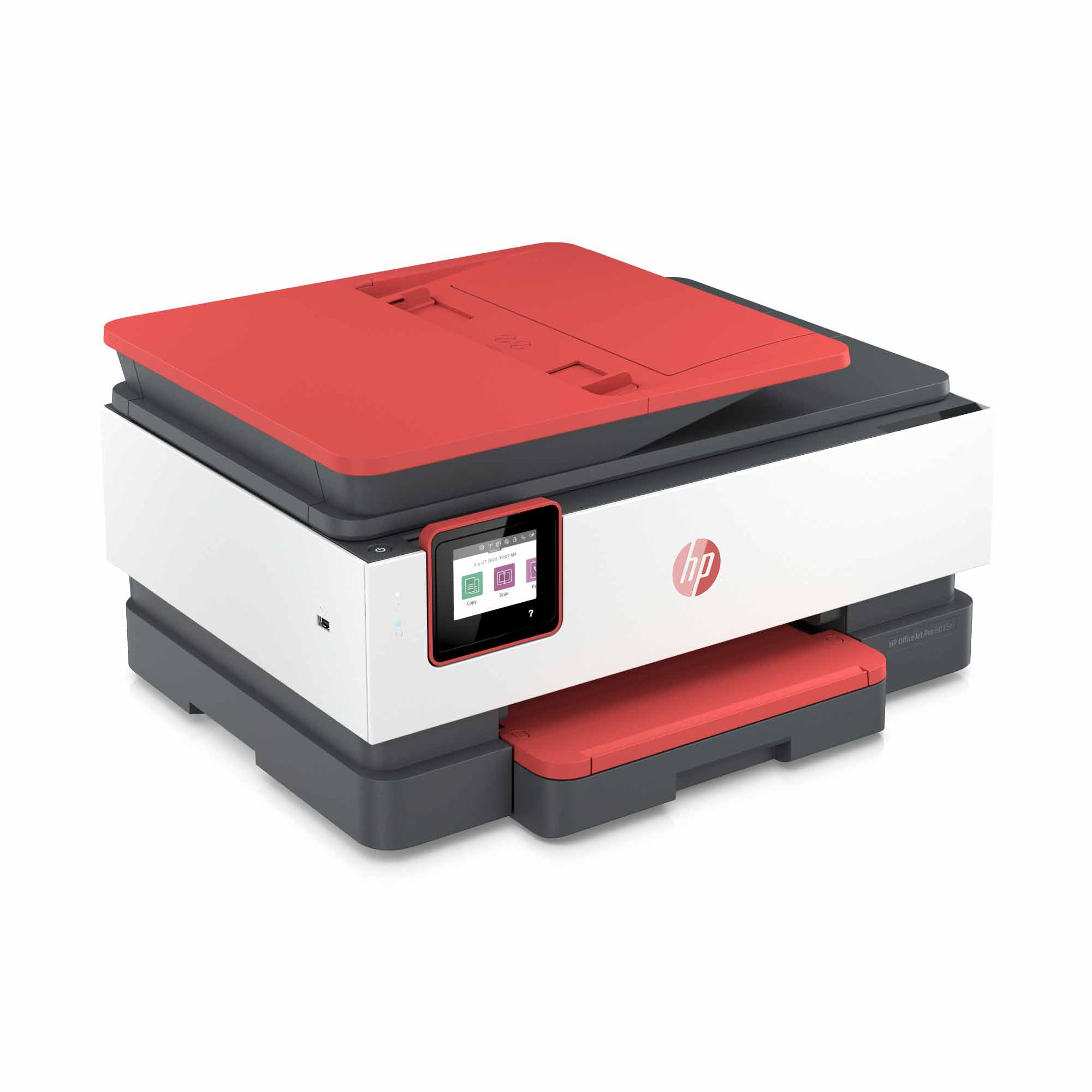
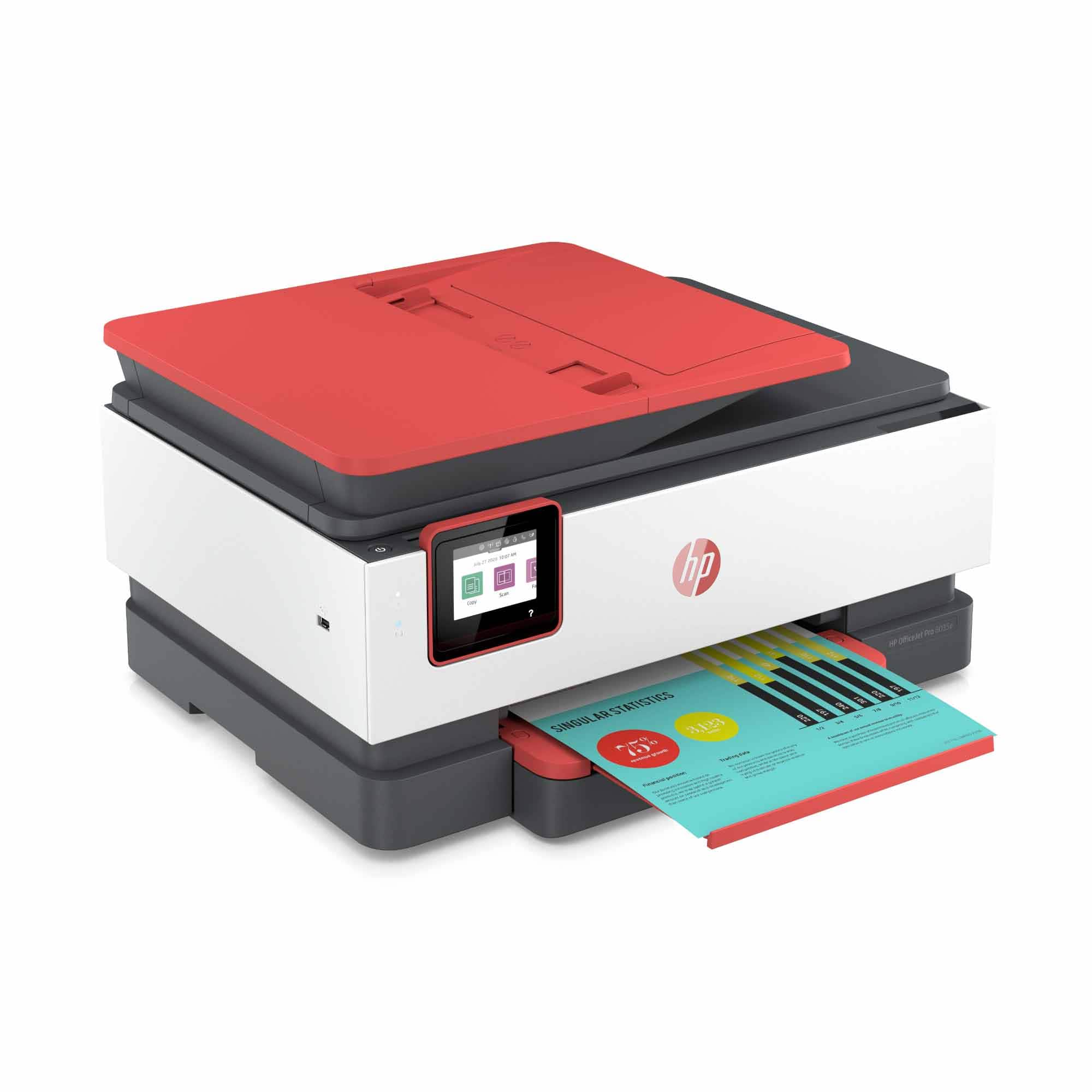
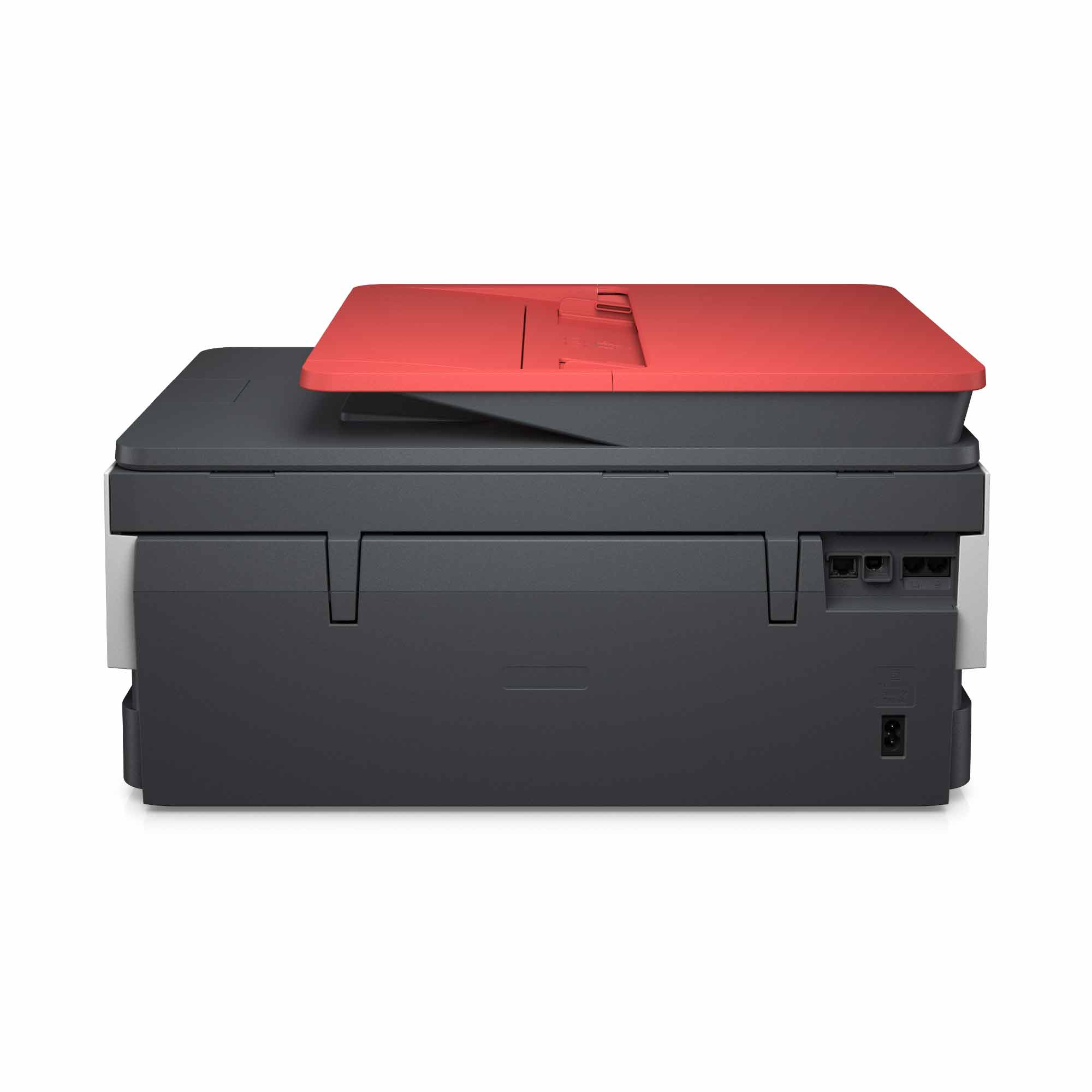
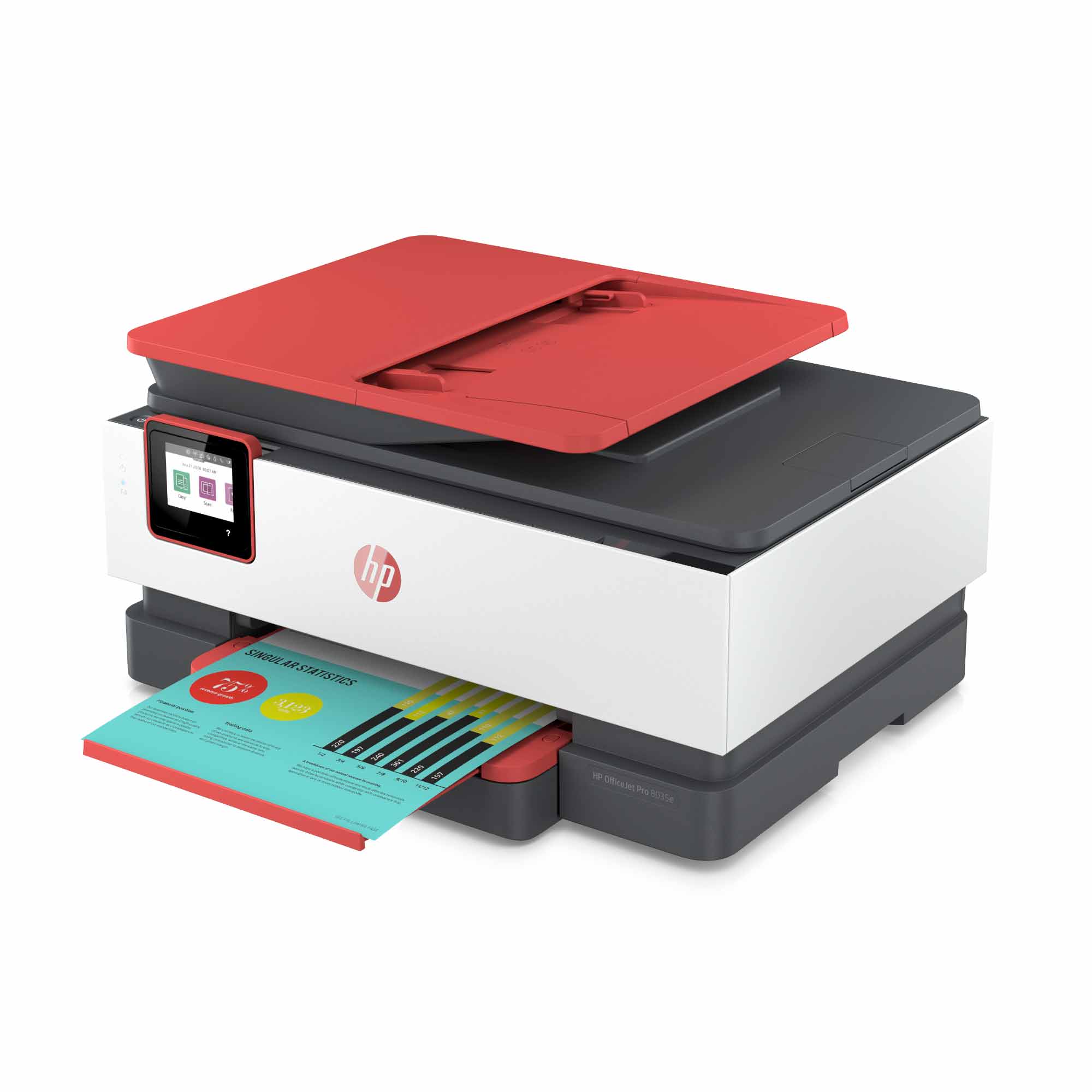
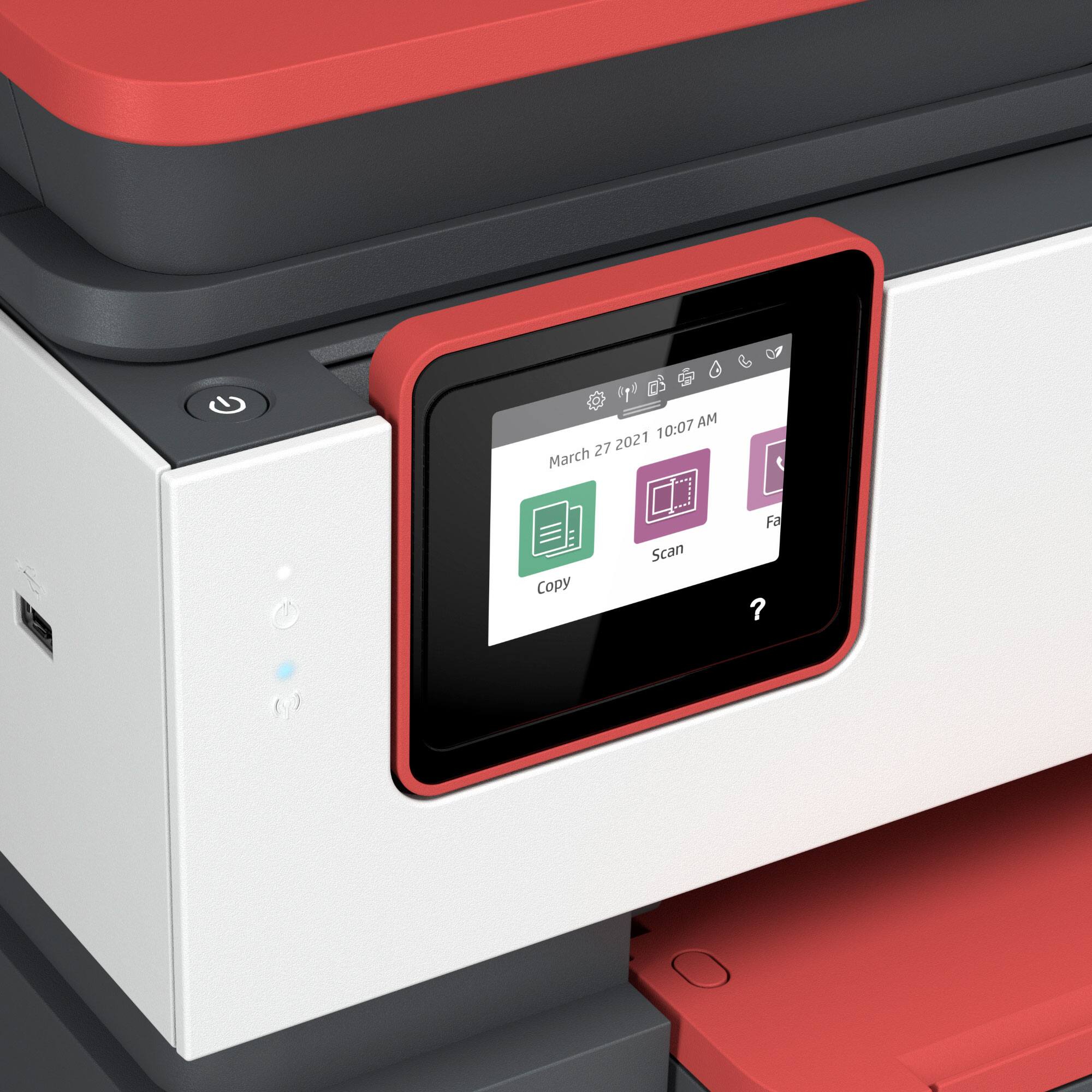
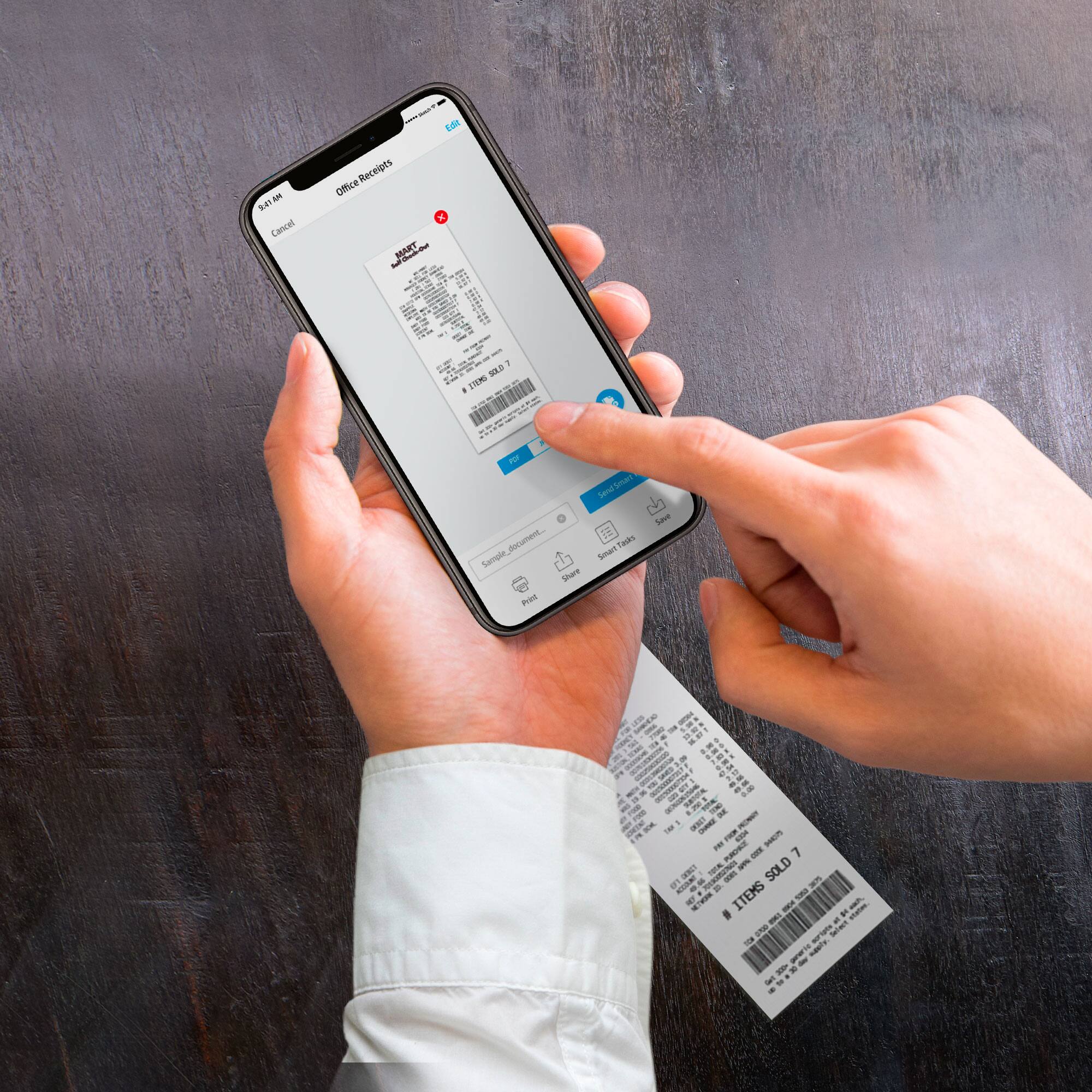
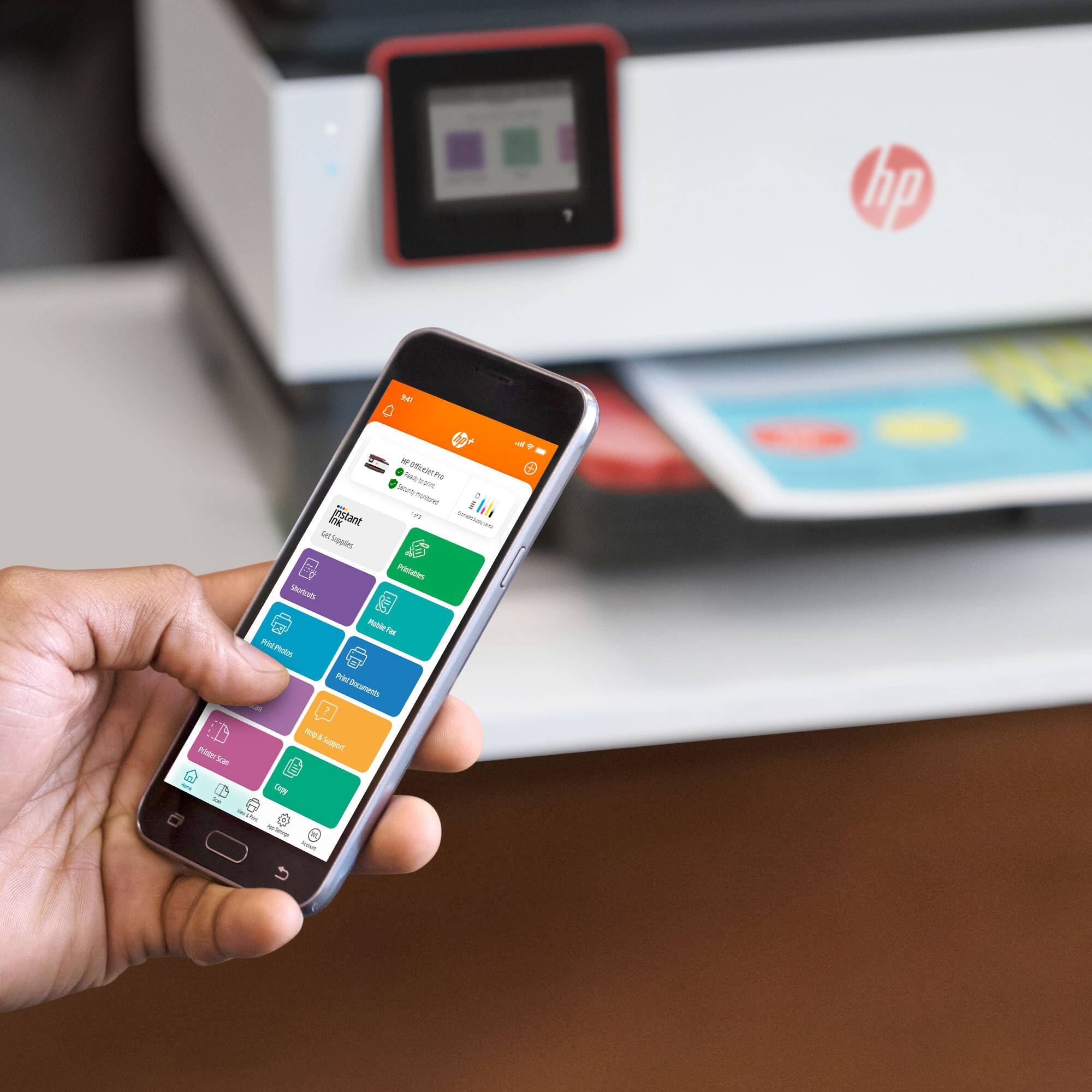
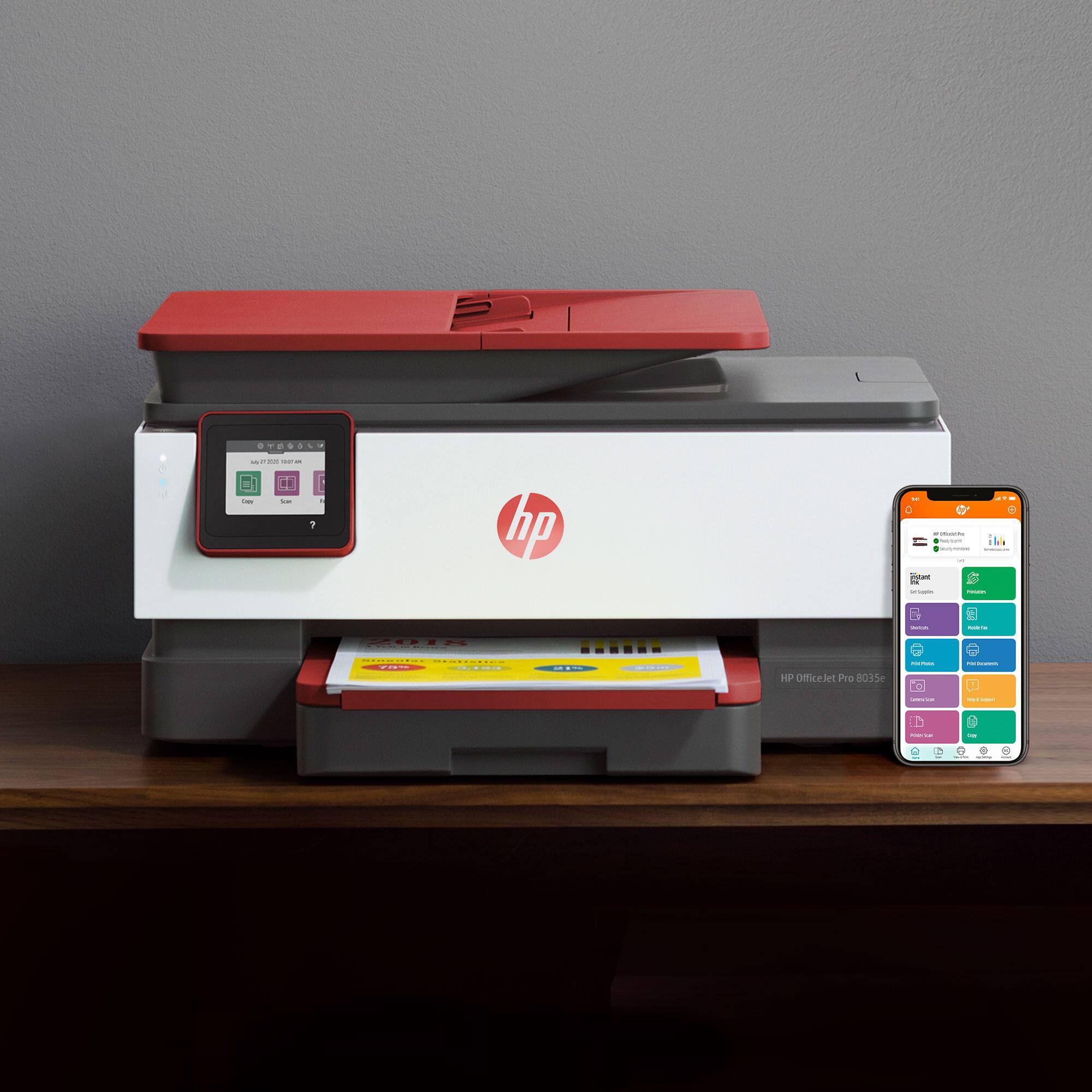
A:Answer For printing documents, web pages, etc., great little printer...fast, easy to use, love the scanner (it does up to legal size, and you can load pages in the paper feed tray. Printer is not noisy, automatic maintenance is fairly quick. When it goes to sleep, it wakes up quickly. We use it for printing from desktops, laptops, and cell phones. I would not use this printer for photo-quality prints, even with special photo paper.