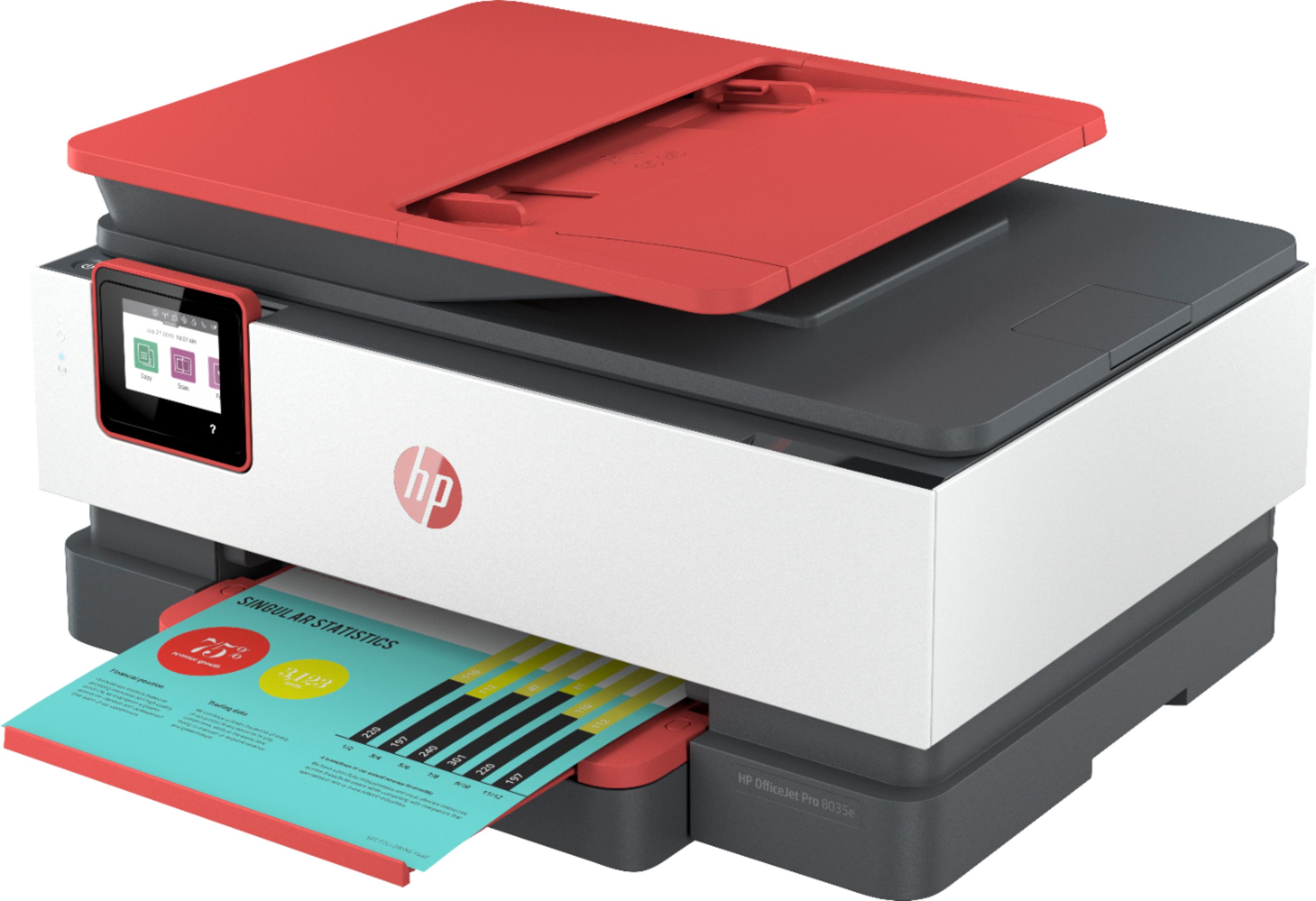
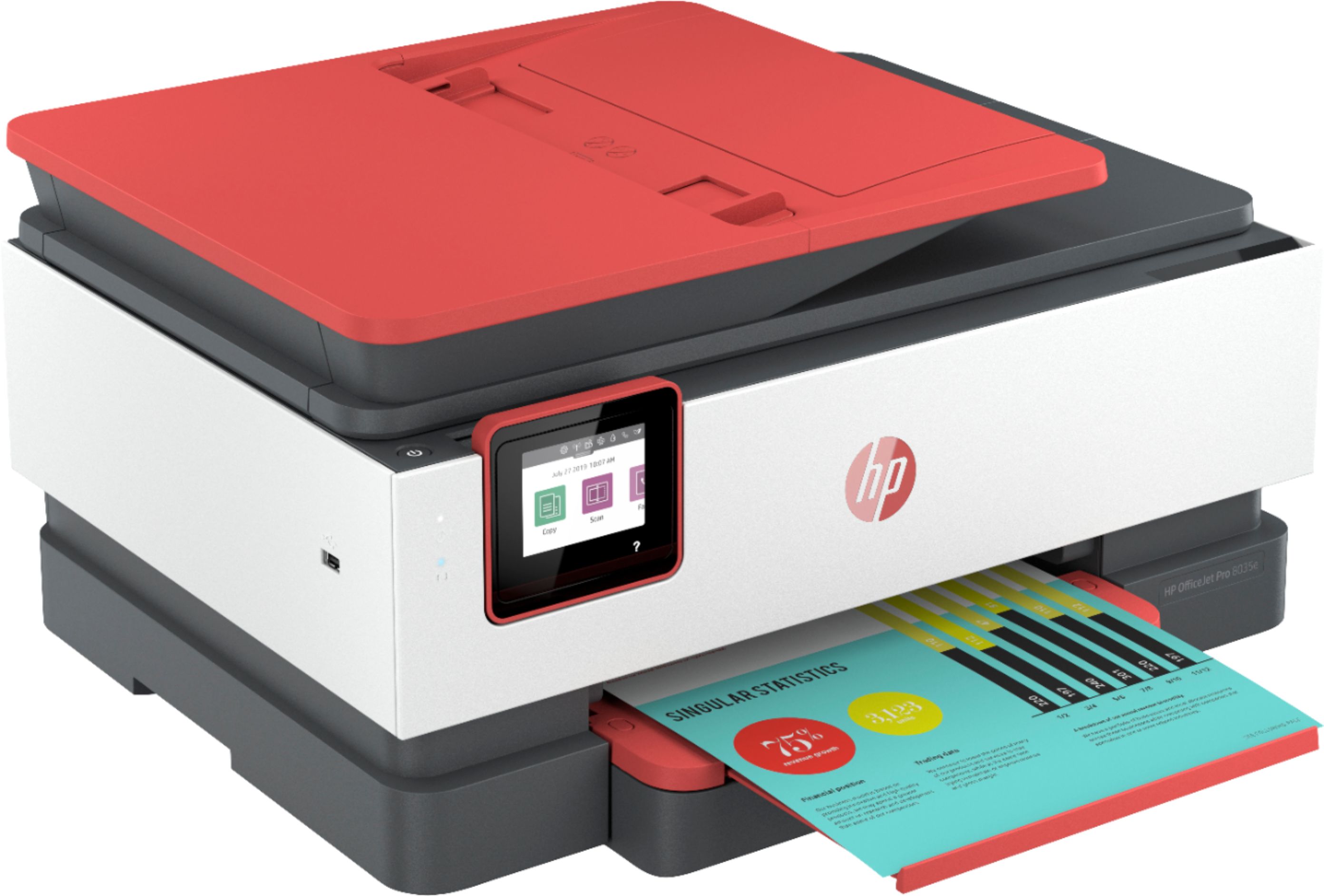
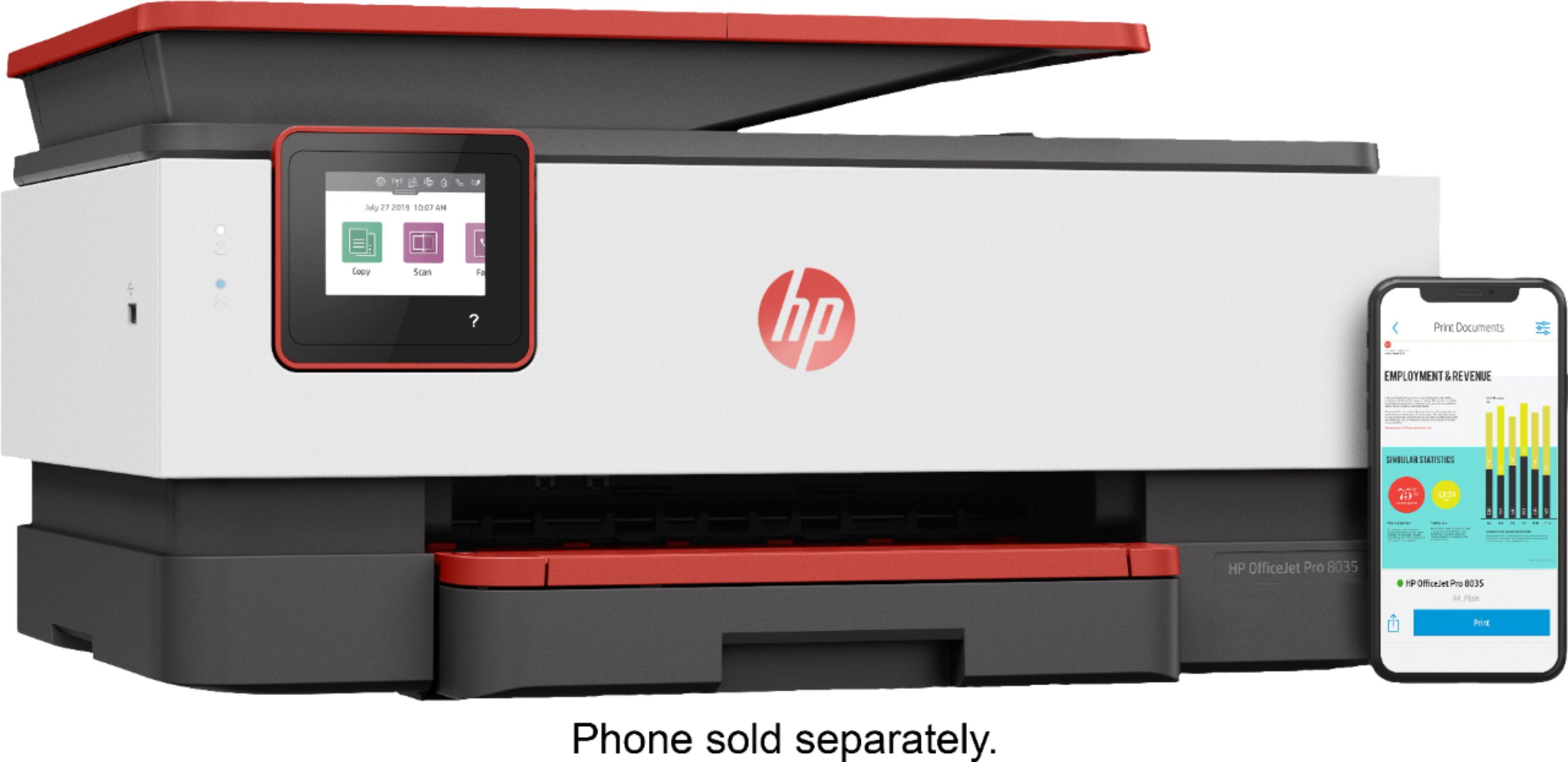
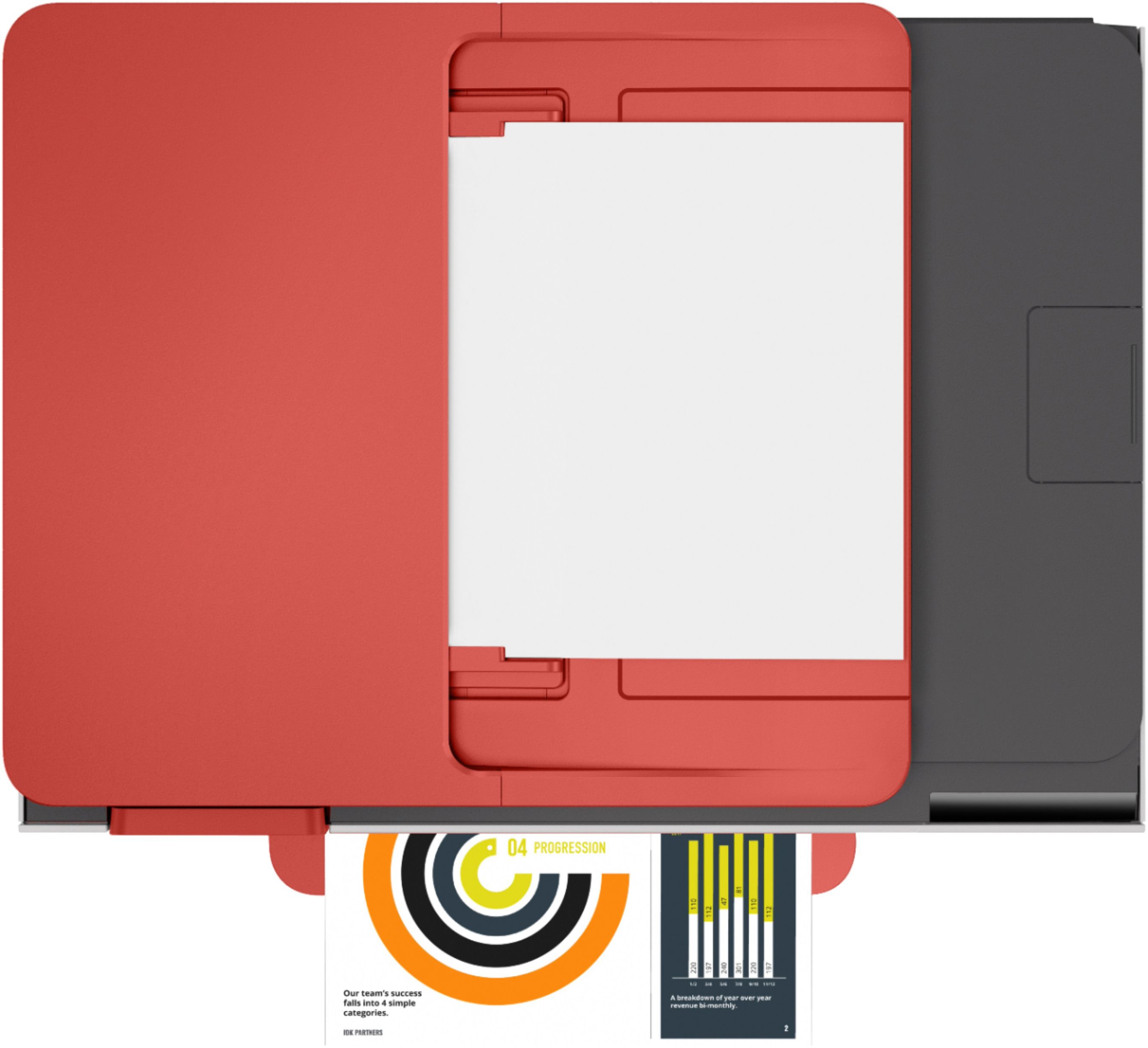
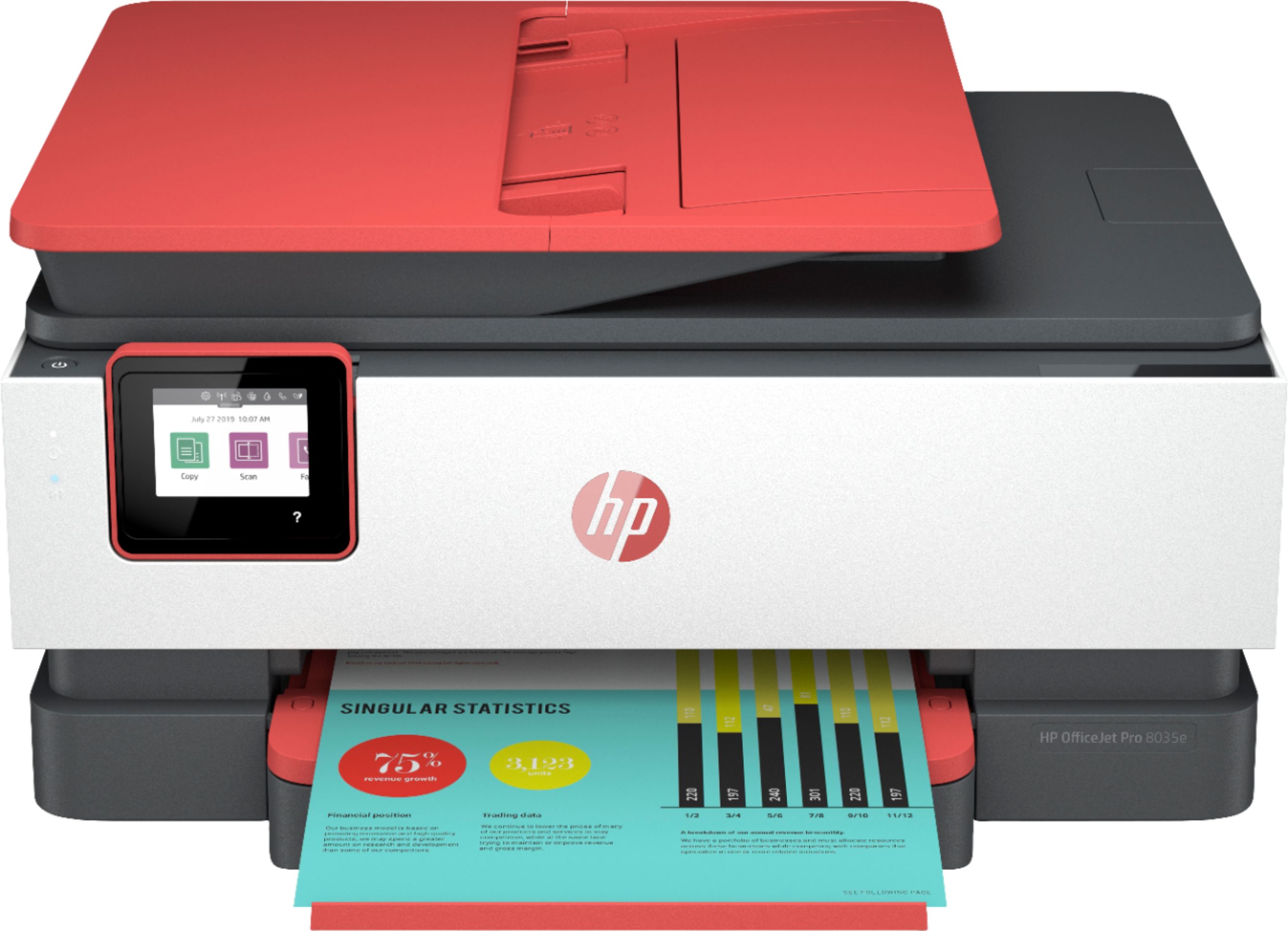
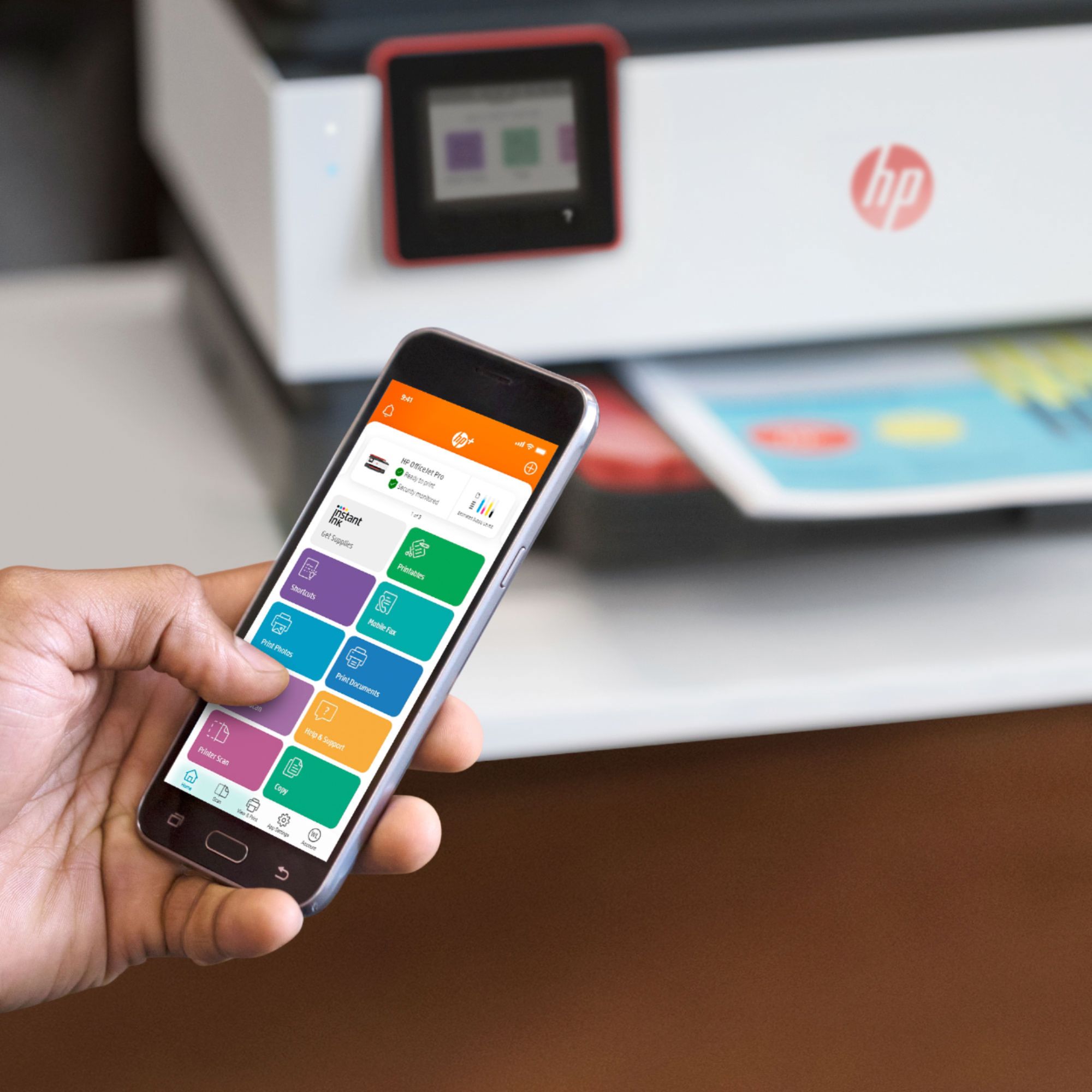
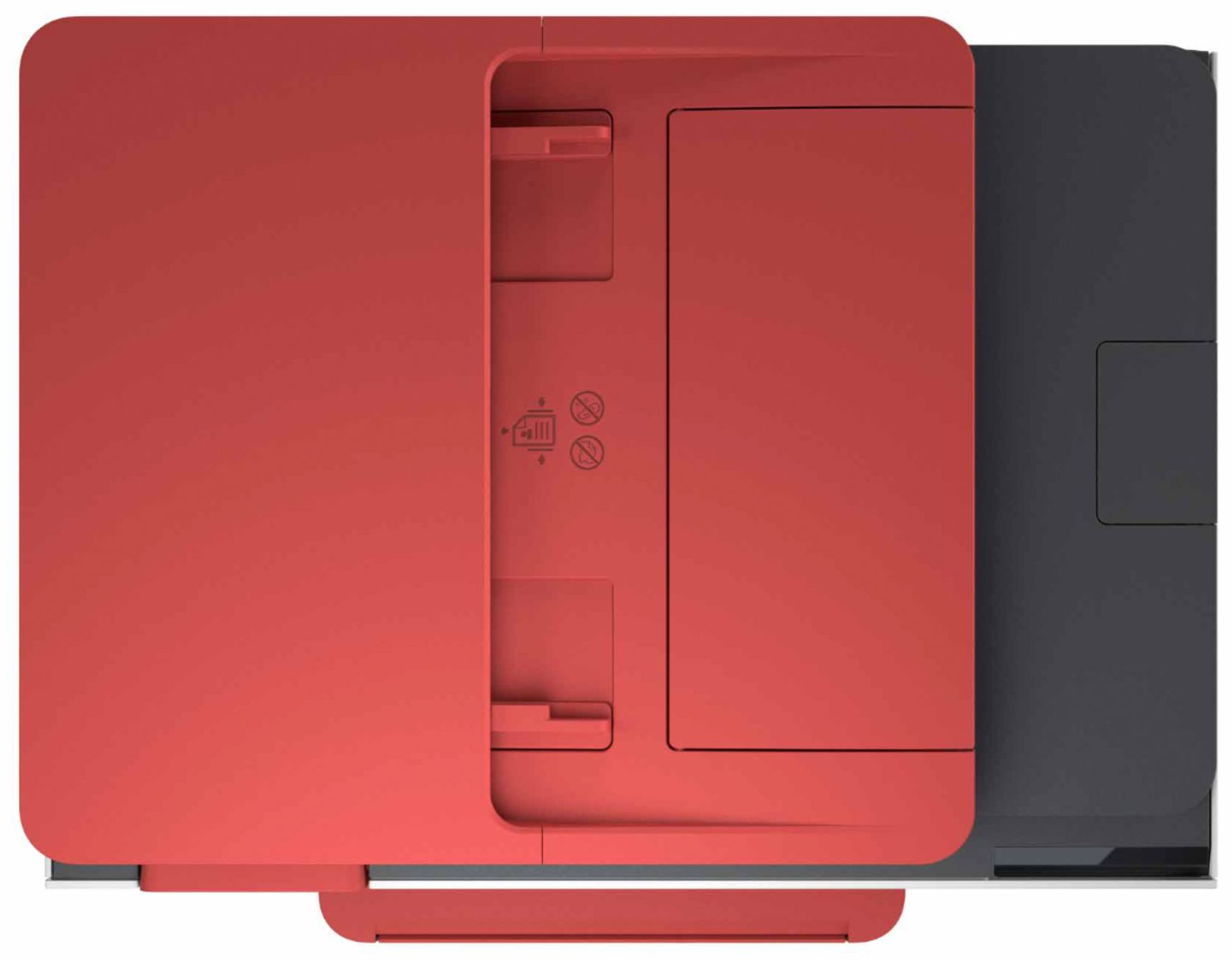
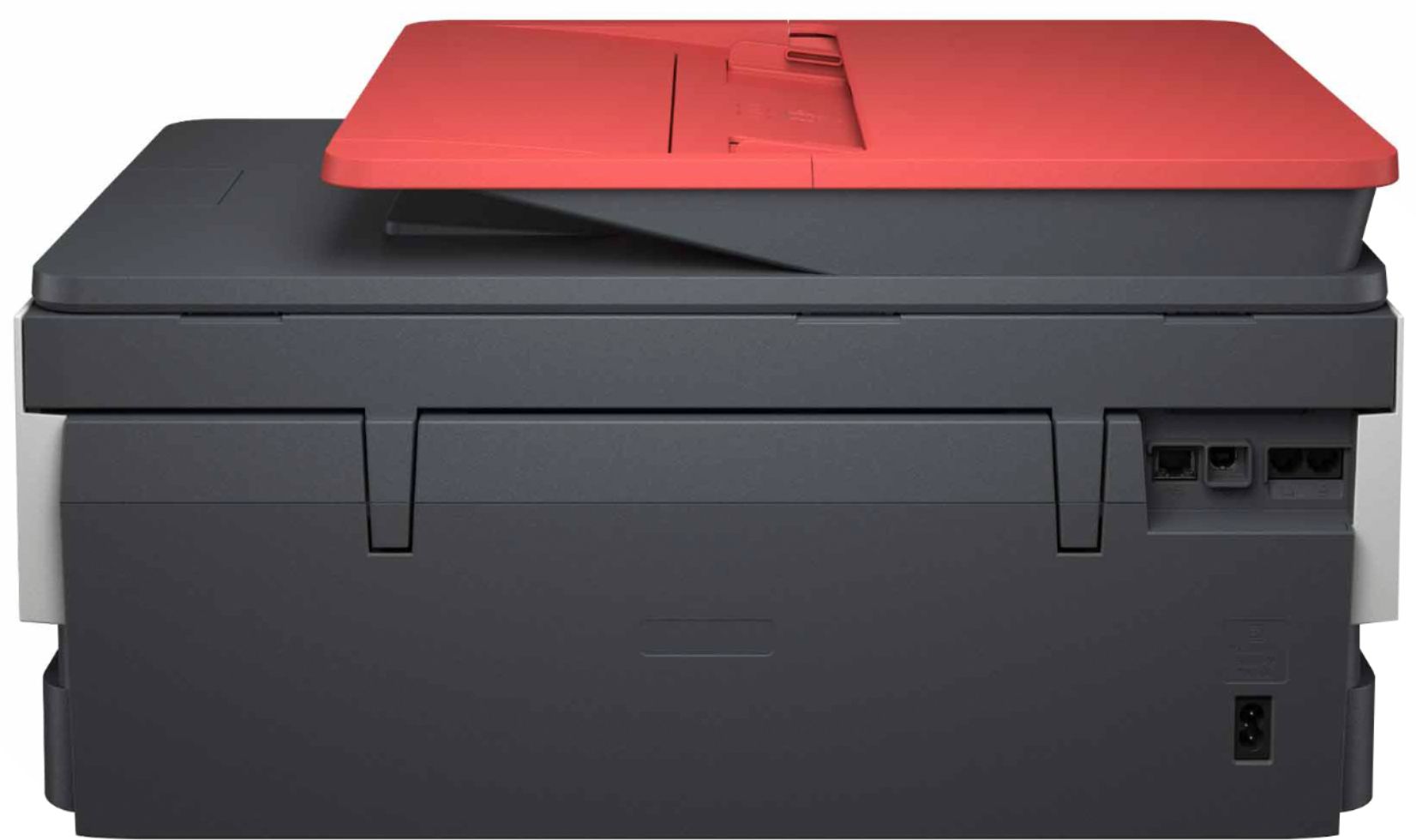
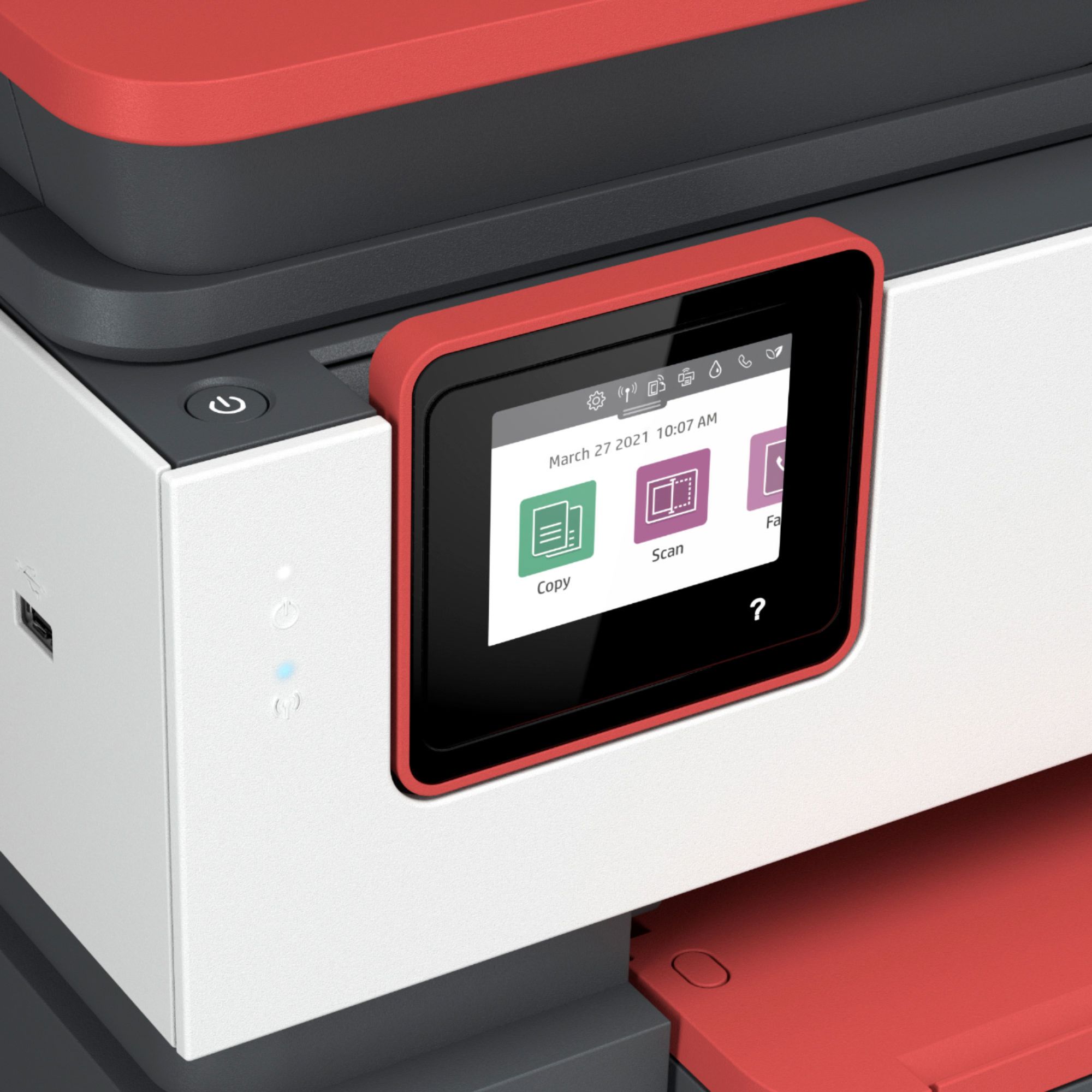
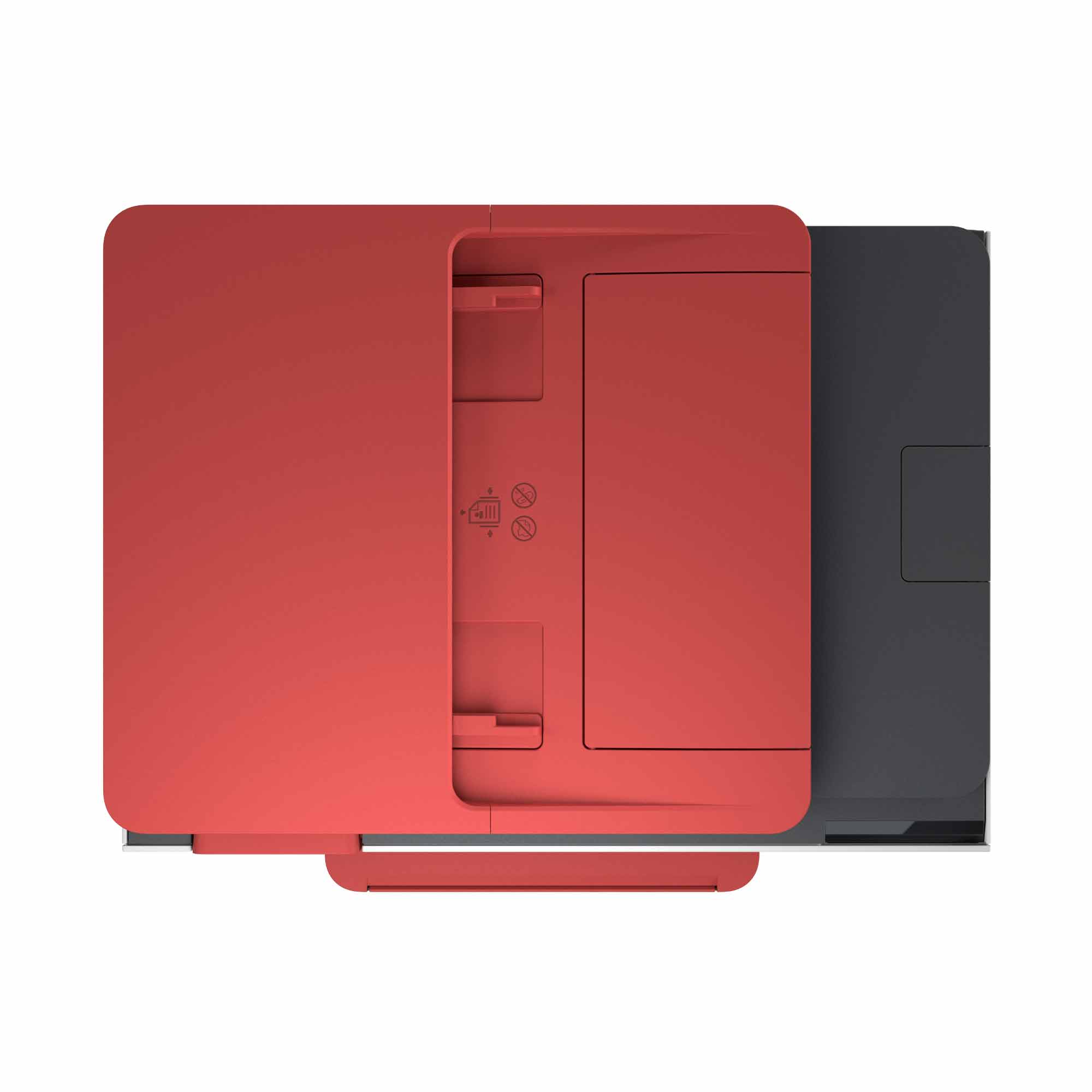
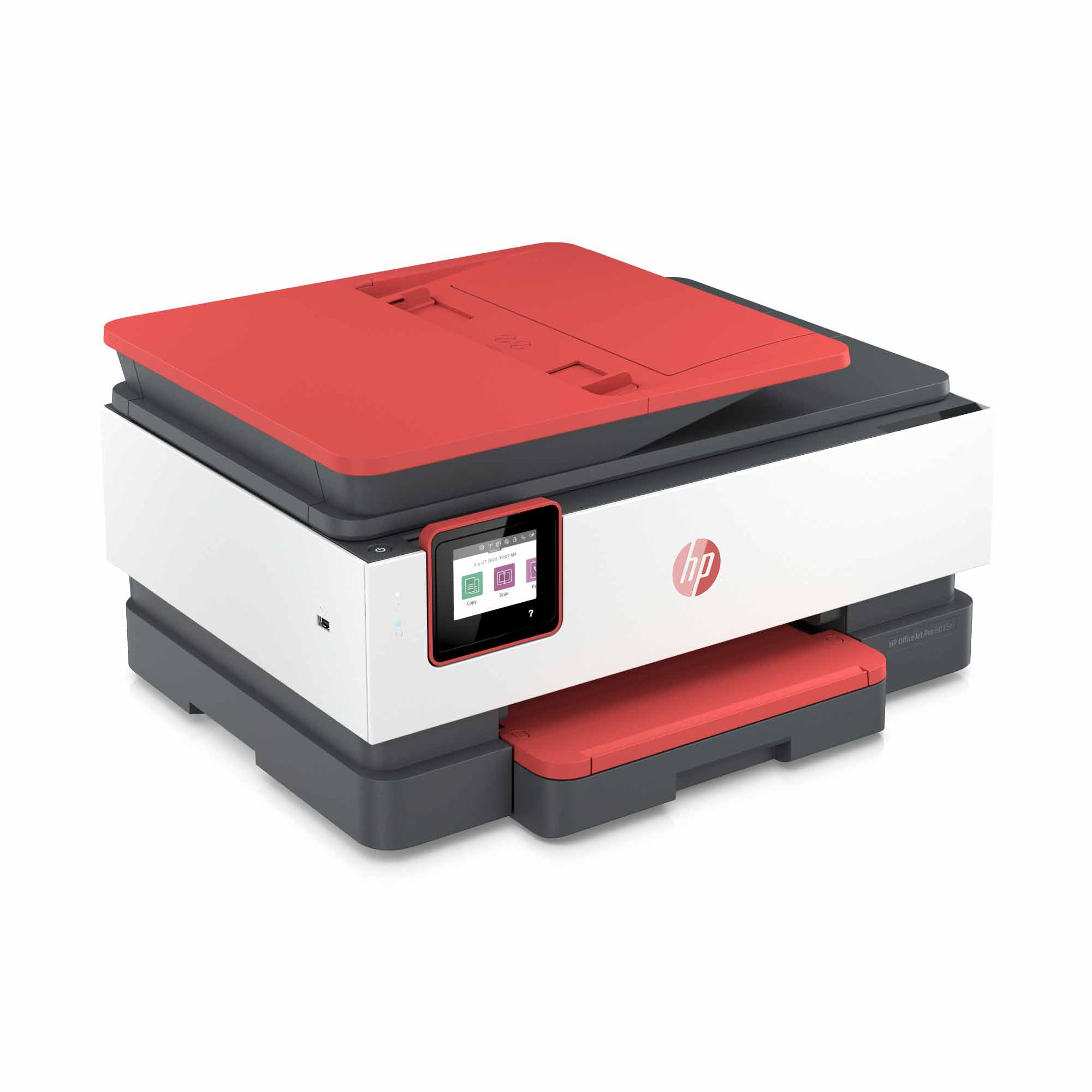
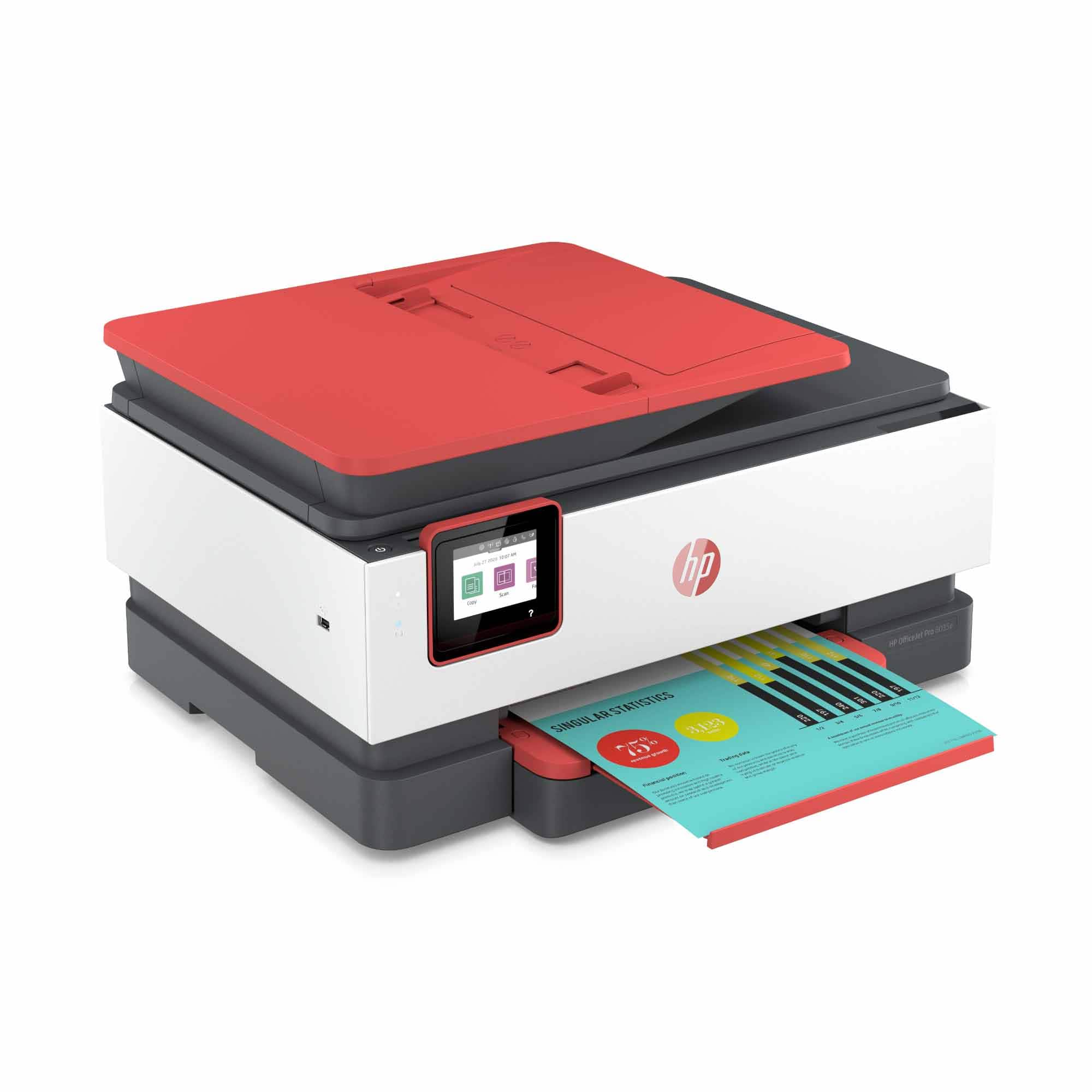
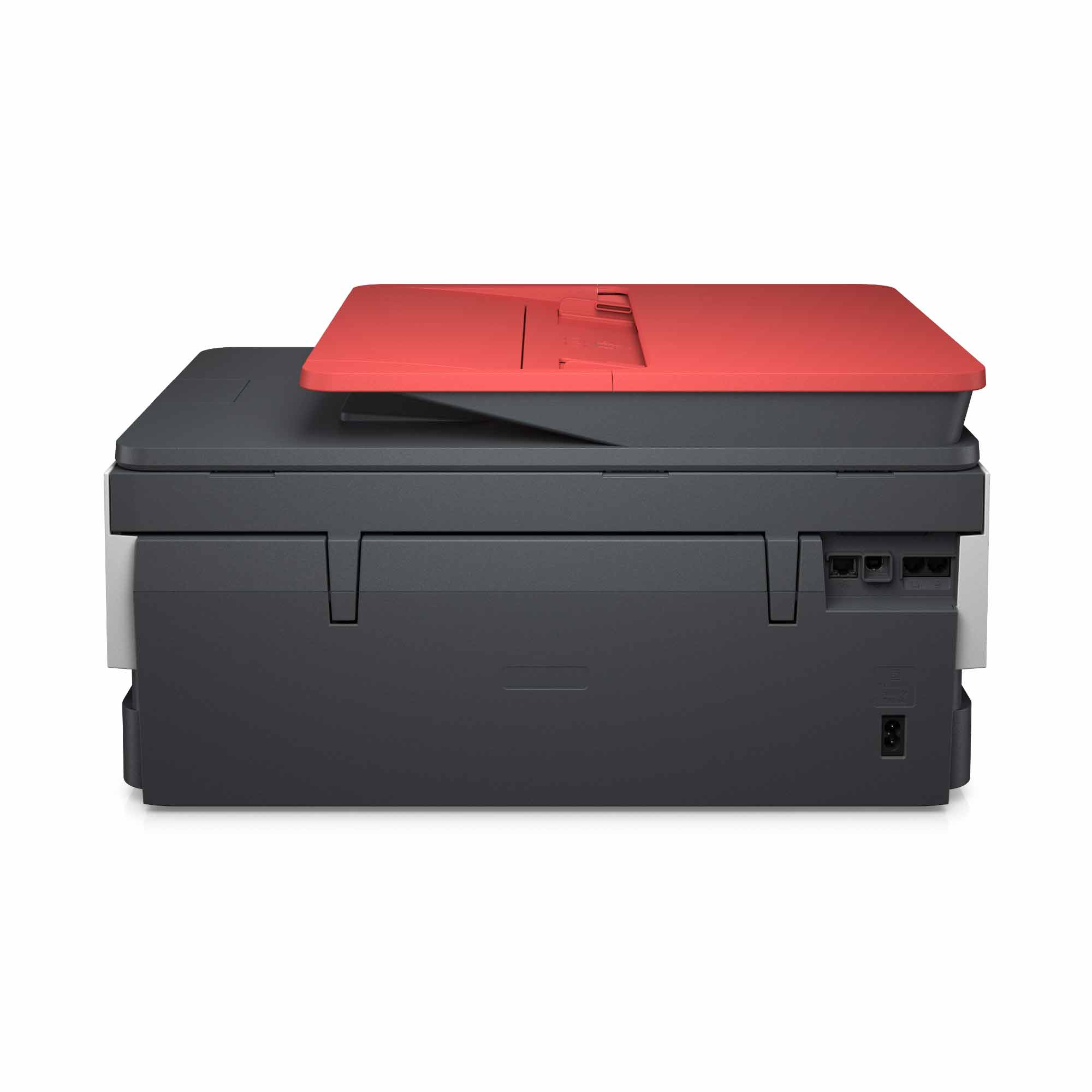
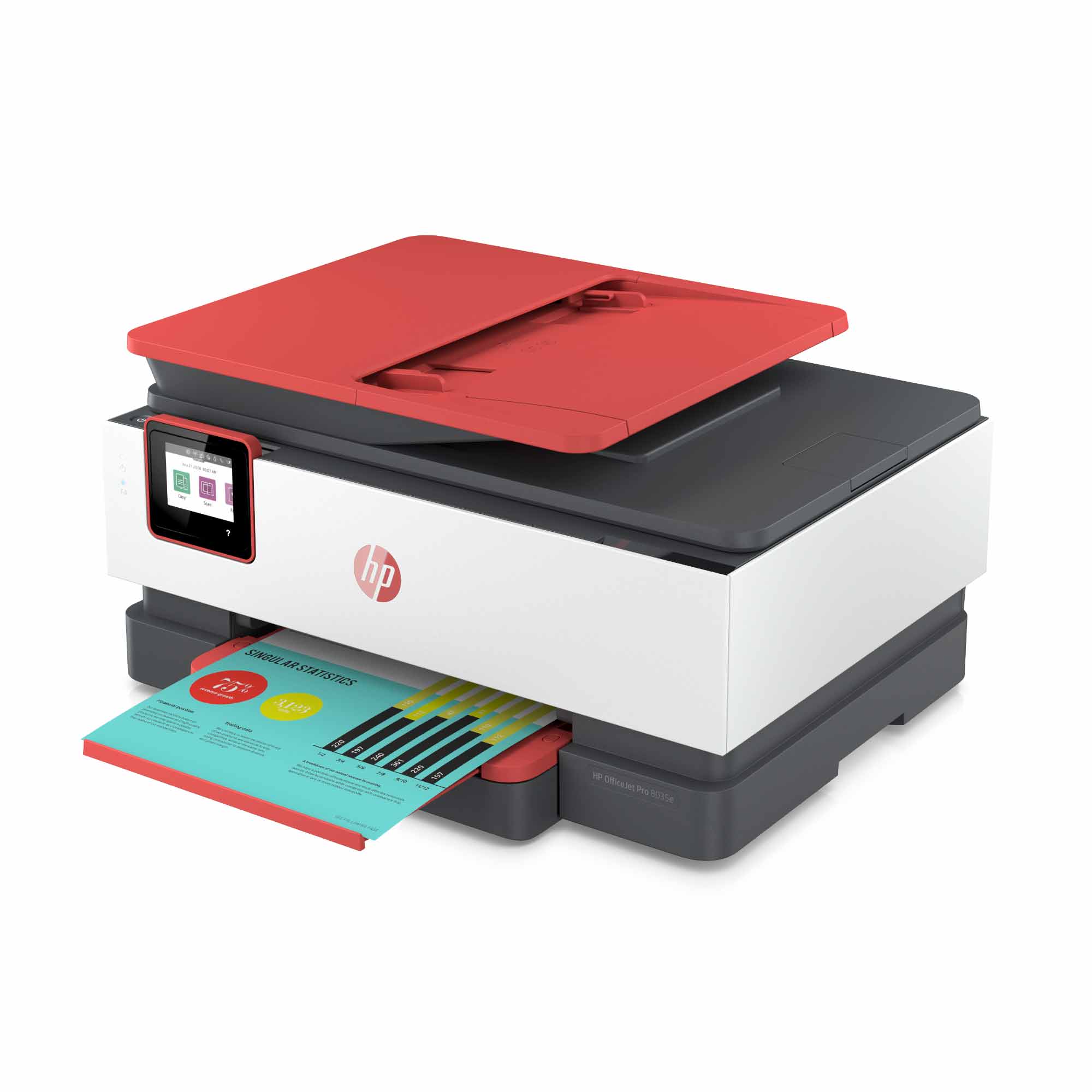
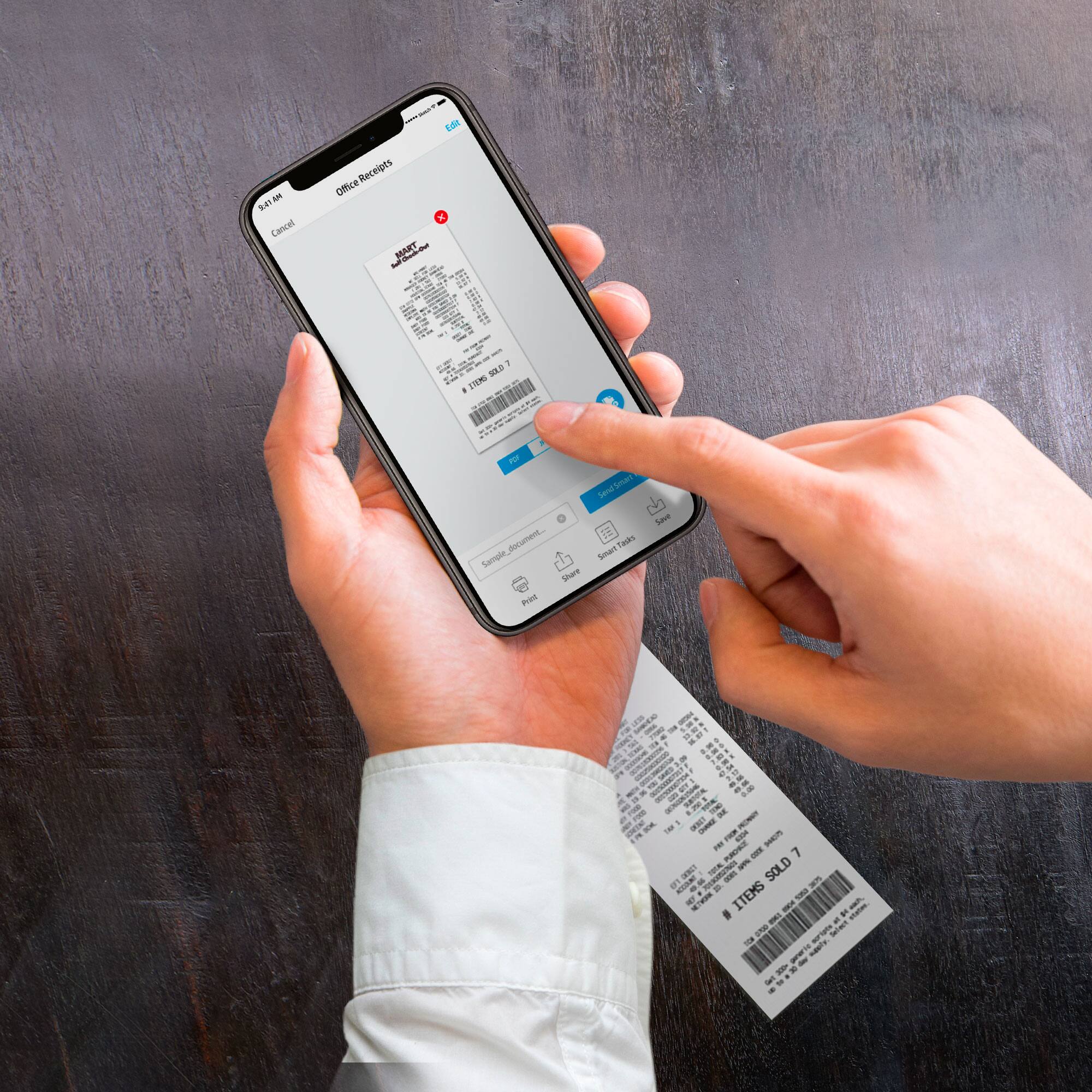
A:AnswerThis printer can handle up to 35 pages at a time on the auto document feeder on top. Just before the first stack finishes, then you place the next stack until the document is finished. Once you scan the document, you will be able to save it as a PDF. We recommend using the HP Smart App: https://support.hp.com/us-en/product/hp-deskjet-2600-all-in-one-printer-series/12319824/model/21481524/document/c04675142
A:AnswerThe 8 months of ink is based on the 100-page plan from HP Instant Ink. That plan is normally $4.99 a month. So with the 8 months, that is a $40 credit. You can technically choose any of the three plans, but the number of months would change. For example, if you chose the $2.99 plan (50 pages a month), the 2-year plan would last about 13 months. The $9.99 plan (300 pages a month) would last about 4 months. HP will send you more ink before you need it. So, it does not matter what you actually print on the page. It is just the number of pages that are being counted based on the plan you chose.
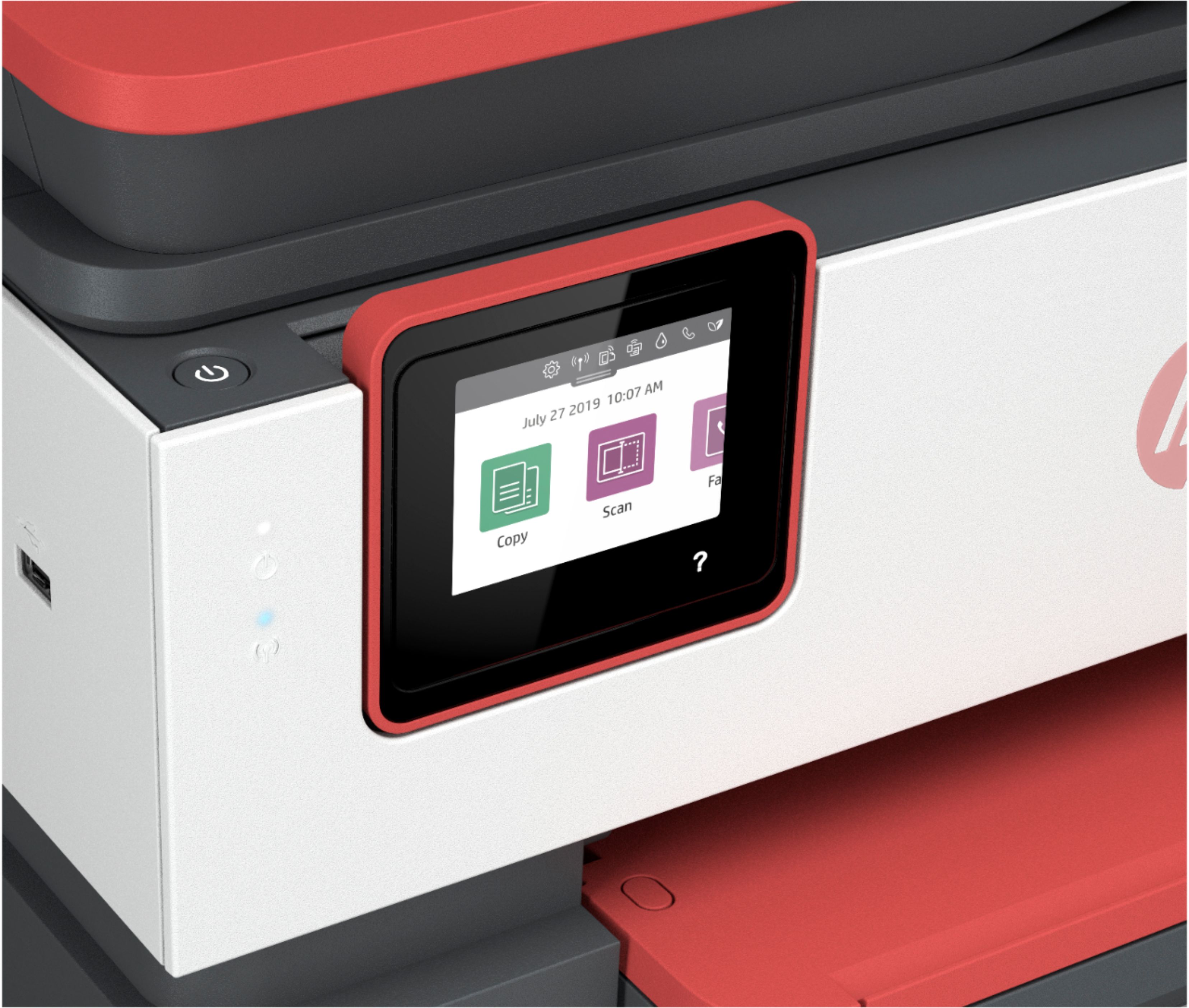
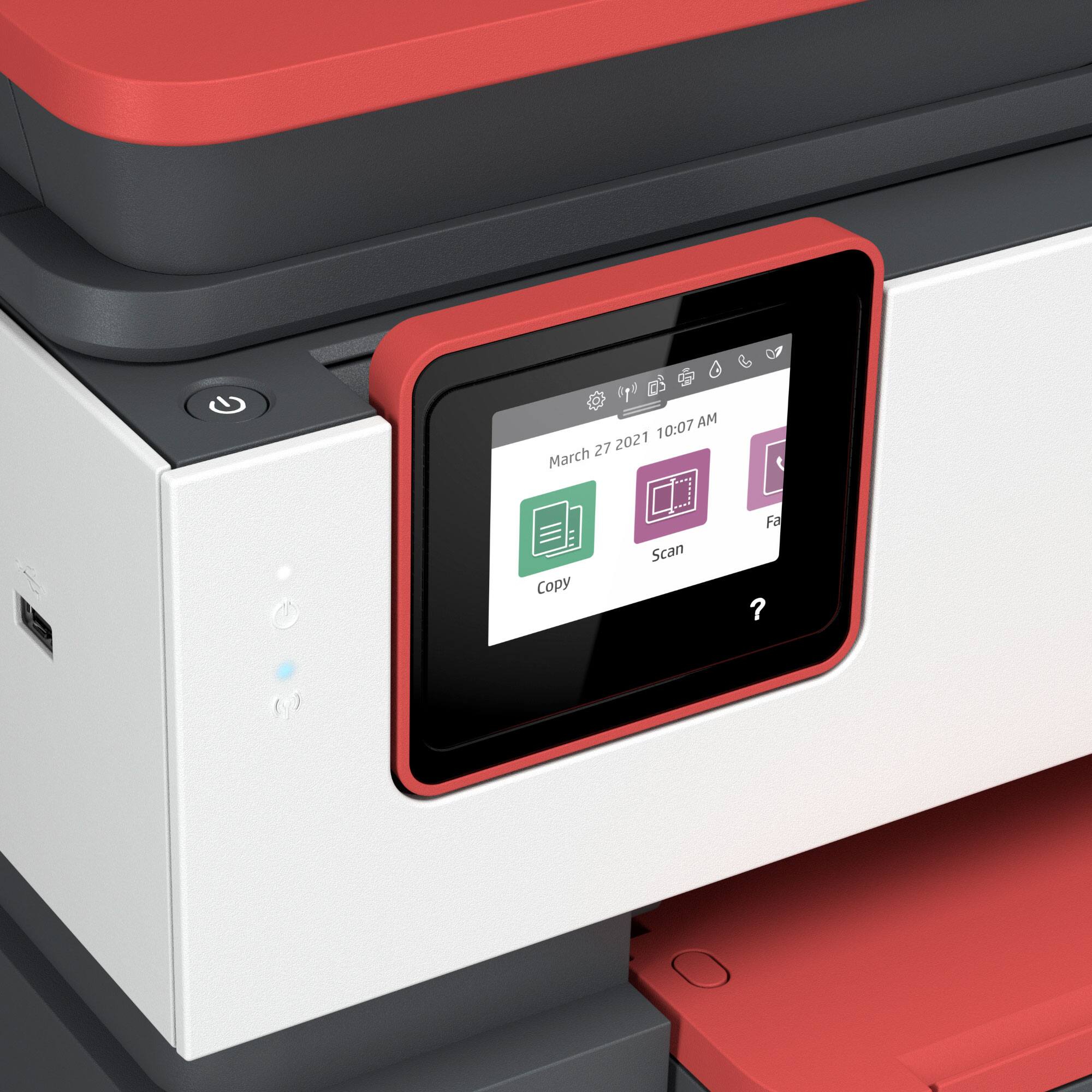
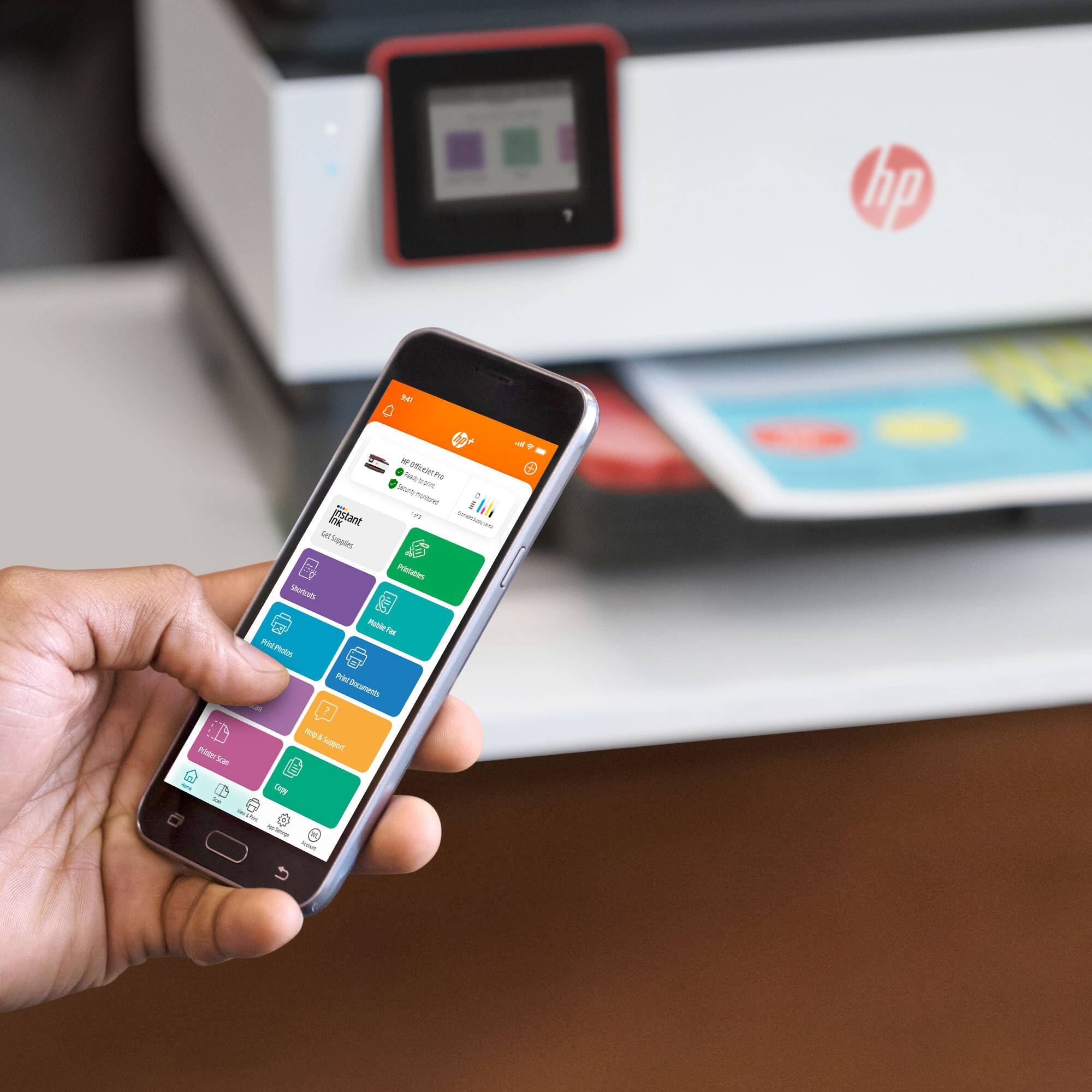
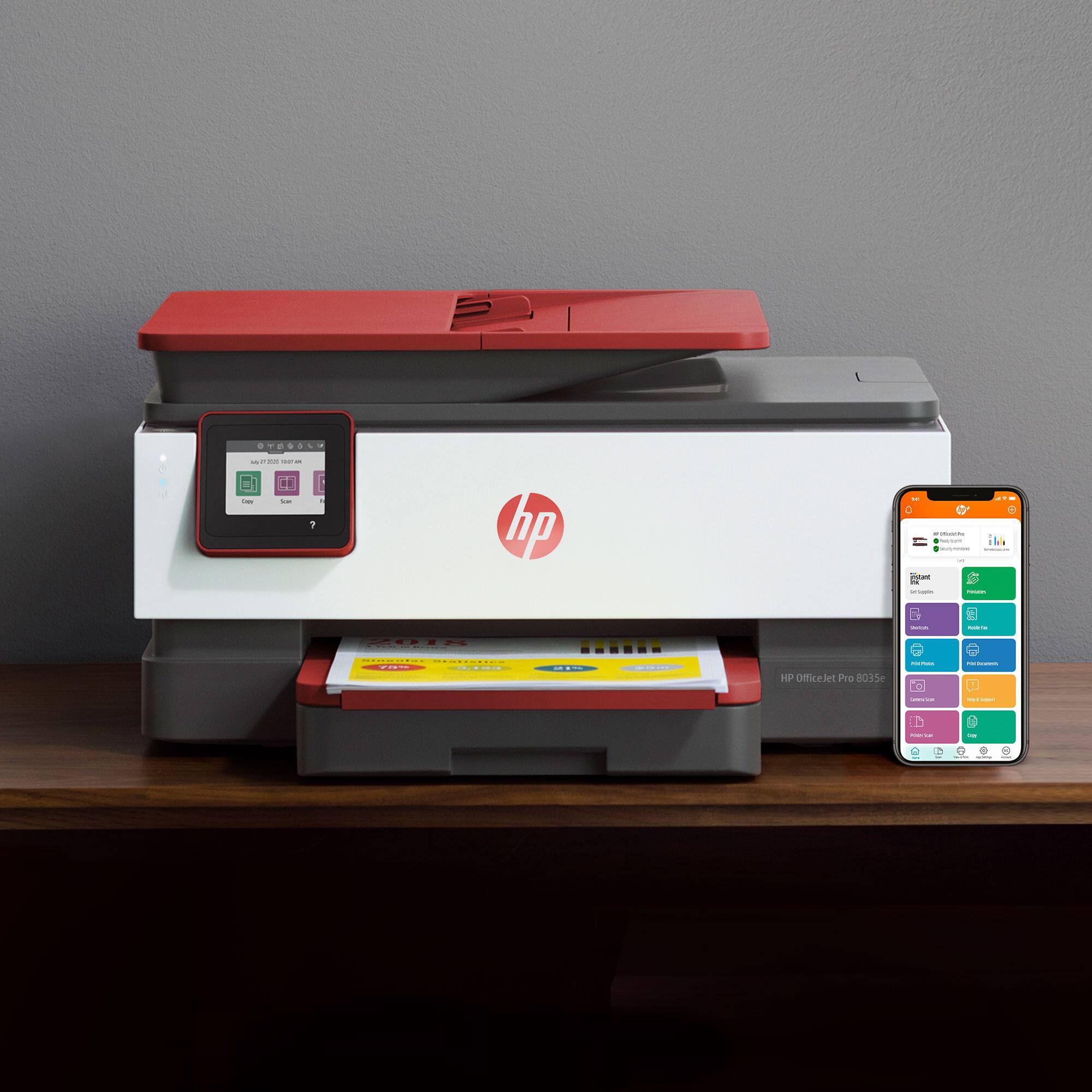
A:AnswerYour printer has a wifi direct password. You can select the wifi direct icon and it will show the model number and the 8 digit wifi direct password. You can also print out the printer configuration from the printer keyboard and see it.
A:AnswerYou may place the original on the Flatbed Glass and select Two-Sided printing from the Copy Settings menu, then the printer will prompt to manually reload the other side.
A:AnswerThis should help you with your concerns.
https://support.hp.com/us-en/product/hp-officejet-pro-8030-all-in-one-printer-series/24208734/document/c06262856