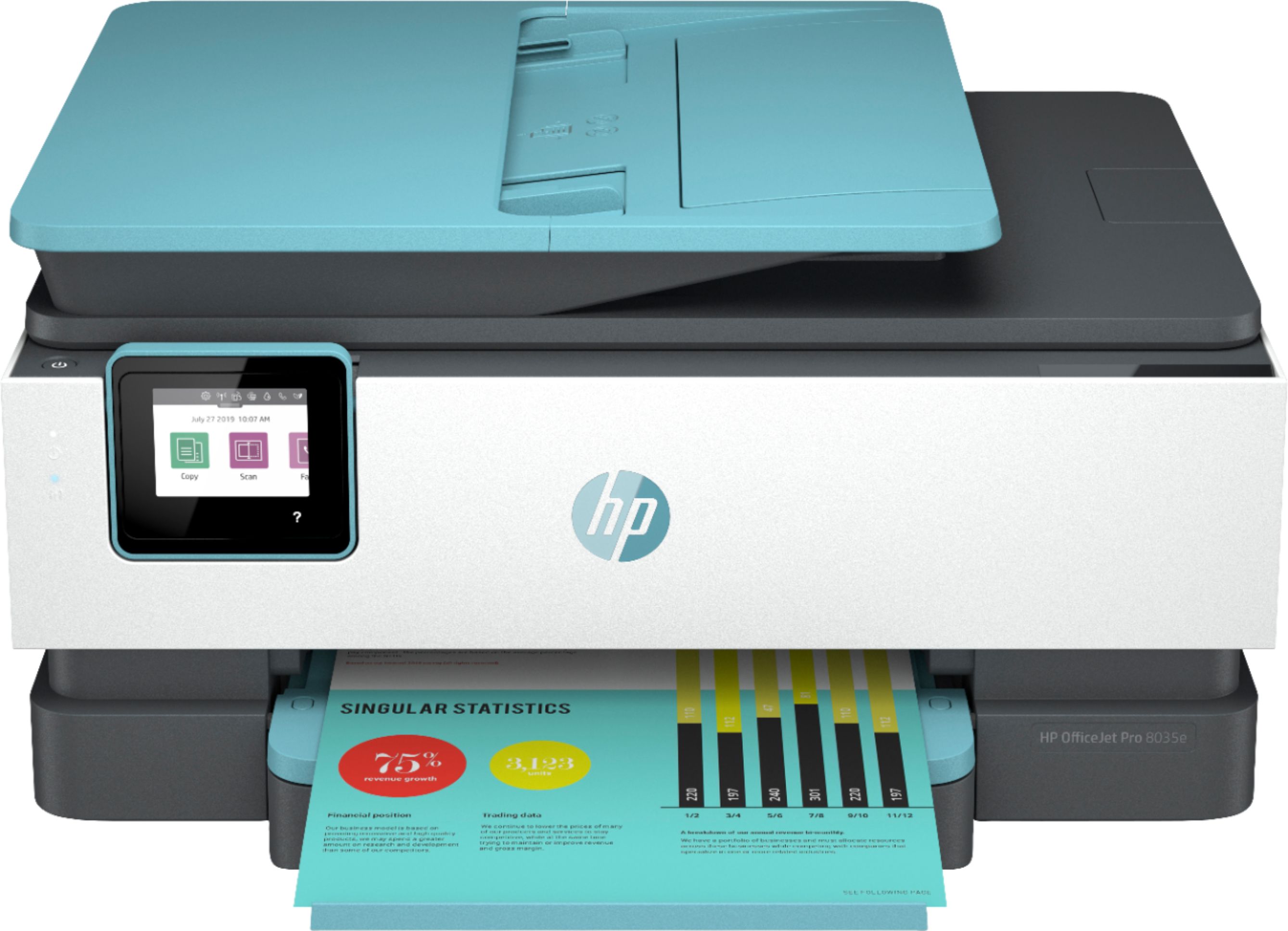
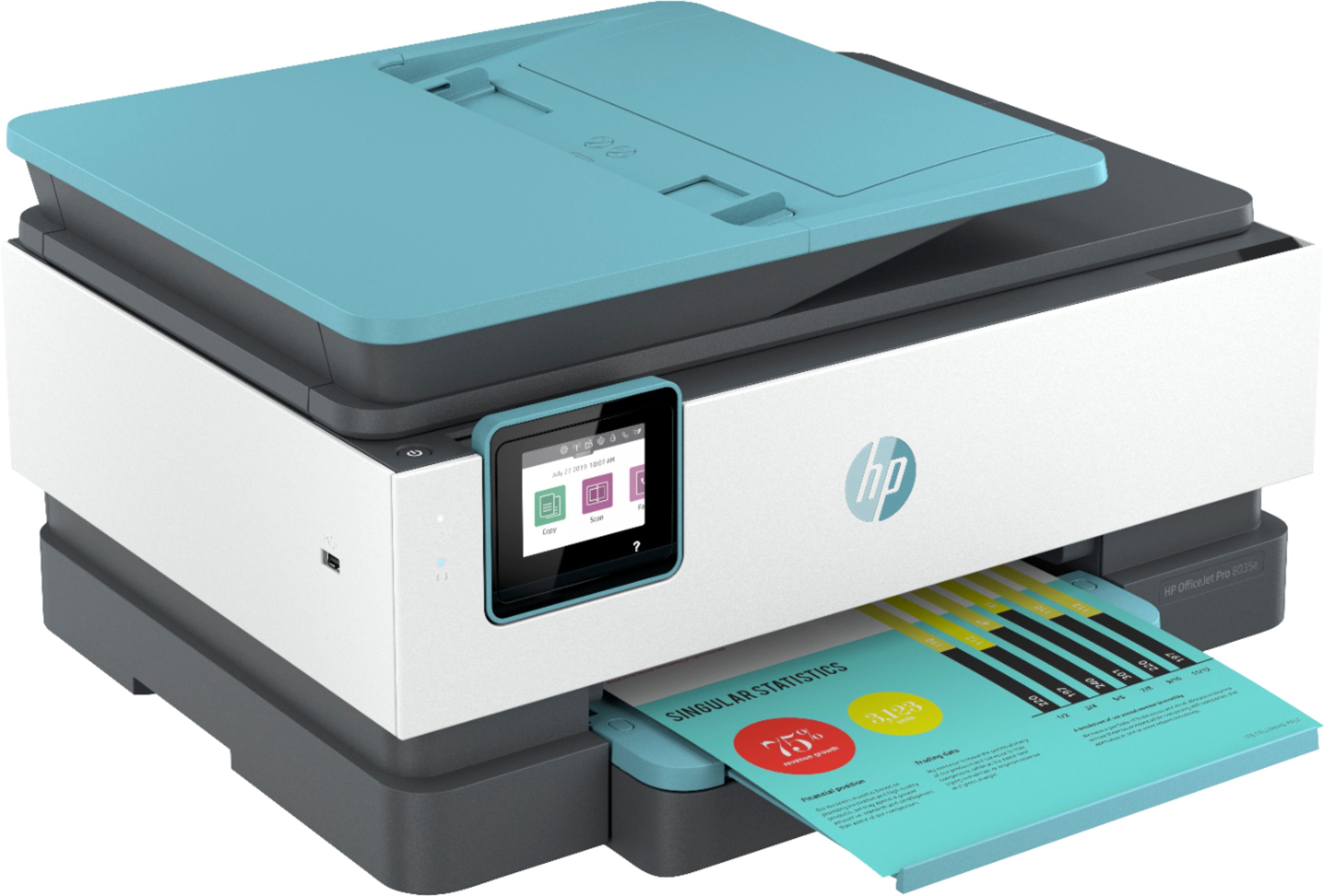
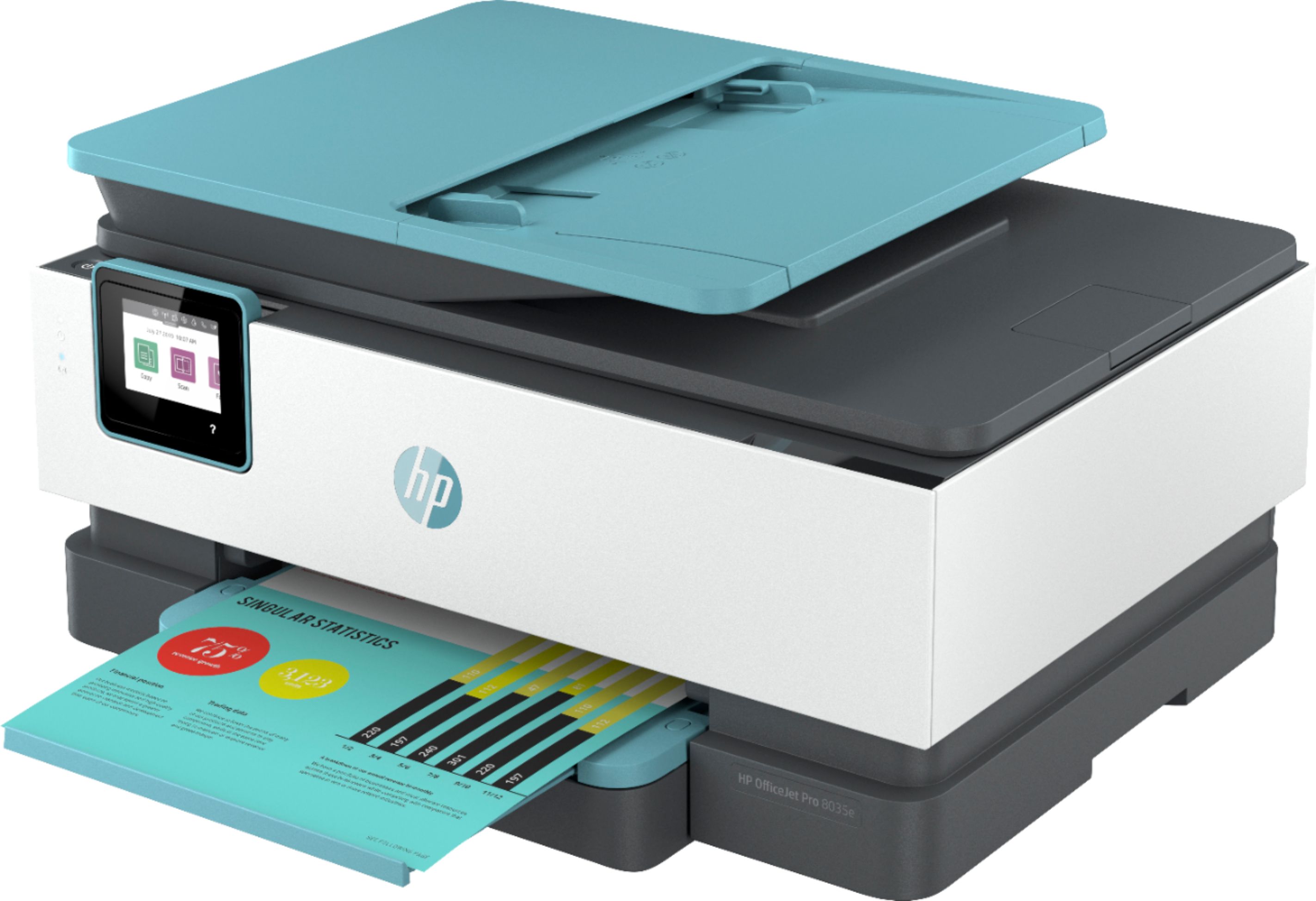
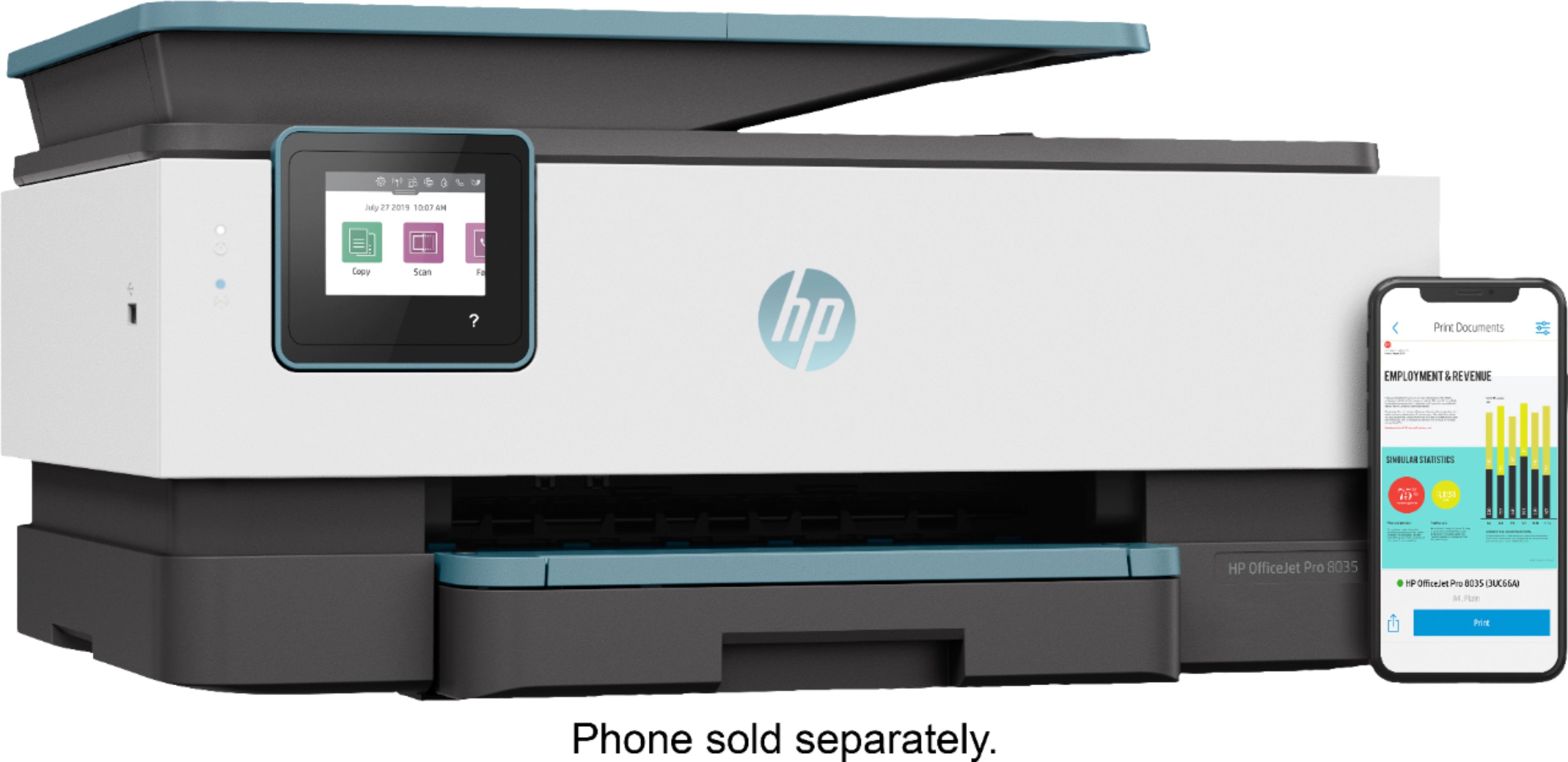
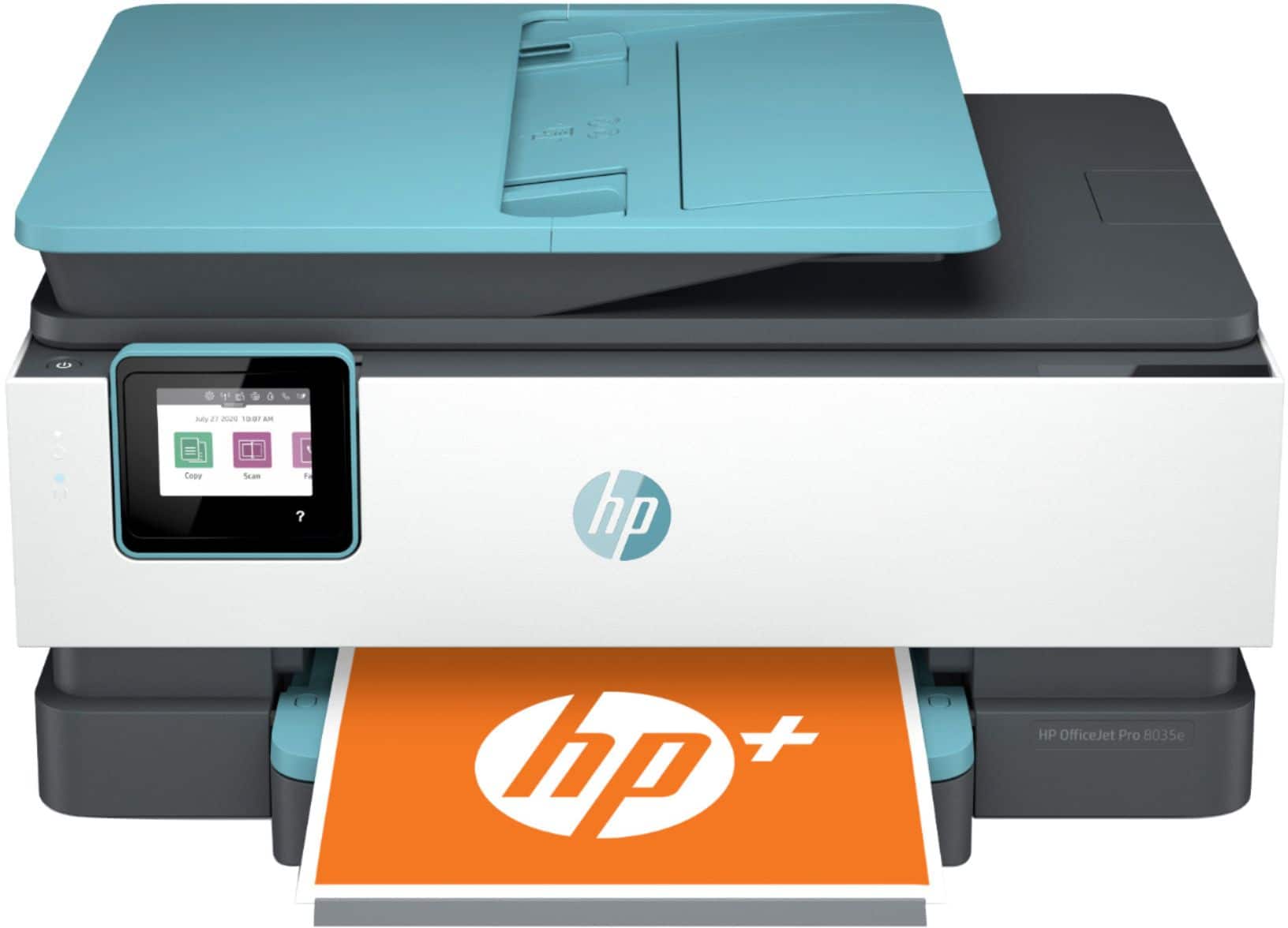
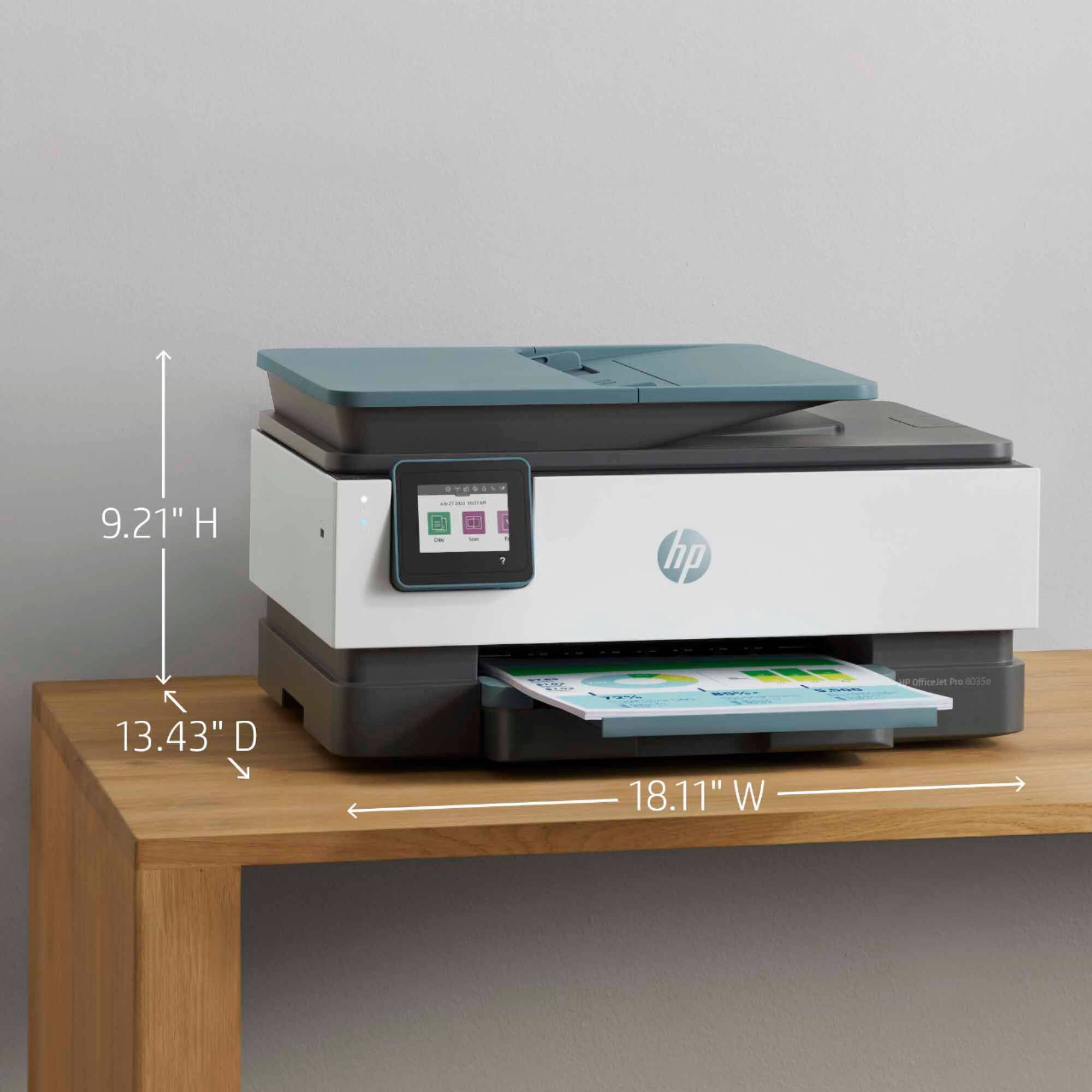
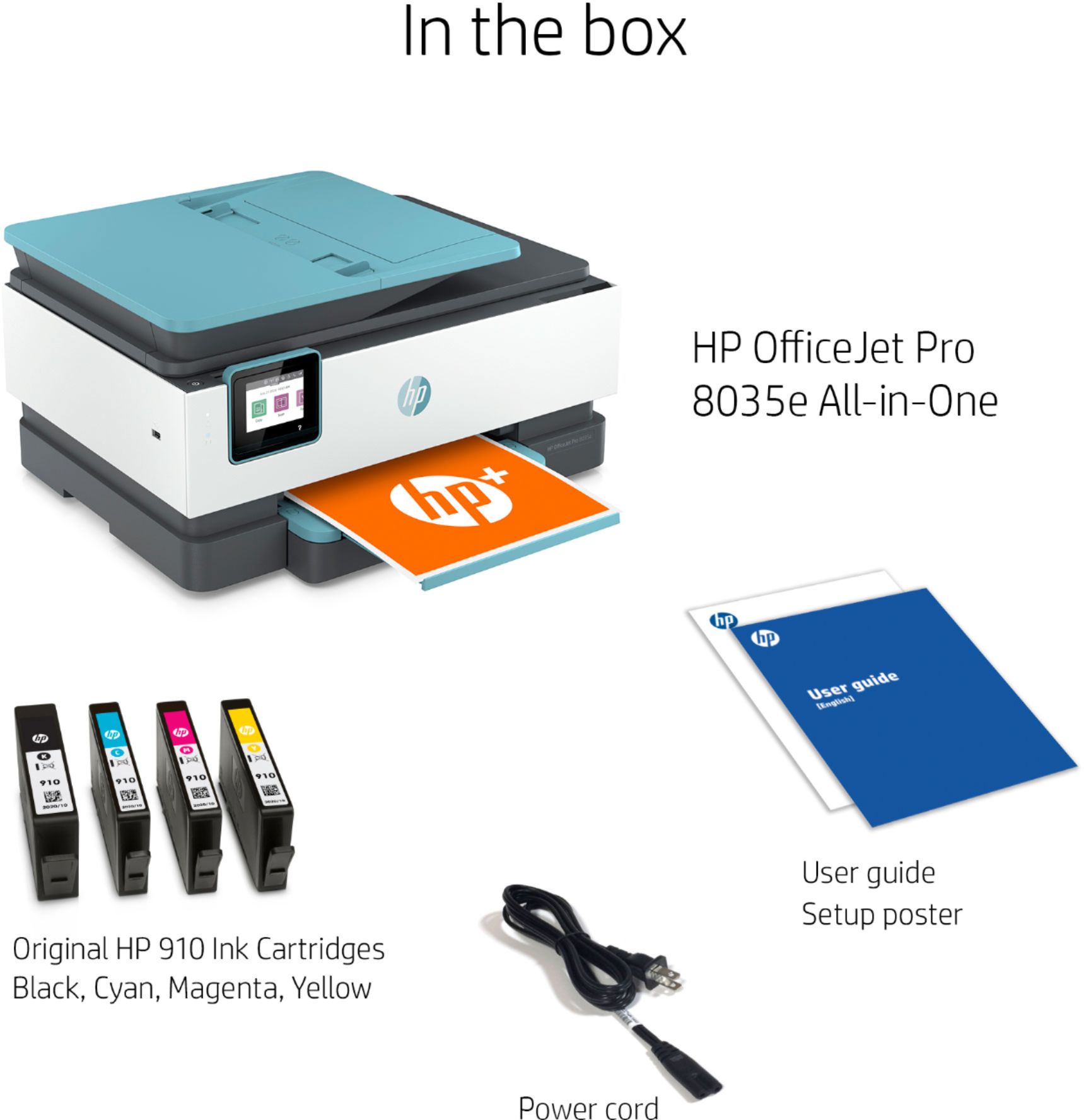
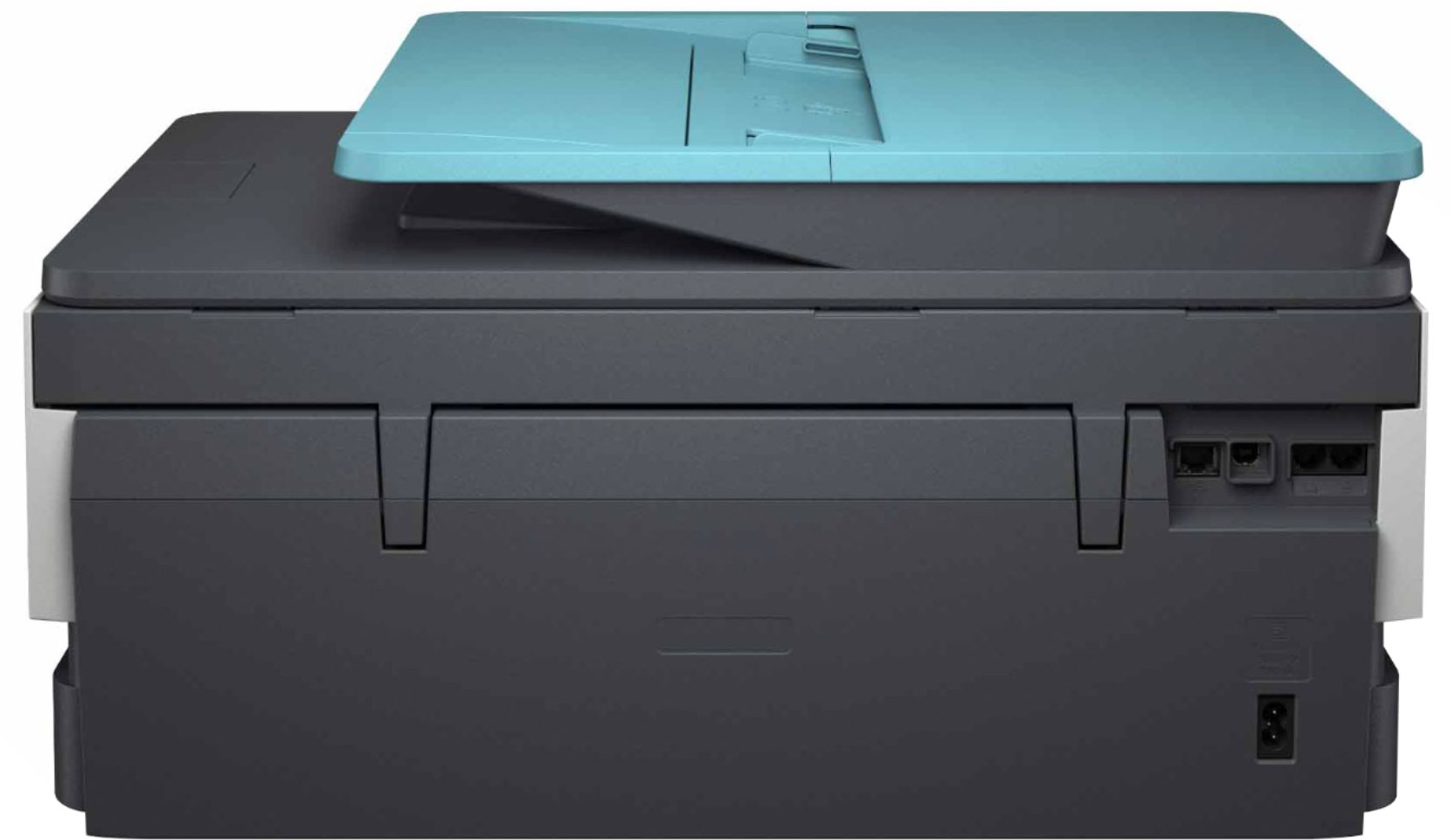
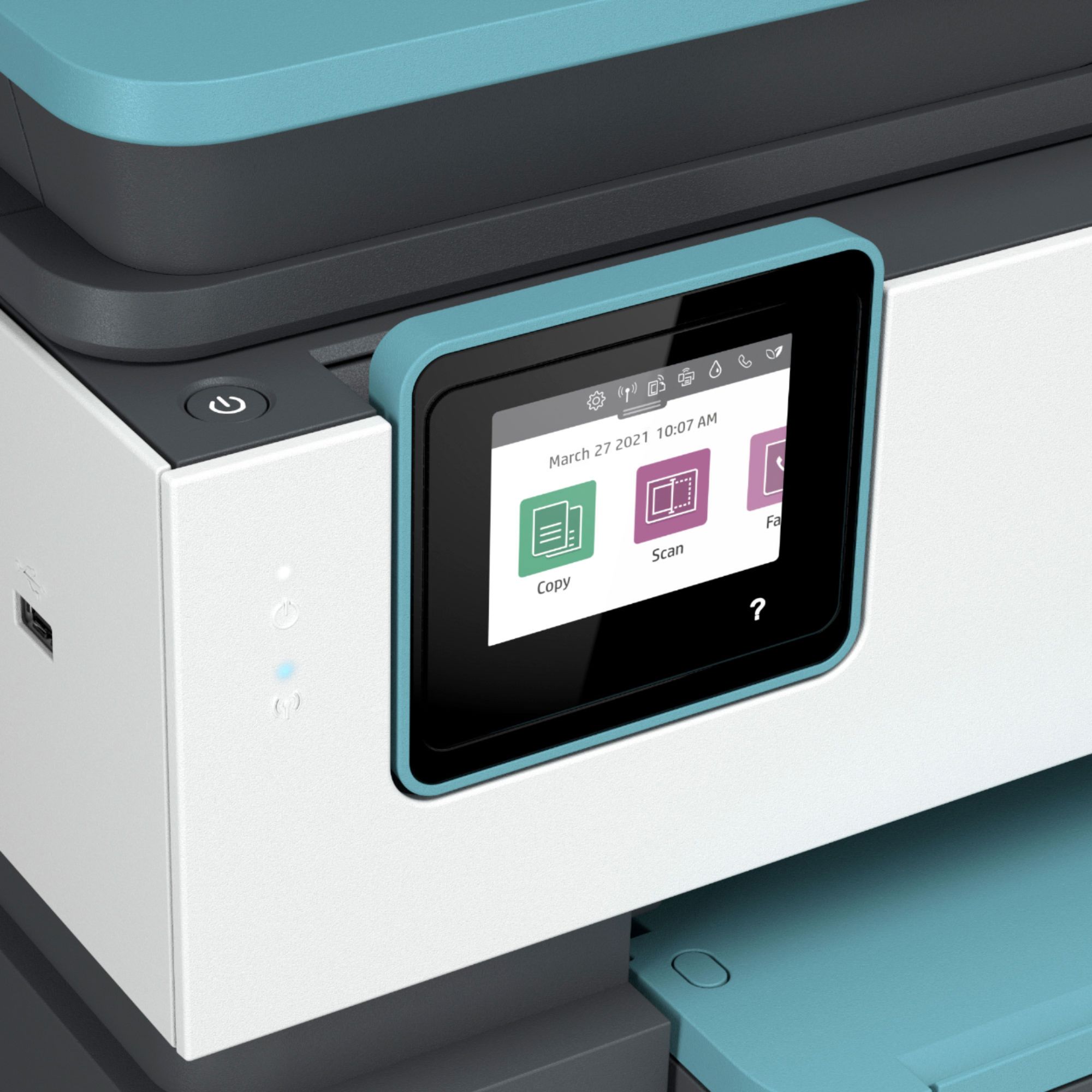
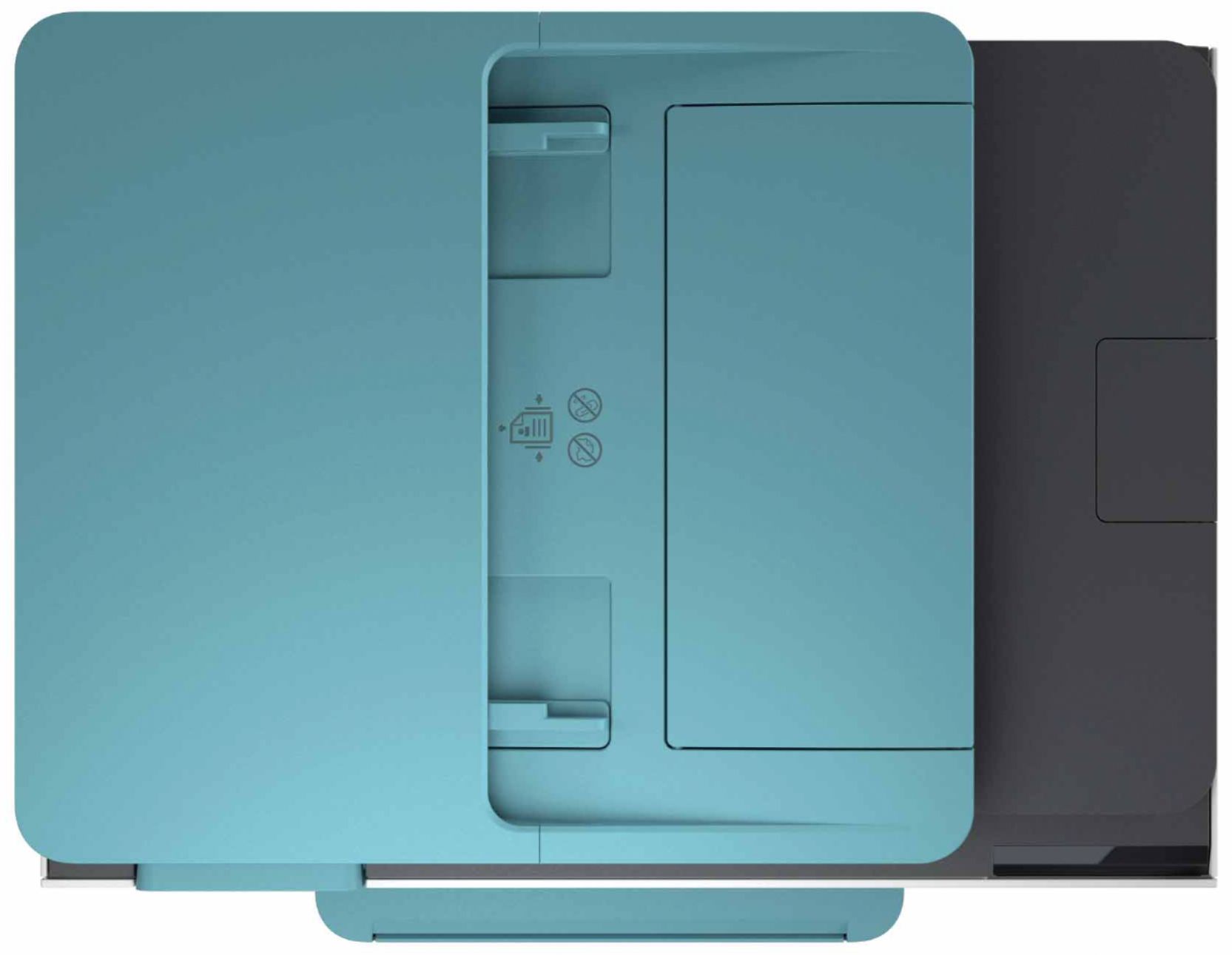
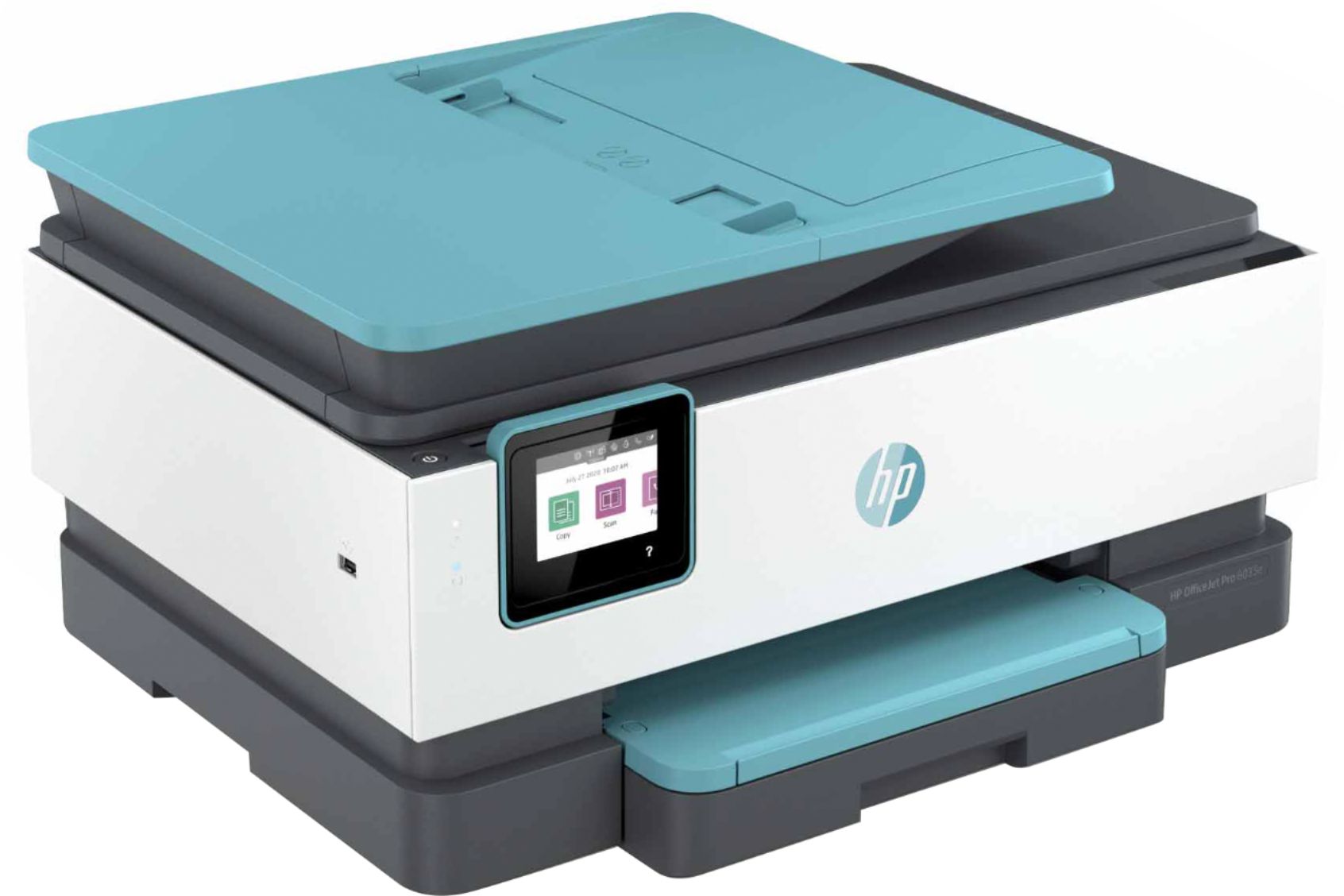
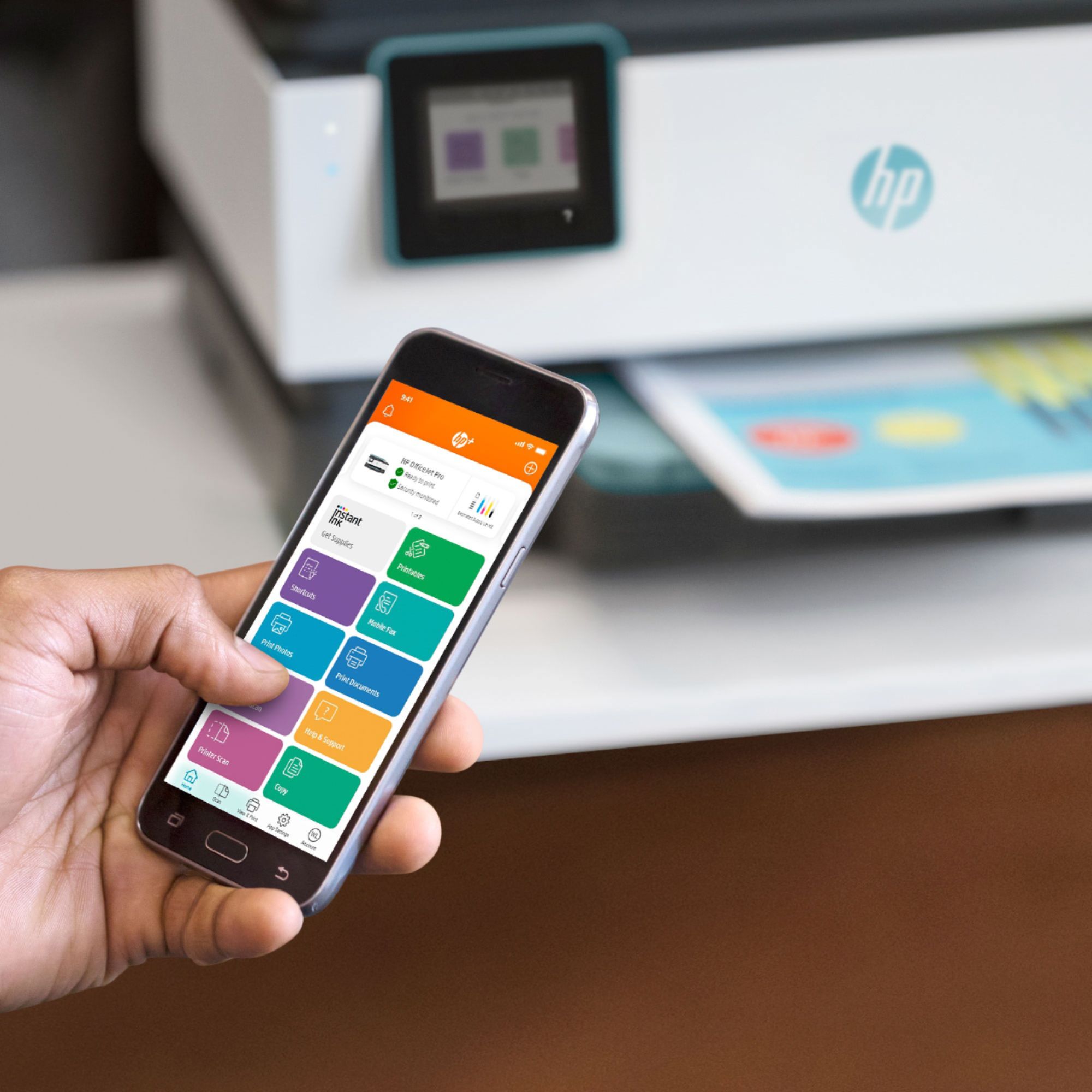
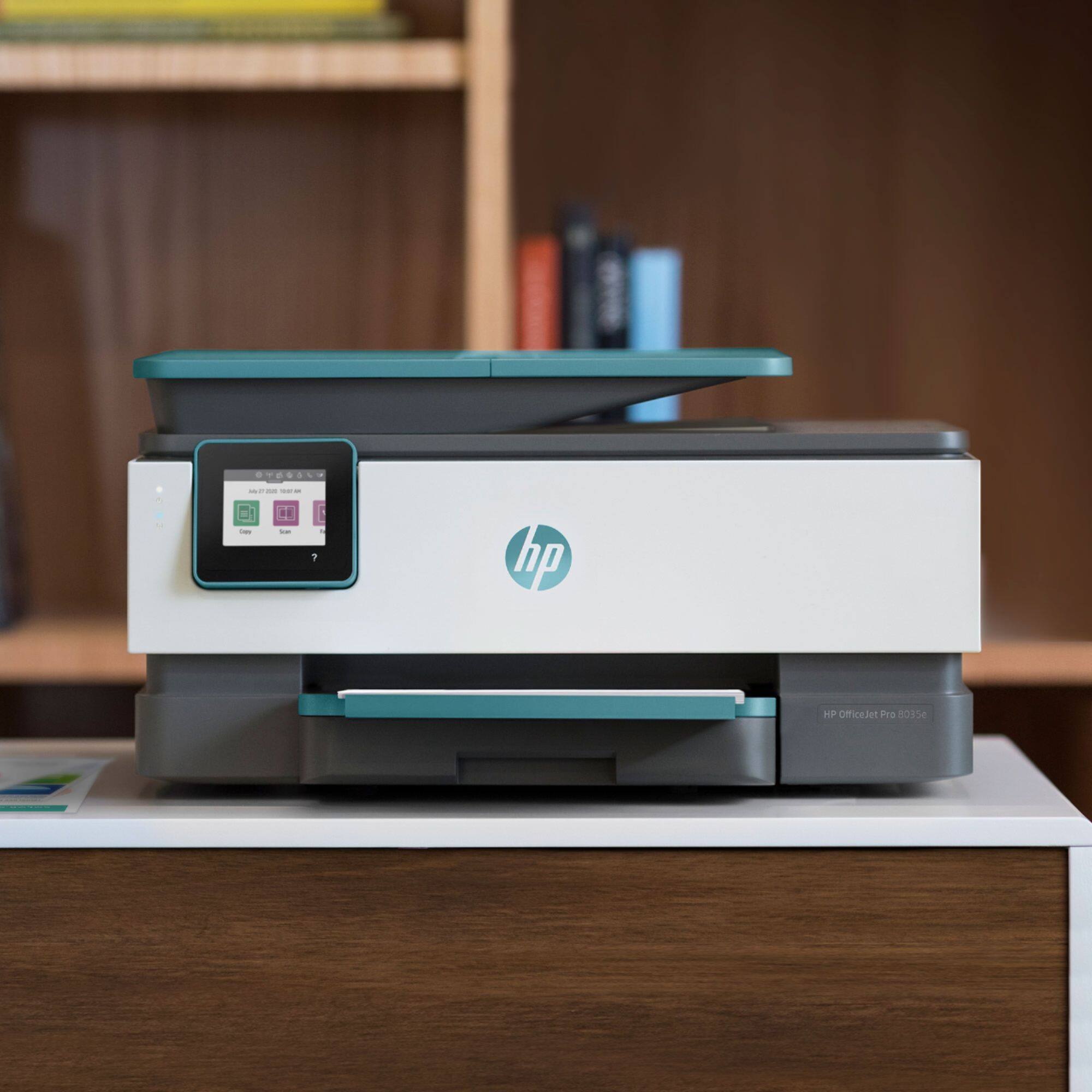
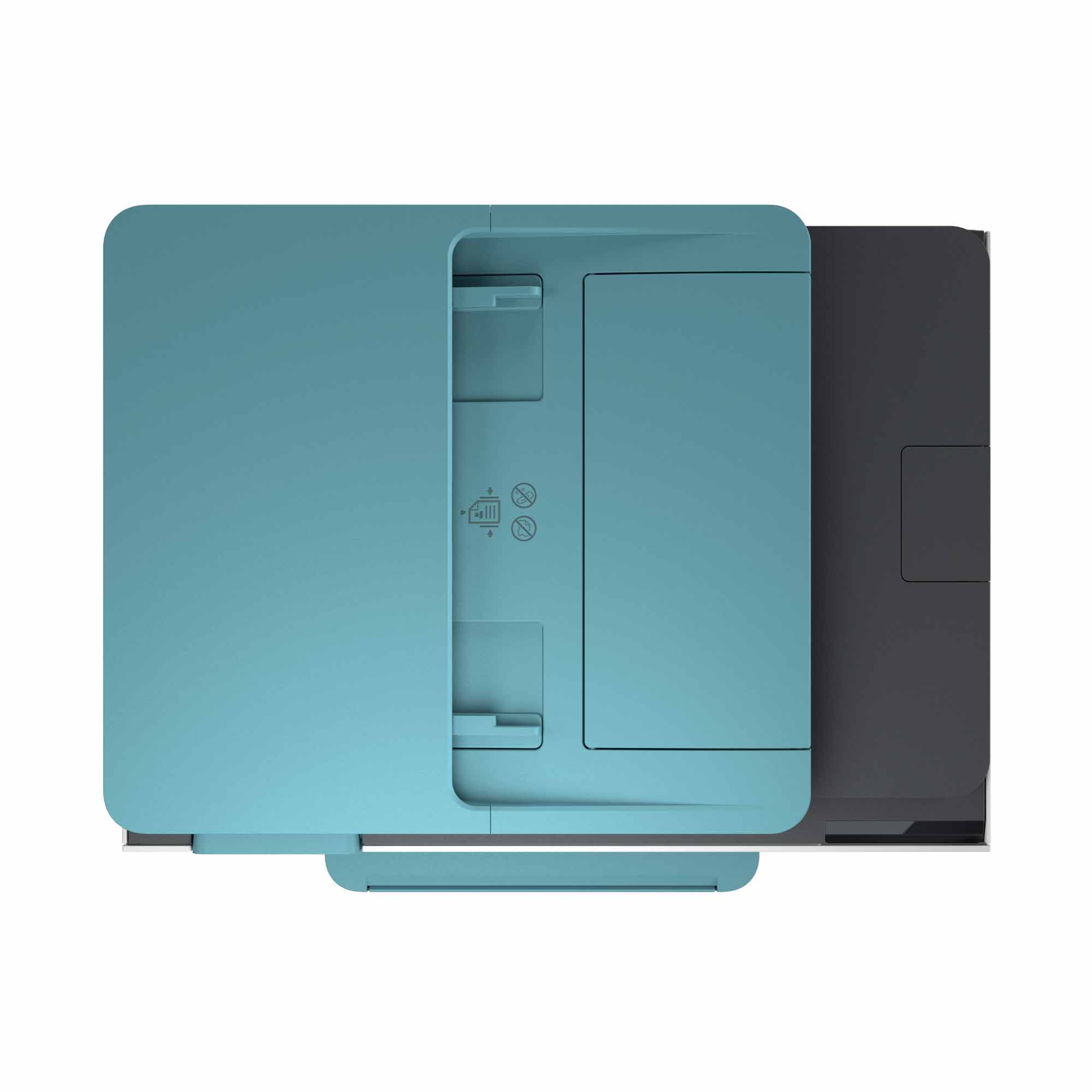
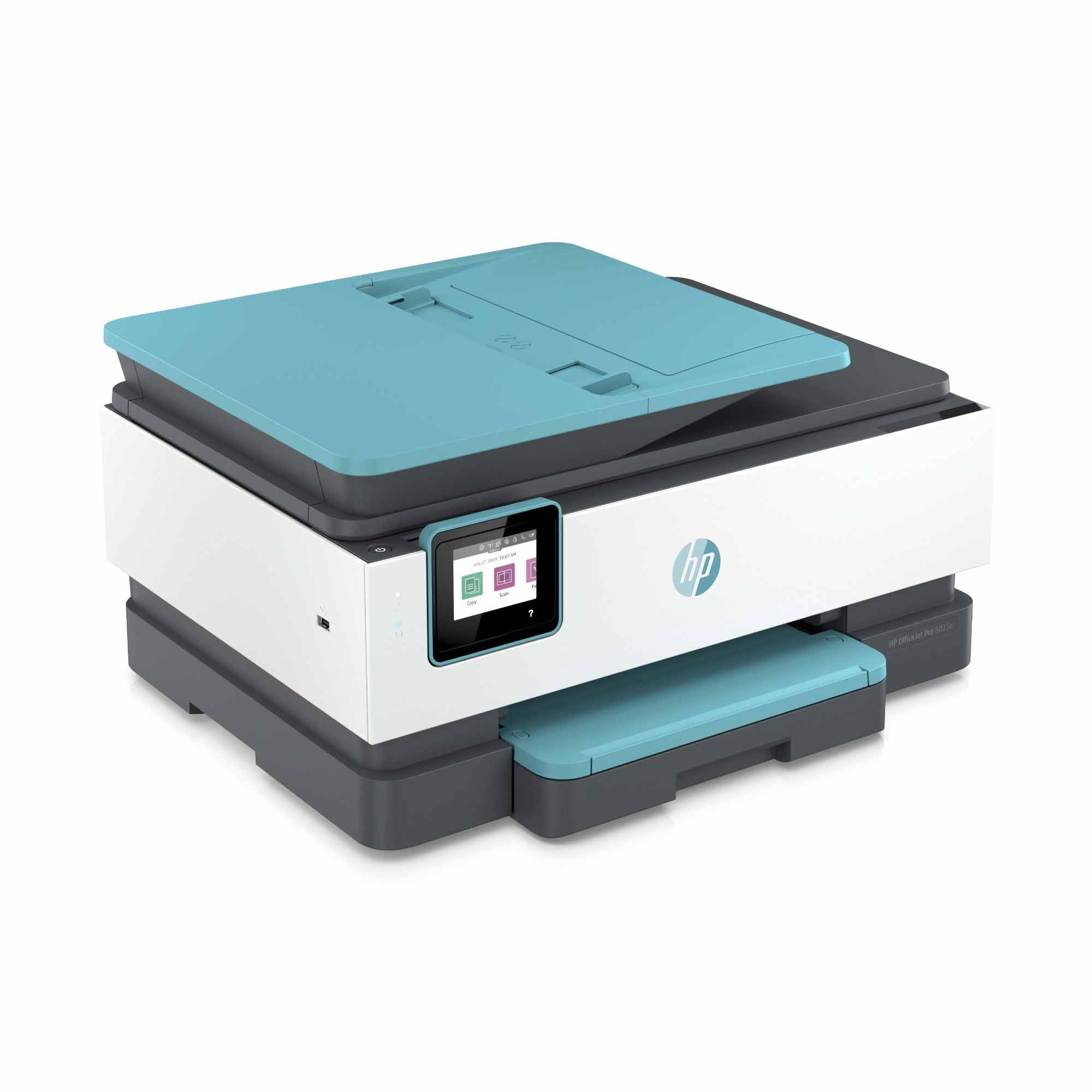
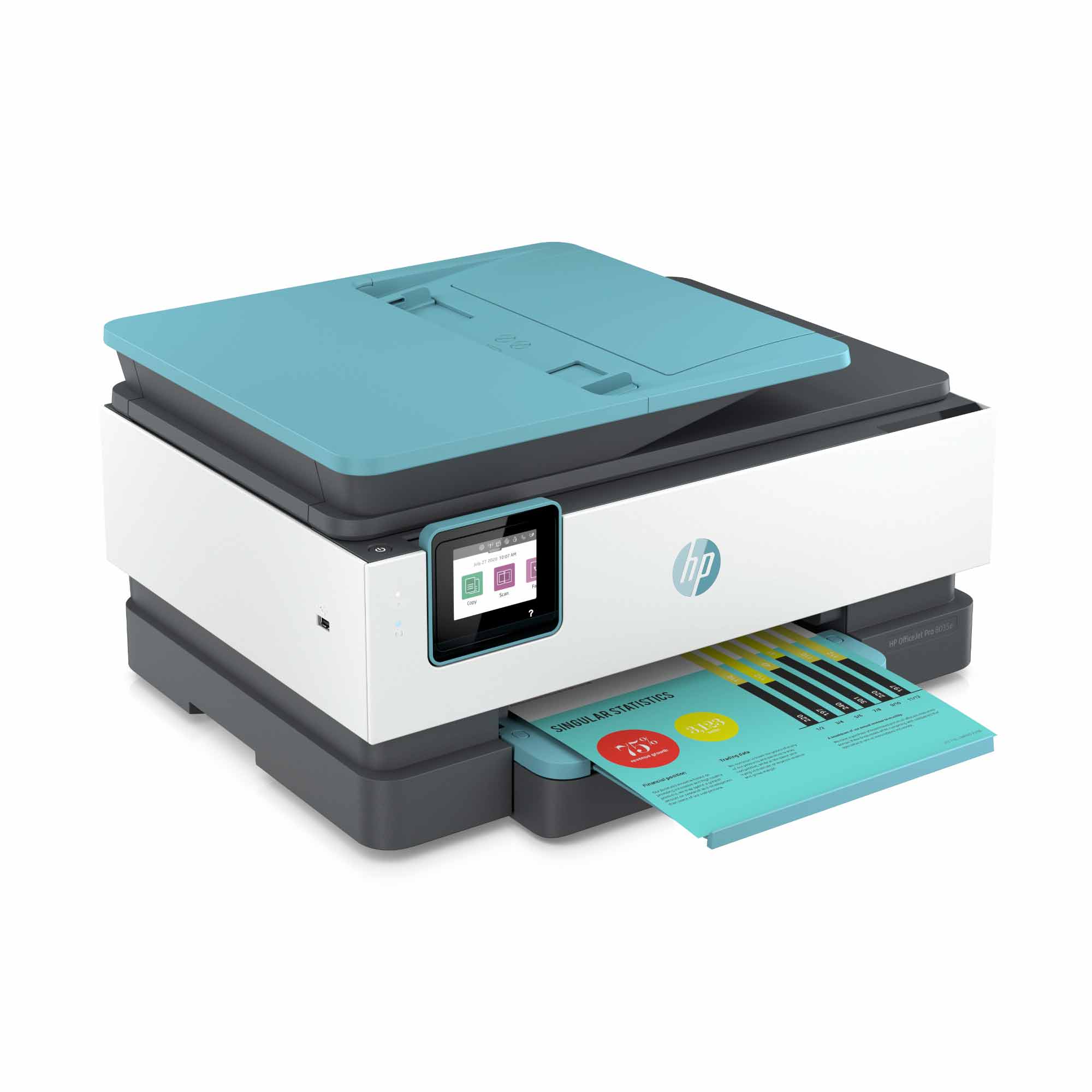
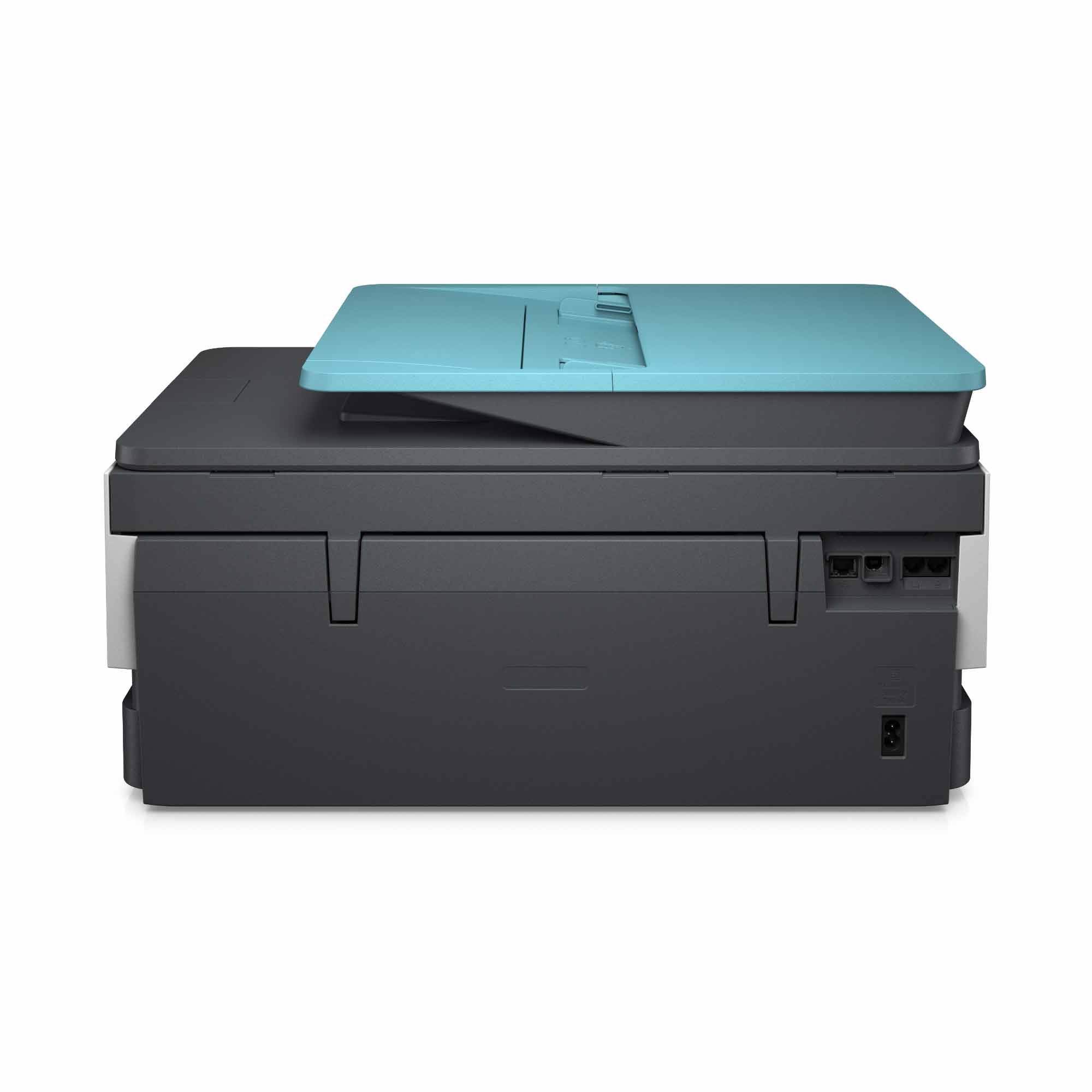
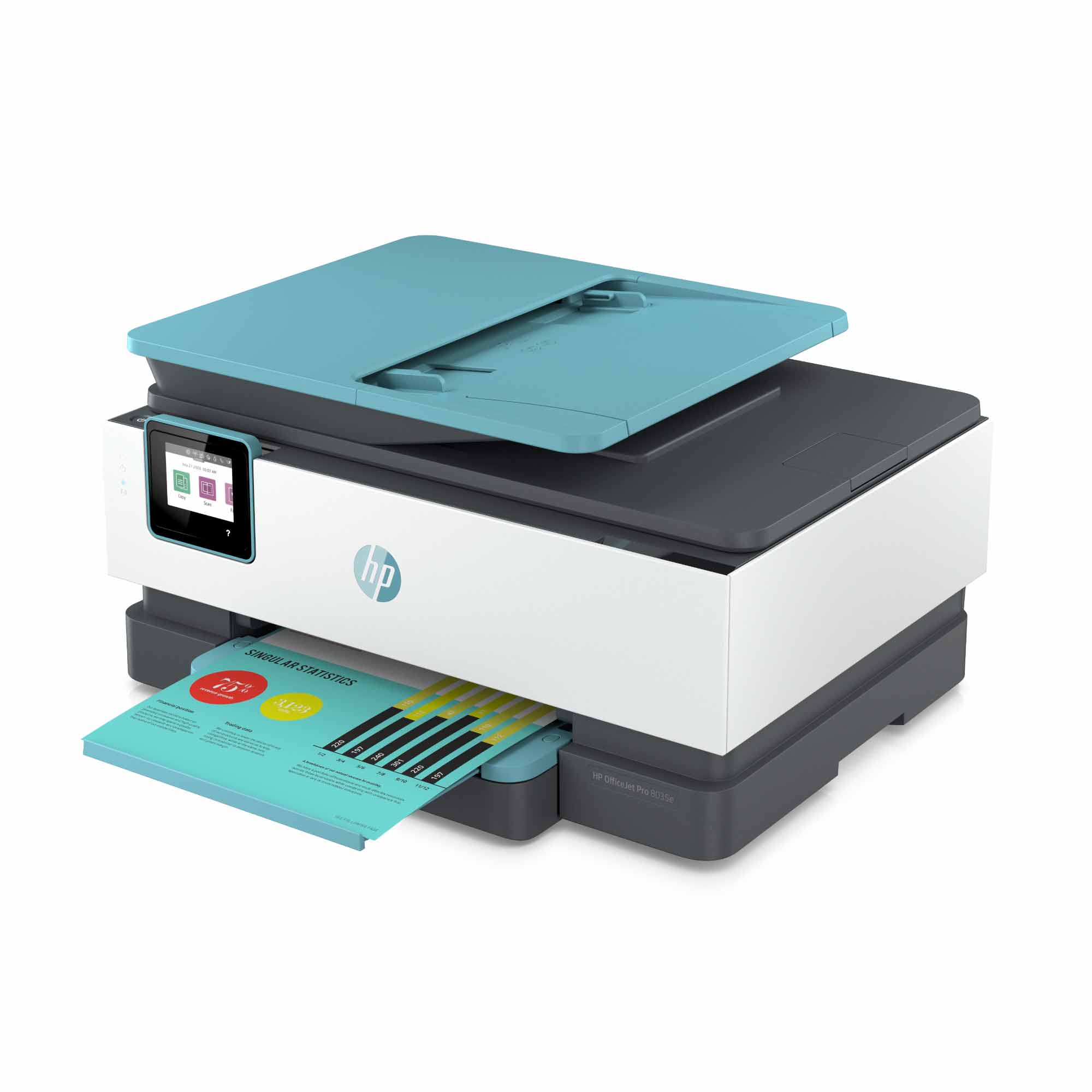
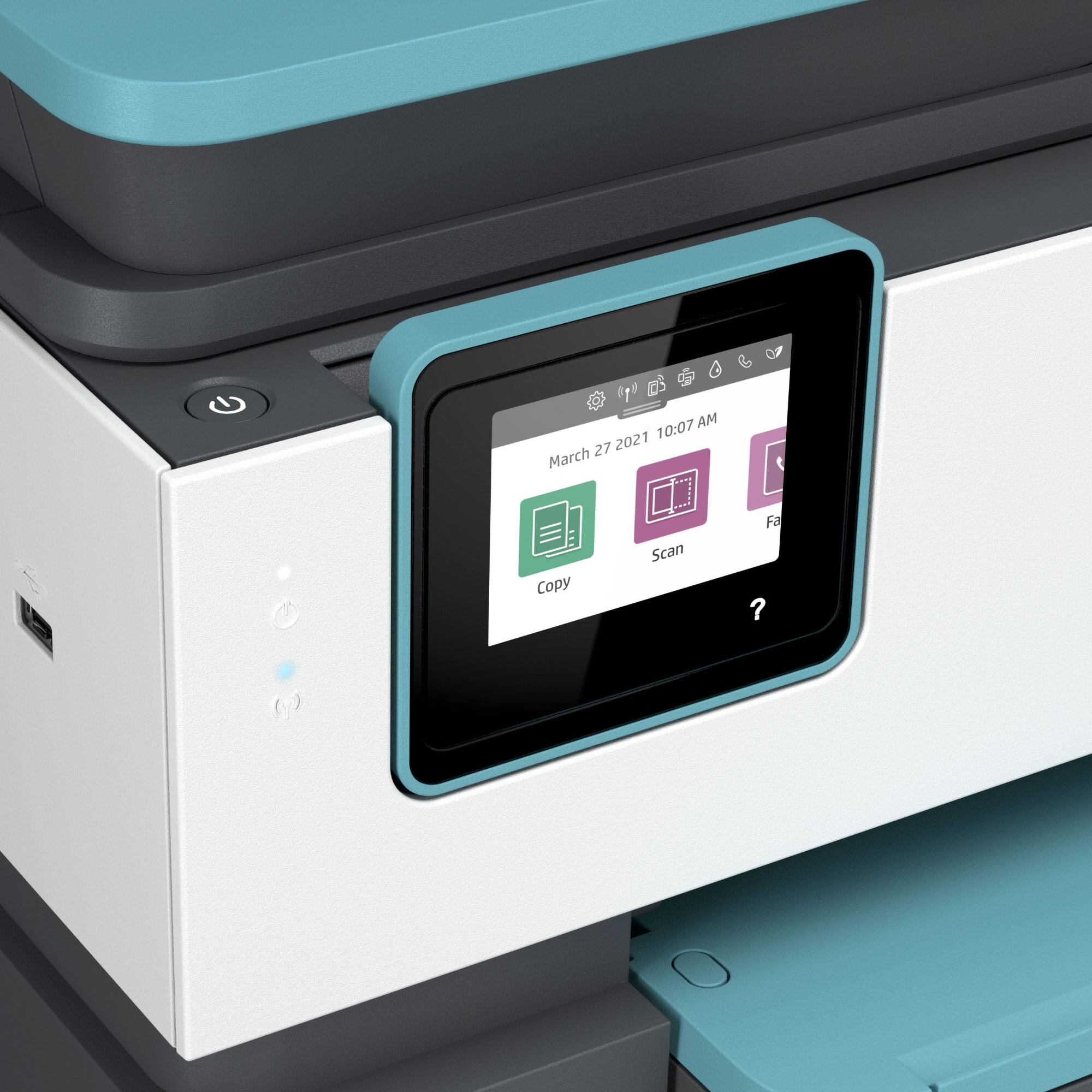
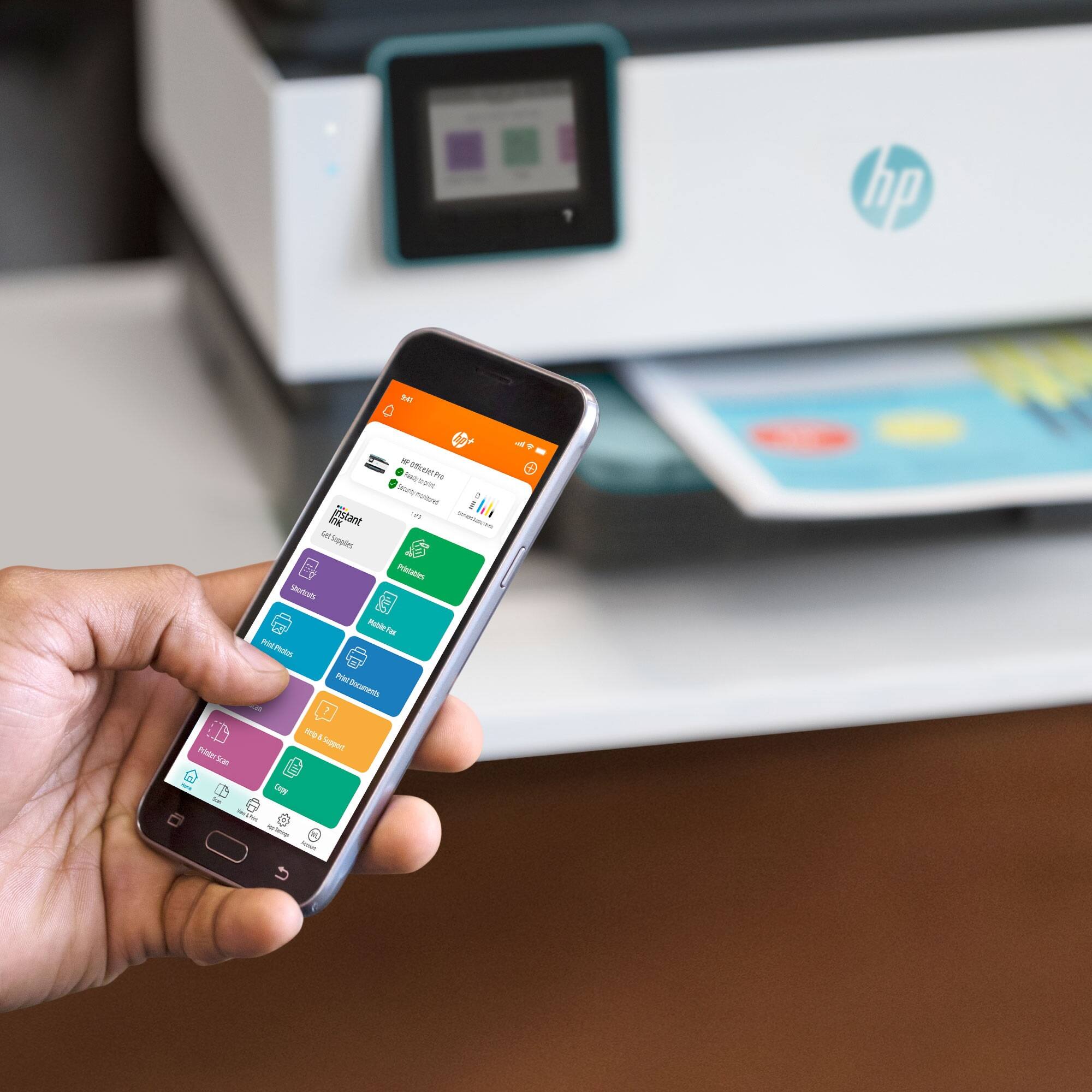
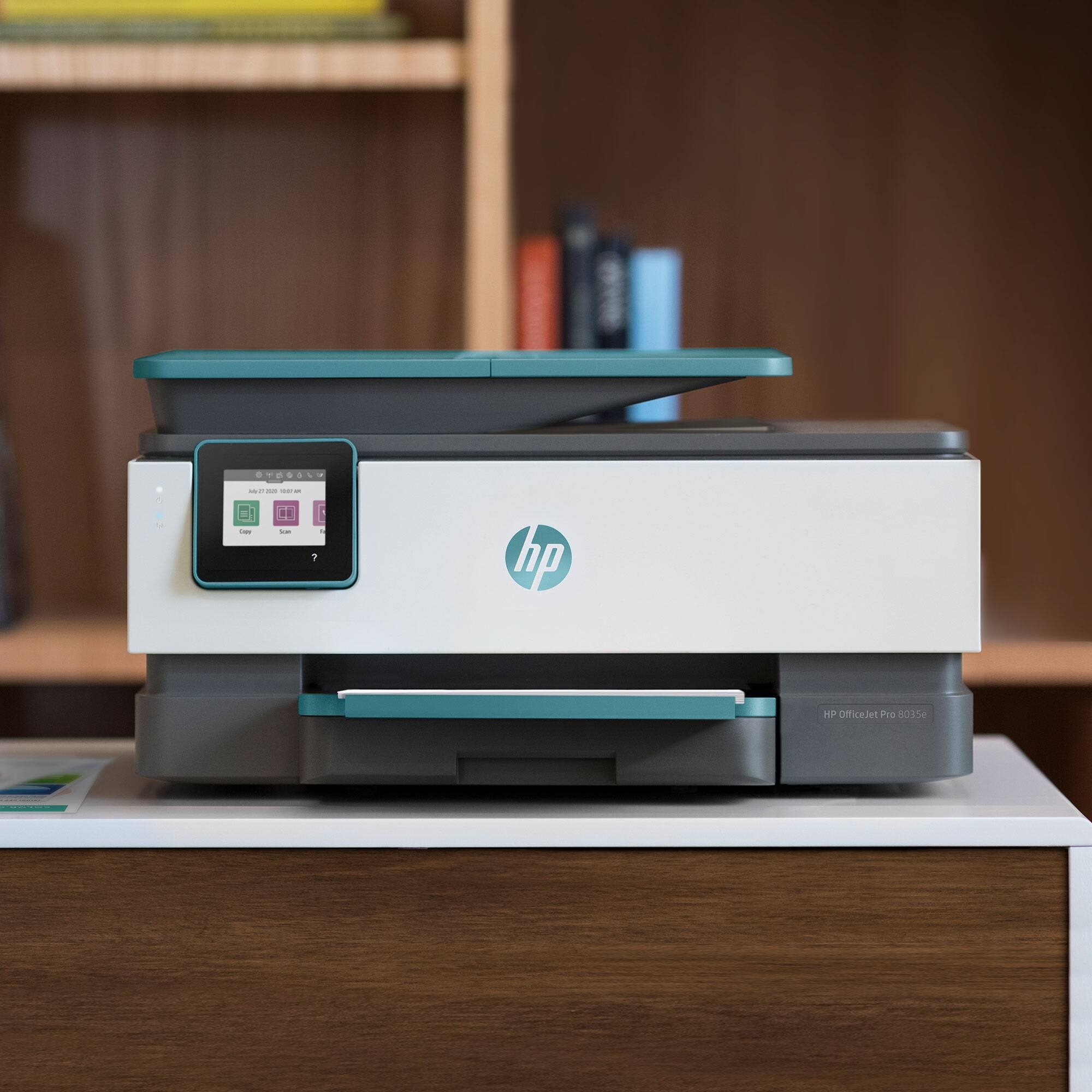
A:Answer Some of the differences between 9015 and 8035 are that the 9015 has a double-sided scanning, copying, and faxing capability on the top feeder. It prints a little faster. The paper tray on the 9015 can hold 250 sheets vs. 225 sheets on 8035. The flatbed scanner has an easy slide off glass on the 9015. Finally, the regular cartridges on the 9015 are twice as big as those in 8035. The HP Officejet Pro 8035 printer does come with 8 months of HP Instant Ink.