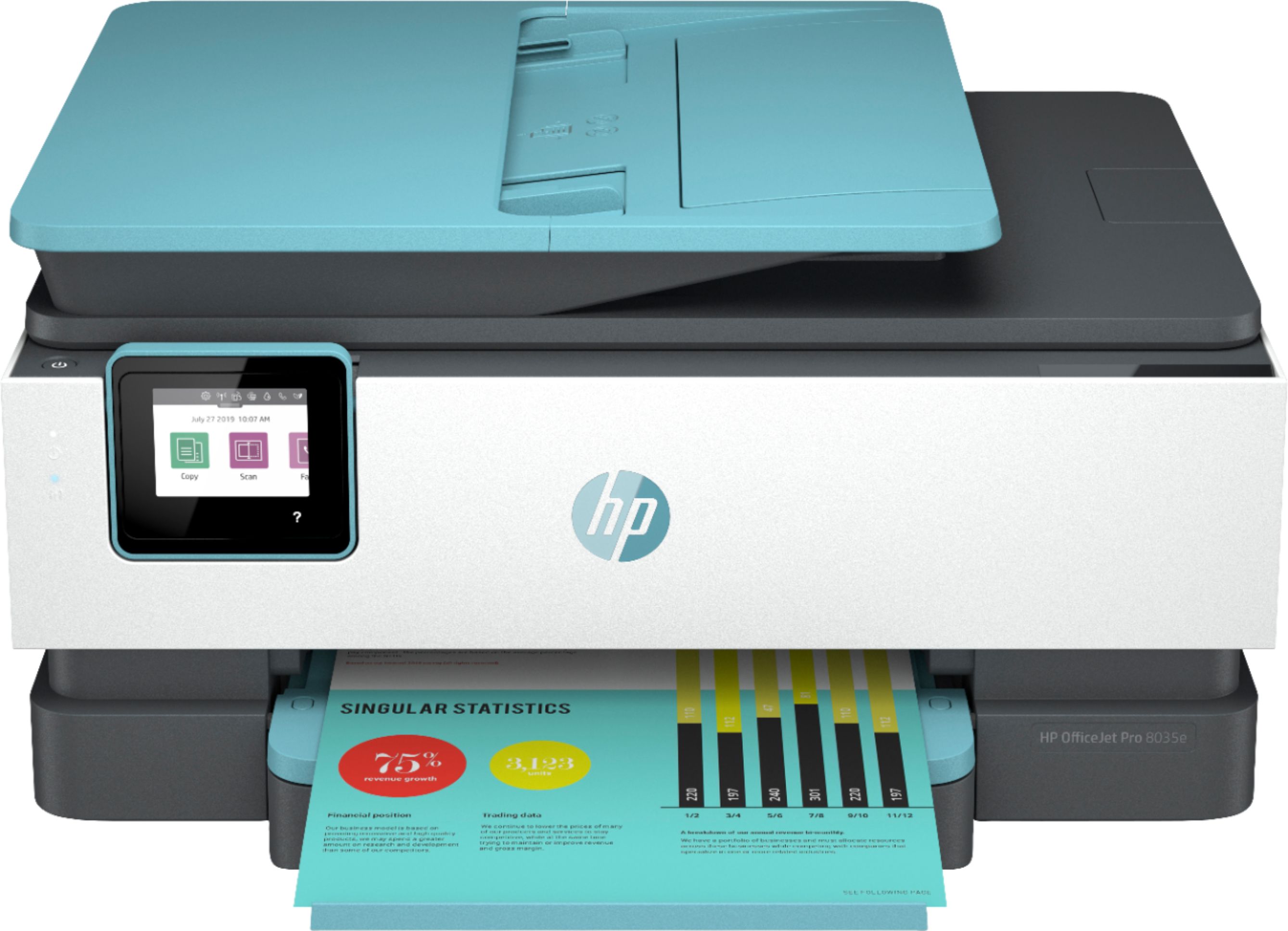
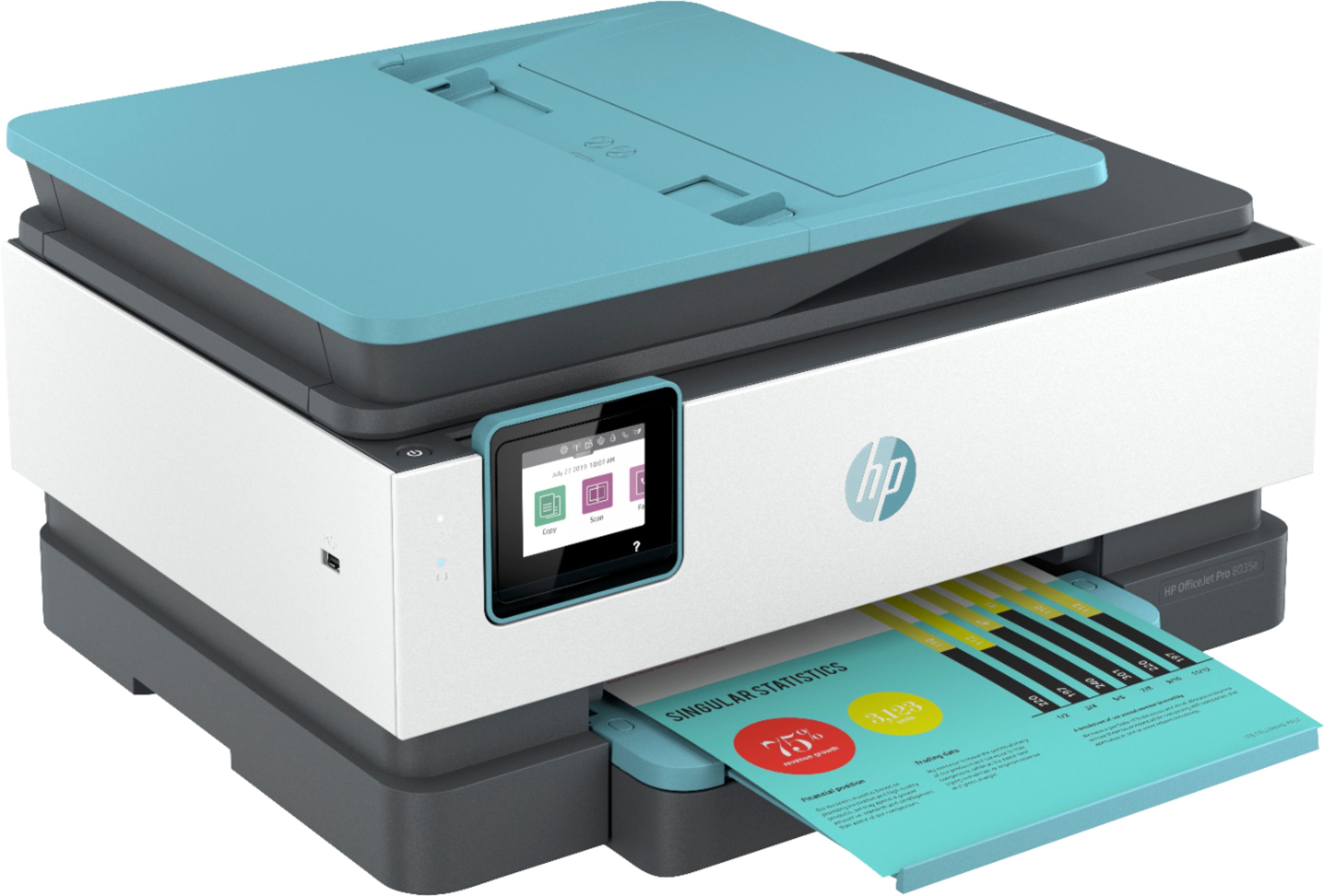
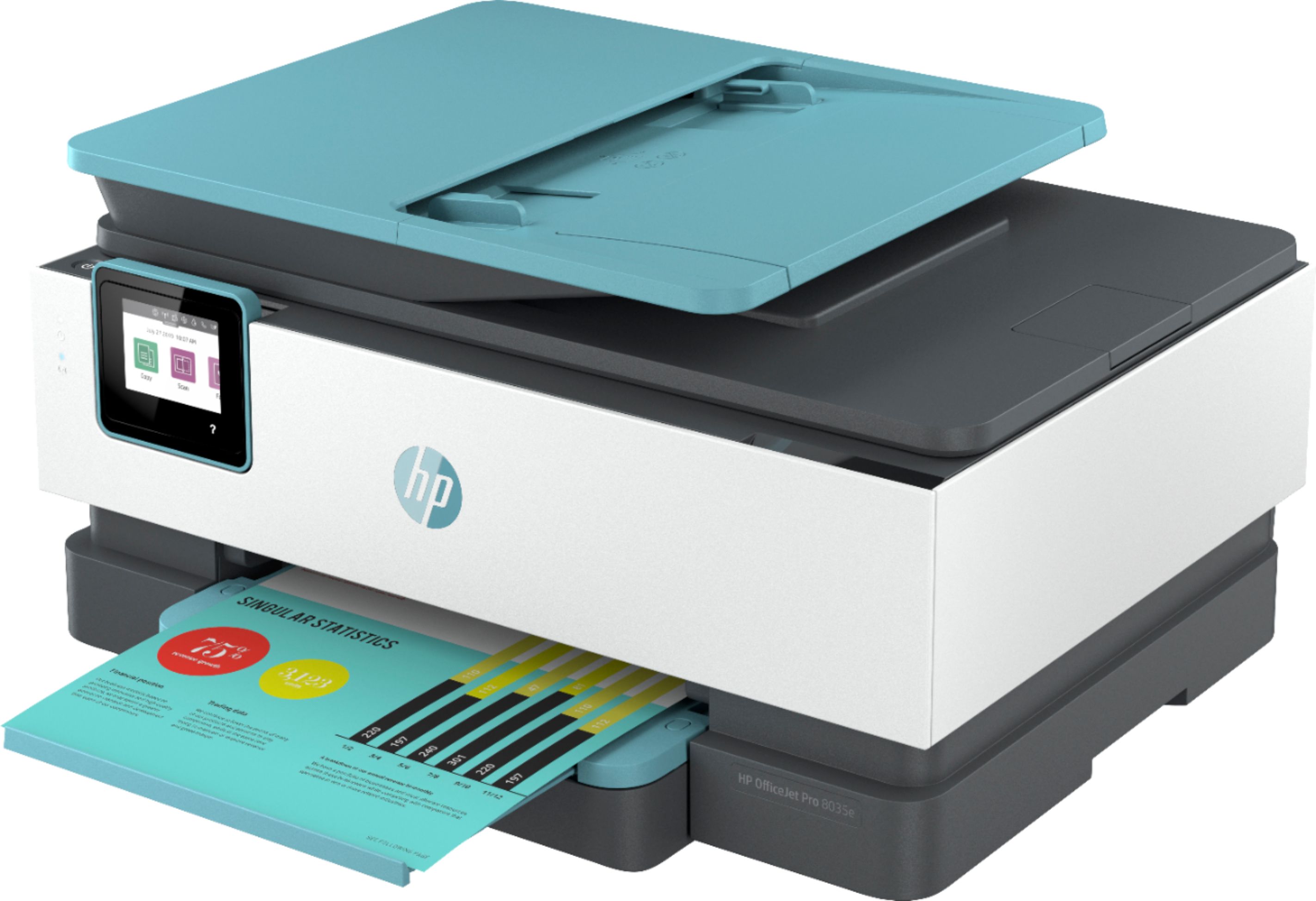
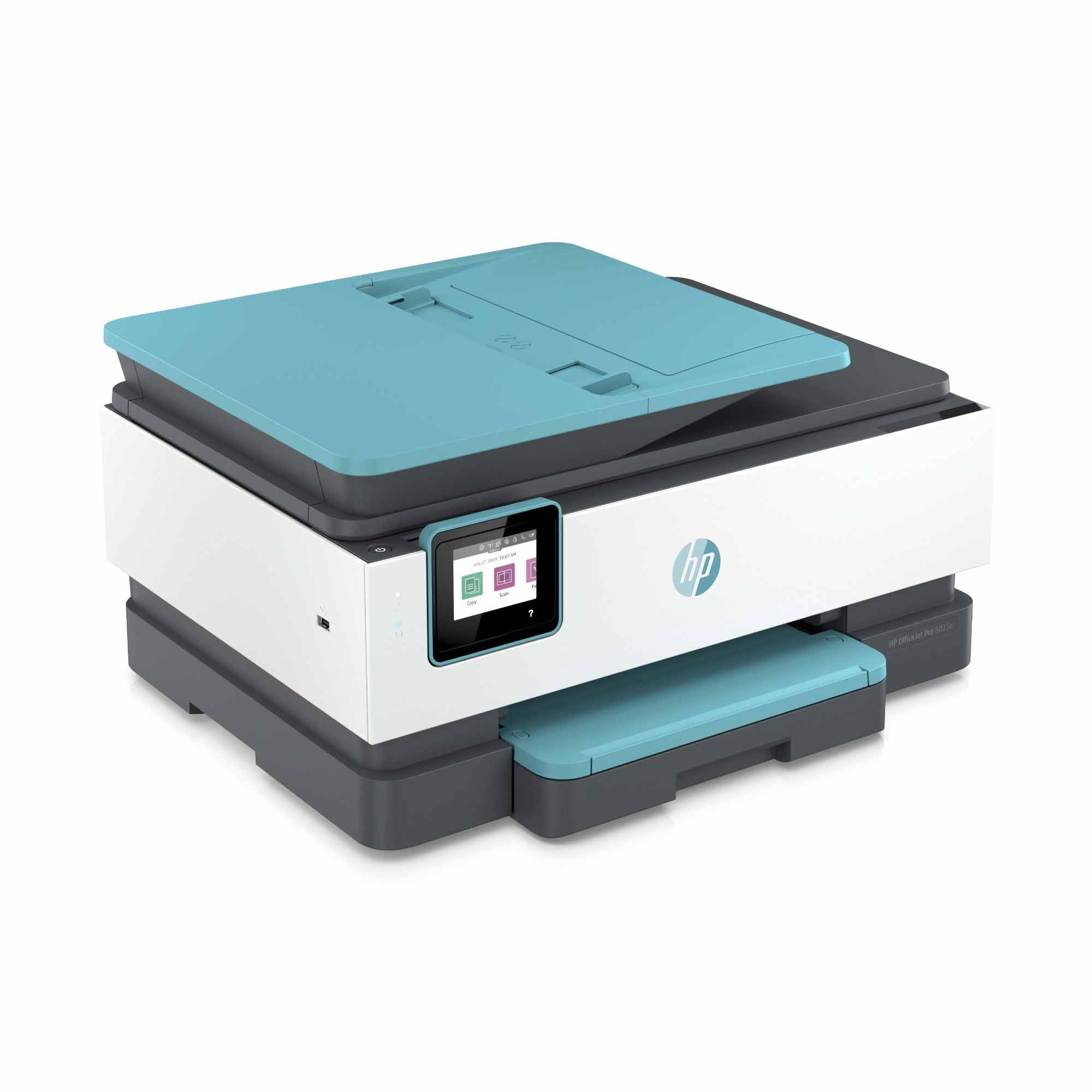
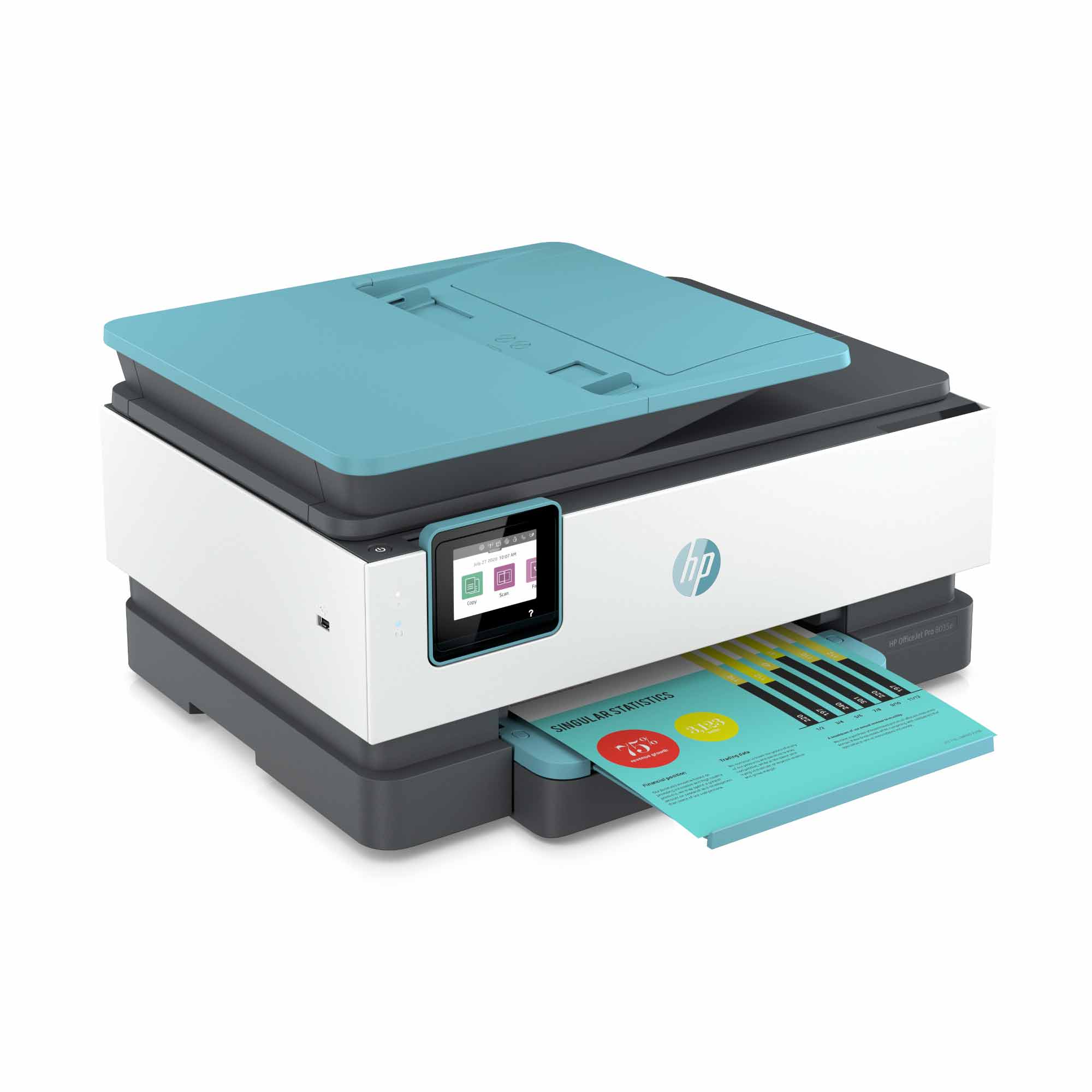
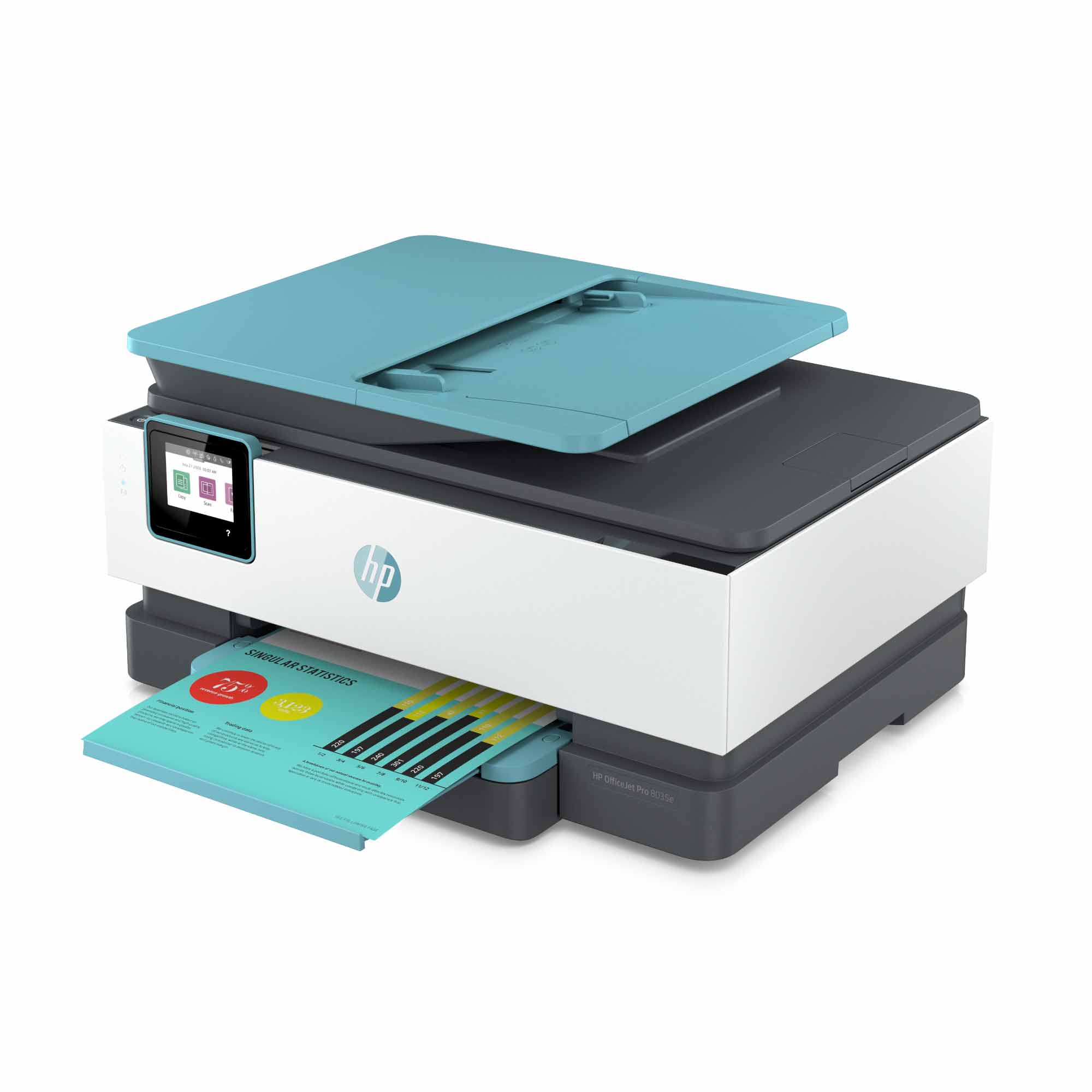
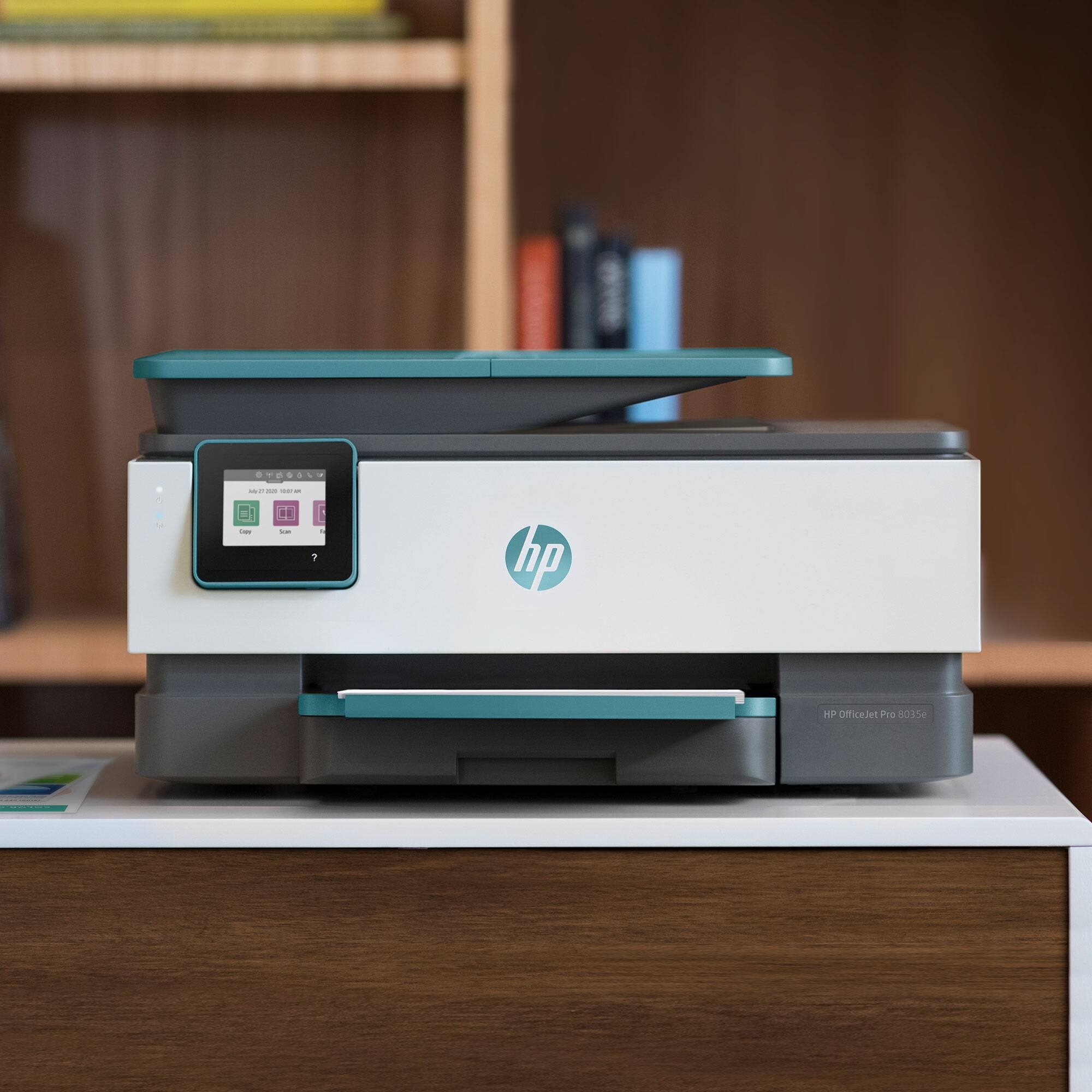
A:AnswerThank you for your question! Yes, this can print double-sided or single-sided in either color or black-and-white. You would be able to customize these settings for each print job.
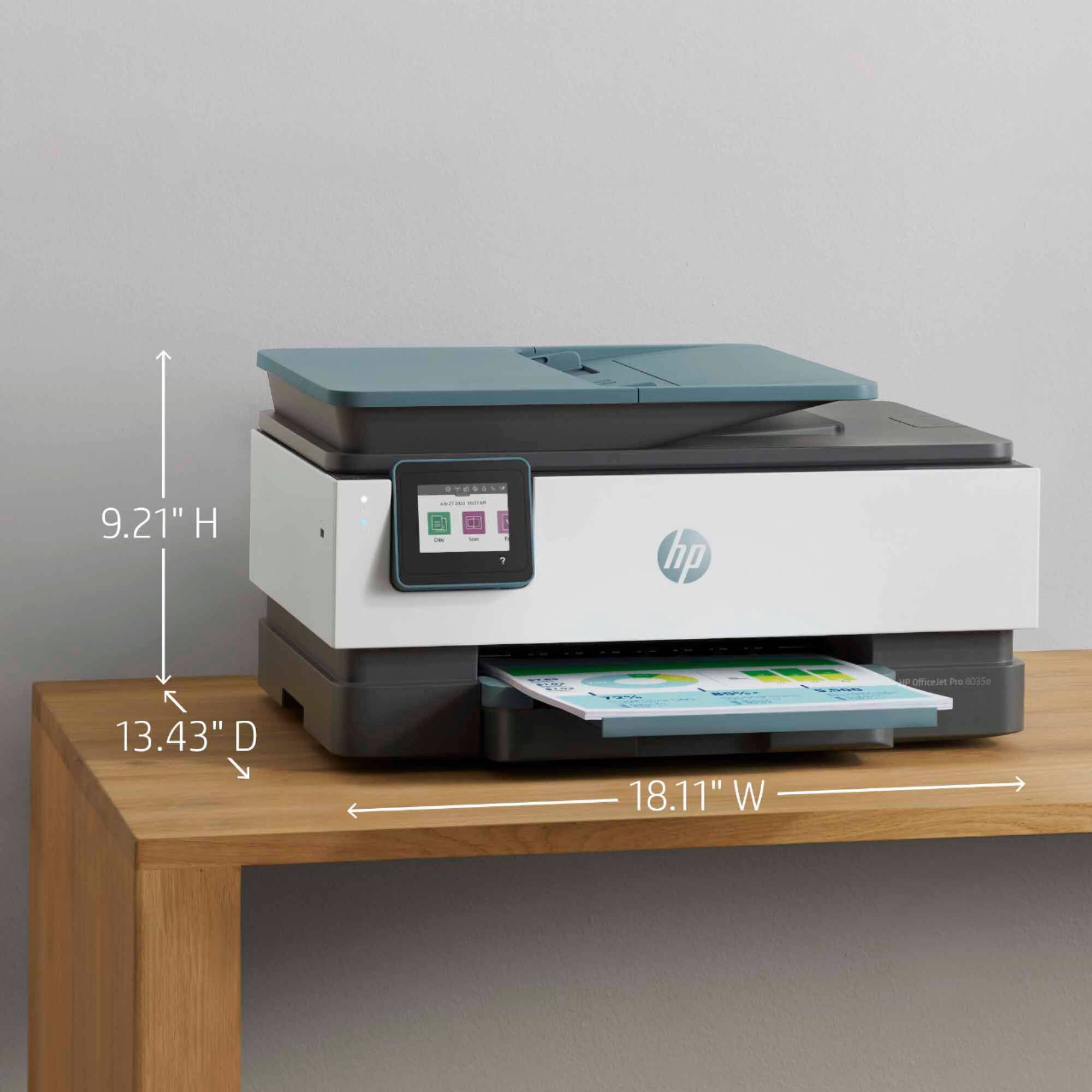
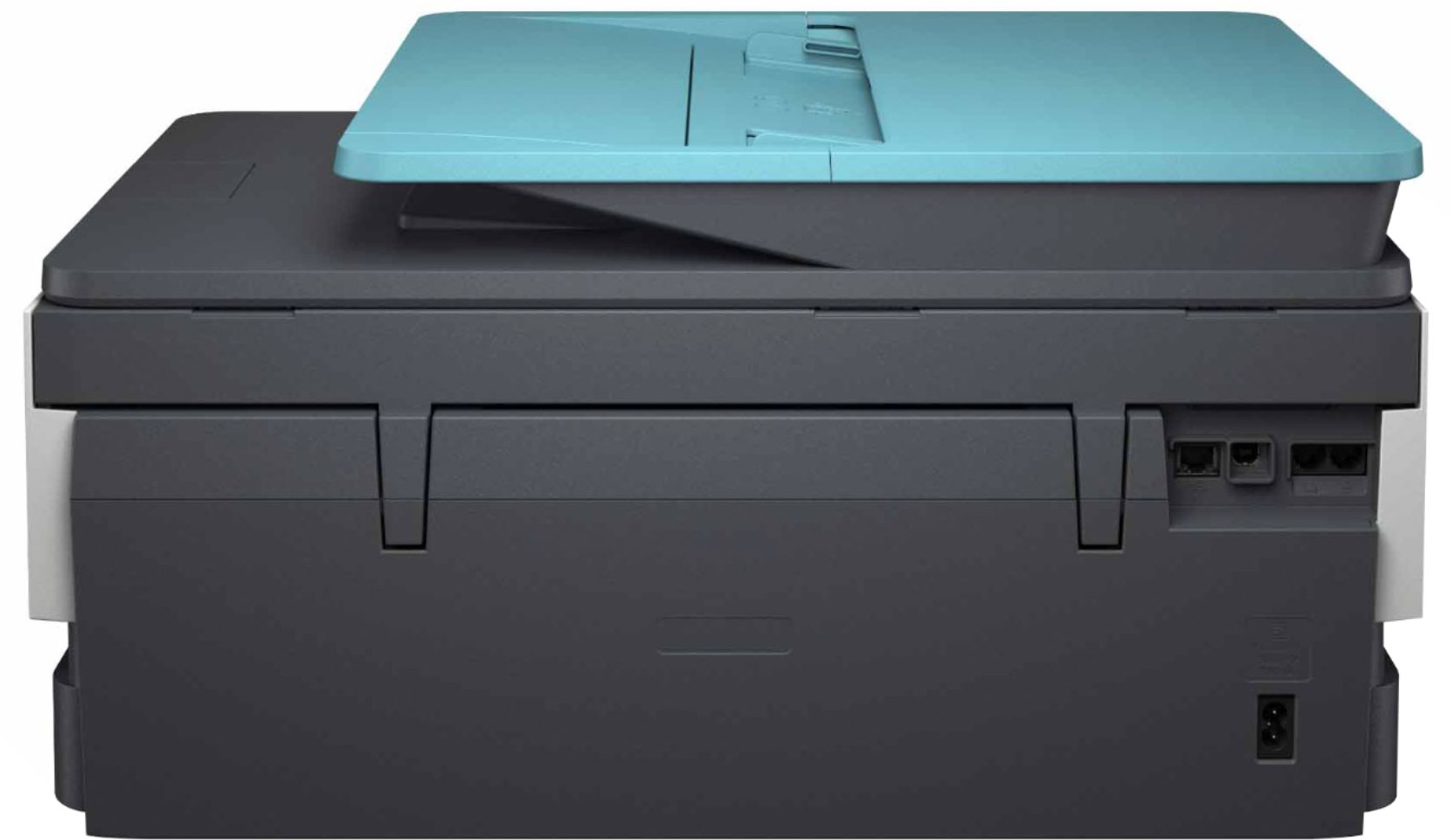
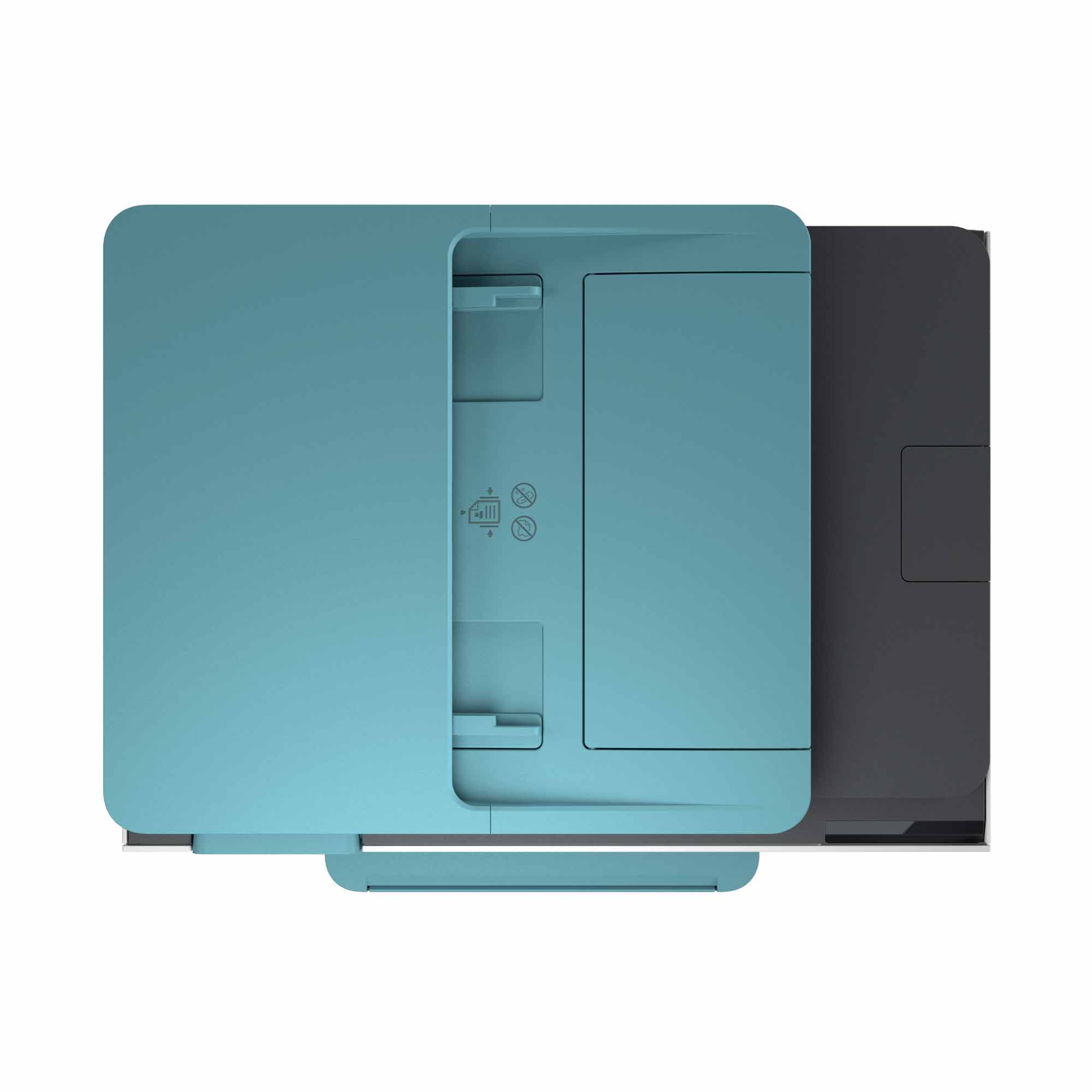
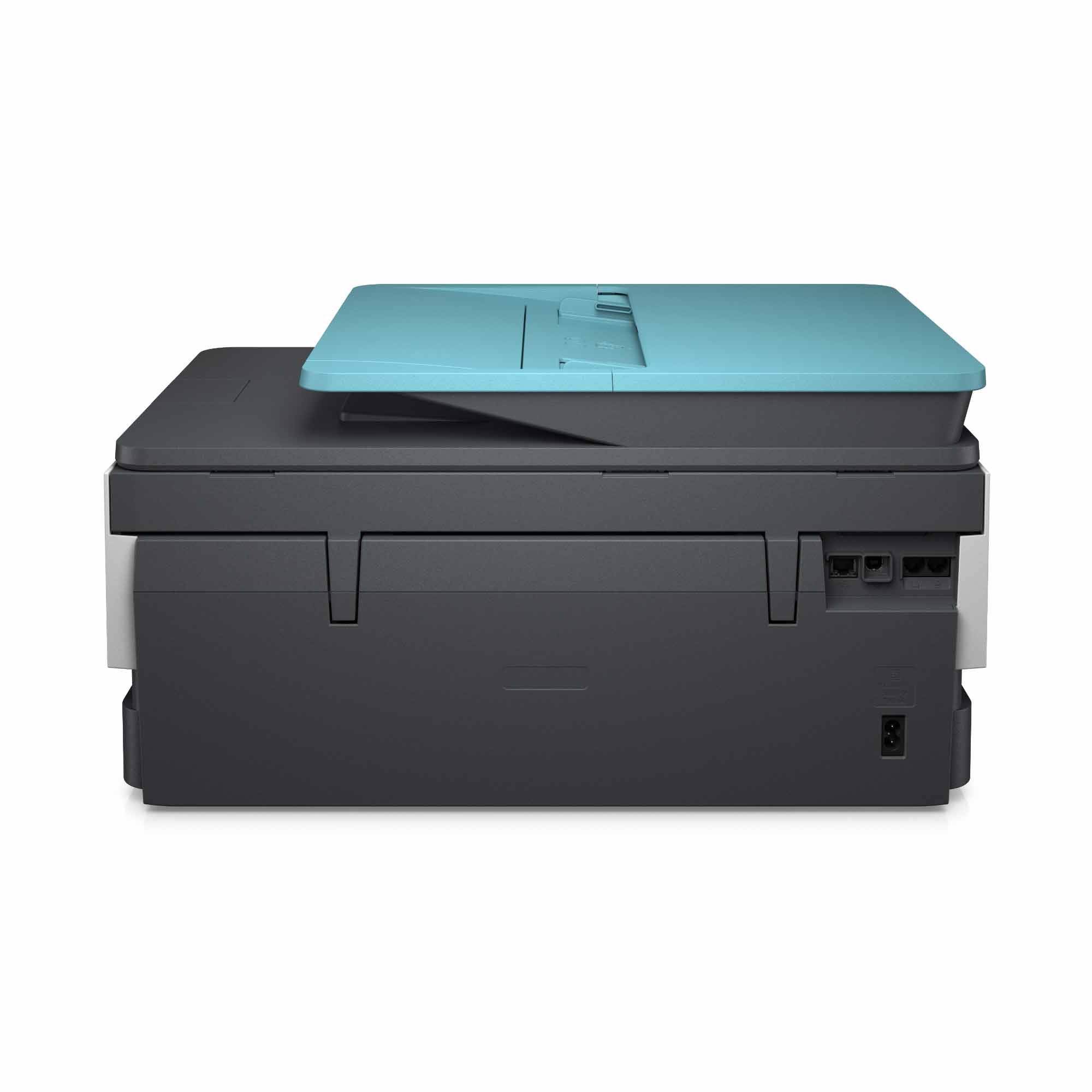
A:AnswerProduct HeightSpecifications Info info
9.17 inches
Product WidthSpecifications Info info
18.12 inches
Product DepthSpecifications Info info
20.13 inches
Product WeightSpecifications Info info
18.04 pounds
A:AnswerHello. This HP OfficeJet Pro 8035 will print great 4x6 photos (up to 8.5x11"), especially when using HP branded photo paper to get the best results.
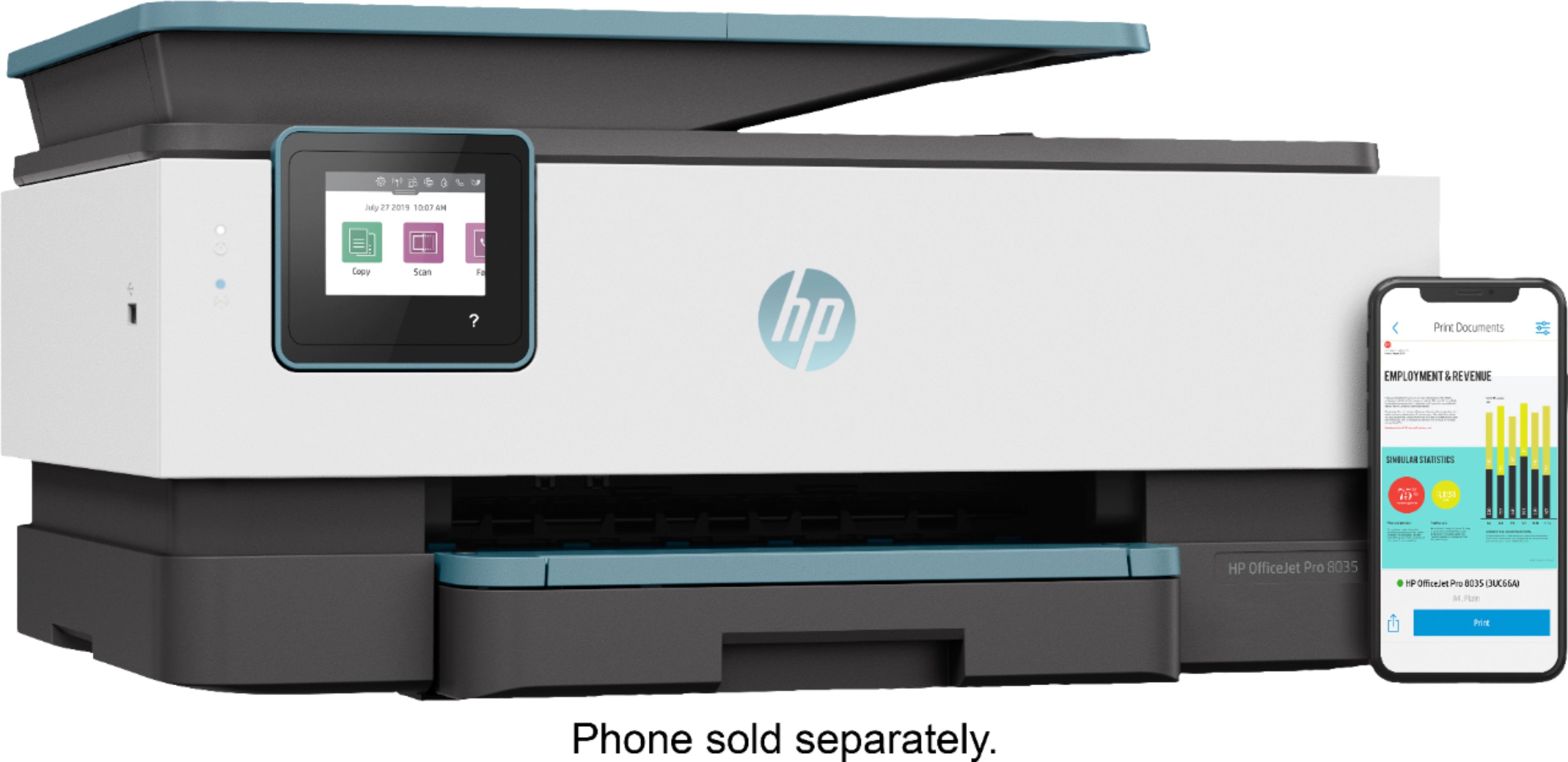
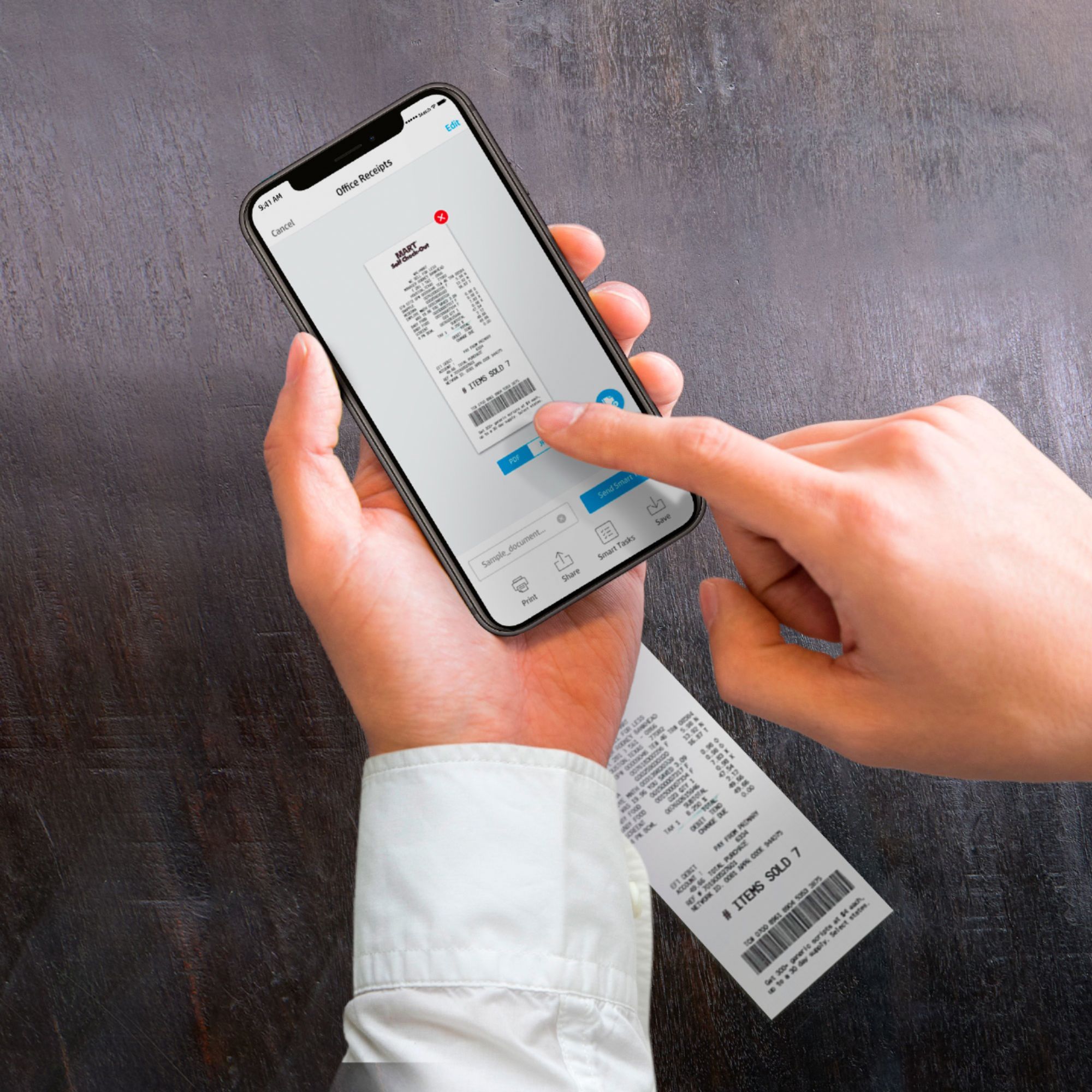
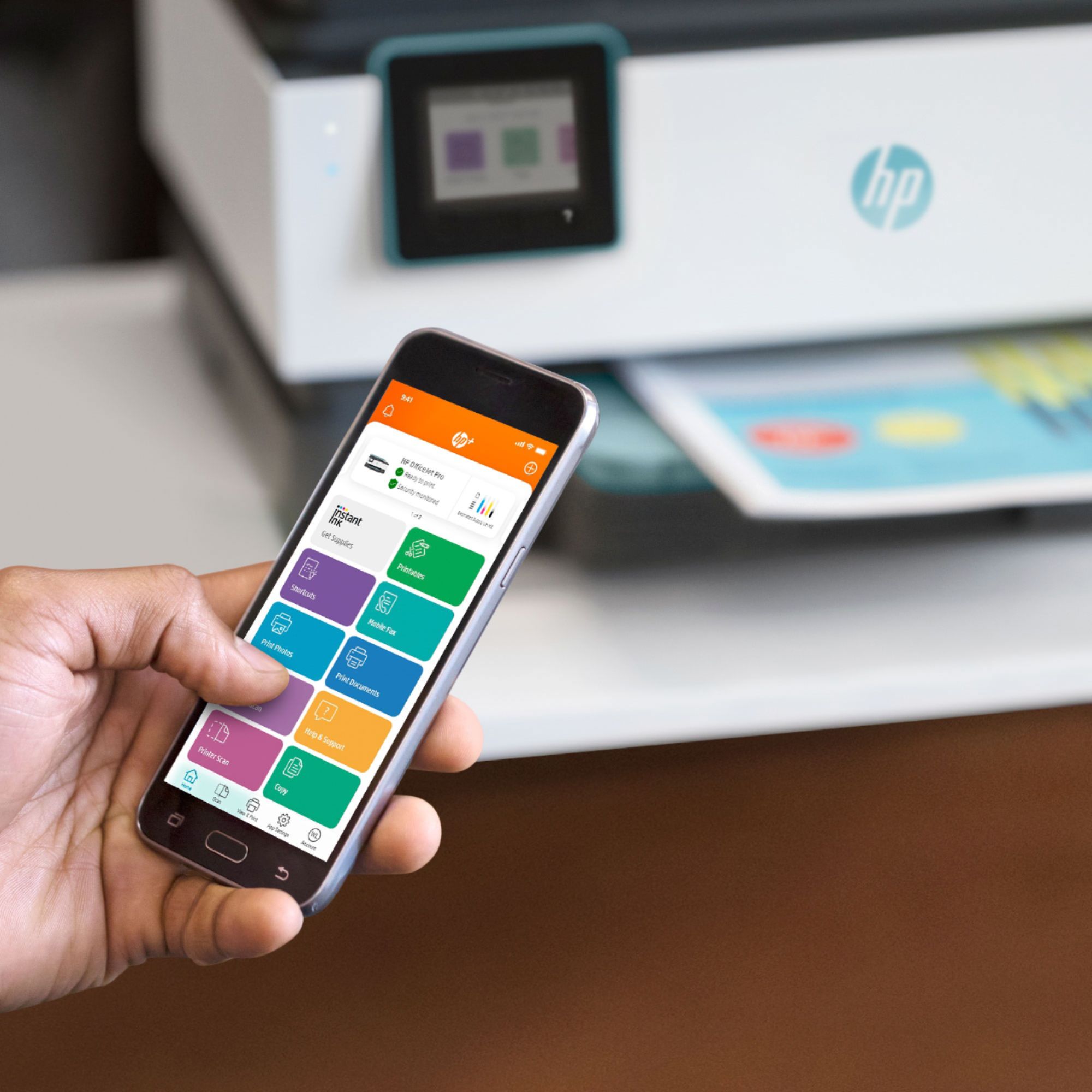
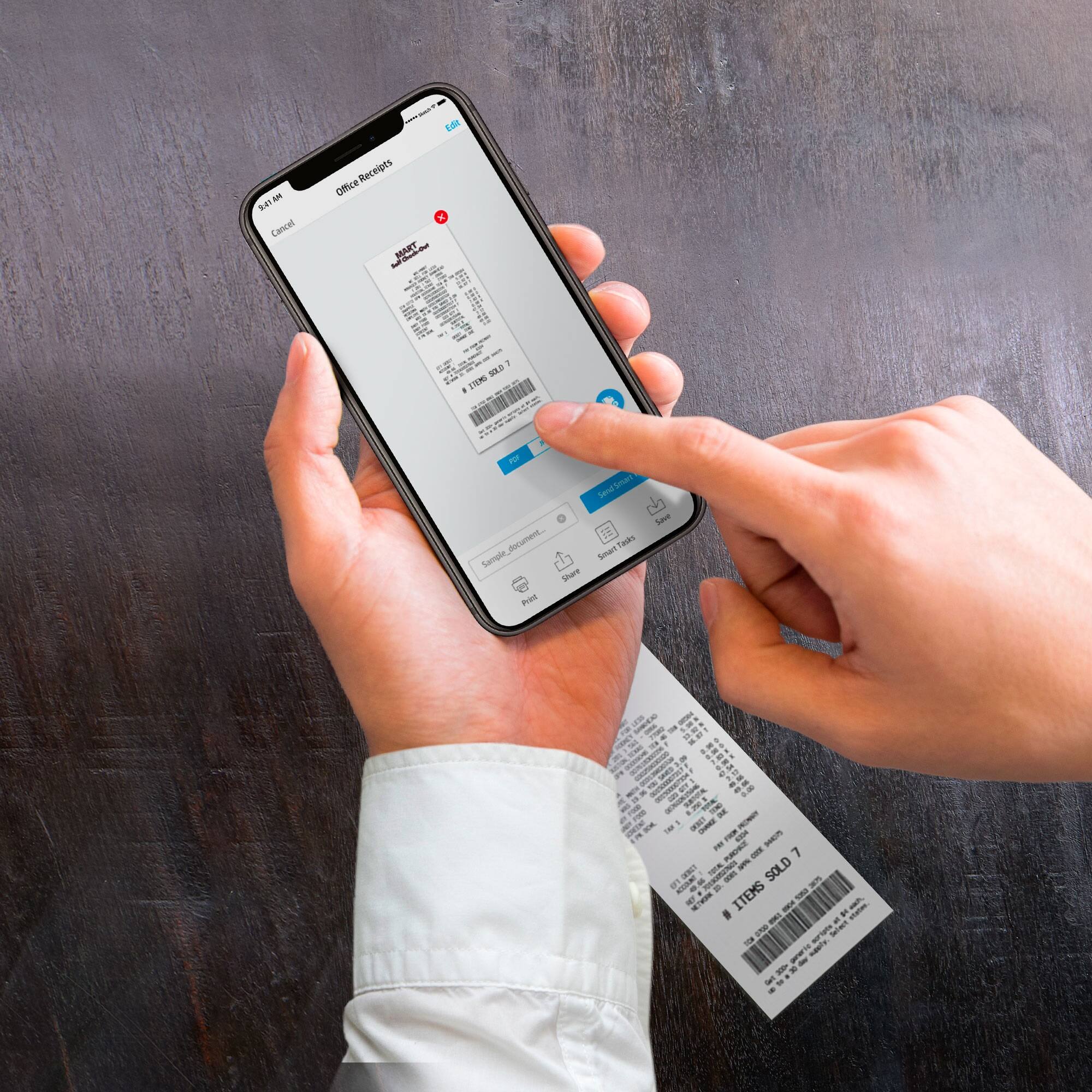
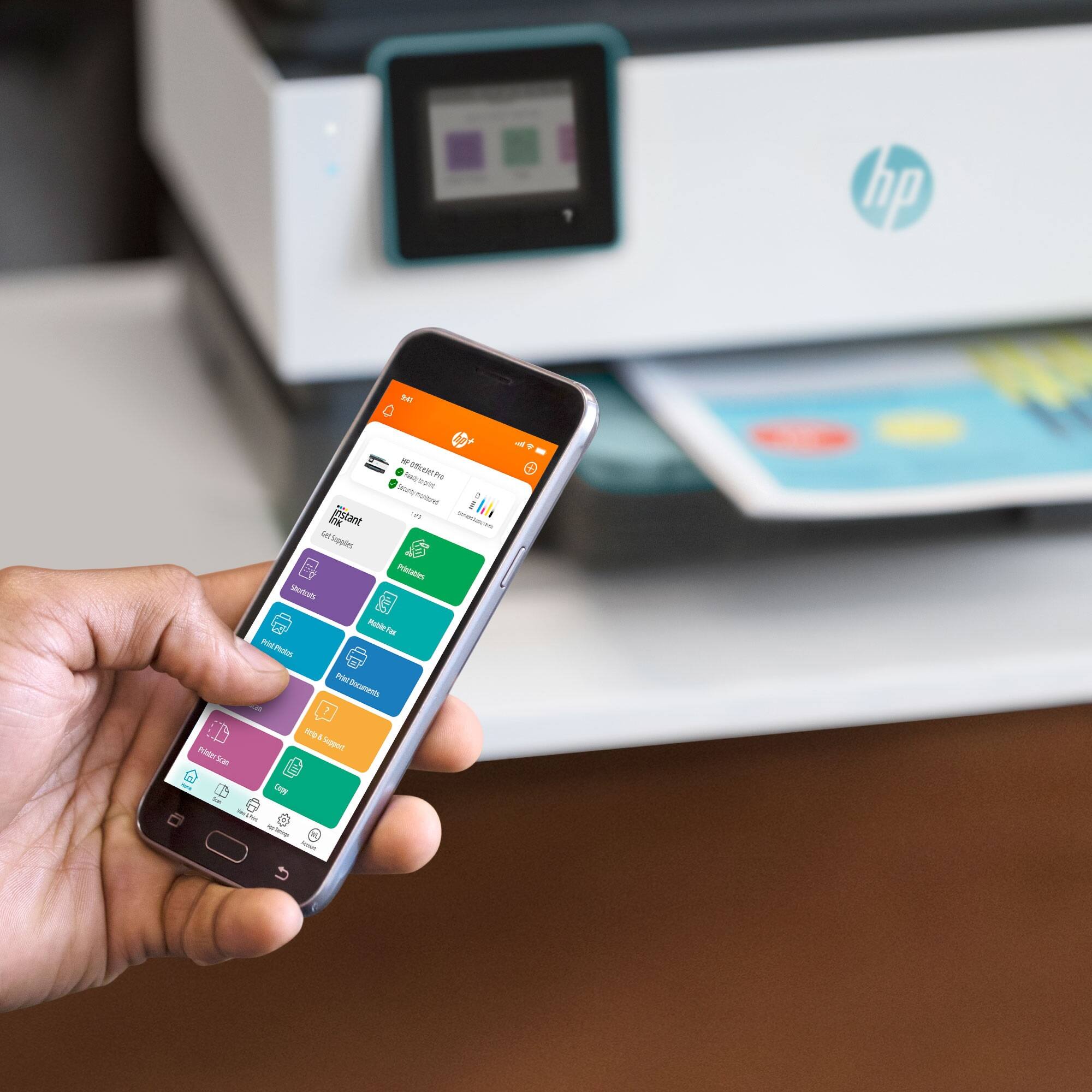
A:AnswerHello, yes the HP OfficeJet Pro 8035e gives you the ability to mobile fax through the HP Smart App. While you won't be printing specifically from the printer you will be printing through your mobile phone number. Thank you for being an HP customer!
A:AnswerThank you for the question. The OfficeJet Pro 8035's paper tray slides in, beneath the output tray. Please see this HP Support video, at about 1:10: https://www.youtube.com/watch?v=YxPoA_E1NOE
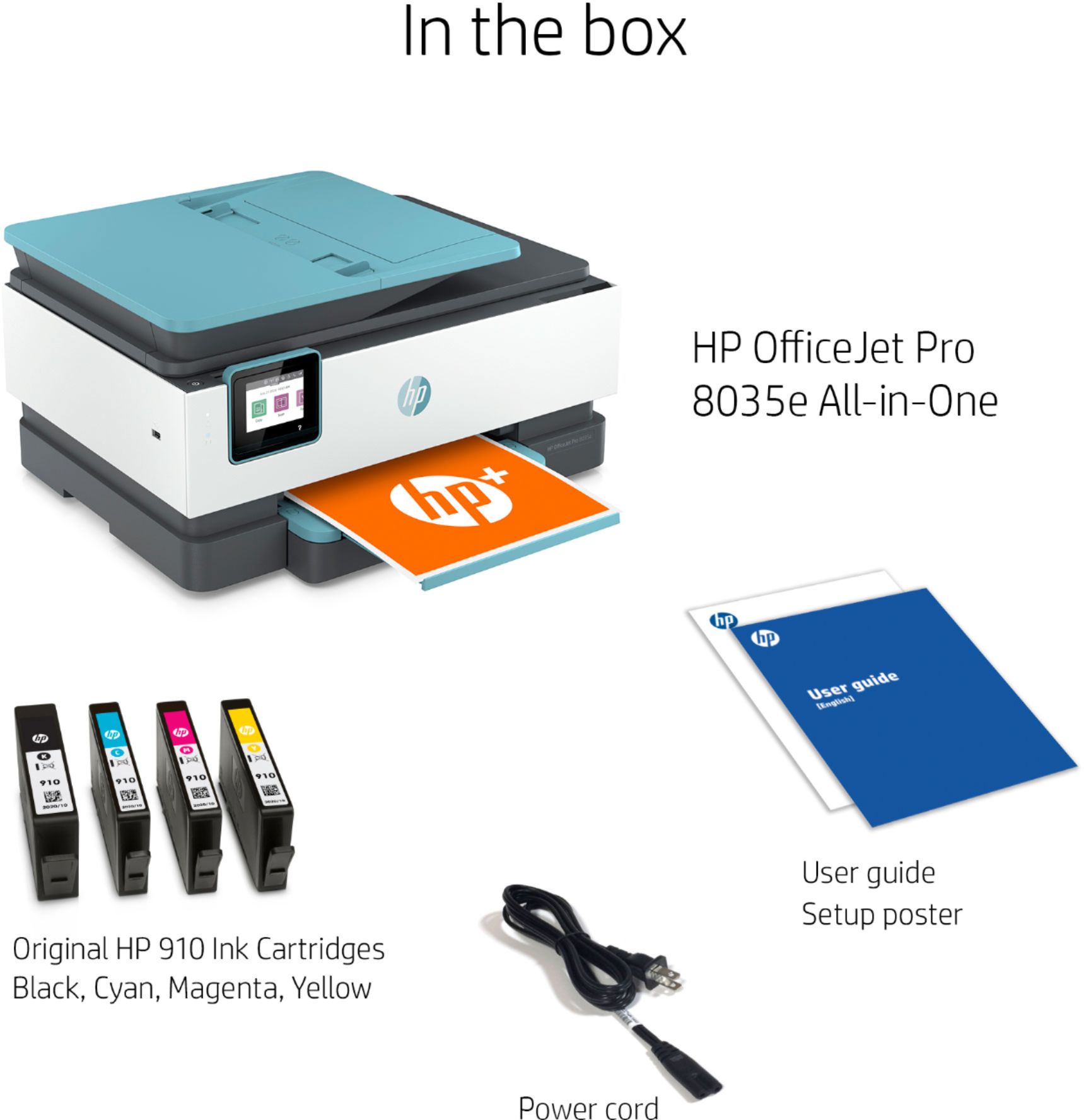
A:AnswerYes you can. They have online two manuals. 1 manual that's 8 pages for getting start with setup and a second manual with full information on 8035 that's 20O+ pages. I downloaded both. Just google them by placing manuals with the type of hp printer you have.
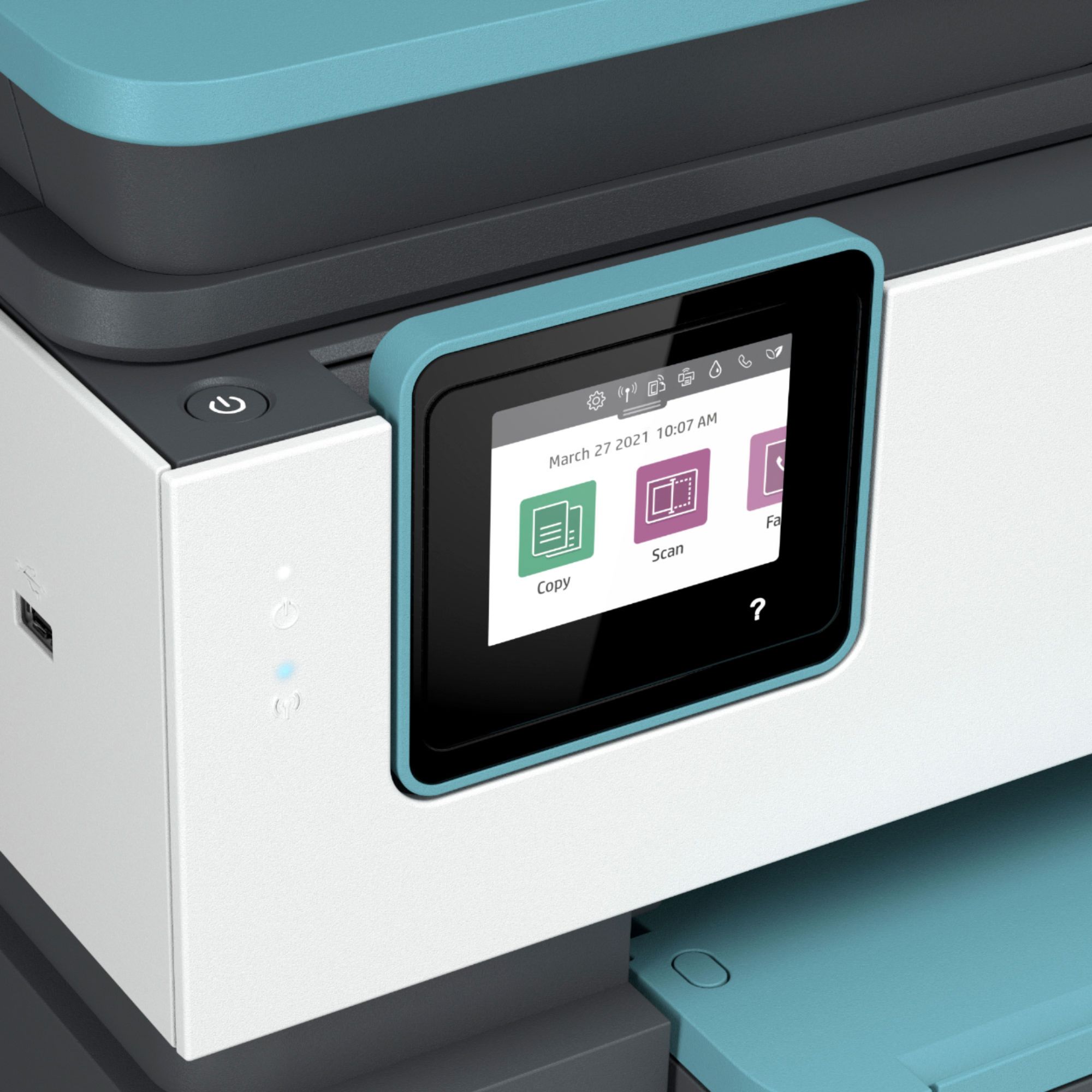
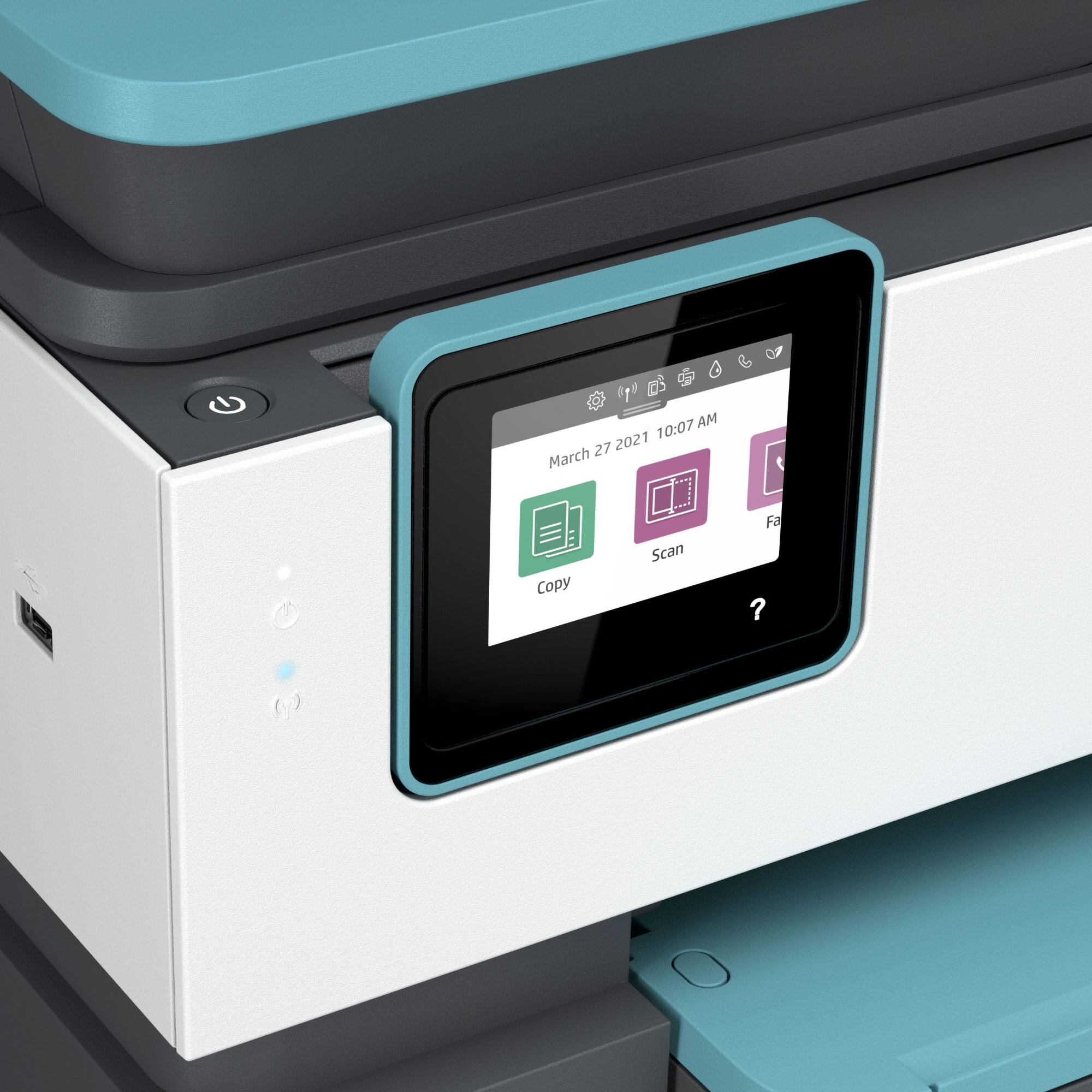
A:AnswerHi Pam, thank you for the question. If you want to copy or scan a document for printout, you'll need to place the document on the glass or in the automatic document feeder and use the touch screen to select color, quantity, etc. Please review page 45 and onward in the user guide, here: http://h10032.www1.hp.com/ctg/Manual/c06291142.pdf.