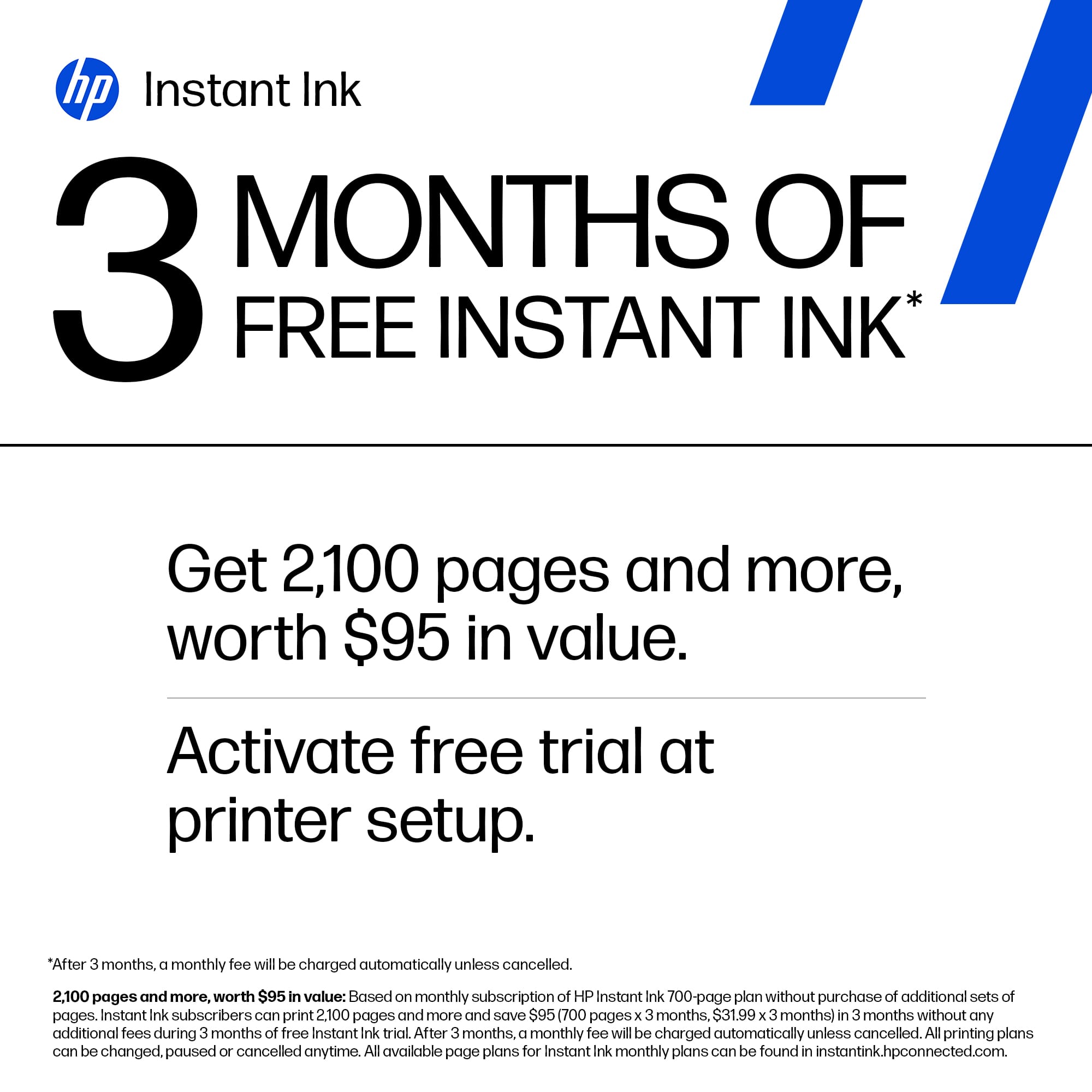
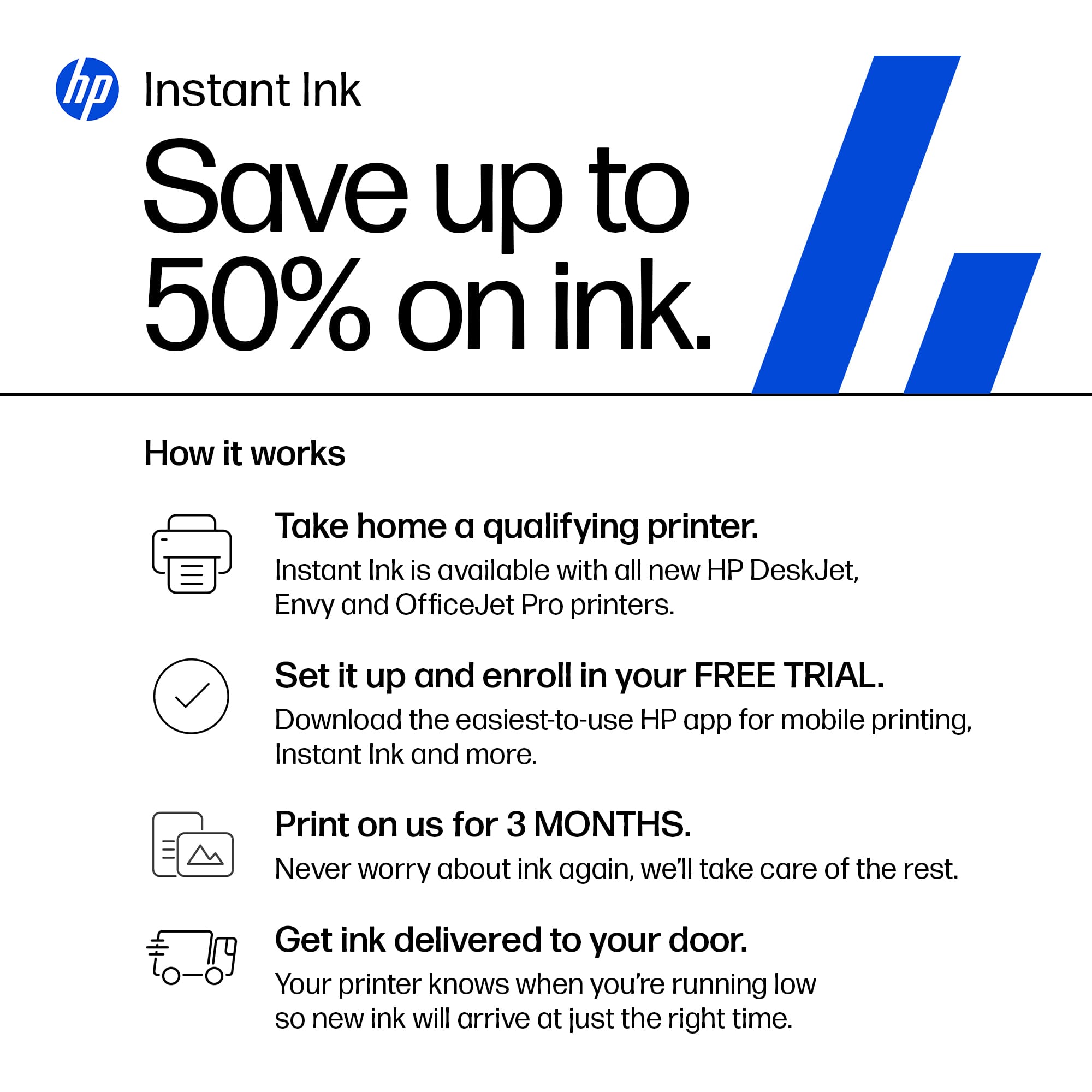
A:AnswerYour HP instant ink subscription can be cancelled on their website. Please note, since you are paying for pages rather than the ink in the cartridges, once cancelled your current ink cartridges will no longer work on your printer. You will need to purchase a new set of 923 cartridges at a store. https://instantink.hpconnected.com/
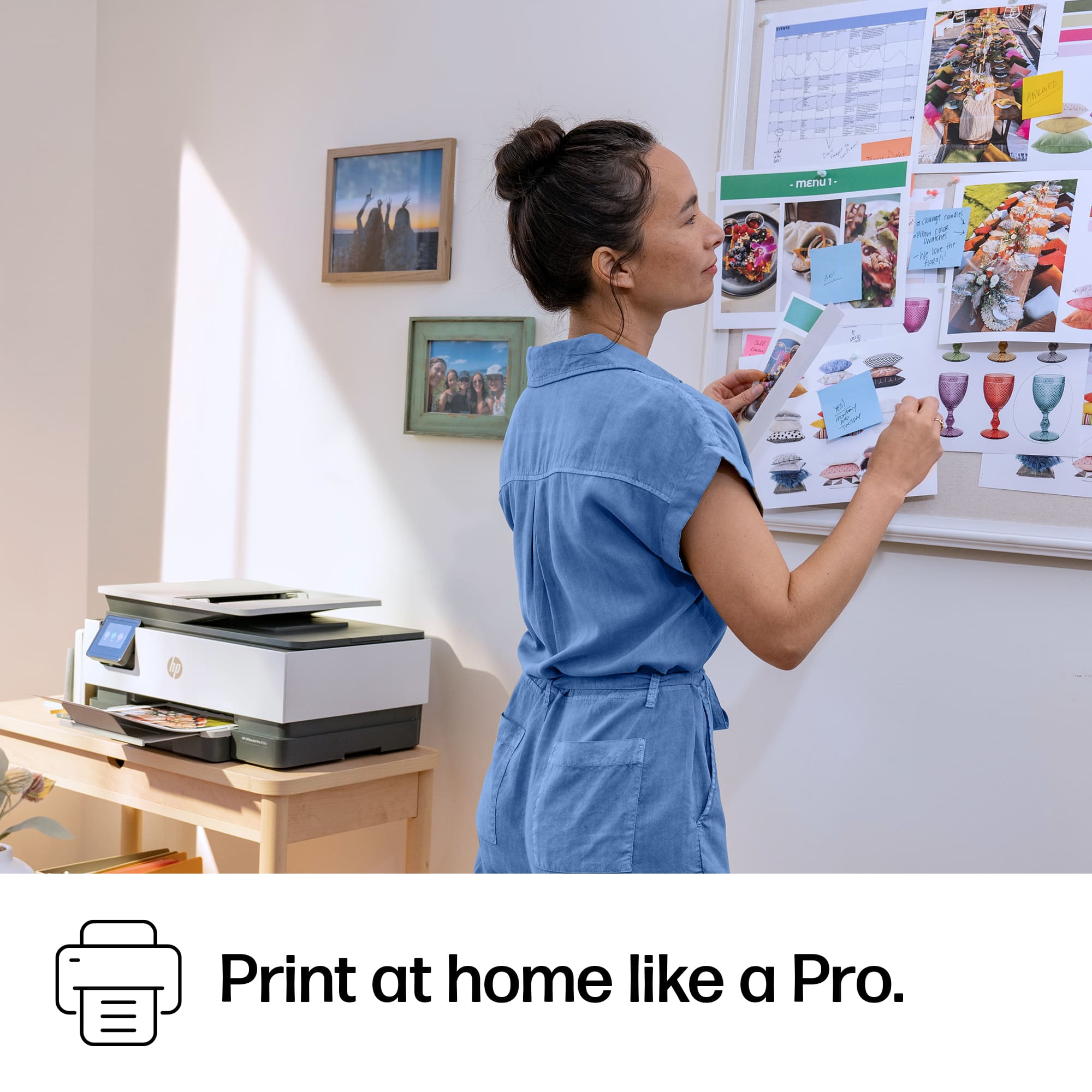
A:AnswerYes, you can print photos with this model. However, it does not have a dedicated photo tray. Therefore, you will need to remove your standard paper and adjust the tray to fit the size you need. The HP Envy Photo series have a dedicated photo tray for 4x6 or 5x7 so you do not need to remove your standard paper to print to those sizes.
A:AnswerThe 8135e is a versatile printer that can print photos as well. This printer uses 923 cartridges which have pigment ink. The best HP cartridges for photo printing are dye ink cartridges which can be found on the HP Envy photo printer series.
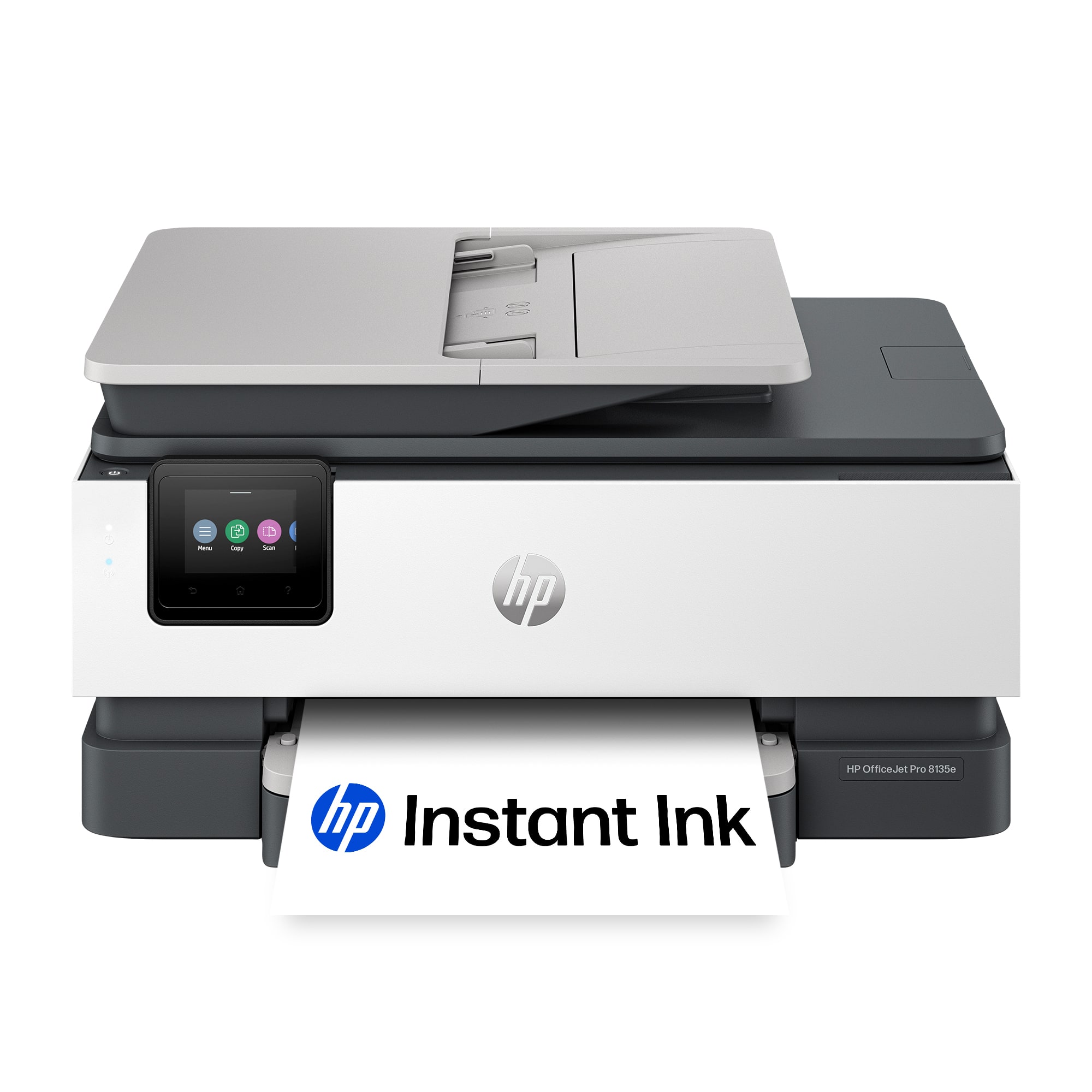
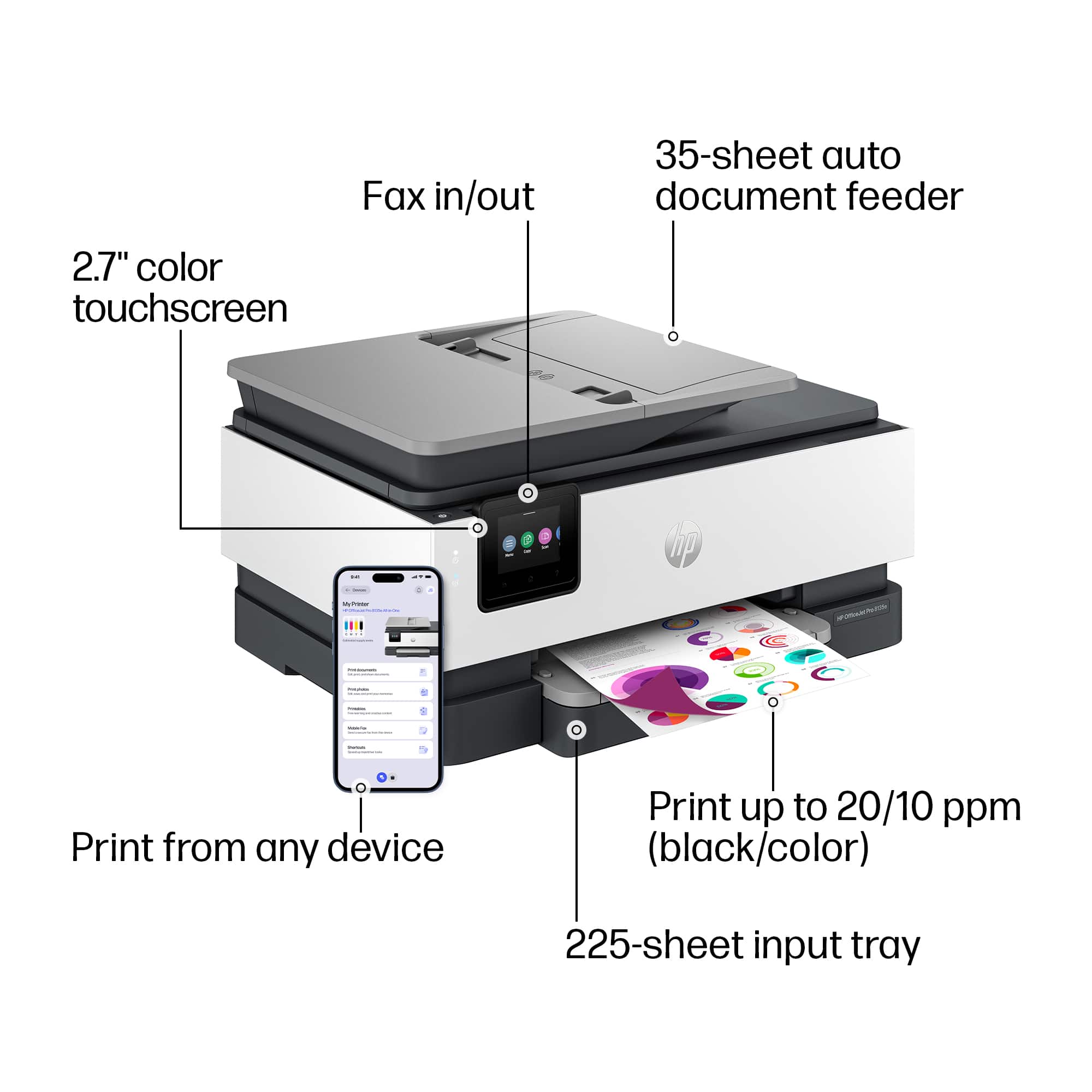
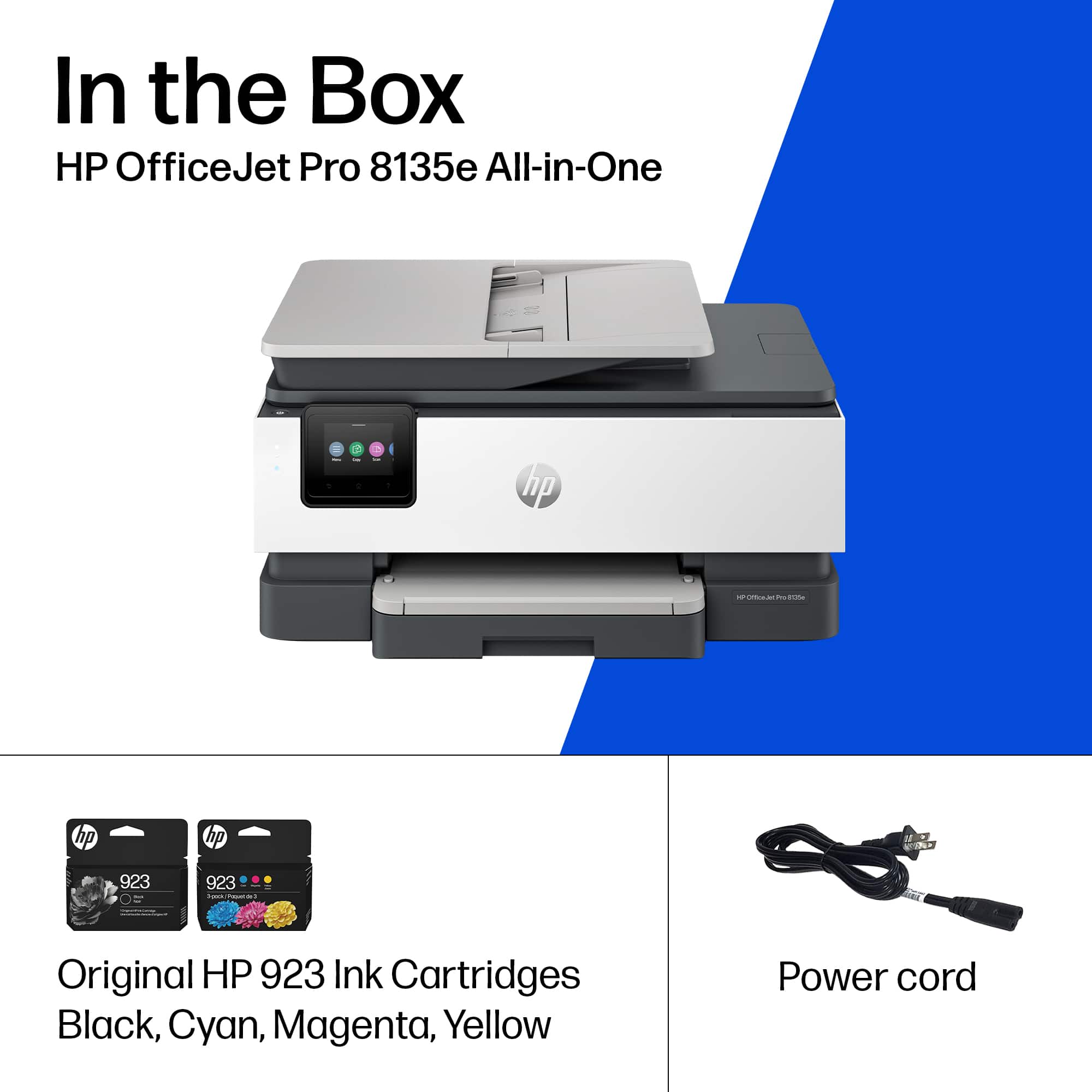
A:AnswerThank you for the question. The OfficeJet Pro 8135e accepts HP 923 (standard yield) and 923e (high yield) cartridges. Standard cartridges print up to 500 pages in black and up to 400 pages in color. High yield cartridges print up to 1000 pages in black and up to 800 pages in color.
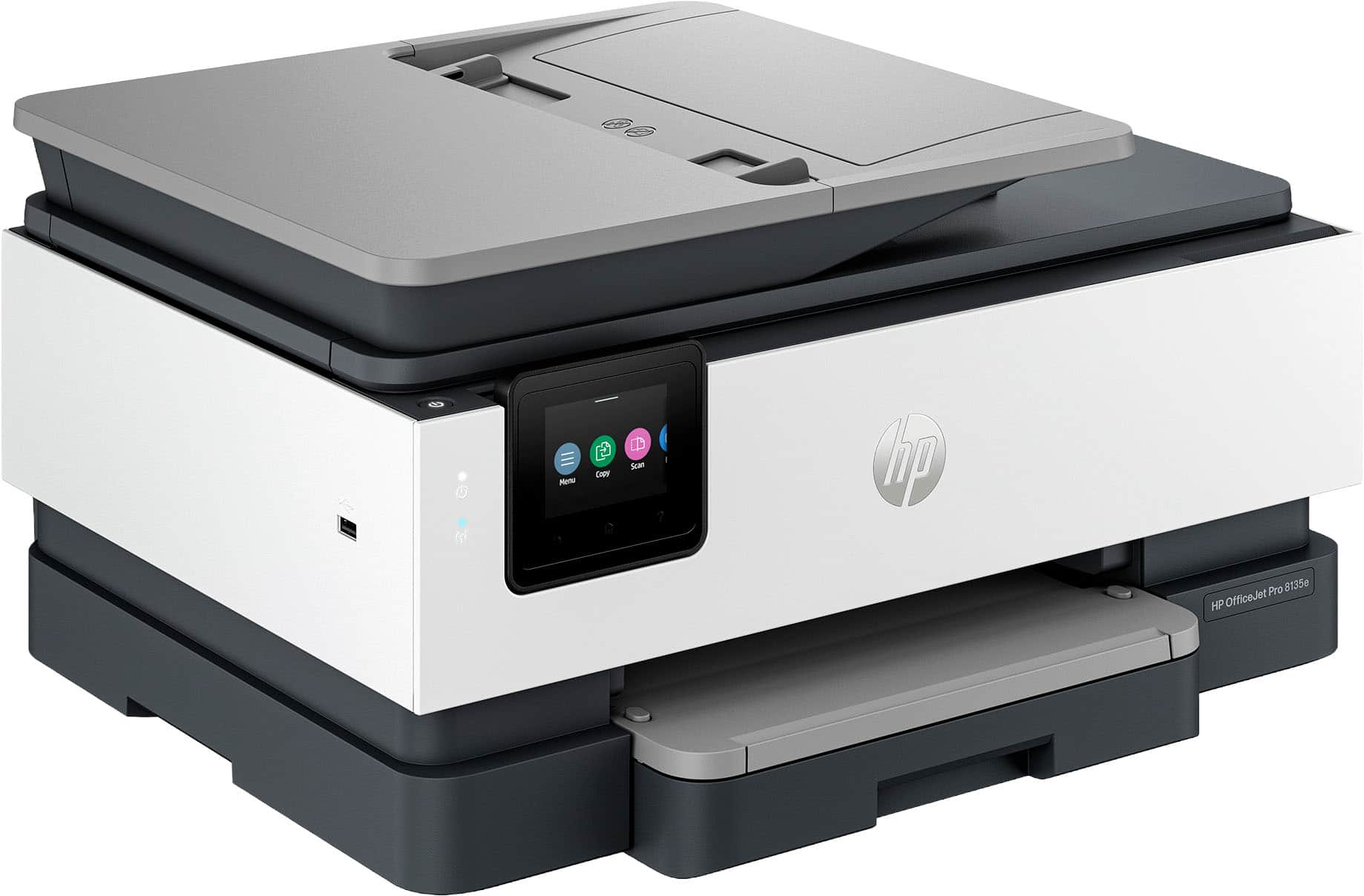
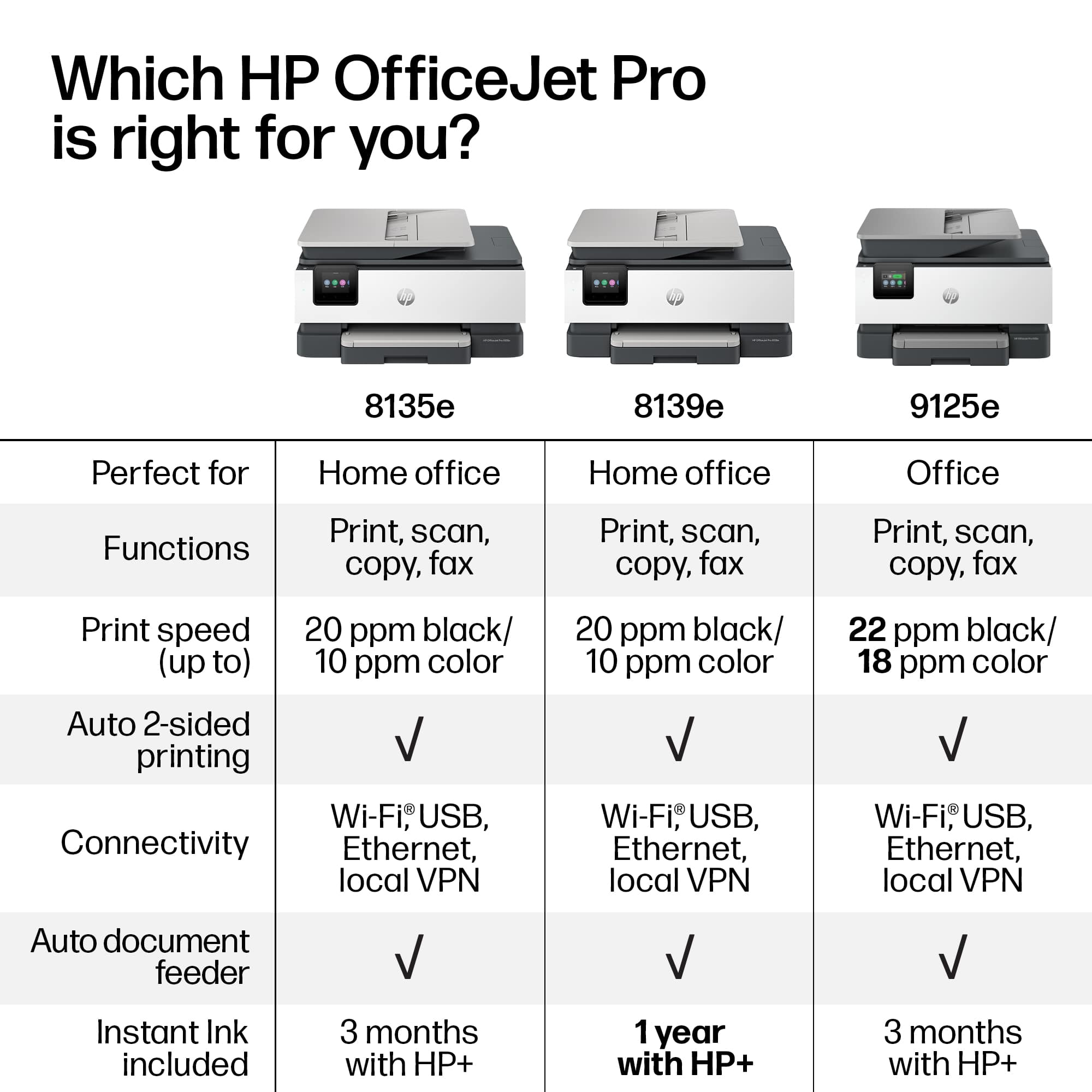
A:AnswerBeth, thank you for your question about this HP OfficeJet Pro printer! This is a downgrade from the 9015e as it only has single-sided scanning while the 9015e has double-sided scanning. Additionally, the 9000e and 9100e series are made for higher printer volumes than the 8135e. The successor to the 9015e is the 9125e and is sold in Best Buy stores.
A:AnswerHello and thank you for asking. The HP OfficeJet Pro 8193e printer includes a 1-year subscription to HP Instant Ink in the box with the printer. The HP OfficeJet Pro 8135e printer offers a free 3-month subscription to HP Instant Ink if you also elect to opt-in to the free HP+ program. Otherwise, the printers are essentially identical.