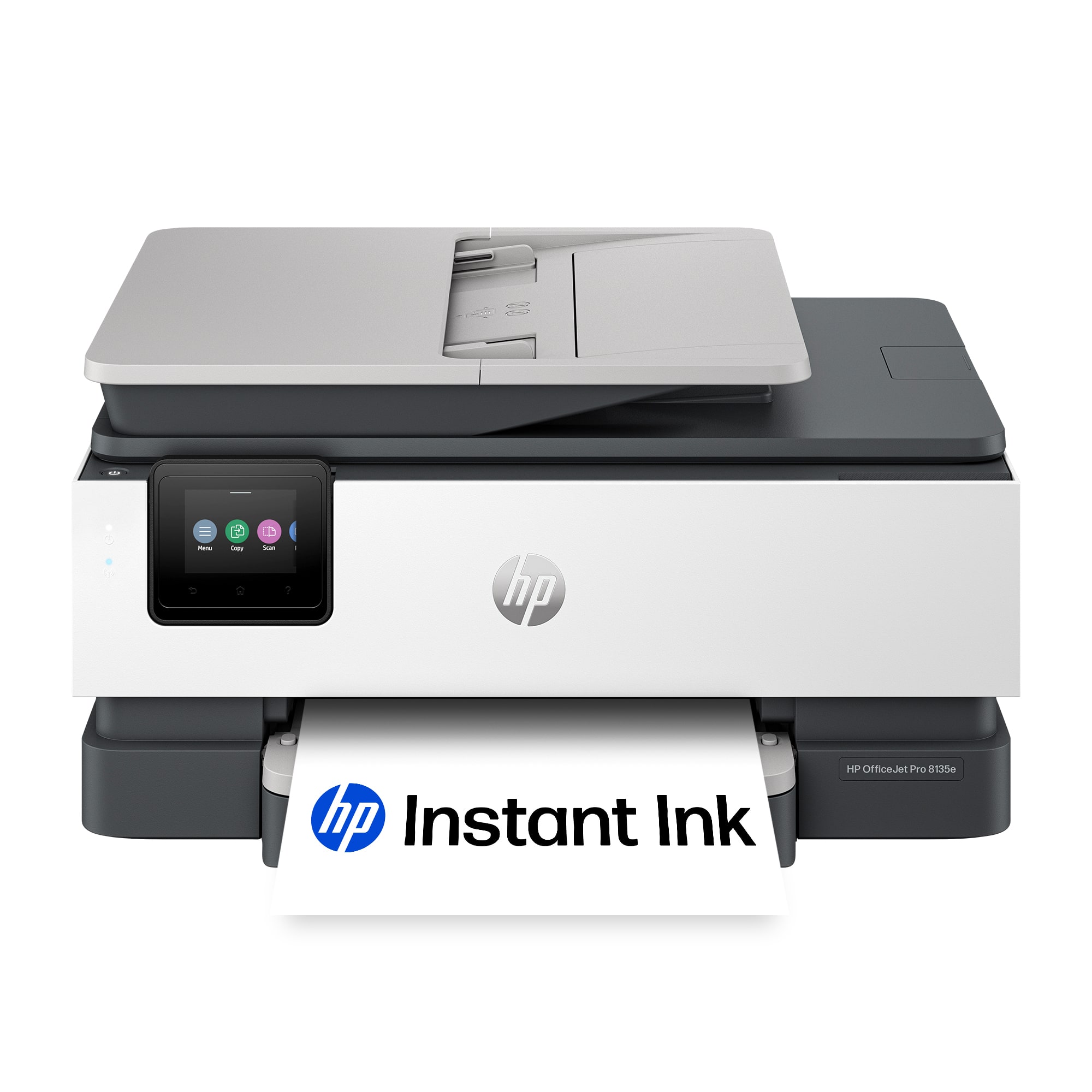
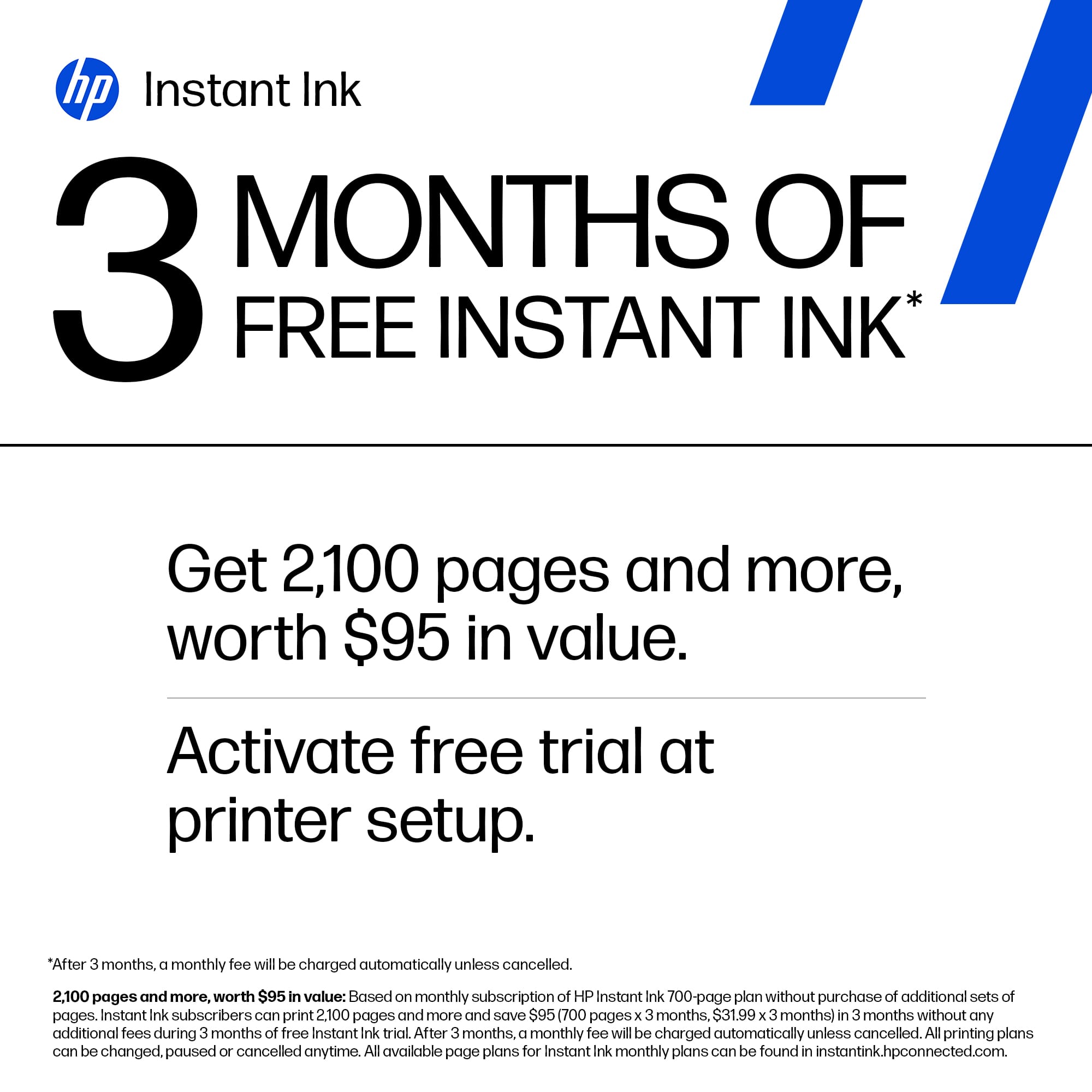
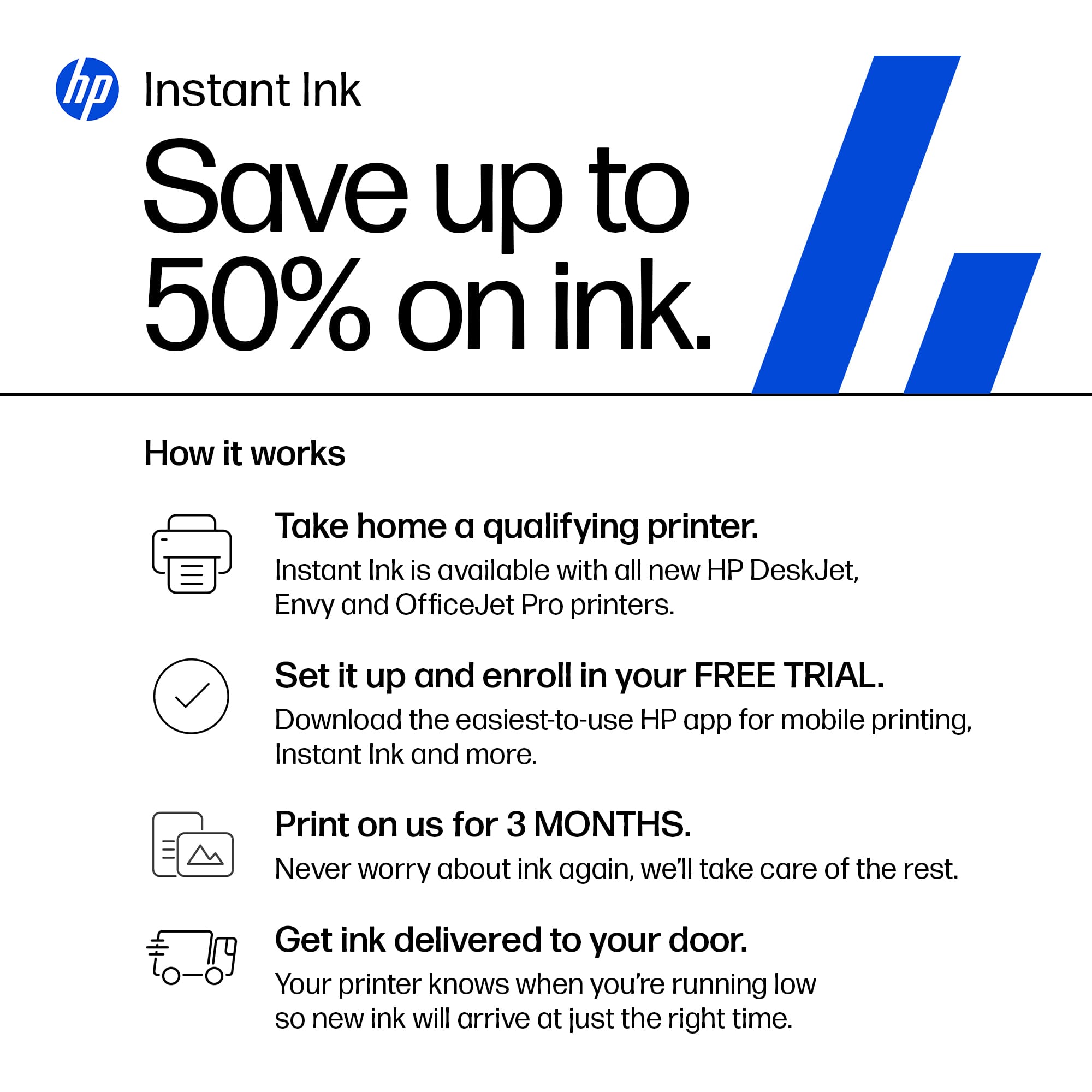
A:AnswerArt, thank you for your question on the ink program for this printer. To cancel the Instant Ink service, you log onto your HP Instant Ink profile and cancel. Make sure that you have store-bought HP inks ready, as the Instant Ink-provided cartridges will only work while the printer is on the program.
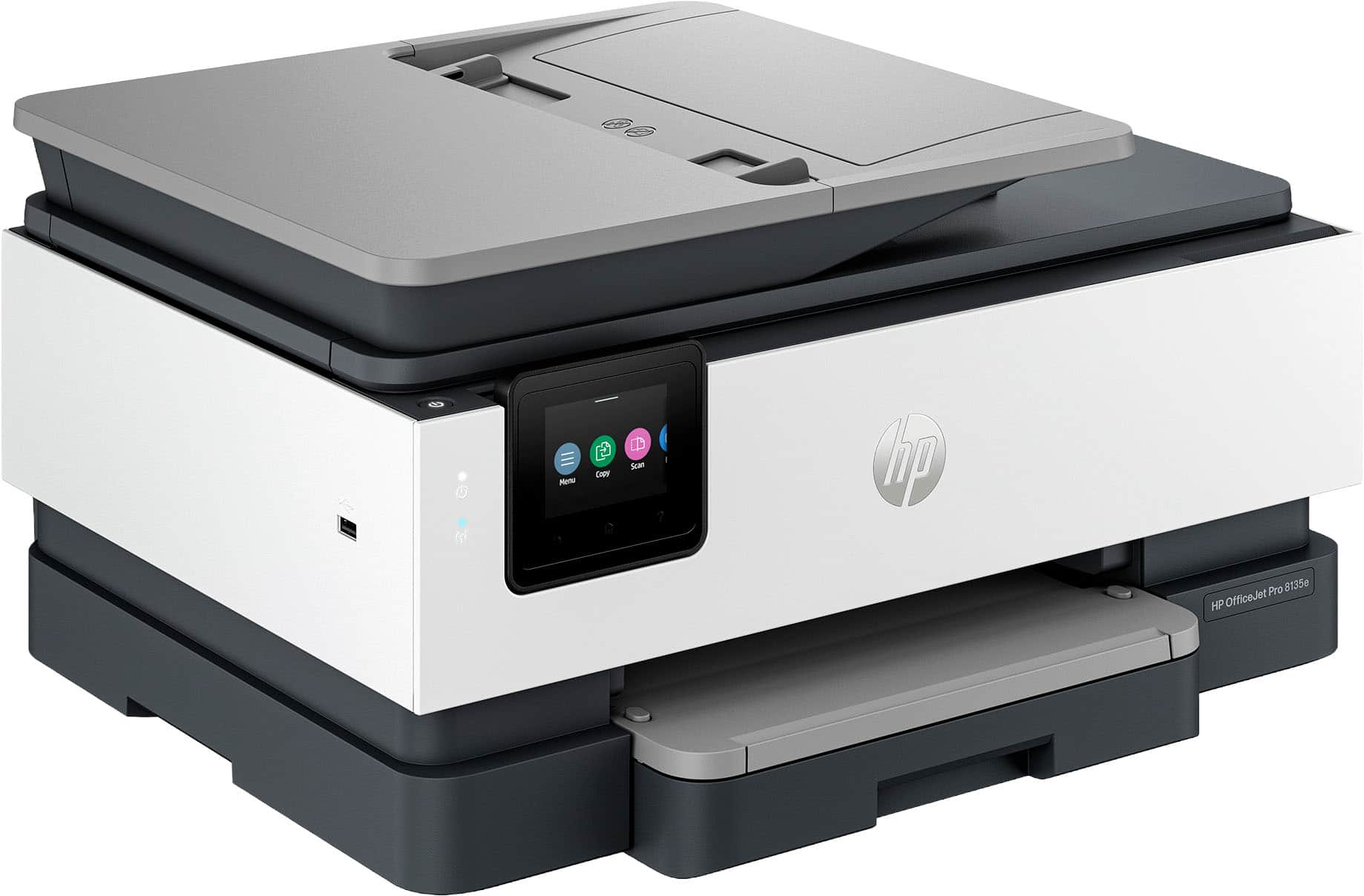
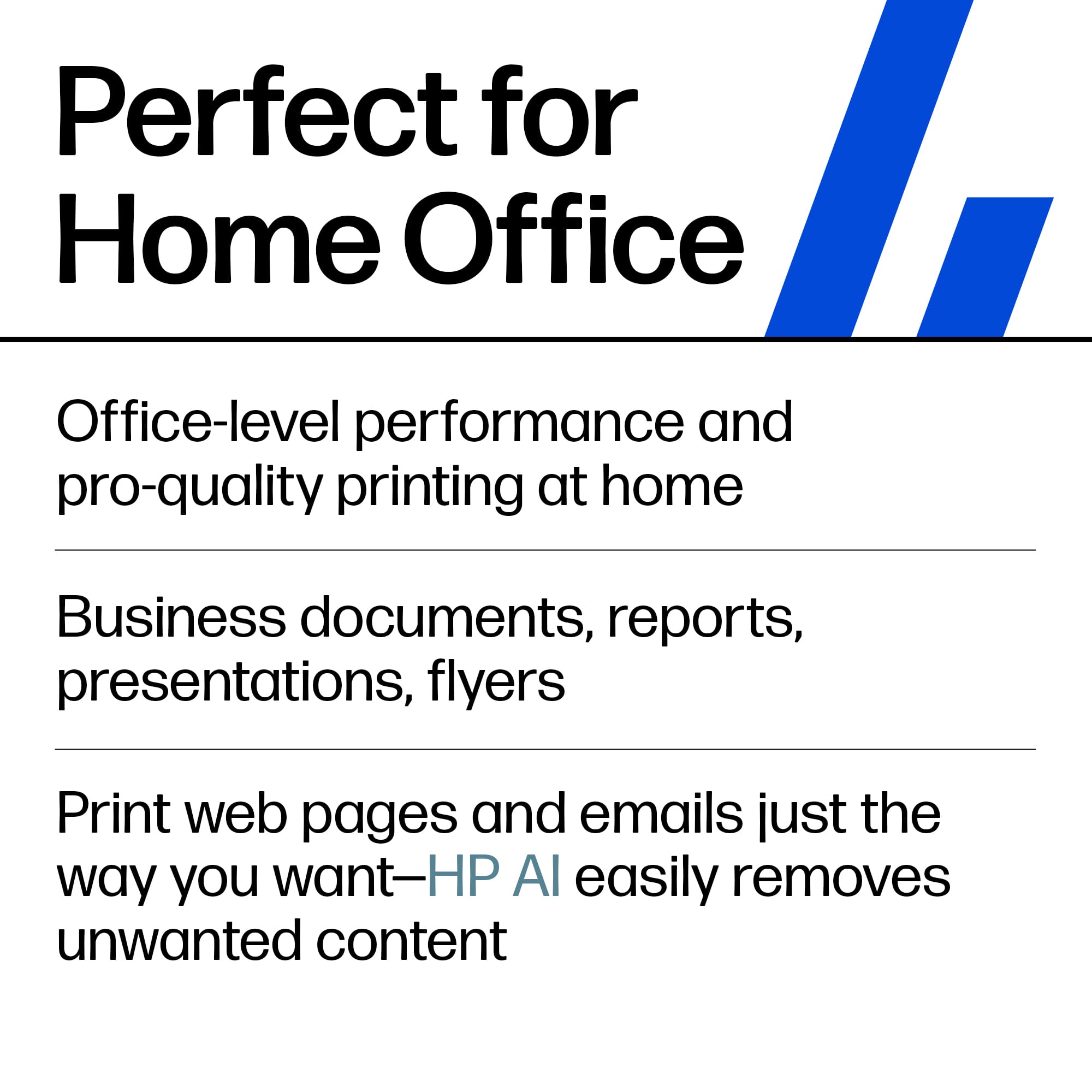
A:AnswerThank you for your interest and your question about this HP OfficeJet Pro printer. It prints pictures very well but does not support borderless 8.5x11 printing. For the best-quality photos and full-page borderless printing, HP offers the Envy Inspire 7255e and Envy Inspire 7955e through Best Buy.
A:AnswerAccording to the Minimum System Requirements printed on the product box for a PC you need either Windows 10 or 11 with 2GB SSD, Microsoft Internet Explorer or Edge, and Internet access.
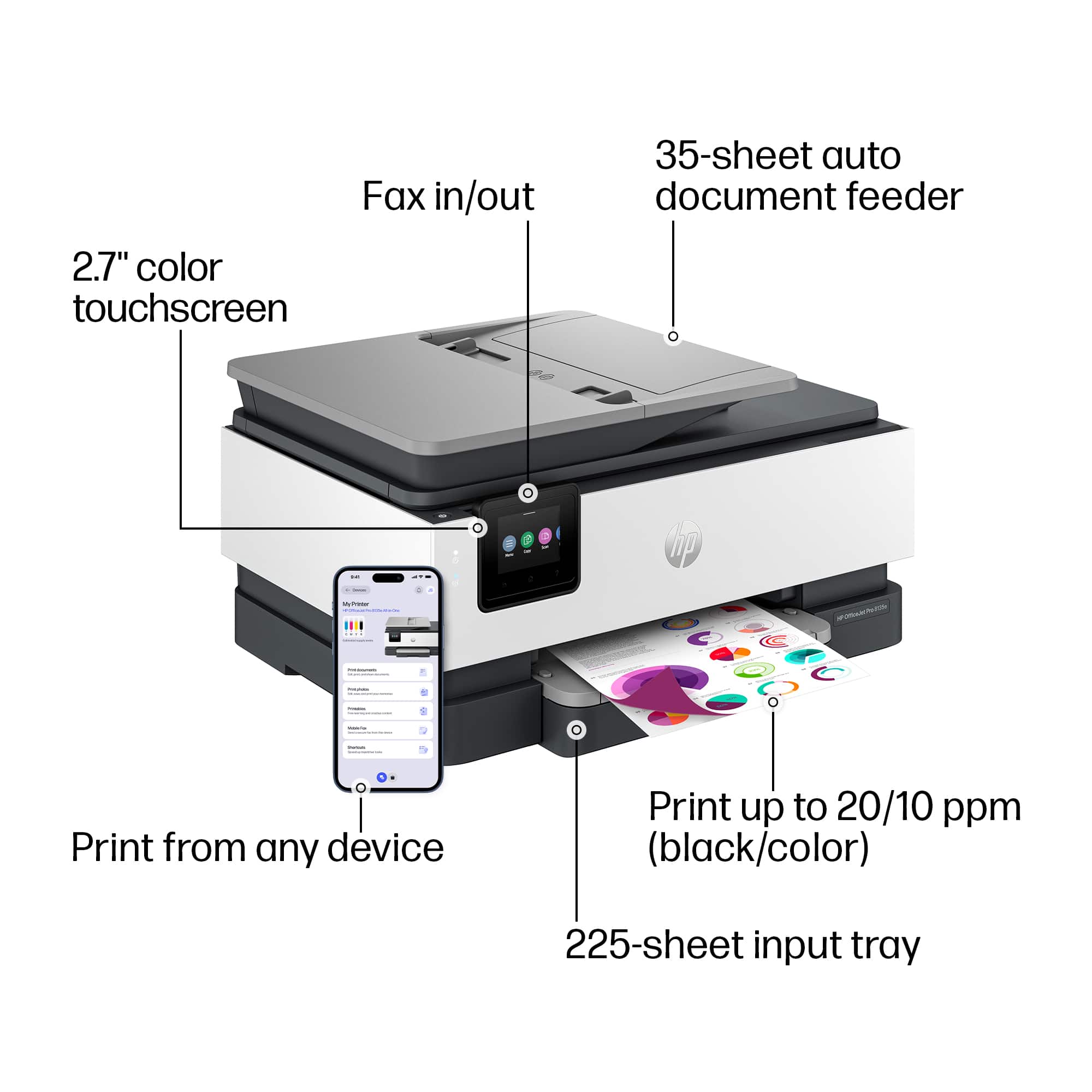
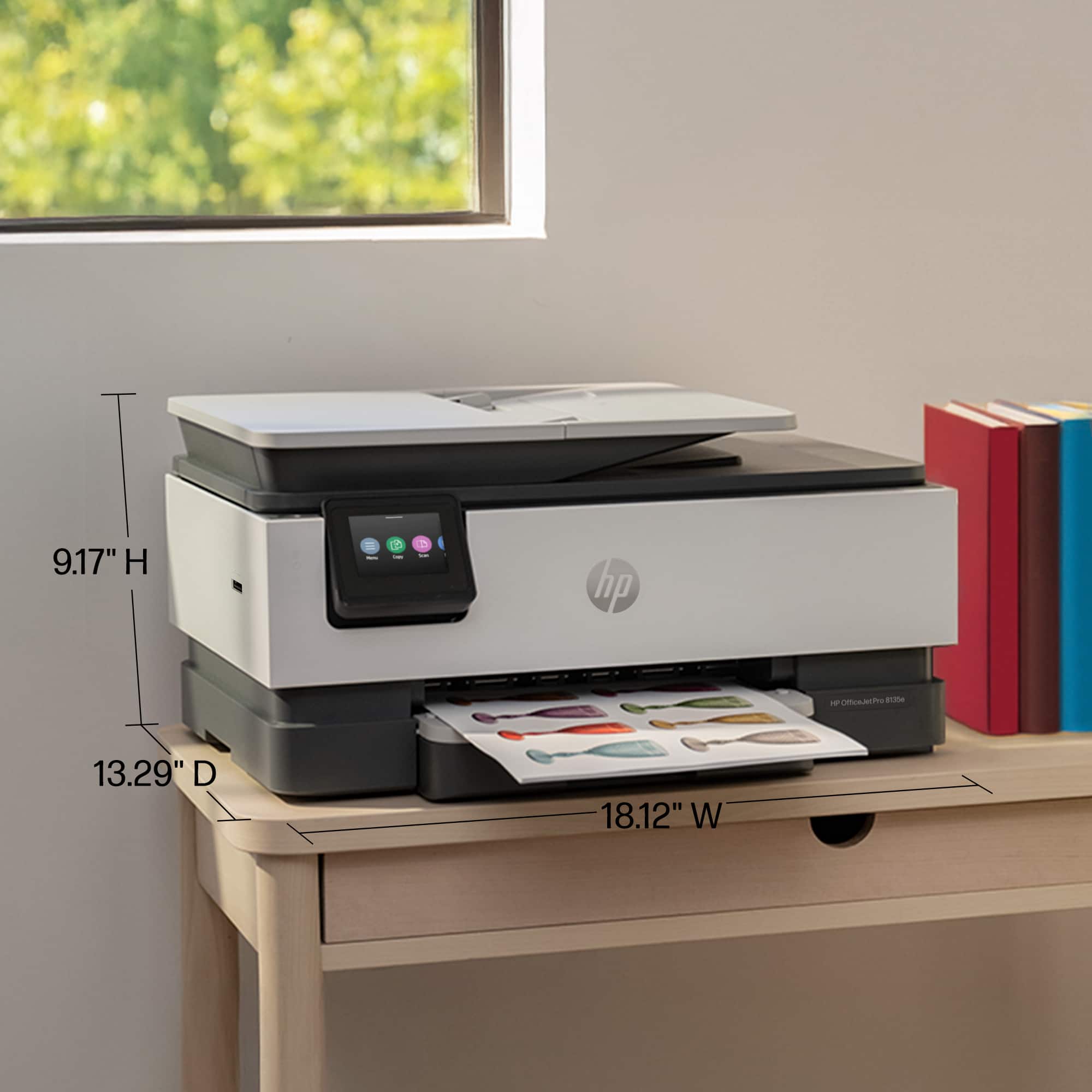
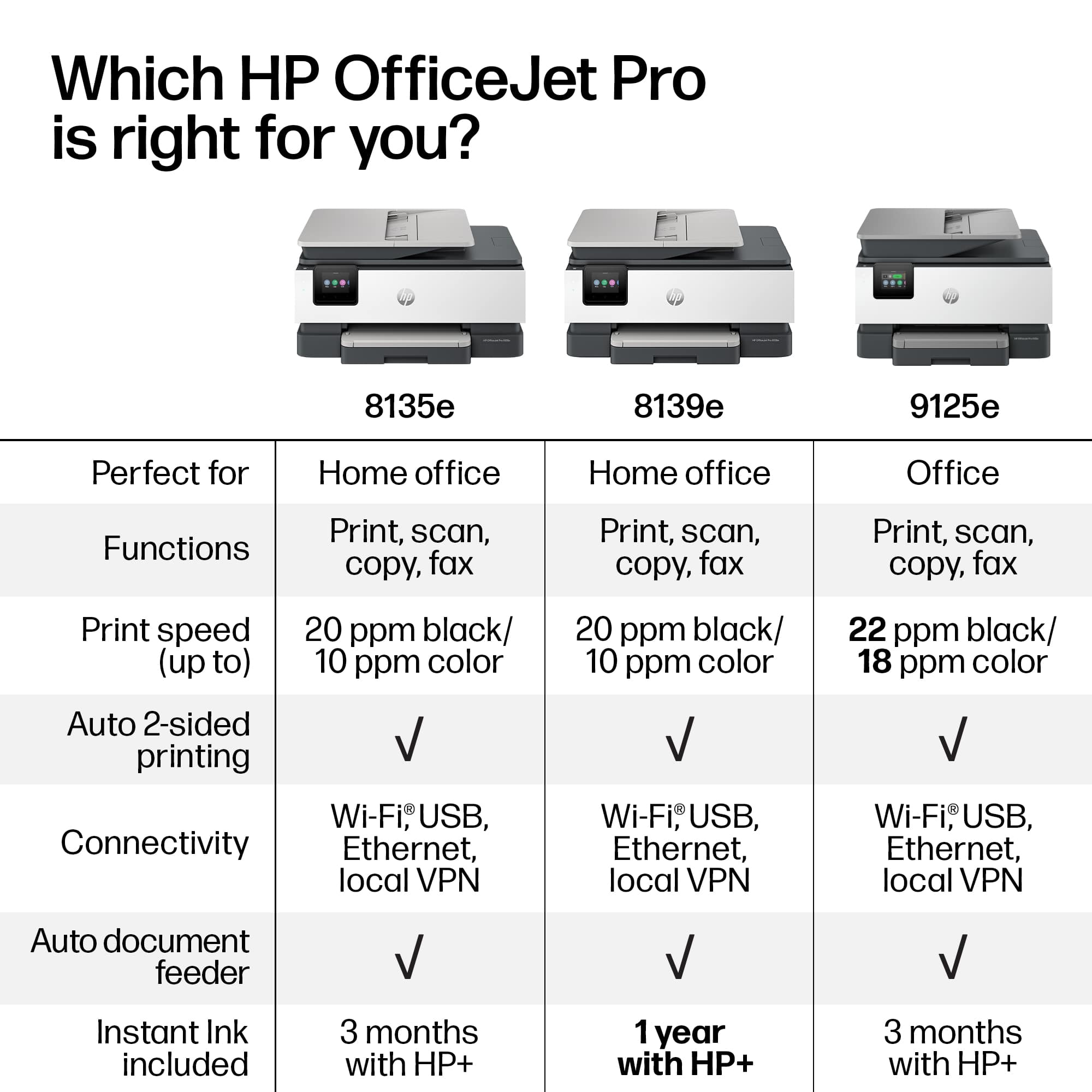
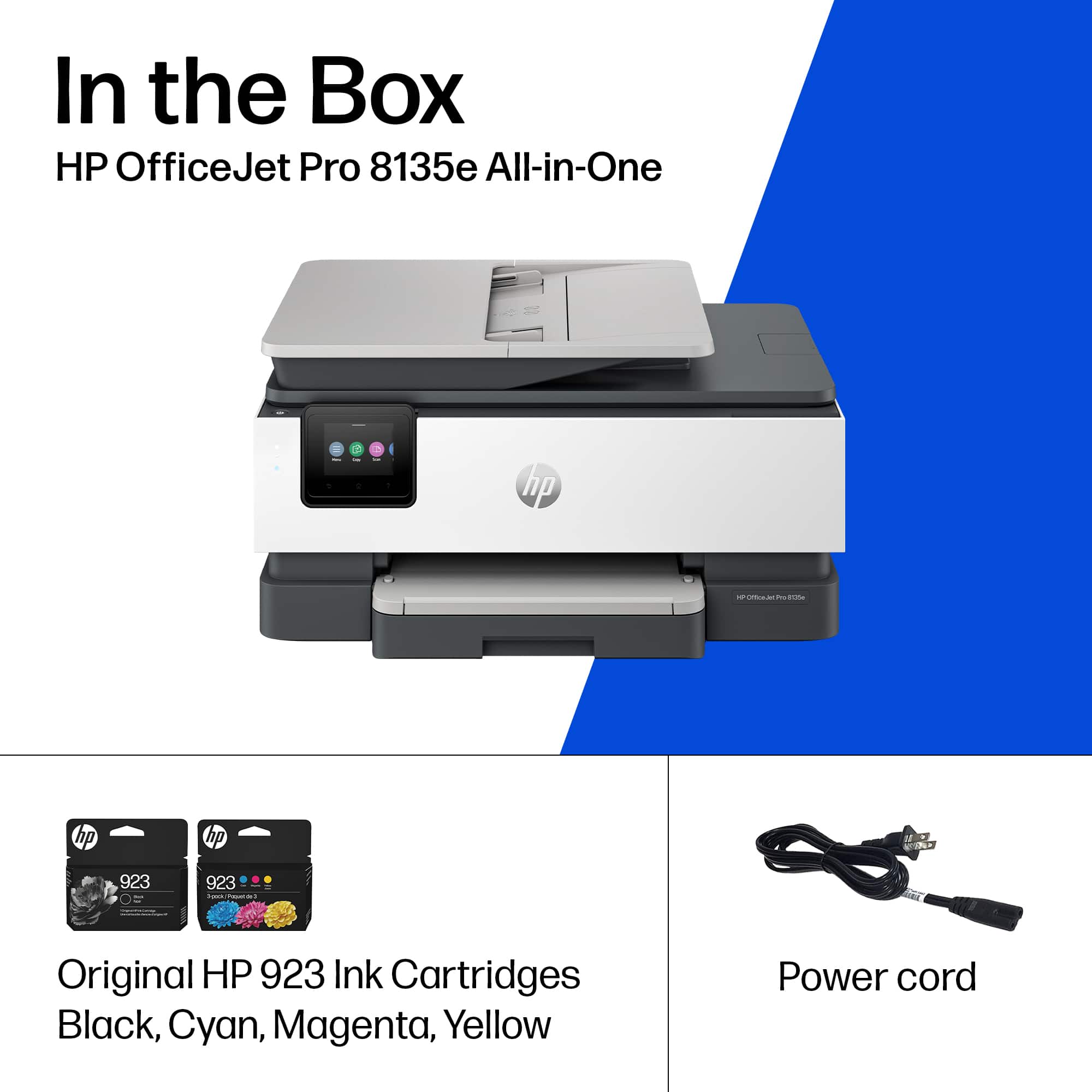
A:AnswerHello Walt and thank you for asking. The HP OfficeJet Pro 8135e is compatible with macOS 11 and higher. HP does not make an 8128e. If you mean the 8028e, the 8135e is an improved version of the 8028e. It is made with 45% recycled plastics, is slightly smaller, and it uses HP 923 ink cartridges, which are rated as having higher ISO page yields than the HP 910 ink cartridge used in the 8028e.
A:AnswerHi, thanks for your question! The HP OfficeJet Pro 8135e takes 923 ink cartridges and can print roughly 500 pages. Costs can vary depending on sale pricing as well.
A:AnswerToner is not used for HP OfficeJet 8135E because it is an inkjet printer, not a laser printer. Inkjet printers use liquid ink cartridges, while toner is used in laser printers.
Printer use the 910 XL ink