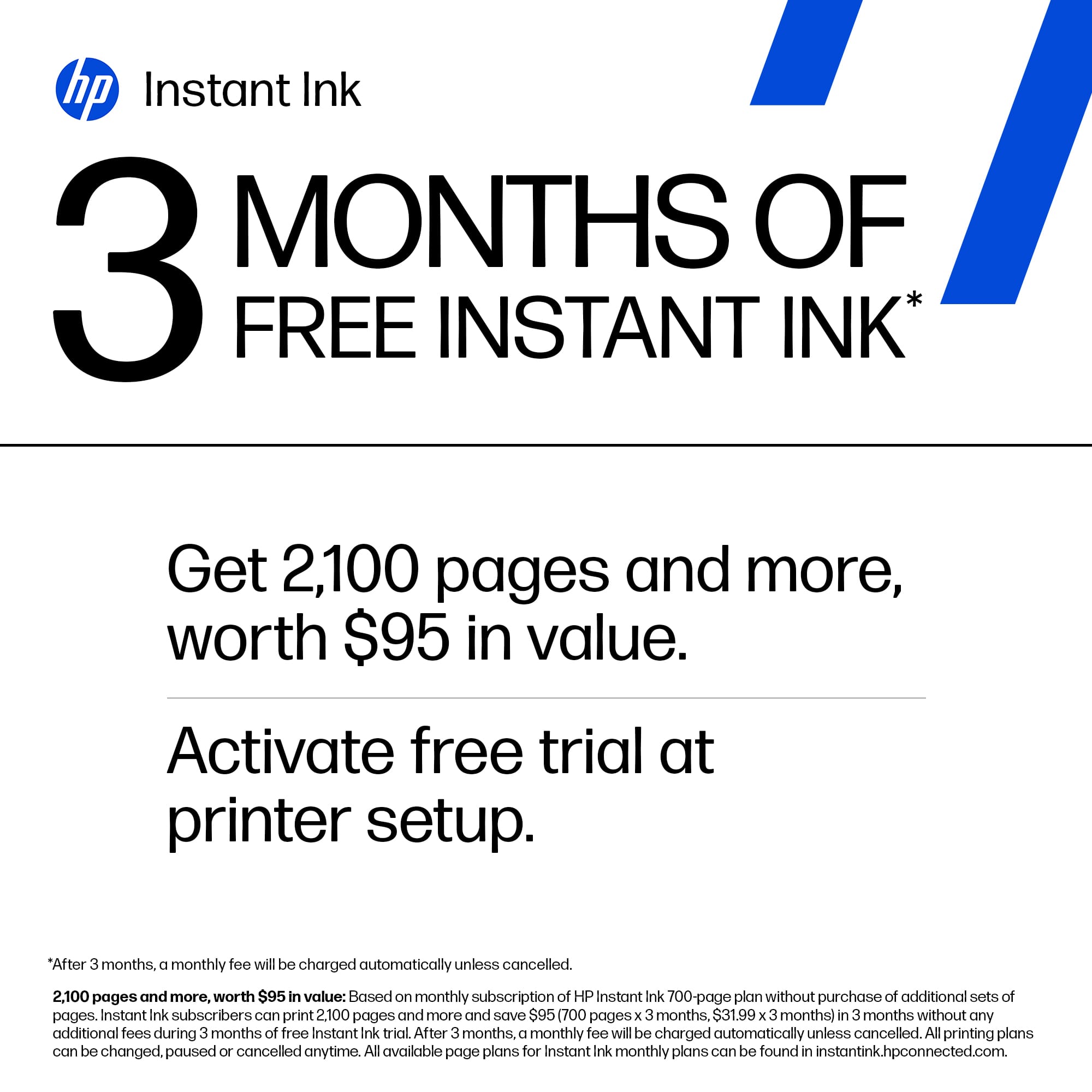
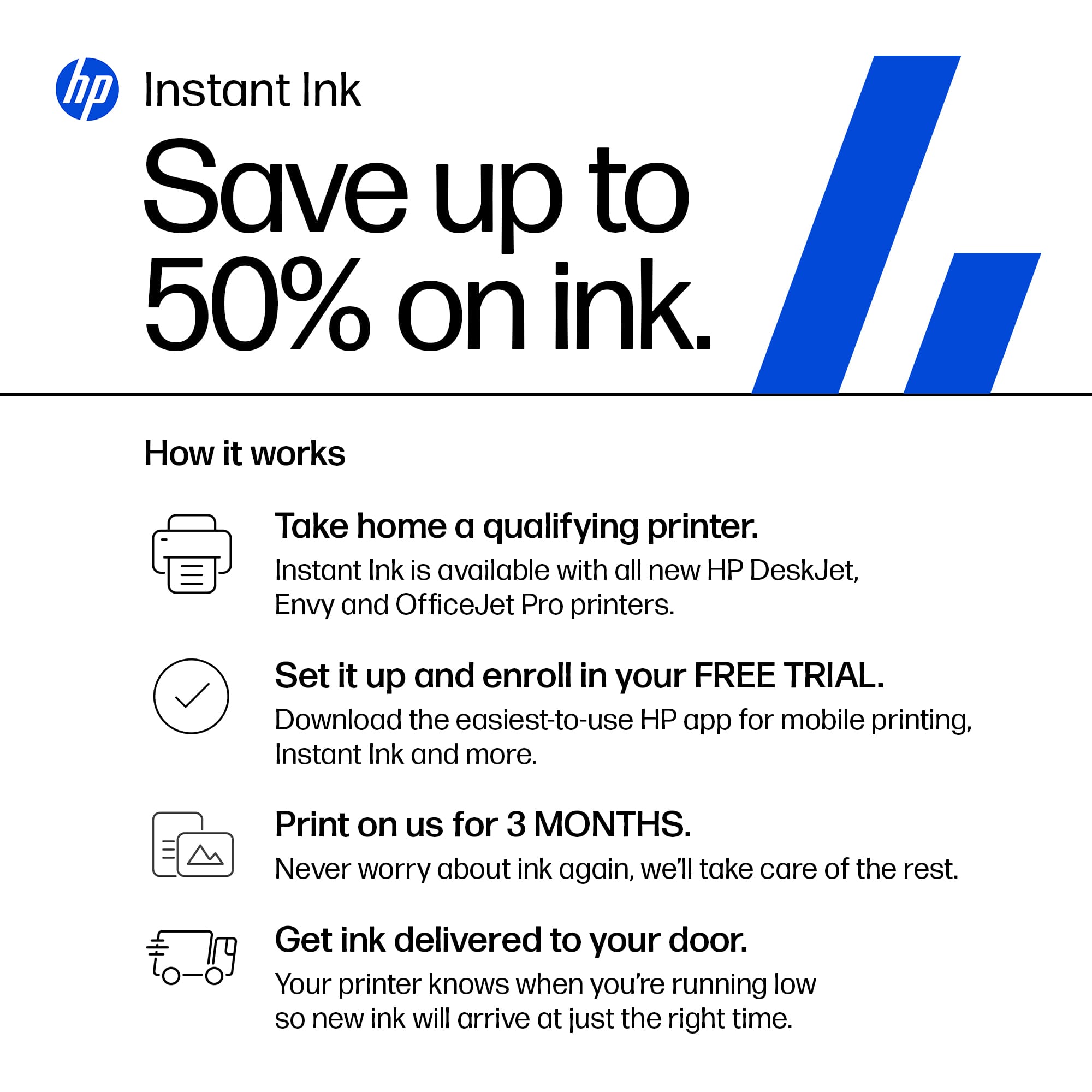
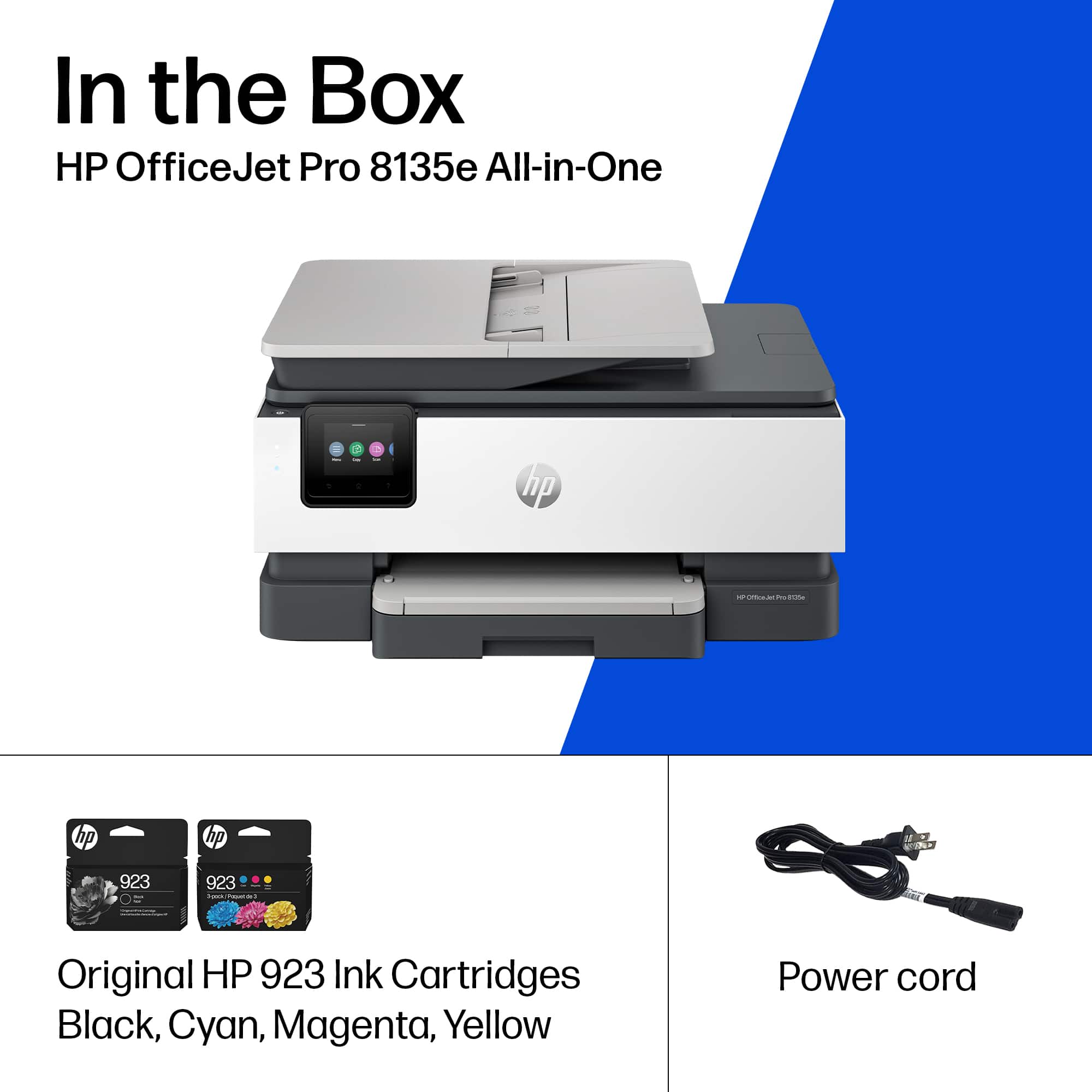
A:AnswerYour HP instant ink subscription can be cancelled on their website. Please note, since you are paying for pages rather than the ink in the cartridges, once cancelled your current ink cartridges will no longer work on your printer. You will need to purchase a new set of 923 cartridges at a store. https://instantink.hpconnected.com/
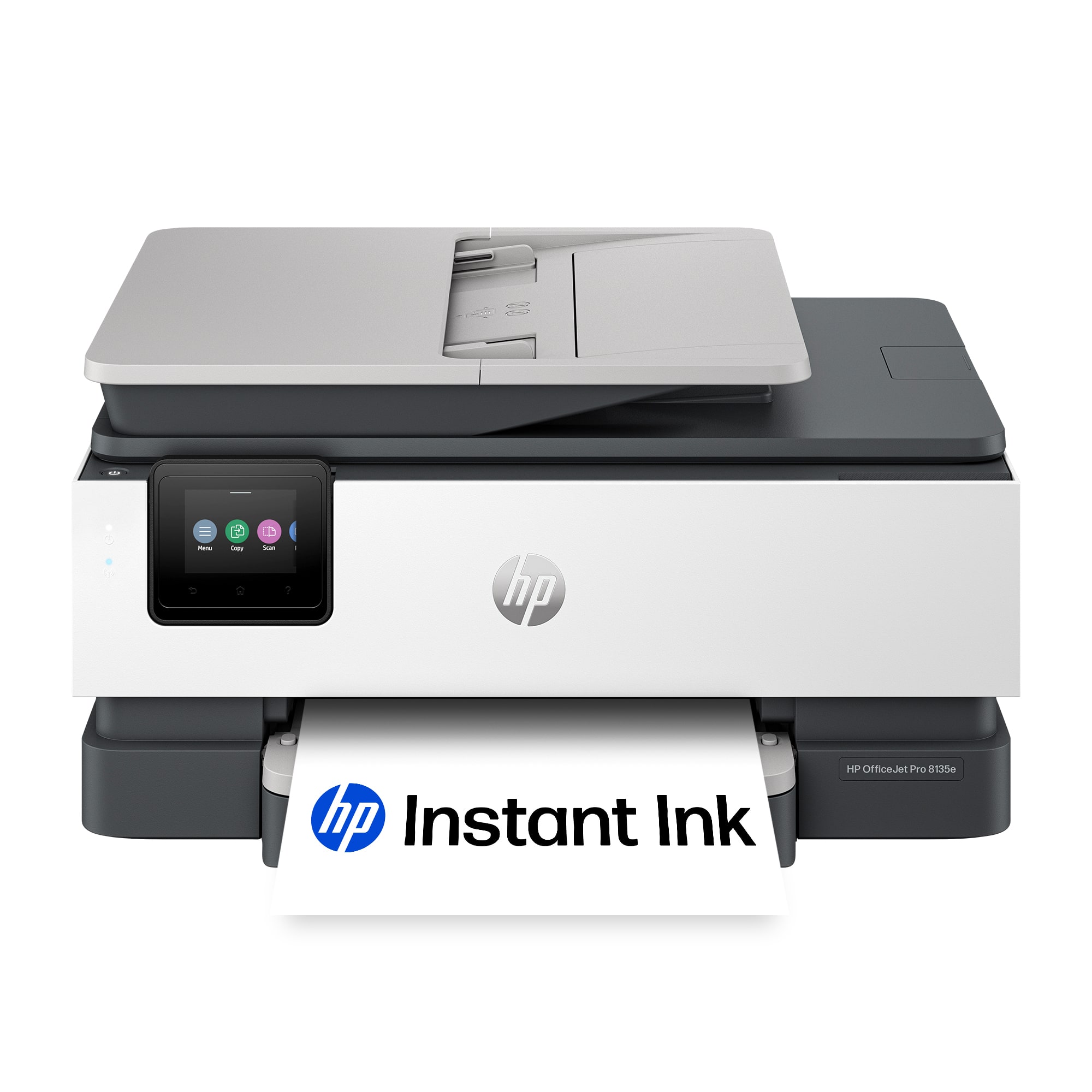
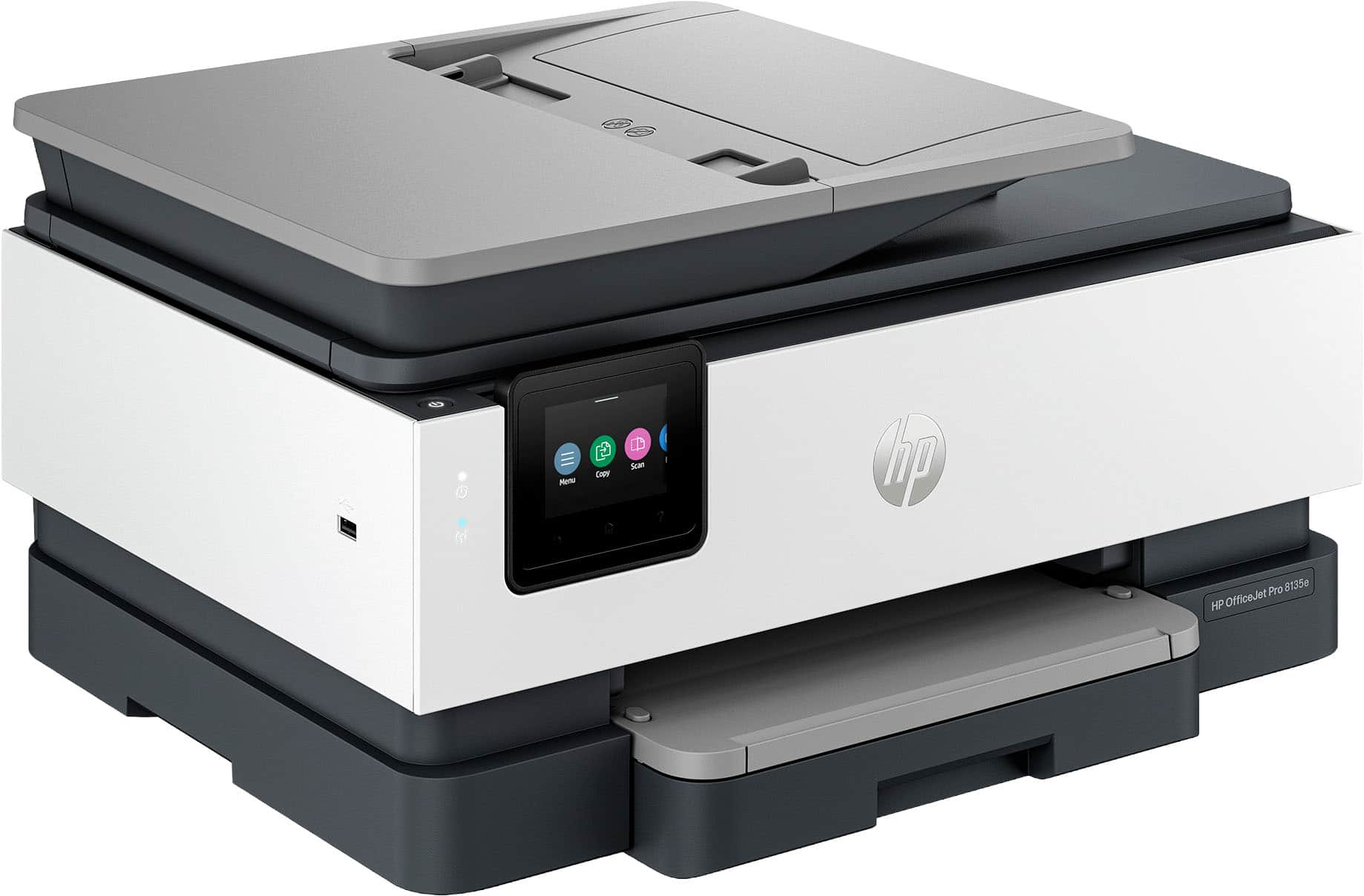
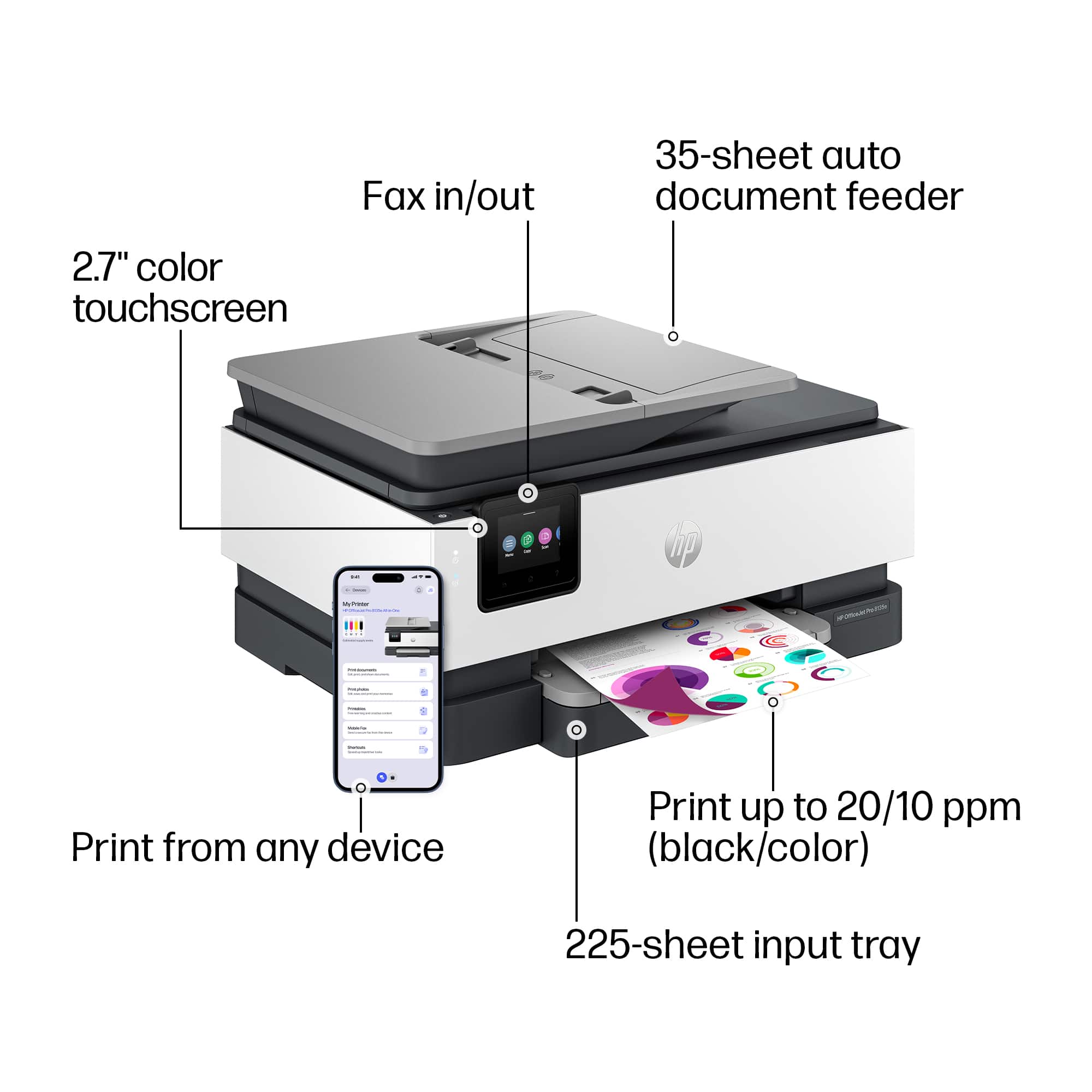
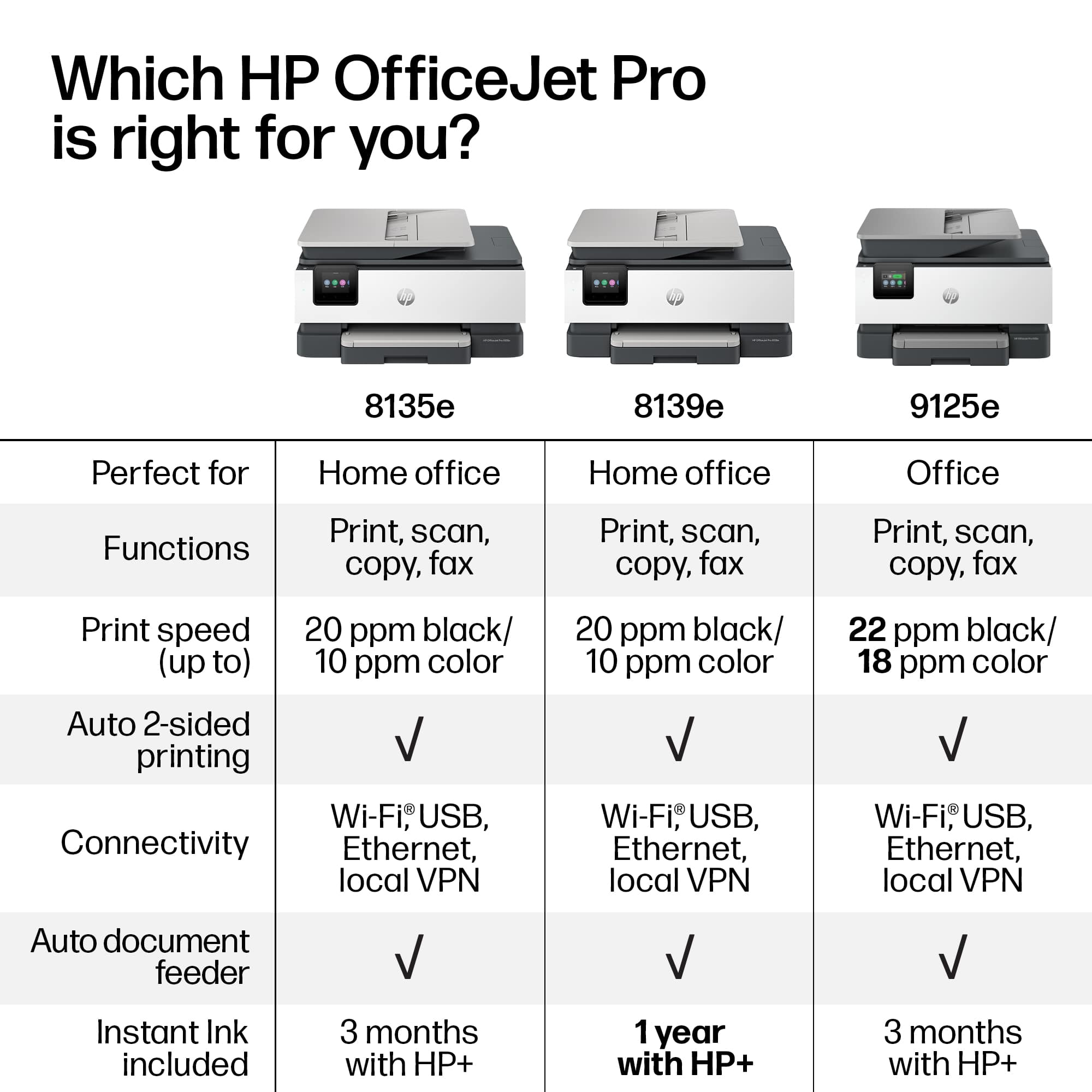
A:AnswerThank you for your question about this HP OfficeJet Pro printer! This model does not automatically scan both sides of the document. The closest HP model that has that feature is the OfficeJet Pro 9125e, which is also sold in Best Buy stores.
A:AnswerHello and thank you for asking. The HP OfficeJet Pro 8135e supports printing on legal (8.5"x14") media. You will need to extend the paper tray so it can accept the longer media.
A:AnswerThank you for your question. The HP OfficeJet Pro 8135e All-in-One Printer is equipped with built-in dual-band Wi-Fi, supporting both 2.4 GHz and 5 GHz wireless bands. Therefore, it is compatible with 5 GHz networks.
A:AnswerHello and thank you for asking. The HP OfficeJet Pro 8135e can print on 90 lb. (185 gsm) and 140 lb. (300 gsm) watercolor papers. They may be used on the 8135e, but no watercolor papers heavier than that may be used. You may need to print one sheet at a time. Also set the printer to use thick paper instead of regular paper on its touchscreen.
A:AnswerThe only way you can two-sided scan is manually. You have to physically feed the document back in. It will not do it in one pass. I was in need of a scanner and printer and now I wish I bought separate ones, because this one is slow and not what I was looking for.