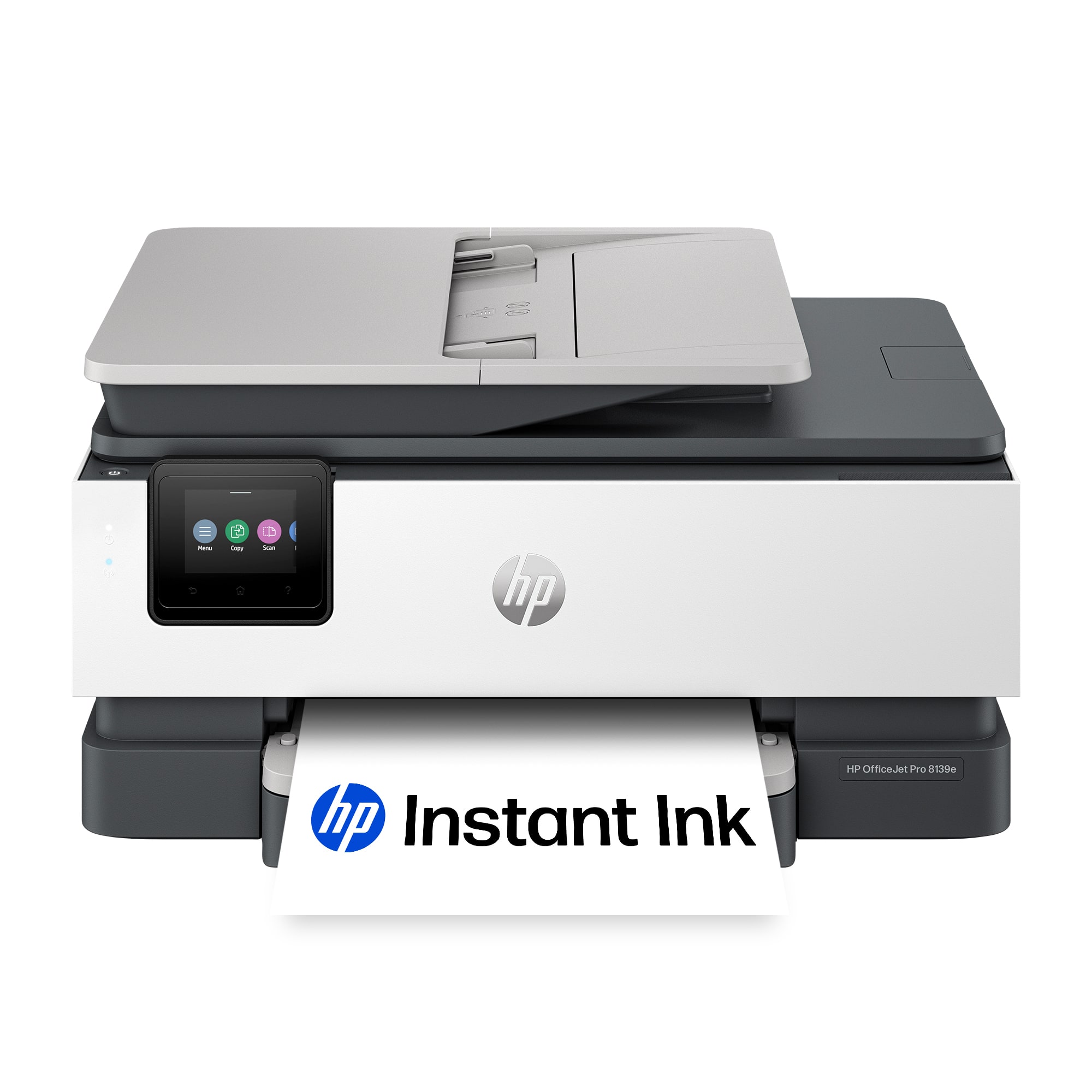
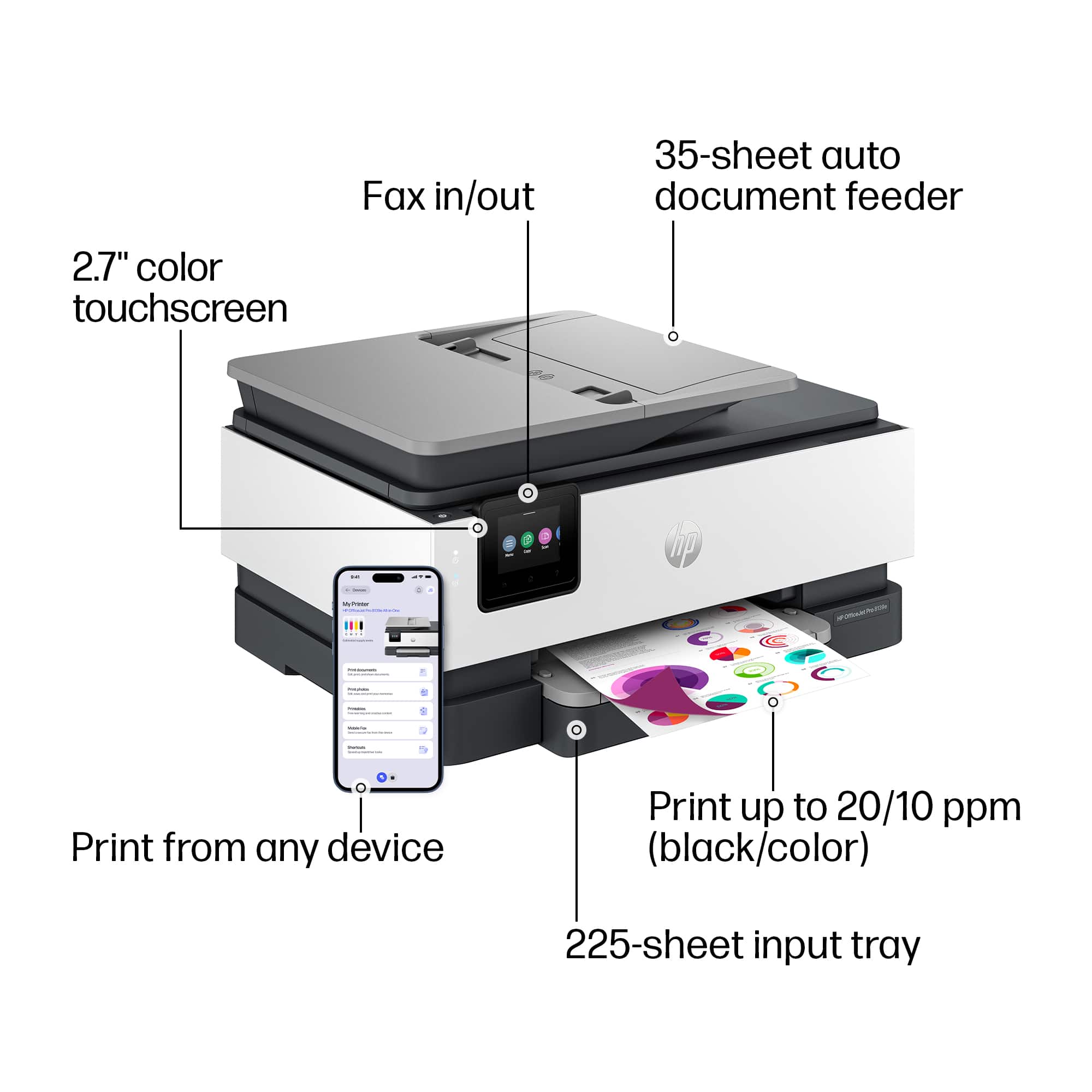
A:AnswerThank you for your question about this HP OfficeJet Pro printer! This will not handle 3x7 paper as the narrowest it does not handle the 3" short edge of the sheet.
A:AnswerThank you for your question. The OfficeJet Pro 8139e printer can accommodate the following sizes: Letter; Legal; Government Legal; Executive; Statement; 4 x 6 in; 5x5 in; 5 x 7 in; 13 x 18 cm; 8 x 10 in; 10 x 15 cm; L; Photo 2L; Envelope( #10, Monarch, 5.5 bar); Card (4 x 6 in, 5 x 8 in) ; A4, A5, A6, B5(JIS), Card (A4, Hagaki); Photo (13 x 18 cm, 10 x 15 cm); Envelope (A2, C5, C6, DL. Chou #3, Chou #4); 8.5 x 13 in.
A:AnswerHello Cyndi, thanks for your question! Although there is no limit to how many devices can be connected to this HP OfficeJet Pro 8139e printer, there is a limit of up to 5 print jobs being actively sent, from any connected device, for the best user experience with the printer.
A:AnswerThank you for the question. The recommended paper weights for the OfficeJet Pro 8139e are: 16 to 28 lb (plain paper); 60 to 75 lb (photo); 20 to 24 lb (envelope); 90 to 110 lb (card)